

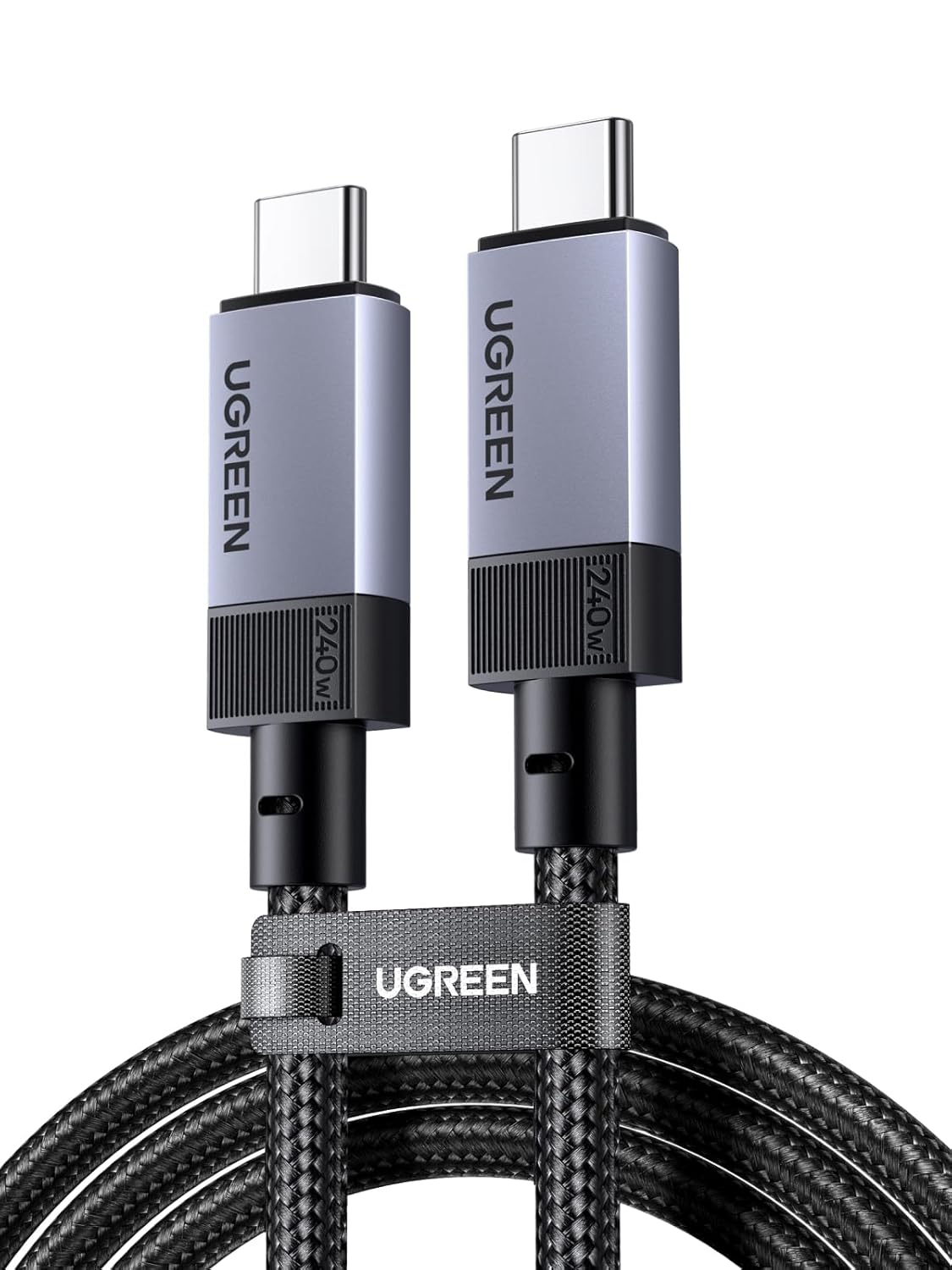
UGREEN USB-C to USB-C 3.1 Gen2 Cable 240W, 2m – 10Gbps, 4K@60Hz, PD3.1
Product description
What this is and who it’s for
The UGREEN USB-C to USB-C 3.1 Gen2 cable is a high‑capacity connector designed to handle fast data transfer, serious charging power and video output through a single cord. It’s aimed at users who want a single versatile cable for external drives, docking stations, displays and power delivery to a laptop or tablet. If you value a single, durable solution for multiple devices, this kind of cable can simplify setups around a desk or in a travel bag.
Speed and display capabilities
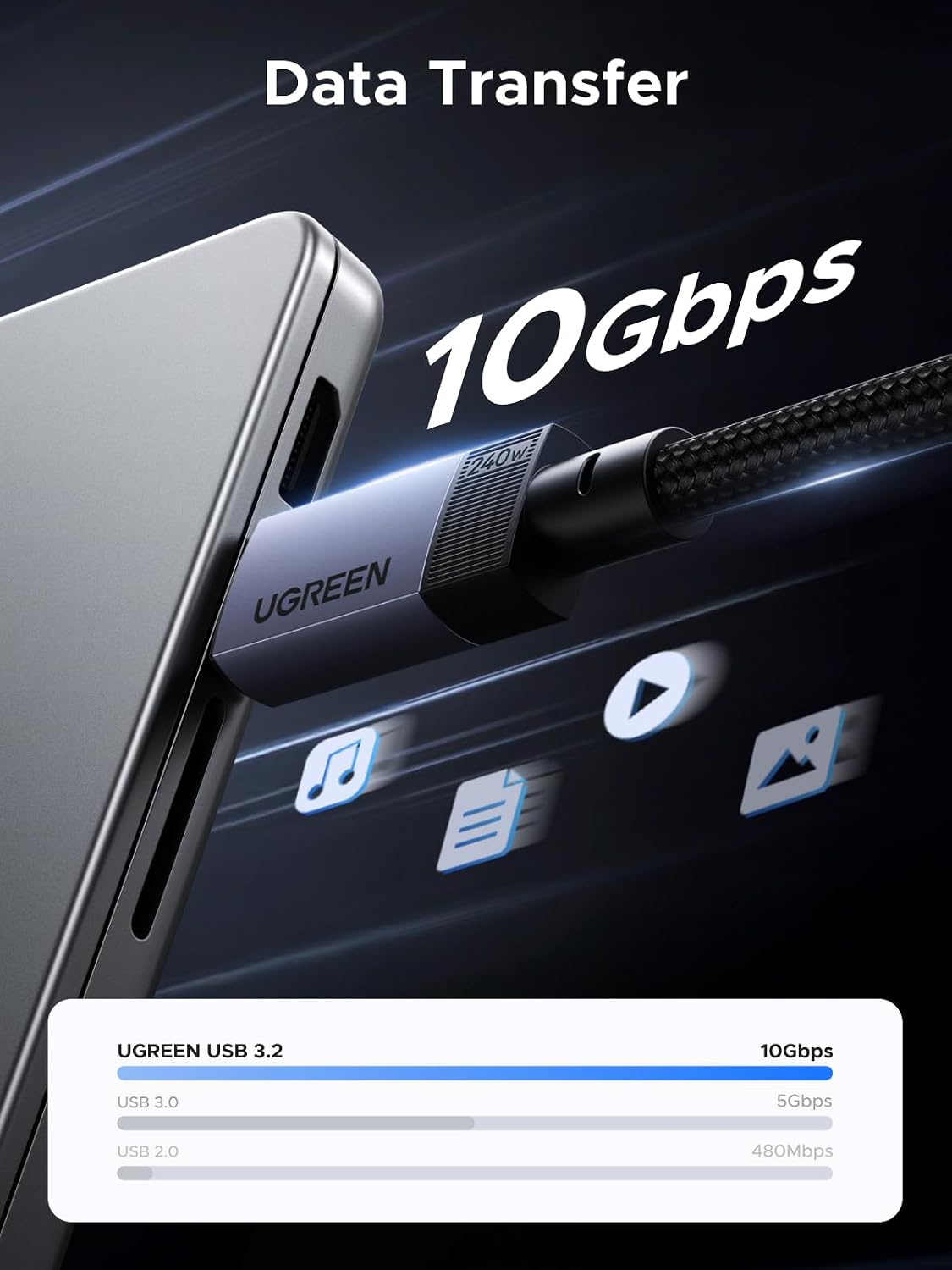
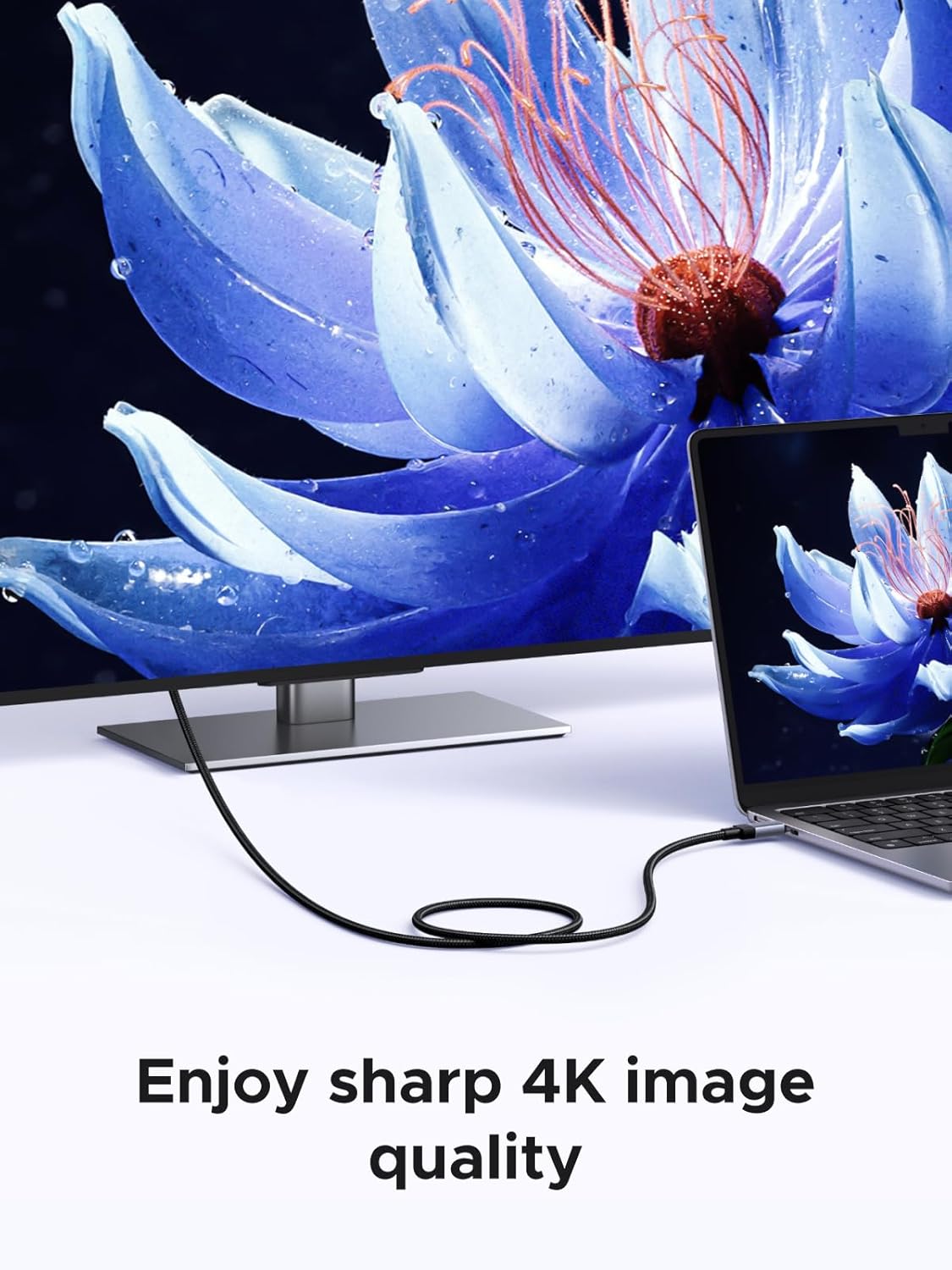
This cable uses USB 3.1 Gen2 technology to reach up to 10Gbps data transfer, which makes moving large files or backing up media notably quicker than older USB standards. It also supports DisplayPort Alt Mode, delivering 4K at 60Hz when connected to a compatible USB‑C monitor or TV. In practical terms, that means you can edit video or view high‑resolution content on a secondary display with less lag or stutter.
Power delivery and charging
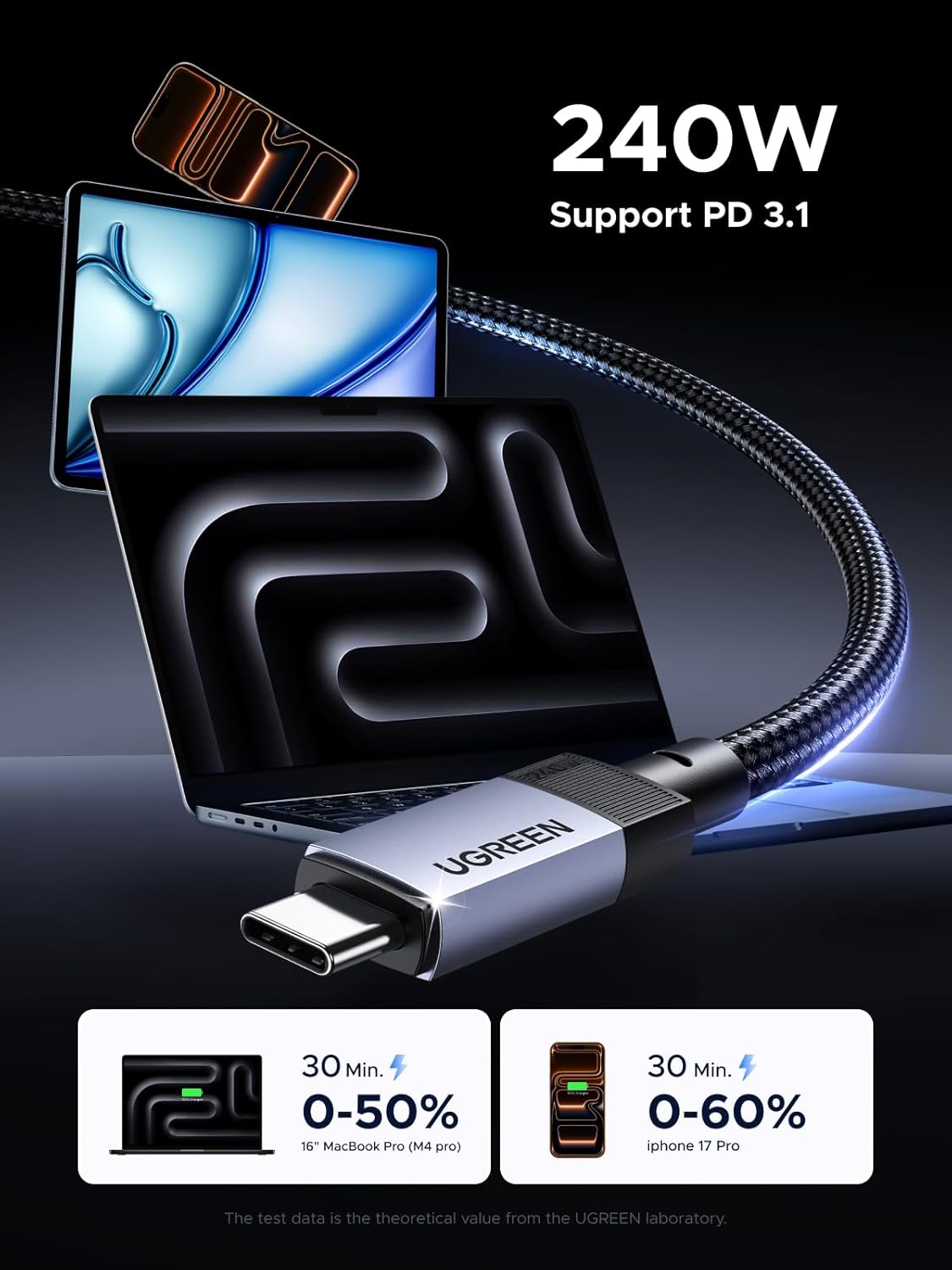
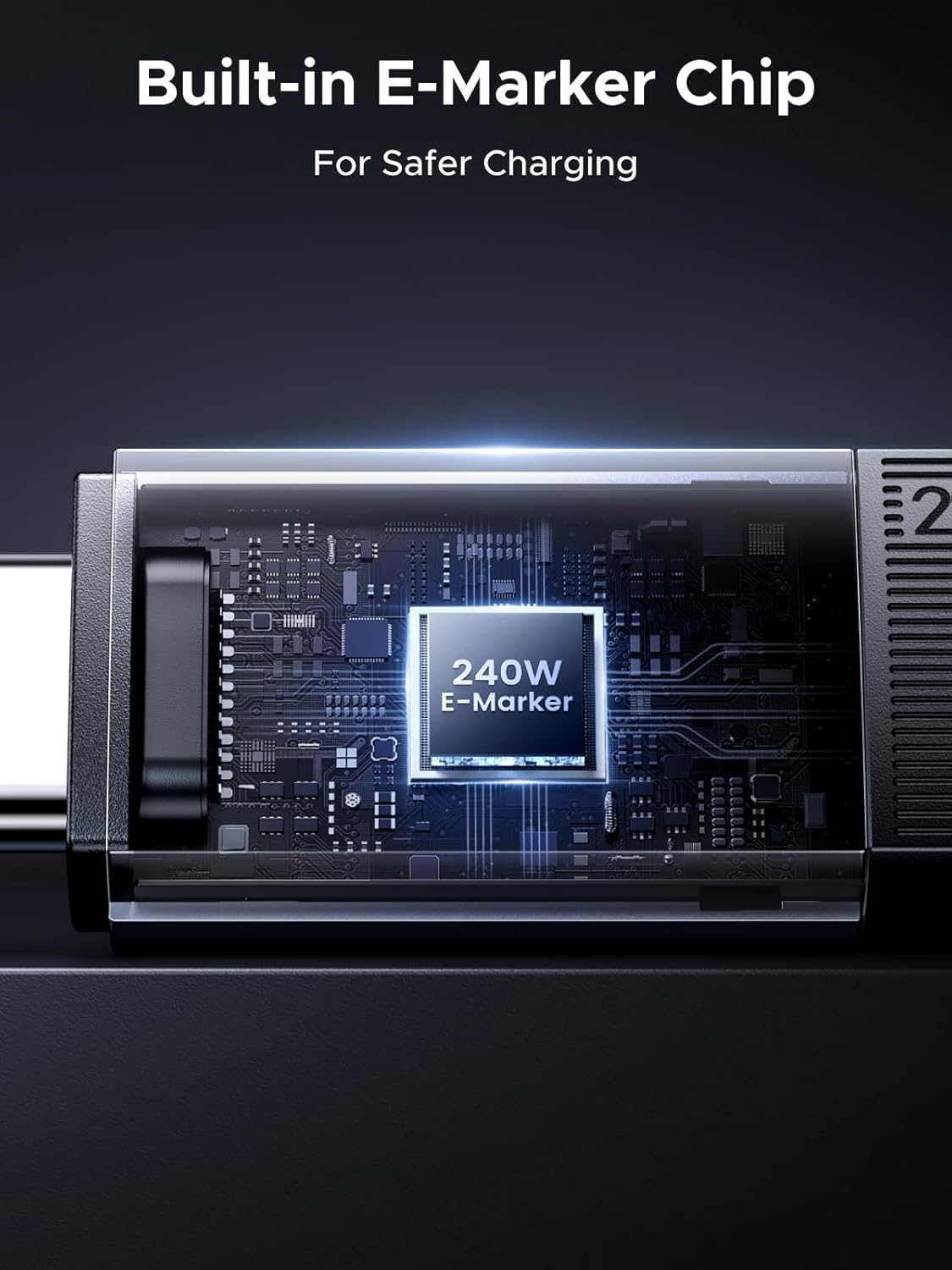
With 240W PD3.1 support and an intelligent E‑Marker, the cable can safely deliver up to 48V/5A power, which is enough to charge many USB‑C laptops and related devices. The E‑Marker helps modulate voltage and current to prevent overheating, giving you peace of mind during longer charging sessions.
Build quality and durability
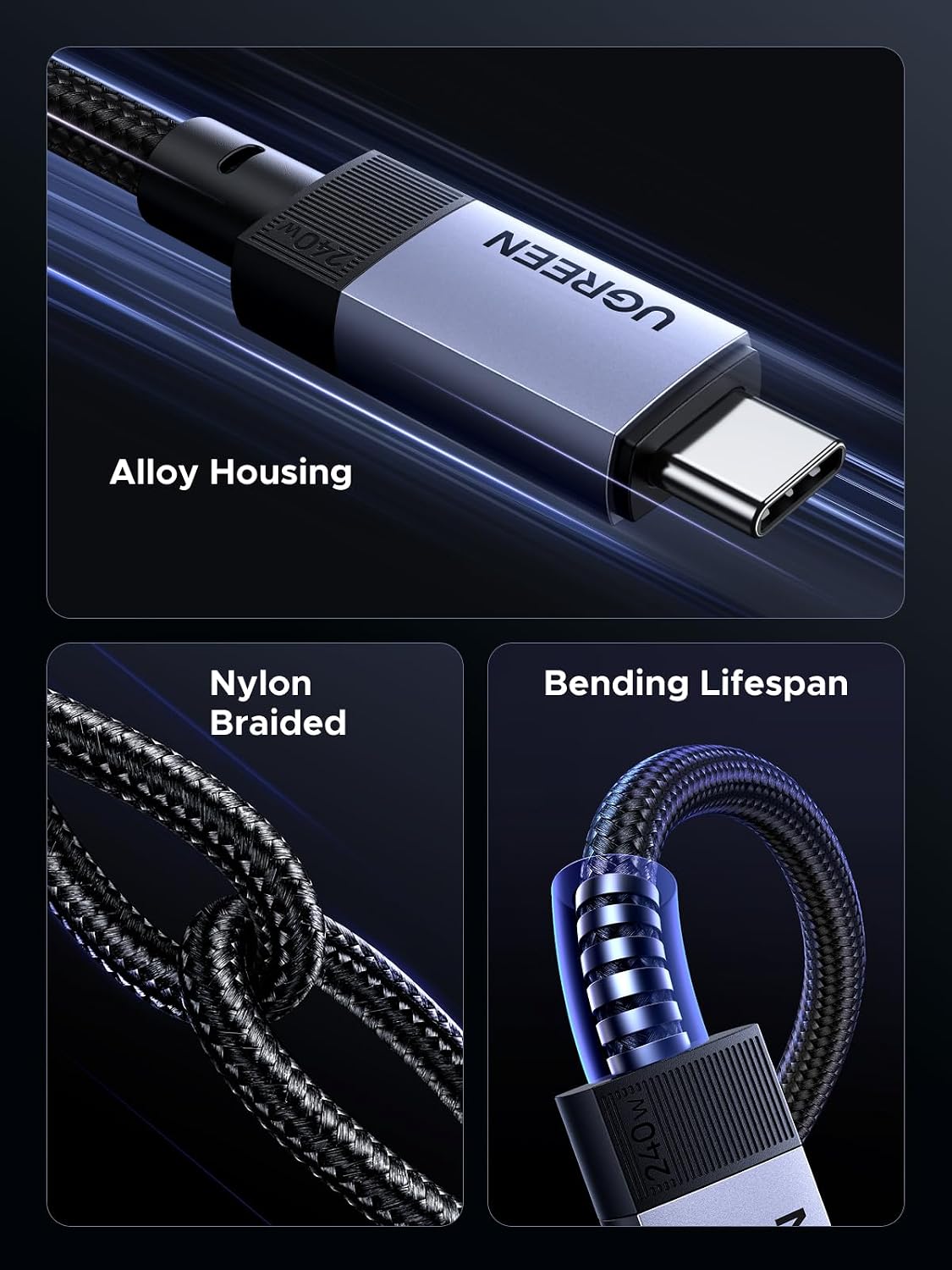
The cable is described as triple‑reinforced with four‑layer braided shielding and an aluminium alloy housing. Gold‑plated connectors are used to resist corrosion. The design targets long life, claiming resilience to thousands of plug‑ins and tens of thousands of bends. That said, real‑world durability can depend on how you route and store cables, but the construction aims to cope with daily office or home use.
Advantages and things to consider
On the upside, you get a genuinely capable all‑rounder: fast data, reliable 4K output and substantial charging power in a single, relatively long 2m cable. It’s helpful for multi‑device docking where a single cable handles power, data and video. On the downside, this level of capability is most beneficial if your devices support USB‑C PD3.1 and DisplayPort Alt Mode. If you mostly connect to USB devices with modest power needs or don’t run 4K displays, you might not need the top‑tier performance and cost.
Who it’s best for
- Creators working with large video files and external storage who also want to drive a 4K monitor from a single USB‑C port.
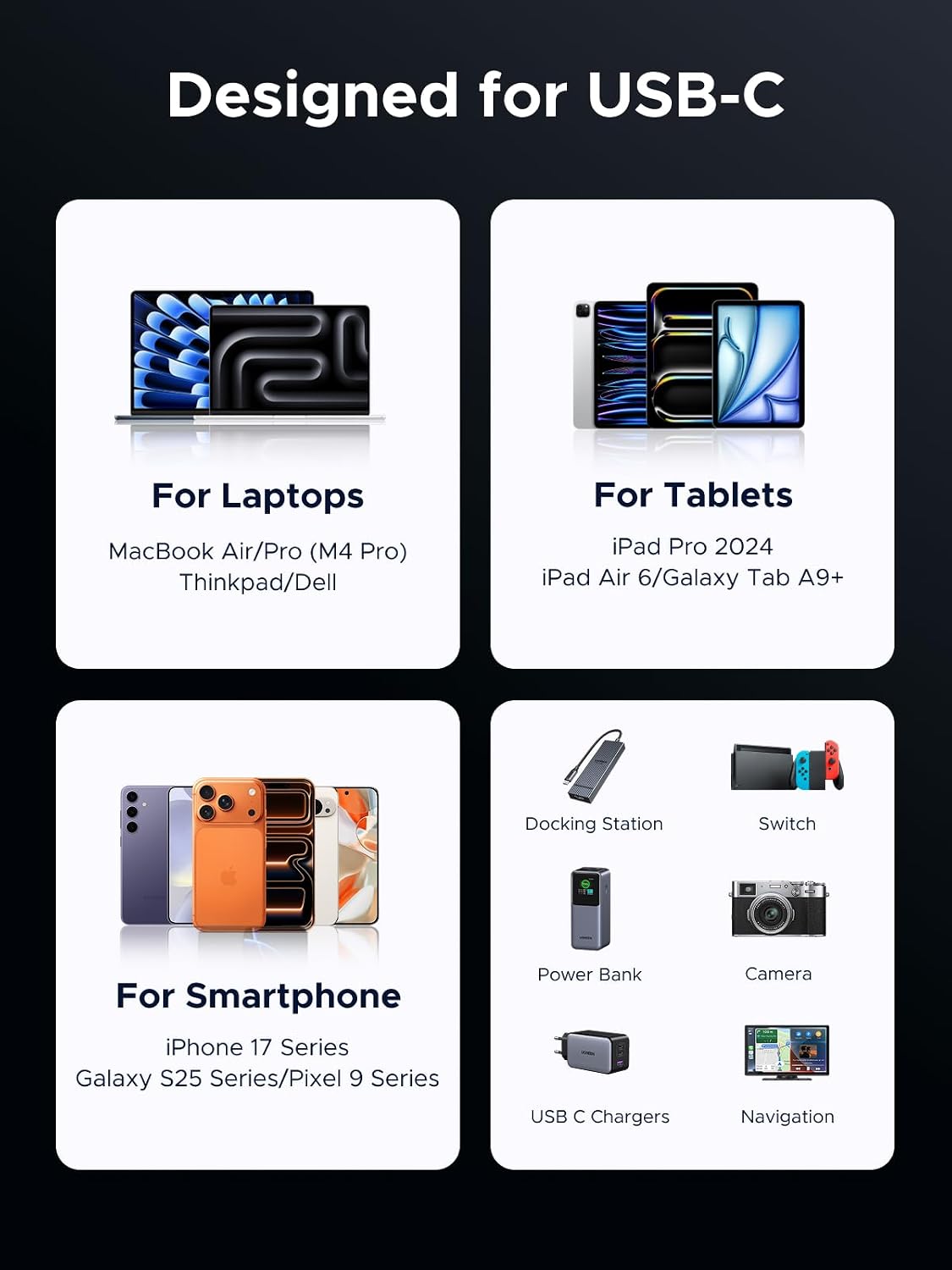
- Users with MacBook Pro M4, iPad Pro/Air or Galaxy/S series devices that support high‑power USB‑C charging and video output.
- Setups with docking stations where data transfer speed, display output and charging could all benefit from one cable.
When it might not be the best fit
If your devices don’t support PD3.1 or 4K 60Hz over USB‑C, or if you don’t need 240W charging, a more modest USB‑C to USB‑C cable could be a lighter or cheaper option. Also, if you require only USB‑C data and charging without video, you may not need the DisplayPort Alt Mode capability.
What to check before buying
- Confirm your devices support USB‑C DisplayPort Alt Mode for 4K@60Hz output.
- Check whether your charger or power adapter can provide up to 240W combined with this cable’s power delivery profile.
- Consider whether a 2m length suits your setup, longer cables can be more prone to tangling or storage challenges.
Practical usage example
Imagine connecting a MacBook Pro M4 to a 4K USB‑C monitor while simultaneously transferring large video files to an external SSD. With a single cable, you can display full‑resolution video on the monitor, move files quickly and keep your laptop charging—without juggling multiple cords.
Quick comparison context
If you’re choosing between this and a more basic USB‑C cable, the decision hinges on three things: do you need 240W charging, 10Gbps data, and 4K@60Hz video output? If yes, this cable consolidates those needs into one option. If you only require USB data or lower‑resolution display output, a simpler cable may be more economical and compact.
Final verdict
Final verdict
It’s worth considering if your workflow includes high‑speed data transfers, 4K display output and high‑power charging from a single cable. If your devices and charger align with PD3.1 and DisplayPort Alt Mode, this cable can reduce cable clutter and support demanding tasks. It may not be essential for casual use or lower‑spec devices, where a simpler, cheaper cable would suffice.
FAQ
- Is this cable suitable for gaming consoles or docks? Yes, if the connected devices support USB‑C video output and the power profile required.
- Can I use it with USB‑A or older Thunderbolt ports? It remains backward compatible with USB 3.0/2.0 and Thunderbolt 3 in a non‑native way, data and charging will follow compatibility limits.
- How long will it last with daily bending? The manufacturer claims durability for 20000+ bends, though real life depends on handling and routing.