

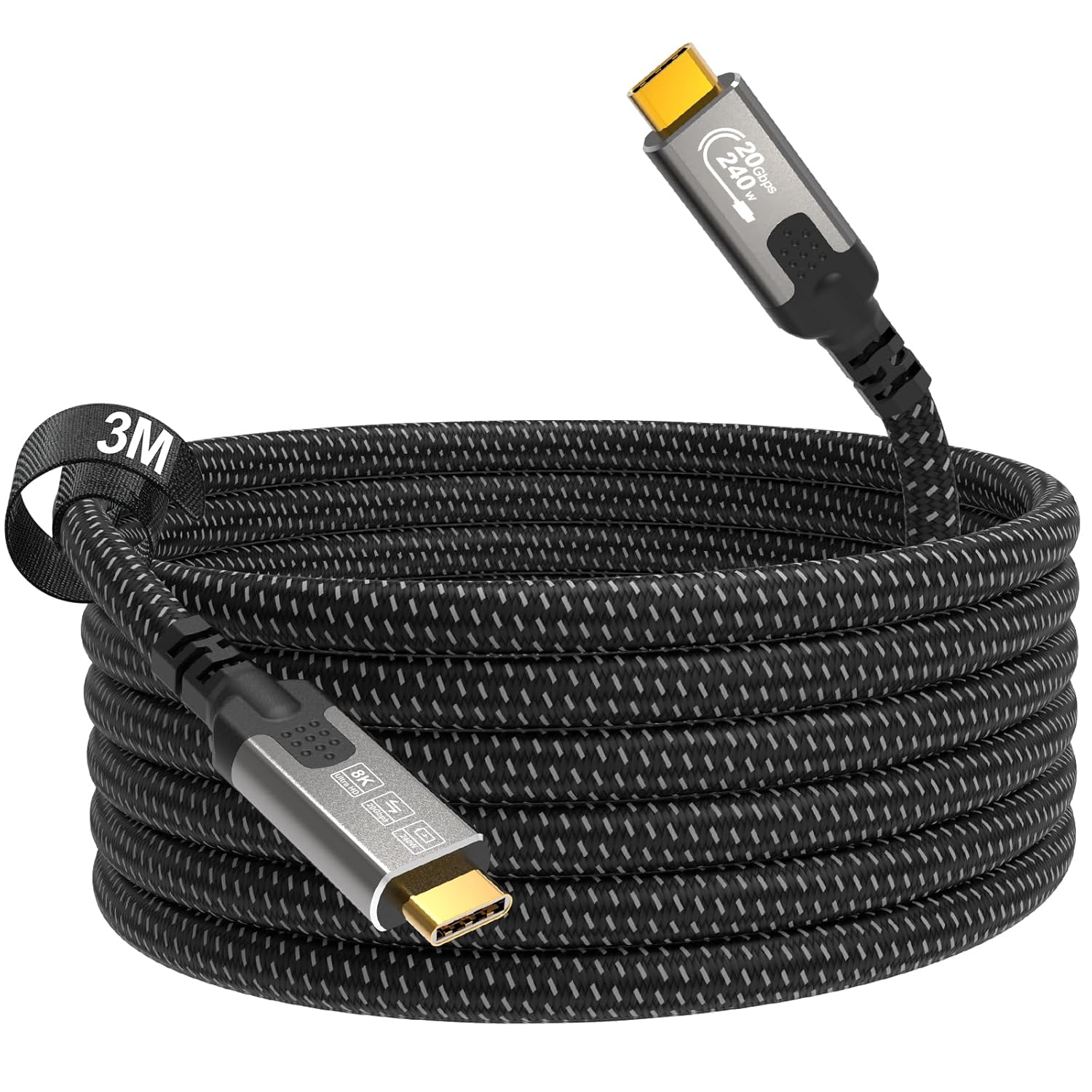
CABLAPTOP 3m USB-C Cable (USB 3.2 Gen2x2, 20Gbps) with PD3.1 240W and 8K video support
Reviews
Price
Product description
If you want one USB-C cable that can handle both fast data and a serious power+display setup, this CABLAPTOP 3m cable is aimed squarely at that use case. The pitch on paper is strong: PD3.1 240W power delivery, up to 8K video, and USB 3.2 Gen2x2 speeds rated at 20Gbps.
That said, cables are always a little like ingredients: the real-world results depend quite a lot on what devices you’re pairing it with and what they can actually negotiate. If you’re the type of buyer who wants fewer cables on the desk, it’s worth a look—just don’t expect every device to automatically use the maximum numbers.
What it’s for (and why it can be useful)
This is a USB-C to USB-C cable designed to do more than “just charge”. Based on the stated specs, it supports: - Fast power delivery (PD3.1 up to 240W) - High-speed data transfer (rated up to 20Gbps via USB 3.2 Gen2x2) - USB-C video output up to 8K, with refresh rates listed for several resolutions
In everyday terms, it’s the kind of cable you’d reach for if you want your laptop dock/monitor setup to be cleaner. For example, you could run the 3m lead from a laptop to a compatible USB-C display setup so you’re not juggling a separate charging cable and a separate video lead.
Where it stands out
The strongest selling points are the “all-in-one” capability and the headroom on both charging and video:
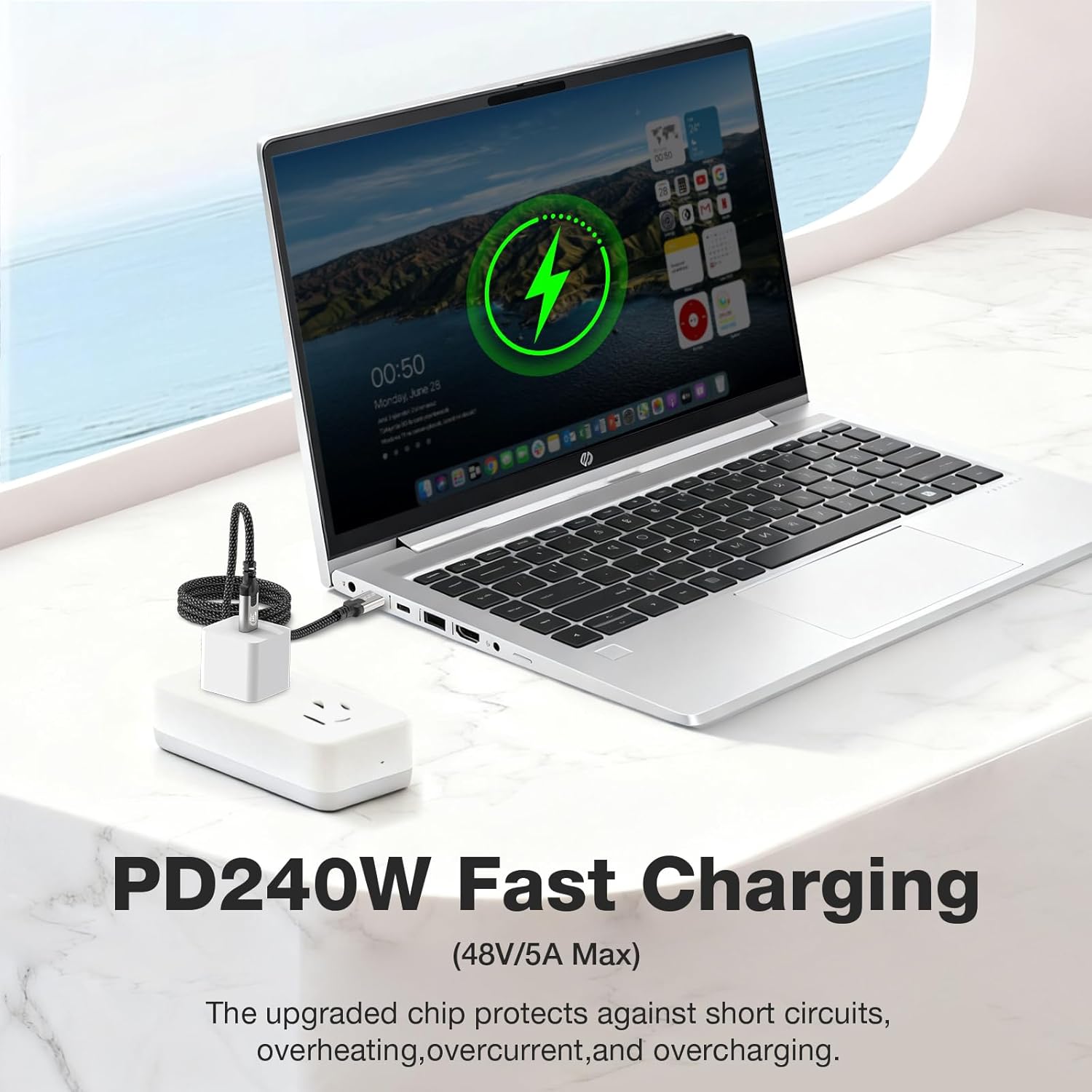
PD3.1 240W power delivery If your laptop charger situation is a bit of a mess (multiple bricks, different cables, or you’re trying to consolidate), a cable that supports PD3.1 240W is appealing. The cable description also mentions that power is adapted to device requirements for safety—important in a world where not all USB-C ports behave the same.
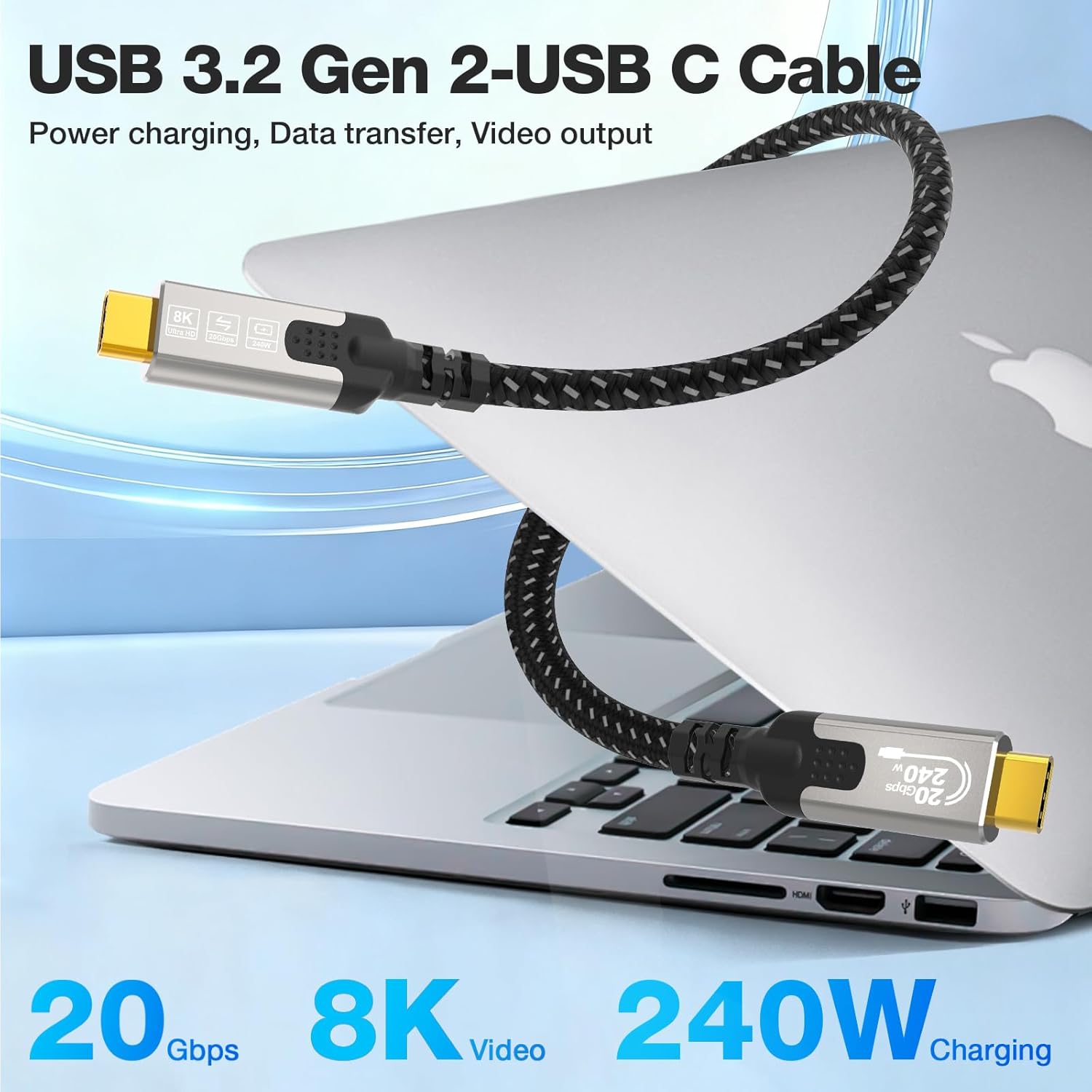
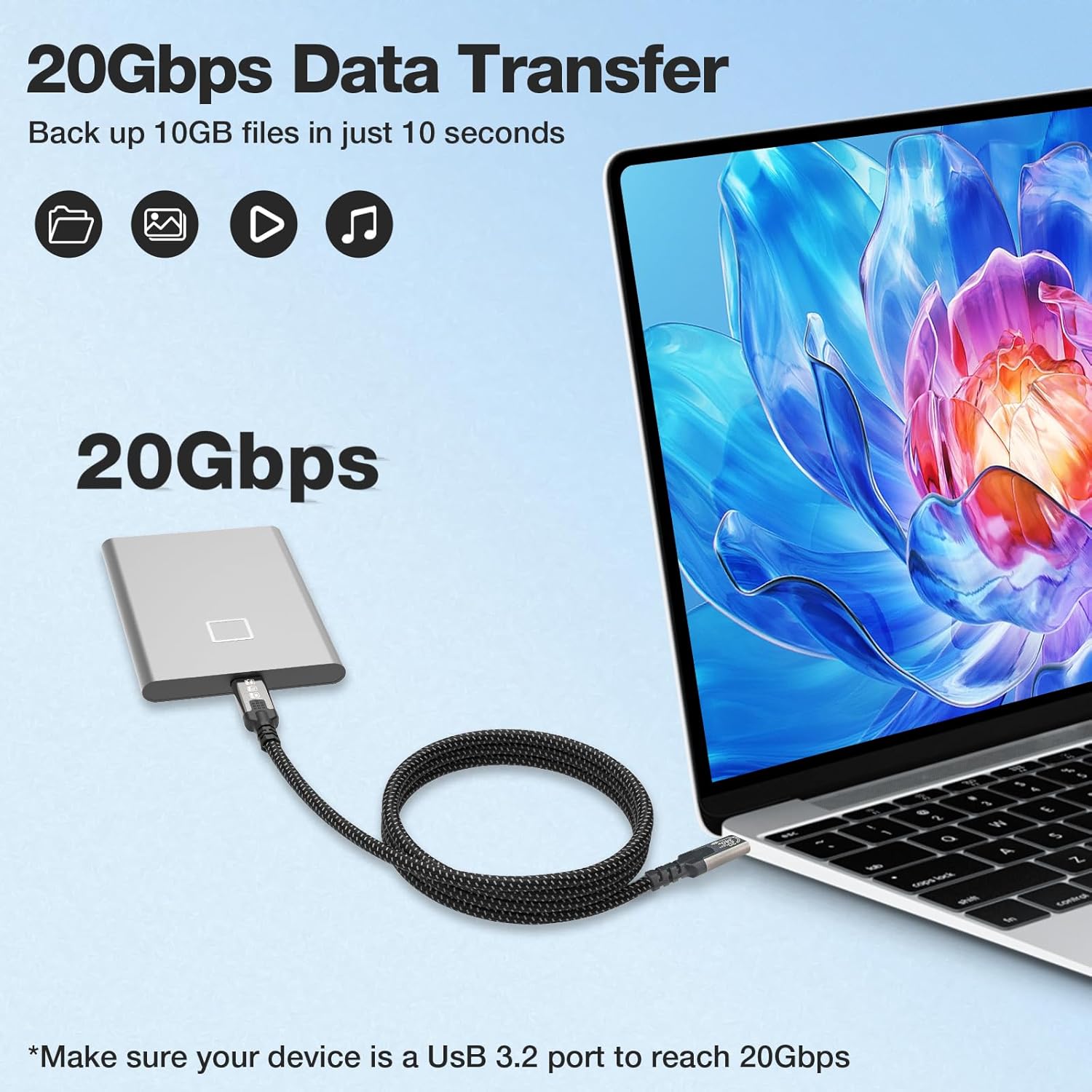
USB 3.2 Gen2x2 up to 20Gbps For file transfer, the promise here is speed. It’s the sort of figure you’d care about if you’re moving larger media files, or copying frequently between a portable drive and a laptop.
8K video support (and useful refresh-rate options) On the display side, the cable is described as supporting up to 8K transmission, with specific options listed such as 8K@30Hz and 4K@144Hz. That combination suggests it’s intended for both higher-resolution output and smoother refresh at lower resolutions.
Tech specs (as stated by the product listing)
- Type: USB-C to USB-C cable
- Speed/standard: USB 3.2 Gen2x2, up to 20Gbps
- Power delivery: PD3.1 up to 240W, rated 48V/5A
- Video support: up to 8K, including 8K@30Hz and 4K@144Hz (also mentions 5K@60Hz)
- Compatibility/standards supported (as listed): Thunderbolt 5/4/3, USB4/3.2/3.0
- Length: 3m
Build and durability: what you’ll notice day to day
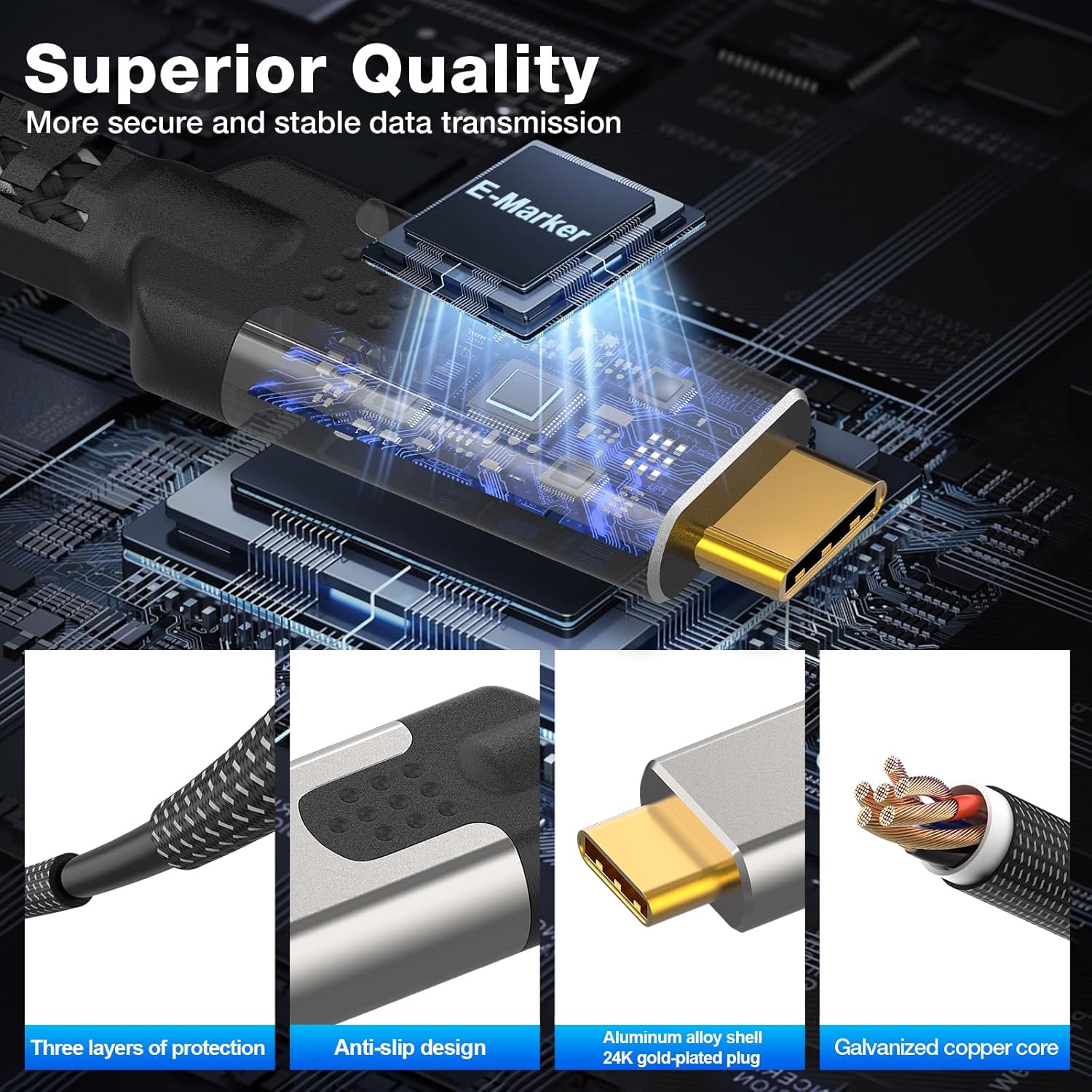
A lot of USB-C cables die early from strain at the connectors or from being bent and tangled around desks. Here, the listing claims a more “lives on the move” approach: - Gold-plated 24K connectors - Aluminium alloy outer covering - Nylon braided jacket - Anti-enrathment (anti-tangle) style sleeve mentioned - An integrated chip to adapt power output for device safety
It’s not perfect evidence that it will survive every bend, drop, or desk-knot situation, but as a set of materials and design choices it’s at least consistent with a cable you might actually keep in rotation rather than treat as temporary.
Compatibility and requirements (important limitation to keep in mind)

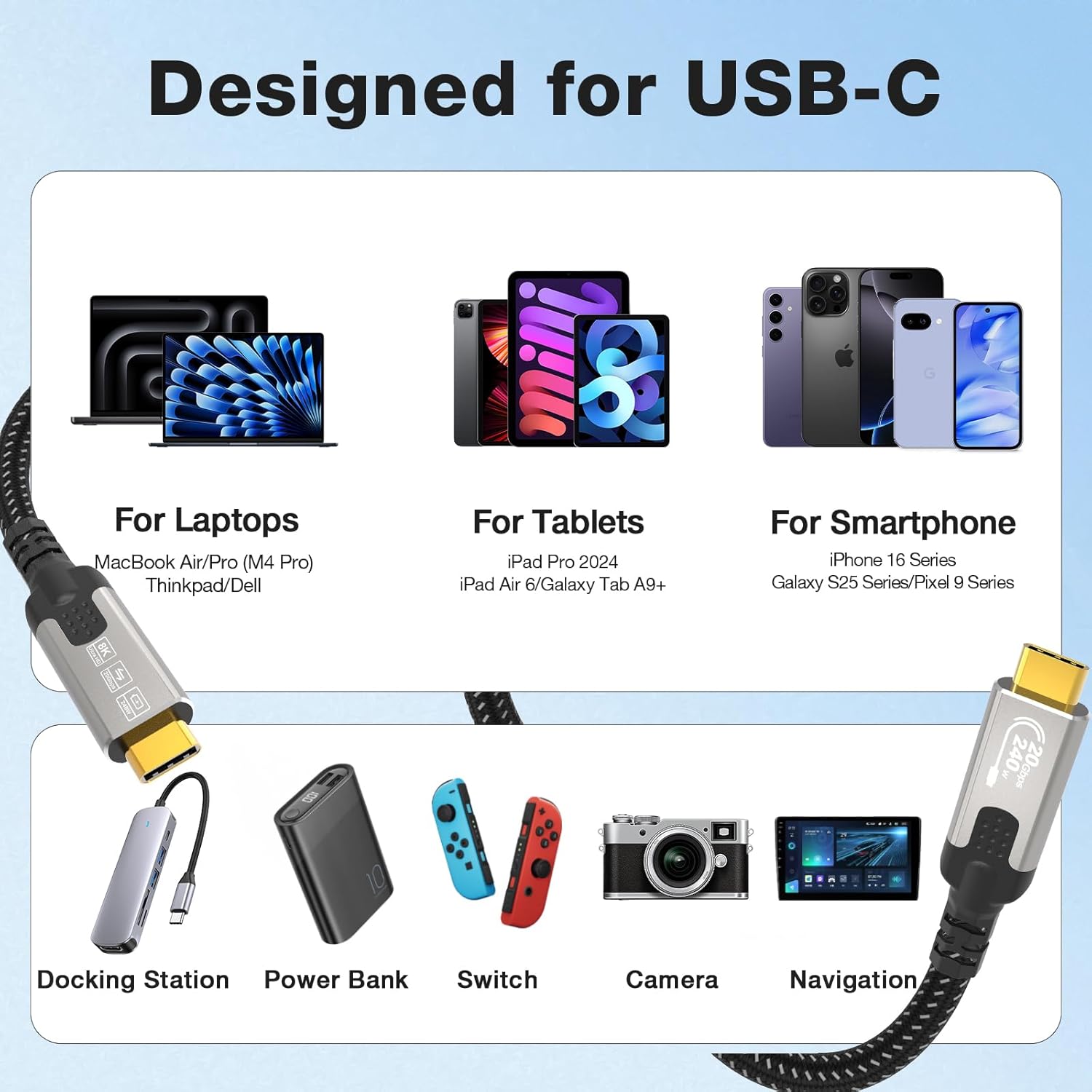
The listing claims broad compatibility with many devices and standards, including MacBook models and certain iPhone/iPad ranges, plus various Android phone lines. However, it’s worth being realistic: even if a cable supports Thunderbolt and high-end video modes on the spec sheet, your end devices must also support the same features and negotiation.
So, if you’re buying specifically for 8K or the listed 4K@144Hz, it’s wise to double-check that your laptop/monitor chain is actually set up to deliver those modes. Otherwise, you may get “less than advertised” performance simply because the connected hardware can’t reach the maximums.
Pros and cons to consider before buying
Pros - Strong stated power delivery: PD3.1 up to 240W - High-speed data transfer rating: up to 20Gbps - Includes detailed video modes, including 4K@144Hz - 3m length suits desk setups where devices aren’t right beside the monitor/charger - Braided nylon and aluminium-style construction focus on durability
Cons / things to double-check - The headline speeds and resolutions depend on device support, not every setup will hit the maximum numbers. - If you only need basic charging or occasional short transfers, a long, high-spec cable may be more than you actually need.
Buying verdict
A solid pick if you want a single USB-C lead to cover charging, fast data transfers, and display output in a desk or dock setup—especially where you’d benefit from the 3m length.
It may not be the best match if your devices are older and you’re only looking for basic power delivery or simple display mirroring. In that case, you might be paying for headroom you won’t use.
Quick FAQ
Does this cable support fast charging?
The listing states PD3.1 support up to 240W, with power adapted to the device’s requirements.
Can it do 8K video?
It’s described as supporting video transmission up to 8K, including specific modes such as 8K@30Hz.
What about data transfer speeds?
It’s rated up to 20Gbps using USB 3.2 Gen2x2.
Is 3m too long for a typical desk?
It depends on your layout. At 3m, it’s convenient if your monitor/charger/dock is further away, but it may create cable slack if everything sits close together.
Will every device automatically use the highest resolution/refresh rate?
Not necessarily. The cable can support high modes on paper, but your connected devices need to negotiate and support the same capabilities.