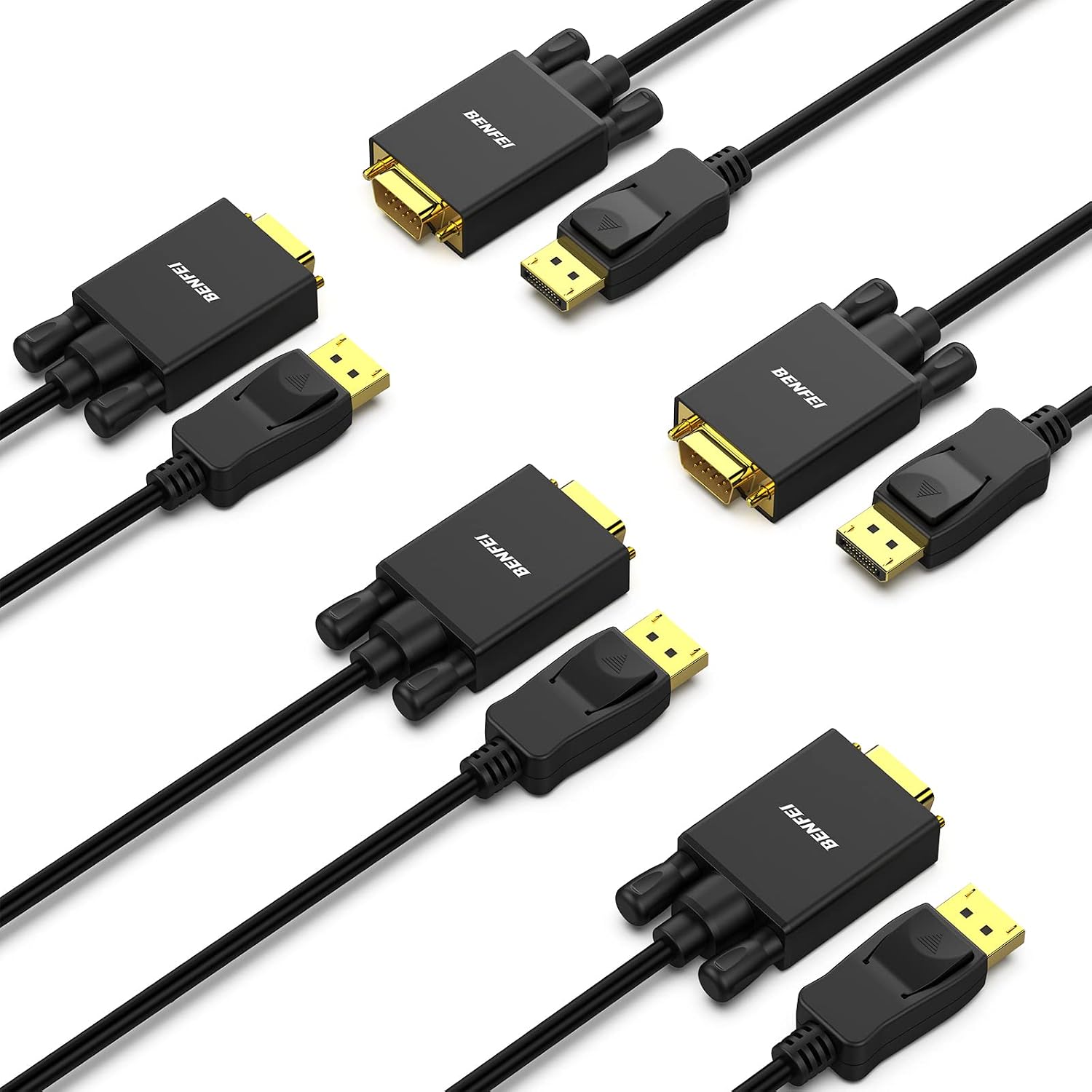
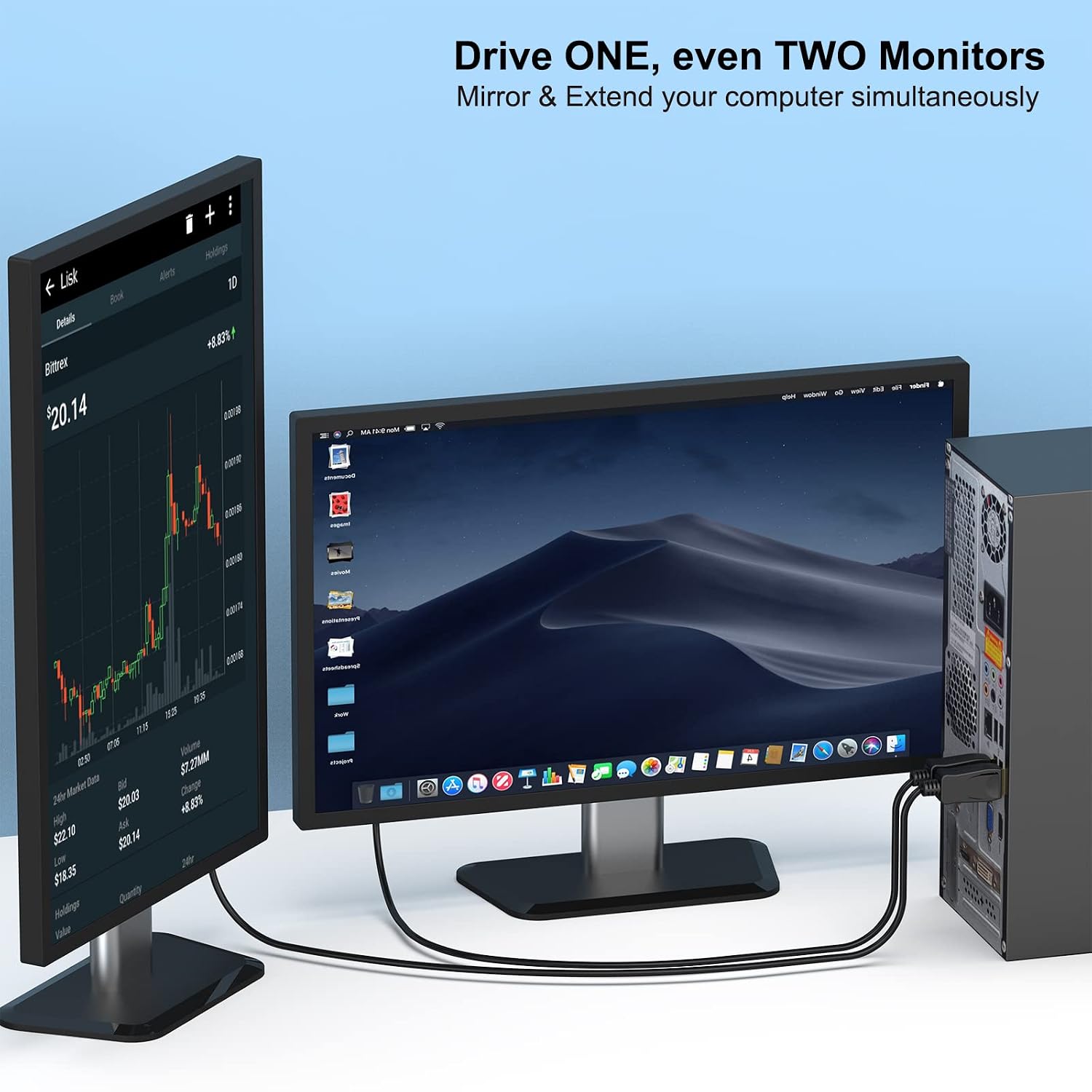
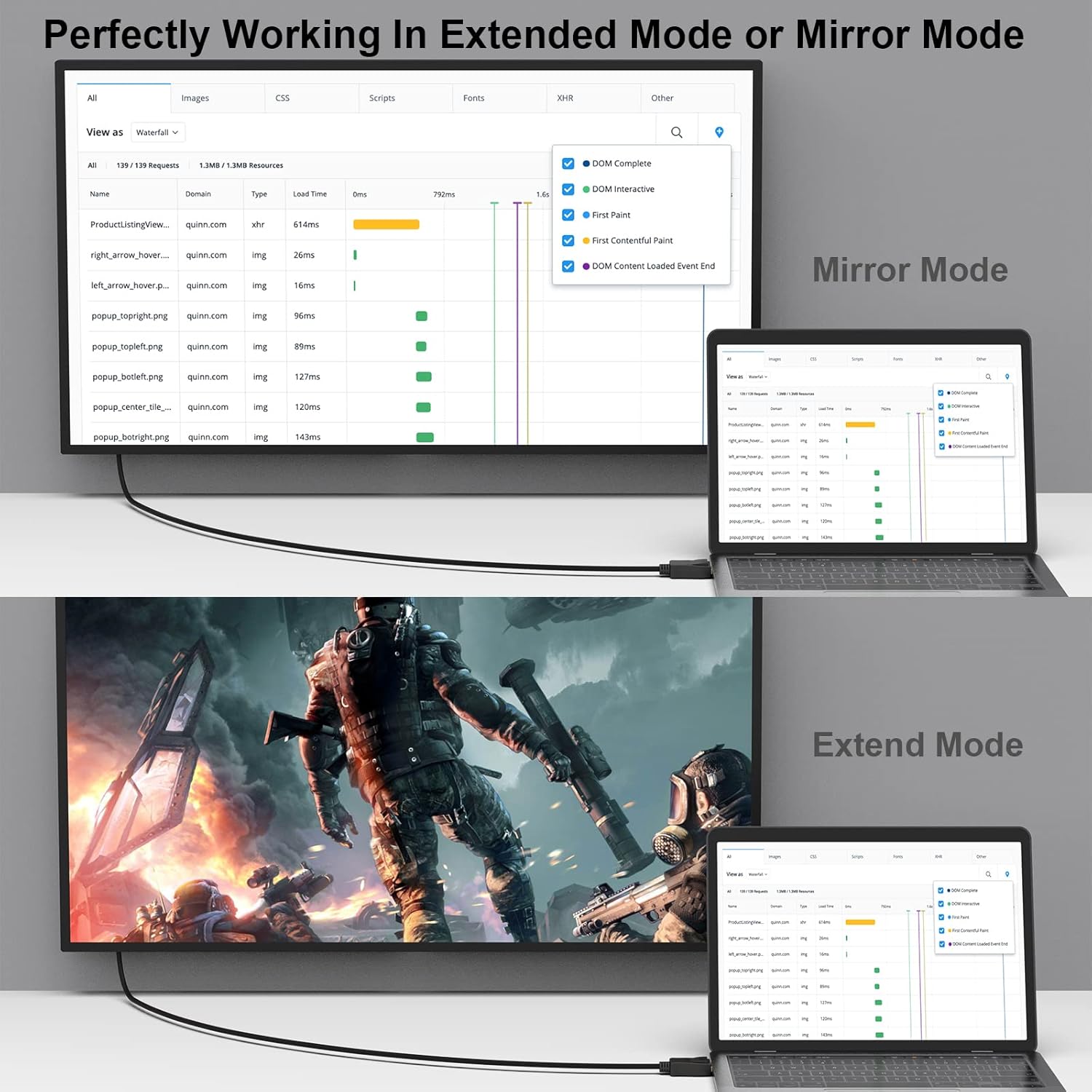
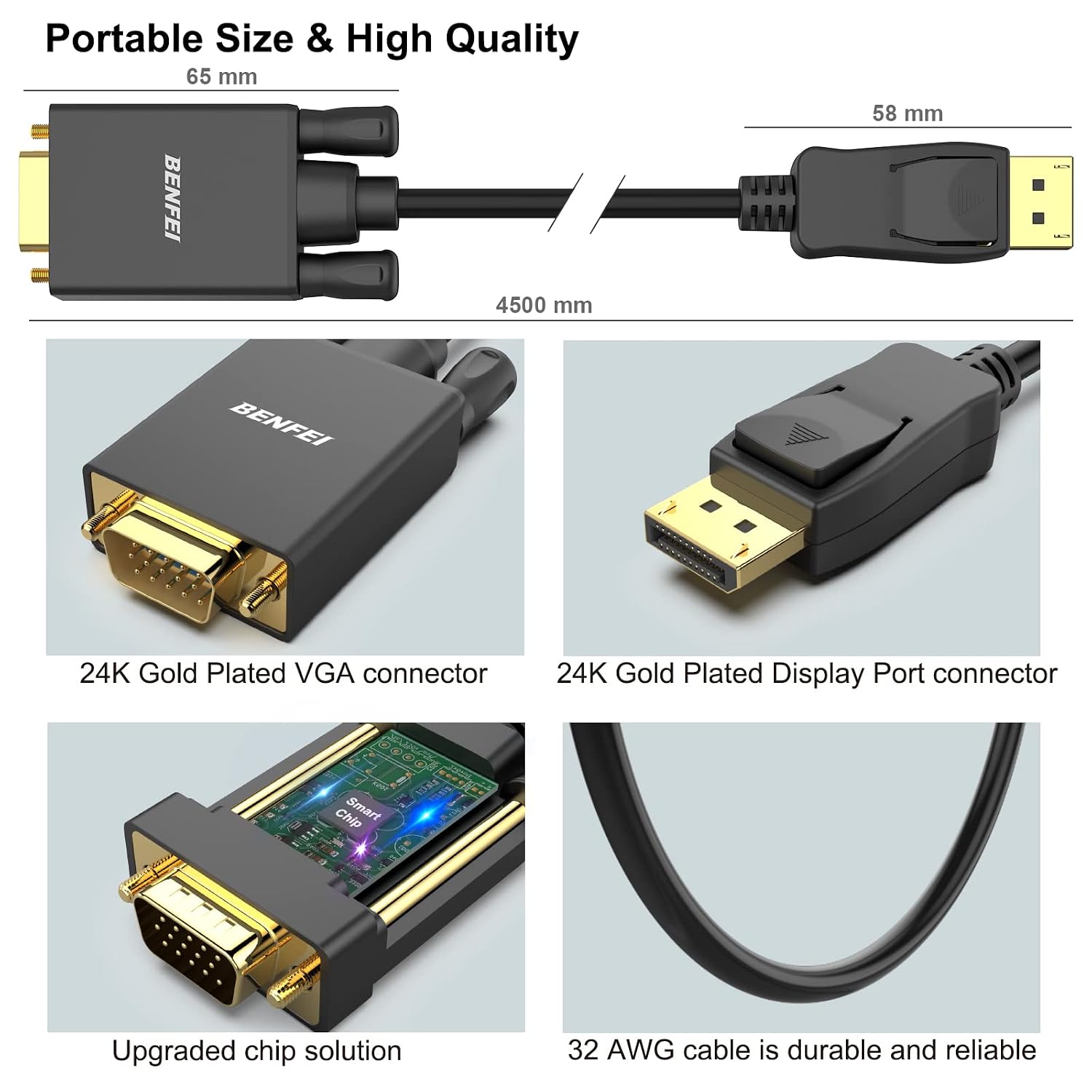
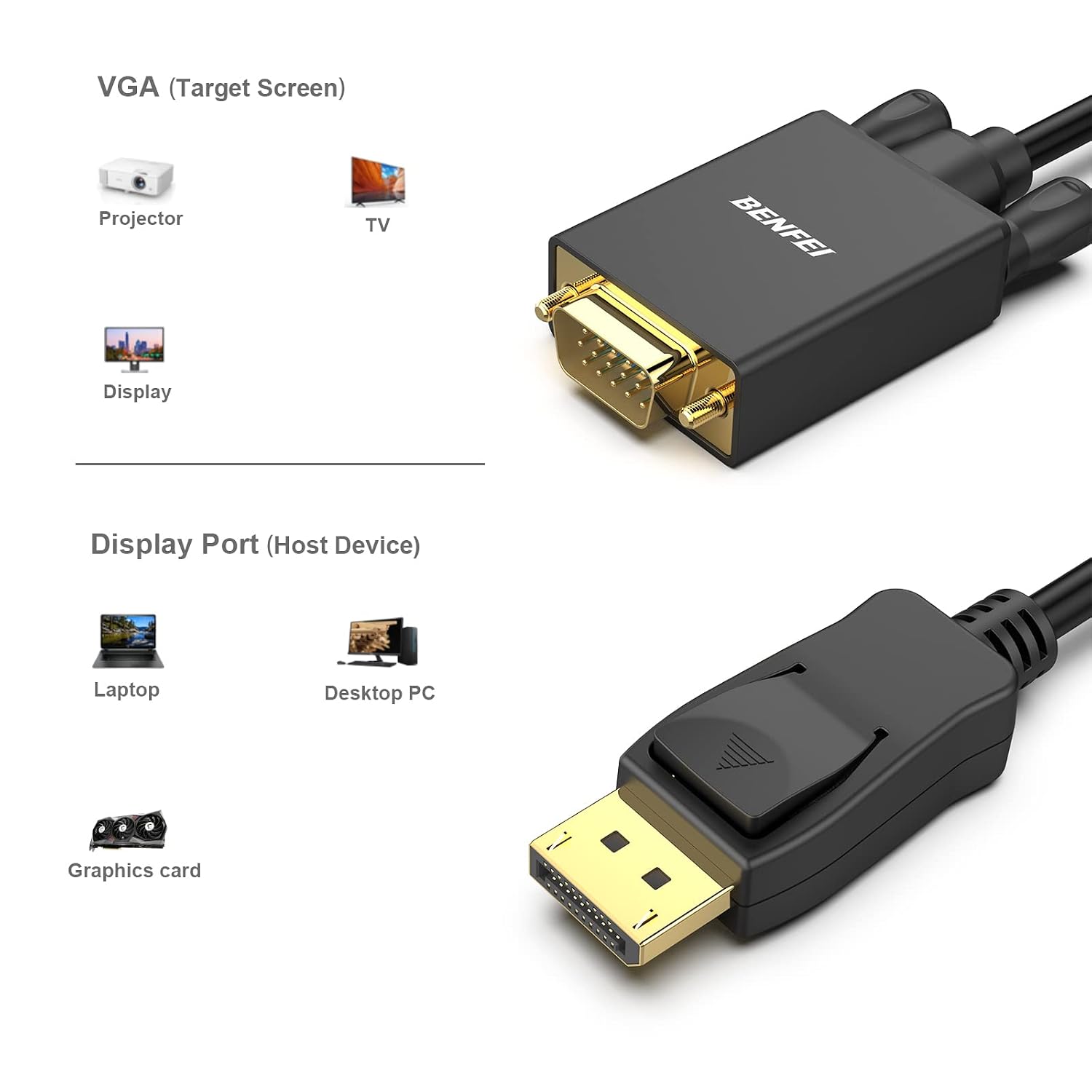
What it is and who it’s for\nBenfei’s DisplayPort to VGA cable is a simple, single-direction converter designed to connect a DisplayPort output from a computer or laptop to a VGA display such as a monitor or projector. This 5‑pack includes five 1.8‑metre cables, which can be convenient for multi-display setups or shared workplaces. If your goal is to extend or mirror a DisplayPort source to a legacy VGA display, this type of cable can be a straightforward solution. It is not a bidirectional converter, so it won’t carry signals from a VGA input back to a DisplayPort source, and it isn’t compatible with HDMI or USB in this configuration.\n\n## How it performs on paper\nThe cable uses a built‑in dedicated IC to convert the DisplayPort signal to VGA, supporting resolutions up to 1920x1080 at 60Hz (1080p Full HD) and common intermediate resolutions such as 720p, 1600x1200, and 1280x1024. The DisplayPort connectors are gold plated to resist corrosion and improve signal transmission. A moulded strain relief helps with durability, and the DP end includes latches for a more secure connection—press the release button to unplug. These features collectively aim to deliver stable, plug‑and‑play operation where a modern computer needs to drive an older VGA display.\n\n## Build quality and durability\nGold‑plated connectors are a traditional sign of durability and better contact resistance, while the latching mechanism reduces the chance of accidental unplugging during use. The 1.8 m length is a compromise between reach and manageability in desk setups, though you may find it a touch long or short depending on your space. The design is straightforward: a passive adapter with active signal conversion inside the DP end. The cable’s non‑bi‑directional nature is an important limitation to note if you were hoping to run a VGA source back into a DP display.\n\n## Pros and what stands out\nIt’s a practical option if you primarily need a wired, reliable link from modern laptops or desktops with DisplayPort to an older VGA display or projector. The five‑pack provides flexibility for multiple monitors or shared workstations, and the 1.8 m length covers many typical desk layouts. The official warranty extension to 18 months adds value for longer‑term ownership.\n\n## Limitations and who it’s not for\nIf you require bidirectional compatibility (VGA to DP) or support for higher refresh rates beyond 60Hz at 1080p, this cable won’t meet those needs. It is not compatible with HDMI or USB in the DP‑to‑VGA configuration, so users with mixed signal pipelines should plan accordingly. For anyone seeking a compact, travel‑friendly adapter, a 1.8 m cable may feel cumbersome in very tight spaces or rows of devices.\n\n## When it makes sense to buy\nChoose this setup if you have a DisplayPort output and a VGA display and you want a straightforward, cost‑effective solution without dongles or active adapters beyond the DP to VGA conversion. The value is enhanced when you need multiple cables for several machines or displays, and you prioritise a known‑brand option with a clear warranty.\n\n## What to check before purchasing\nConfirm your source device outputs DisplayPort (not USB‑C with DisplayPort Alt Mode only) and that your display accepts VGA signals. Remember this is a one‑way conversion: DisplayPort to VGA only. Consider your cable length needs and whether you’ll mount or route cables where a 1.8 m length is optimal.\n\n## Practical usage example\nIn a small meeting room, you might connect a laptop with DP out to a classroom projector via one of the 1.8 m cables. The secure latch helps prevent accidental disconnections during a presentation, and the 1080p output is generally sufficient for slides, video clips, and live demos on a standard projector.\n\n## Quick FAQ\n- Does it convert VGA back to DisplayPort? No, it is not bidirectional.\n- What resolution does it support? Up to 1920x1080 at 60Hz (1080p).\n- How durable is it? The combination of gold‑plated connectors and moulded strain relief is aimed at longevity in daily use.\n\n## Is it worth it?\nIs it worth it? It makes sense if you need a reliable, no‑nonsense DP to VGA link for a 1080p display and you value a multi‑pack option for multiple workstations or rooms. If your setup requires higher refresh rates, a bidirectional or higher‑bandwidth solution would be worth considering.\n