

Satechi USB-C to HDMI 2.1 Cable with 8K@60Hz and 4K@120Hz (USB-C to HDMI, Thunderbolt 3/4 for Mac & iPad)
Product description
If you need a simple way to get your USB-C device onto a bigger screen, this Satechi USB‑C to HDMI 2.1 cable is aimed directly at that job. It’s built around HDMI 2.1-style headline resolutions and a durable physical design, with a plug-and-play setup that doesn’t ask you to install anything.
The essentials
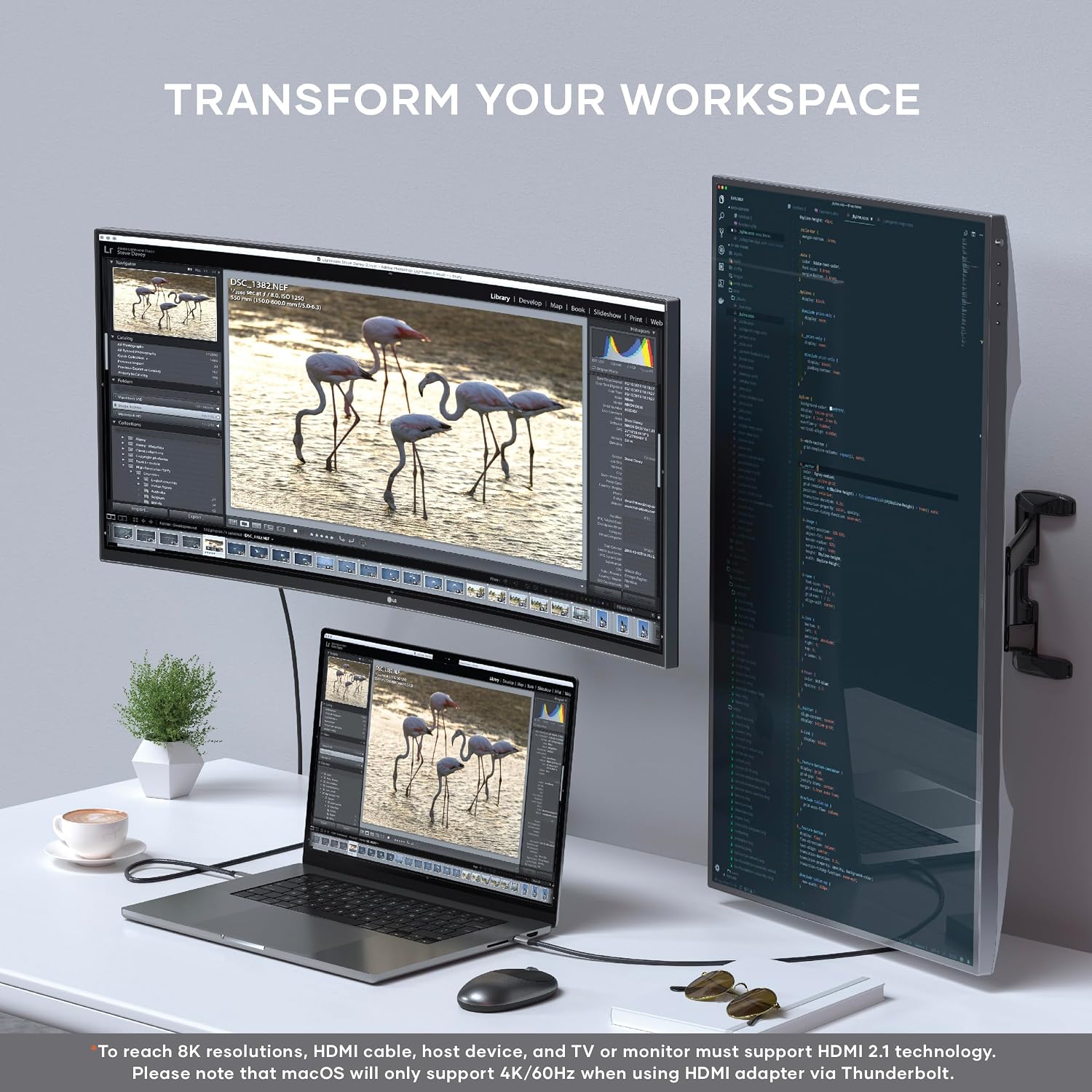
On paper, the Satechi USB‑C to HDMI 2.1 cable supports up to 8K @60Hz and 4K @120/60Hz, which is the kind of spec you look for when you care about smooth video, streaming in high quality, or gaming on a TV/monitor that can actually handle it. That said, the real-world experience will depend on your host device’s capabilities—especially with Macs, where the display output is limited by the computer rather than the cable.
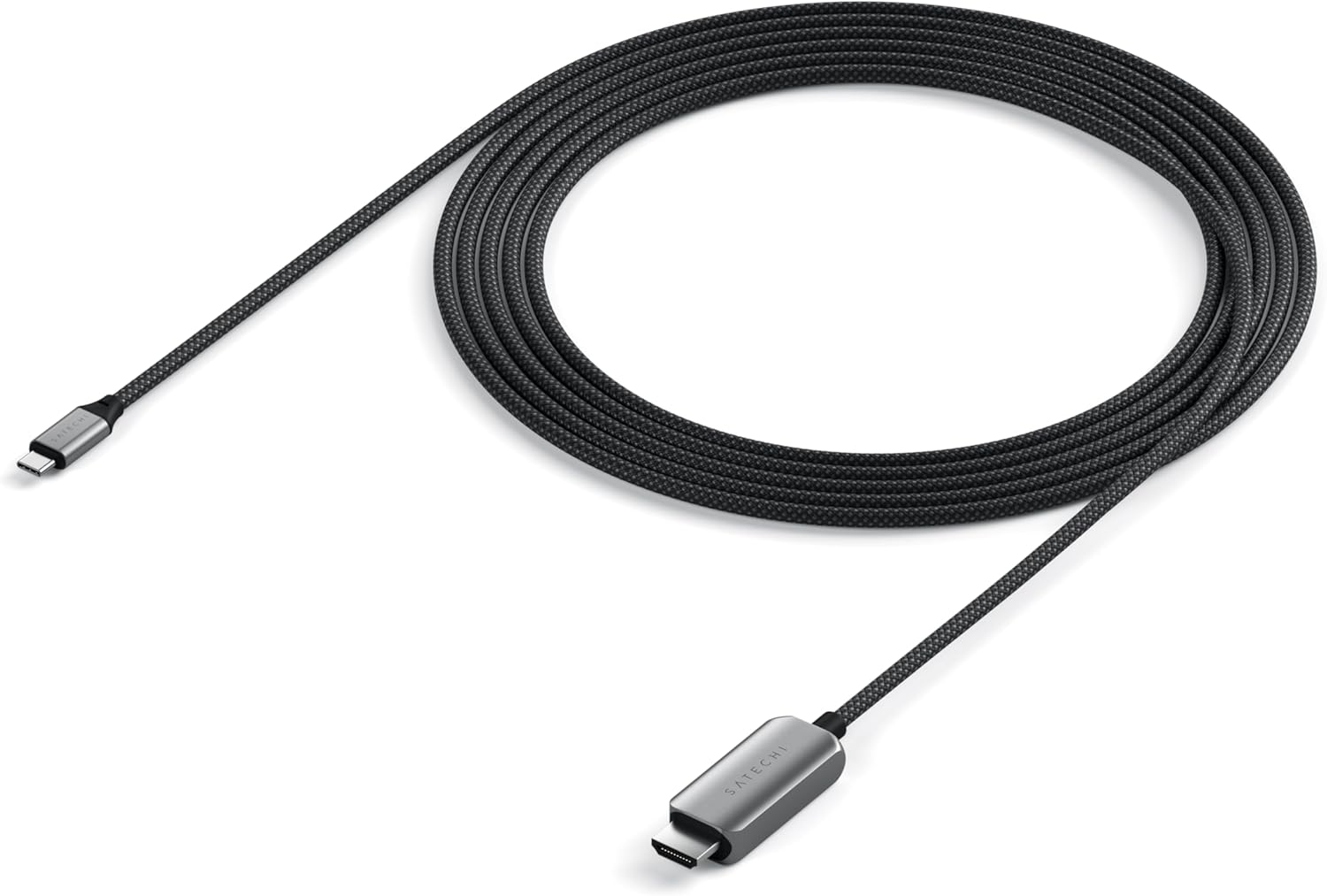
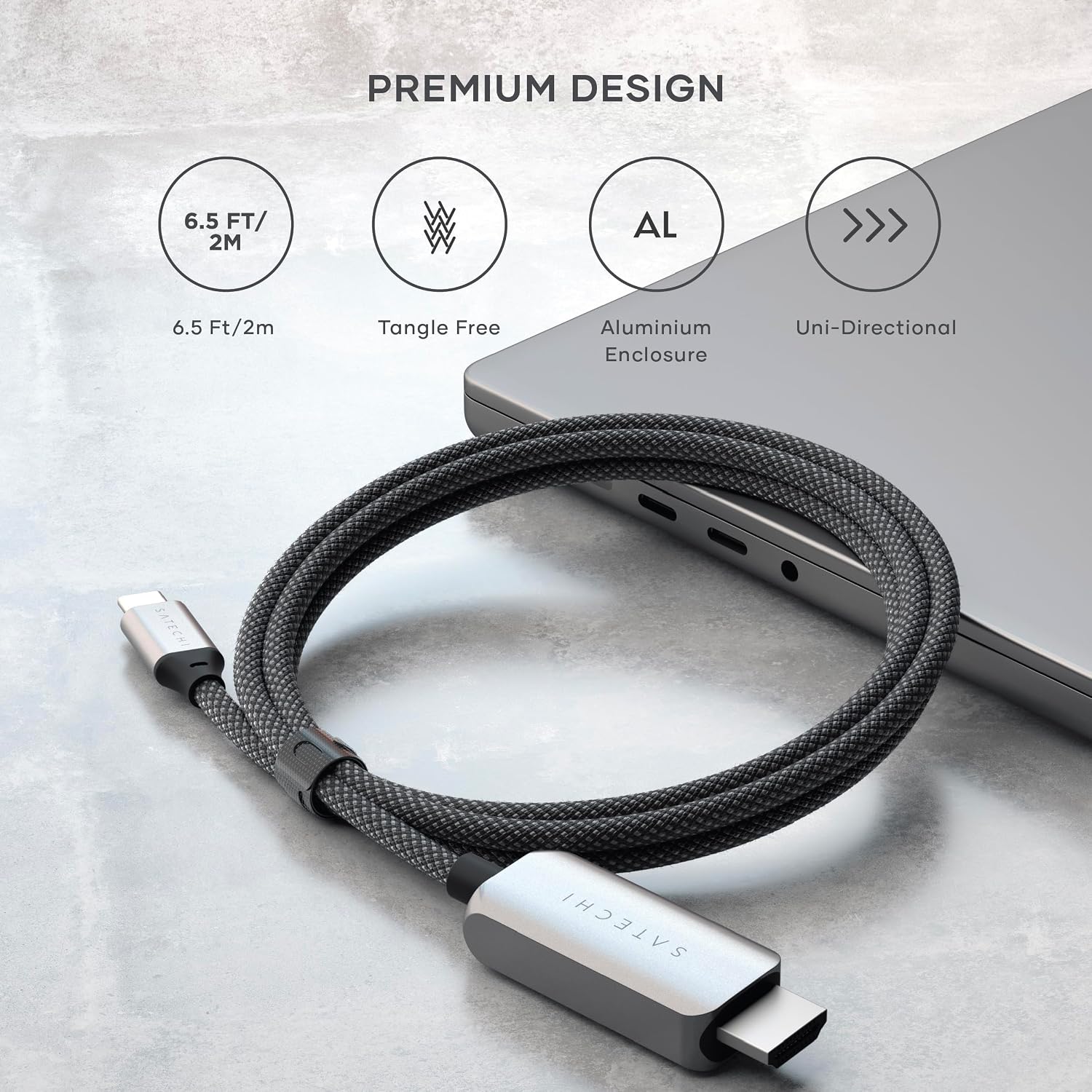
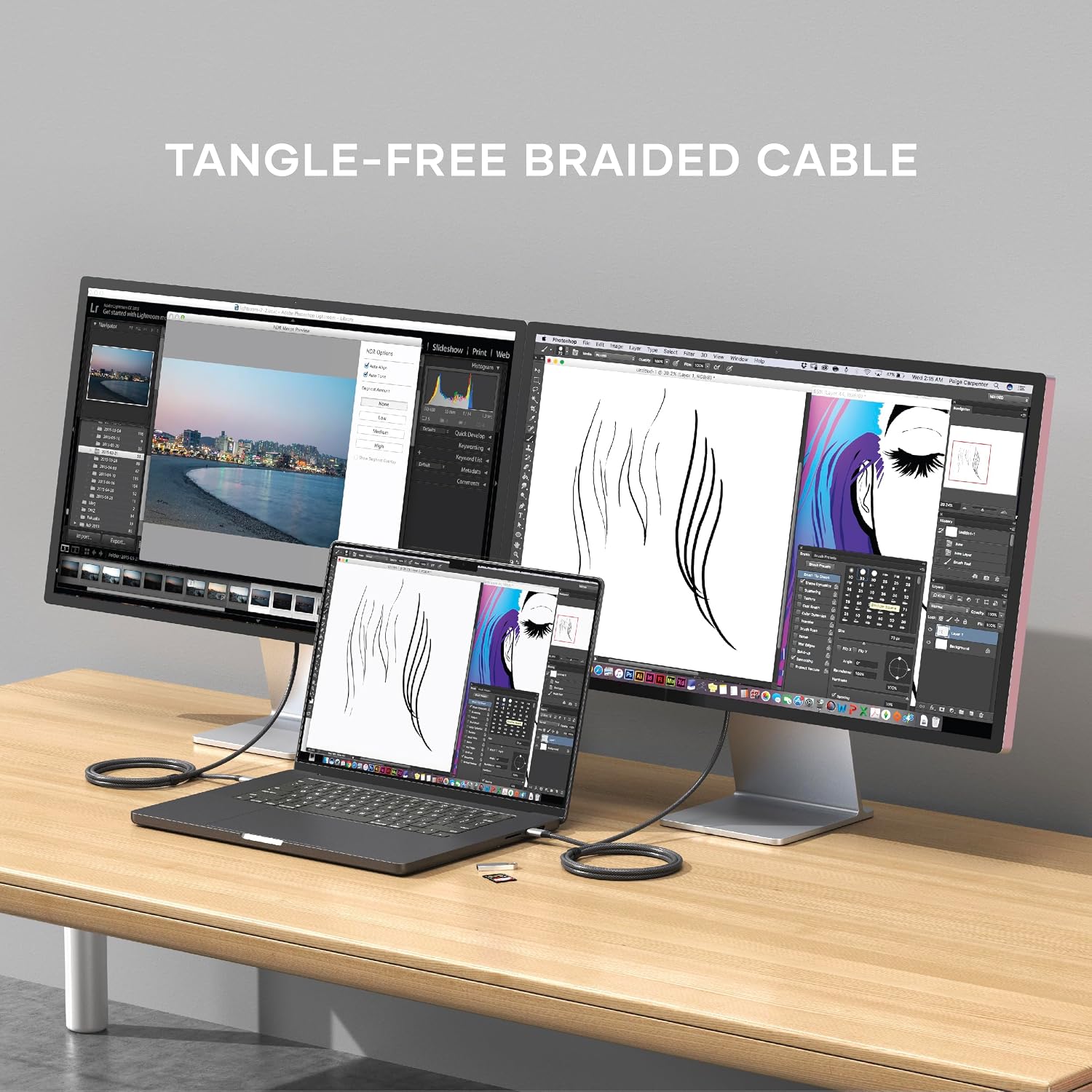
It also comes as a more practical package than a flimsy lead: the housing is aluminium, the cable is nylon-braided, and the neck near the connector is reinforced. There’s even mention of working reliably “even with a case”, which is useful if your laptop or tablet lives in some kind of protective cover.
What stands out in day-to-day use
The main day-to-day win is convenience. This is described as plug-and-play, with no extra software or drivers required, so you can go from “I want my screen on the TV” to working time fairly quickly.
The connector design is also worth noting: Satechi claims an improved USB‑C connector that’s thinner, rounder, and more compact. That kind of shape can matter when a device has a protective sleeve or case, where bulk around the port can make other cables feel fiddly.
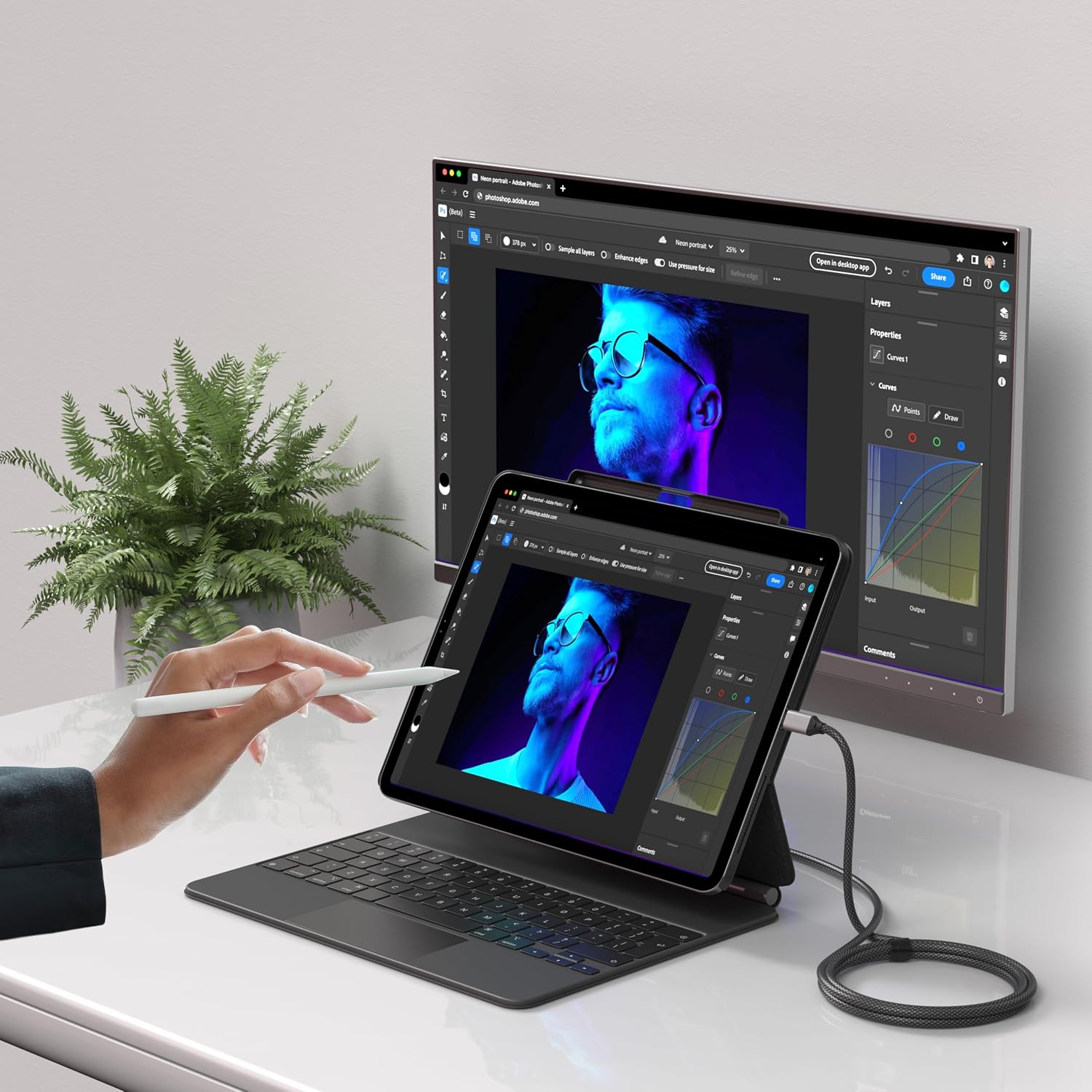
As a quick micro-example: if you’re presenting a slideshow from a compatible MacBook or iPad on a meeting screen, you can keep this cable in your bag, plug USB‑C into the device, plug HDMI into the display, and expect the signal to appear without installing anything first.

Key takeaways (and the limitation to keep in mind)
The headline resolutions are impressive, but you should treat them as “up to” rather than guaranteed.
Satechi explicitly calls out an important limit: Mac models with Intel processors and some MacBook M1–M3 support no more than 4K @60Hz over HDMI. That’s not presented as a cable shortcoming, but it’s still something to factor into your expectations. If you bought this cable expecting 4K @120Hz on a Mac, it may not deliver that—because the host device caps what it can output.
So, it’s a strong match if your source can take advantage of higher refresh-rate modes. If your source can’t, the cable will still be useful, but it won’t magically raise the output beyond what the device supports.
Pros
- HDMI-oriented support up to 8K @60Hz and 4K @120/60Hz (so you’re not boxed in by lower specs).
- Aluminium housing plus a nylon-braided, reinforced-collar design aimed at everyday durability.
- Plug-and-play setup with no mention of needing drivers or software.
- Connector design that may help with compatibility when a device is used with a protective case.
- Backed by a 2-year warranty (as stated by Satechi).
What to watch before buying
Before you spend, it’s worth aligning the cable to your specific setup:
- Check your host device’s HDMI output limits. For Macs, the document notes a 4K @60Hz cap on certain models.
- Make sure your target display (TV/monitor/projector) can actually support the refresh rates you care about.
- If you regularly use your tablet or laptop in a case, the “thinner/compact” connector is a reason this could be a practical choice—but you’ll still want to ensure your case doesn’t block the port.
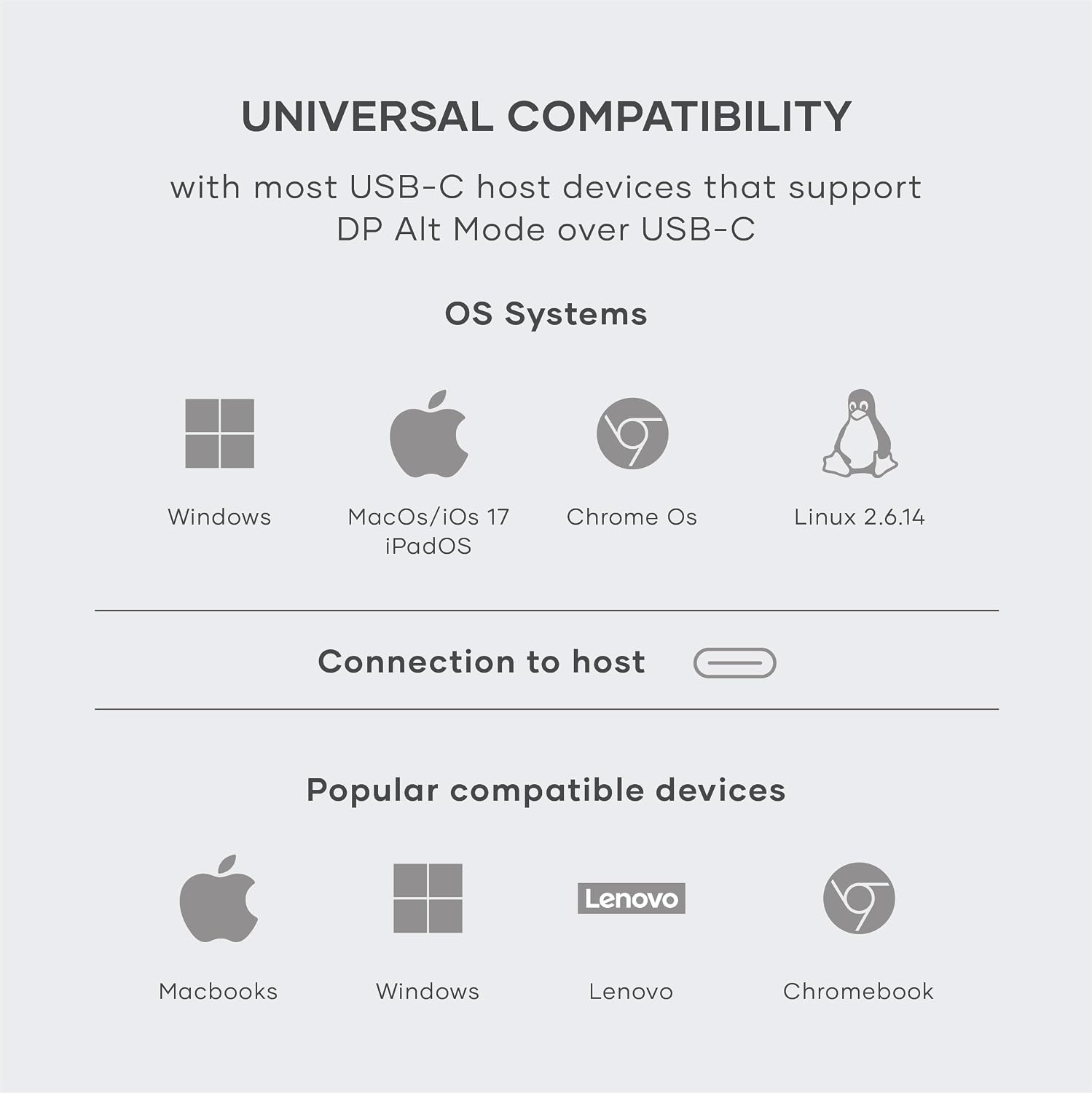
Also, the name and description mention “Thunderbolt 3/4 for MacBook Air (Supports only 60Hz) & Pro M5 M4, iPad Air & Pro M5 M4, iPhone 17, 16, 15 & More”. That’s a helpful hint, but it’s still smart to confirm your exact device model if you’re trying to hit specific refresh-rate targets.
Tech specs
- Type: USB-C to HDMI cable
- HDMI support: up to 8K @60Hz, and 4K @120/60Hz
- Cable length: 2 m
- Cable material: nylon-braided cable
- Connector details: improved, thinner/compact USB‑C connector design
- Warranty: 2 years (Satechi stated)
Is it worth it?
A solid pick if you want a durable, aluminium-bodied USB‑C to HDMI lead with plug-and-play convenience, and your device plus display can realistically take advantage of the higher refresh-rate options. It’s especially sensible if you use your laptop or tablet with a case and want a connector design that’s less likely to fight with port clearance.
It might not be the best match if you specifically need 4K @120Hz from a Mac that’s known to cap HDMI output at 4K @60Hz—the cable can only follow what the host supports. In that scenario, you may end up paying for headroom you won’t actually use.
Quick FAQ
FAQ: Does this cable need drivers or software?
No—it's described as plug-and-play, with no additional software or drivers mentioned.
FAQ: What resolutions and refresh rates can it output?
It’s stated to support up to 8K @60Hz and 4K @120/60Hz, but your host device and your display ultimately determine what you can achieve.
FAQ: Is there a Mac limitation?
Yes, the documentation highlights that certain Intel Macs and some M1–M3 MacBooks won’t go beyond 4K @60Hz over HDMI, which is a limitation of the host device.
FAQ: How long is the cable?
It’s 2 m long.