

UANTIN USB-C to DisplayPort 1.4 Cable (6ft) – 8K@60Hz / 4K@144Hz / 2K@240Hz
Product description
What this is and what it solves
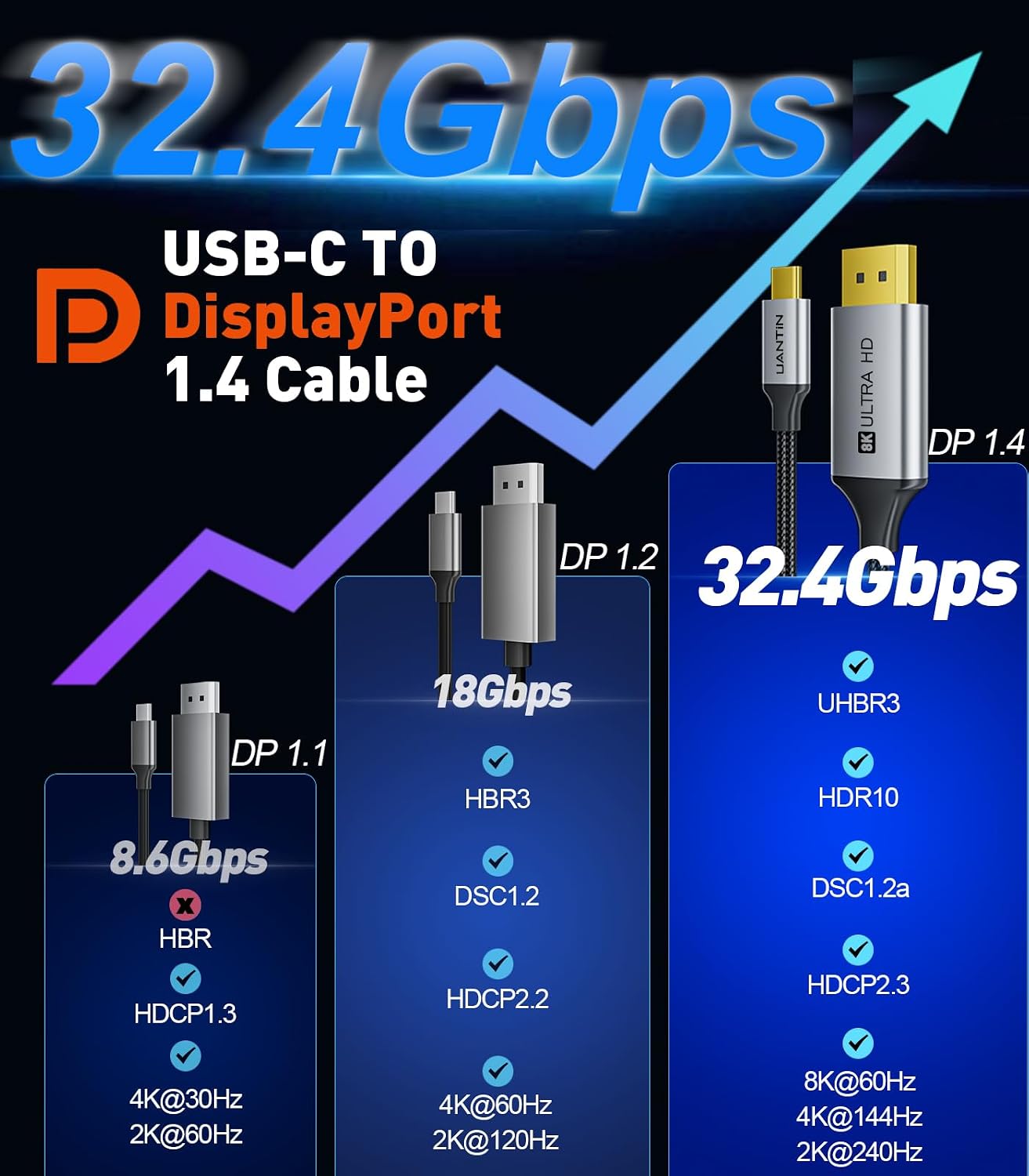
The UANTIN USB-C to DisplayPort 1.4 cable is a high-bandwidth link designed to connect USB-C equipped devices to DisplayPort displays. It supports up to 8K at 60Hz and 4K at 144Hz (with 2K at 240Hz), aiming to deliver sharp detail and smooth motion for tasks from gaming to professional video work. It’s pitched at users who want to leverage powerful laptops or desktops with modern GPUs on high‑refresh displays without needing external adapters or drivers.
How it’s built for real-world use
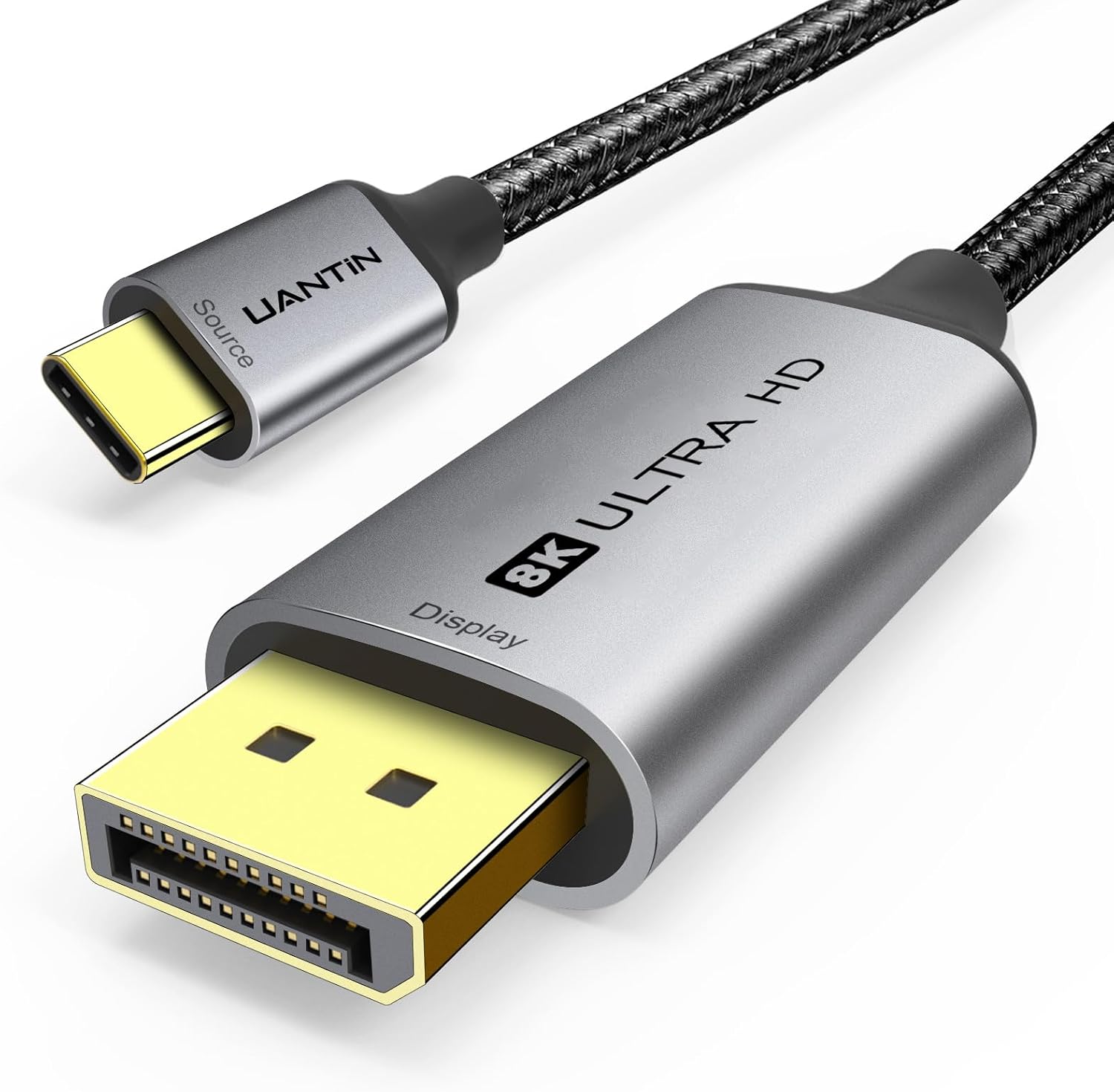
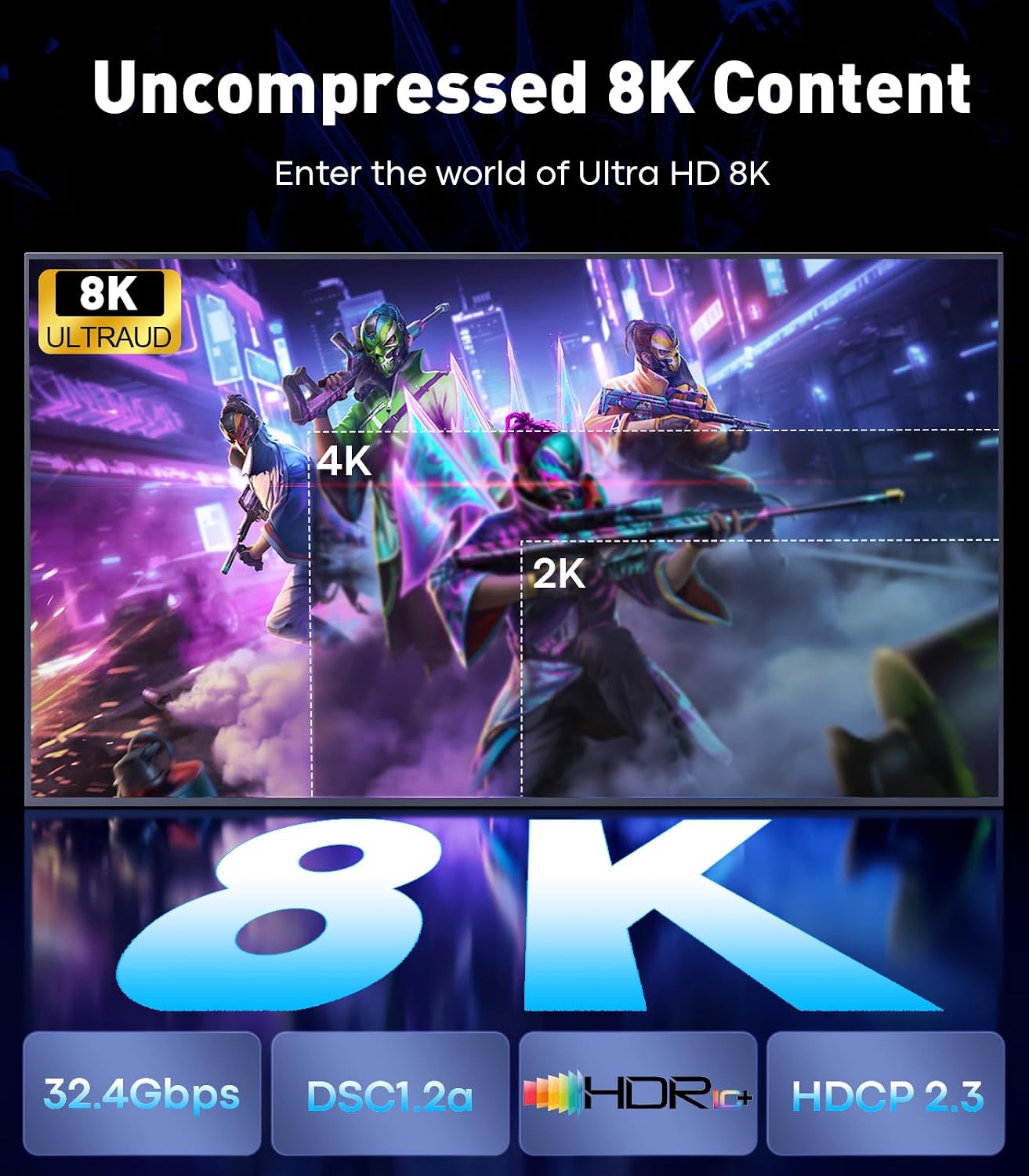
The cable combines a durable aluminium alloy housing with a reinforced braided nylon jacket and gold-plated connectors. This construction is meant to resist wear in daily use and reduce signal interference, which matters when you’re moving between workspaces or taking the cable to LAN gatherings. While the outer build sounds rugged, the true test is signal stability over long sessions, which is where the 32.4Gbps bandwidth spec helps support high refresh rates and HDR content where available.
Compatibility and setup thoughts
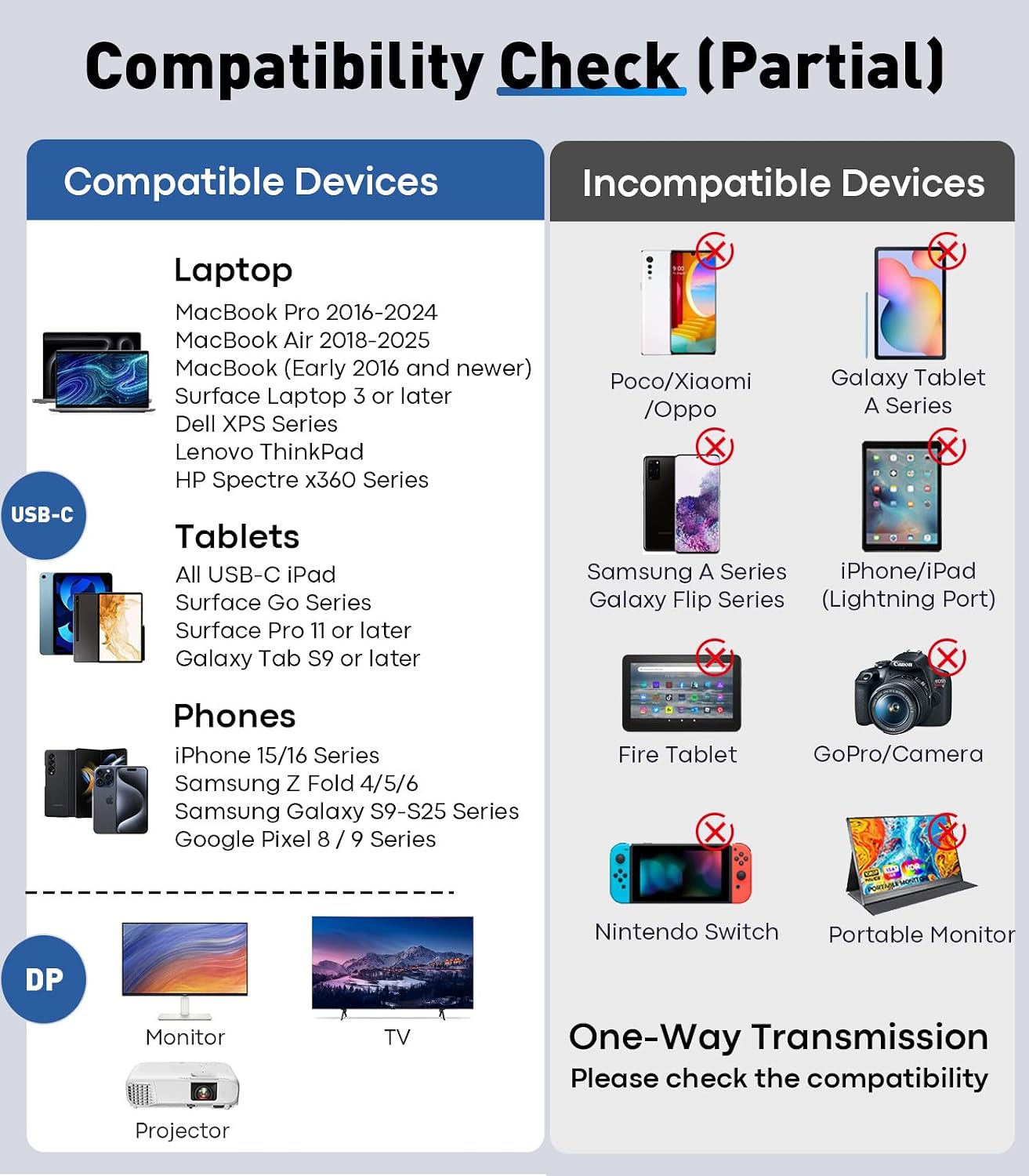
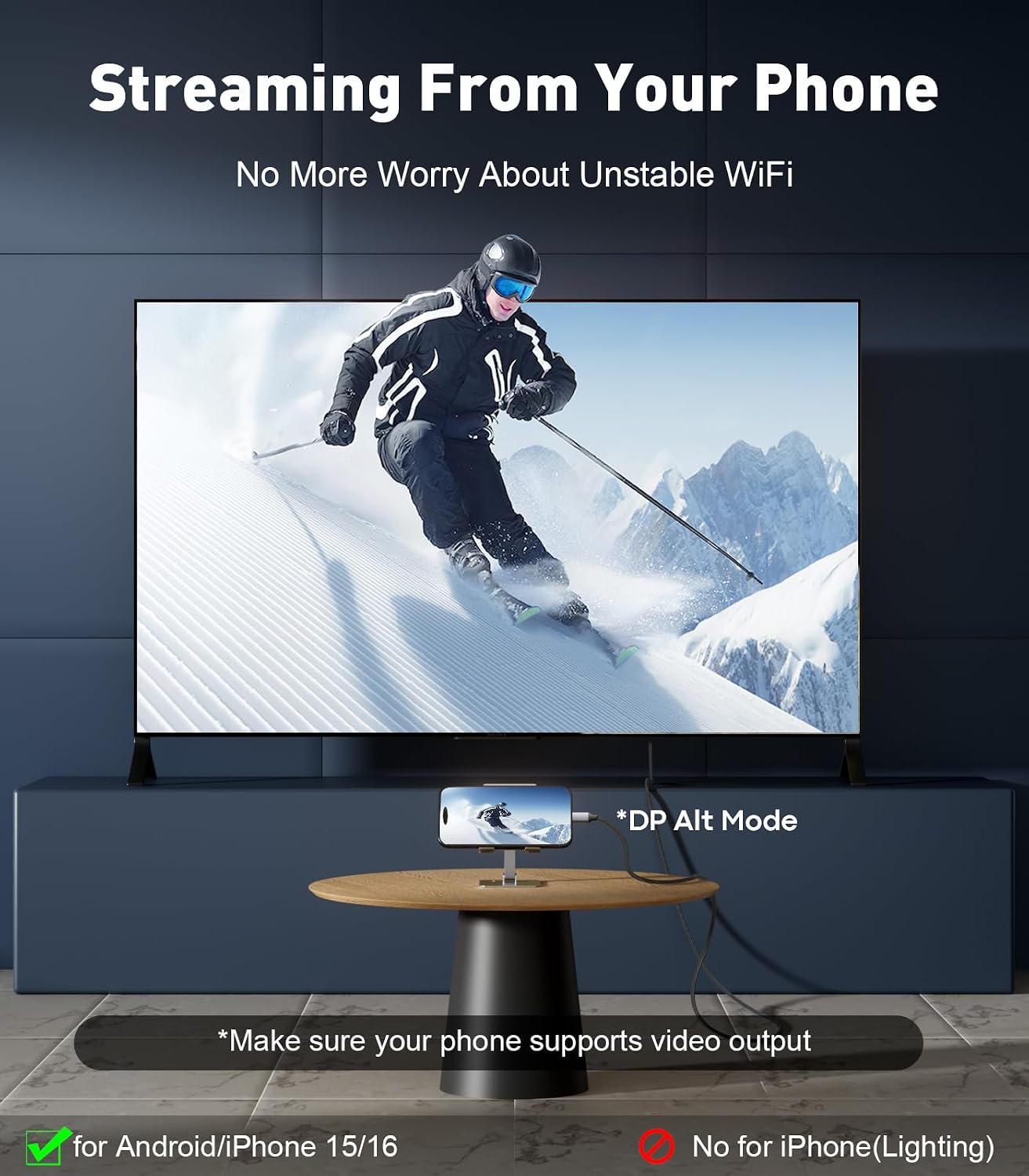
On paper, it covers a wide range of USB‑C devices—laptops from Apple, Dell XPS, Surface, and other USB‑C equipped machines—paired with DisplayPort displays, projectors or TVs. It is advertised as plug‑and‑play without driver installs and is compatible with Windows, macOS, and Linux variants. For gamers, creators, or engineers who demand fluid motion and accurate colour, this can be appealing. Do note that actual performance depends on the source device, GPU, and the DisplayPort version supported by the monitor.
What stands out
- High bandwidth in the 32.4Gbps range supports high‑refresh workflows and HDR where the monitor and GPU are compatible.
- The 8K@60Hz and 4K@144Hz targets cover both top-tier content creation and fast-paced gaming needs.
- The build aims to balance durability with everyday flexibility, useful for home offices, studios, or occasional travel.
What may give you pause

The claimed specifications are impressive, but real‑world results hinge on system support. If your monitor or GPU doesn’t fully support DP 1.4 with these refresh rates, you might not see the peak figures in practice. Additionally, the cable length of 6ft is reasonable for desks but not ideal if you need more slack for a couch‑side setup or wall‑mounted displays.
Who this is for
- Creatives who require stable high‑resolution output for colour‑critical work and want capacity for future‑proofing.
- Gamers with a USB‑C laptop or desktop looking to drive a DisplayPort monitor at high refresh rates without adapters.
- Professionals who switch between working on a laptop and a larger DP display and value plug‑and‑play simplicity.
Who it isn’t the best choice for
- If you only need occasional desktop mirroring or a basic 1080p monitor, this may be overkill and not cost‑effective.
- Users who rely on older USB‑C devices or DP standards that don’t fully support 1.4 features might not see the claimed benefits.
- Environments where cables are routinely bent or stepped on may require a longer, more rigid protective solution.
When it makes sense to buy
- You’re building or upgrading a workstation or laptop rig that supports DP 1.4 and you want to push high refresh or HDR on a DP display.
- You value a single cable solution that minimises adapters, especially for travel or LAN events.
- You prefer a UK‑market product with clear notes on compatibility across Windows, macOS and Linux ecosystems.
Before you buy: what to check
- Confirm your monitor supports DisplayPort 1.4 and the desired resolution/refresh rate.
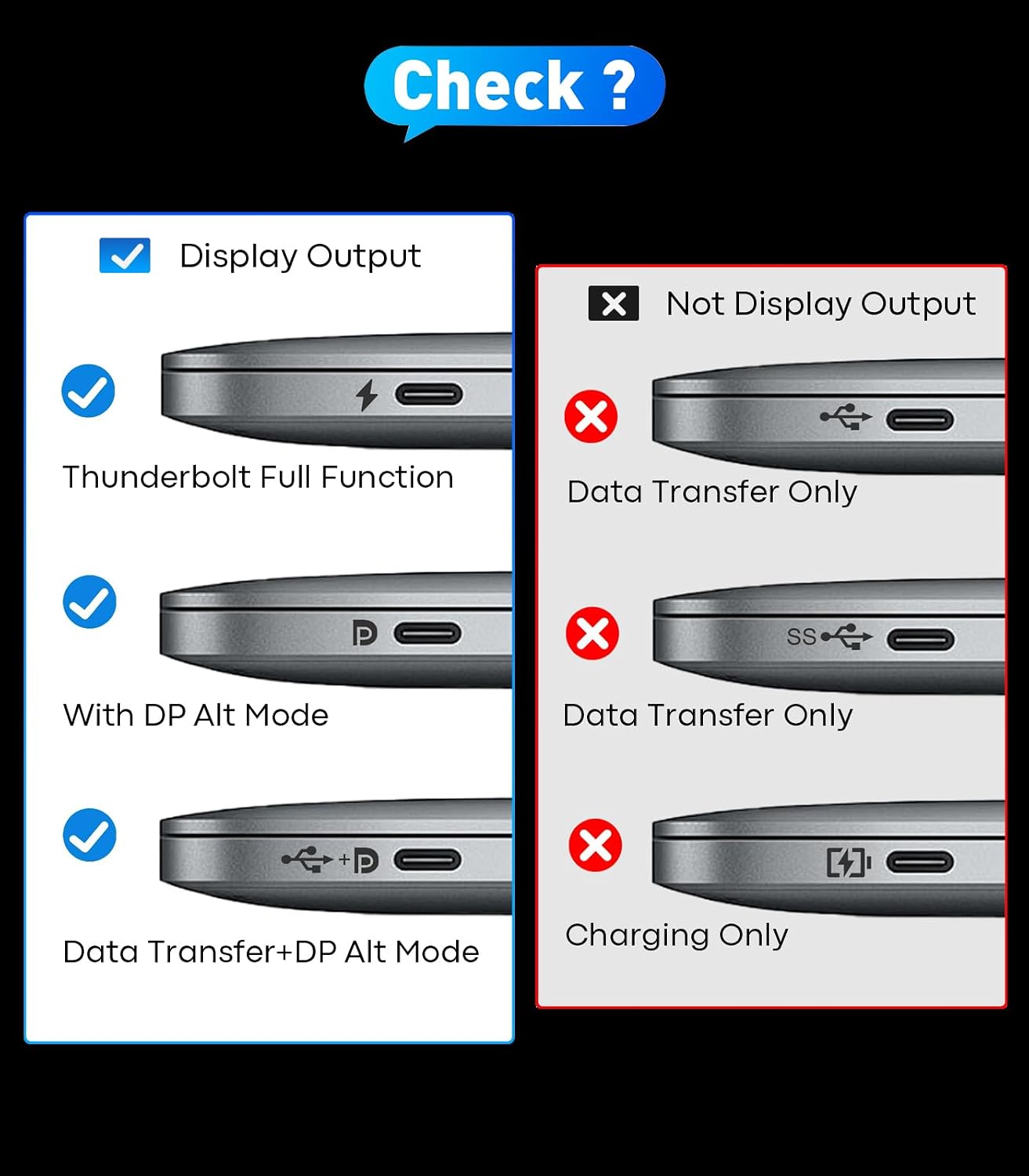
- Check whether your USB‑C port supports DP Alt Mode and, if relevant, Thunderbolt 3/4/5 compatibility.
- Ensure the cable length aligns with your workspace layout to avoid excess slack or strain.
Practical use case
Imagine a creative professional plugging a MacBook Pro into a 4K HDR display for video grading. With the USB‑C to DP 1.4 link, you could expect smooth timelines and accurate playback at higher refresh rates, provided the monitor supports the same mode and HDR profile. In a gaming scenario, a Thunderbolt‑enabled laptop connected to a high‑refresh DP monitor can deliver tear‑free frames, assuming the GPU and game settings align with DP 1.4 capabilities.
How it compares to alternatives
This cable trades the need for multiple adapters for a direct USB‑C to DP connection. If your setup doesn’t demand top‑tier 8K output or you don’t need 240Hz at 2K, a more modest USB‑C to DP 1.2/1.3 option could be cheaper and perfectly adequate for standard 4K gaming or office tasks. If you rely on daisy‑chaining or multi‑monitor setups, verify that your system supports the intended configuration with a single cable or whether an alternate docking solution offers better USB‑C bandwidth distribution.
FAQ (practical answers)
- Q: Do I need drivers for this cable? A: No, it is described as plug‑and‑play for compatible systems.
- Q: Will I see 8K at 60Hz on all displays? A: Not necessarily, it depends on monitor support and source GPU capabilities.
- Q: Is 6ft enough for a typical desk setup? A: For most setups, yes, but if your desk is particularly spacious or you mount displays far away, you might want a longer option.
Is it worth it?
A solid pick if you prioritise high‑resolution and high‑refresh outputs from USB‑C devices to DisplayPort displays and you have compatible hardware. It may not be the best match if your use case stays well within 1080p or requires older DP standards.