

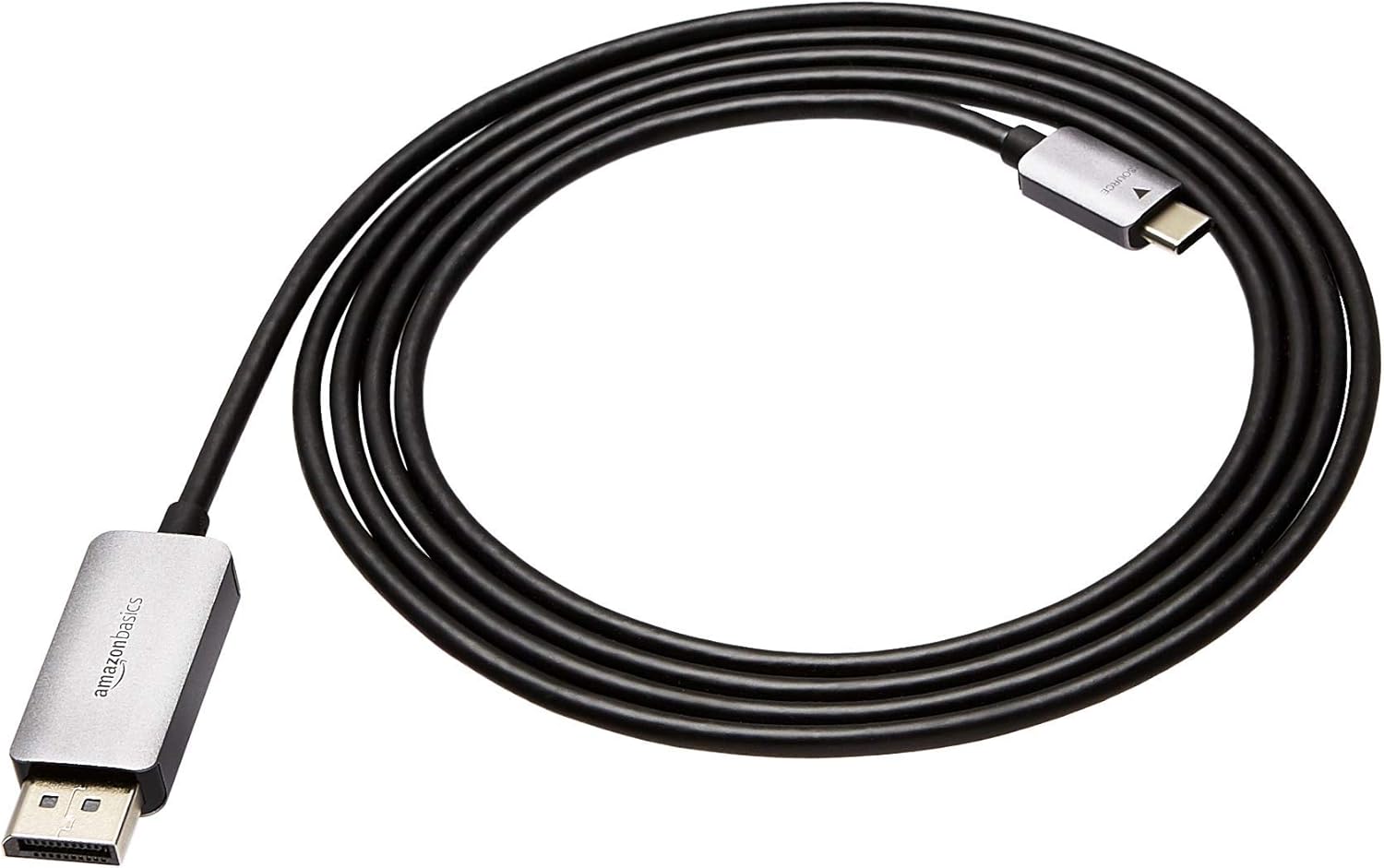
Amazon Basics Aluminium USB-C to DisplayPort (DP) Cable – Uni-directional, 3ft (0.9m) for up to 4K/60Hz
Product description
If you want a straightforward way to send video (and audio) from a USB-C device to a DisplayPort monitor or TV, this amazon Basics USB-C to DisplayPort cable is built for that job. It’s uni-directional, plug-and-play on paper, and designed to keep the connection tidy thanks to an aluminium housing.
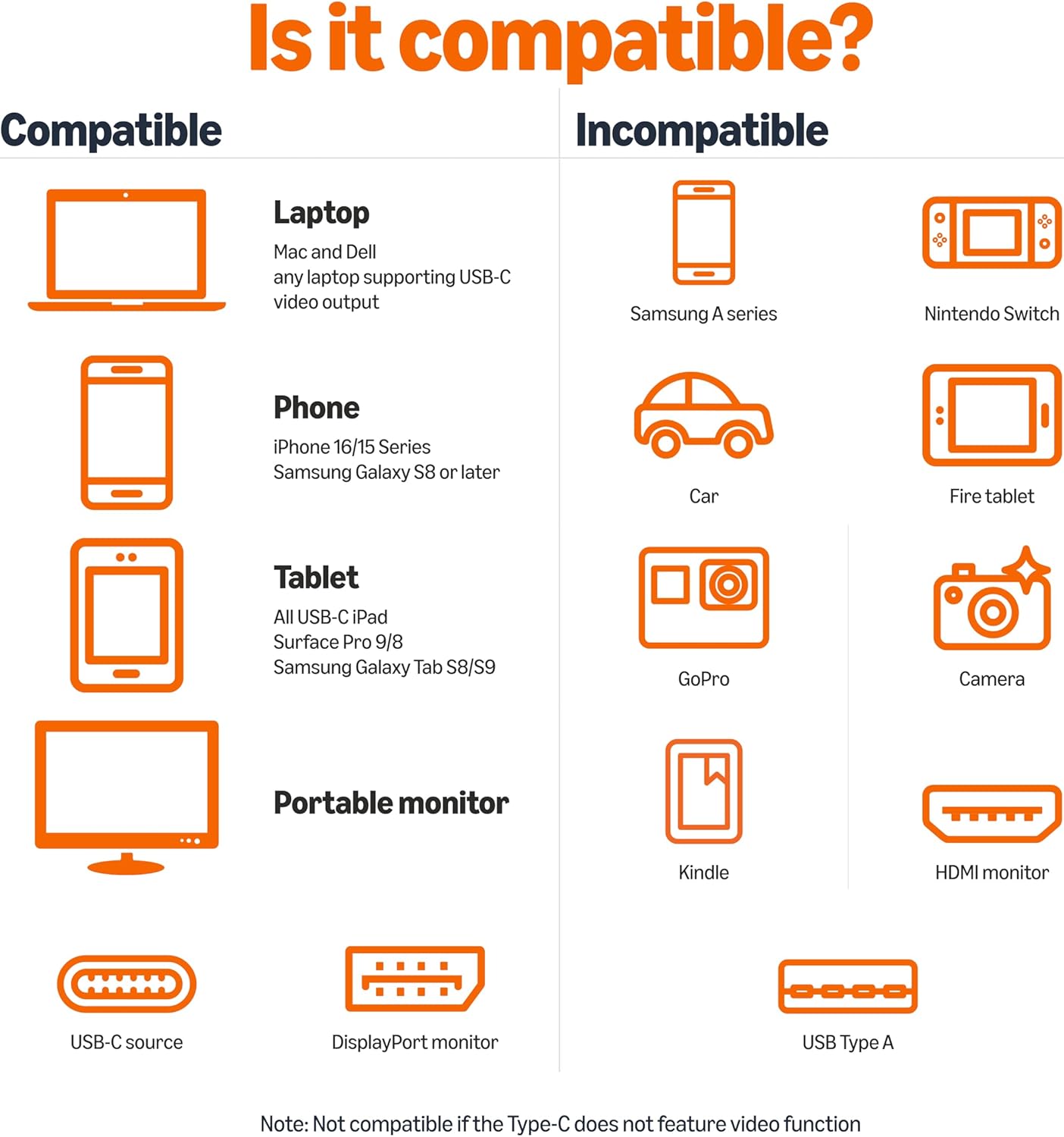
That said, with USB-C video, compatibility is still the big “it depends” factor. Not every USB-C port supports the right video mode, so it’s worth checking before you commit.
The essentials
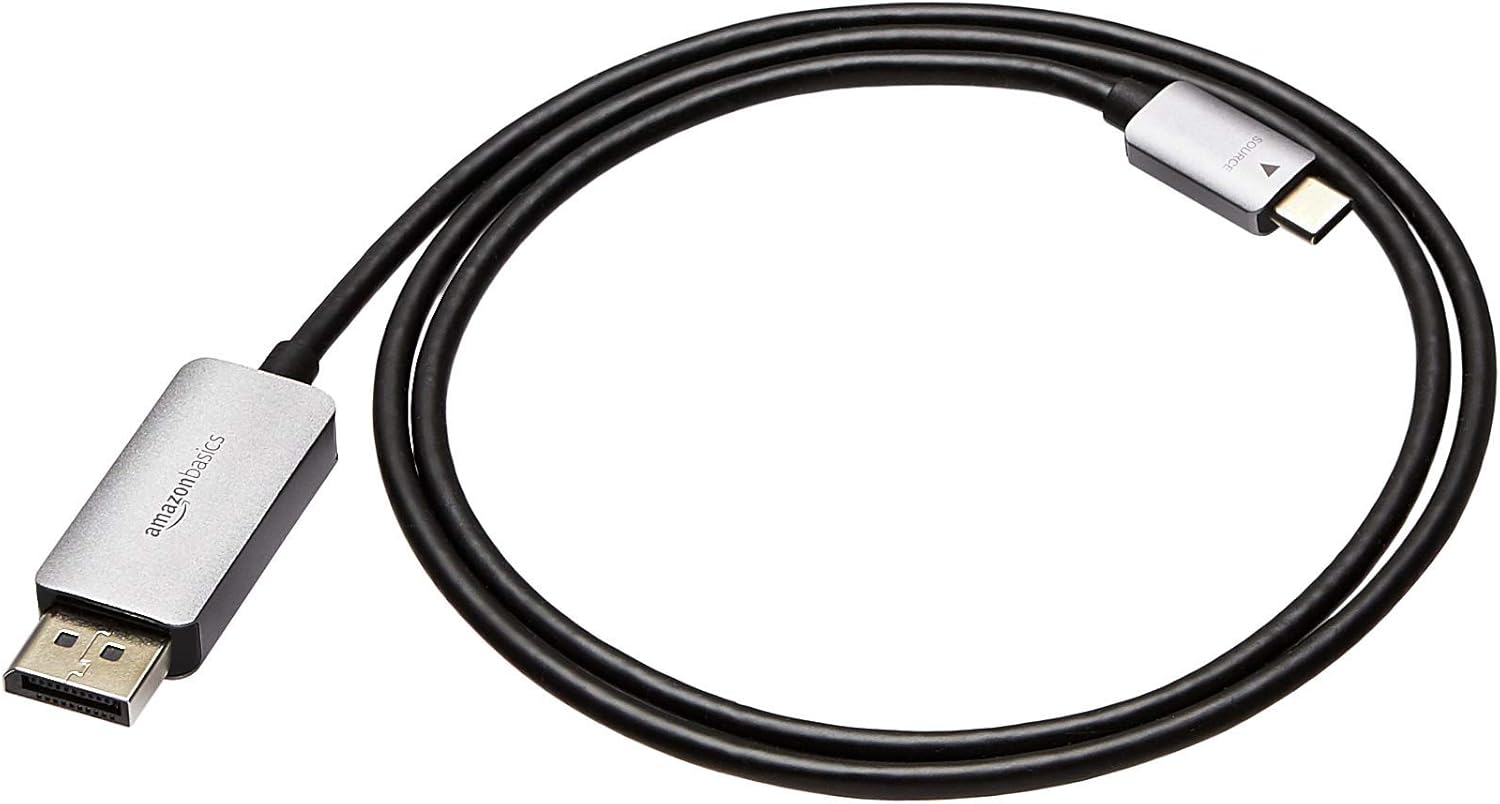
This is a USB-C (source) to DisplayPort (display) cable intended for connecting a USB-C-enabled device to a DP-capable HDTV, 4K monitor, or other DisplayPort display. It supports resolutions up to 4K (3840×2160) and the cable is described as delivering clear images and pure audio with fast refresh rates up to 60Hz.
Because it’s uni-directional, it’s meant for sending video from the host’s USB-C port to the DisplayPort input on your screen. In practical terms, that means you’ll usually use it to “run” your laptop/other USB-C device into a larger display, not the other way around.
What stands out in day-to-day use
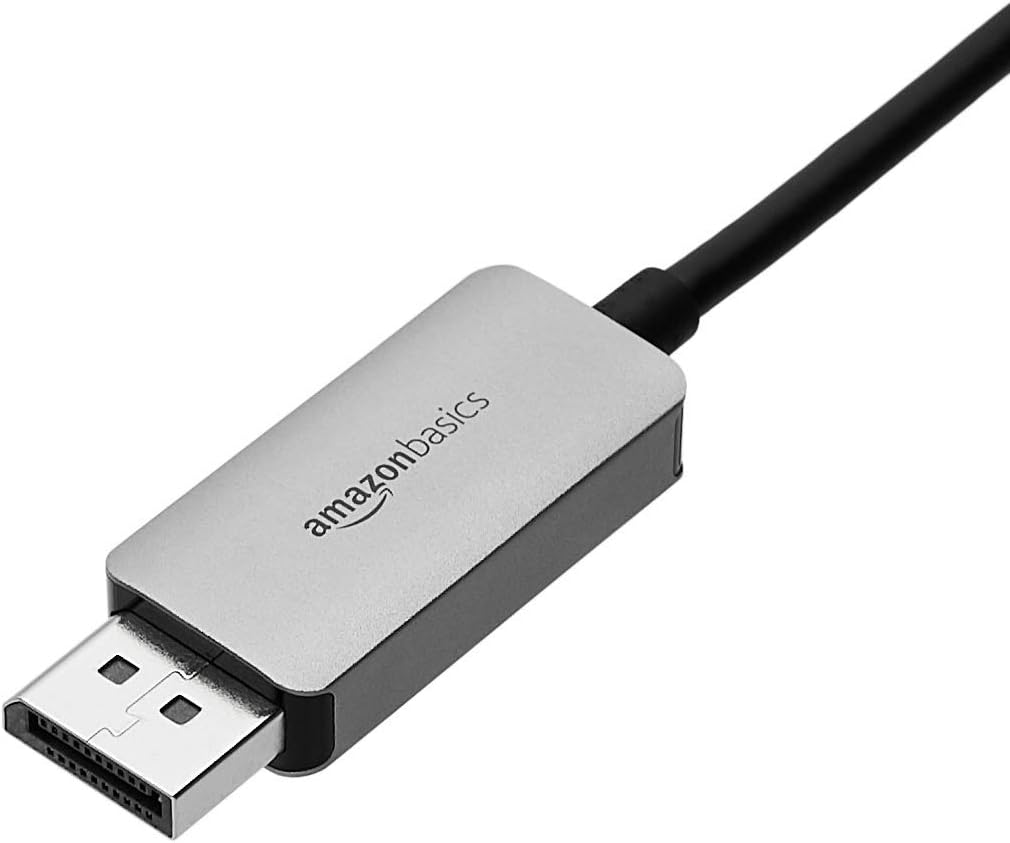
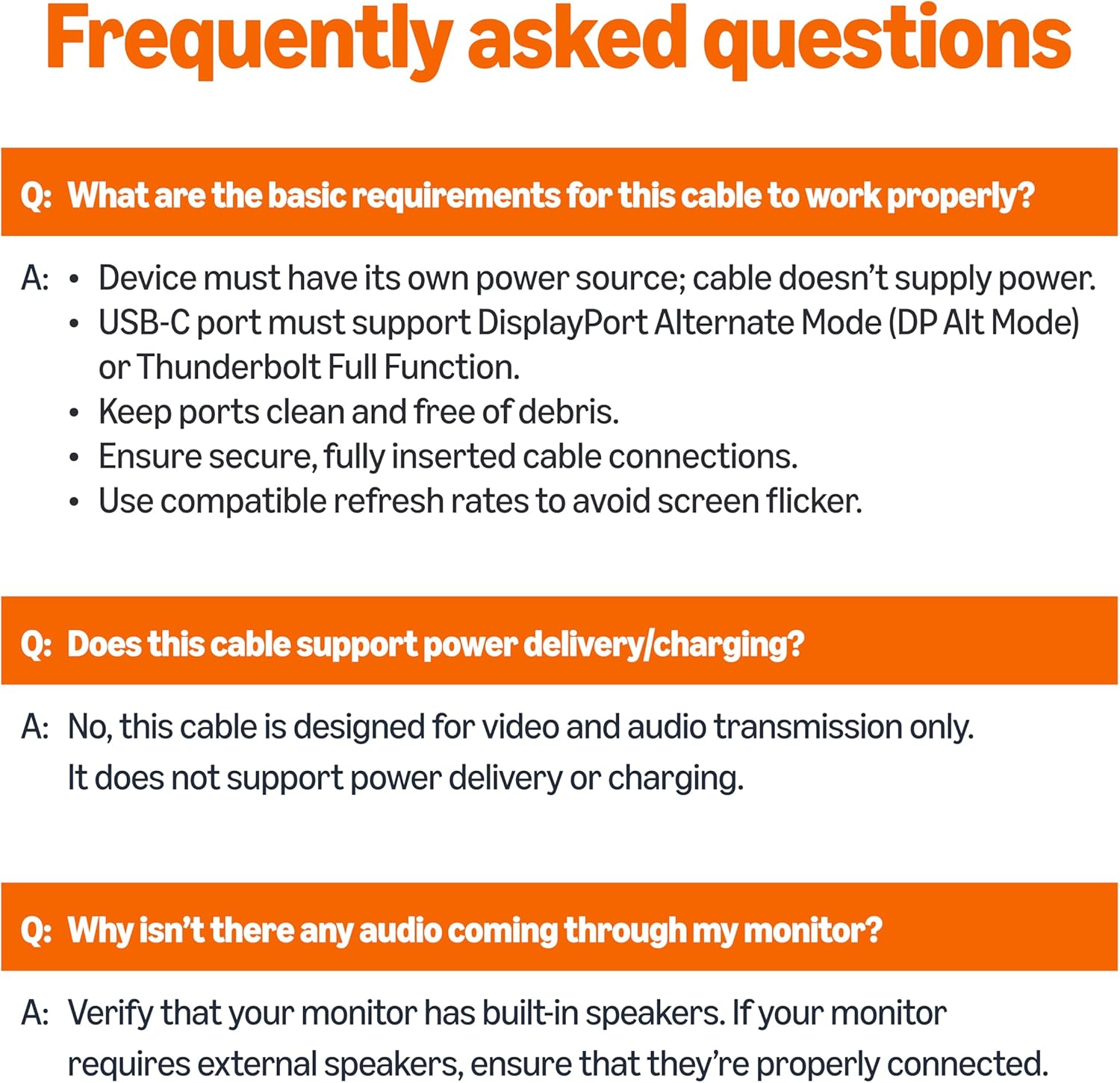
The value here is the simplicity: the cable is advertised as plug-and-play, with no adapter or driver/software required for the connection itself. So once you know your USB-C port supports video over USB-C, you can set up without a lot of fiddling.
The aluminium housing (space-grey finish) is also a sensible touch for daily use. Cables that get moved around a lot can wear out faster if the build is flimsy, so this one is at least aiming for a more robust feel.
If you’re setting up a desk, it can be a practical “one cable” solution: plug the USB-C end into your device, the DP end into the monitor, then let the display negotiate the signal.
Key takeaways on limitations
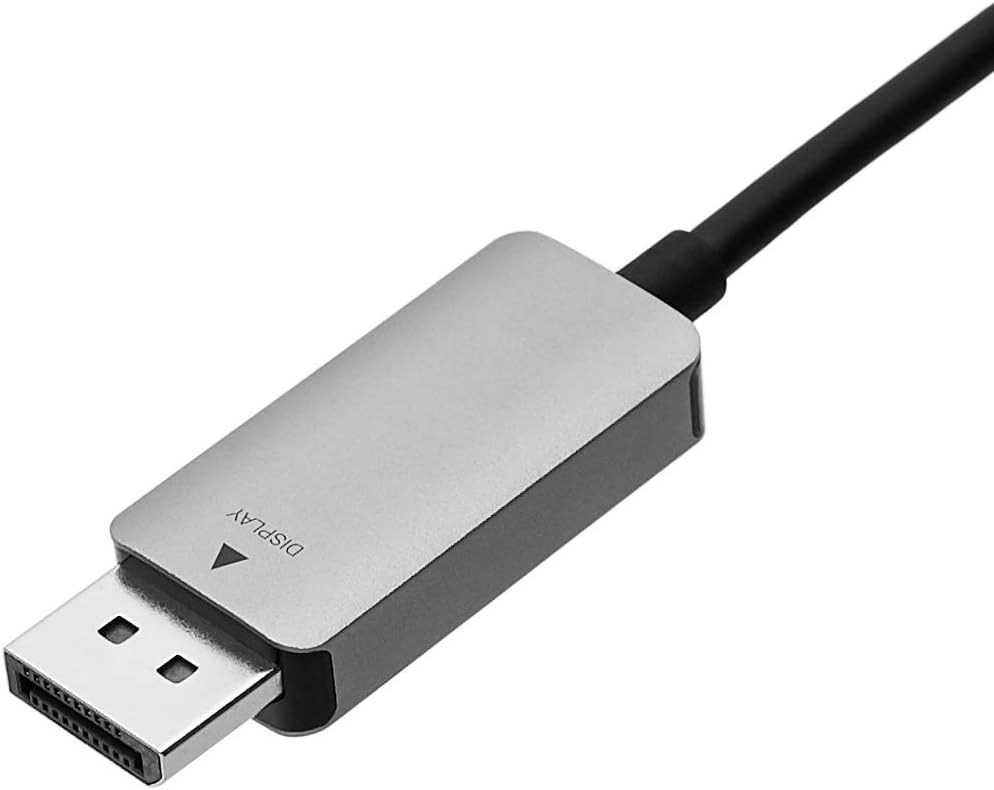
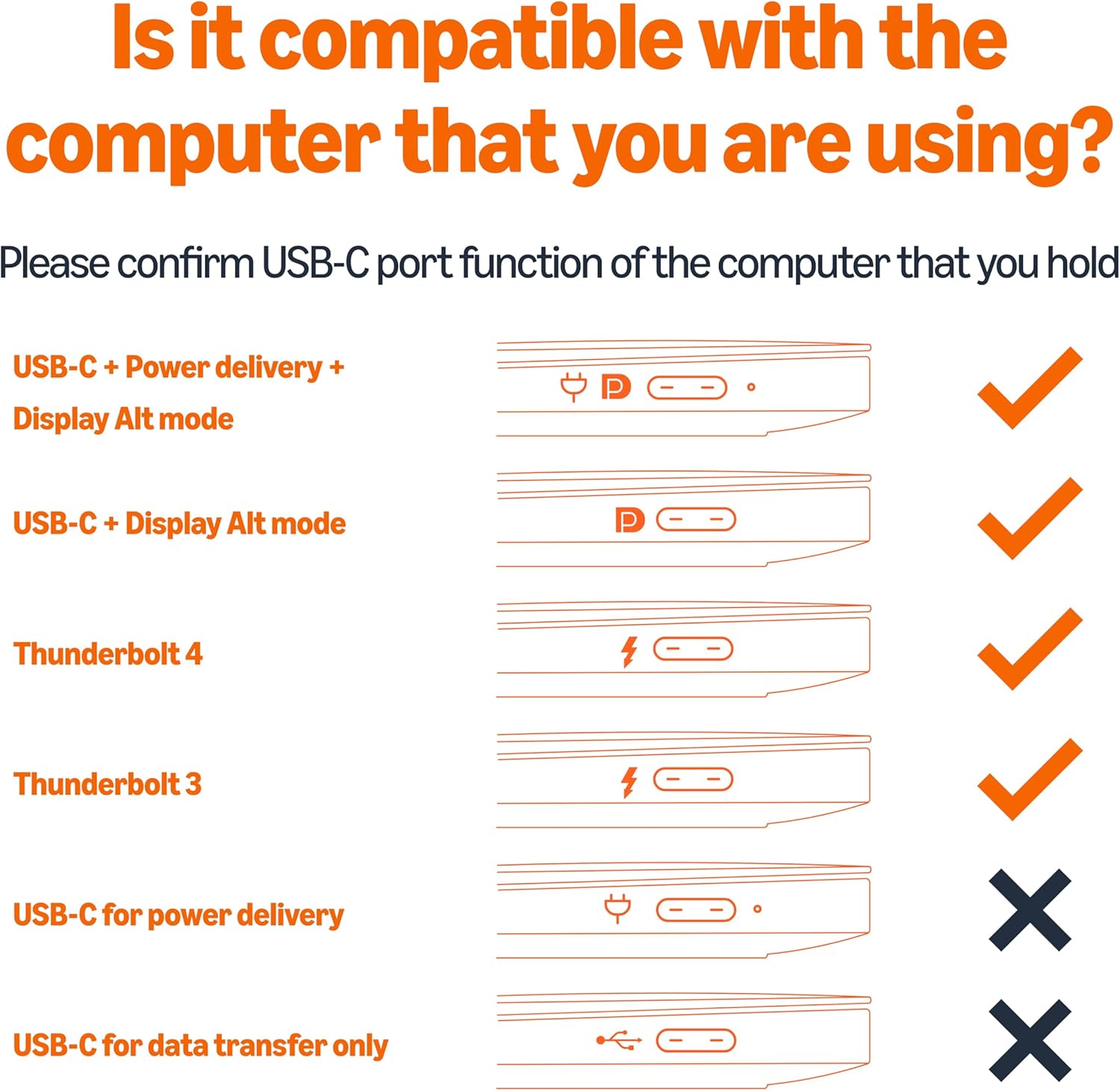
Ten seconds of caution can save you a wasted purchase. The host’s USB-C port requires DP 1.2 Alt Mode to show video. Not all USB-C ports support Alt Mode functionality, so if you’ve only got a USB-C port that’s data-only, this cable won’t magically turn it into video output.
Also, while the cable is described for up to 4K, the wording includes a 60Hz support detail as well. If your priority is the highest possible resolution at higher refresh rates, it’s worth being realistic and making sure your specific source device and display can do the same.
Who it suits (and who should skip it)
It makes sense if you already own a DP-enabled monitor/TV/projector and you have a USB-C device whose port supports DP 1.2 Alt Mode. People using a compatible laptop or tablet for work, media, or presentations often find this kind of cable the easiest route.
It might not be a great match if your USB-C port doesn’t support video output. In that case, you’d need a different connection approach (or a device/port that supports the right video mode).
Tech specs
- Type: USB-C (source) to DisplayPort (display) cable
- Format: Uni-directional
- Resolution support: up to 4K (3840×2160)
- Refresh rate: fast 60Hz (up to the stated support)
- Connection requirement: host USB-C port needs DP 1.2 Alt Mode for video
- Housing/material: aluminium
- Colour/finish: space-grey
- Cable length: 0.9m (3-foot)
- Plug-and-play: no adapter or driver/software needed (as described)
Buying verdict
It’s a solid pick if you’re trying to connect a compatible USB-C host to a DisplayPort display without extra adapters, and you want support for up to 4K with smooth refresh rates. The uni-directional design is also aligned with the most common use case: pushing video from your device to a screen.
You may want to skip it if you’re unsure whether your USB-C port supports DP 1.2 Alt Mode. That’s the one “stop” condition that will matter more than the cable itself. As long as your device and display both sit on the right side of that requirement, this cable is the kind of everyday accessory that tends to earn its keep.
Quick FAQ
FAQ
Does this cable work both ways? No—this is uni-directional, meant to send video/audio from USB-C to DisplayPort.
Will any USB-C port output to a DP monitor using this cable? Not necessarily. The host USB-C port must support DP 1.2 Alt Mode for video.
What kind of display can I connect it to? You can use it with DP-enabled displays such as an HDTV or 4K monitor, as described.
Do I need an adapter or software? The cable is advertised as plug-and-play, with no adapter or driver/software needed for the connection.
Is 4K supported? It’s described as supporting resolutions up to 4K (3840×2160). Whether you get your exact refresh rate/resolution combination will depend on the source device and display capability.