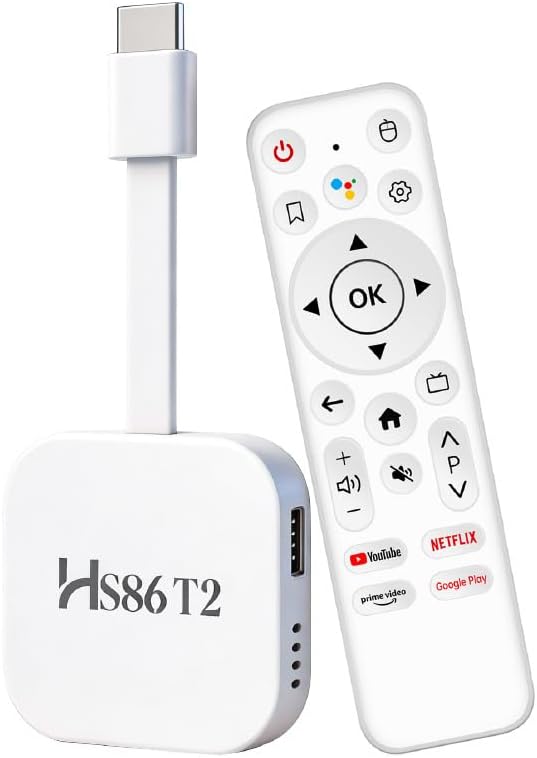
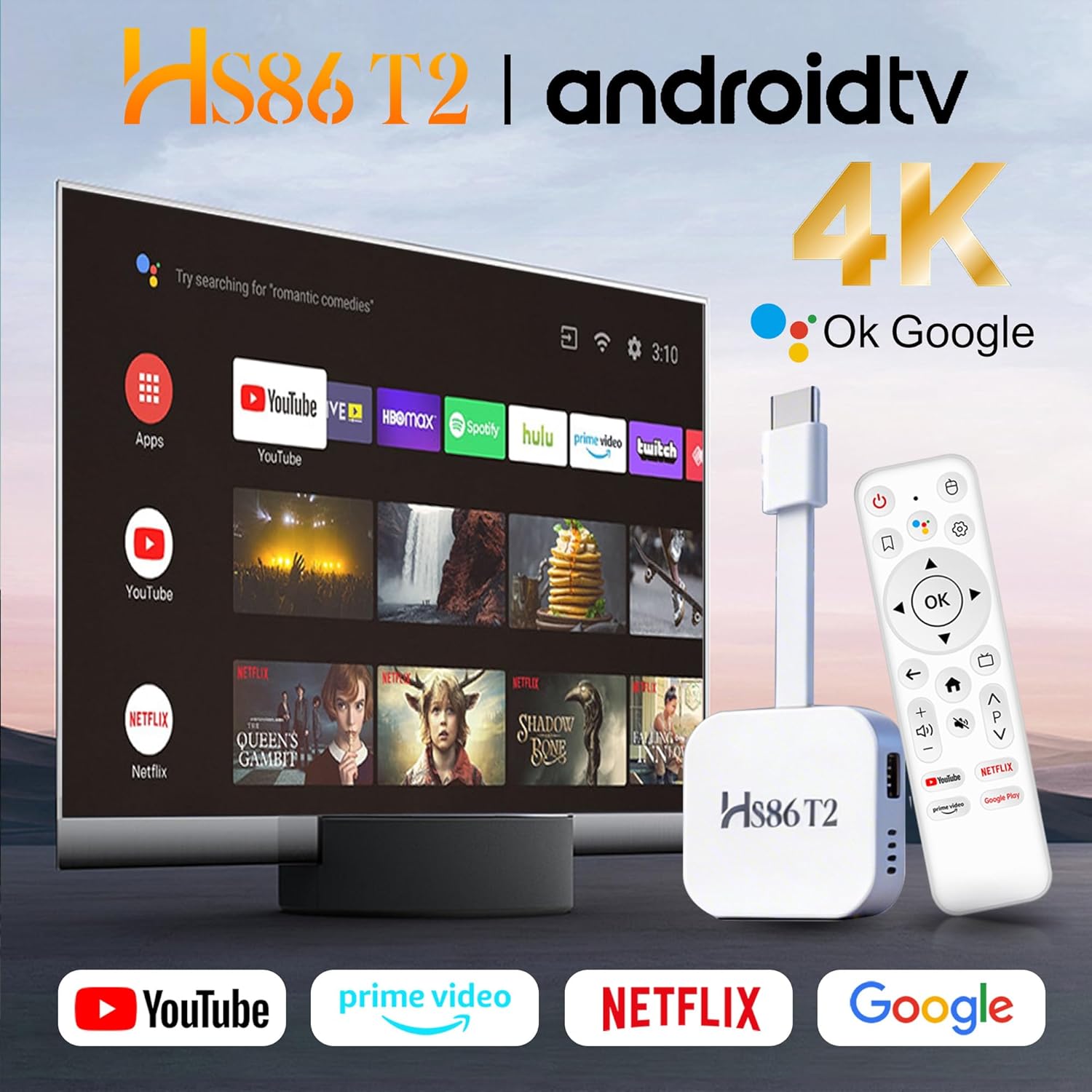
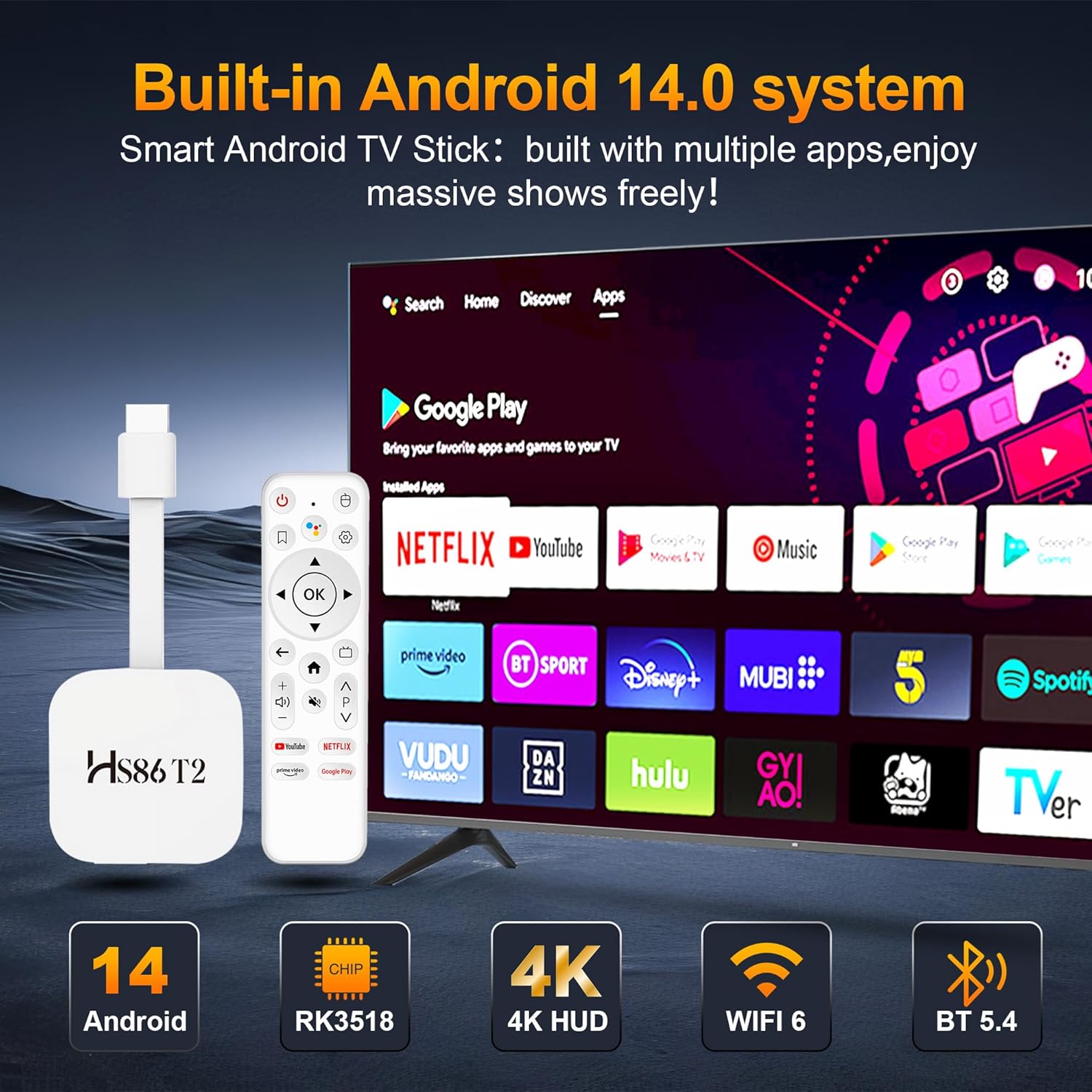
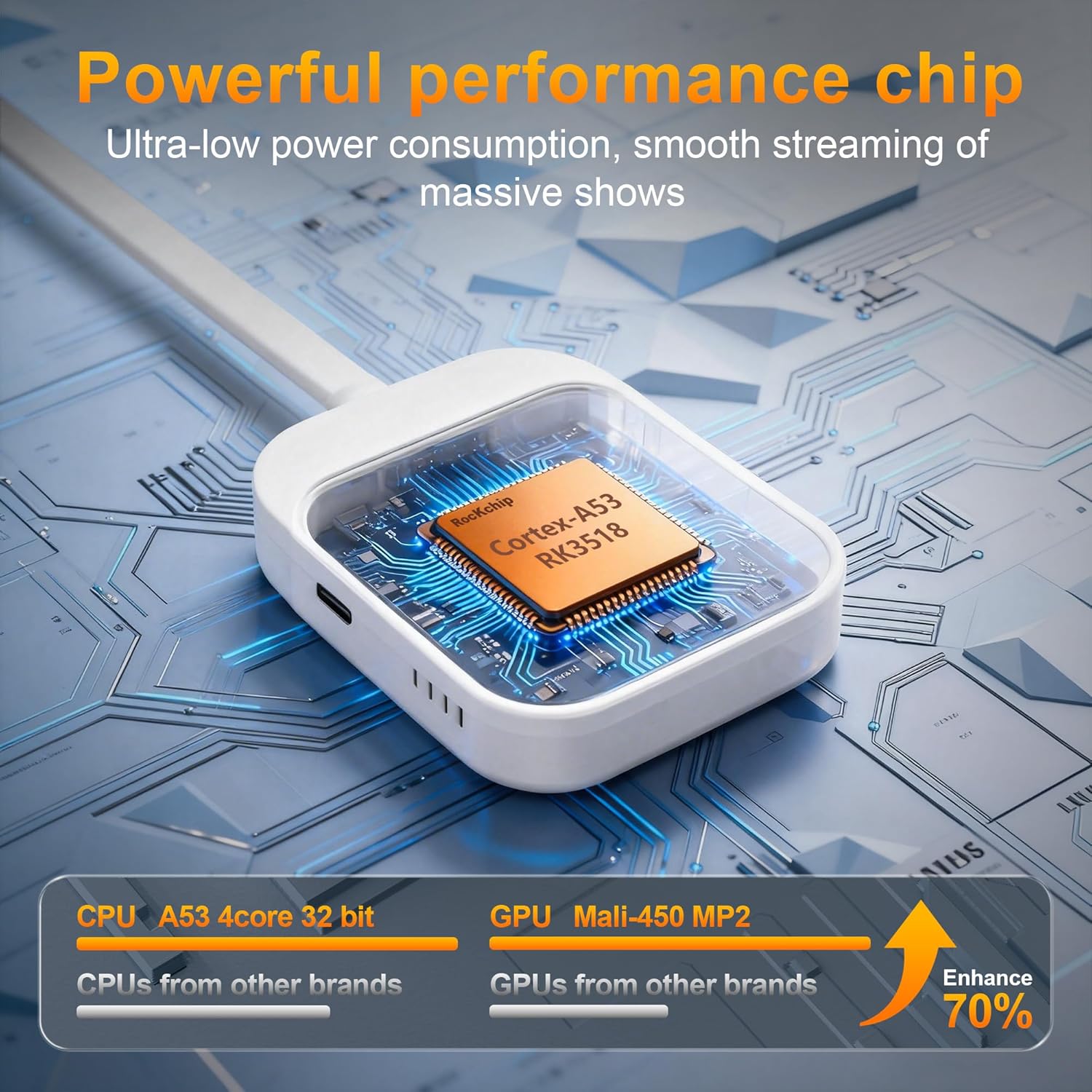
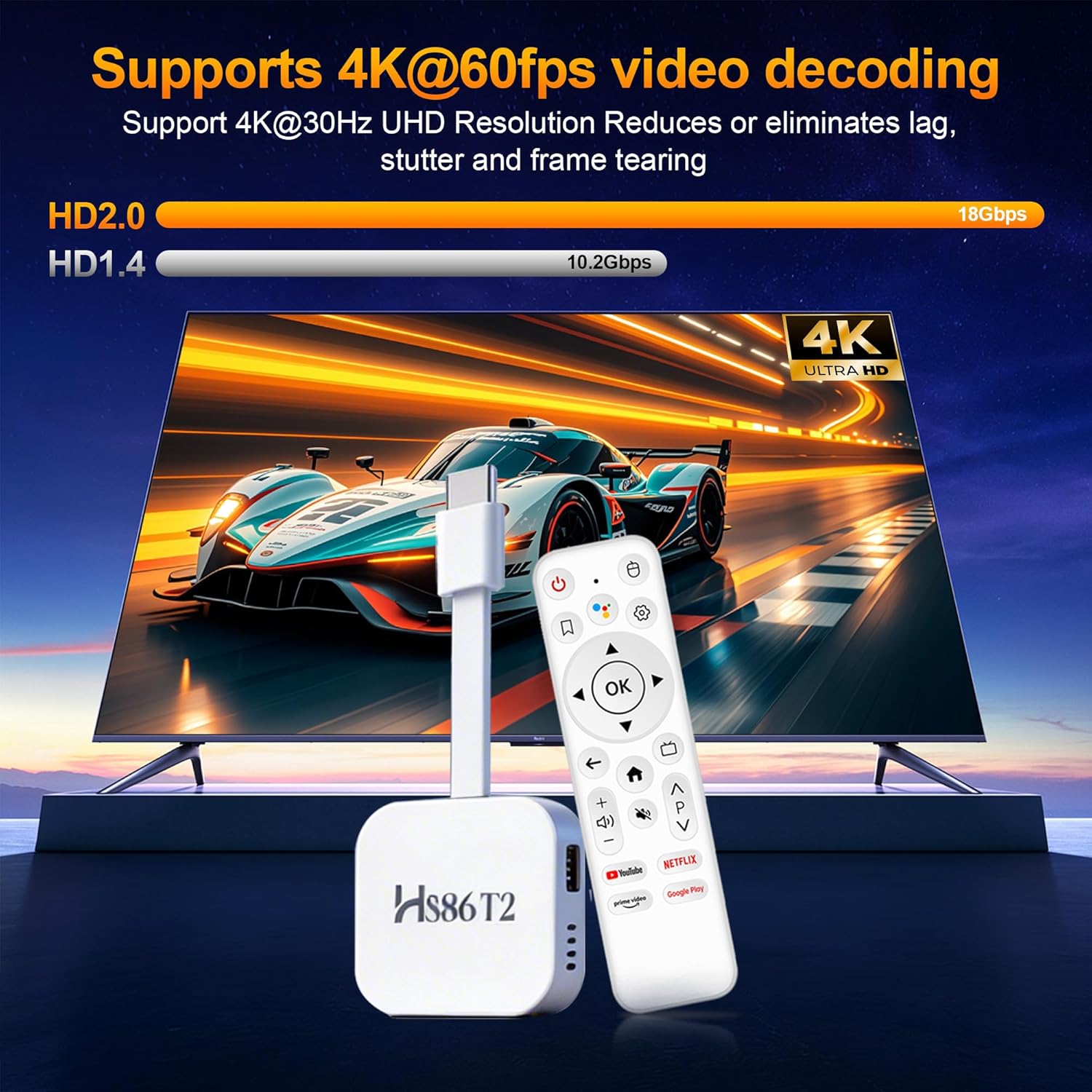
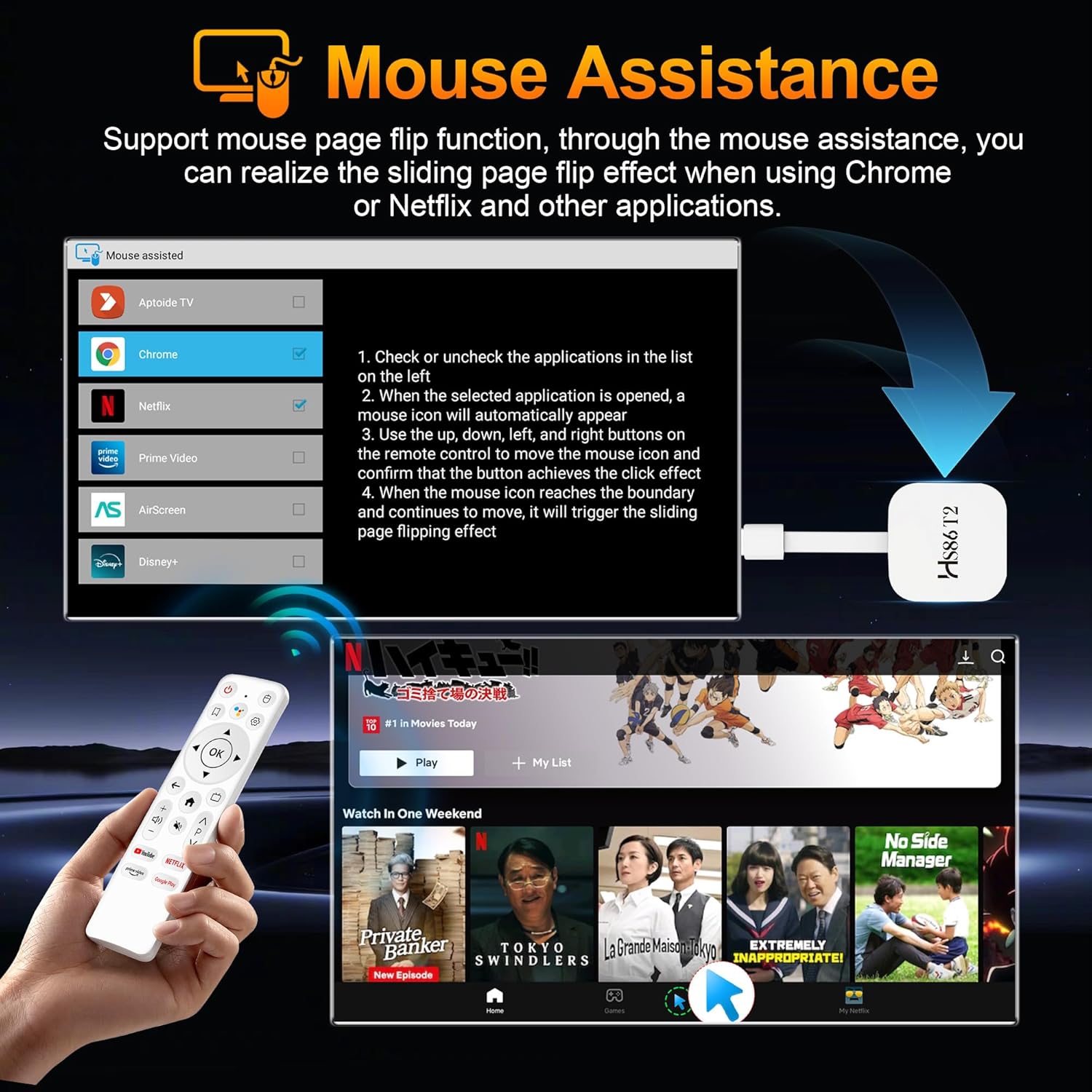
What this is and what it does\nThis Android 14.0 TV Stick is a compact streaming dongle designed to turn a non-smart TV into a smart entertainment hub. It runs Android 14.0, supports 4K Ultra HD playback and offers up to 2GB of RAM and 16GB of storage for apps, games and media. Powered by the RK3518 quad‑core Cortex‑A53 chipset with a Mali‑450 MP2 GPU, it aims to deliver smooth video playback and everyday app performance without needing a full media centre or console.\n\n## Performance and hardware in plain terms\nOn paper, the quad‑core ARM Cortex‑A53 CPU paired with Mali‑450 MP2 should handle basic multitasking, streaming and light gaming reasonably well. The 2GB RAM helps keep common apps responsive, while 16GB of internal storage provides space for a handful of video apps, streaming channels and family software. The Android 14.0 base is positioned as performance‑optimised, with features aimed at smoother launcher experience and improved HDR metadata handling for more detailed video output.\n\n## Connectivity and media capability\nDual‑band Wi‑Fi (2.4GHz and 5GHz) allows the dongle to pick the best connection in a given room, which matters for stable video playback and casual gaming. Bluetooth 5.4 broaden the range of peripherals you can pair, such as headphones, speakers or a game controller. The device supports 4K output, offering richer colours and sharper detail for compatible displays. A USB 2.0 port enables adding a mouse, keyboard or controller for easier navigation and input.\n\n## What stands out and what may fall short\nIf prior streaming sticks felt cluttered or slow to respond, the emphasis on a smoother home screen and faster data loading in this model is noteworthy on paper. The 4K support gives you future‑proof visuals on a compatible TV. However, with 2GB RAM, it may feel limited when running several apps at once or using heavier Android games. Storage at 16GB can fill quickly if you install many apps, so a microSD expansion (if supported) or selective app installation becomes practical.\n\n## Who this is suitable for\nIt makes sense for households seeking an affordable way to add streaming, web browsing and light gaming to a basic television. If you prioritise straightforward setup, decent app availability and 4K video, this stick offers a compact option without major hardware complexity.\n\n## Who might want to think twice\nIf you regularly multitask across many apps, or want a device with higher RAM, more storage, or stronger gaming performance, this model may feel a bit restrained. It’s also worth noting that real‑world 4K playback performance depends on network speed and app support, so expectations should be calibrated accordingly.\n\n## What to check before buying\nEnsure your TV has an HDMI input and that your network can provide reliable 5GHz Wi‑Fi if you intend to stream 4K video. Consider how much local storage you’ll need for apps and media, and plan whether you might want external peripherals (keyboard/mouse or gamepad) via USB 2.0 to improve navigation and interaction.\n\n## Practical use case in the real world\nImagine turning a tired living room TV into a family hub: you fire up a streaming app, cast a quick video, and switch to a light game or a photo slideshow while keeping a few tabs open in the background. The included Bluetooth support and USB input can make this feel closer to a mini‑media centre without the fuss of a full PC setup.\n\n## Quick comparison at a glance\nThis stick sits in the entry to mid‑range segment for Android TV dongles. If you already own a high‑end streaming device or need heavy multitasking and more internal storage, you may prefer a model with more RAM and bigger ROM. For many casual viewers, it’s a sensible, affordable upgrade from older streaming dongles or basic smart TVs.\n\n## Final thoughts on value and suitability\nIf you value a compact 4K capable dongle with Android 14.0, decent connectivity and a simple user experience at a reasonable price, this Android TV Stick is worth considering. It isn’t a performance powerhouse, but it is a pragmatic option for upgrading a non‑smart TV to a modern streaming device without a big outlay.\n\n## FAQ (quick answers)\n- Can it run Netflix in 4K? Real‑world streaming quality depends on app availability and network, check app compatibility for 4K on Android TV OS.\n- Will 2GB RAM handle multitasking well? It should handle everyday apps and casual use, but heavy multitasking may introduce some lag.\n- Do I need extra storage? If you plan to install many apps or store media locally, you may hit the 16GB limit sooner, consider light usage or external storage options where supported.\n