

64GB 15.6" Frameo WiFi Digital Photo Frame (Black) – 1920×1080 FHD Touch Screen, Auto Rotate, Wall Mountable
Product description
Key takeaways (quick overview)
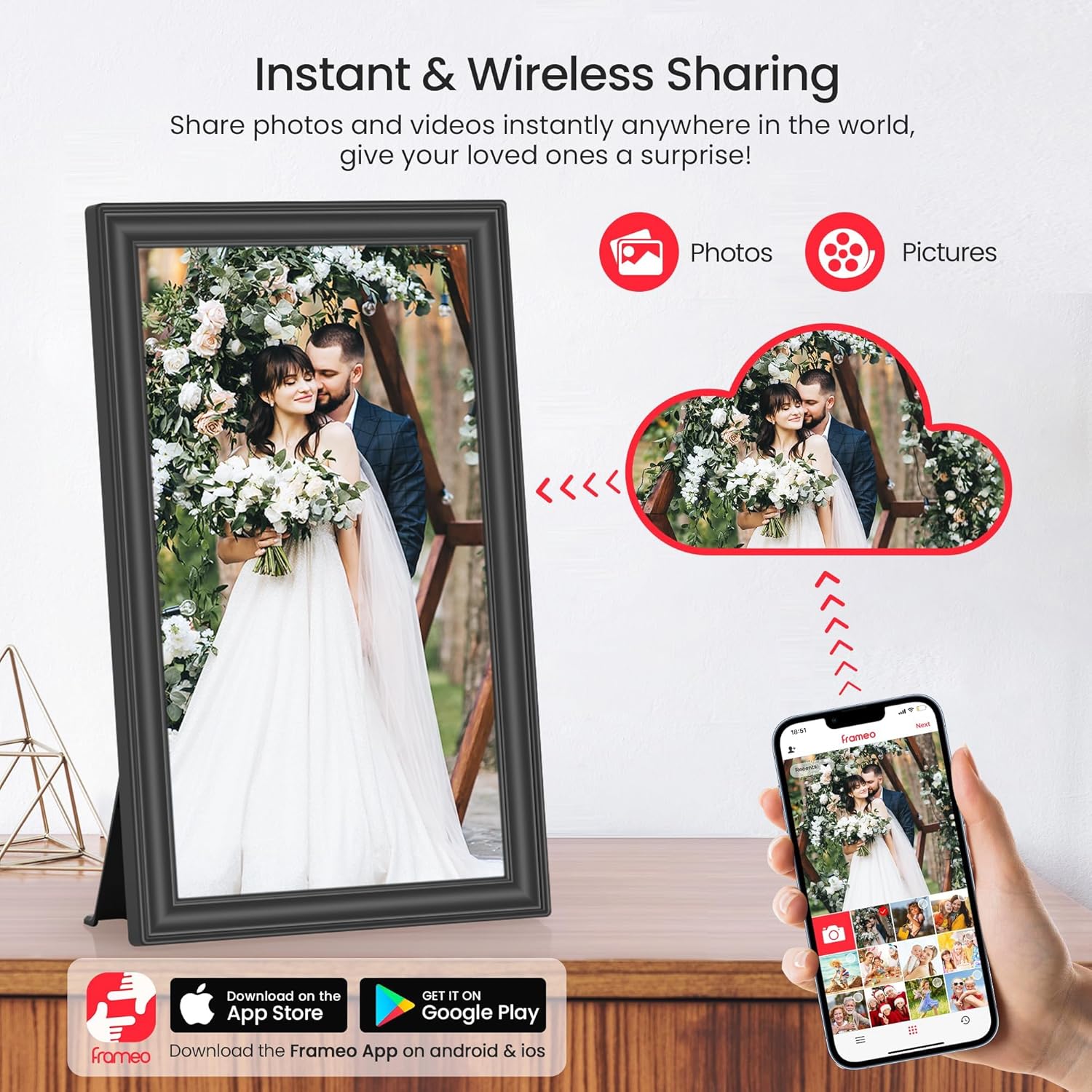
If you want a digital photo frame that’s more than just a slideshow on a desk, this 15.6" Frameo model leans into WiFi sharing and family-style collaboration. The setup is designed around using the Frameo app on your phone, and once it’s connected you can send photos (and certain short videos) without physically swapping the card.
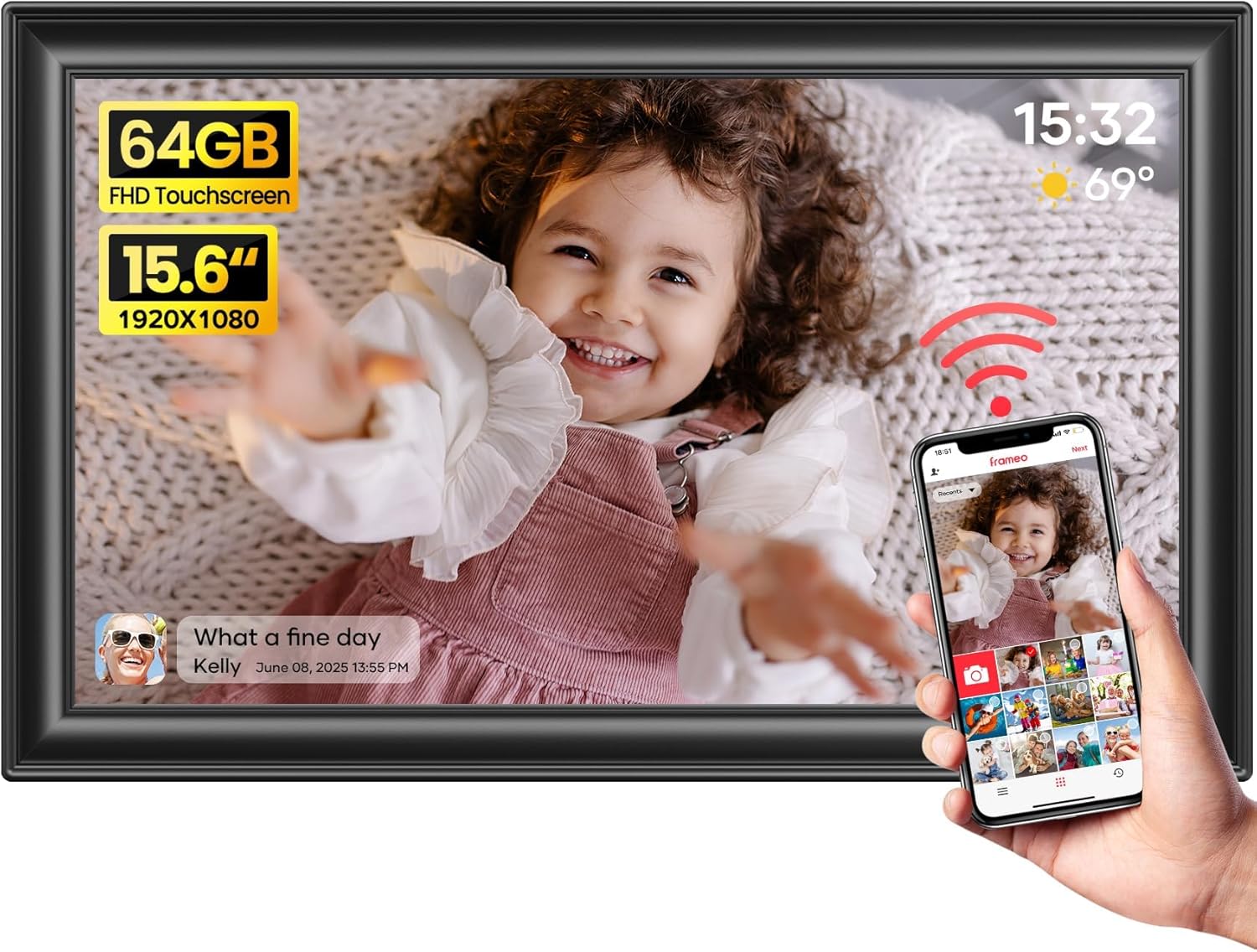
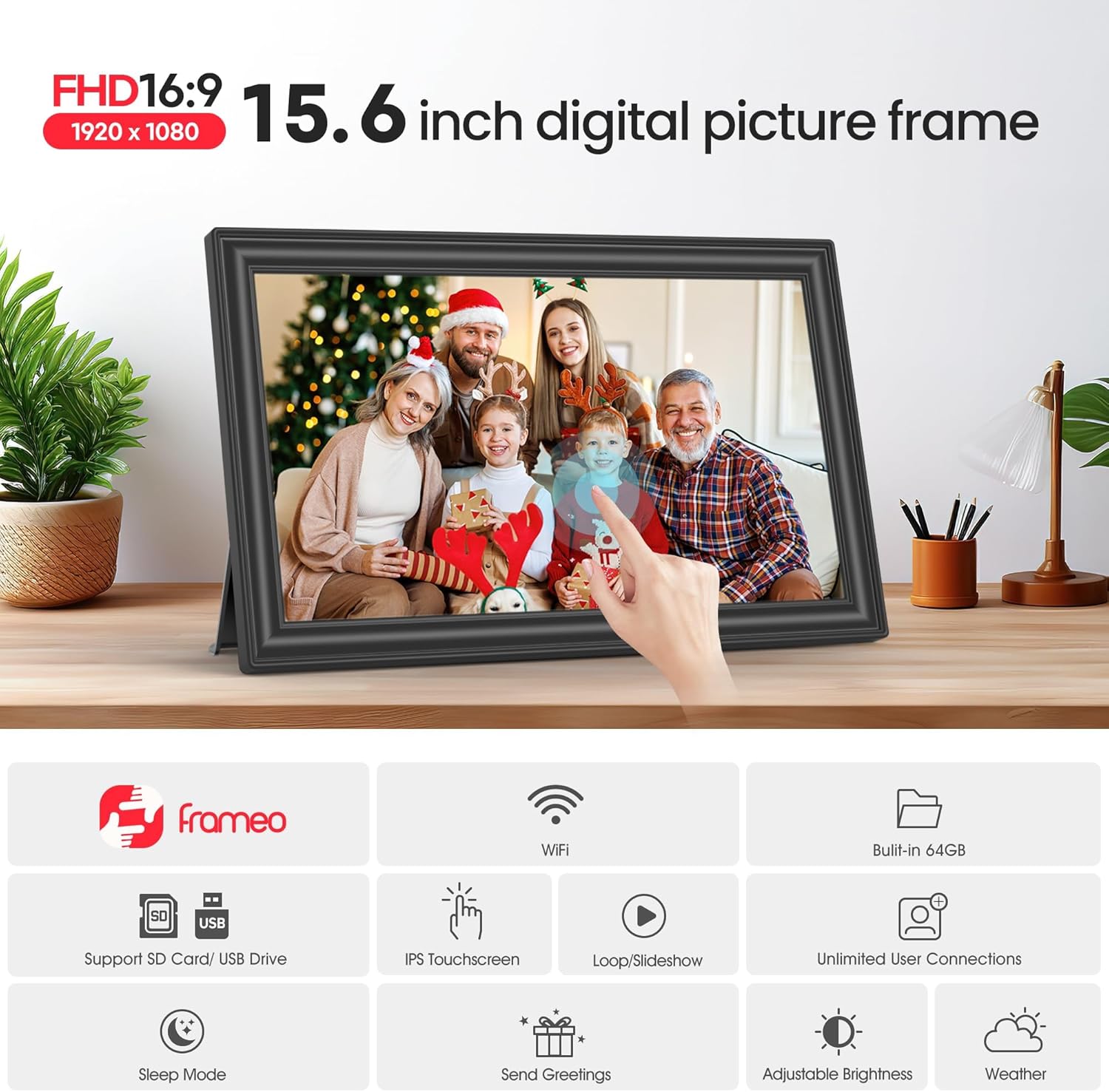
On paper, the big selling points are the large 15.6" FHD IPS touch screen, built-in 64GB storage (with roughly “about 100,000 photos” stated), and support for SD cards or USB flash drives for direct playback. The auto-rotation feature also helps if you’re deciding between portrait or landscape placement.
That said, there are some practical limits worth noting: video uploads via the Frameo app are capped at 15 seconds, and the storage compatibility guidance suggests sticking with FAT32 formatting and possibly smaller SD/USB sizes for better reliability.
Where it shines for everyday use
This frame is built for people who actually want to share moments, not just display them. A typical scenario: you’re away from home, you upload a couple of photos through the Frameo app, and the frame updates so everyone can see the newest pictures without waiting for a memory card to be passed around.
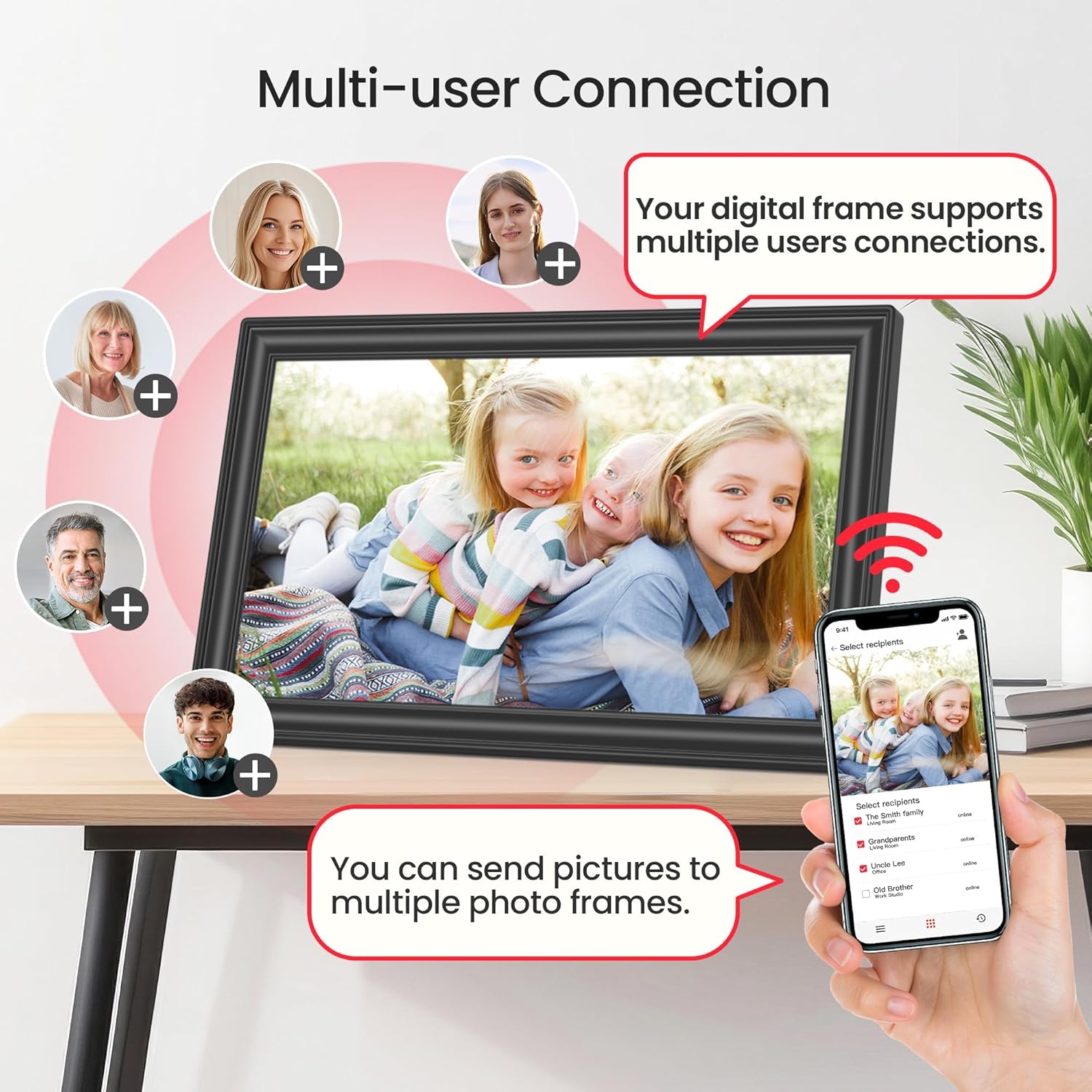
Because the app can bind multiple frames and you can add multiple people to your frame, it’s also aimed at households where more than one person contributes. For example, a parent could send weekend photos, while a relative adds birthday shots later—no need to keep re-importing everything manually.
The “react” interaction and greetings features add a bit of personality too. They’re not essential for a frame to work, but they make the experience feel less like a silent screen.
The essentials: display and playback formats
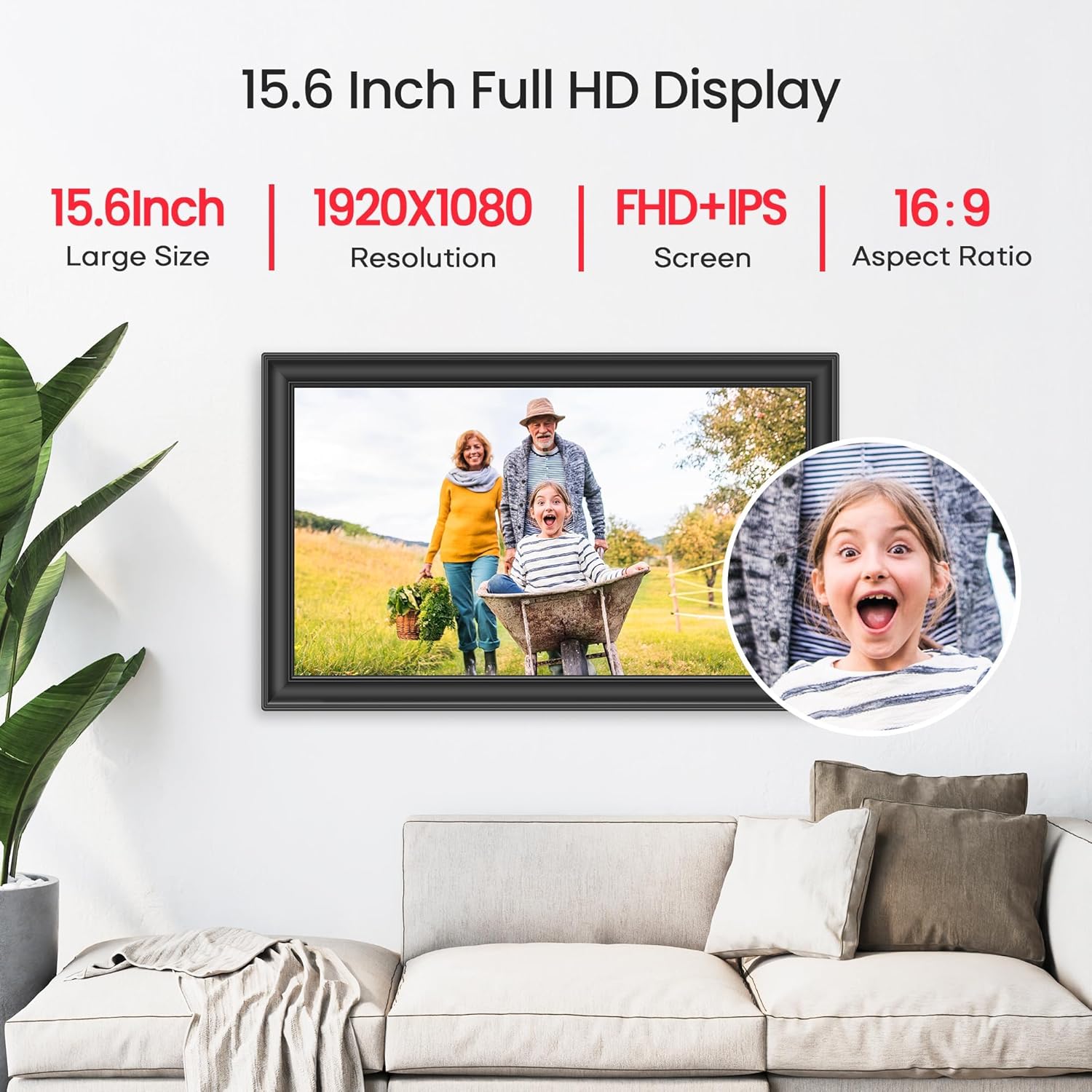
The 15.6" touch screen is specified as a full-view IPS display at 1920×1080 FHD resolution. The touch controls are there to make setup and day-to-day navigation less fiddly than with non-touch frames.
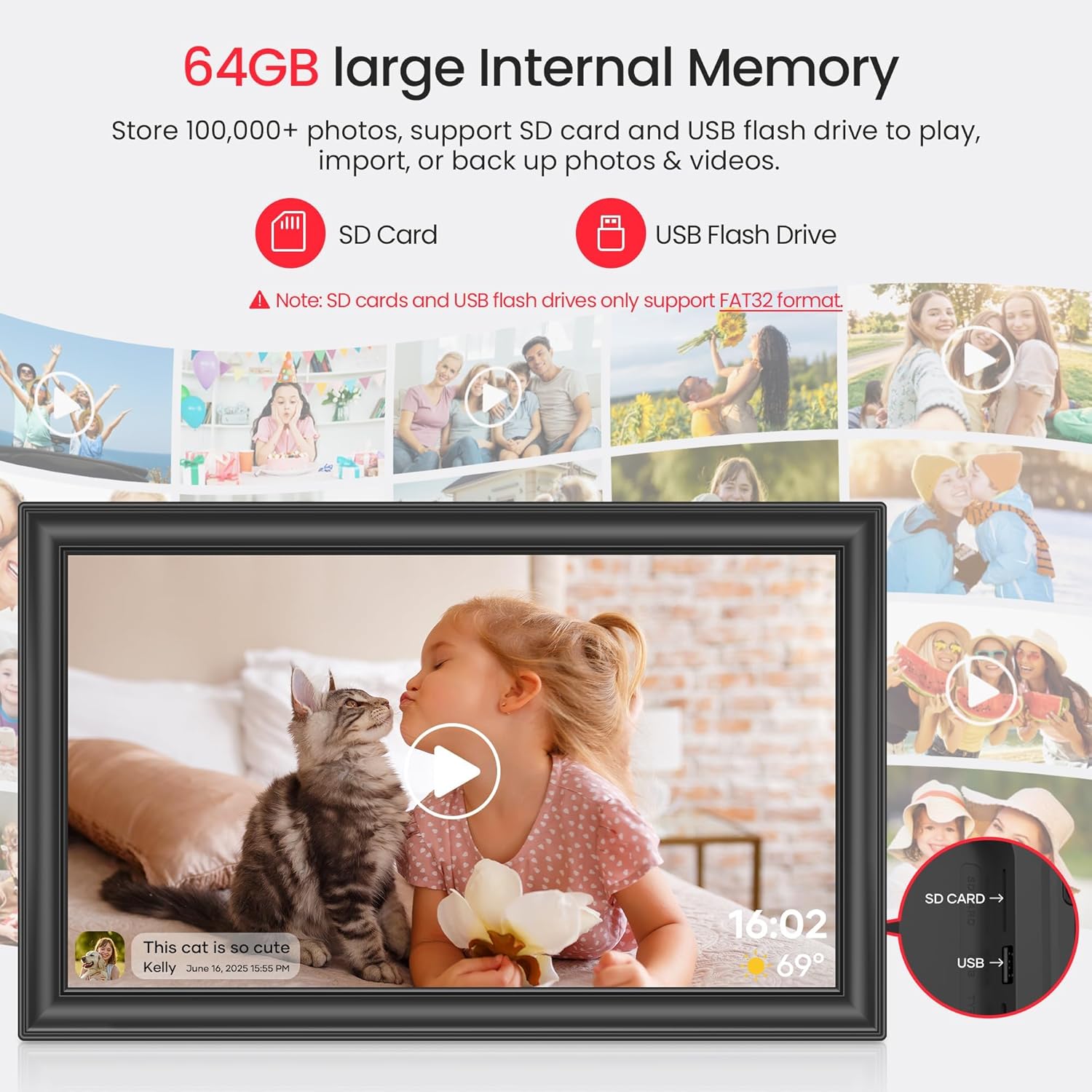
For media support, the frame accepts photos in JPG/JPEG/BMP/PNG and videos in MP4. It also supports direct playback from SD card and USB flash drive “without importing”, which can be handy if you prefer to load media offline rather than rely on WiFi every time.
Storage, expansion, and compatibility points
The frame includes 64GB built-in storage and can also work with SD cards or USB flash drives for importing/exporting/backup and expanding storage. The instructions specifically mention that SD card/USB flash should be in FAT32 format before use.
There’s also a compatibility note that could matter depending on what storage you already own: for better compatibility, it recommends using a 32GB SD card/USB flash, as 64GB and 128GB options “may not work properly” with the frame.
So if you already have a larger drive to hand, it’s worth checking how it’s formatted (FAT32) and whether the recommended size guidance affects your choice.
What you’ll notice day to day (features in context)
A few features here are clearly meant to smooth the experience:
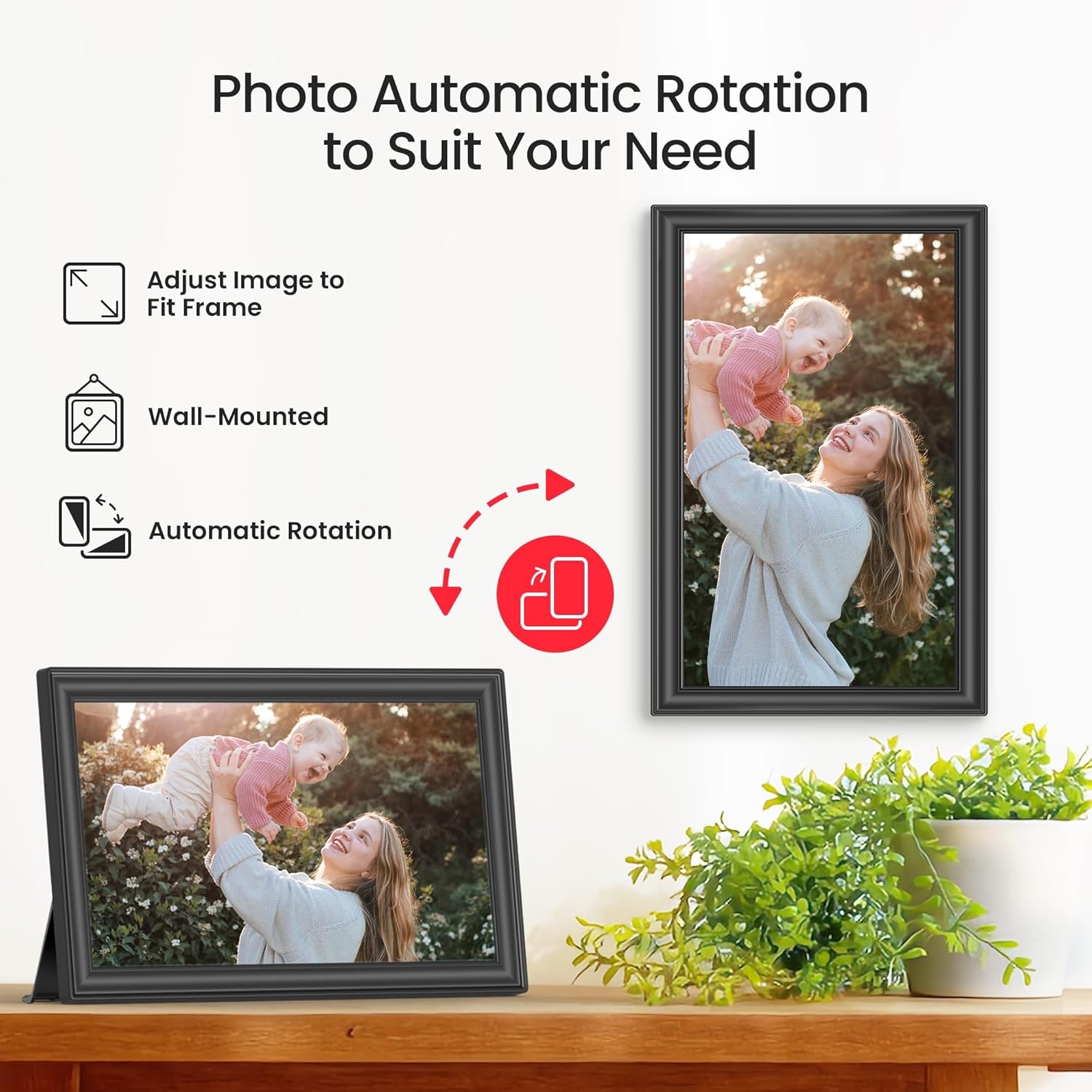
- Auto Rotation: it can automatically rotate photos horizontally or vertically depending on how the frame is placed. That reduces the “did I upload the right orientation?” hassle.
- Wall mountable plus detachable stand: you can place it on a desk using the stand, or hang it on the wall using the included screw.
- Videos with sound: videos can be played with sound, and you can upload via the Frameo app.
But the video approach is not unlimited. The notes state there’s no time limit for videos uploaded via the SD card, while the Frameo app only allows uploading videos of 15 seconds. If video storytelling is important to you, that difference can be a deal-maker or a deal-breaker.
Who it suits best (and who should skip it)
It’s a good fit if you’re buying a frame for shared viewing—family members adding photos remotely—rather than just displaying your own archive. It also suits you if you like the idea of a larger 15.6" screen for easier viewing from a distance in a living room or kitchen.
You may want to skip it if you mainly care about long-form video uploads through the app, since uploads are limited to 15 seconds. It might not suit you either if you’re planning to use a large SD/USB drive without checking the FAT32 format and the size compatibility note.
Is it worth it?
Worth considering if you want WiFi photo sharing with a big IPS FHD touch display, plus the option to use SD card or USB flash for direct playback and video with sound. The 64GB built-in storage and “about 100,000 photos” claim could also appeal if you want less frequent maintenance.
But if your priority is heavy video viewing via WiFi with long clips, the app limit is a constraint you should factor in early. And before you buy, double-check your intended SD/USB format (FAT32) and whether your drive size lines up with the recommended guidance for best compatibility.