

Adobe Acrobat Pro | 1 Year – PC/Mac (Digital Download) with Activation Code by Email
Product description
What it is
Adobe Acrobat Pro for 1 year provides a single hub to create, edit and manage PDFs on both PC and Mac. Delivered as a digital download with an activation code by email, it aims to streamline document workflows with one app rather than juggling multiple tools.
What it does
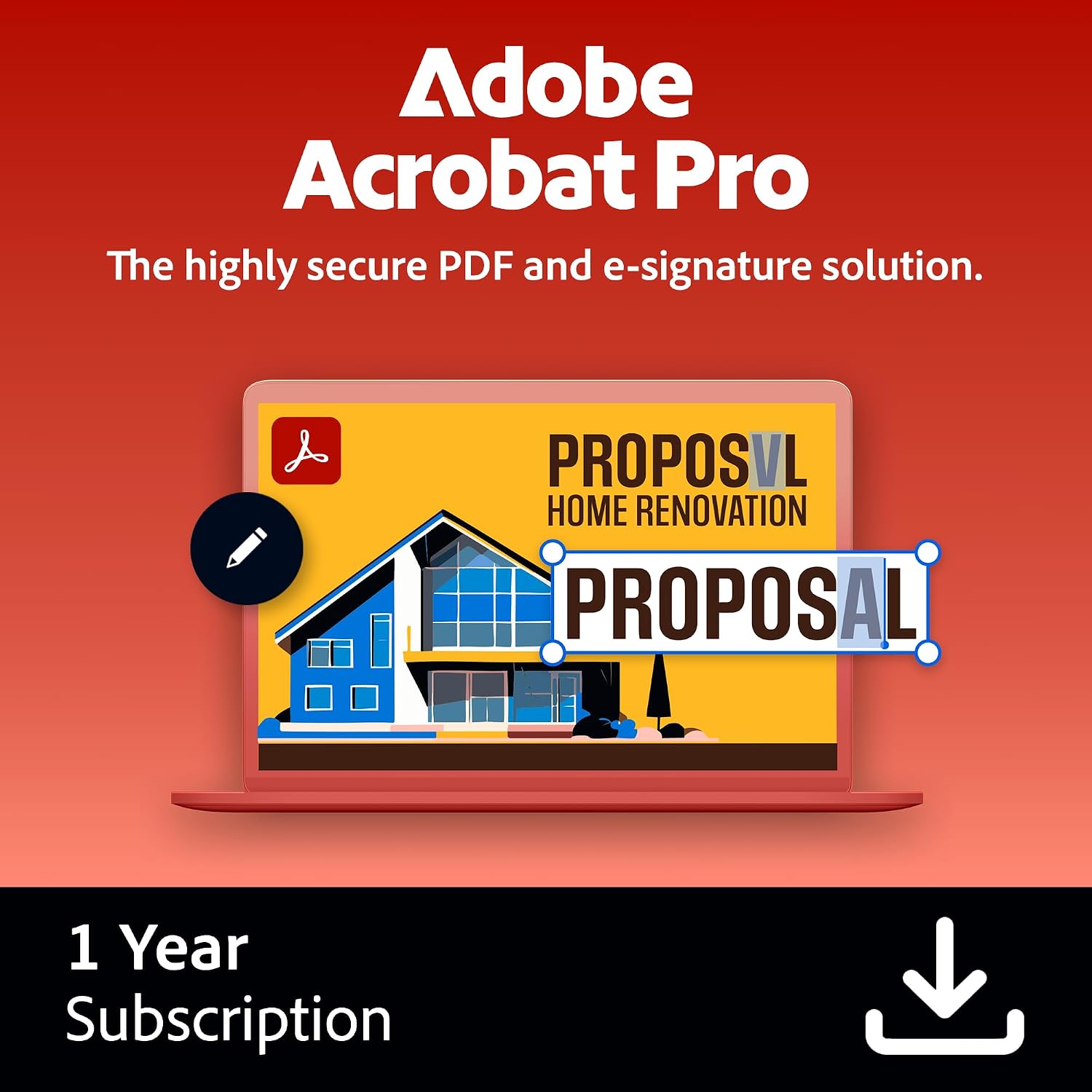
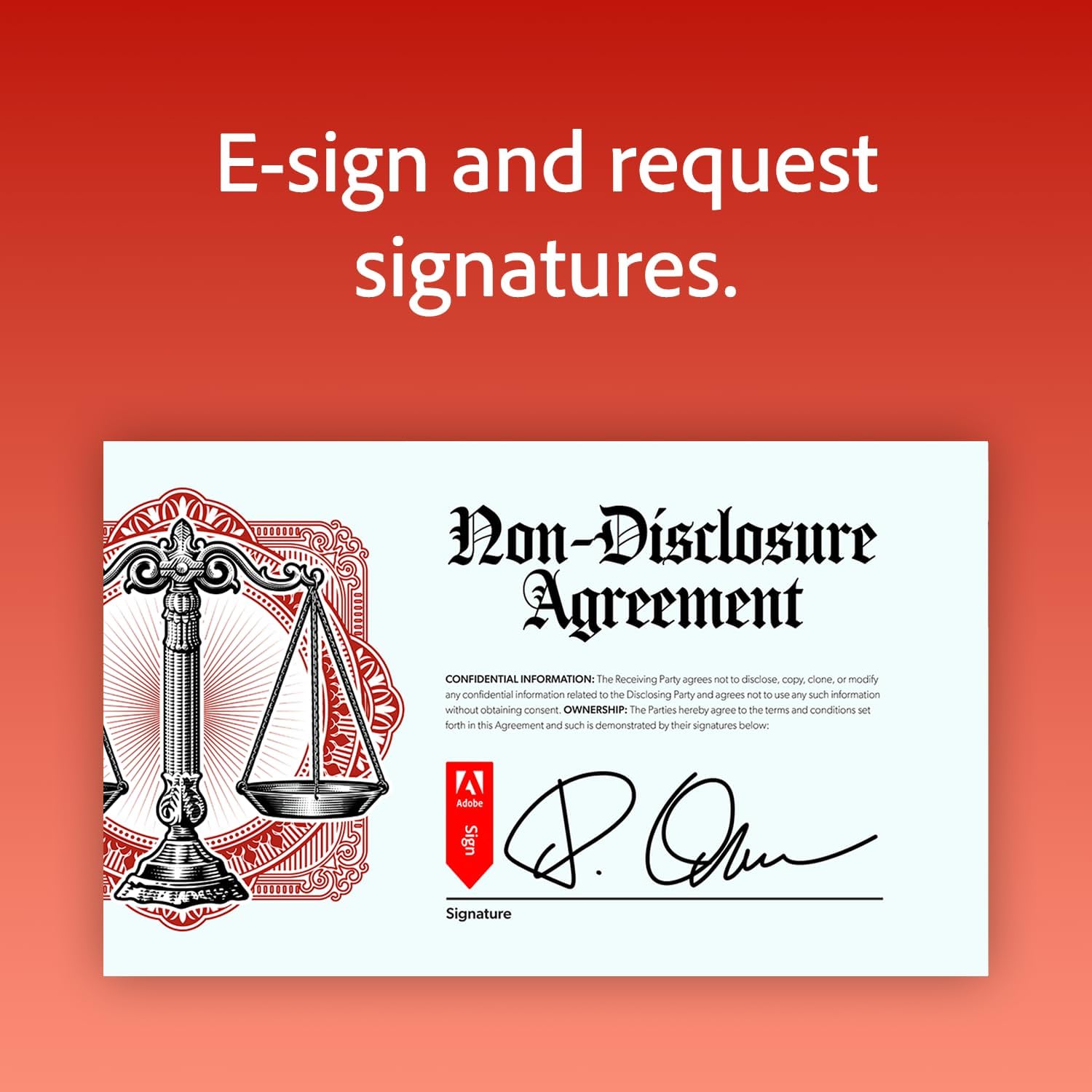
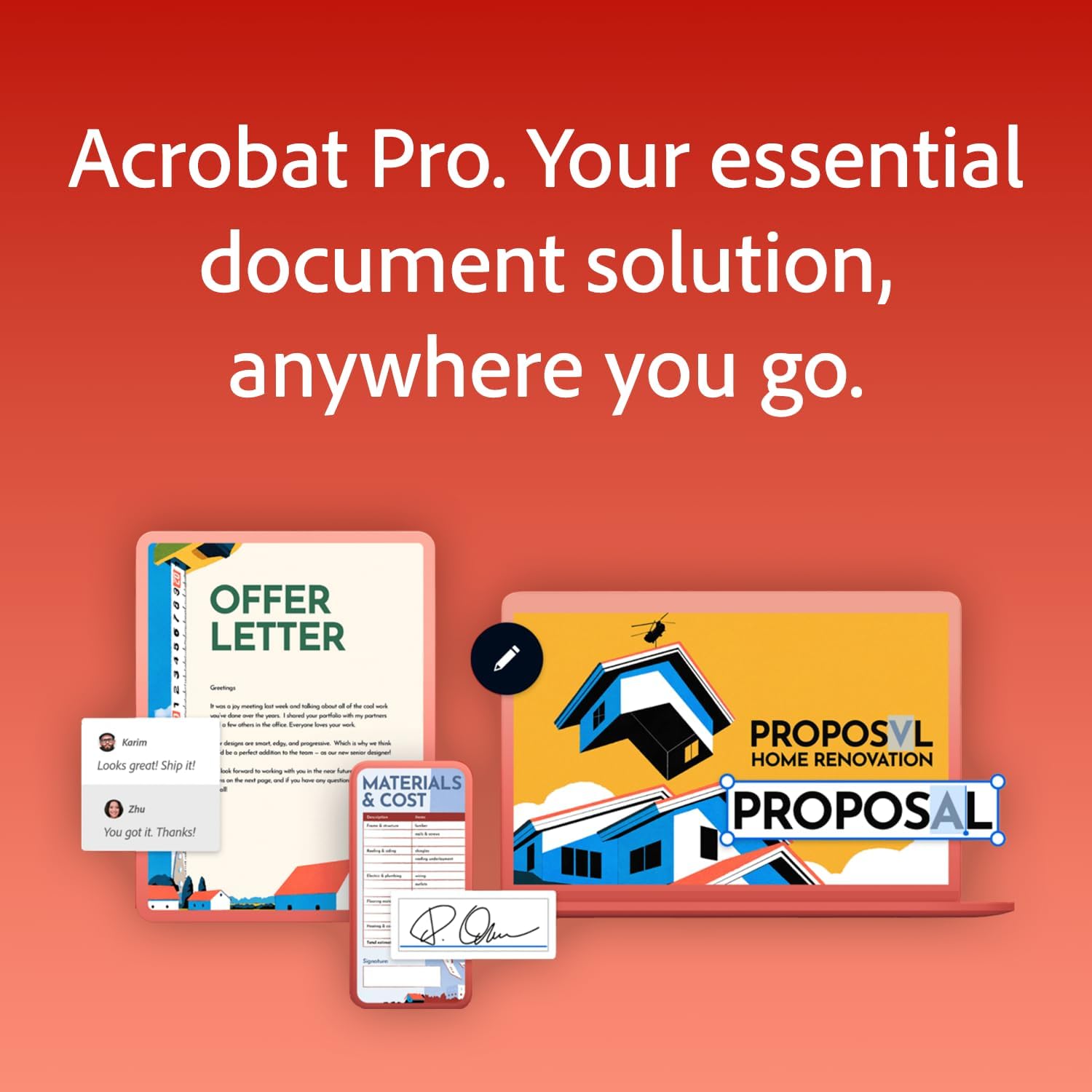
On the surface, it lets you edit text and images directly in PDFs, convert PDFs to editable Word, Excel or PowerPoint formats, and share for collaboration with built-in commenting and review features. You can request e-signatures or have recipients sign without requiring login, and you can add password protection to safeguard sensitive content. The suite supports filling out forms, creating editable PDF forms, and organising the document by removing or inserting pages as needed.
What stands out
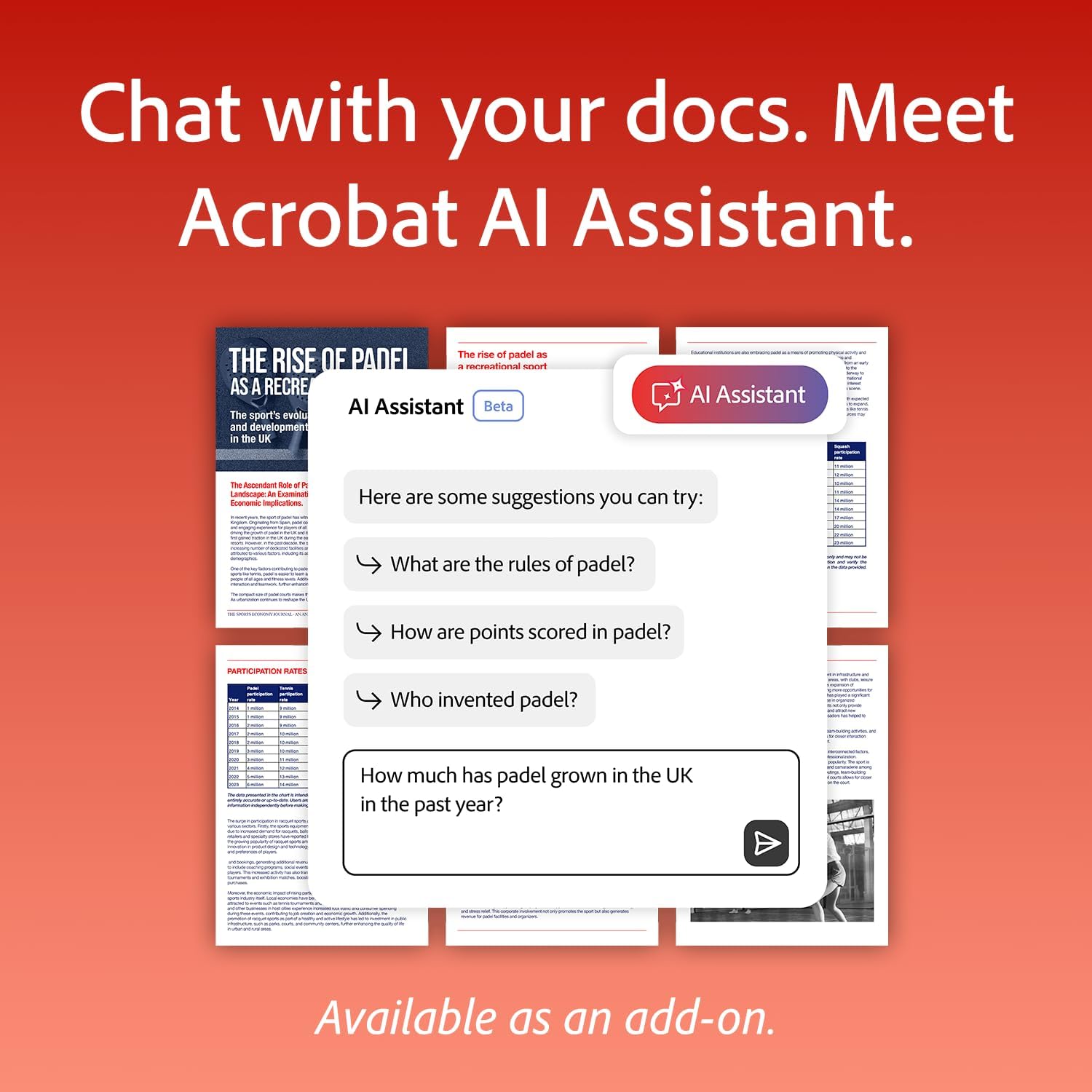
On the paper, the integration of editing, signing, and form creation in a single application is convenient for daily document tasks. The ability to sign on any device without forcing signatories to log in can speed up approvals. The option to add an AI assistant as an add-on for summaries and quick answers may help with quick turnarounds, though availability and usefulness depend on whether you opt into that extra feature.
Pros
- All major PDF tasks handled within one app (editing, signing, form creation, and collaboration).
- E-signature flow that doesn’t require recipients to log in, simplifying external approvals.
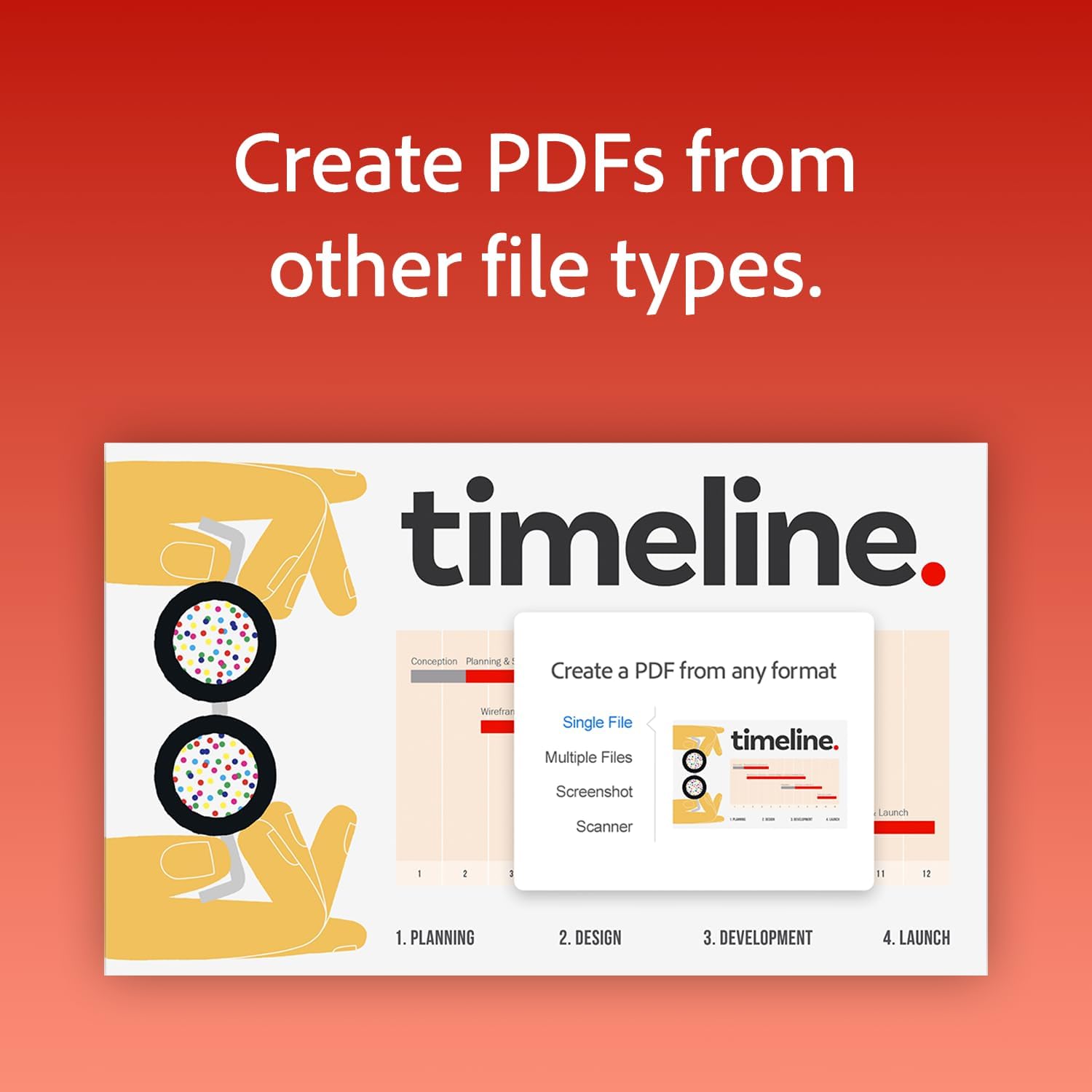
- Ability to convert PDFs to Word, Excel, and PowerPoint while preserving structure where possible.
- Password protection helps safeguard sensitive documents.
- Flexible for both PC and Mac users, digital delivery avoids physical media.
Cons / Limitations
- It’s a 1-year licence, so long-term or permanent access would require renewals or alternative licensing.
- Some advanced editing or automation features may feel basic compared with standalone desktop tools, depending on your needs.
- The AI Assistant add-on is optional, its value hinges on usage and availability.
- The suite is broad, which might be more than you need if your use is limited to simple viewing or basic changes.
Who it’s for
- Professionals who regularly produce, edit and share PDFs and need a central tool for editing, signing and form management.
- Teams requiring straightforward collaboration and review cycles with comments and annotations in one place.
- Users who value integrated e-signature workflows without requiring all respondents to have accounts.

Who it’s not for
- If you only need occasional PDF viewing or minimal editing, there may be cheaper or simpler options.
- If you require perpetual licences, this 1-year plan won’t suit long-term ongoing needs.
- If you rely heavily on advanced PDF automation or niche features, you might outgrow the base feature set.
When it makes sense to buy
- You’re starting or scaling a workflow that involves distributing, collecting, and signing PDFs frequently.
- Your documents benefit from in-app commenting, easy signatures on any device, and the ability to repurpose content by converting PDFs to Word/PowerPoint.
- You want a single, compatible tool for both PC and Mac environments and you’re comfortable with a one-year licence model.
What to check before buying
- Confirm you need access across both PC and Mac and that a 1-year licence aligns with your planning.
- Consider whether the AI assistant add-on will be useful for your typical tasks.
- Think about the level of form creation and data capture you require, if your forms demand advanced features, plan for potential gaps.
- Review how the password protection and sharing permissions fit your security policies.
Alternatives and how this compares
- If you primarily editor and sign documents in a small team, Acrobat Pro’s consolidated approach may beat using separate tools for editing, signing, and form creation.
- For heavy batch processing or enterprise deployments, you might weigh perpetual licences or more specialised PDF toolkits instead of a yearly plan.
Final verdict
Worth considering if you prioritise an all-in-one PDF solution with editing, e-signing on any device, and straightforward sharing. It’s a pragmatic choice for users who need a single app on PC and Mac, though you should factor in the 1-year term and assess whether the core features meet your day-to-day needs without rushing into add-ons.
FAQ
- Can I reuse documents across devices after activation? Yes, the activation code enables access on multiple devices within the license terms.
- Is online collaboration required for comments and reviews? Commenting and collaboration features are built into the app, recipients can review without extra logins for e-signing.
- What happens after the 1-year licence ends? Renewal or alternative licensing would be needed to maintain access and features.