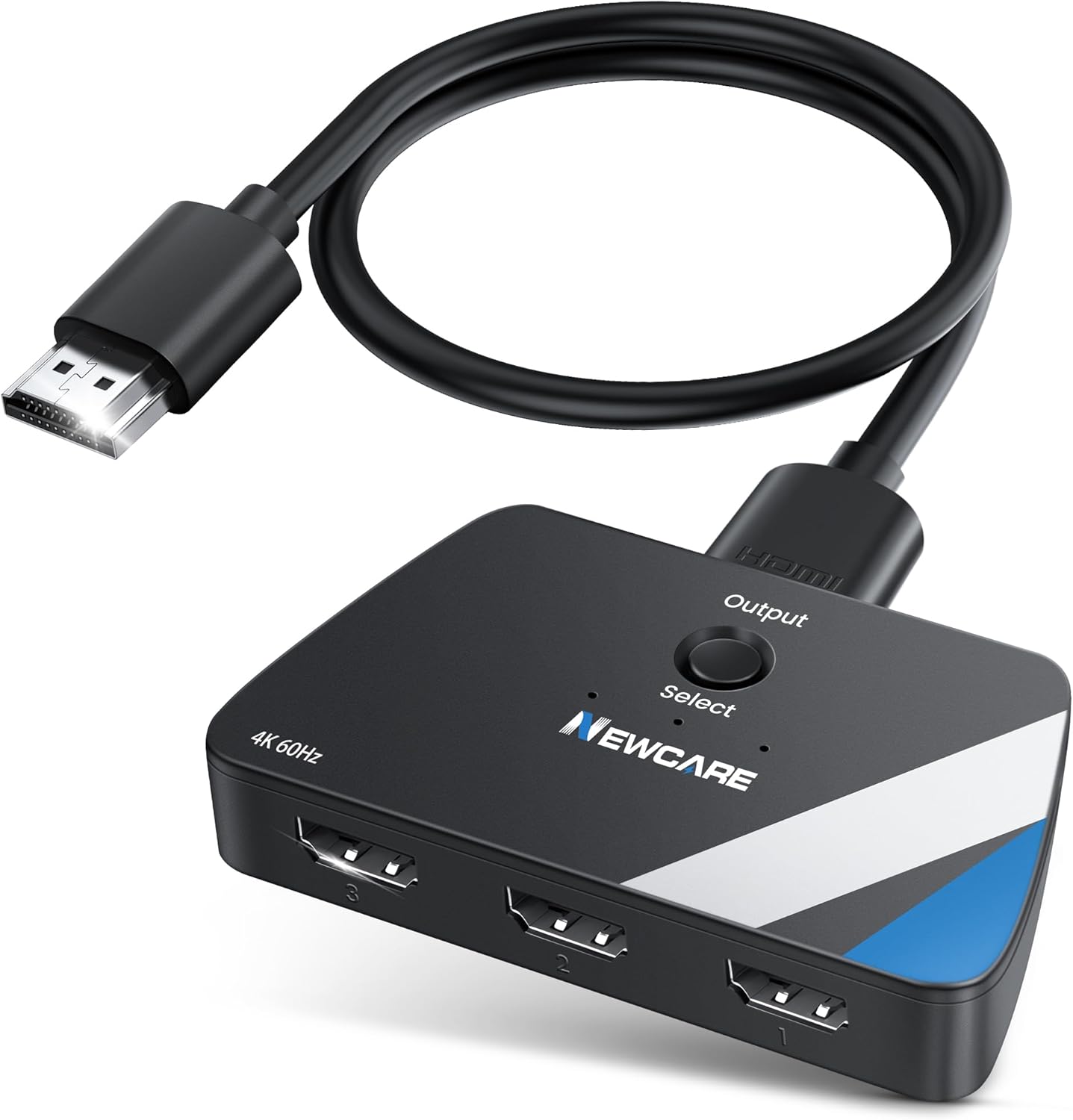
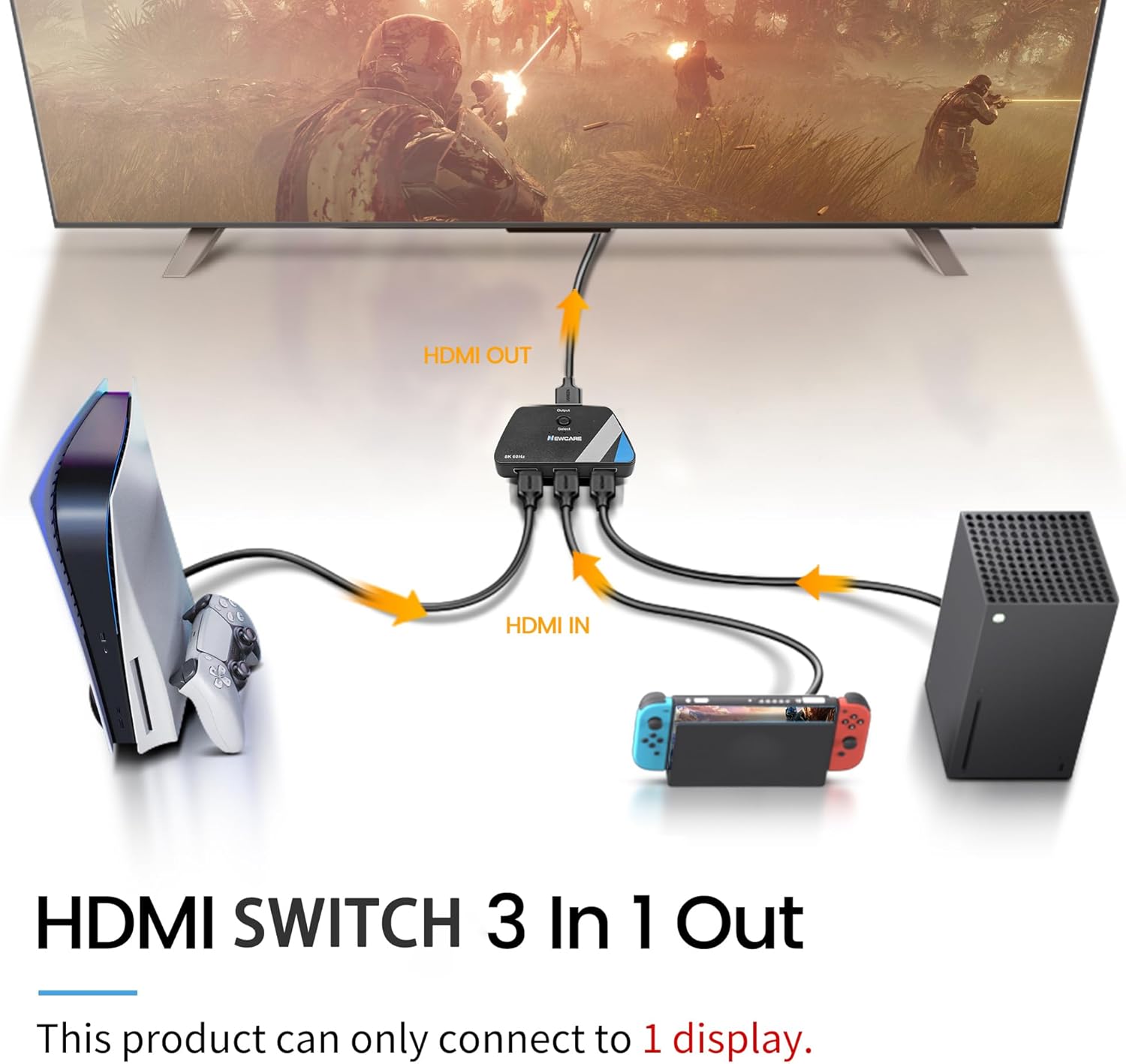
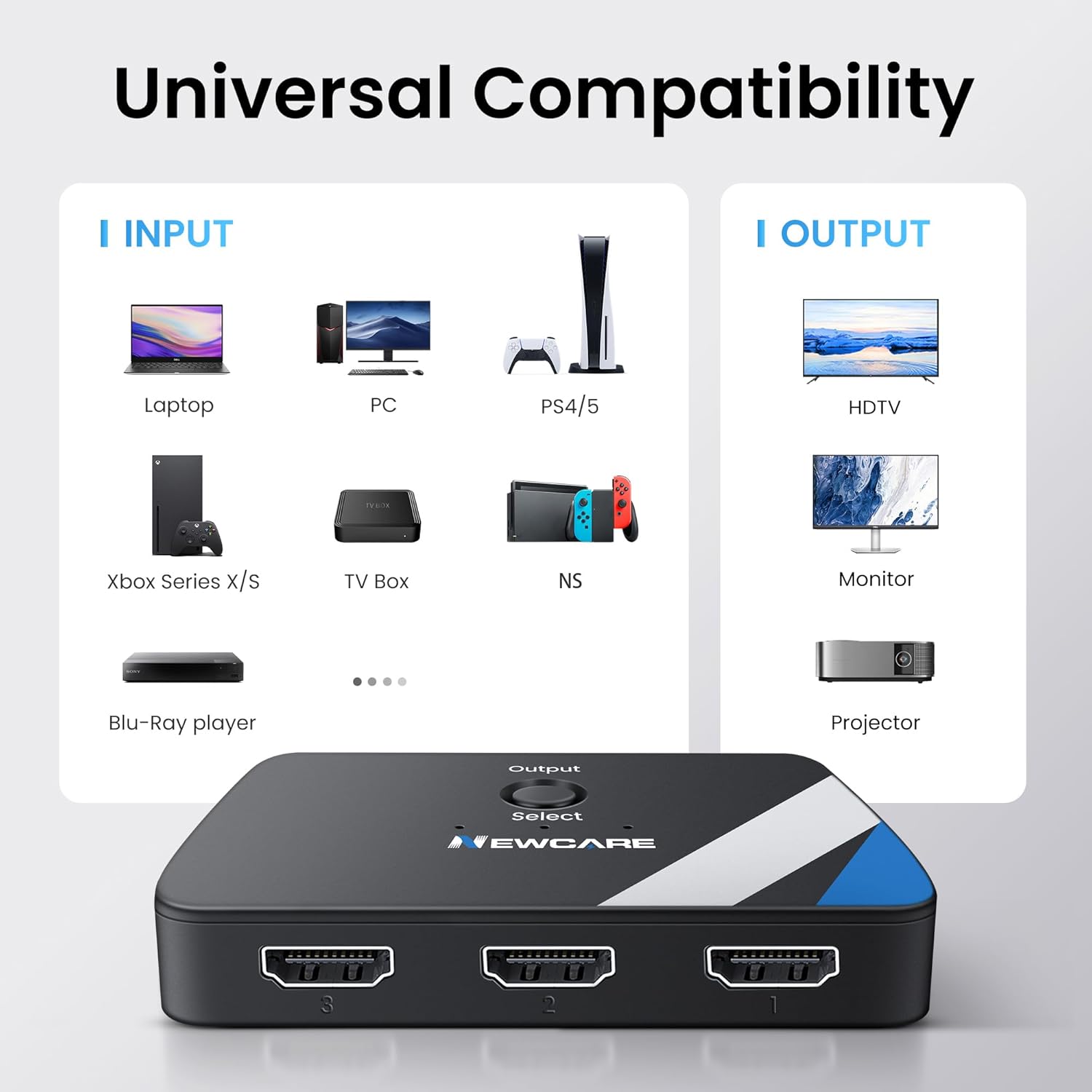
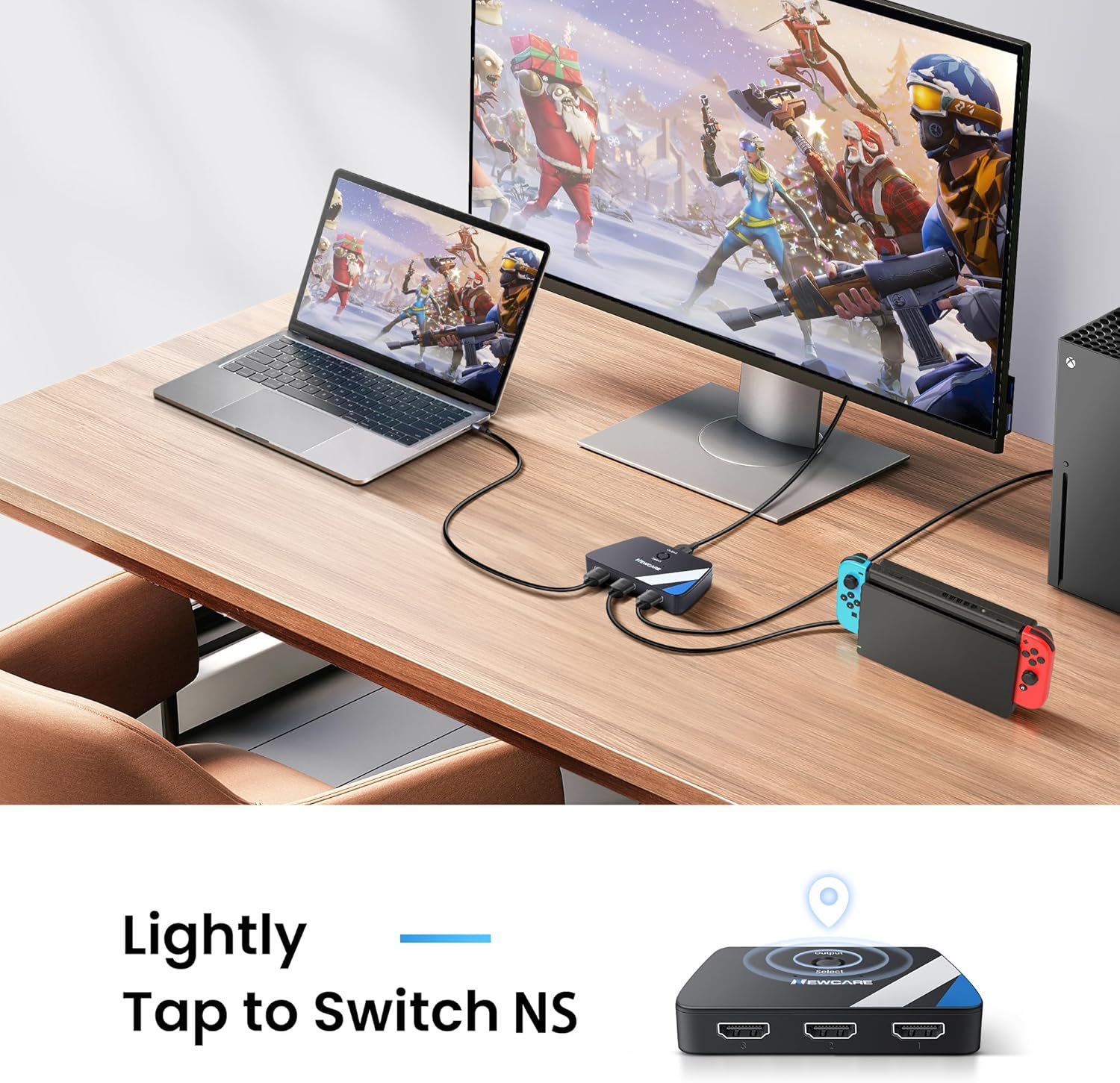
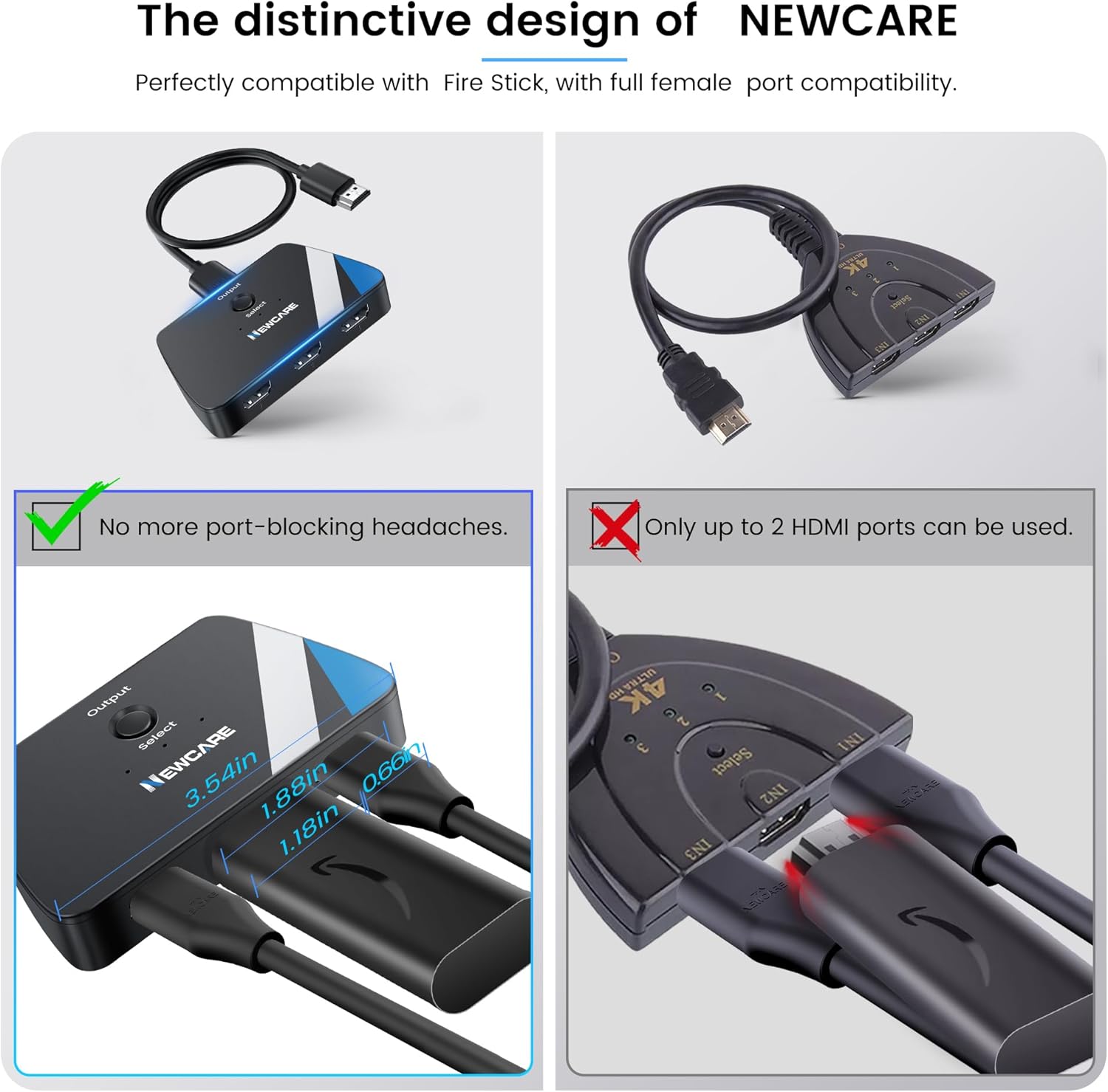
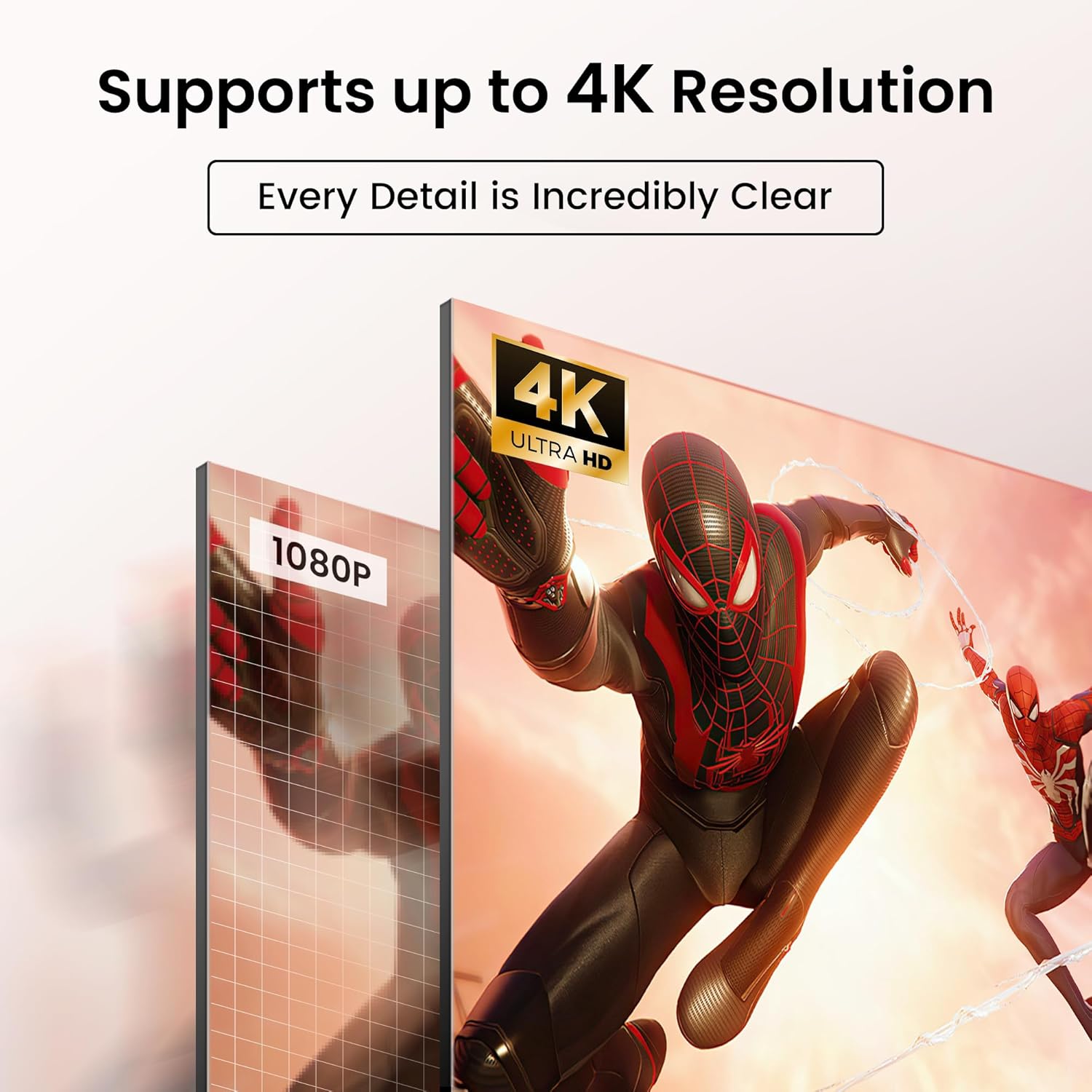
What it is and what it solves\nThis is a 4K@60Hz HDMI switch designed to connect up to three HDMI sources to a single display. It’s meant for living rooms, desks or media spaces where you want to switch between devices like a PS5, Blu-ray player, Roku or laptop without constantly unplugging cables. On paper, the switch supports 4K at 60Hz, 3D, deep colour (12-bit), and compatibility with HDCP2.2 and HDR, which should help maintain sharper images and compatible playback across a range of devices.\n\n## How it performs in use\nThe switch is powered by the connected devices—no extra power supply is needed. It uses a key-press switch for changing inputs, which keeps cable clutter down and makes it simple to swap between sources. However, a practical caveat is that some devices might momentarily lose signal if only one input device is powered. If you run into this, the recommended workaround is to power two or all three sources and try again.\n\n## What stands out\n- 3 inputs and 1 output cover most typical home setups, and you can keep three devices ready at once without swapping cables.\n- The bundled 1.2m HDMI cable adds convenience and reduces the need to hunt for an extra lead.\n- The claim of 4K@60Hz, HDR and HDCP2.2 alignment makes it a sensible option for users with newer TVs and consoles.\n- Gold-plated connectors and a claimed 18Gbps bandwidth aim to preserve picture and sound quality over standard runs.\n\n## The limits and who it’s for\nIf your setup includes very long HDMI runs or a wide variety of devices with different power behaviour, you may notice occasional signal hiccups when only one source is active. It’s probably a good fit for a shared media space, a gaming nook, or a small living room where you want quick access to PS5, Roku, and DVD/Blu-ray content without extra hardware. It’s less ideal if you expect flawless performance across all inputs with minimal tweaking or if your display or source demands higher bandwidth than the stated 18Gbps.\n\n## How to choose and what to check\n- Confirm your display supports 4K@60Hz and HDR, otherwise the benefits won’t be noticeable.\n- If you frequently switch between devices, the physical button method is straightforward, but ensure you’re comfortable with manual switching rather than automatic detection.\n- Consider the cable length in your setup, the included 1.2m lead is convenient, but you may need longer or shorter depending on device placement.\n- Remember the power note: if you experience signal loss, try powering more than one source.\n\n## Practical usage scenario\nIn a typical living room, you could have a PS5, a Blu-ray/DVD player and a streaming box connected. When you want to game, you press the switch to the PS5, and when you want a movie, you switch to the Blu-ray or streaming device. It eliminates the need to swap HDMI cables while keeping high-quality video and audio expectations.\n\n## FAQ (based on available details)\n- Does it require a separate power supply? No, it draws power from connected devices.\n- What resolutions are supported? 4K@60Hz (max), with 3D, 12-bit colour, and HDR as noted.\n- Will it work with my three devices and a single display? Yes, provided the inputs and output use standard HDMI interfaces and you follow the power advice if you encounter signal issues.\n\n## Final decision\nIs it worth it? Worth considering if you want a compact, budget-friendly way to manage multiple HDMI sources without constant plugging and unplugging, and you’re comfortable managing occasional power-related signal quirks. If your setup demands flawless auto-switching or higher-end bandwidth beyond 18Gbps, you may want to assess alternatives with those capabilities.\n