

360 Rotating Keyboard Case for iPad A16 11th Gen / 10th Gen 10.9-inch with Keyboard - Light Blue
Product description
What it is
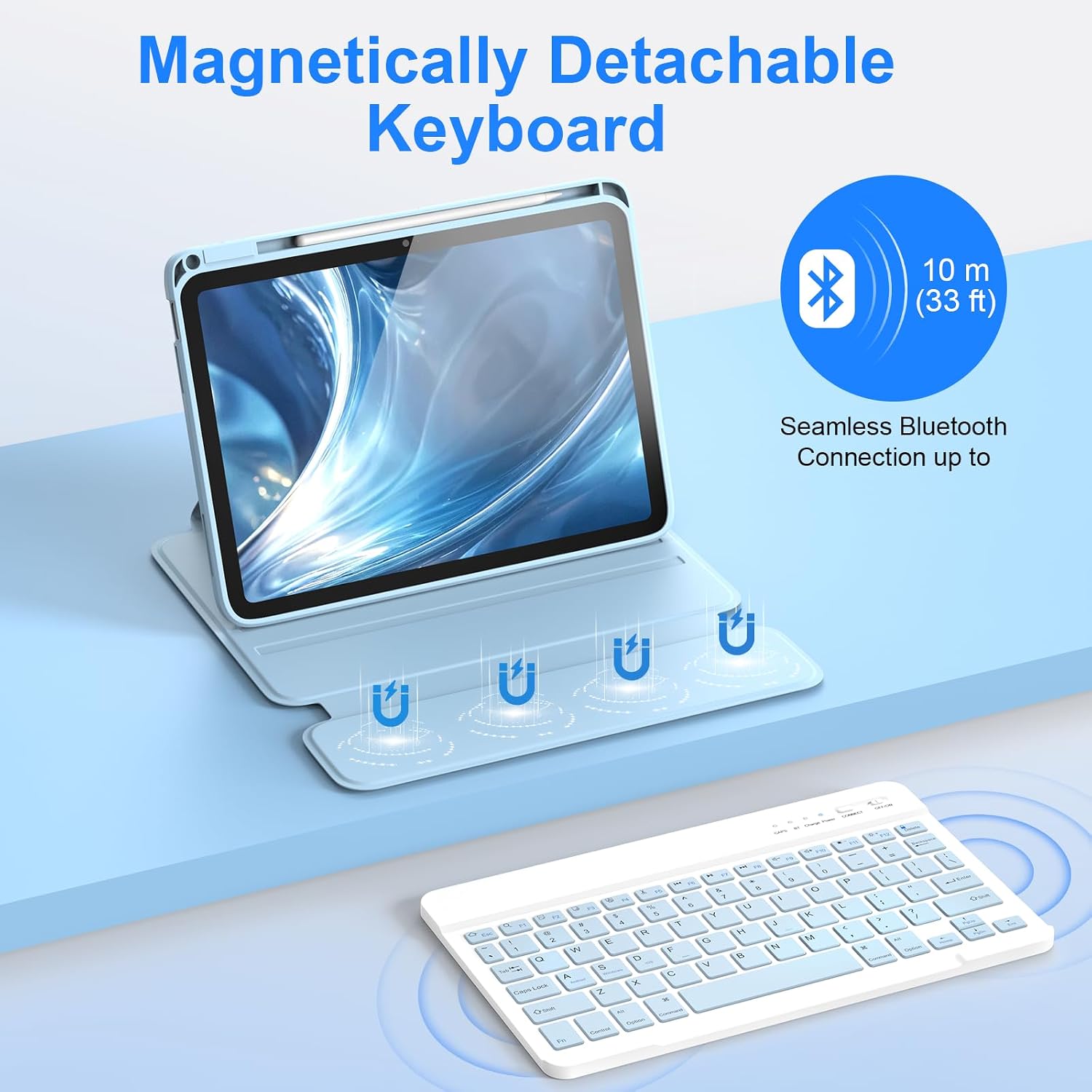
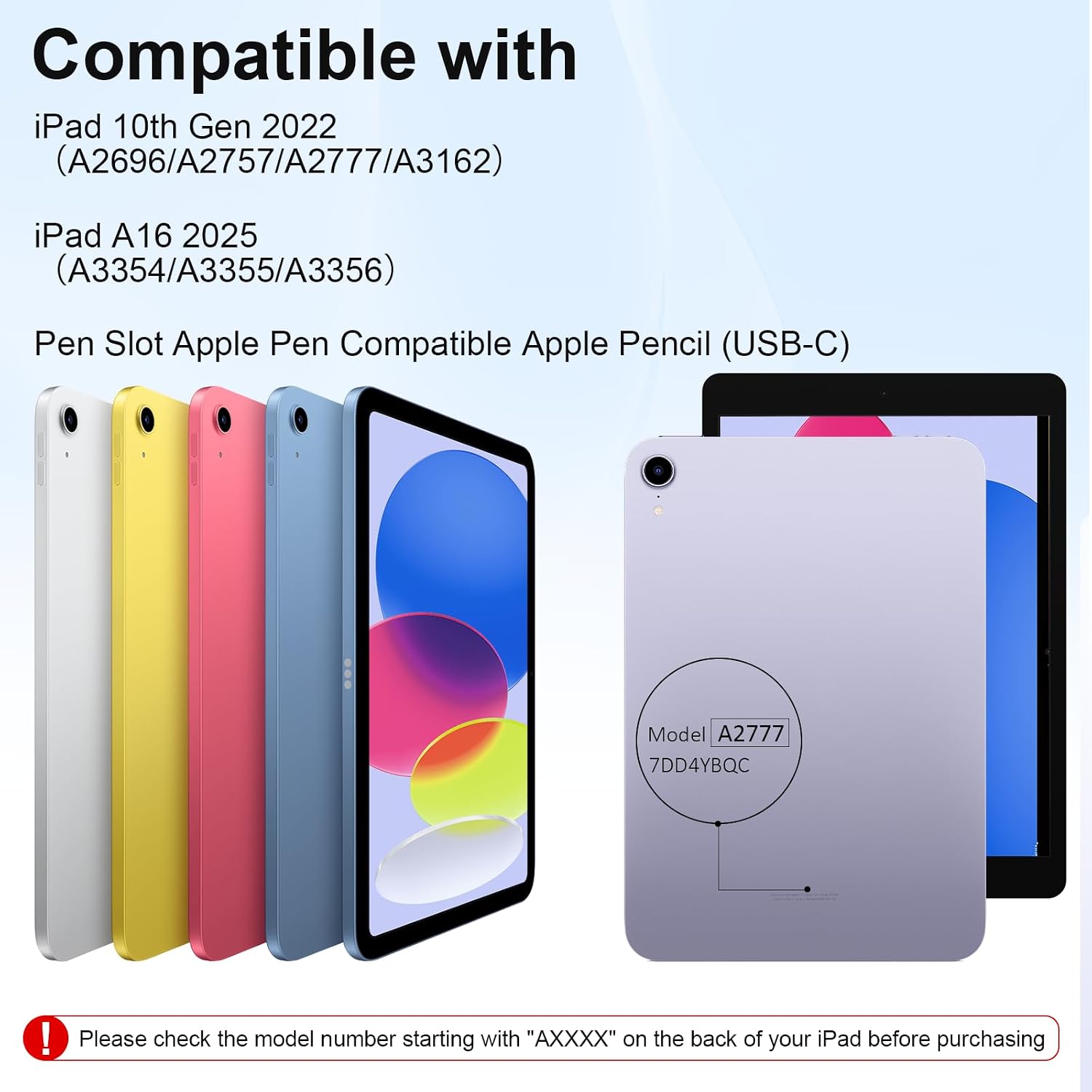
This is a 360‑rotating, detachable keyboard case designed to fit the iPad 10th generation (2022) and the iPad A16 2025 models, featuring a built-in pen slot and a light blue PU cover. It aims to provide keyboard input on the go while giving full protection for everyday use.
Who it’s for
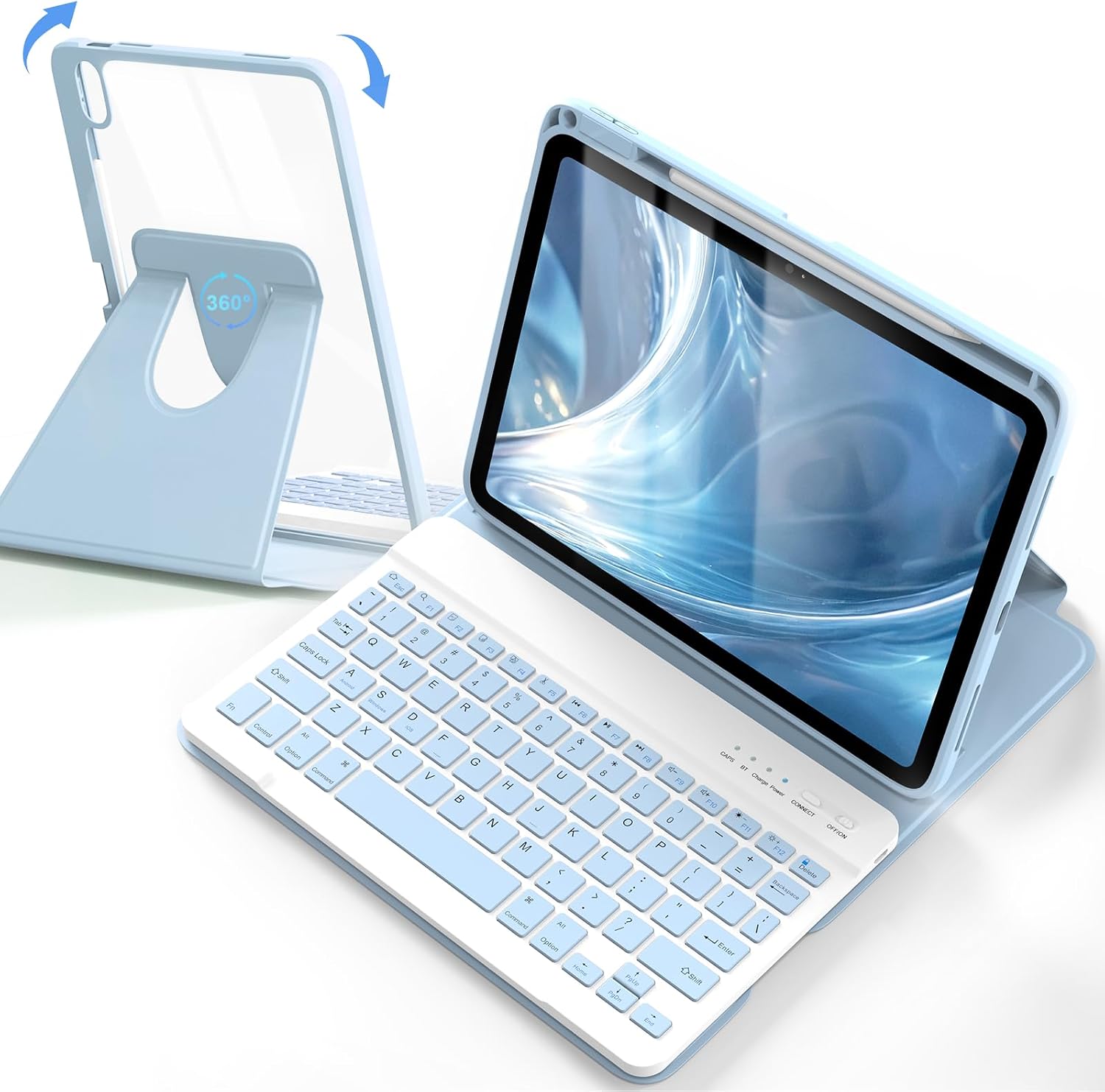
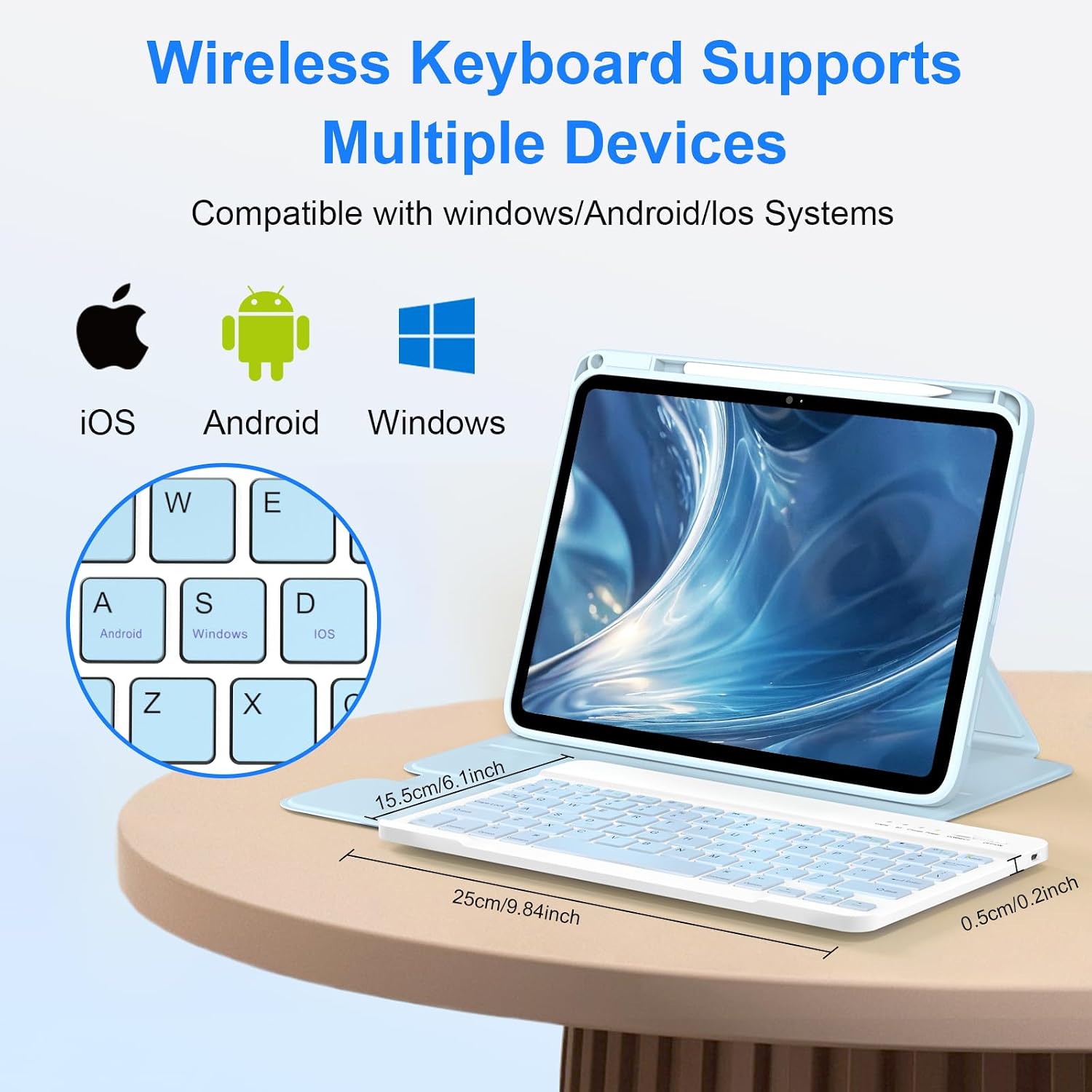
If you regularly use your iPad for typing, note‑taking, drawing, or media consumption, this kind of folio with a keyboard can simplify a lot of tasks. It’s compatible with iOS, Android and Windows devices via Bluetooth, which makes it workable across several ecosystems, albeit with some system‑specific key combinations to switch languages.
How it performs in practice
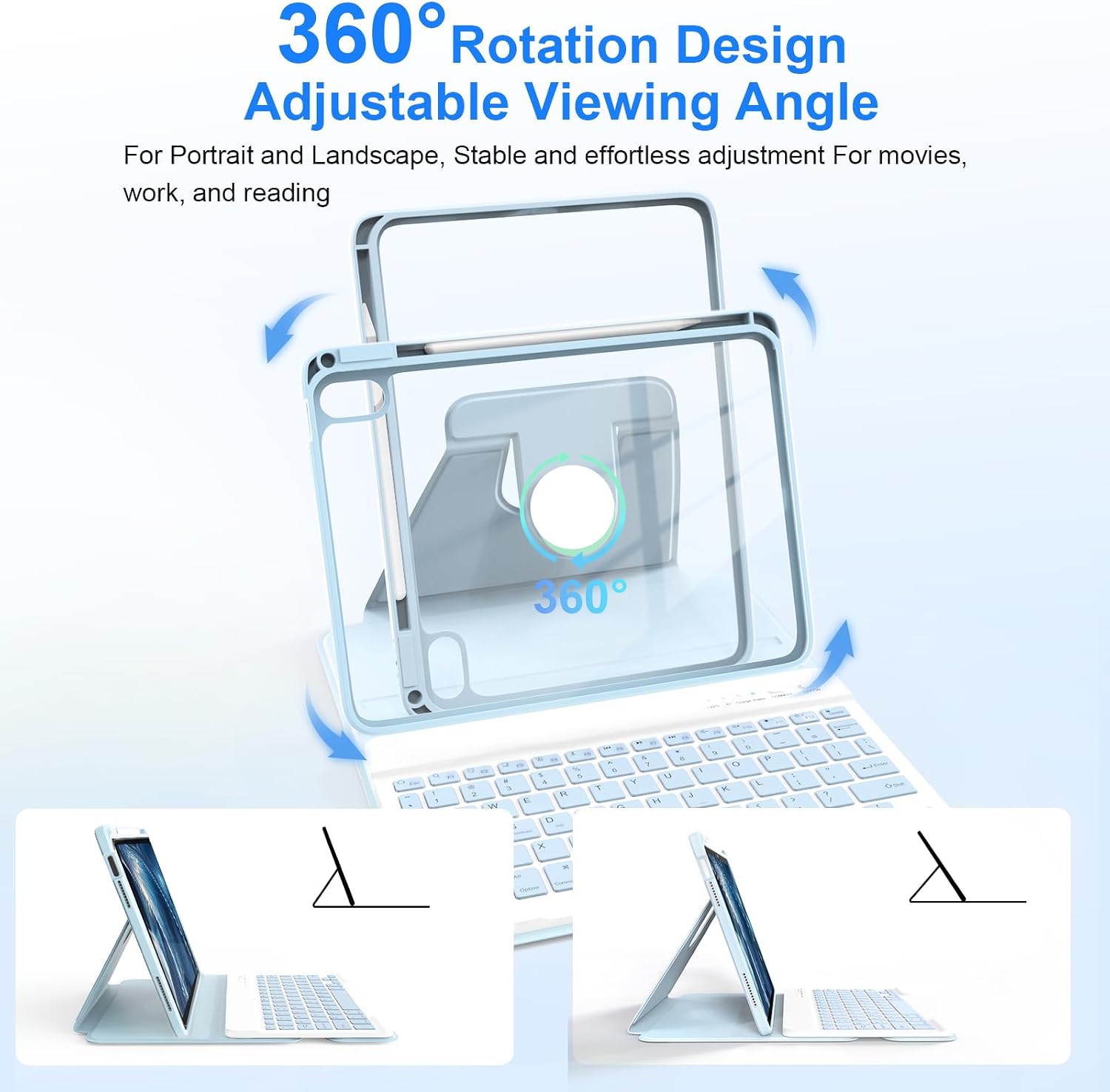
On paper, you get multiple angles for comfortable viewing, a 10 m/33 ft Bluetooth range, and a long battery life—up to 88 hours of continuous use when fully charged or a very long standby time. The keyboard connects wirelessly and can be charged separately, so you can use the iPad unplugged most of the time and top up the keyboard as needed. The case provides 360‑degree protection and a precise cut for camera, ports and controls, plus a dedicated pencil slot to reduce misplacing the Apple Pencil.
The best bits
- Solid protection with drop‑resistant and scratch‑resistant PU material.
- 360° rotation and multi‑angle stand for typing, drawing, reading or watching.
- Pencil slot keeps the Apple Pencil handy and reduces loss risk.
- Language and OS switching features via keyboard shortcuts, which can be handy if you use multiple ecosystems.
- Broad compatibility across latest iPad 10th Gen and A16 2025 models within the stated alignment.
Potential limitations
- Apple Pencil is not included, so you’ll need the stylus separately.
- Some users may find the US keyboard layout less convenient if you’re accustomed to UK key mappings, and the language switching requires familiarising with shortcuts.
- Battery life and response can vary with heavy typing, drawing, or long standby periods.
- It’s a case for a specific size and model range, if your iPad model isn’t listed precisely, it may not fit as expected.
What to consider before buying
- Confirm your model number (AXXXX) on the back of the iPad to ensure compatibility.
- Decide whether you prioritize a detachable keyboard and full 360‑degree protection or a lighter folio for occasional typing.
- Consider whether you need the pencil holder and how important the US keyboard layout is for you.
- If you rely heavily on Apple Pencil for precision work, plan for separate accessories and charging workflows.
How it compares to other approaches
For those who mainly consume media or sketch briefly, a simple tablet sleeve or a basic case may suffice. If you often type long documents, a dedicated keyboard with stable backlighting and a more compact footprint could be preferable. This product sits in the mid‑range of the market: it offers practical protection and integrated keyboard in a single folio, but may not satisfy power users who demand industry‑leading key travel or bespoke UK keyboard layouts.
What’s in the box
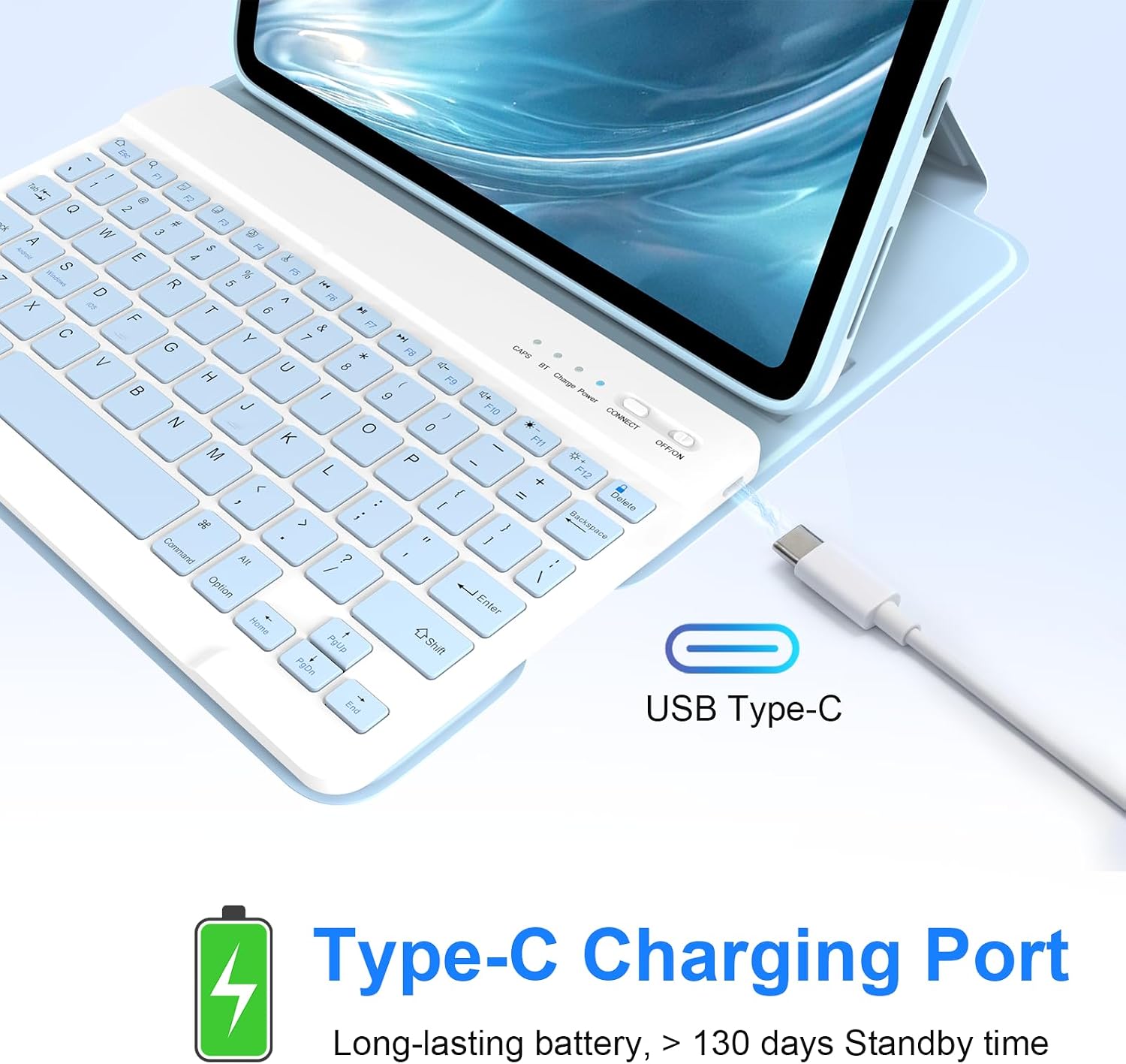

1 x keyboard case, 1 x user manual, 1 x charging cable, 1 x keyboard protector, 1 x case for iPad with built‑in pen slot. Note that Apple Pencil is not included.
Practical usage example
Imagine drafting a project brief on a train: you flip the case to a comfortable angle, type with a responsive keyboard, and store your pencil in the slot when you’re finished. When you want to read, you rotate the tablet to a low‑angle view, and you can drop the keyboard out when you don’t need it.
FAQ (brief)
- Is Apple Pencil included? No, Apple Pencil is not included.
- Will it fit iPad 10th Gen and A16 2025 models? Yes, within the specified AXXXX model range stated in the description.
- Can I use it with Android or Windows devices? Yes, via Bluetooth with OS switching supported by the keyboard shortcuts.
Is it worth it?
Worth considering if you want an all‑in‑one protective case with a detachable keyboard and a pencil slot, suitable for daily tasks and light drawing. It may not suit you if you need a UK‑layout keyboard without shortcut adjustments, or if you require longer battery life under heavy typing sessions. Overall, it’s a pragmatic choice for mixed use rather than a niche premium‑level option.