

Huion Inspiroy H430P drawing tablet (4.8 x 3 inch) with 4 hot keys
Product description
The essentials
If you’re looking for a compact drawing tablet for sketching, writing or design work, the Huion Inspiroy H430P is built around portability and a light, slim body. It’s not trying to be the biggest creative screen on your desk. Instead, it focuses on getting you an active drawing area, pressure sensitivity and a few quick-access keys in a form that’s easier to take outdoors or move between devices.
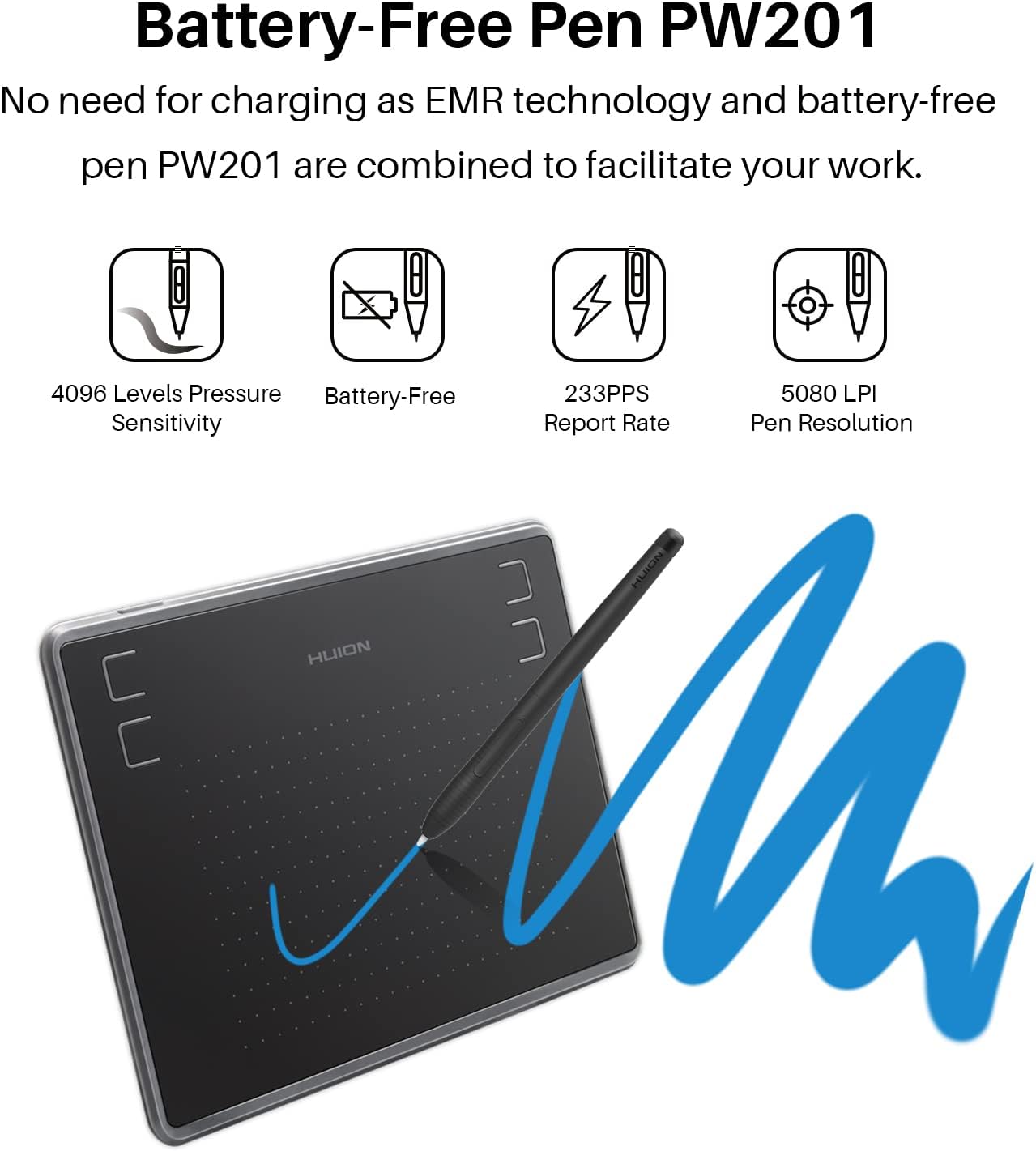
On paper, it also has the kind of specs that matter for line quality and control: 4096 levels of pressure sensitivity, 5080 LPI pen resolution, and a 233 PPS report rate for smoother pen tracking. That combination is the main reason this tablet tends to make sense for people who care about brush feel and fine detail, even if they’re not buying the most expensive stylus experience in the market.
Key features that affect your day-to-day
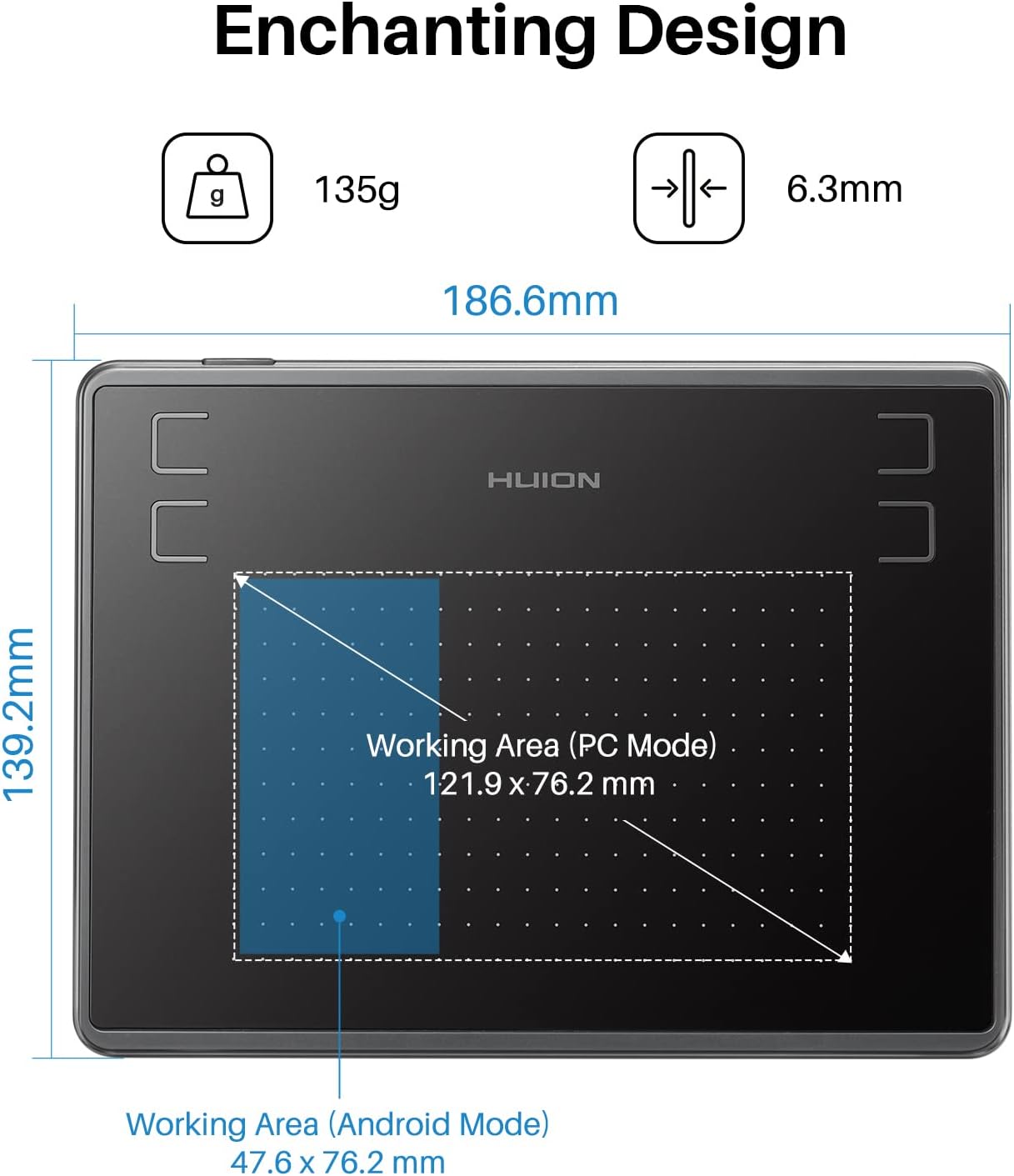
What stands out most is the overall “use it wherever” approach. The tablet is described as slimmer and lighter than before (6.3 mm thickness and 135 g weight), and it’s specifically positioned for outdoor drawing. If you’re the sort of person who doodles on the go, has lessons away from a fixed workstation, or just wants something that doesn’t feel heavy to pack, this design intent is hard to ignore.
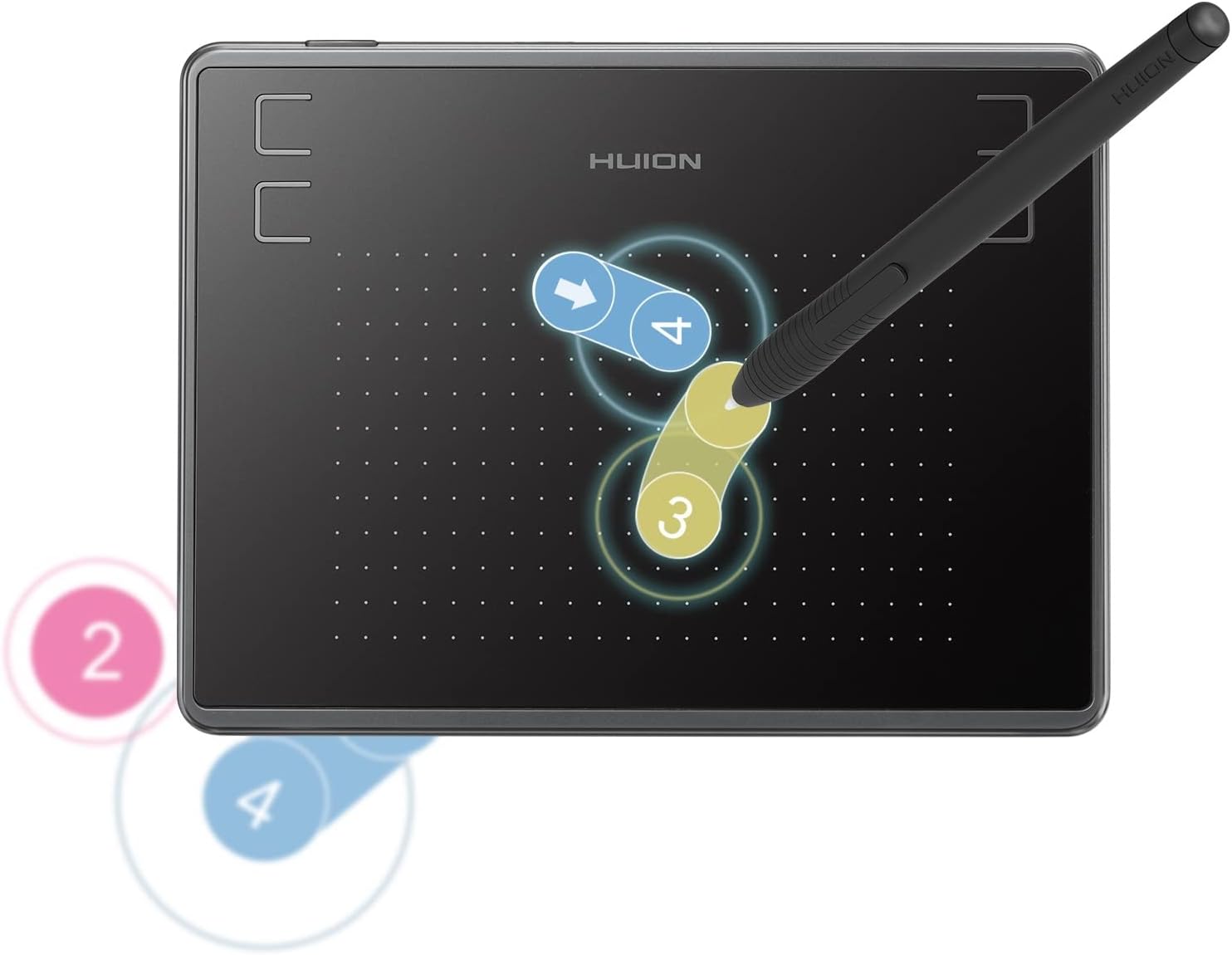
Then there’s the pen system: the pen is battery-free (PW201), so you’re not constantly thinking about charging before a session. The active area is also specified clearly for different device types (4.8 x 3 inch for PC, and 3 x 1.87 inch for Android devices), which matters more than people expect when they switch between phones/tablets.
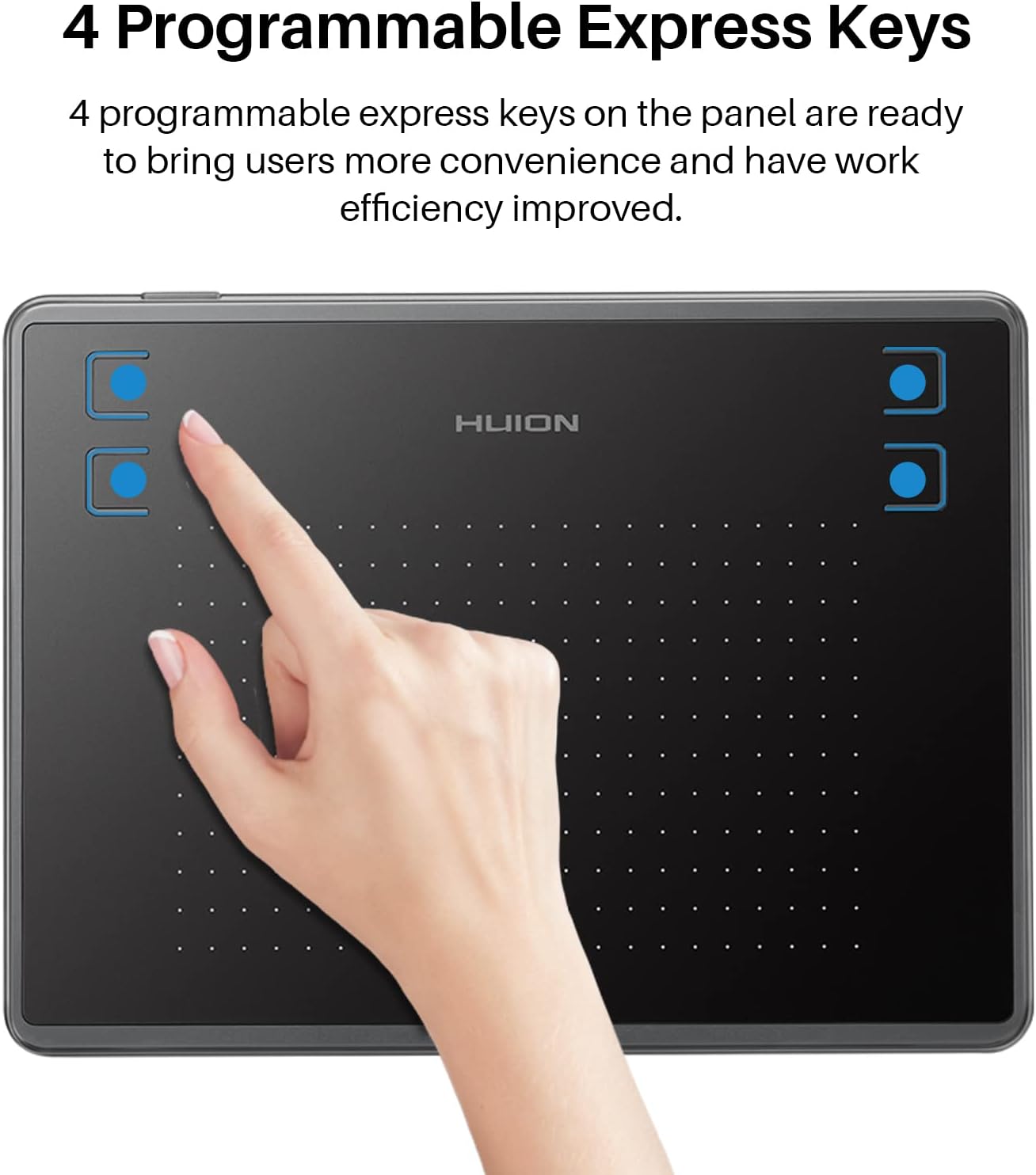
The four hot keys are the other practical layer. With 4 programmable express keys, you can reduce the time you spend reaching for menus—handy for tasks like switching brush sizes, undo/redo or toggling tools, depending on the software you use.
There’s also the pen’s performance side: pressure sensitivity (4096 levels) is aimed at making line input smoother and more delicate, while the 5080 LPI resolution and 233 PPS report rate are there to support detail and responsiveness.
What it’s like for drawing, writing and design
For sketching and basic digital drawing, the Huion Inspiroy H430P is the kind of tablet that can feel “immediately practical”. The battery-free pen and compact footprint make it easier to start without setup drama. A realistic scenario: you’re on a laptop, open your favourite drawing program, and spend 20 minutes blocking in shapes and shading—those pressure levels are designed to help you vary line weight instead of getting a flat, one-style stroke.
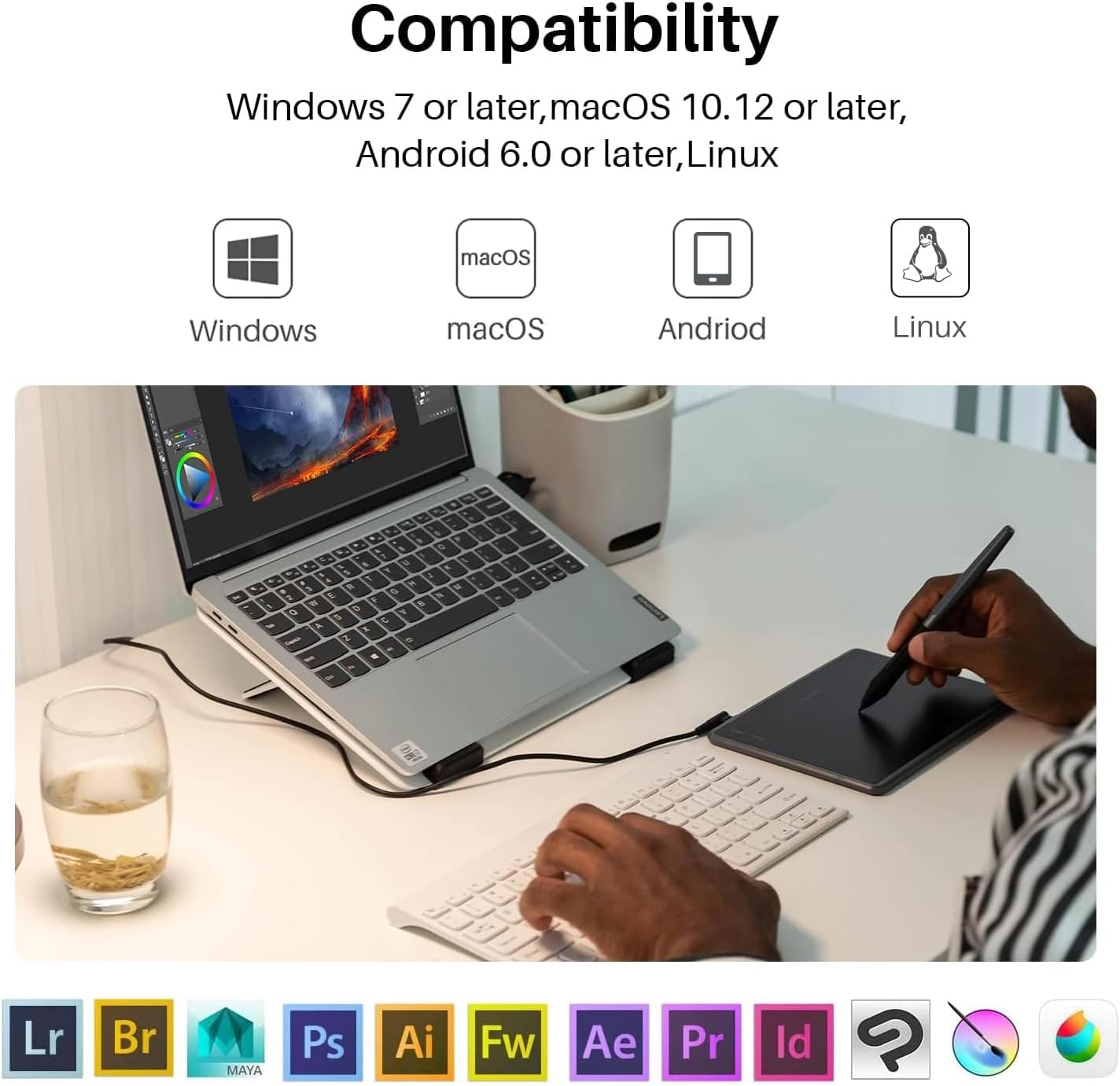
For writing and simple annotation, the combination of report rate and pressure sensitivity can be useful when you want steadier strokes. And for design or teaching, the portability is the point: it’s described as being supported across Windows (7 or later), macOS (10.11 or later), Android (6.0 or later), Chromebook (ChromeOS 88 and above), and also mobile via Android support.
That said, it’s worth being honest: the active area is smaller on Android devices (3 x 1.87 inch). If you expect to do long sessions on a phone/tablet screen size, the reduced active space may feel limiting compared with using it on a PC.
Compatibility and requirements (what you should double-check)
This tablet is designed to work with multiple platforms, but some setups can be a bit conditional. The tablet supports Windows 7 or later, macOS 10.11 or later, Android 6.0 or later, Chromebook with ChromeOS 88 and above, and Android devices in a way that may depend on OTG support.
The description specifically notes that for some devices you may need to enable “OTG” in “Setting” before use. So before you commit, it’s sensible to check that your Android device supports OTG and whether you’ll actually be using the tablet in the way you expect (PC vs mobile use).
Tech summary (so you’re not buying blind)
Tech specs
- Active area (PC): 4.8 x 3 inch
- Active area (Android): 3 x 1.87 inch
- Pen: battery-free (PW201)
- Pressure sensitivity: 4096 levels
- Pen resolution: 5080 LPI
- Report rate: 233 PPS
- Thickness: 6.3 mm
- Weight: 135 g
- Hot keys: 4 programmable express keys
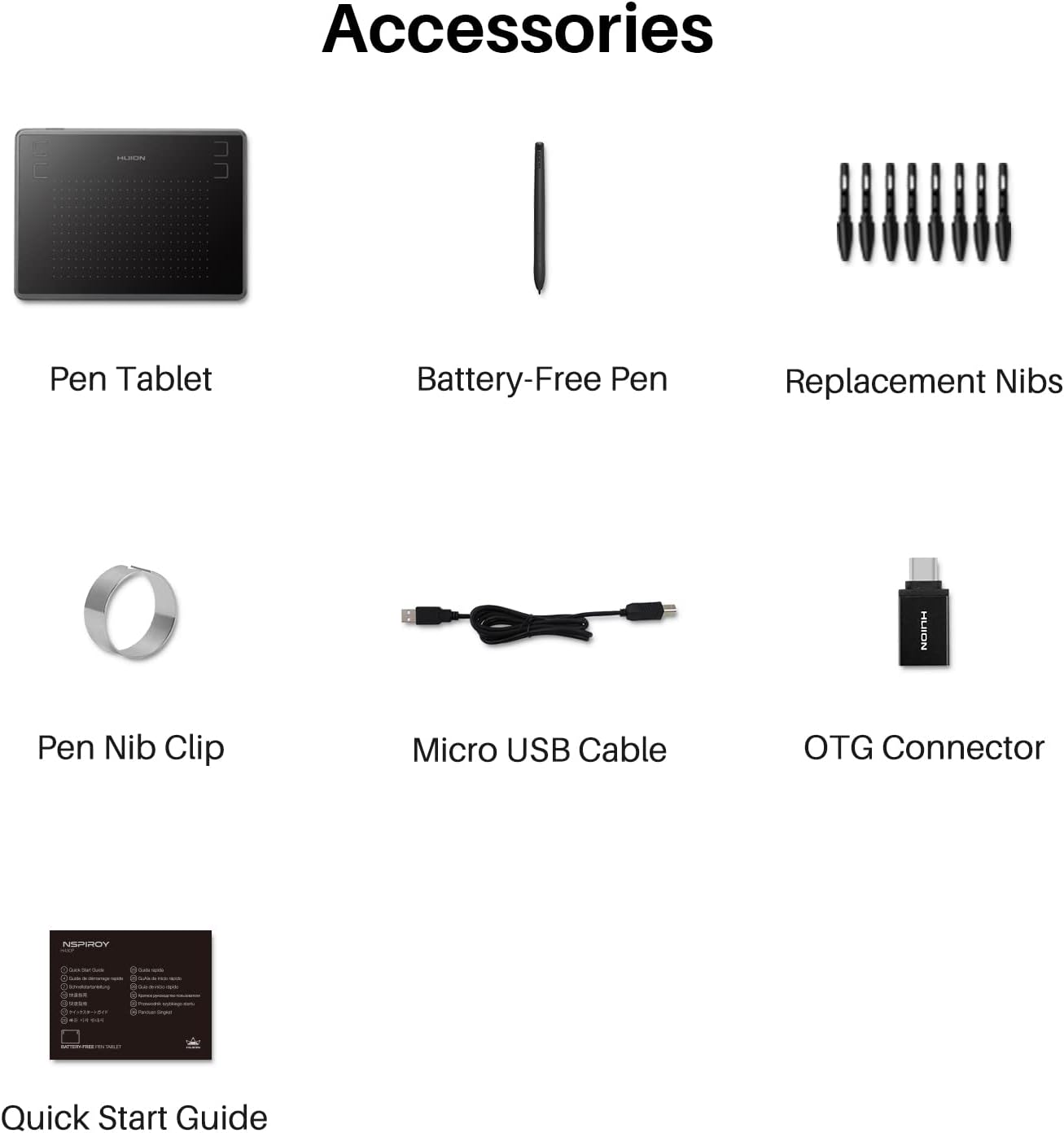
- Connectivity note: uses a micro USB detachable cable
- Supported platforms (as stated): Windows 7 or later, macOS 10.11 or later, Android 6.0 or later, Chromebook (ChromeOS 88 and above), and mobile via Android support
What stands out, and where it may not be for you
This is the kind of drawing tablet that makes sense if you value portability, a battery-free pen, and pressure-sensitive control without needing a large workspace. It’s also a workable choice for teaching or study use because it’s light and described for outdoor drawing.
However, it may not suit everyone. If you mainly want a huge drawing surface for detailed work, the compact active area (especially on Android) could feel cramped. Also, it doesn’t position itself as a “fully flagship” experience—so if you’re specifically trying to squeeze out the most advanced, top-end precision available, you might find it stays more in the practical/mid-range lane.
Should you buy it?
It’s worth considering the Huion Inspiroy H430P if you need a compact, light drawing tablet for everyday sketching, writing or design tasks, and you want pressure sensitivity plus four programmable hot keys without the hassle of a charged pen.
You may want to skip it if your priority is a larger active drawing area (particularly for Android use), or if you know you’ll be frustrated by setup requirements like enabling OTG on certain devices.
A good match is likely students, educators, and anyone who wants a take-anywhere tablet that works across Windows, macOS, and Android-style setups. If you’re buying purely for home desktop use and you hate small work areas, another approach—typically tablets with a larger active area—will often feel easier.
Mini FAQ
Frequently asked questions
Does it need charging for the pen?
The pen described (PW201) is battery-free, so there’s no charging requirement for the pen itself.
What devices does it support?
It’s stated to work with Windows 7 or later, macOS 10.11 or later, Android 6.0 or later, and Chromebook running ChromeOS 88 and above.
Will it work with Android phones or tablets?
Android support is described, but for some devices you may need to enable OTG in the device settings before use.
How big is the drawing area on PC vs Android?
On PC it’s 4.8 x 3 inch, while on Android devices the active area is listed as 3 x 1.87 inch.
Can I use it with design software?
The description says it’s compatible with many graphic design programs, including Corel Painter, Adobe Photoshop, Adobe Illustrator, Adobe Fireworks, Macromedia Flash and Comic Studio, as well as SAI.