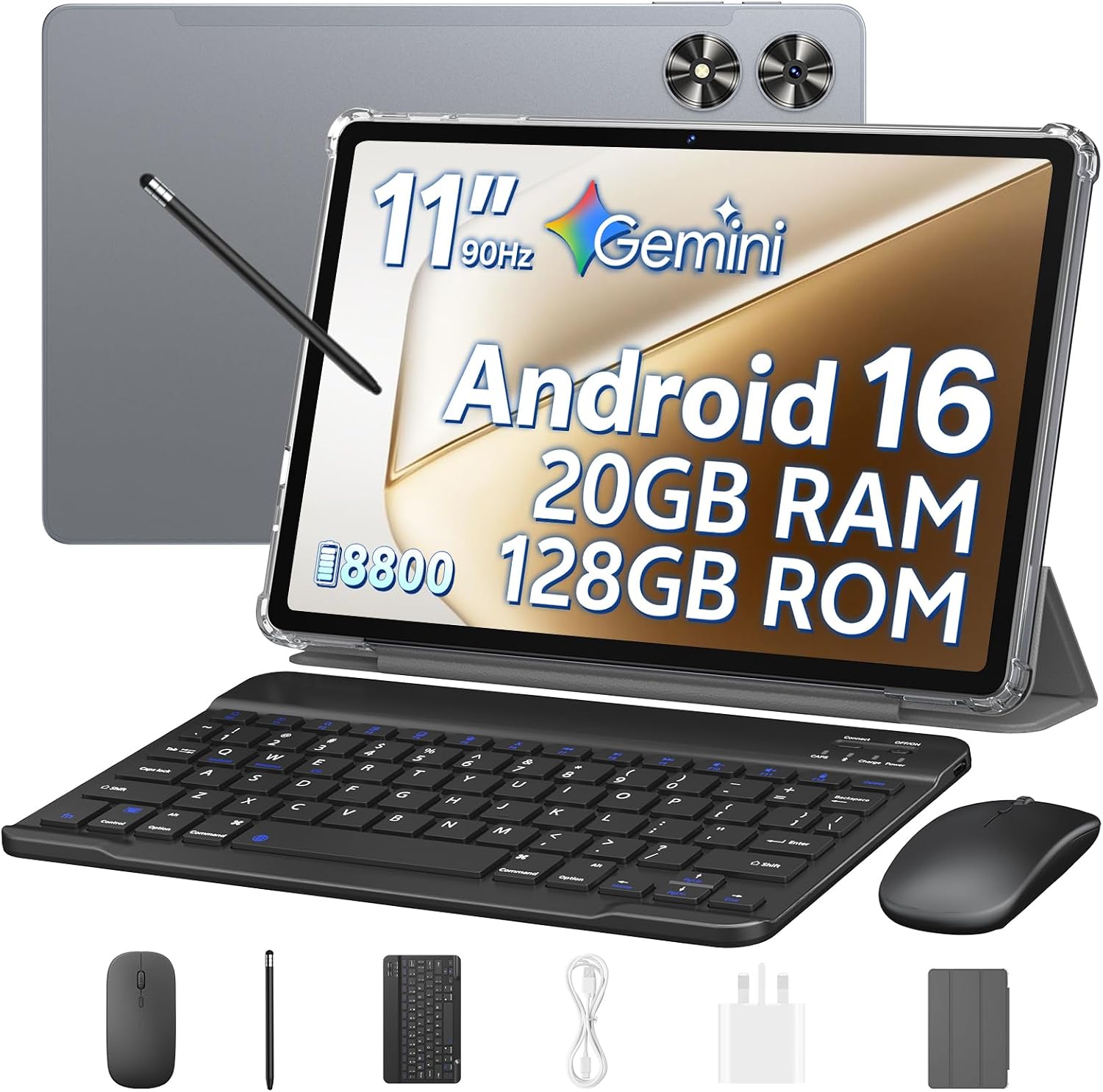
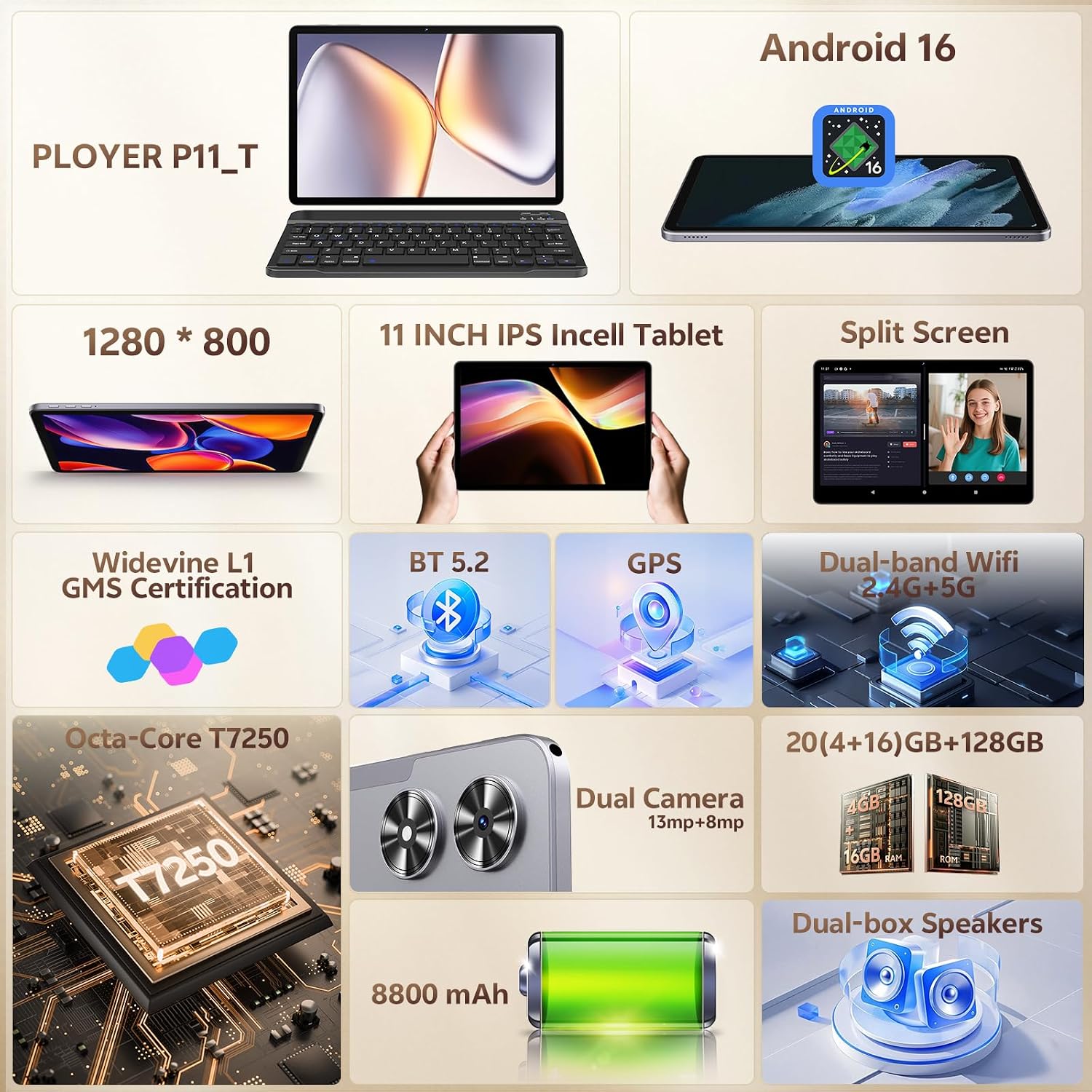
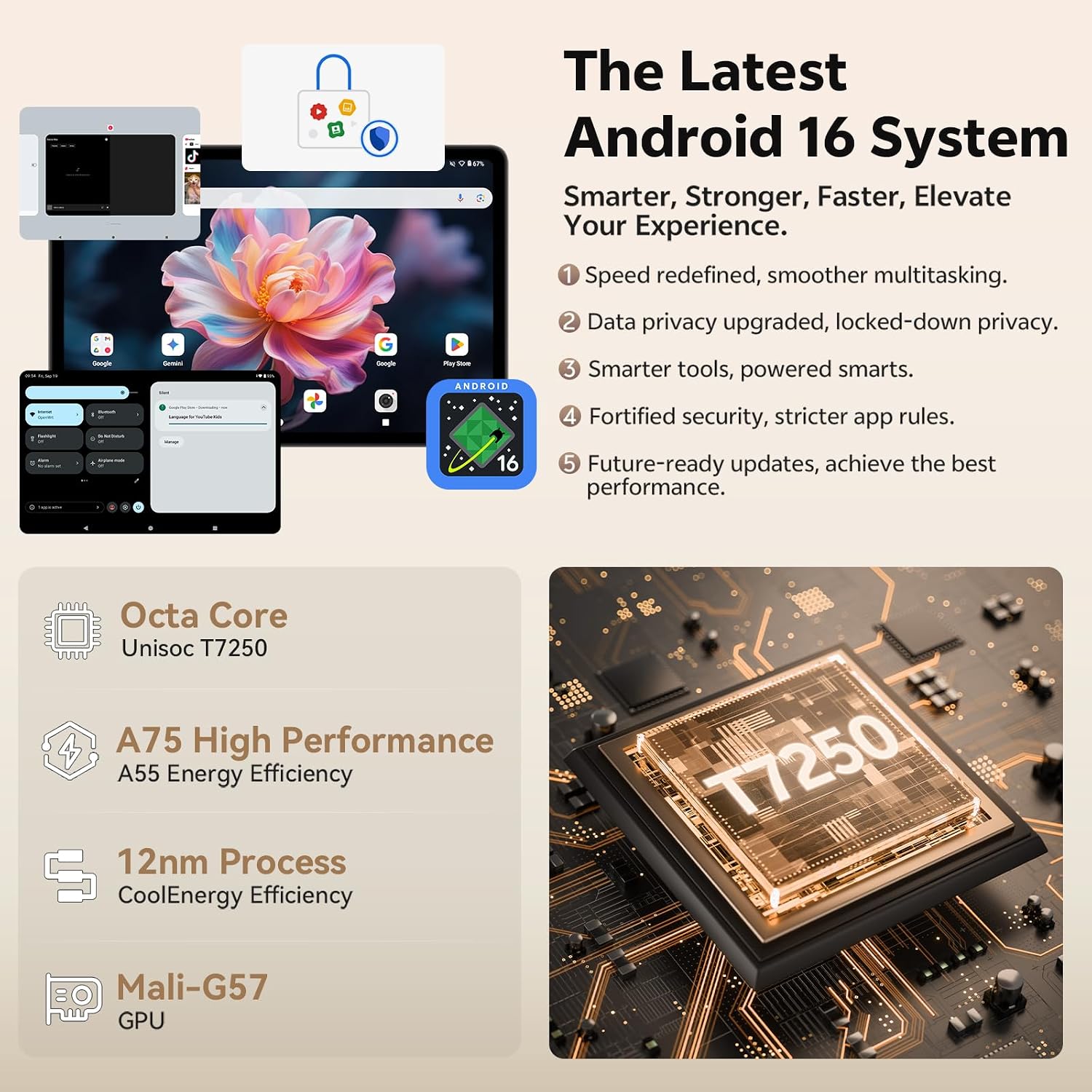
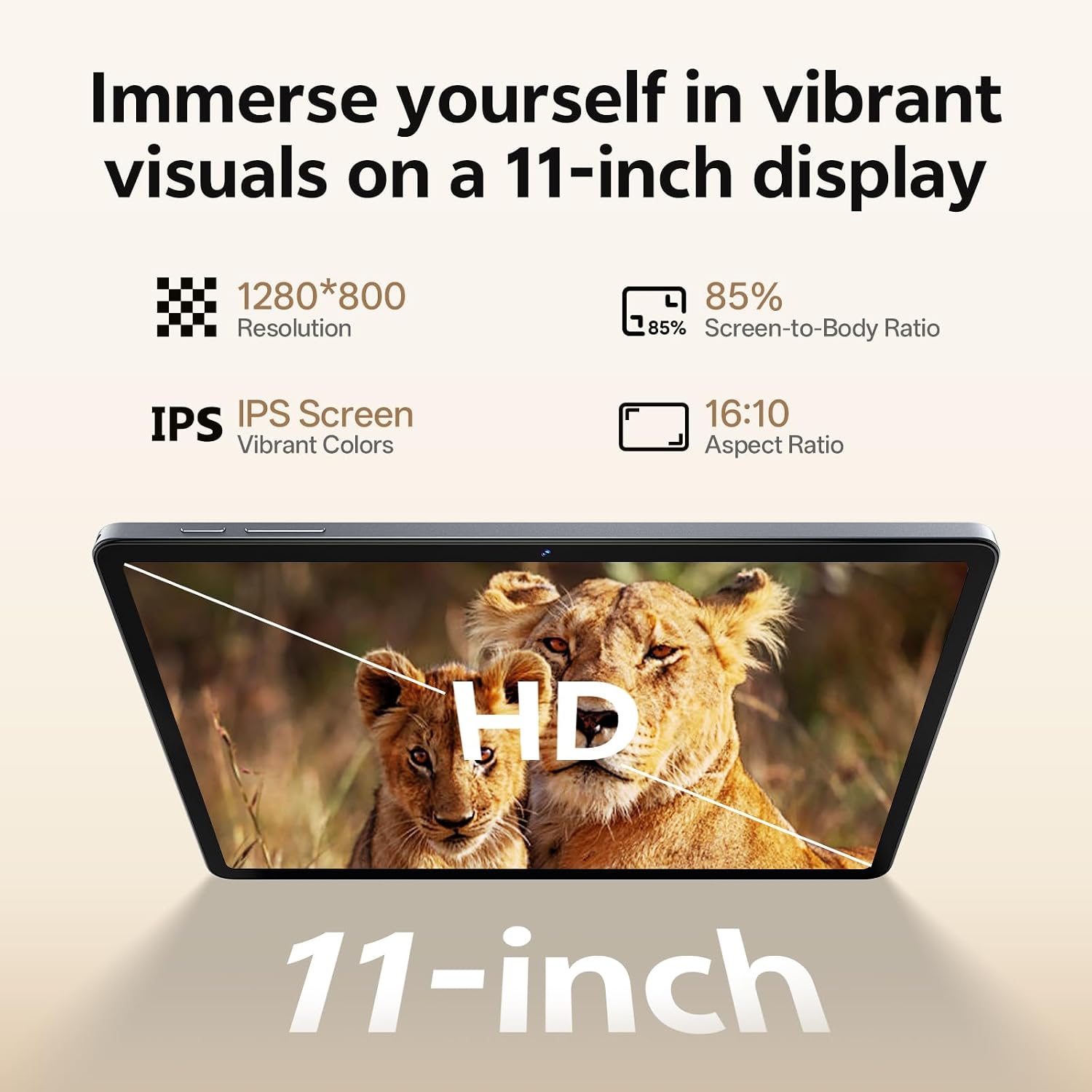
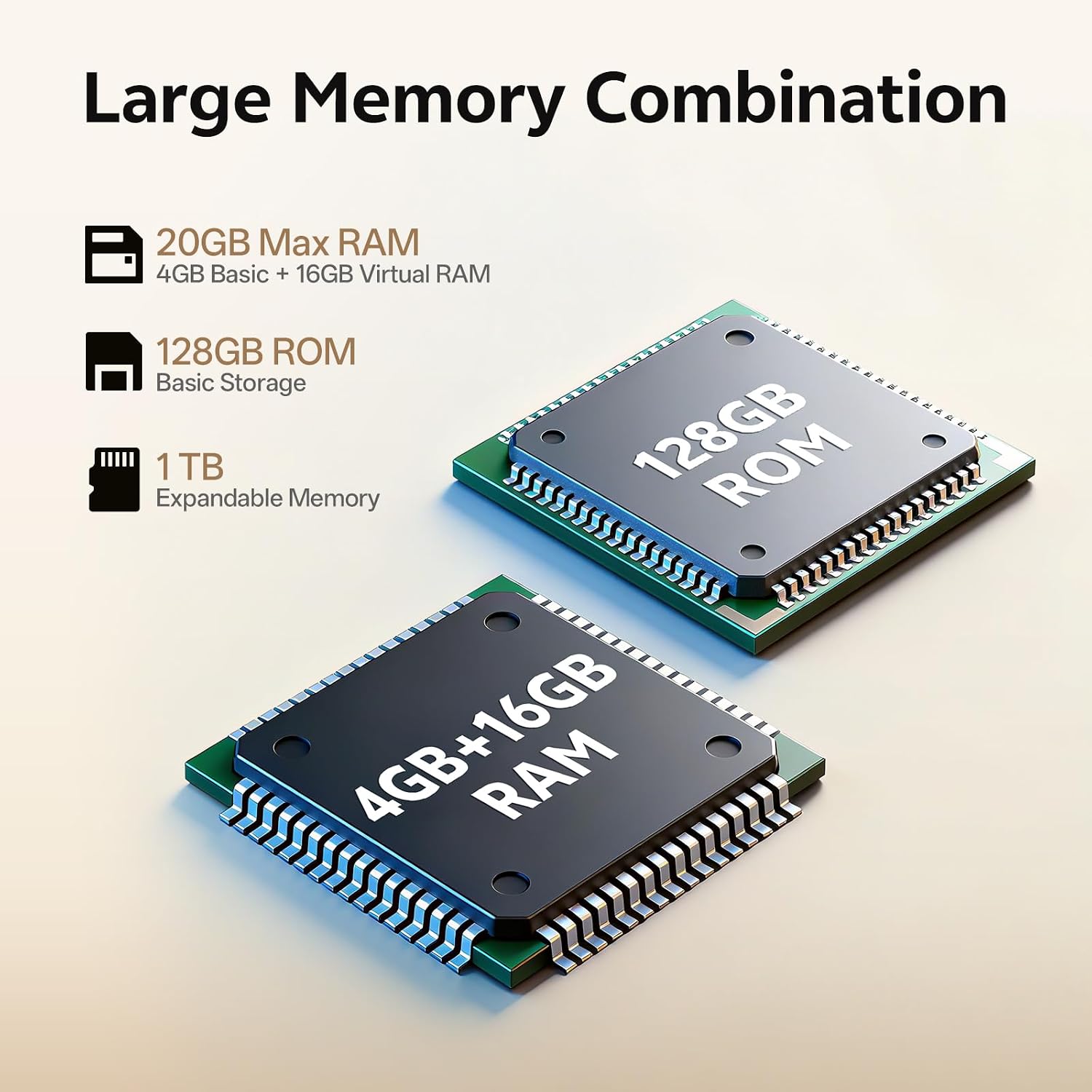
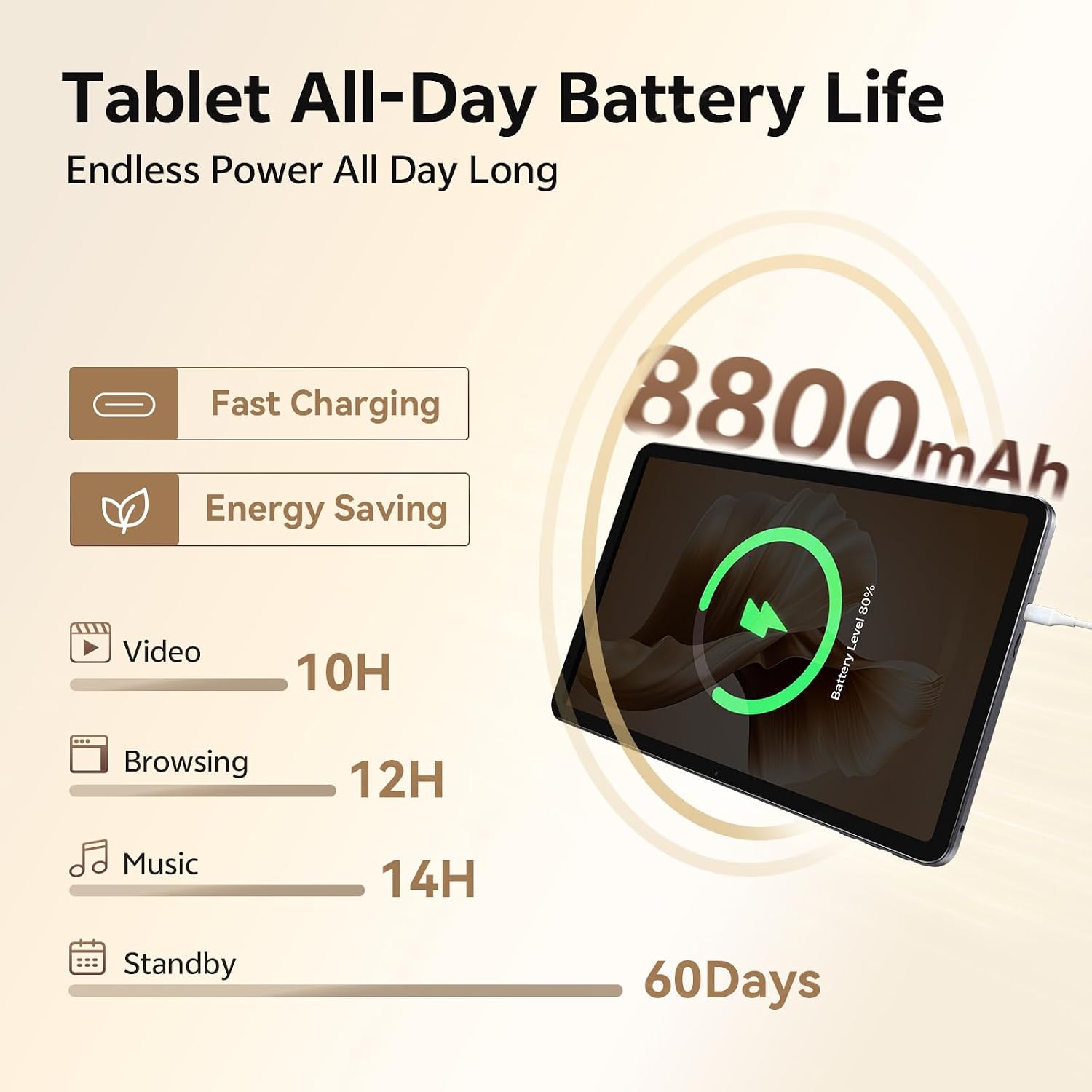
What this is and what it’s for\nThis is an 11‑inch Android tablet designed to handle everyday tasks with an emphasis on smooth multitasking and versatile use. With a substantial amount of RAM and storage, expandable microSD capacity, and a bundled keyboard and mouse, it aims to bridge casual productivity, media consumption, and light study on the go. If your needs include streaming, web browsing, note‑taking, and occasional mobile work, this tablet is positioned to cover them without requiring a separate laptop for most light duties. It isn’t a flagship computing device, but it’s worth weighing if you value a compact, all‑in‑one kit you can carry between rooms or locations.\n\n## Core performance and storage stance\nOn paper, the tablet relies on an octa‑core processor paired with Mali‑G57 graphics, backed by 20 GB of RAM and 128 GB of built‑in storage. The system is designed to deliver responsive app launches and smooth scrolling, with a reported AnTuTu score that suggests capable multitasking for day‑to‑day apps and light gaming. The option to expand storage up to 1 TB via microSD adds long‑term flexibility, particularly if you accumulate large media files or offline content. It’s fair to say that, for heavy desktop‑grade workloads or demanding professional software, you may quickly hit limits, but for casual use and student life, the balance can be workable.\n\n## Display and day‑to‑day viewing\nThe 11‑inch IPS Incell display runs at 800×1280 with a 16:10 aspect ratio and a 90 Hz refresh rate. The panel promises smooth scrolling and a responsive feel when navigating menus or playing lighter games. Peak brightness sits around 300 cd/m² and the colour gamut sits near 65% NTSC, which means it’s adequate for media consumption and reading, though not a high‑fidelity colour workstation. If you frequently edit photos or need colour‑critical work, you’ll likely notice limitations compared with higher‑end panels.\n\n## Battery life and charging\nAn 8800 mAh polymer battery is designed for all‑day use, with over seven hours of local video playback cited under maximum brightness and volume. Real‑world endurance varies with tasks and screen brightness, but it’s reasonable to expect a full day of moderate use if you stay within typical consumption patterns. A full charge takes around four hours, which is convenient for overnight topping up. If you’re often away from a power source, this is a practical compromise rather than a fast‑charge champion.\n\n## Cameras and audio\nThere are two cameras: a 13 MP rear unit with autofocus and flash for general snaps, and an 8 MP front camera suitable for video calls. The audio setup includes dual speakers, a dedicated microphone, and a standard 3.5 mm headphone jack, which makes it practical for media around a desk or on a commute. Supported audio formats include common options like MP3 and AAC. If you’re chasing top‑tier camera performance or studio‑grade audio, you’ll want to temper expectations, this is more about balanced media consumption and light capture.\n\n## Connectivity and build\nConnectivity caters to everyday needs: dual‑band Wi‑Fi, Bluetooth 5.0, GPS, and FM radio. The port mix includes a Type‑C USB 2.0 port for data transfer and charging, plus a microSD card slot and a few sensors (Hall and G‑sensor). The device weighs about 550 g and is 8.1 mm thick, reflecting a portable, travel‑friendly design. The bundle is practical here: a grey textured folio case, a Bluetooth keyboard, a mouse, and a 10 W charger are included, meaning you can start using it straight away for study or light office tasks.\n\n## Who it’s for and who it isn’t ideal for\nThis tablet is well suited to students, remote workers, and media‑hungry casual users who value a bundled keyboard/mouse experience and the option to expand storage. It’s not aimed at power users who need desktop‑class performance, professional photo editing, or gaming at 4K or high frame rates. If your routine involves heavy multitasking with many memory‑hungry apps, or you require precise colour accuracy for design work, you may want to look at alternatives with more robust displays and faster memory configurations.\n\n## Practical considerations before buying\nBefore pulling the trigger, consider how you intend to use the device day‑to‑day. If a compact, portable setup with a keyboard and mouse is attractive, and you don’t mind mid‑range display quality, this tablet ticks many boxes. The 1 TB microSD expansion is a strong selling point for long‑term media storage. However, keep in mind that software optimisations and app compatibility on Android tablets vary, so some productivity apps may feel optimised for larger screens or desktop environments.\n\n## How it compares to the alternatives in this segment\nThis device sits in a practical middle ground: more RAM and internal storage than typical budget tablets, plus a keyboard/mouse bundle that reduces the initial extra purchase. If you want a lighter, simpler device dedicated to media consumption, you might prioritise smaller, lighter tablets with longer battery life. If you need real productivity punch and higher display fidelity, you’d likely look at devices targeting higher price bands. In short, it’s about balancing portability, bundled accessories, and expandable storage against raw display quality and endurance.\n\n## What to look for before you buy\n- Verify how comfortable you find the 11‑inch size for reading and typing with the provided keyboard.\n- Consider your needs for storage: 128 GB is workable, but note you can upgrade to 1 TB with a microSD.\n- Check how important the 90 Hz refresh rate feels to you in everyday navigation and light gaming.\n- Ensure the keyboard and mouse are a practical pairing for your typical desk or travel setup.\n\n## FAQ (quick answers)\n- Can the storage be expanded to more than 1 TB? Yes, via a microSD card up to 1 TB.\n- Is the display good for long reading sessions? It’s adequate for everyday reading, though it isn’t aimed at colour‑critical design work.\n- How long does the battery last with mixed use? Real‑world use varies, seven hours of video playback at max brightness is the benchmark, with typical days of mixed tasks likely shorter or longer depending on settings.\n\n## Should you buy it? Final verdict\nIt makes sense if you want a value‑oriented, all‑in‑one tablet kit that supports light productivity, media, and study on the move, with the convenience of a bundled keyboard and mouse. It’s not the best option if you require top‑tier display quality or sustained high‑end performance. If you prioritise a compact form factor with expandable storage and practical accessories for everyday tasks, this model can be a sensible choice. Consider your use case and tolerance for mid‑range display capabilities before purchasing.