

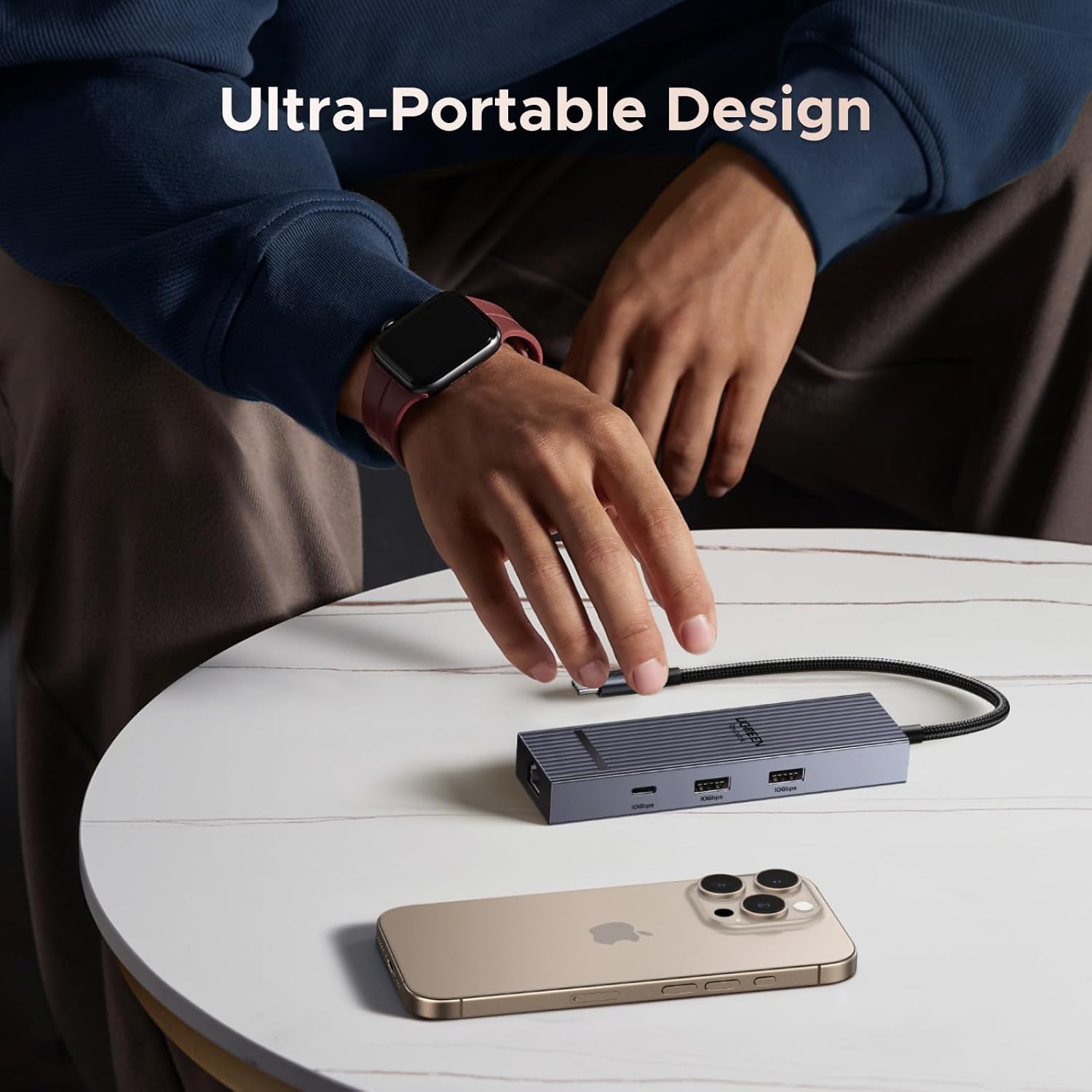
UGREEN USB-C hub, 6-in-1
Product description
If your setup needs a wired network connection and an external display, this UGREEN hub brings those connections together with USB ports and pass-through power. It’s aimed at making one USB-C port more useful at a desk or on a work trip, rather than replacing a full docking station with a broader set of connections.
Its compact format also makes it easier to pack when you want the same basic connections away from home.
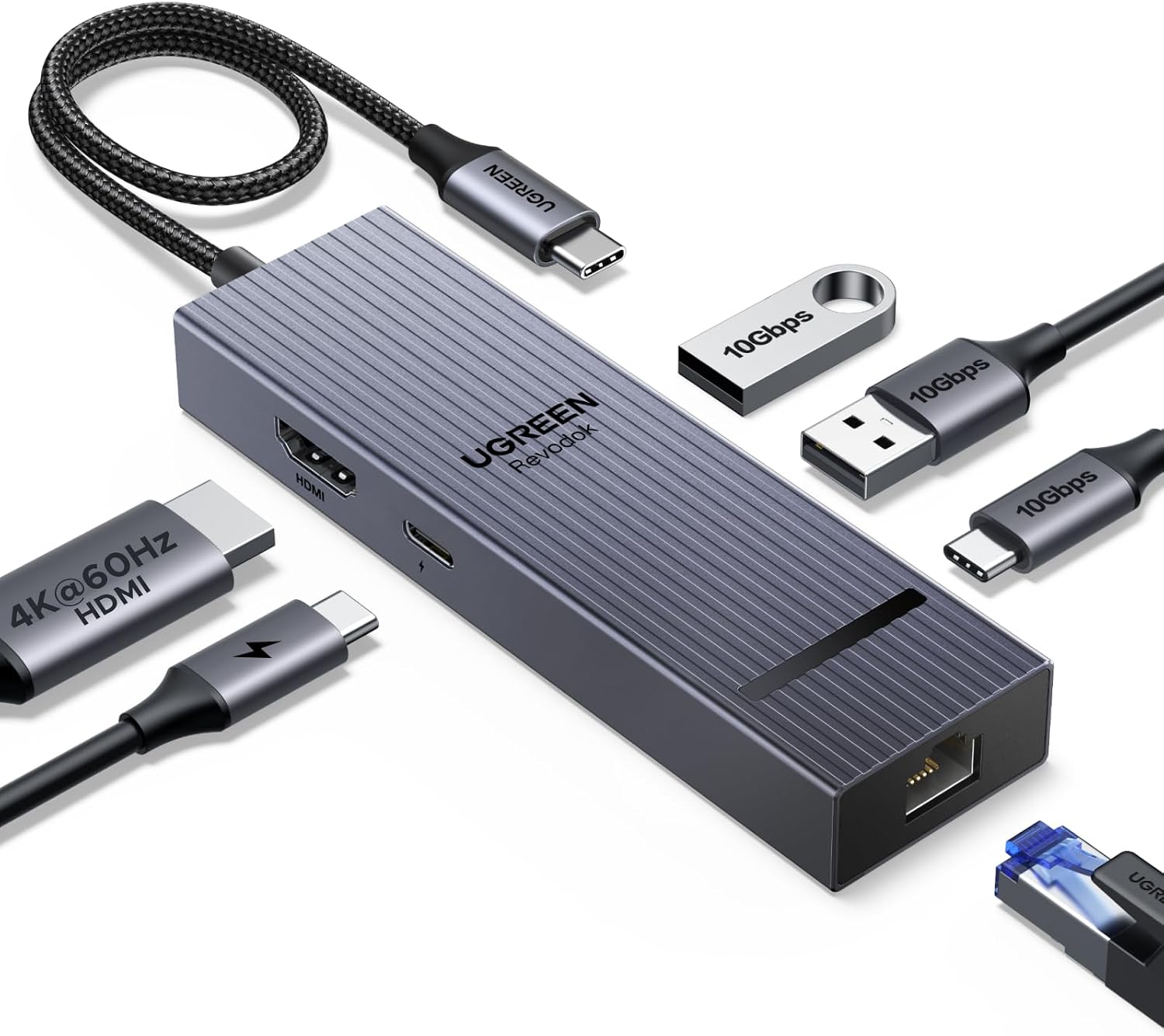
How to use it
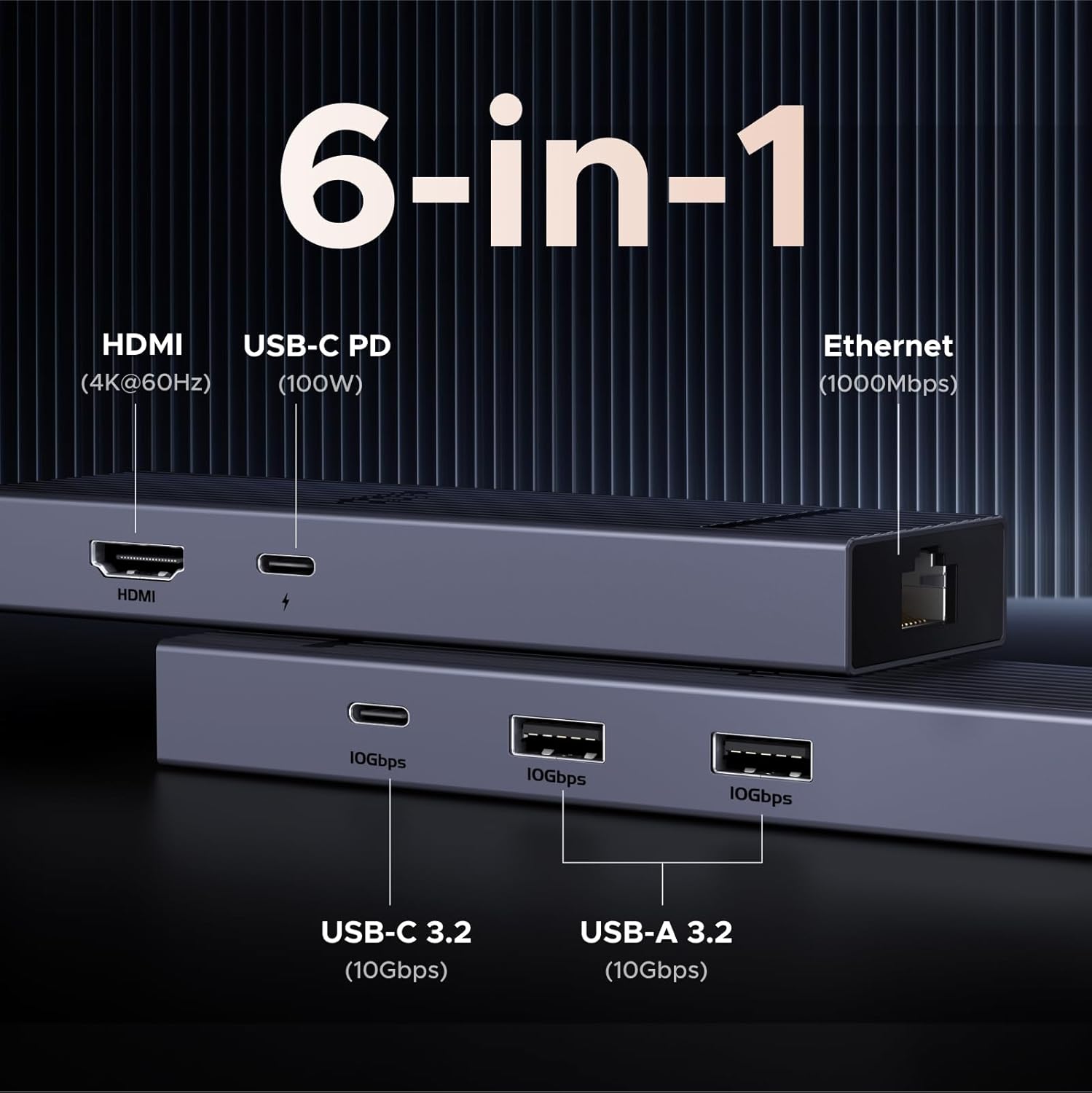
Connect the hub to a compatible device’s USB-C port, then use its HDMI port for an external screen, Gigabit Ethernet for a wired network, and the USB ports for peripherals or file transfers. For example, at a hotel desk you could connect a laptop to a 4K display, plug in Ethernet and keep it powered through the hub. Would that simplify your setup? It could, if those are the connections you actually use.
The HDMI output is specified for 4K at 60Hz, while the Ethernet port supports up to 1000Mbps. The product is listed as compatible with devices including MacBook Neo, Surface, Chromebook, Steam Deck and iPhone 18 Pro Max, actual use still depends on the host device supporting the relevant connection. Based on the listed details, this is a practical add-on for common desk connections, not a way to add every port a more demanding workstation might need.
Pros
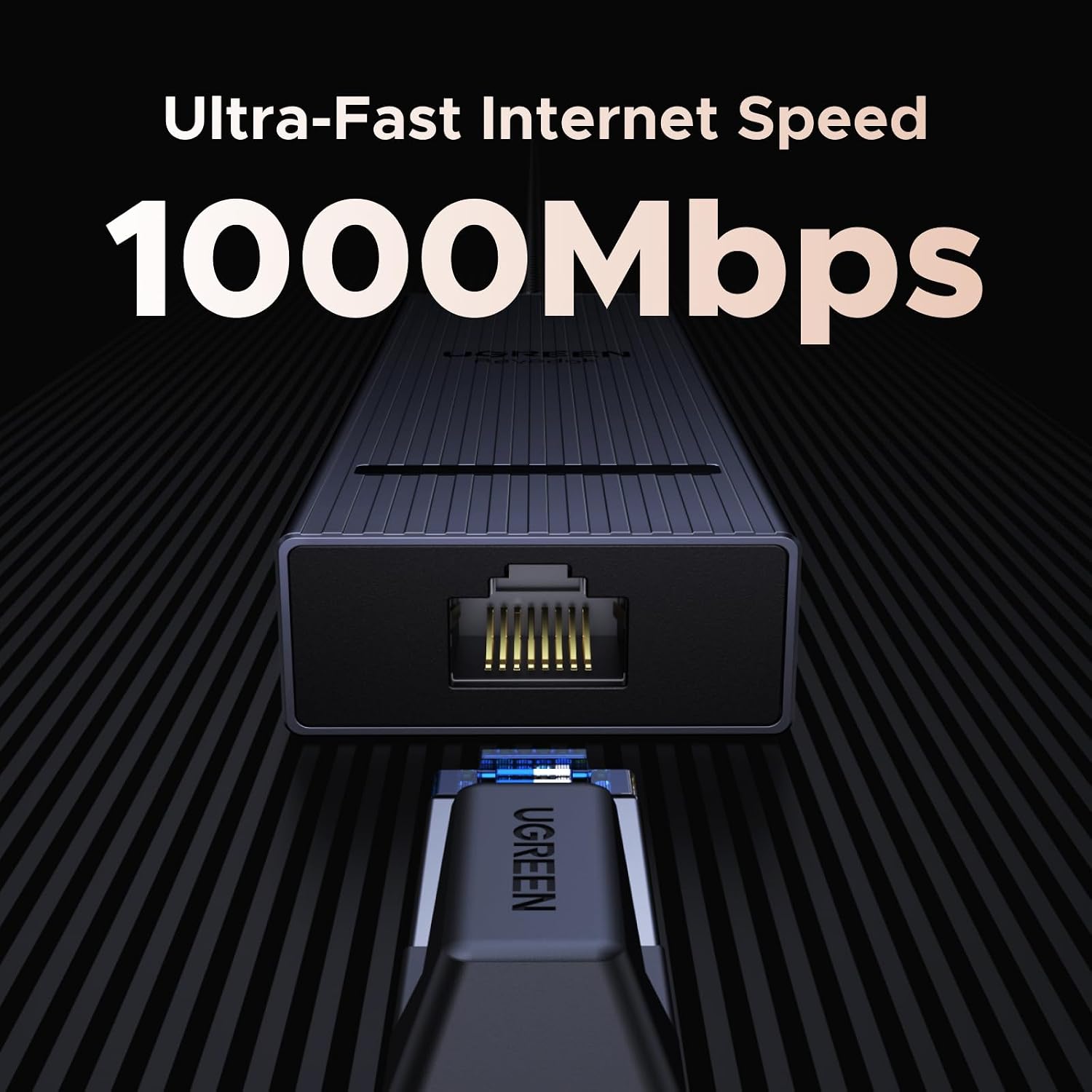

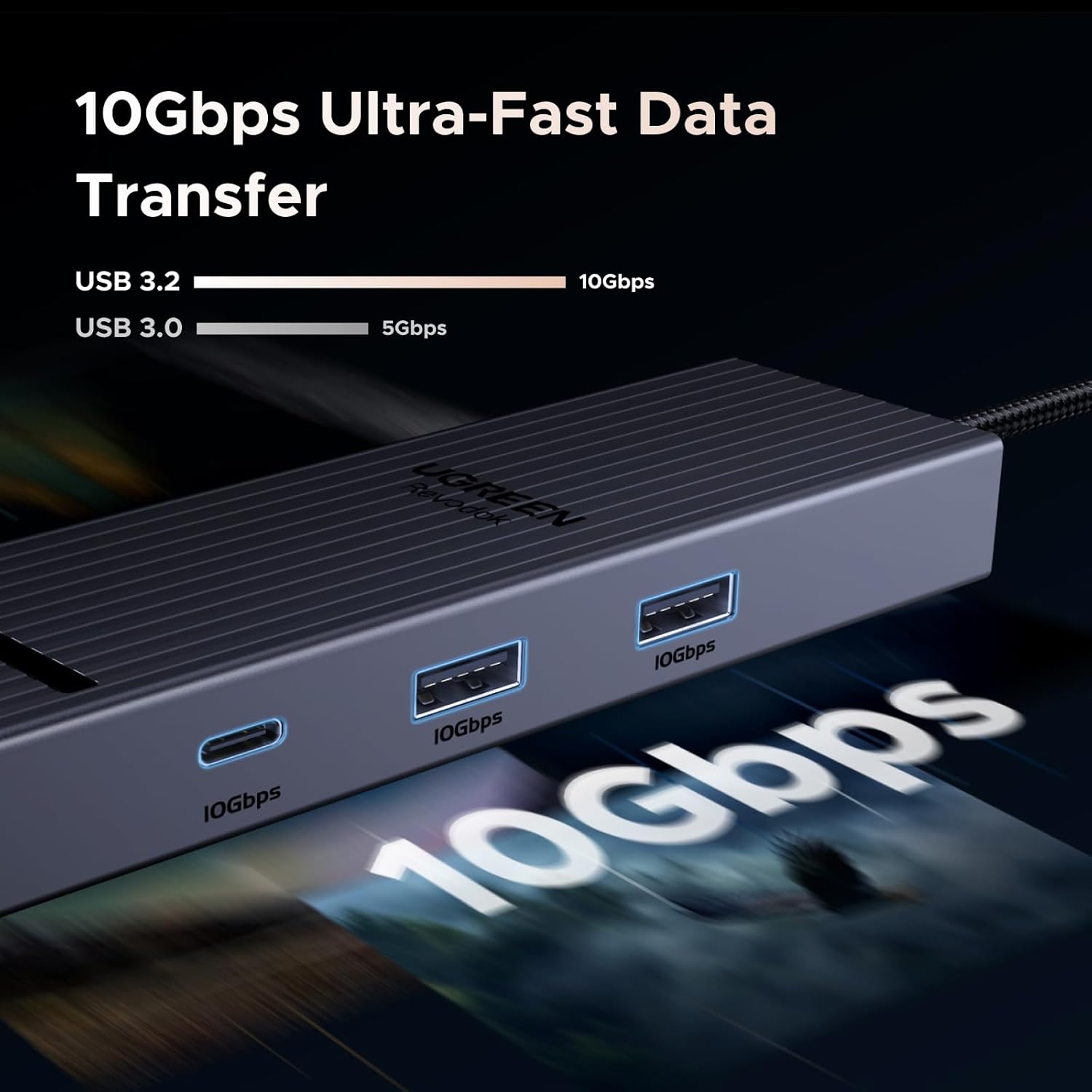
The useful draw is having display, wired network, USB and power connections in one compact adapter. The stated 4K@60Hz output is a more fluid display mode than 4K@30Hz, and the Ethernet port offers a wired alternative when you’d rather not rely on Wi-Fi. The USB connection is advertised at up to 10Gbps, which may suit moving larger files or connecting accessories that can make use of that speed.
It suits you if you want a portable hub for routine office tasks, meetings or travel and your device has a compatible USB-C port. It is not for you if you need the hub’s USB-C data port to charge a device or carry video: that port does neither. The USB-C PD port is for power pass-through only, with no data transfer or video output.
Spec sheet
- Type: 6-in-1 USB-C hub
- HDMI: Up to 4K at 60Hz
- Ethernet: Gigabit, up to 1000Mbps
- USB: Two USB-A ports and one USB-C data port, advertised transfer speed up to 10Gbps
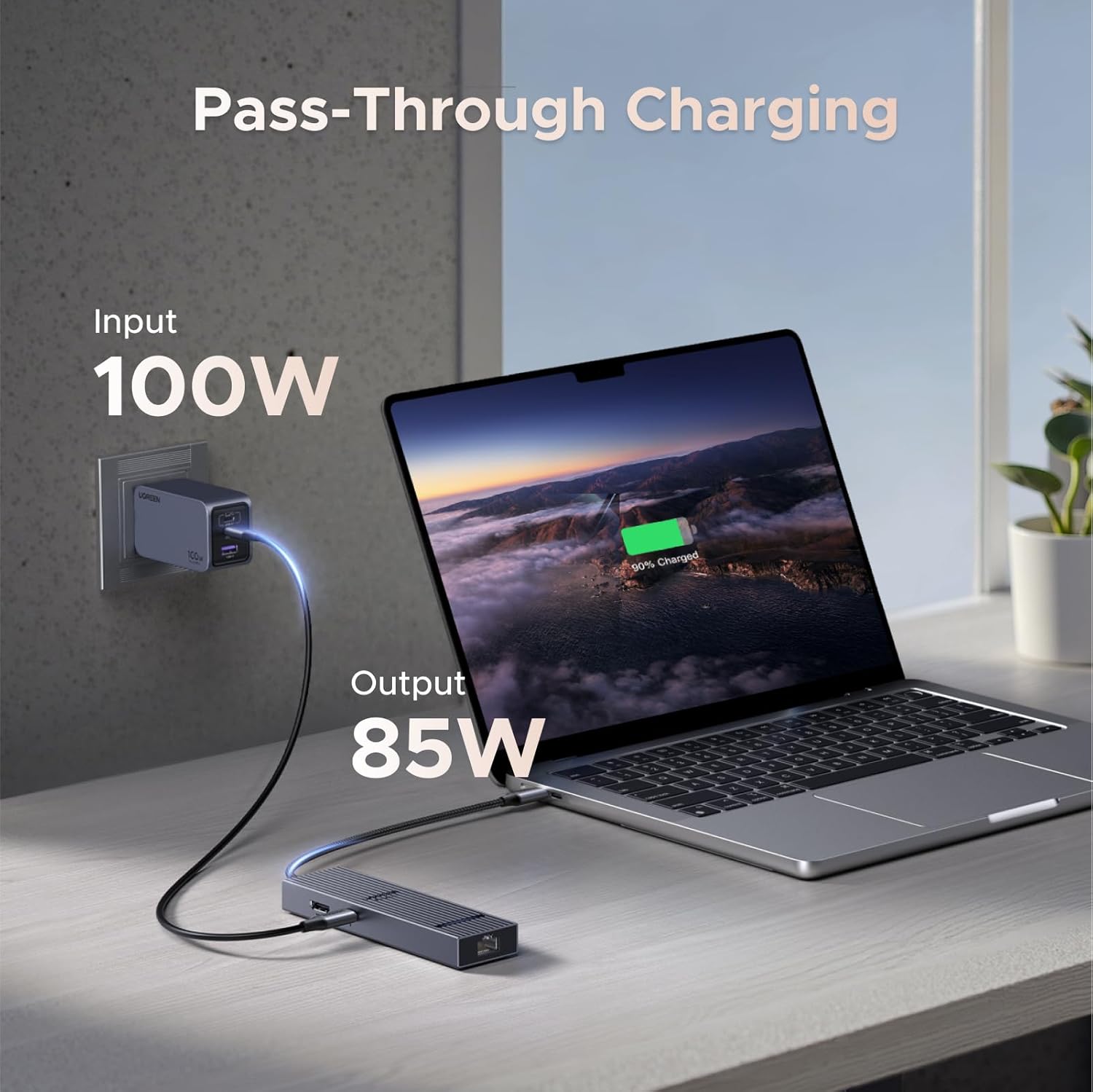
- Power: Up to 85W pass-through charging, 15W reserved for the other ports
- USB-C PD port: Power only, no data transfer or video output
The power figure is pass-through charging, not a promise that the connected device receives the full input: the listing says 15W is reserved for other ports. That detail matters if you’re choosing a hub mainly to keep a laptop charging while everything else is connected.
What I’d decide
Choose it if your priority is a small adapter that combines a 4K@60Hz display connection, wired Ethernet and everyday USB access, with pass-through power for a compatible host. Compared with buying a simpler adapter for just one connection, the six-in-one layout gives you more flexibility at a desk, compared with a larger dock, it keeps the setup portable but offers a more limited set of ports.
The main trade-off is the split between its USB-C ports: one is for data, while the PD port is for charging only. If your setup depends on USB-C video or data through the charging port, this layout won’t meet that need. For a travel or home-office kit centred on the listed connections, though, the feature mix is specific and easy to assess before you buy.