

UGREEN Revodok Pro AMUH12H USB-C Hub, 4K 60Hz HDMI, 10Gbps, 85W Charging
Reviews
Price
Product description
For laptop users who need an external display, faster accessory connections and pass-through charging, the UGREEN Revodok Pro brings these functions together in one USB-C hub.
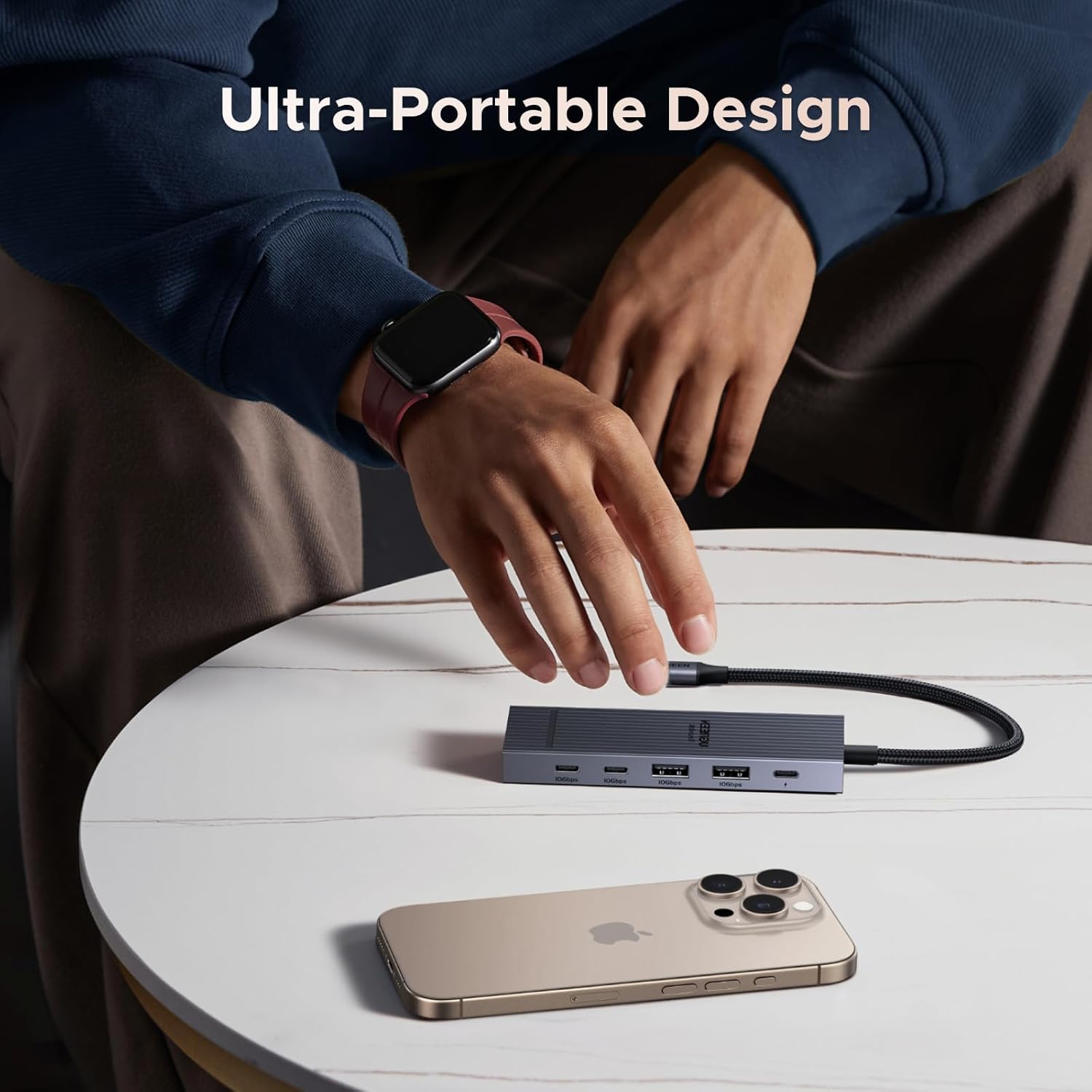
Its six connections include HDMI, two USB-A data ports, two USB-C data ports and a USB-C power input. The aluminium case and 180 g weight make it practical to keep with your everyday computer accessories.
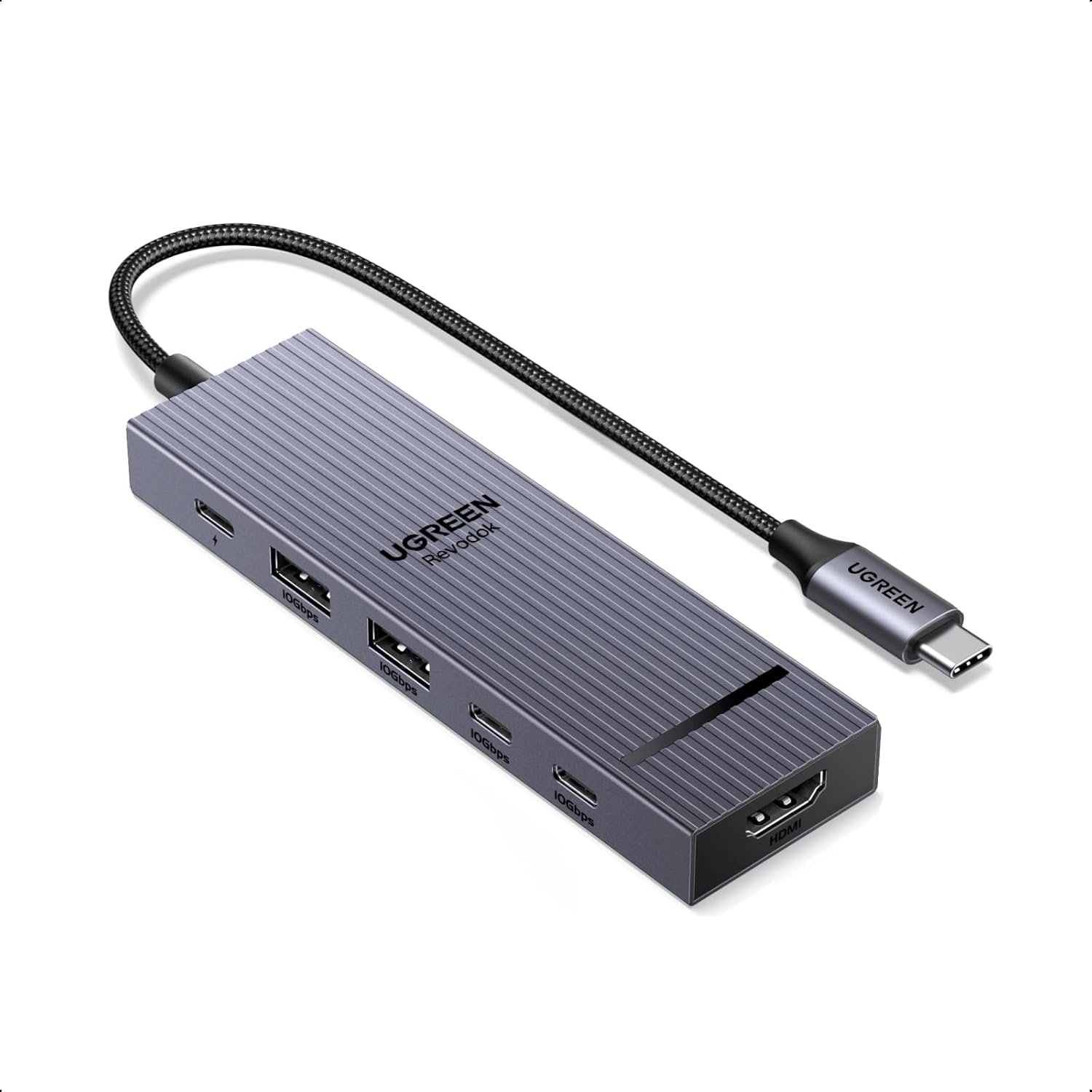
Use it to connect a compatible laptop to a monitor while attaching storage or other USB peripherals. The hub is designed for plug-and-play use, with no driver required.
Where it shines
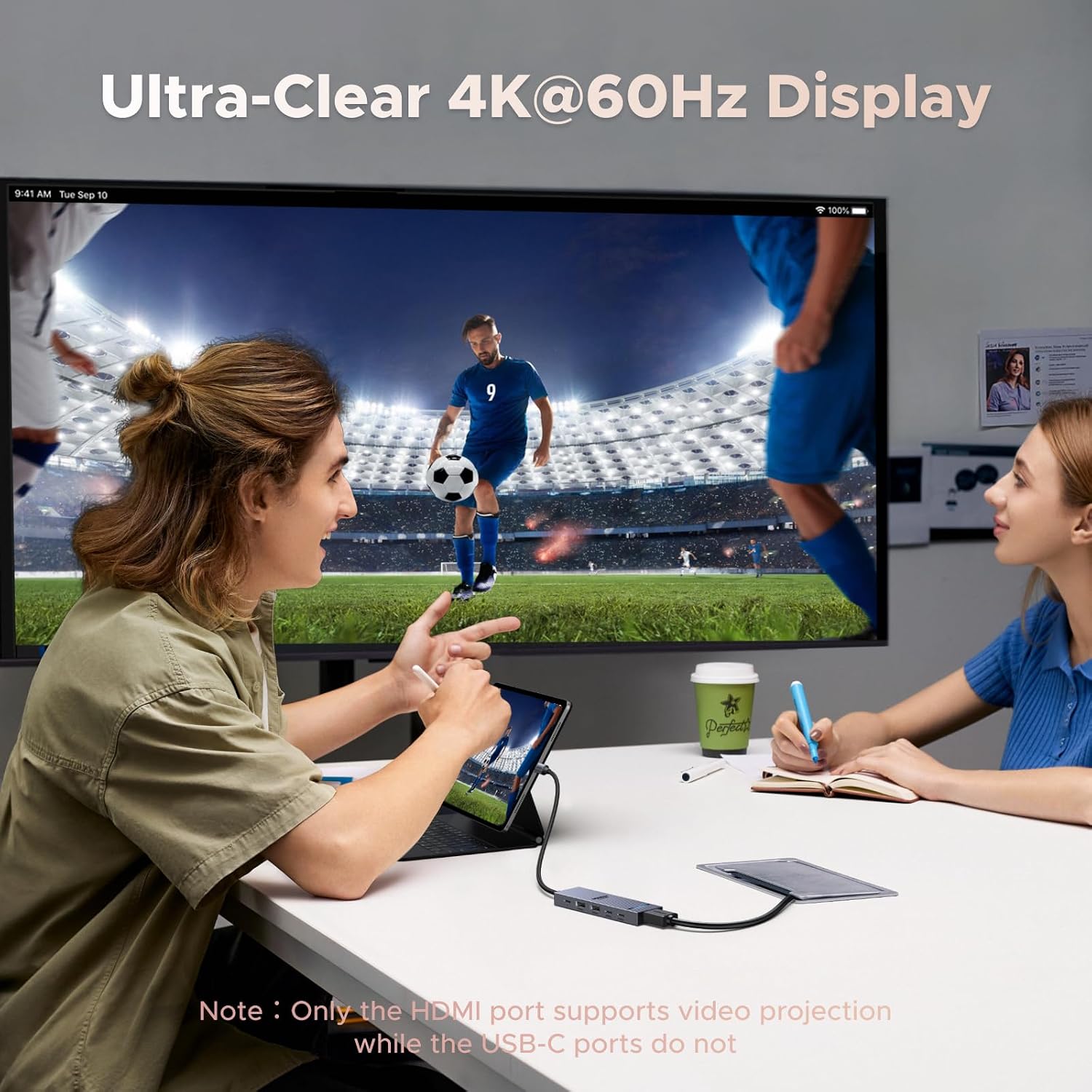
The HDMI port supports up to 4K at 60Hz, making the hub useful for a compatible external display, video playback or conferencing. The host device’s USB-C port must support video output, and 4K at 60Hz requires a DP 1.4-capable laptop. This makes the Revodok Pro a focused choice when display output matters alongside everyday peripheral connections, rather than a simple USB adapter with data ports alone.
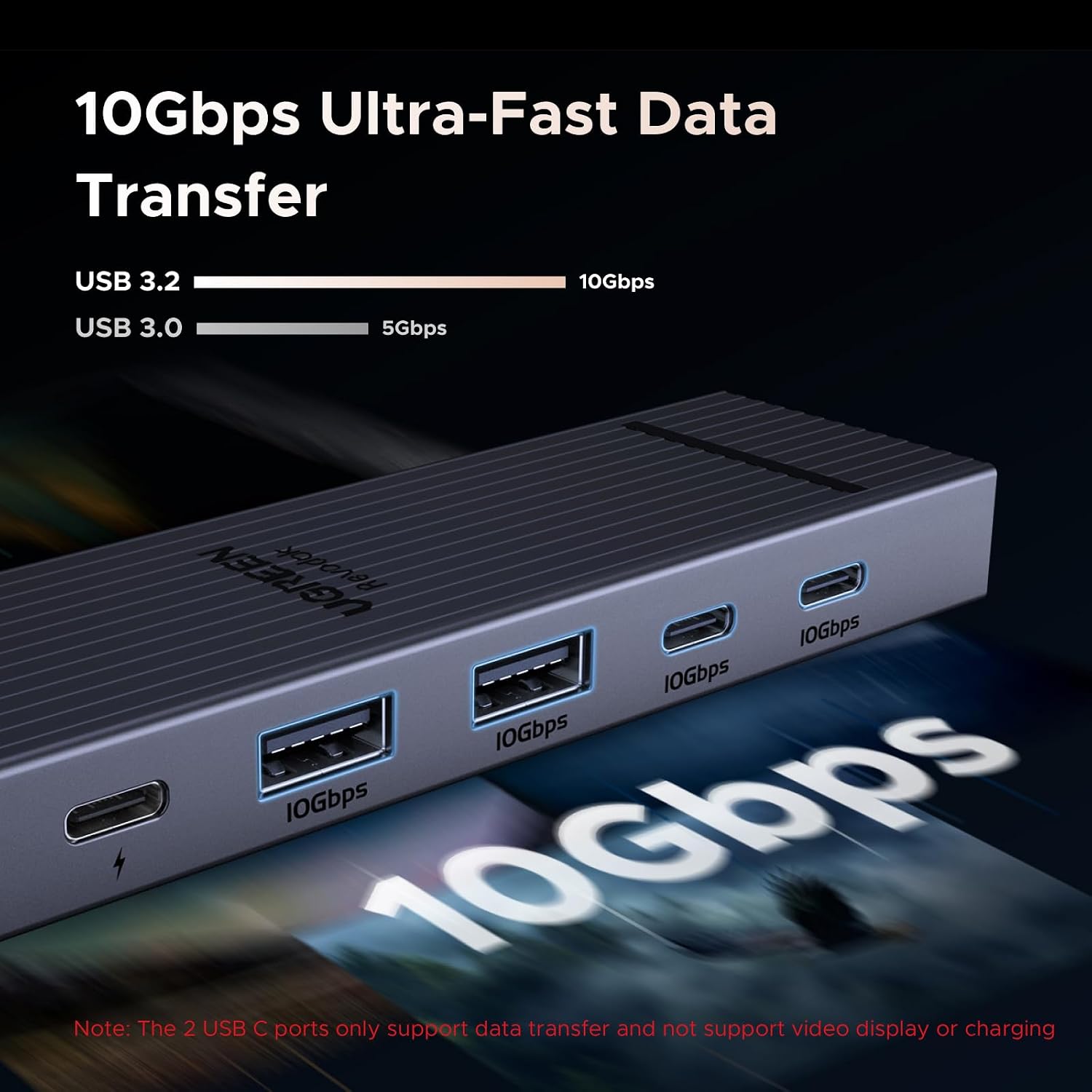
For file handling, the two USB-C and two USB-A data ports support transfer speeds up to 10Gbps. That can help when connecting external drives, USB flash drives, printers or other accessories, including during workflows involving large files. The USB-C data ports are for data transfer, the separate USB-C PD input is for charging.
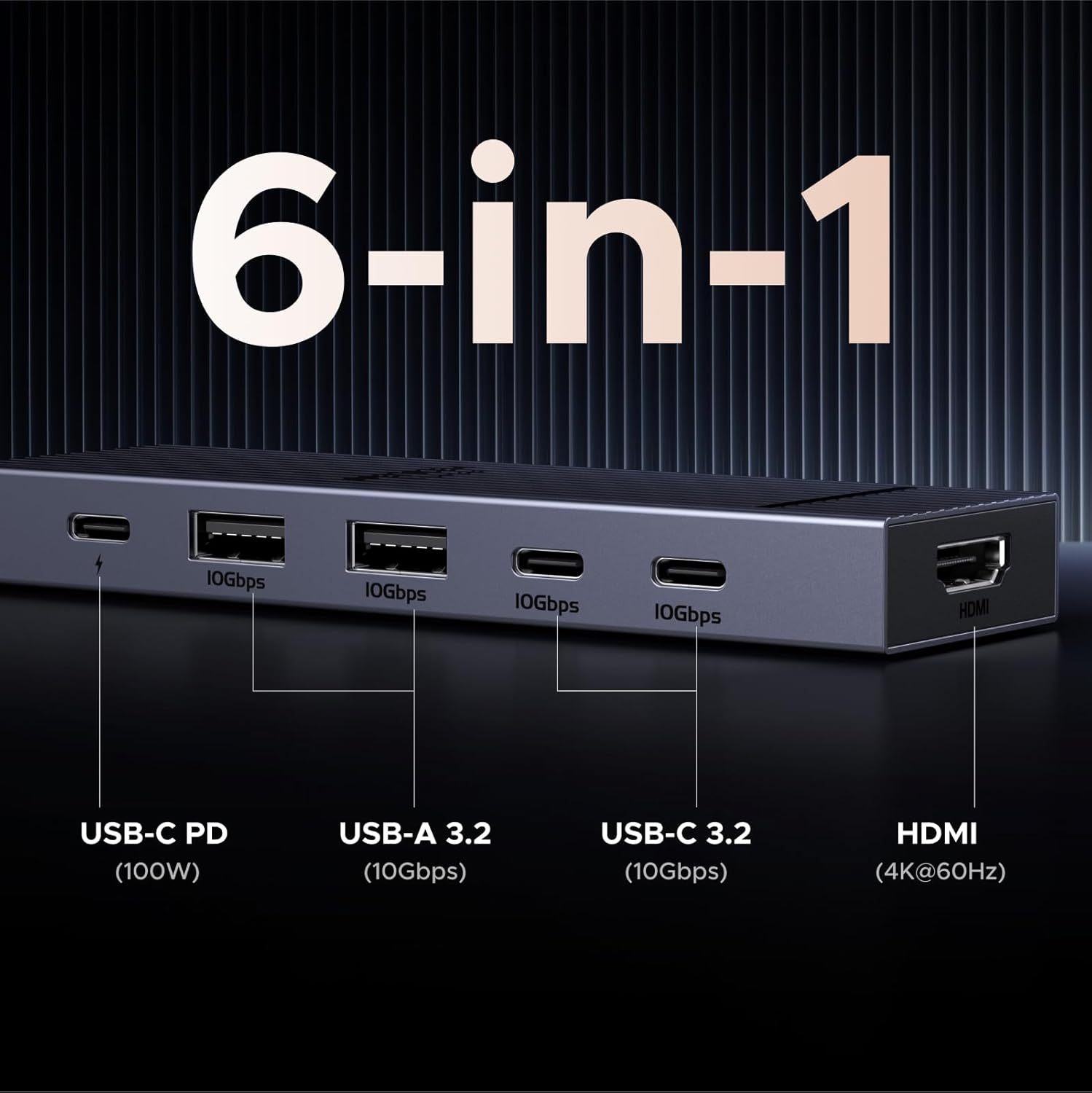
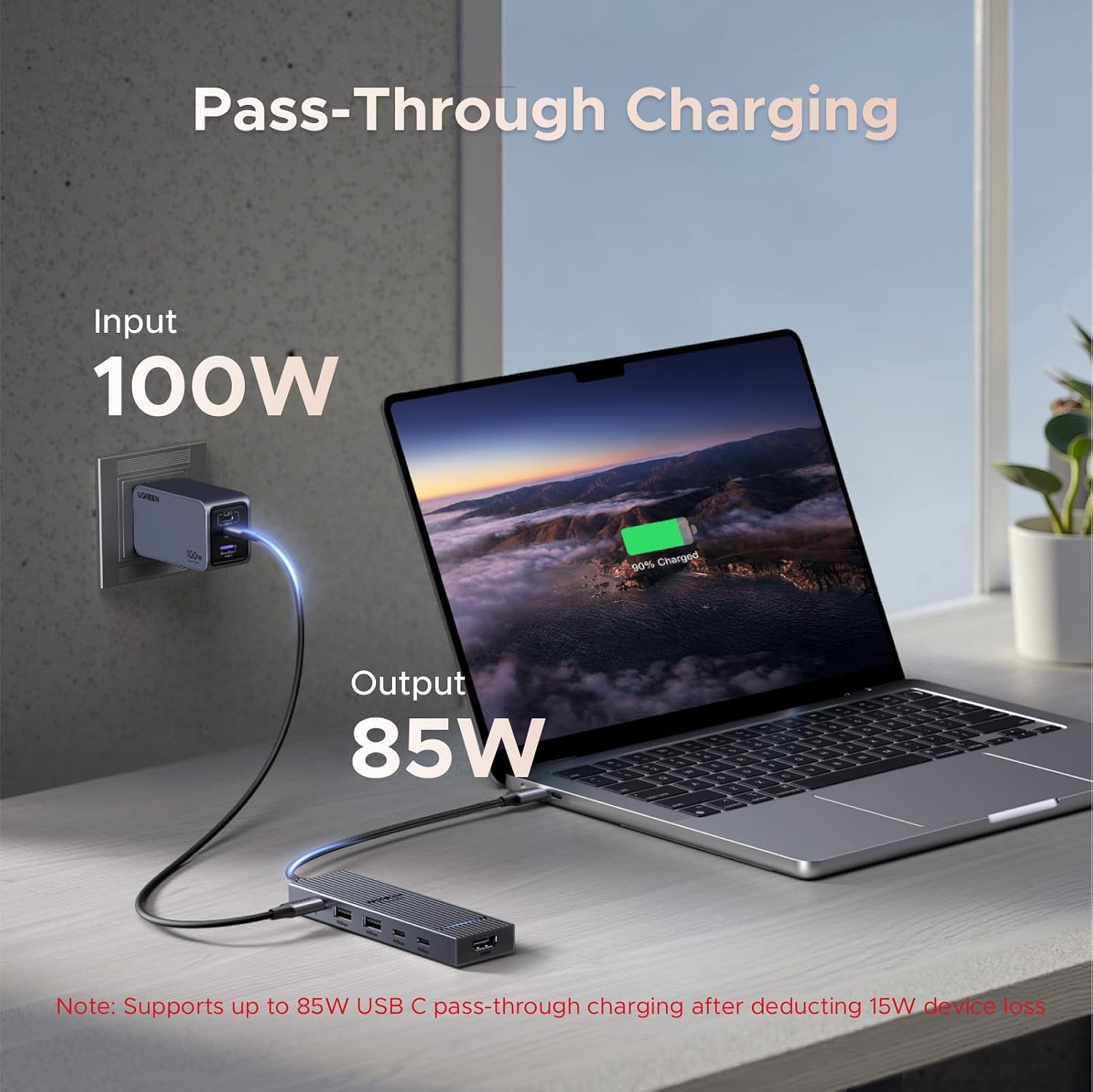
The PD input supports up to 100W, with up to 85W available to the connected laptop after power loss. That lets you keep a laptop powered while using the hub’s display and data connections. It’s a useful setup for a desk where you want a monitor, storage and charging connected through one hub.
Worth noting
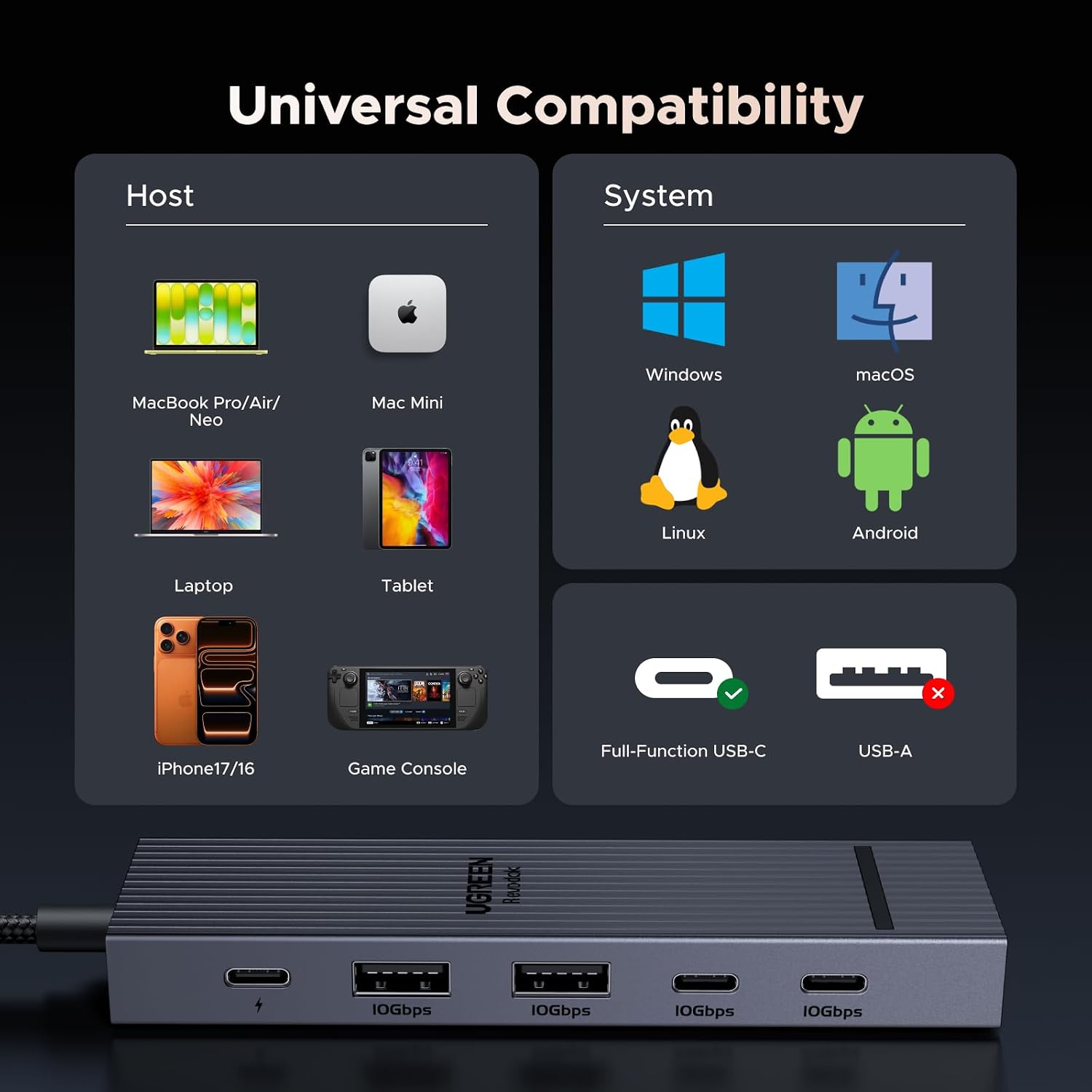
The Revodok Pro is listed for use with USB-C devices including MacBook Pro and Air, iMac, iPad Pro and Air, Chromebook, Surface, Steam Deck and ROG Ally. It also supports Android, Linux, Windows and macOS. For full functionality with MacBook Neo, connect it to the computer’s left USB-C 3.0 port. Display output depends on the host USB-C port supporting video.
Buyer feedback highlights the usefulness of the port selection, charging capability and solid-feeling construction. Experiences with connectivity and heat are mixed, and some buyers report units becoming unreliable over time. These are useful points to weigh alongside the hub’s specific ports and functions when choosing an adapter for regular use.
Usage tips
For a 4K 60Hz monitor connection, use a host laptop with DP 1.4 support and a USB-C port capable of video output. Connect the hub to that port, then attach the display through HDMI. The hub’s USB-C data ports handle data only, while its PD input accepts charging power. During screen recording or file transfers, avoid connecting or disconnecting the PD charger to help prevent interruption to the image or data transfer.
Buying verdict
Choose the UGREEN Revodok Pro AMUH12H if your setup calls for HDMI display output, four high-speed USB data ports and laptop charging in one compact aluminium hub. Its combination of 4K 60Hz HDMI, 10Gbps transfers and up to 85W pass-through charging suits compatible USB-C laptops used with a monitor and everyday peripherals. A solid pick if consolidating those connections is the main goal.