

Acer ODK5D0 6-in-1 USB-C Hub with 4K HDMI, Gigabit Ethernet and 100W PD
Product description
If your laptop or tablet needs more connections, the Acer ODK5D0 hub brings display, wired network, USB data and power delivery together through one USB-C connection. It’s designed for compatible devices with a USB-C or Thunderbolt 3/4 port that supports DisplayPort Alt Mode.
Need a larger display and a wired network connection at the same desk? This hub adds both, along with ports for USB accessories and a dedicated charging connection.
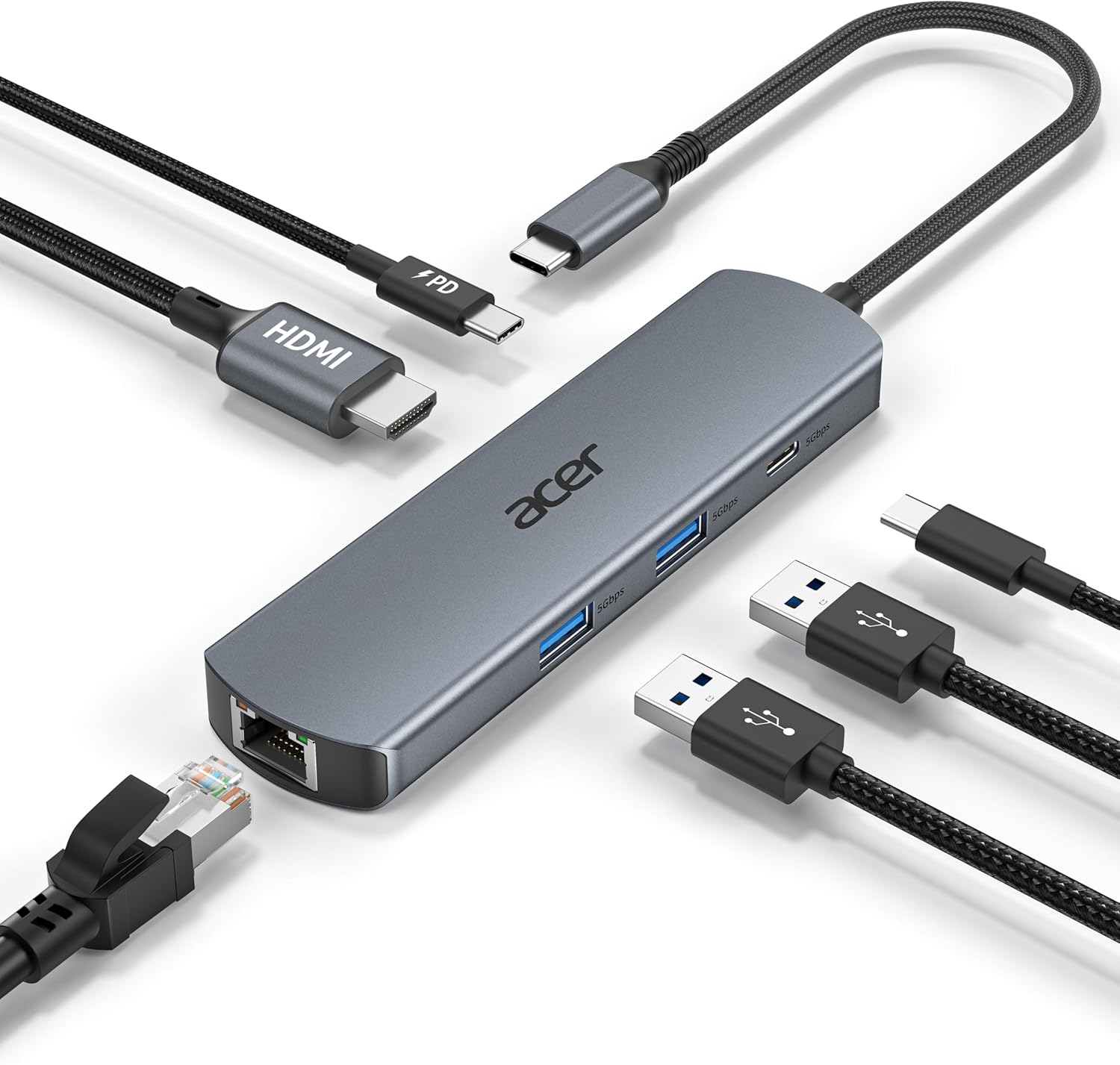
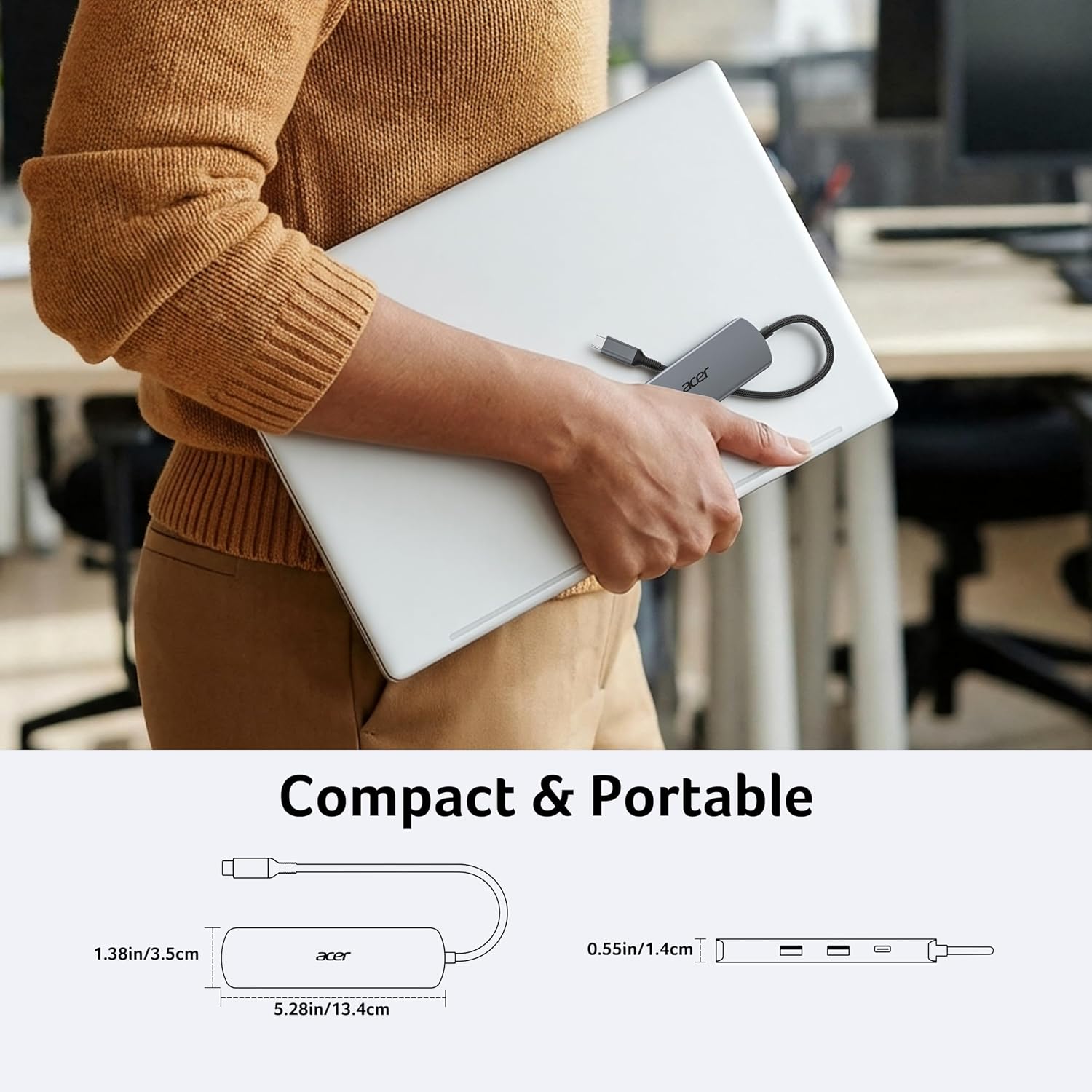
Its aluminium shell and braided nylon cable make it a practical addition to a home, office or travel setup where one host connection can serve several everyday tasks.
The essentials
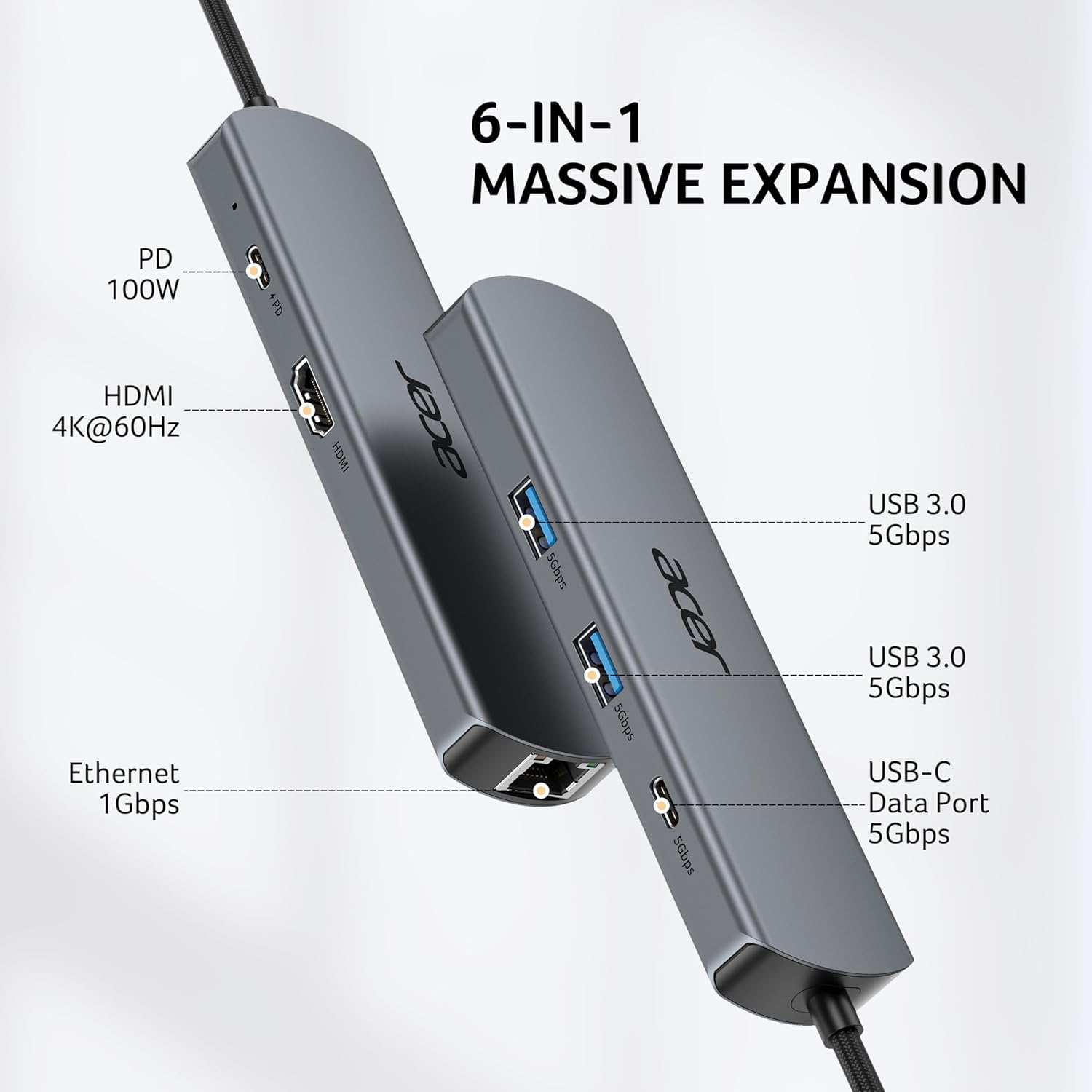
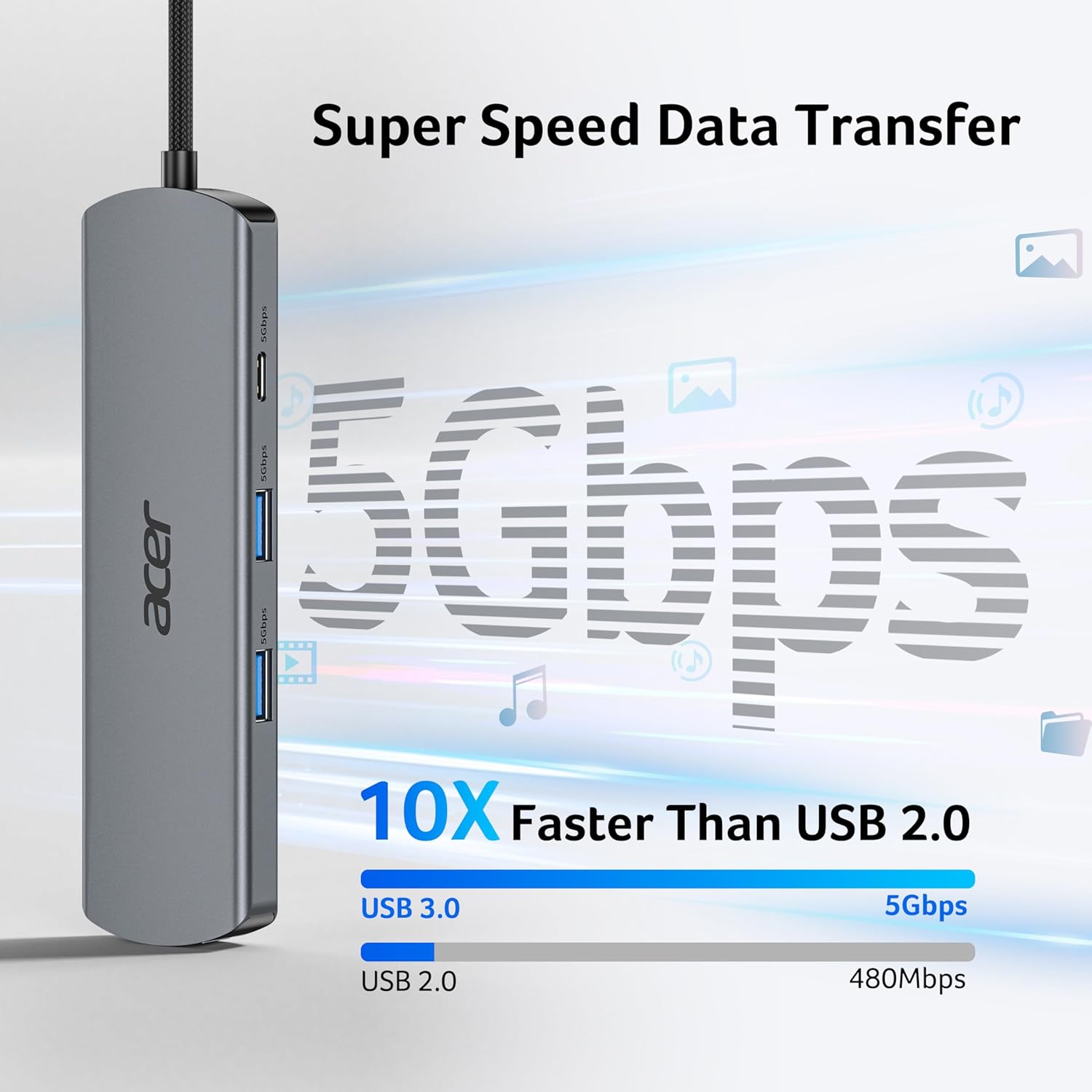
The six-in-one layout includes HDMI supporting 4K at 60Hz, Gigabit Ethernet, two USB-A data ports, one USB-C data port and a USB-C Power Delivery port rated up to 100W. The USB data ports support transfer speeds up to 5Gbps, providing a way to connect items such as a flash drive, external storage, keyboard or mouse alongside a display and wired network.
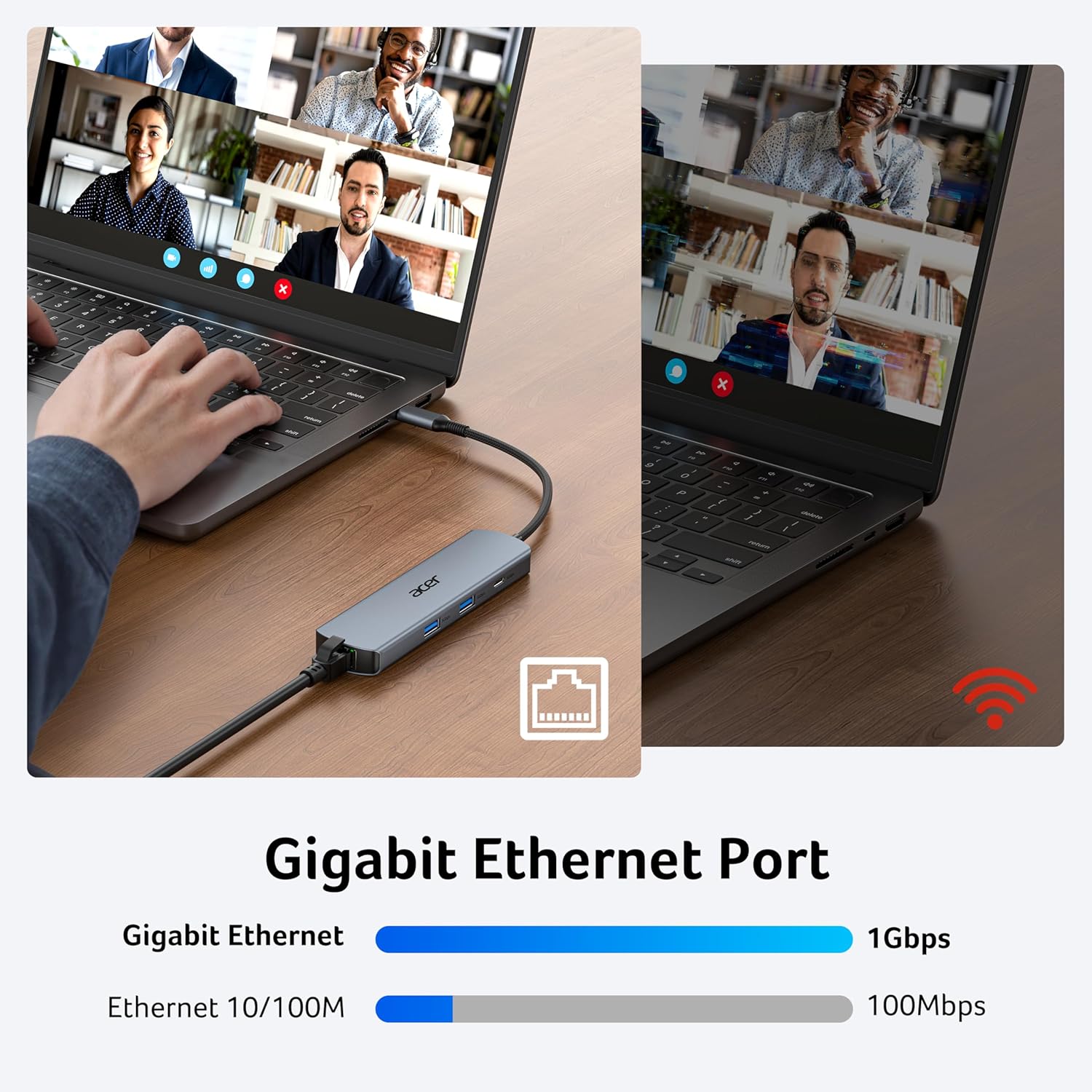
For desk work, HDMI can mirror or extend a screen, while Ethernet offers a wired connection with speeds up to 1000Mbps. A CAT6 or higher Ethernet cable is recommended to reach 1Gbps. Customer feedback highlights the hub’s usefulness and core functionality, while experiences with connection stability and build quality are mixed.
Tips for day-to-day use
Check that the host device supports video output over USB-C through DisplayPort Alt Mode before relying on HDMI. For charging, connect a USB-C charger to the hub’s PD port, a charger rated at 45W or higher is recommended, and charging speed varies with the device and cable. The USB-A and USB-C data ports are for data transfer, not charging.
How to use it
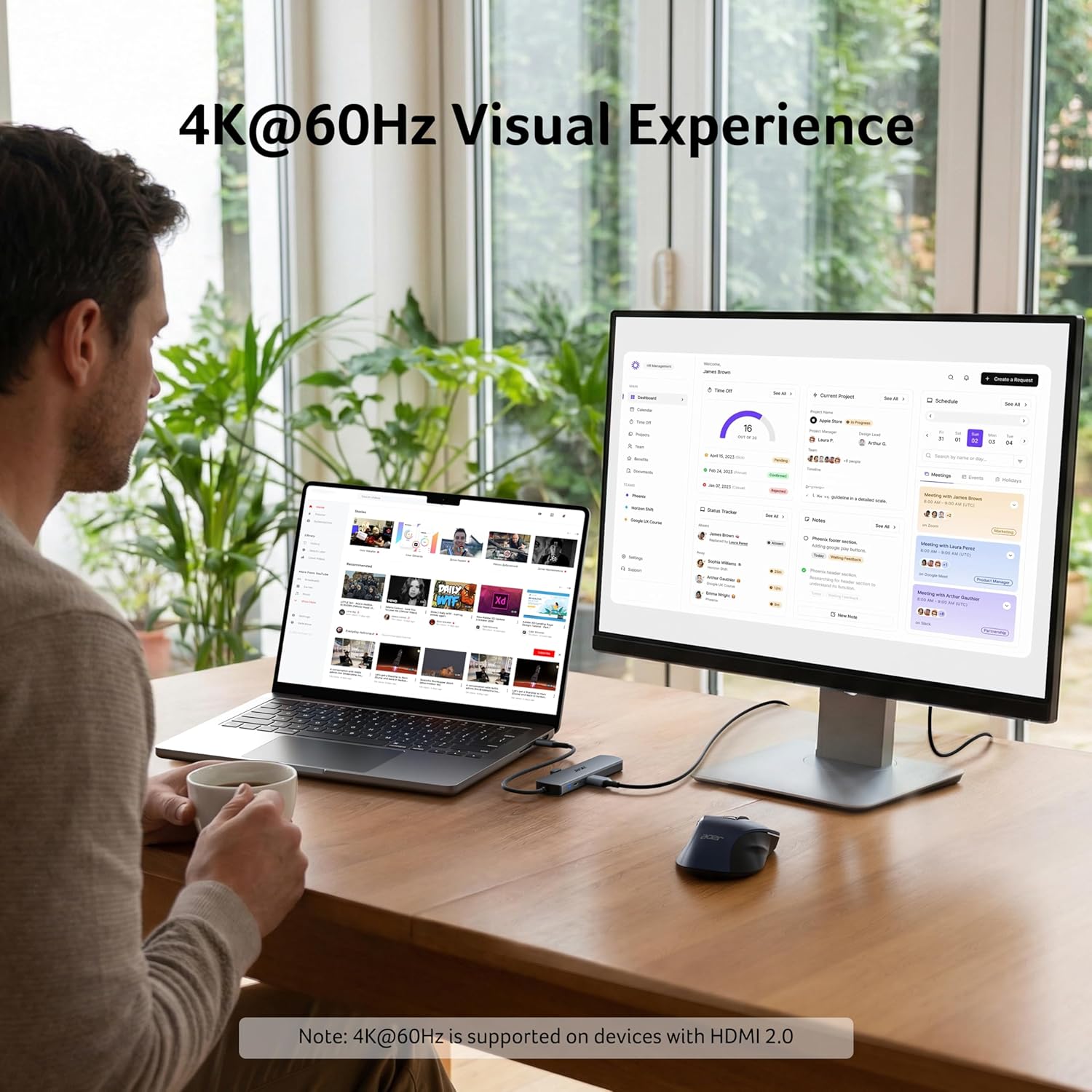
Connect the hub’s USB-C plug to a compatible device, then attach the peripherals you need. Connect an HDMI display for mirrored or extended viewing, plug in Ethernet for a wired network, and use the USB data ports for accessories or storage. To supply power to the host through the hub, connect a suitable USB-C PD charger to its dedicated PD port.
This setup is useful when moving between a single-port laptop and a fuller workstation: connect the display, network cable and everyday accessories at the hub rather than occupying separate host connections. For travel or shared work areas, it also offers a compact way to bring those connections along. Its 4K@60Hz HDMI specification is particularly relevant for users who want a smoother display output than a 30Hz connection, provided the host device supports video output.
Practical questions
Can it connect to an external monitor? Yes. The HDMI port supports up to 4K at 60Hz and offers mirrored or extended-screen use. The connected device must support video output over its USB-C port.
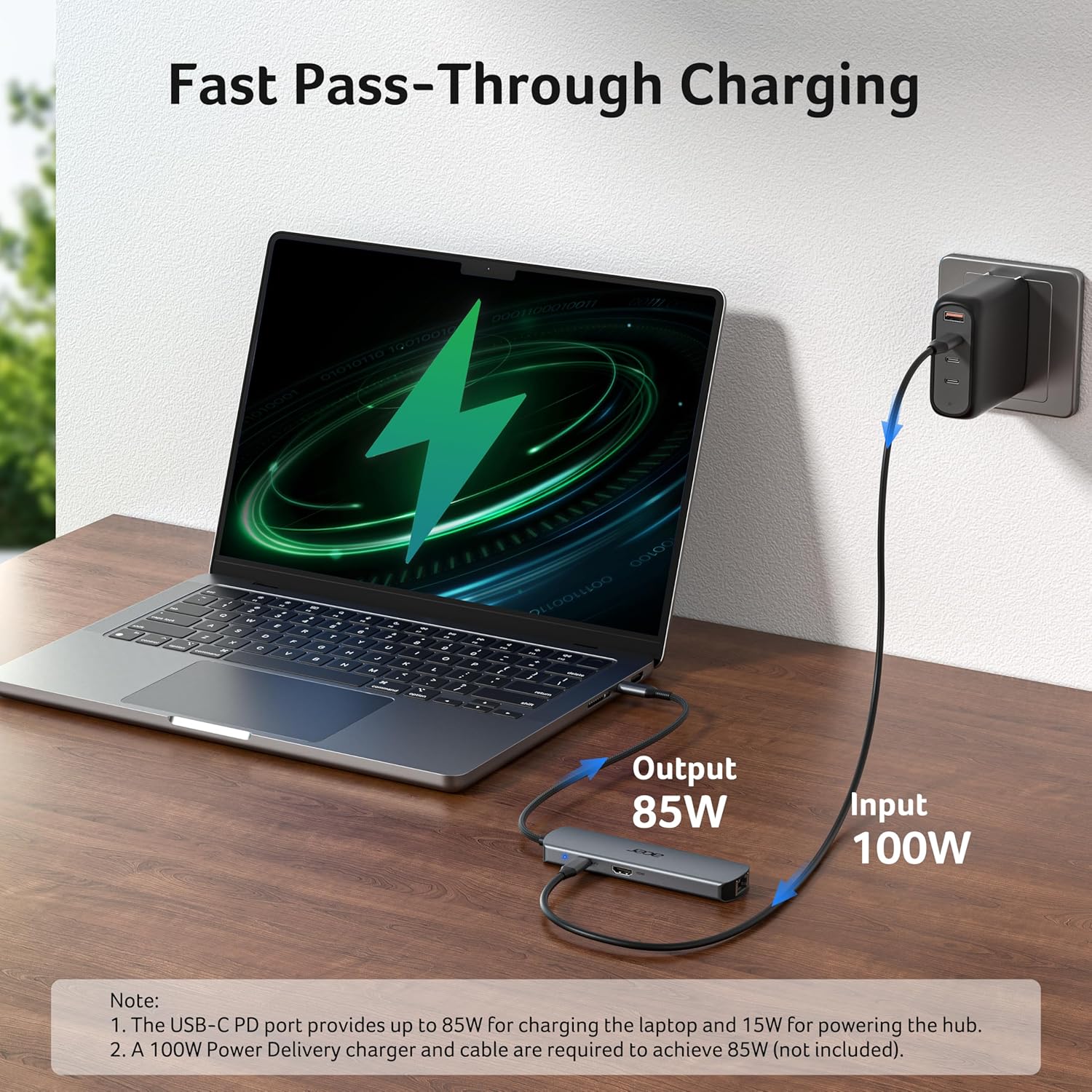
Can it charge a laptop while the hub is in use? The dedicated USB-C PD port supports up to 100W. Use a compatible charger and cable, the actual charging speed depends on the device and cable.
What’s needed for Gigabit Ethernet? Use a CAT6 or higher Ethernet cable to reach 1Gbps. The connection also depends on the capabilities of the host device and network.
Should you buy it?
Choose the ODK5D0 if you want one hub to bring together a wired network connection, 4K@60Hz HDMI, USB data ports and USB-C power delivery. It’s well suited to a compatible laptop or tablet used for desk work, presentations or a more connected setup on the go, especially when you want to keep display, network and everyday accessories accessible through a single USB-C hub.