

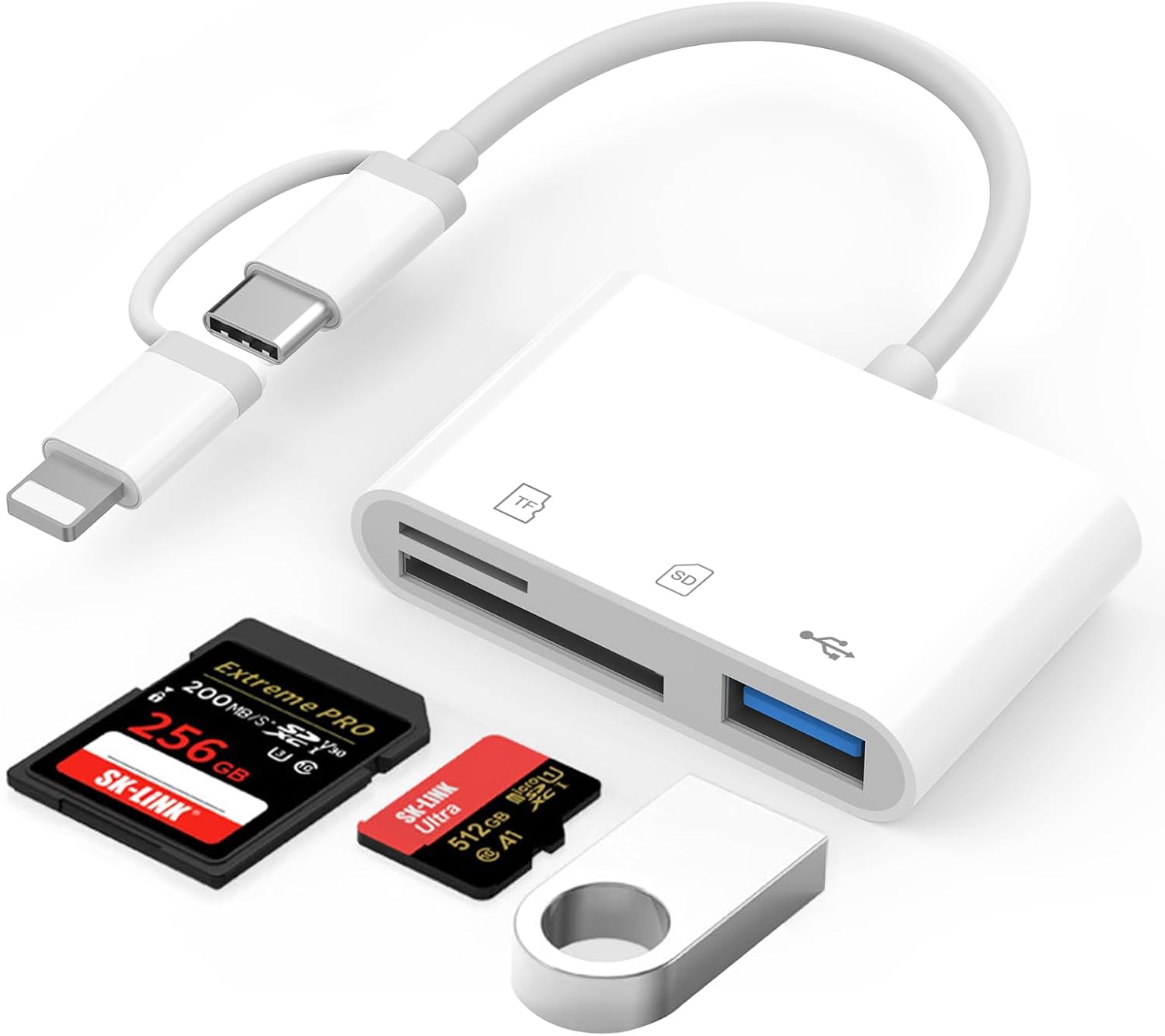
Oliveria SD card reader
Product description
What to know
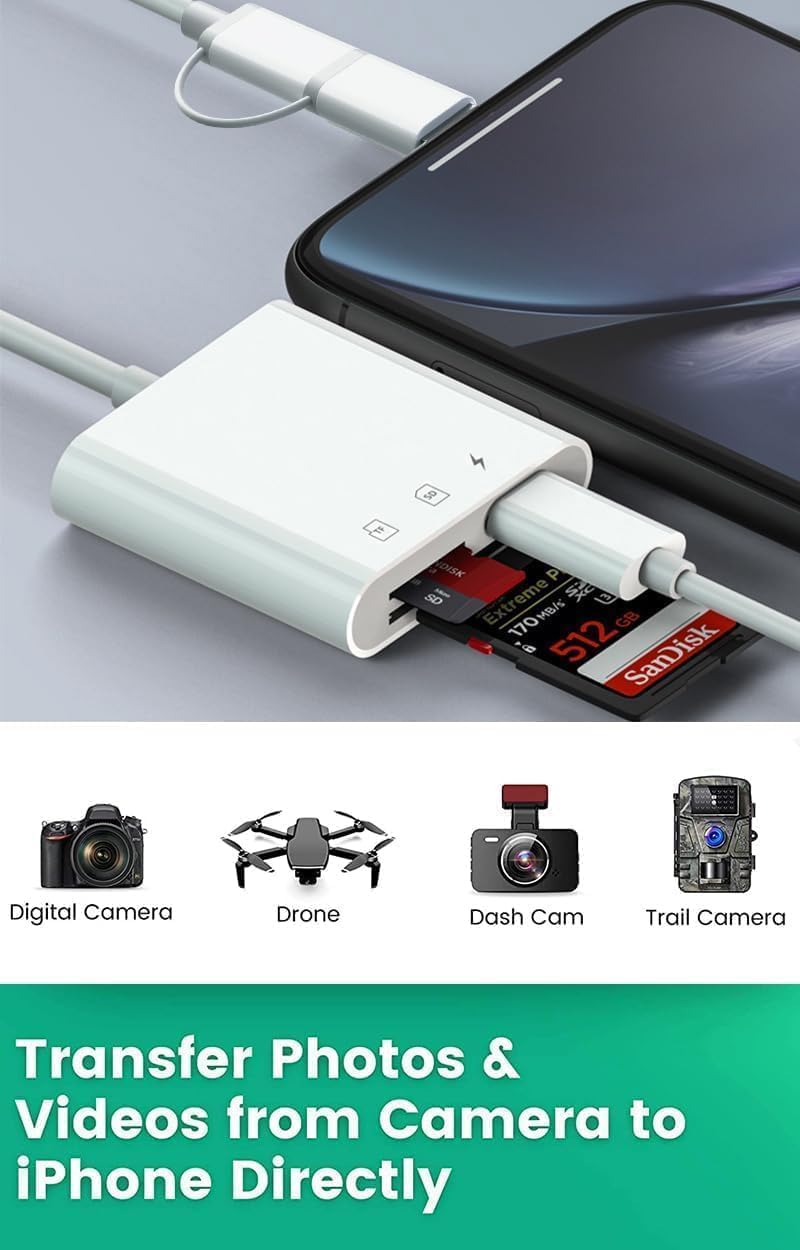
Two-way transfer is the main draw: this Oliveria SD card reader is described as moving files from a memory card to a phone or tablet, and back again. That makes it useful for more than simply viewing photos after a shoot.
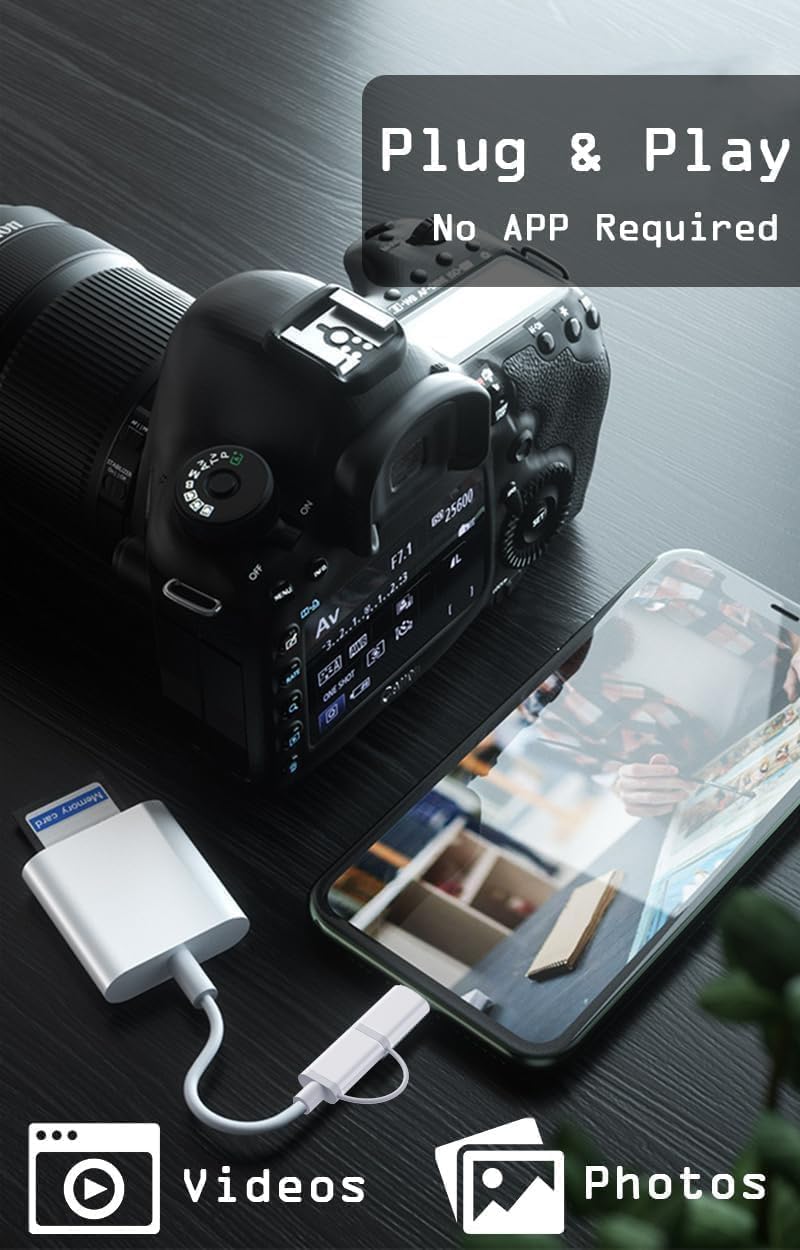
It uses Apple’s built-in Files app, so the listing says there’s no need to install a third-party app. It also supports video playback, which can make a quick check of camera footage easier while you’re away from a computer.
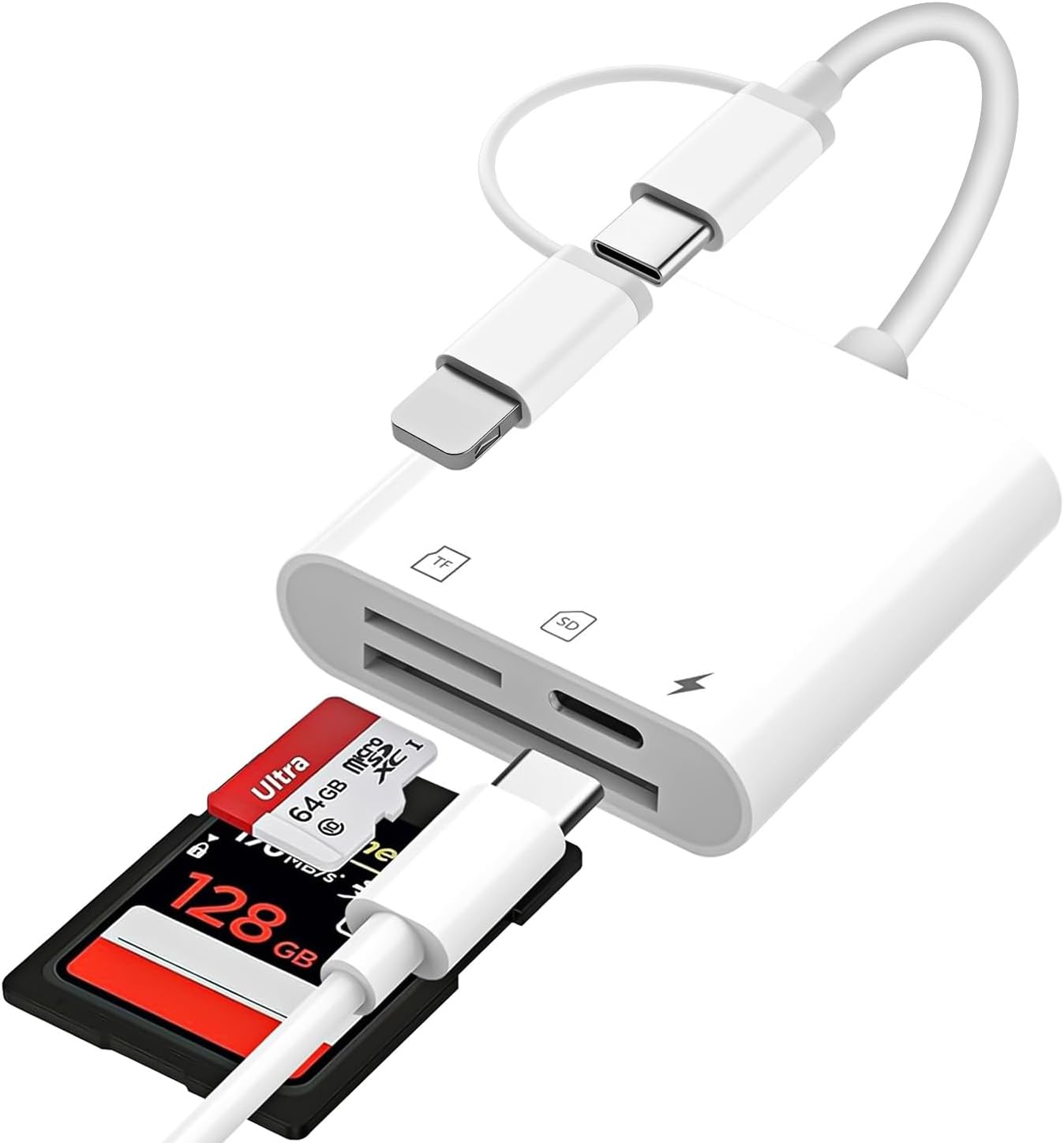
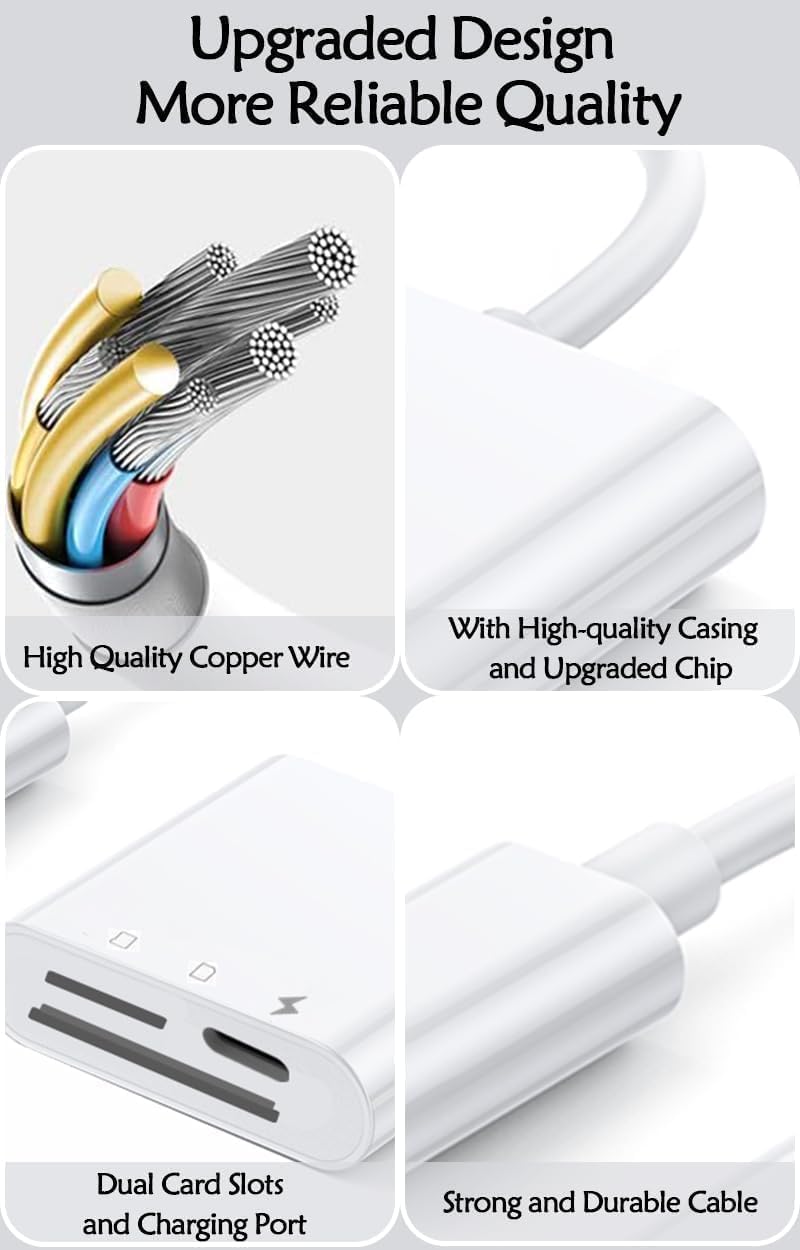
The reader is listed for SD, SDHC and SDXC cards, as well as MicroSD, MicroSDHC and MicroSDXC. Supported formats include JPEG and RAW photos, plus H.264 and MPEG-4 video. Keep in mind that no transfer-rate figure is provided, despite the high-speed wording, so there’s no stated speed to compare with a dedicated card reader.
Best use cases
This is aimed at people who want to move camera files directly between a card and a compatible iPhone or iPad. Picture finishing a day of photography, opening Files to copy a few RAW images to your phone, then checking a video clip without first transferring everything to a computer. The reverse-transfer support is also useful if you want to put files from a phone or tablet onto a memory card.
The product name highlights iPhone 16, 15 and 14, while the description gives a wider list of Apple devices and iOS versions. Given how it is set up, check that the reader’s connector matches your specific device before choosing it, a broad compatibility list doesn’t by itself confirm that every listed model uses the same connection.
It suits you if direct card access and two-way file copying matter more than having a standalone workflow. It may not suit you if you need a published transfer speed or want a reader whose exact device and connector compatibility is clearly specified for your setup.
Tips for day-to-day use
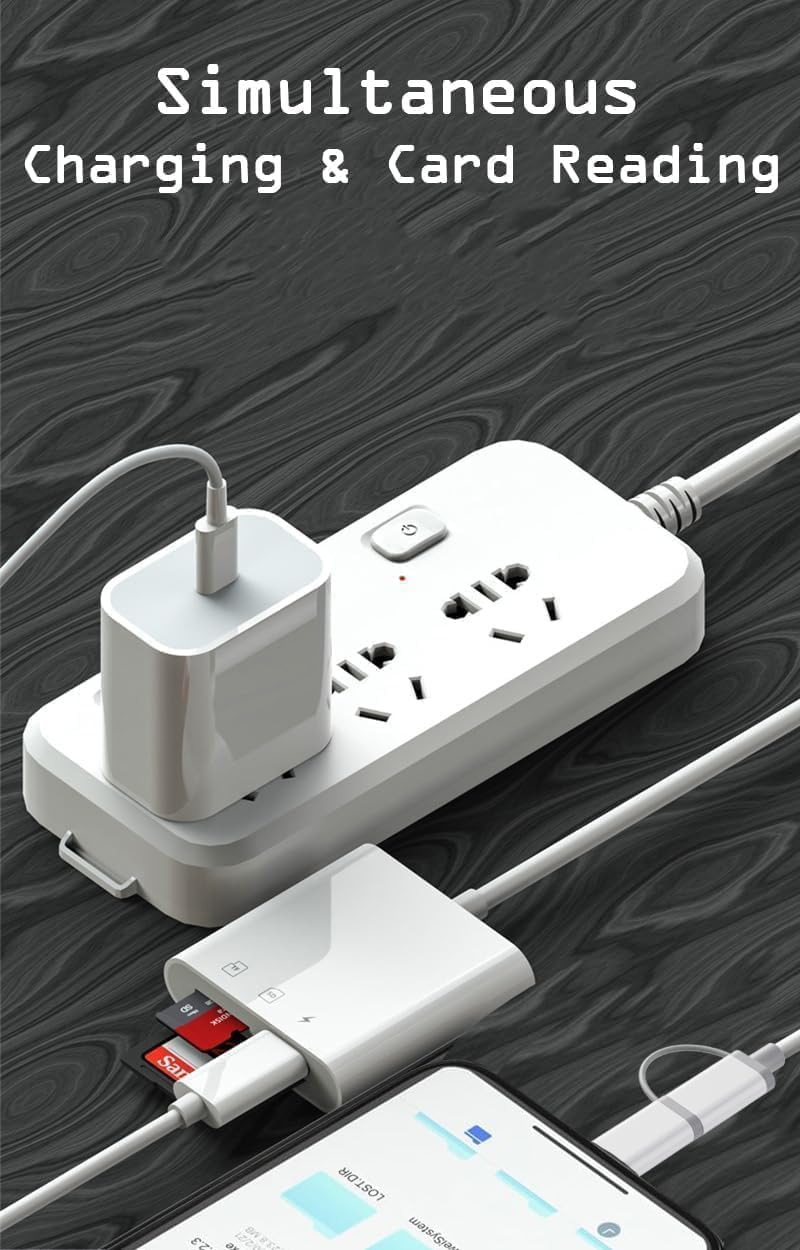
For a simple transfer, connect the reader, open Files and locate the card before copying the photos or videos you need. If you’re sorting a large camera folder, start with a small selection so you can confirm that the files appear and play as expected on your device. The listing also describes using the reader with additional USB devices and charging, but it doesn’t explain which combinations or accessories are supported.
For photo work, the stated RAW support is a useful point to look for, though the description doesn’t name particular camera models or guarantee that every RAW file will behave the same way. Keep the original card intact until you’ve checked that your copied files are accessible.
Buying questions
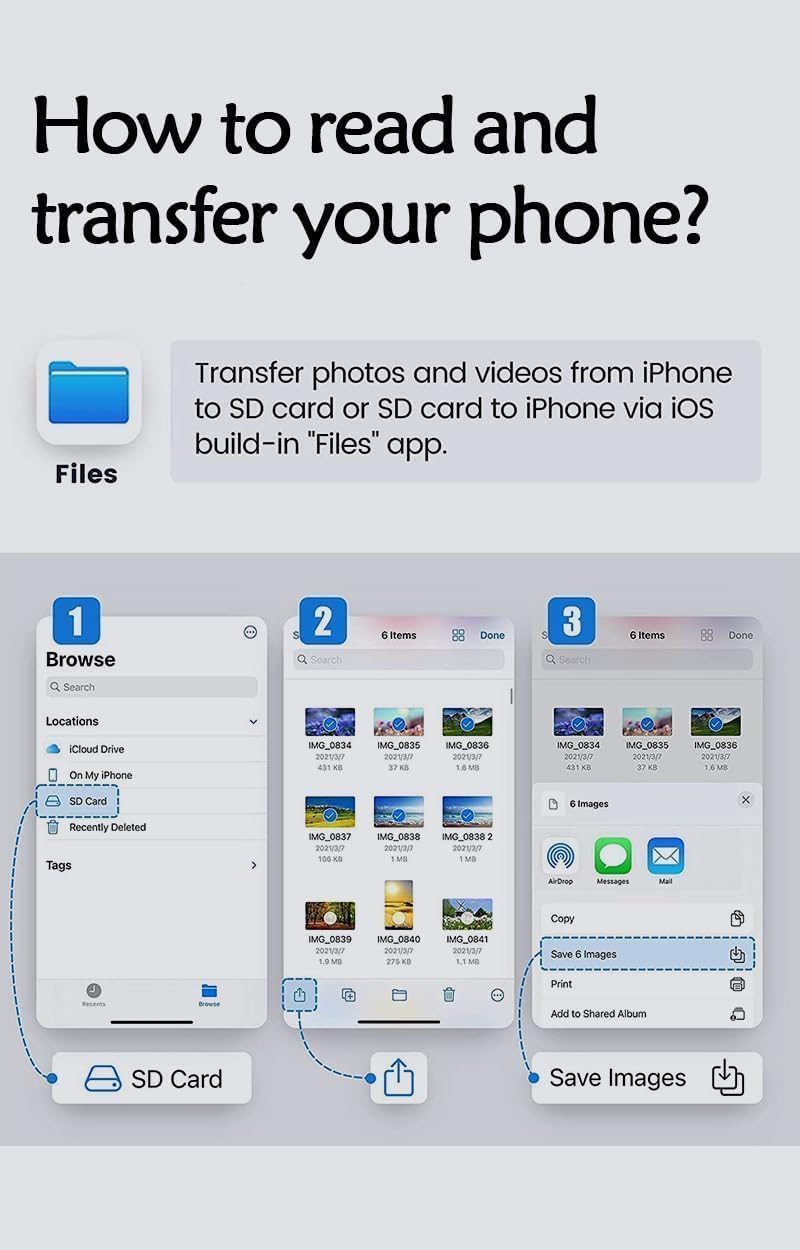
Does it require a separate app? The listing says it works with Apple’s built-in Files app and doesn’t require a third-party app.
Can it read microSD cards? Yes. MicroSD, MicroSDHC and MicroSDXC are among the listed card types.
Can files be copied back to a memory card? The product description states that transfer works in both directions, including from a phone or tablet to an SD memory card.
Is it worth it?
This reader makes sense if you want a compact route from camera card to Apple device, with reverse transfers and playback included in the described feature set. That’s a more flexible approach than choosing a reader for one-way photo imports alone. The trade-off is the lack of a stated speed and some uncertainty around connector details across the broad compatibility list. Consider it when your device connection is confirmed and direct file access is the priority, look elsewhere if you need a clearly rated transfer rate or precise compatibility information before buying.