

Google Nest smart thermostat, Fog
Product description
An empty home doesn’t need the same heating or cooling as a busy one. The Google Nest Thermostat can turn itself down when you leave, helping avoid running the system unnecessarily.
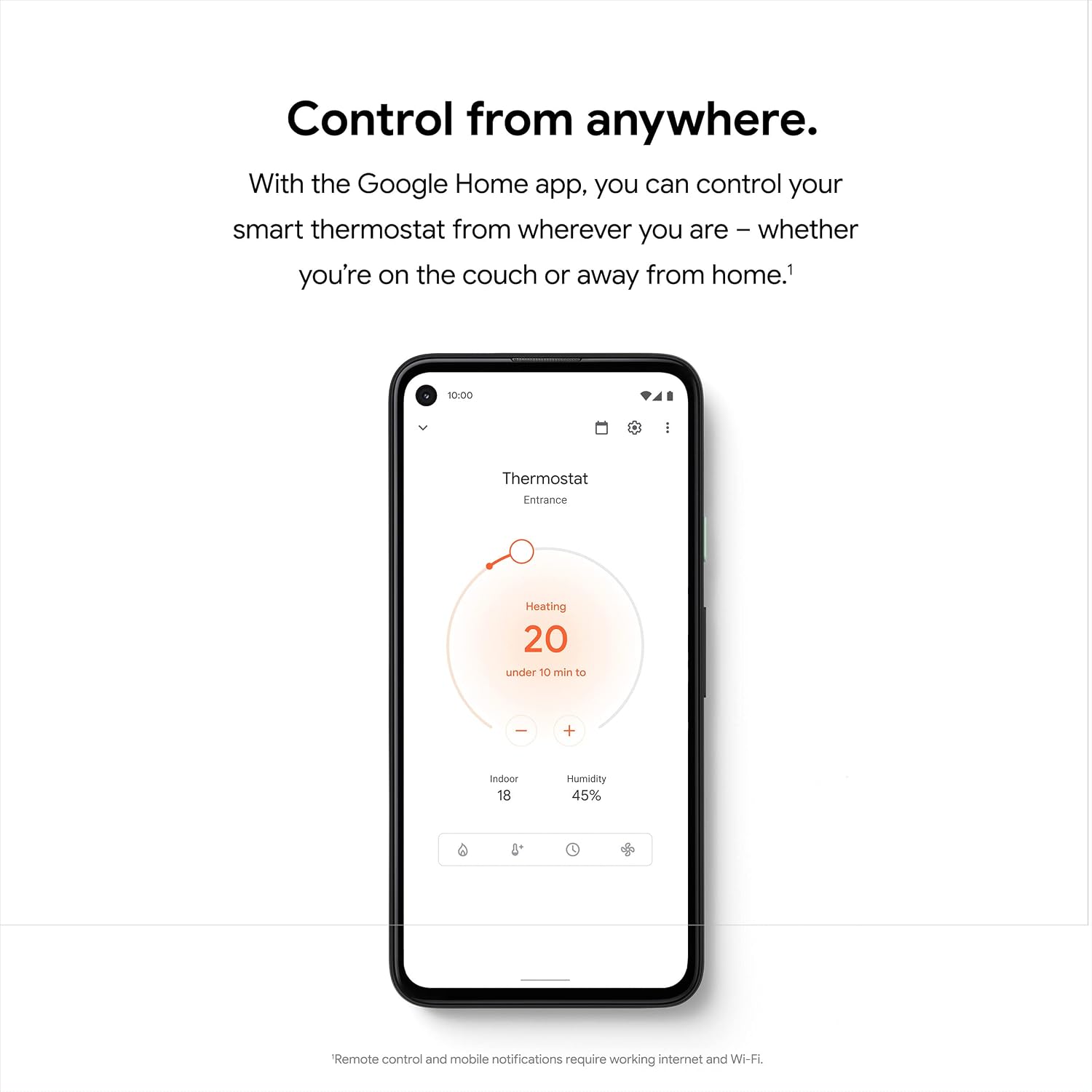
Set up a schedule when you get started, then adjust the temperature from the Google Home app, whether you’re at home or away.
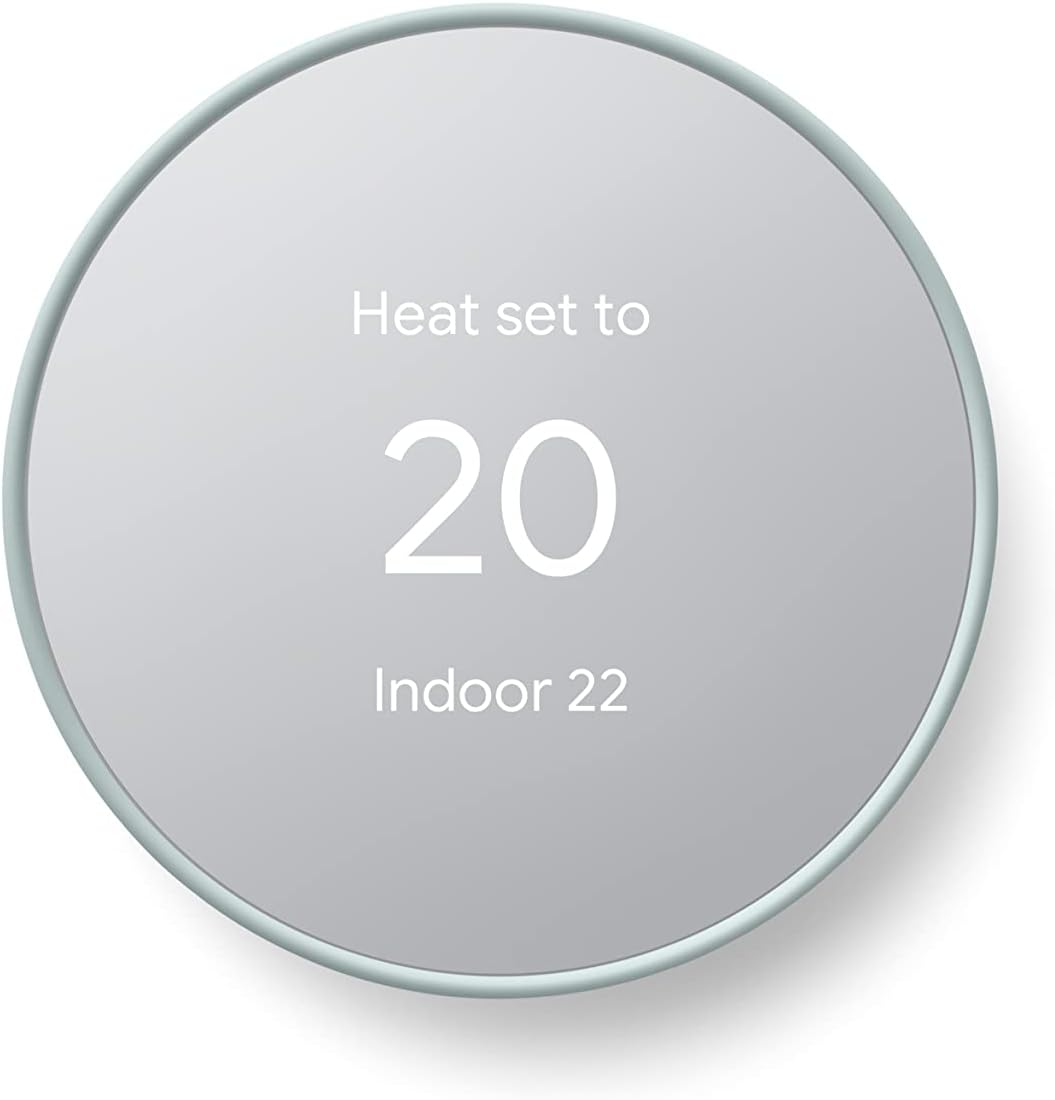
It also has a touch bar for manual changes and can send alerts about possible system issues or reminders to replace the filter.
What to know
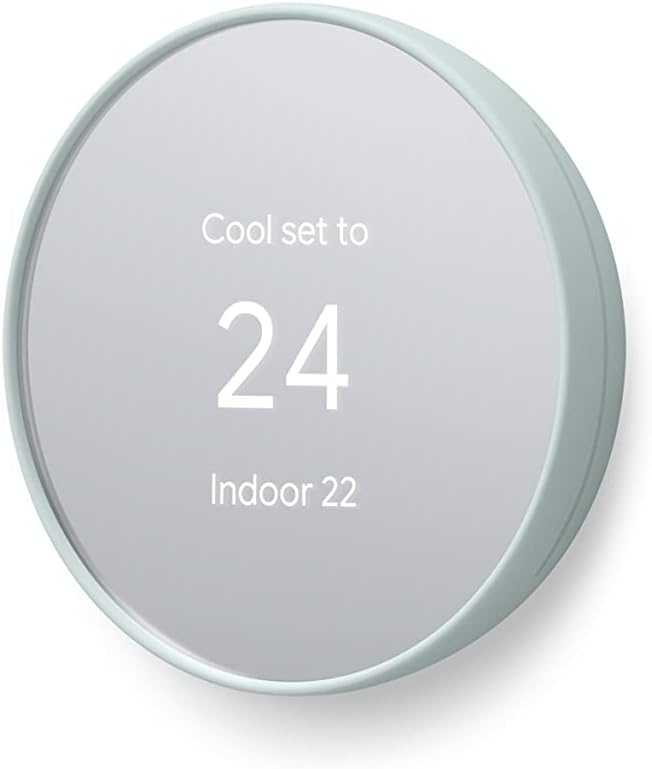
This is a programmable Wi-Fi thermostat designed to put temperature and schedule controls in one place. The Google Home app lets you change the temperature, adjust the schedule and check settings remotely. If you use voice control, you can also ask Google to change the temperature.
The schedule is the practical starting point: for example, set a lower temperature for times when the home is empty, then change it from the app if plans shift. Savings Finder looks for additional ways to save energy, but the details provided don’t quantify what you might save. Treat that feature as a prompt to review your settings, not a guaranteed result.
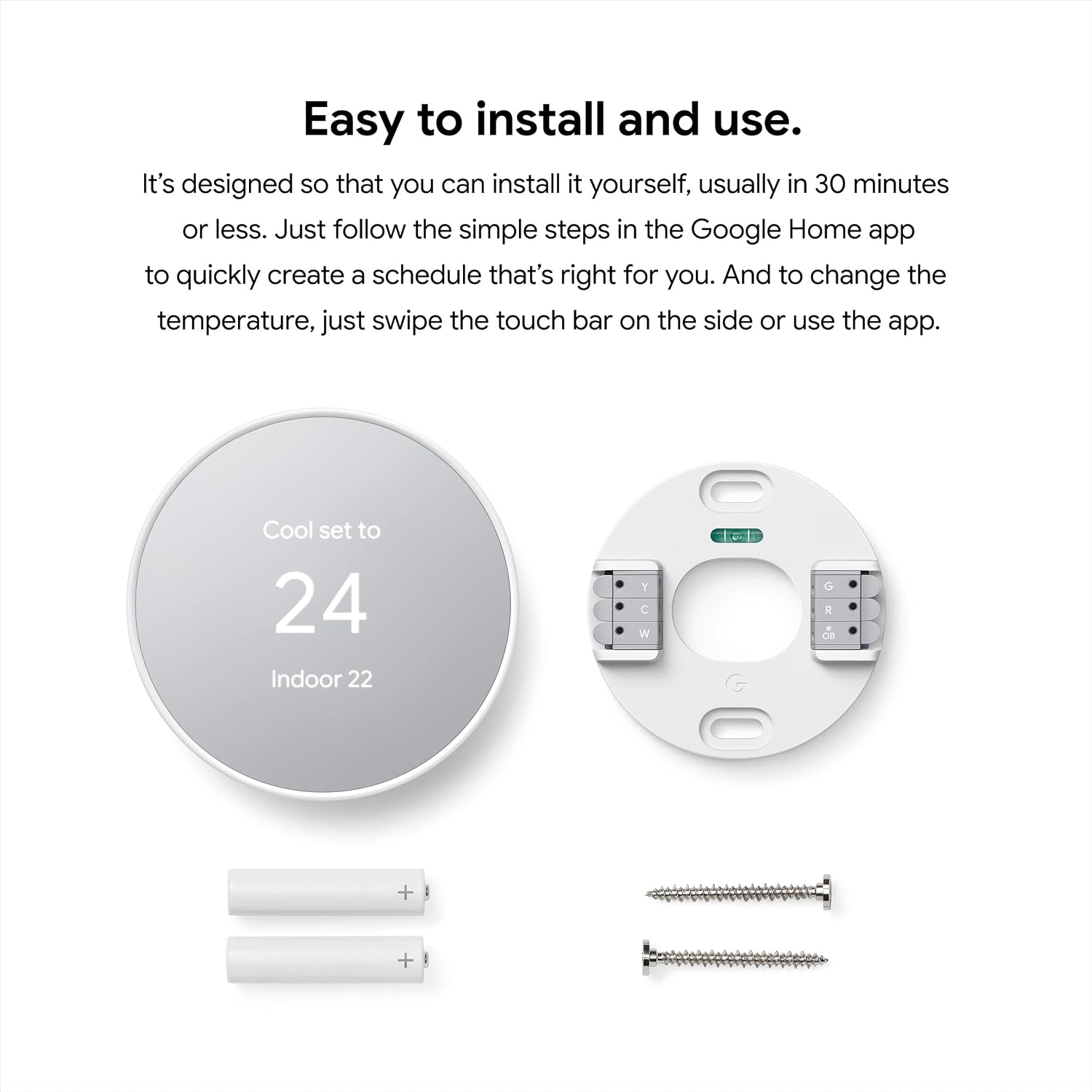
Keep in mind that the product details don’t specify which heating and cooling system types are compatible. Check that before choosing it. Installation is intended to be DIY and usually takes 30 minutes or less, according to the product information, you can also get help from a Nest Pro.
Best use cases
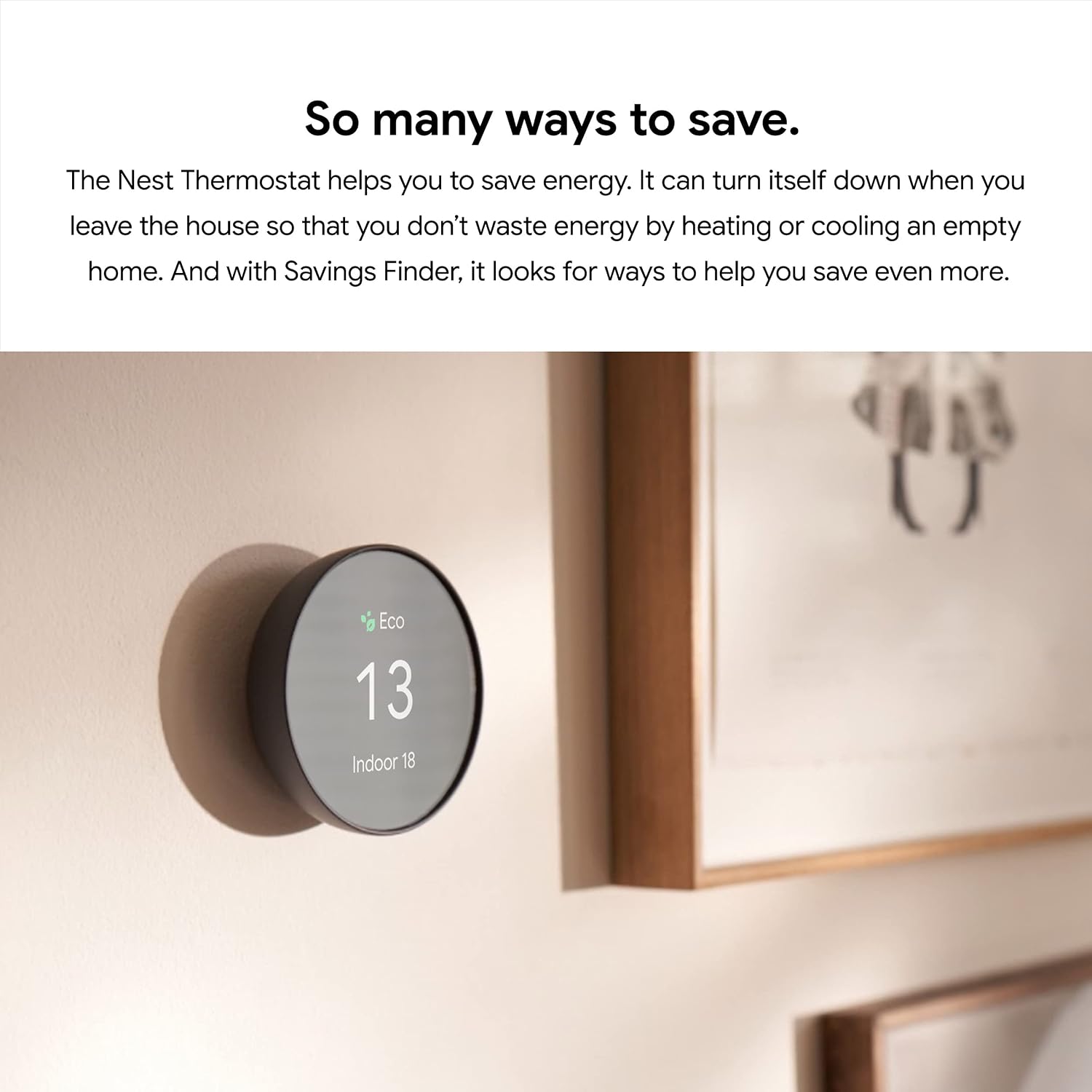
This thermostat may suit you if you want to manage a home schedule and make adjustments without walking over to the wall control. Picture heading out and letting the thermostat turn itself down, then using the app to change the temperature before you return. That’s a more connected approach than relying only on manual adjustments at the thermostat.
It may not be a fit if you want a clearly stated compatibility list before buying, or if you don’t want to use the Google Home app for setup and remote control. The information here doesn’t spell out the system requirements, so that remains a key decision point.
Tips for day-to-day use
Start by creating a schedule that reflects when the home is usually occupied. It doesn’t need to be perfect on day one: the app lets you adjust it as routines change. For a quick correction, use the touch bar on the side, when you’re away, make the change in the app instead.
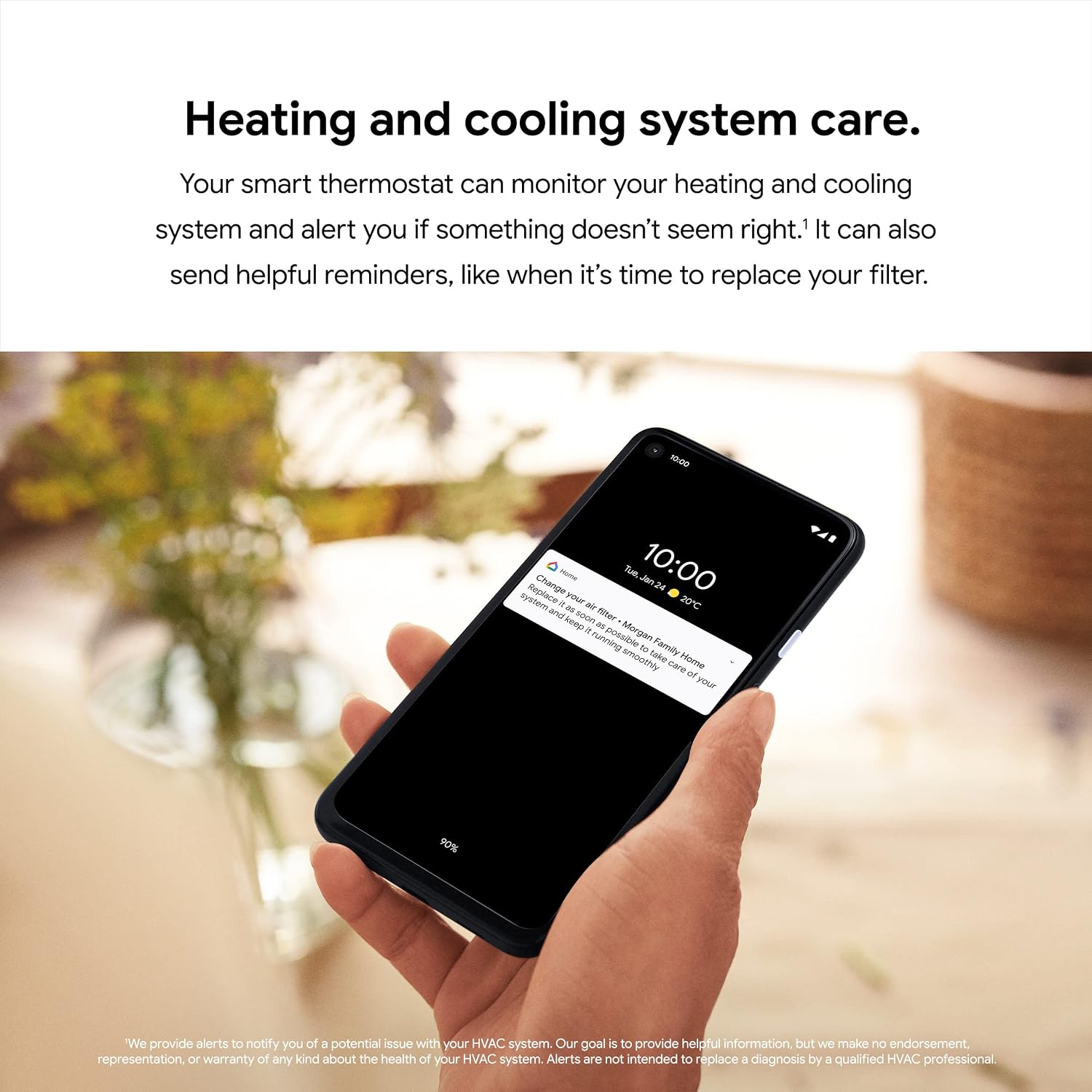
Pay attention to the alerts and filter reminders. The thermostat can flag something that doesn’t seem right with the heating or cooling system, and the product information says you can book time with a qualified professional from an alert or reminder. That’s useful support, though it doesn’t replace confirming system compatibility before installation.
Buying questions
Can I change the temperature while I’m away? Yes. The Google Home app can be used to change the temperature and adjust the schedule remotely.
How can I adjust it at home? Use the touch bar on the thermostat, the app, or a voice request to Google.
Does it provide reminders? It can send reminders such as when it’s time to replace the filter, as well as alerts if something seems wrong with the heating or cooling system.
Is it worth it?
The Google Nest Thermostat is worth considering if app control, a programmable schedule and reminders are more useful to you than a basic thermostat that you adjust only at the wall. It may suit you if you want to manage temperature changes around your routine, including when you’re away. It may not be a fit if you need compatibility details up front and can’t confirm that this model works with your system. That check matters more than the remote-control features: without it, the convenience is beside the point.