

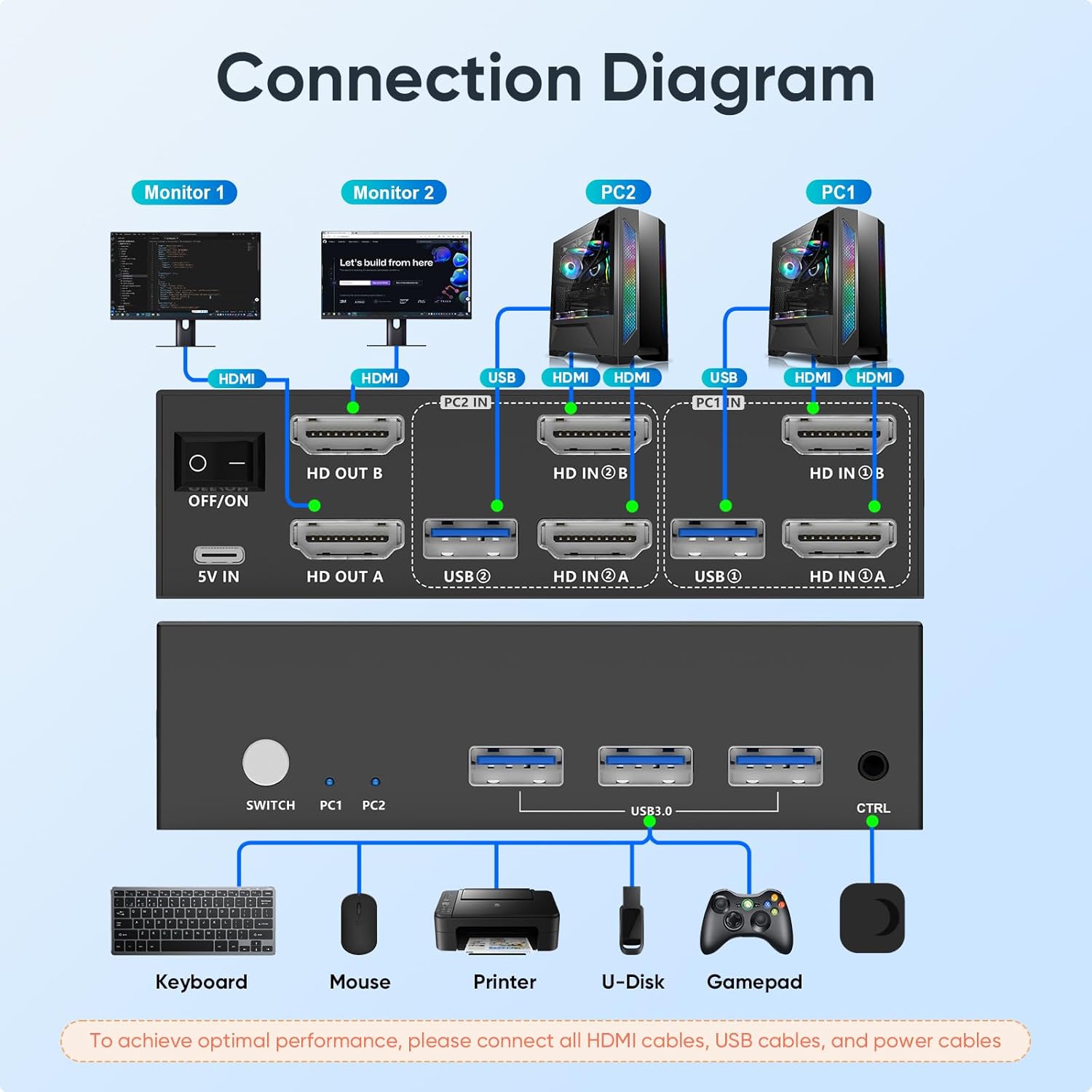
HDMI KVM switch with 4K@60Hz
Product description
How to use it
If your desk alternates between two computers but you want to keep the same keyboard, mouse and pair of monitors in place, this HDMI KVM switch is designed to make that hand-off easier. It also has three USB 3.0 ports for sharing peripherals such as a printer, scanner or flash drive, so it may suit a work area where changing computers otherwise means moving several cables.
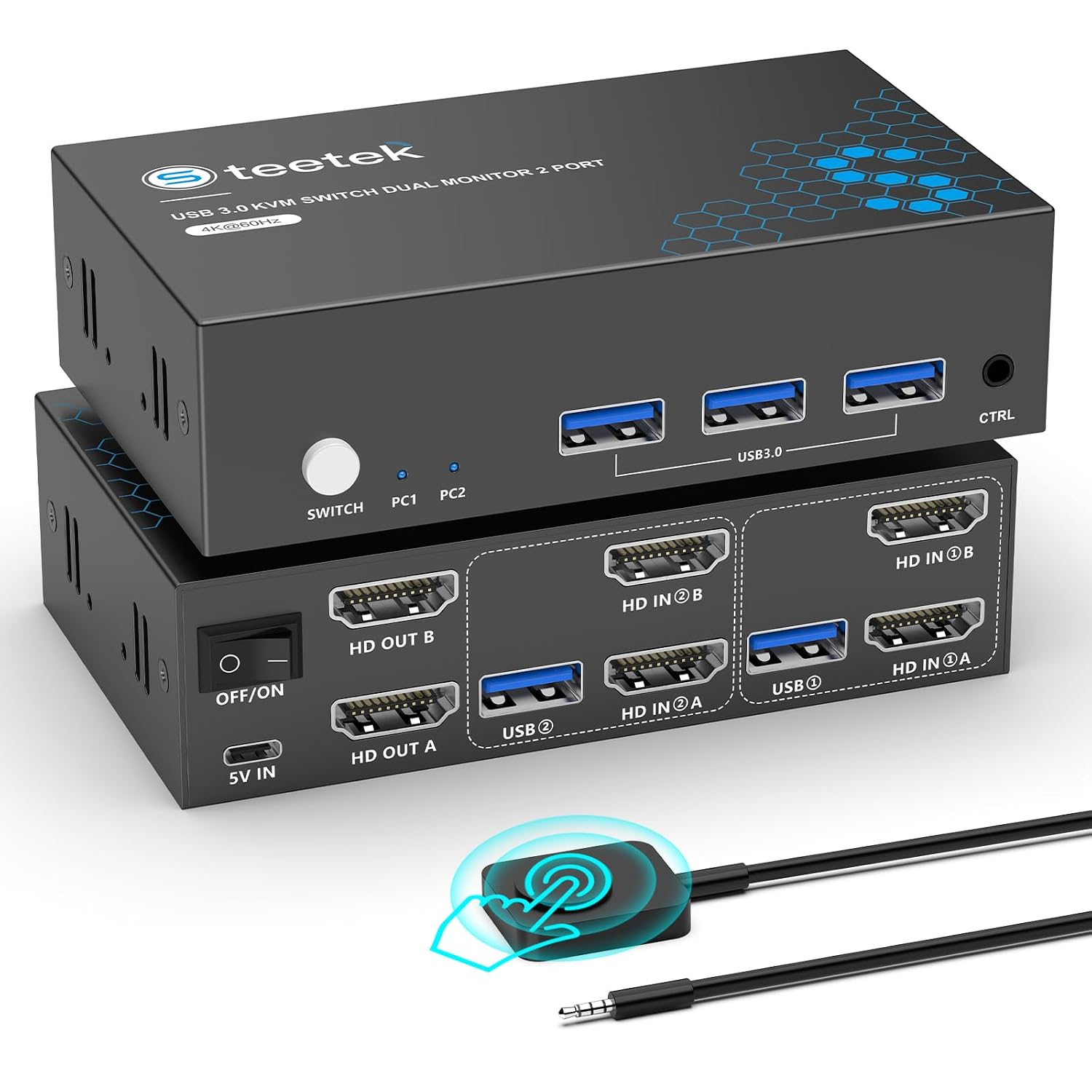
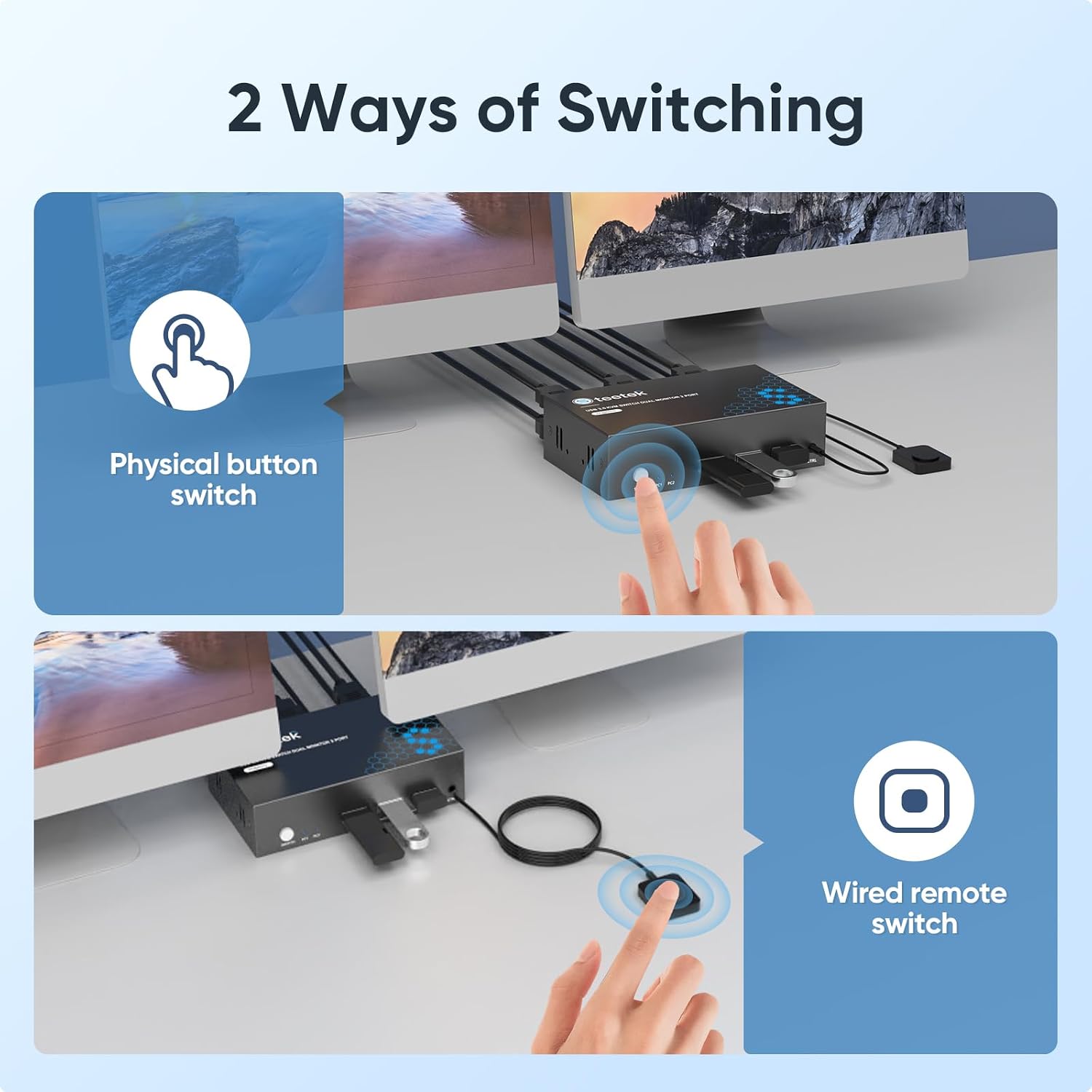
Switch using the button on the unit or its wired controller, which can sit on your desk while the switch itself is kept out of the way. What changes when you press it? The connected computer takes control of the shared setup, this is for switching between systems, not for using both through the same keyboard and monitors at once.
Pros
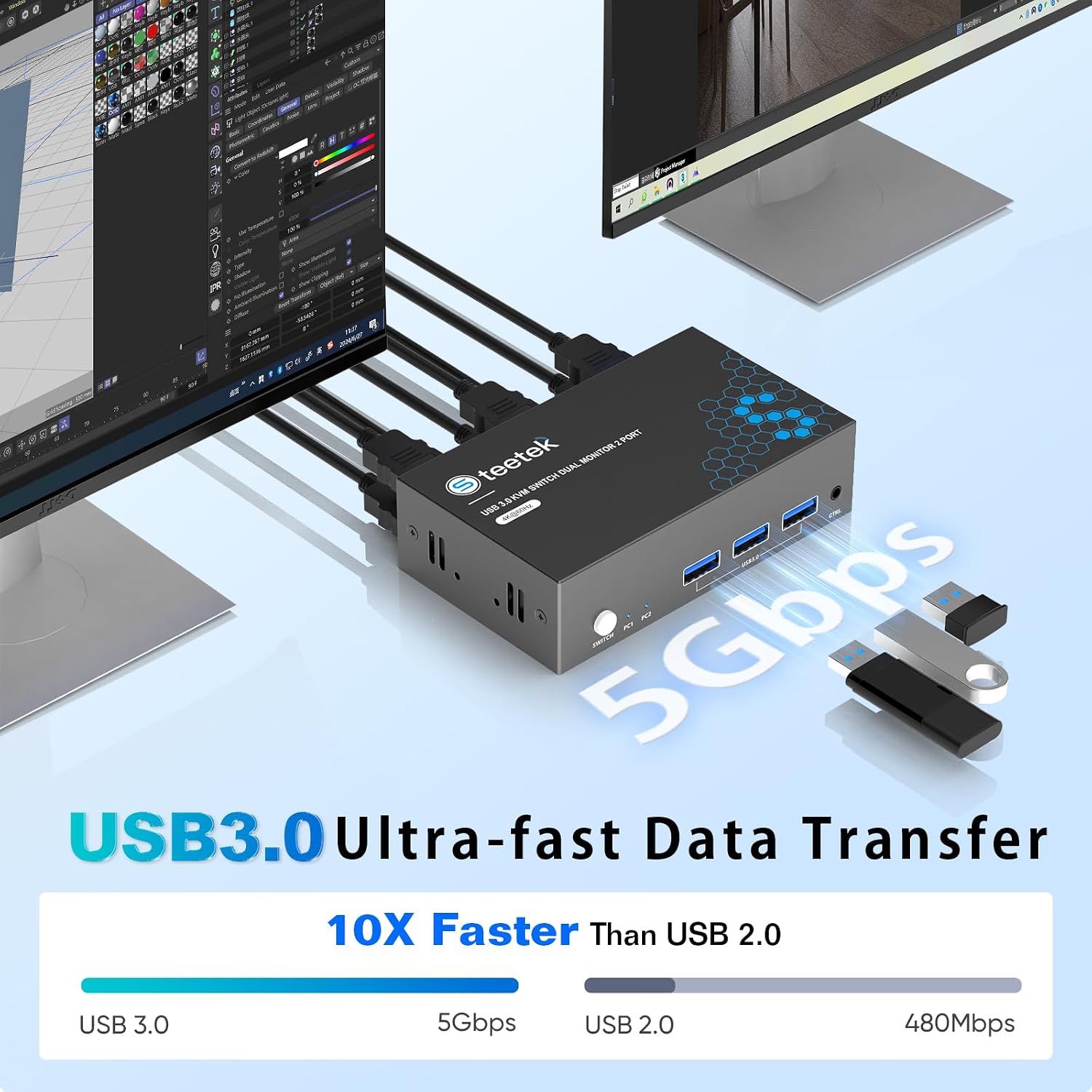
The main draw is the combination of dual-monitor use and shared USB accessories in one switch. For example, you could finish a task on one computer, press the controller, then continue on the other without unplugging your keyboard, mouse and printer. The three USB 3.0 ports are specified for transfer speeds up to 5Gbps, which is useful when the shared setup includes storage or other USB devices as well as input peripherals.
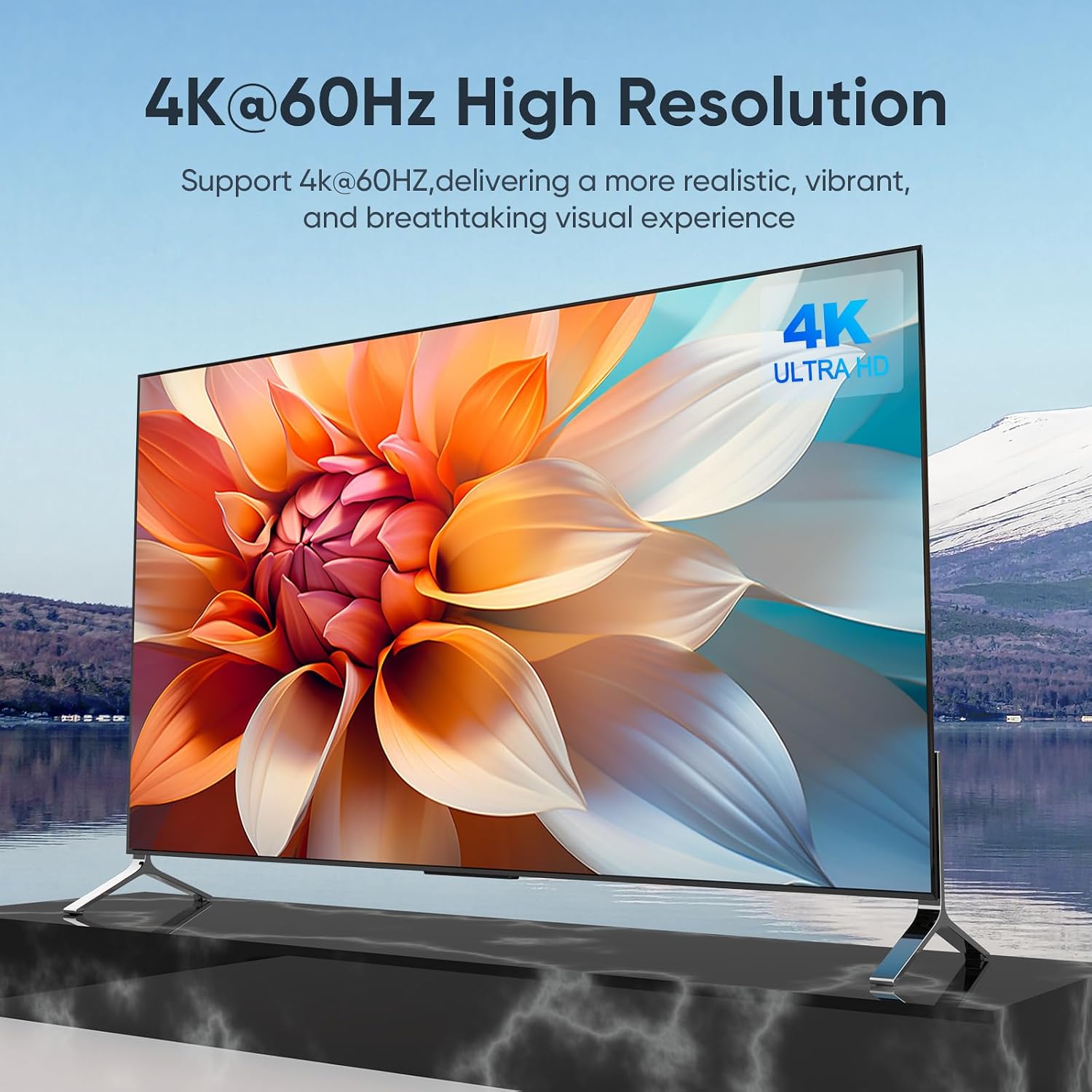
The listed video support reaches 4K at 60Hz, with compatibility also stated for 4K at 30Hz, 2K, 3D and 1080p. Adaptive EDID is intended to match display settings automatically, while HDCP 2.2 support is included for protected content. Switching can be done at the unit or with the wired controller, and the product description says setup requires no drivers or separate power supply.
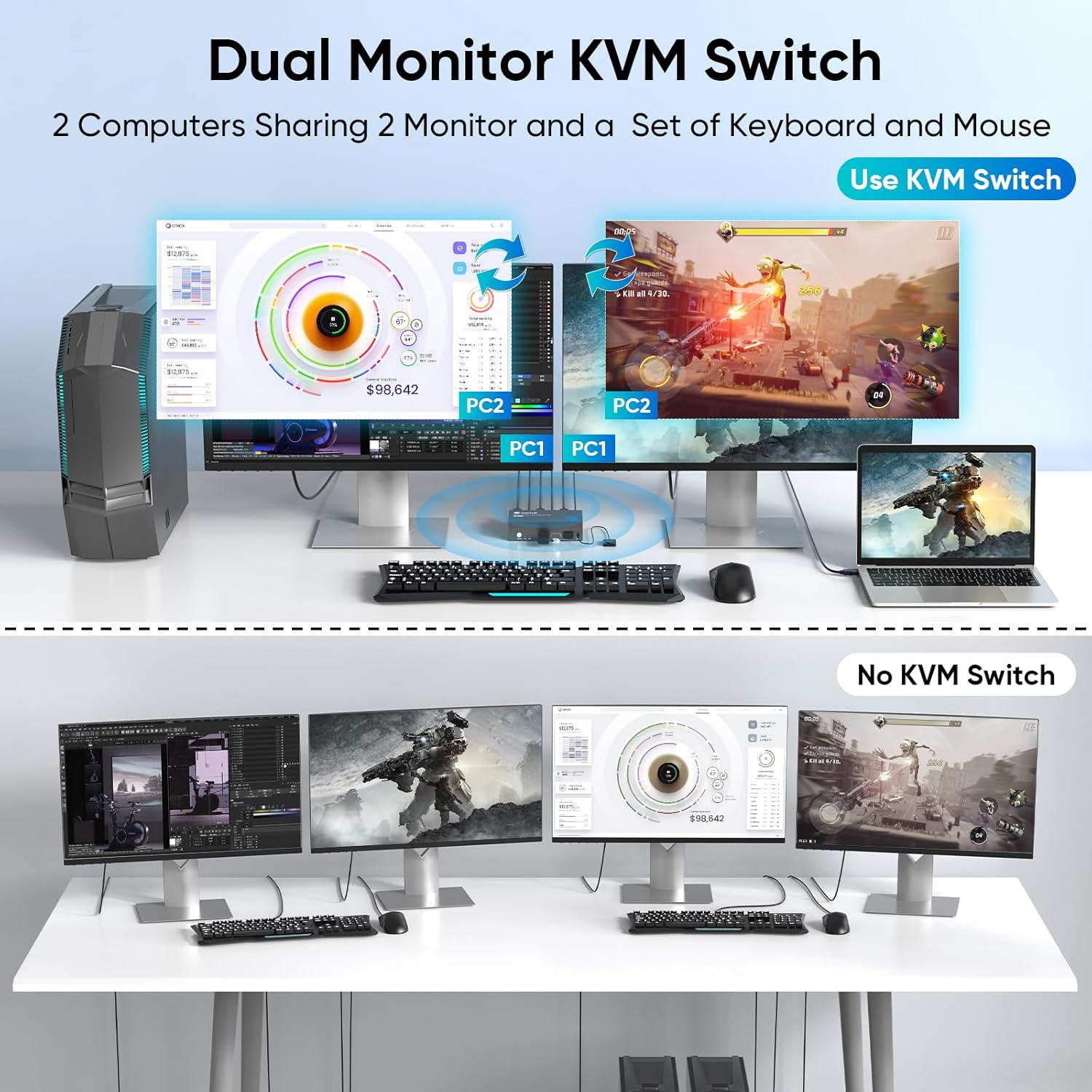
It suits you if you regularly move between two computers and want to leave a dual-display workspace connected. Given how it is designed, its appeal is less clear for someone who only needs to share a keyboard and mouse, or who wants to view both computers side by side rather than switch between them.
Spec sheet
- Type: HDMI KVM switch for two computers and two monitors
- Video: Up to 4K at 60Hz, also listed for 4K at 30Hz, 2K, 3D and 1080p
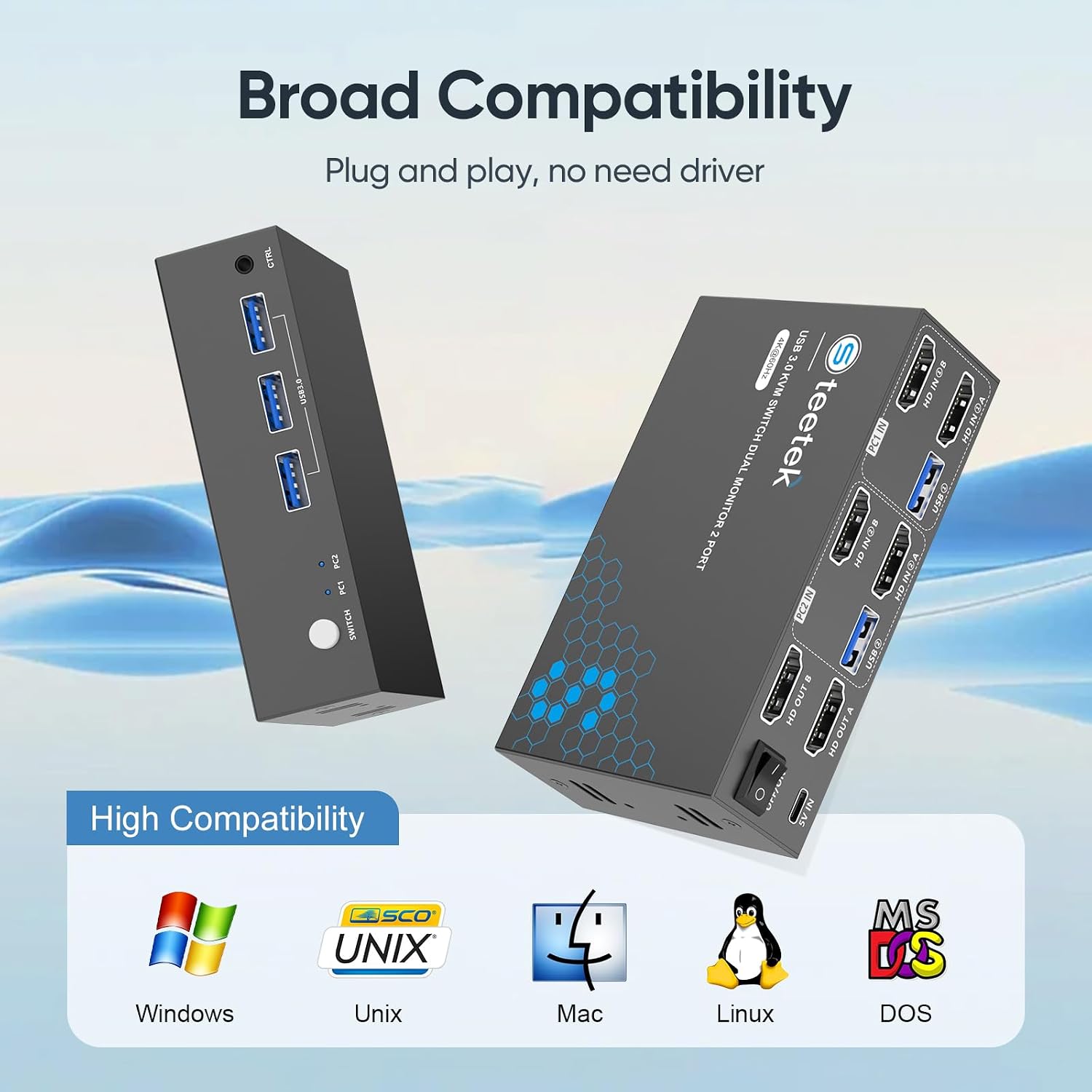
- USB: Three USB 3.0 ports, with transfer speeds stated up to 5Gbps
- Switching: Button on the unit or wired controller
- Included: Two USB cables and a controller
- Other features: Adaptive EDID and HDCP 2.2 support
- Compatibility stated: Windows 7/8/10/11, Vista, XP, Linux, Mac, PS4 and other gaming consoles
The listed bundle includes USB cables, but does not mention HDMI cables. Plan for those separately if you do not already have suitable ones. Also, reaching 4K at 60Hz depends on the connected computers and displays supporting that mode, the switch’s stated maximum alone does not establish what a particular setup will deliver.
My take
This is a purpose-built choice for a desk with two computers, two monitors and several shared USB devices. Compared with a simpler switch that only shares input devices, it brings video switching into the same setup, compared with a more elaborate arrangement intended to show both systems at once, it is centred on handing control from one computer to the other. Best avoided if simultaneous access to both computers is essential, or if your setup does not need dual monitors. If the listed connections and switching behaviour match your desk, its strongest practical case is avoiding repeated cable changes, the missing HDMI cables in the stated bundle are the detail most likely to affect setup planning.