

EMEET NOVA webcam
Product description
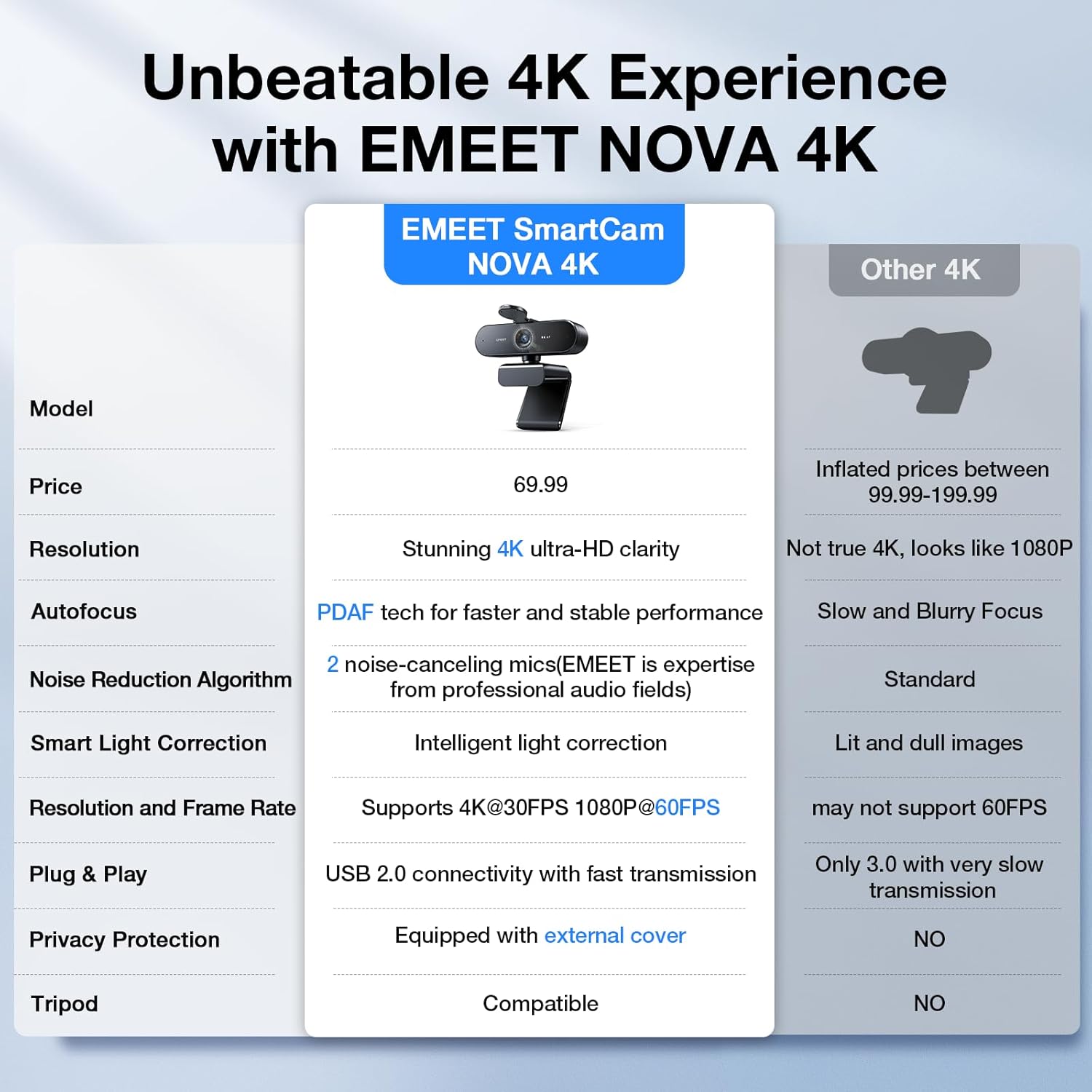
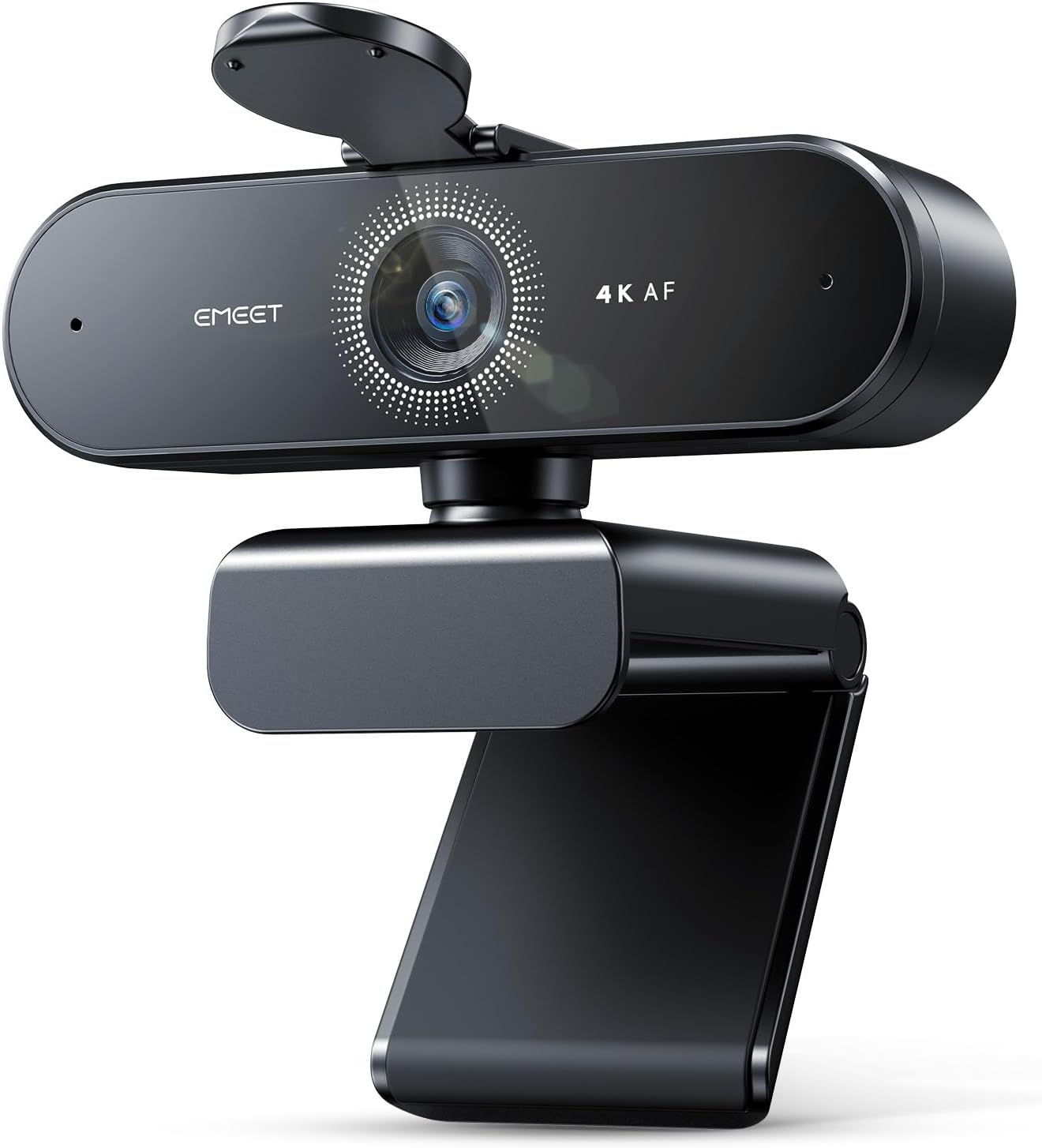
If your main need is a clearer picture and more deliberate framing for calls or streams, this webcam takes a different approach from a basic camera built just for casual check-ins. It offers 4K video, PDAF autofocus and automatic light correction, while its two built-in microphones are intended to pick up speech from up to 8 feet away. One important setup detail: video defaults to 1080p, so you need to switch to 4K through the camera software or an app such as PotPlayer or OBS. That extra step matters if you expect full resolution as soon as you plug it in.
Getting the most from it
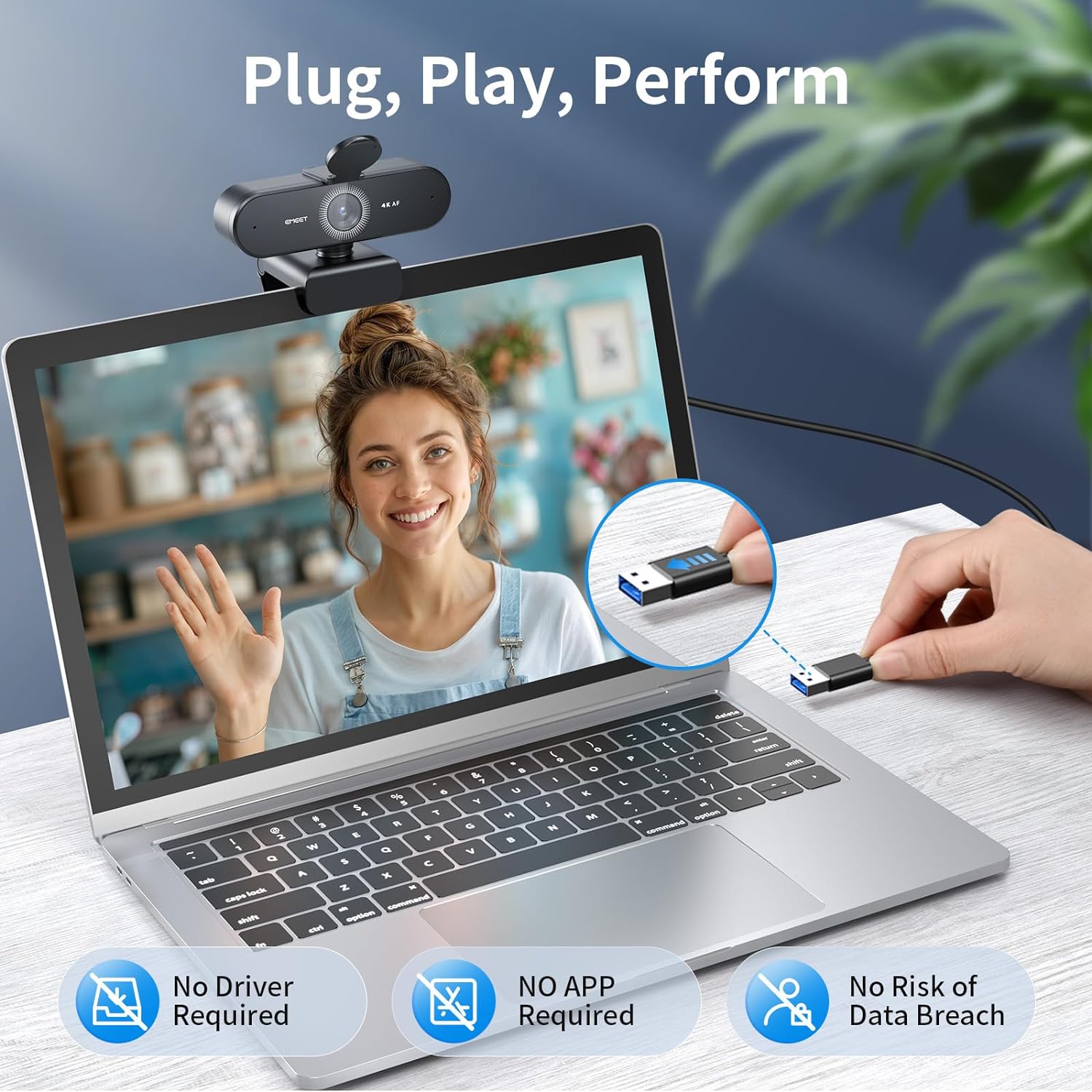
Connect the fixed USB-A cable to a device with a Type A port, position the camera, then choose the resolution and image settings that suit your setup. For a meeting, that could mean placing it above your monitor, selecting 4K in your camera app and adjusting brightness or contrast in EMEETLINK if the room lighting needs help. The 73° field of view gives a defined frame rather than an especially wide room view, that can work well for a single speaker at a desk, but it is less suited to showing a large group around a table.

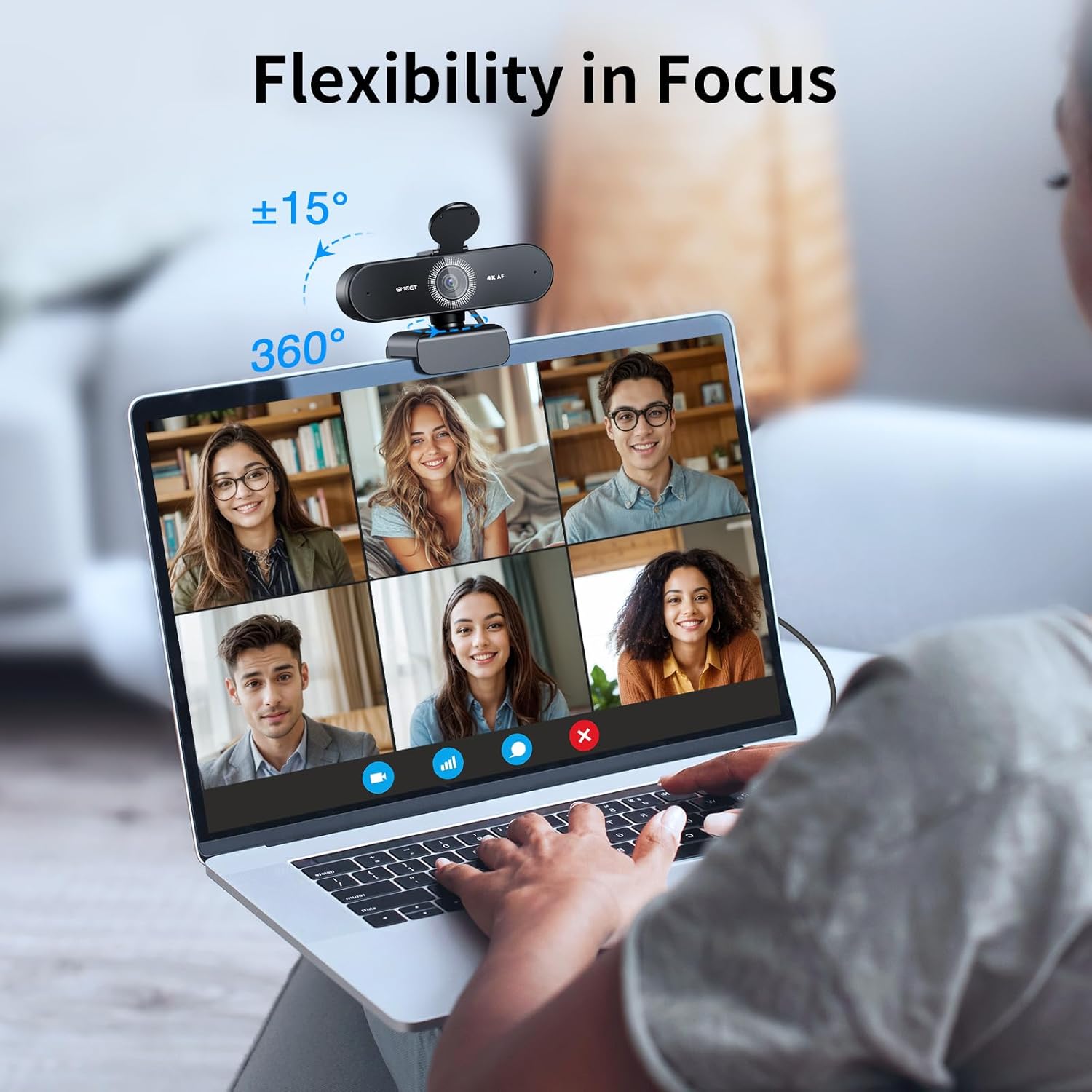
PDAF autofocus is designed to keep the image focused as you move or the scene changes. The two microphones use noise-cancelling technology, with the listed pickup range extending to 8 feet. Think of that as useful flexibility for a home workspace, not a guarantee that every background sound will disappear. The webcam also has a physical privacy cover, and connects by USB rather than Wi-Fi or Bluetooth. Its mount offers 360° horizontal rotation, 15° of vertical adjustment and a 180° adjustable stand, there is also a standard ¼ inch tripod nut if a monitor mount is not the right fit.
Why it’s worth it
The appeal is the combination of adjustable framing, autofocus and built-in audio in one wired camera. For a live stream, for instance, you can turn the lens towards your desk setup, use autofocus as you lean in to show something, and keep the camera connected without relying on a wireless link. It supports Zoom, Teams and Google Meet, and is listed as compatible with Windows, macOS and Android TV.
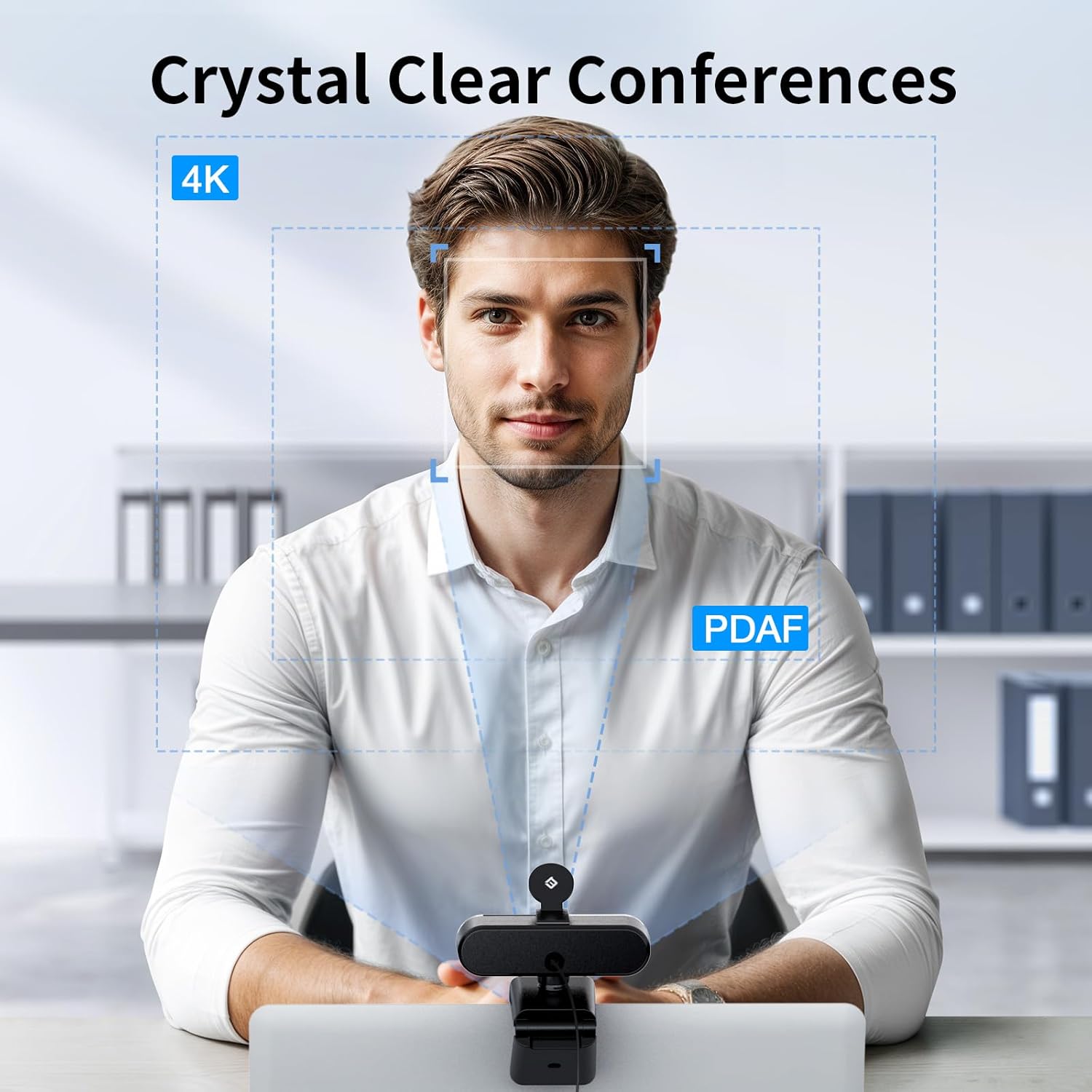

If you prioritize higher-resolution video and control over the angle, while preferring a direct USB connection, this setup has more to offer than a basic webcam with fewer adjustment options. If you prefer a camera that starts in its highest resolution without changing settings, the 1080p default is a drawback. Based on the listed details, 4K also depends on selecting a supported setting in the camera software or an app, it is not the out-of-box default.
At a glance
- Video: 4K, with a 30FPS rate, defaults to 1080p
- Focus and lighting: PDAF autofocus and automatic light correction
- Field of view: 73°
- Audio: Two built-in microphones with noise-cancelling technology, listed pickup range up to 8 feet
- Connection and privacy: USB-A, fixed 1.5m cable and physical privacy cover
- Positioning: 360° horizontal rotation, 15° vertical adjustment, 180° adjustable stand and standard ¼ inch tripod nut
When to choose it
It makes sense if you want a wired webcam for business calls, online learning or personal streaming, and you are comfortable choosing 4K in software rather than relying on the default. The privacy cover and lack of Wi-Fi or Bluetooth may also suit a workspace where you want a straightforward physical connection. Better to avoid it if your device does not have a Type A port, or if a wider view for several people is more important than a 73° frame. Choose it for adjustable, close-to-desk video and built-in microphones, look for a different style of camera if your priority is a broad group shot or a resolution that needs no setup.