

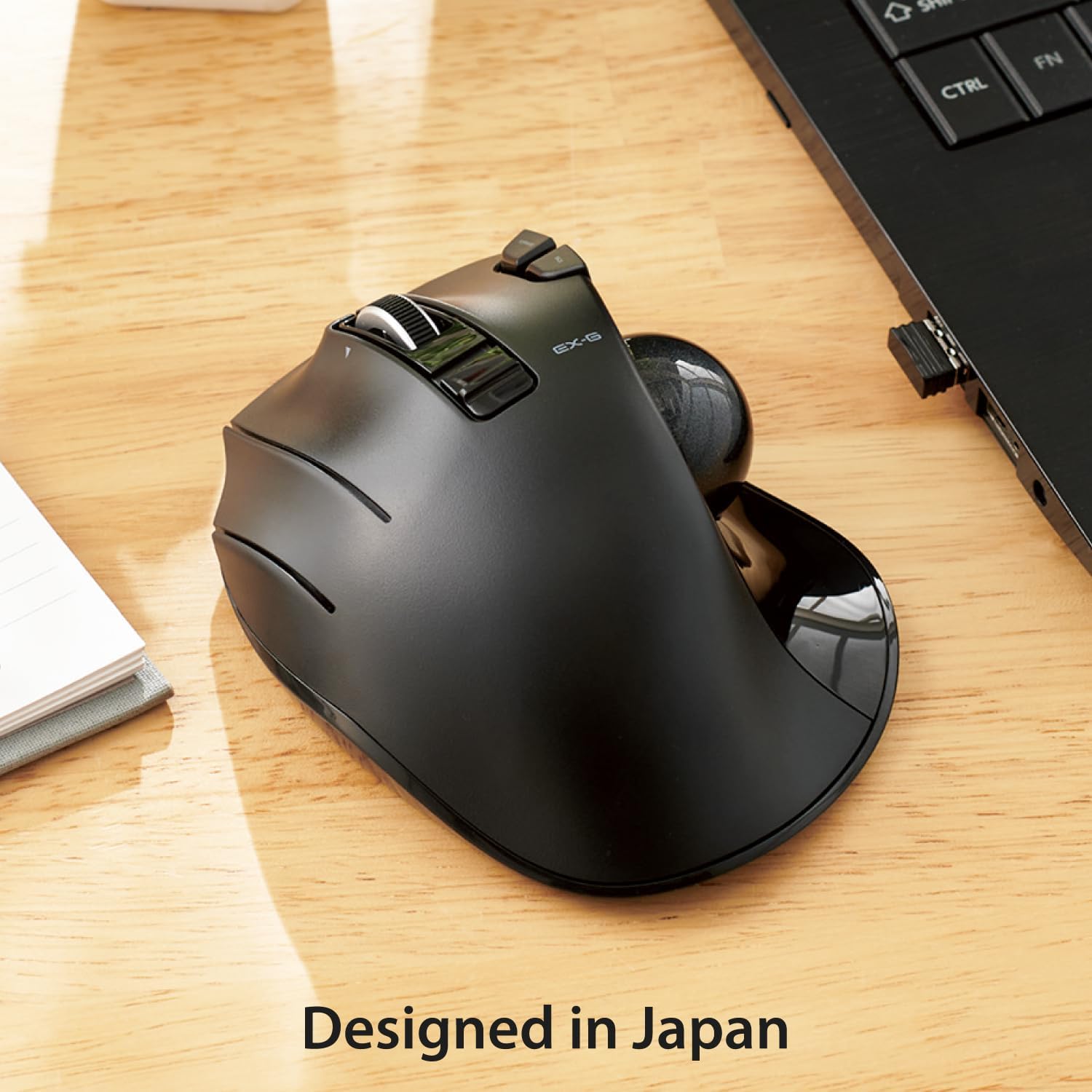
ELECOM left-handed trackball mouse M-XT4DRBK
Product description
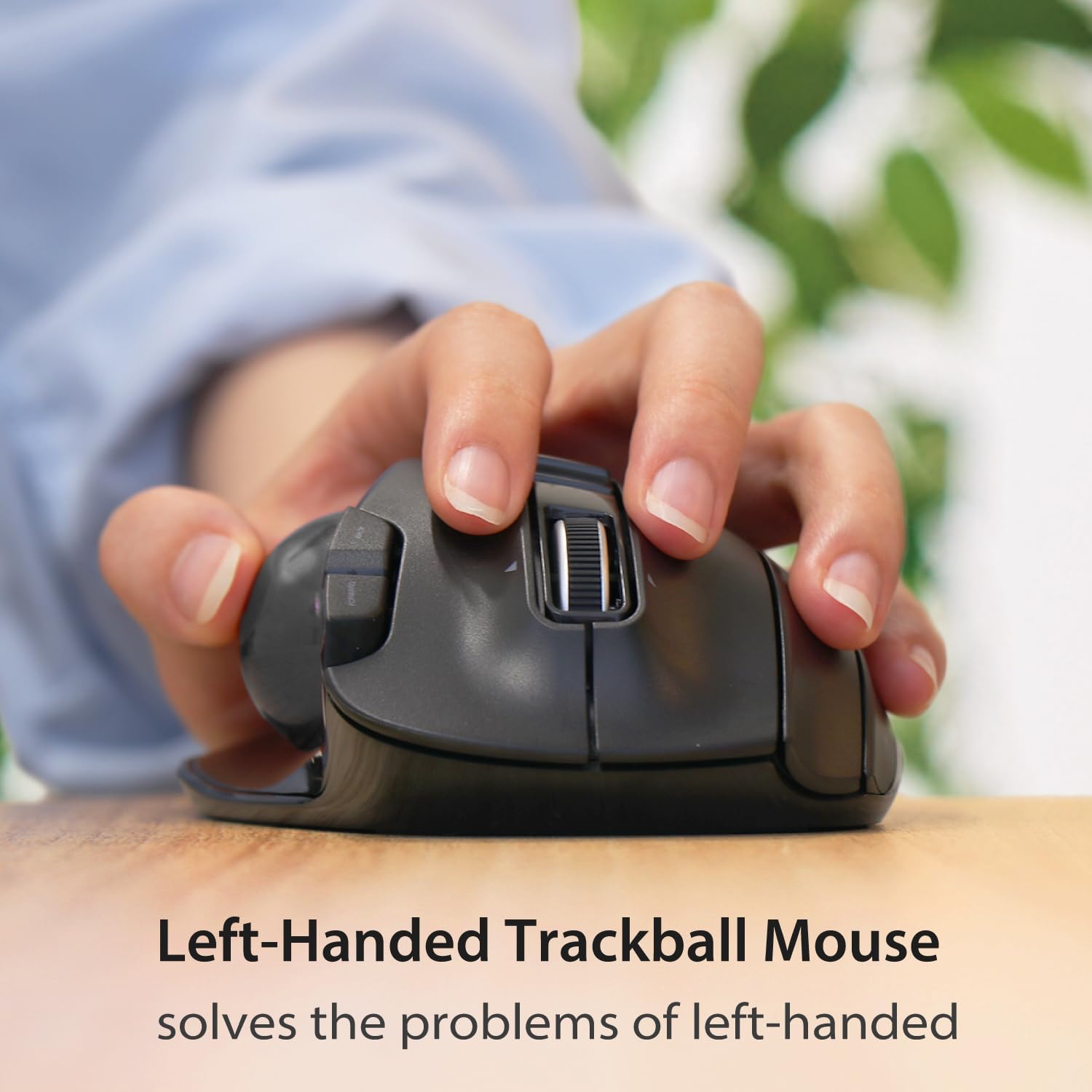
If you want a mouse that moves across the desk, a conventional design may feel more familiar, this ELECOM is built around a different approach. Its trackball stays in place while your thumb moves the cursor, which can suit a left-handed setup or a desk where you would rather not keep shifting a mouse around. The 32mm ball, six physical buttons and wireless connection make it more involved than a basic pointer, but its left-handed shape is a specific fit, not a universal one.
Best use cases
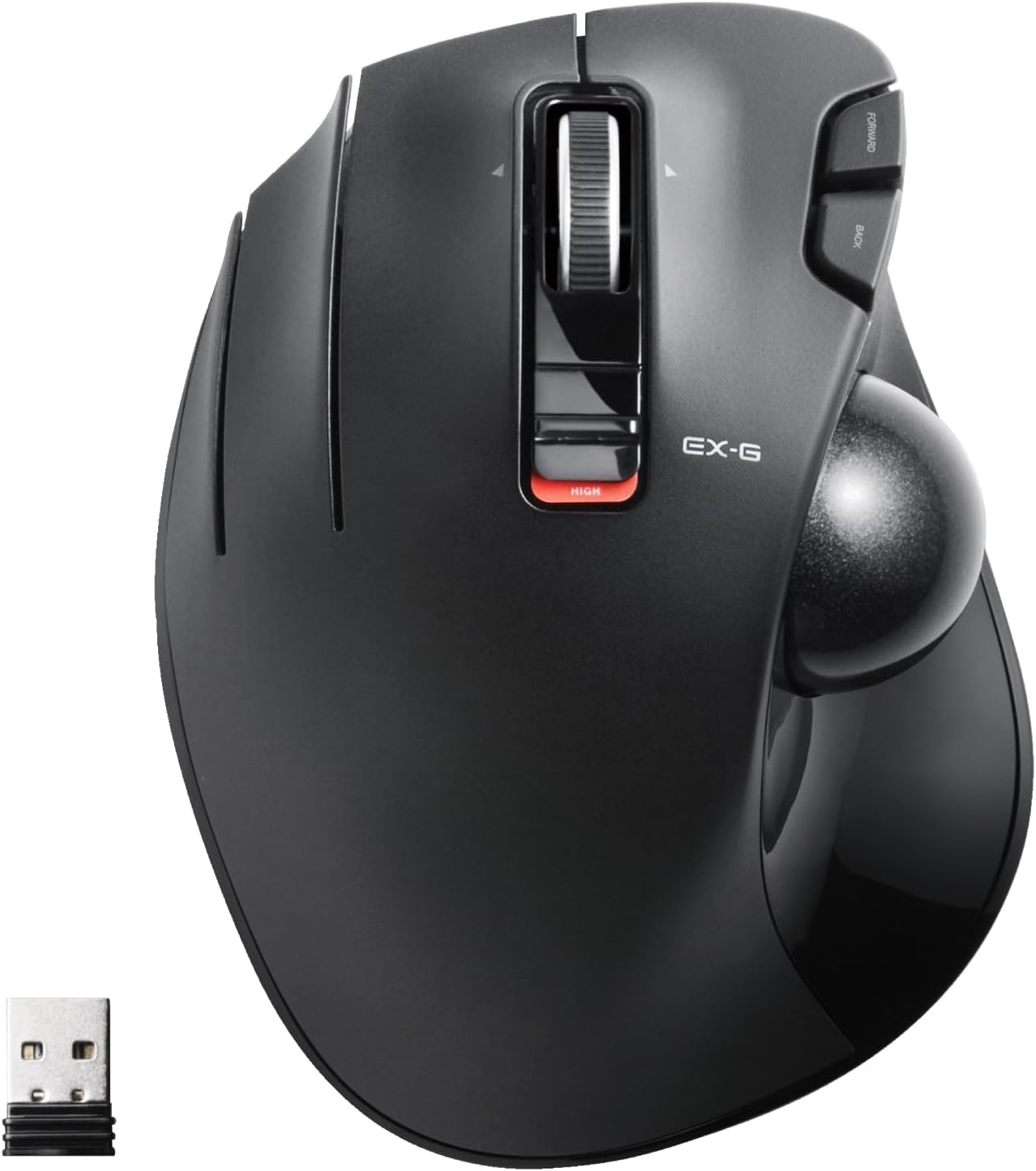
This model is intended for left-handed users who prefer thumb control. It may suit everyday navigation, document work or spreadsheets, where you can keep the body still and roll the ball to move the pointer. For example, when scanning across a wide sheet, the tilting scroll wheel can provide horizontal scrolling, while the main ball handles cursor movement. That can be a useful alternative to repeatedly lifting and repositioning a standard mouse.
The 2.4GHz wireless connection avoids a cable running from the mouse, and the DPI button switches between 750 and 1500 for slower or faster cursor movement. Te conviene si you want those controls within reach and are comfortable steering with your thumb. Better avoided if you need a right-handed shape, or if you would rather use a familiar mouse that moves under your whole hand.
Product specs
The EX-G is a wireless, left-handed trackball mouse with a black 32mm ball and six physical buttons. Two additional scrolling functions come from tilting the scroll wheel, including horizontal scrolling. ELECOM Mouse Assistant software can customise button functions, the supplied details say it is available from the ELECOM US website, so check access and software support for your setup before relying on custom mappings.
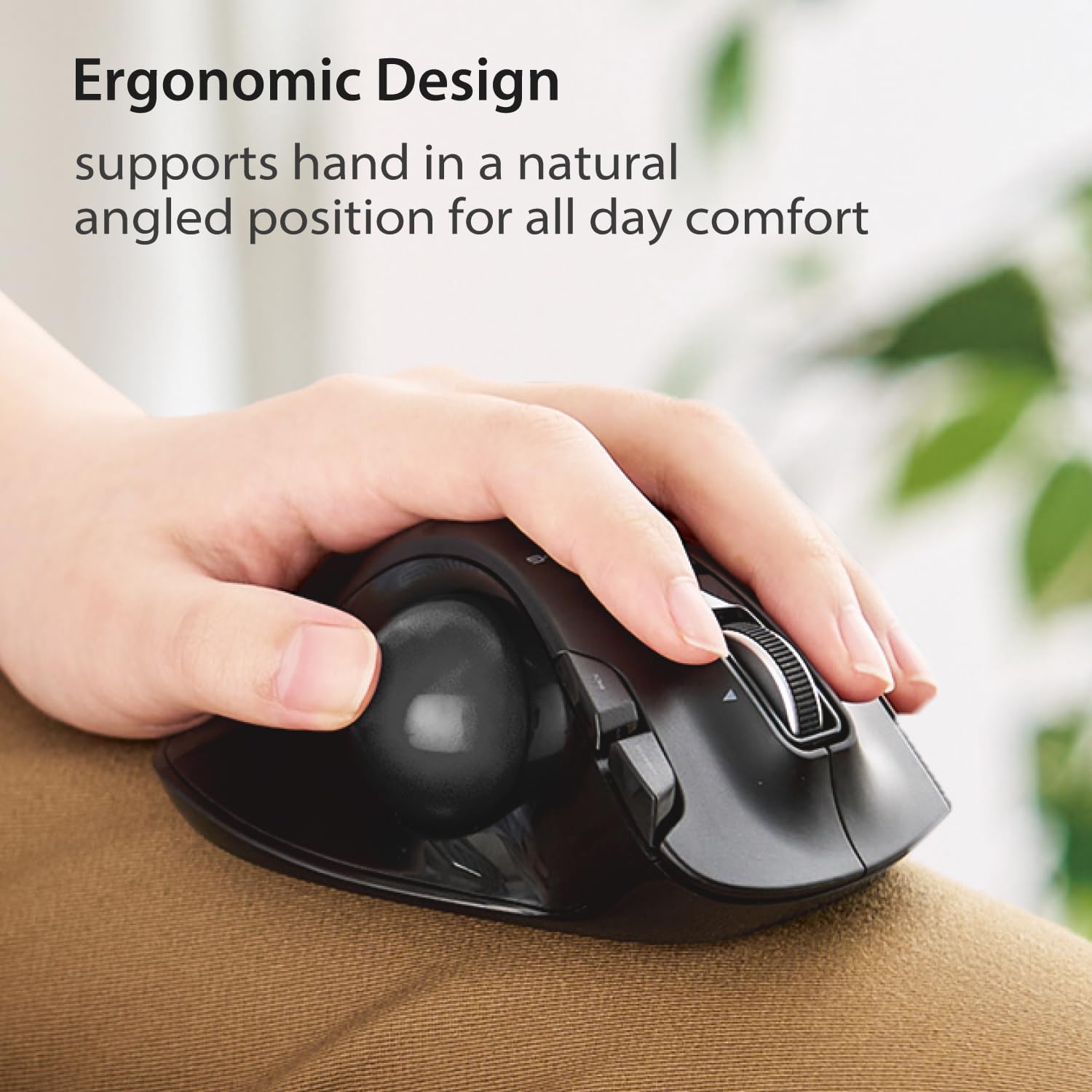
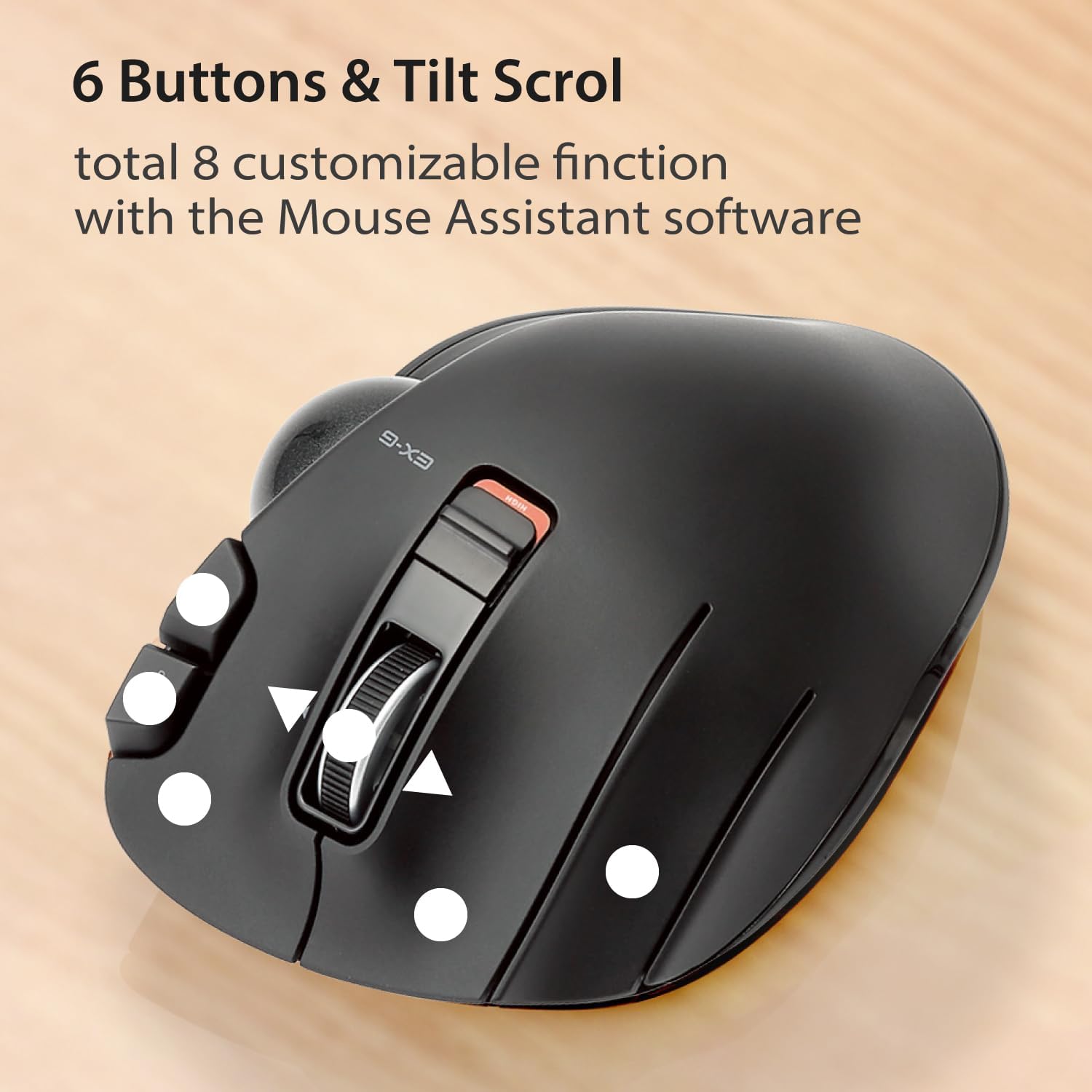
Listed dimensions are 94.7mm wide, 124.4mm long and 47.7mm high. Weight is 5.3oz without the battery. The ball runs on three 2.5mm artificial ruby bearings and can be pushed out through the opening underneath for cleaning. The details describe the bearings as designed to resist dirt build-up, but the ball and contact points will still need occasional attention. Battery requirements are not stated, so check them before choosing.
Listed system requirements are Windows 8.1, Windows RT8.1, Windows 10, Windows 11 and macOS 10.10. Horizontal scrolling is specifically noted as unavailable on Windows RT8.1. The DPI settings are 750 and 1500, and the ball can be replaced with a red one sold separately.
Where it shines
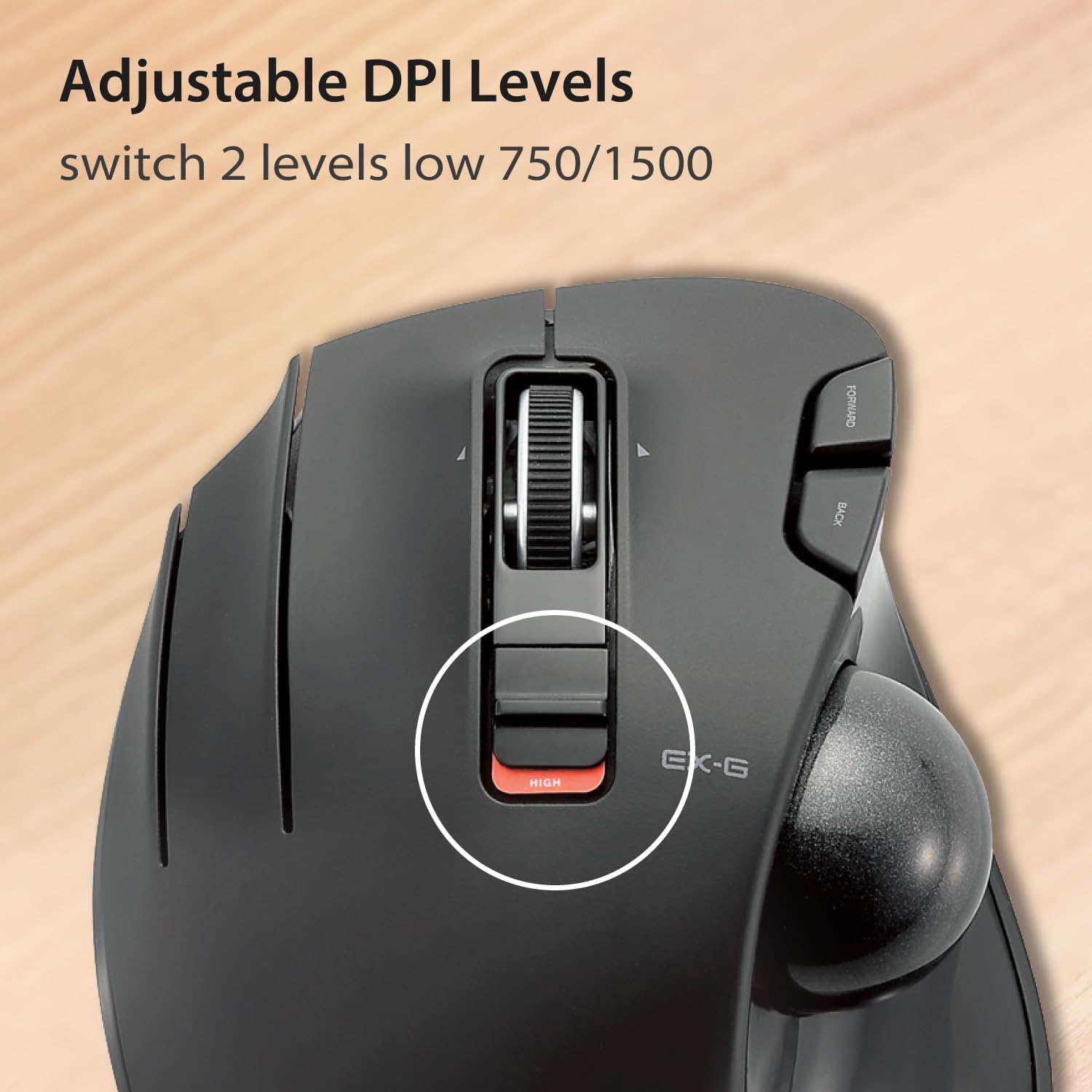

The main appeal is reducing the need to move the mouse body: the ball does the tracking, which may be handy on a compact or busy desk. The two DPI settings also give you a simple way to favour controlled movement or a quicker cursor without relying on software adjustments. Would you use all six buttons? If not, the customisation option is most useful when you have a particular shortcut or workflow in mind, otherwise, a simpler mouse may be easier to get used to.
A practical point to weigh up is the learning curve. Thumb-operated tracking feels different from moving a conventional mouse, and this is specifically shaped for left-handed use. The listed dimensions are worth comparing with your available desk space, especially if you want a low-profile setup or have limited room beside your keyboard.
Final decision
Choose this ELECOM if you want a left-handed, thumb-controlled trackball with wireless operation, adjustable DPI and horizontal scrolling. It offers more physical controls than a basic mouse and keeps its body stationary during pointer movement. Skip it if you need a right-handed design, prefer to move the whole mouse, or want confirmed battery information before buying, that detail is missing from the supplied specifications.