


NZXT AIO CPU liquid cooler 360 mm
Product description
Best use cases
For PC builders planning a liquid-cooled gaming or multitasking setup, the NZXT Kraken Core 360 RGB combines a 360 mm radiator with a single-frame fan design. Its listed socket support covers AMD AM5 and AM4, plus Intel LGA 1851, 1700, 1200 and 115X, so it may suit a range of current and older builds. The pump is rated at 3,100 RPM, and PWM fan control lets you adjust cooling behaviour to your setup. Before choosing it, make sure a 360 mm radiator fits your case, the product details here don’t provide radiator dimensions or case-clearance guidance.
Product specs
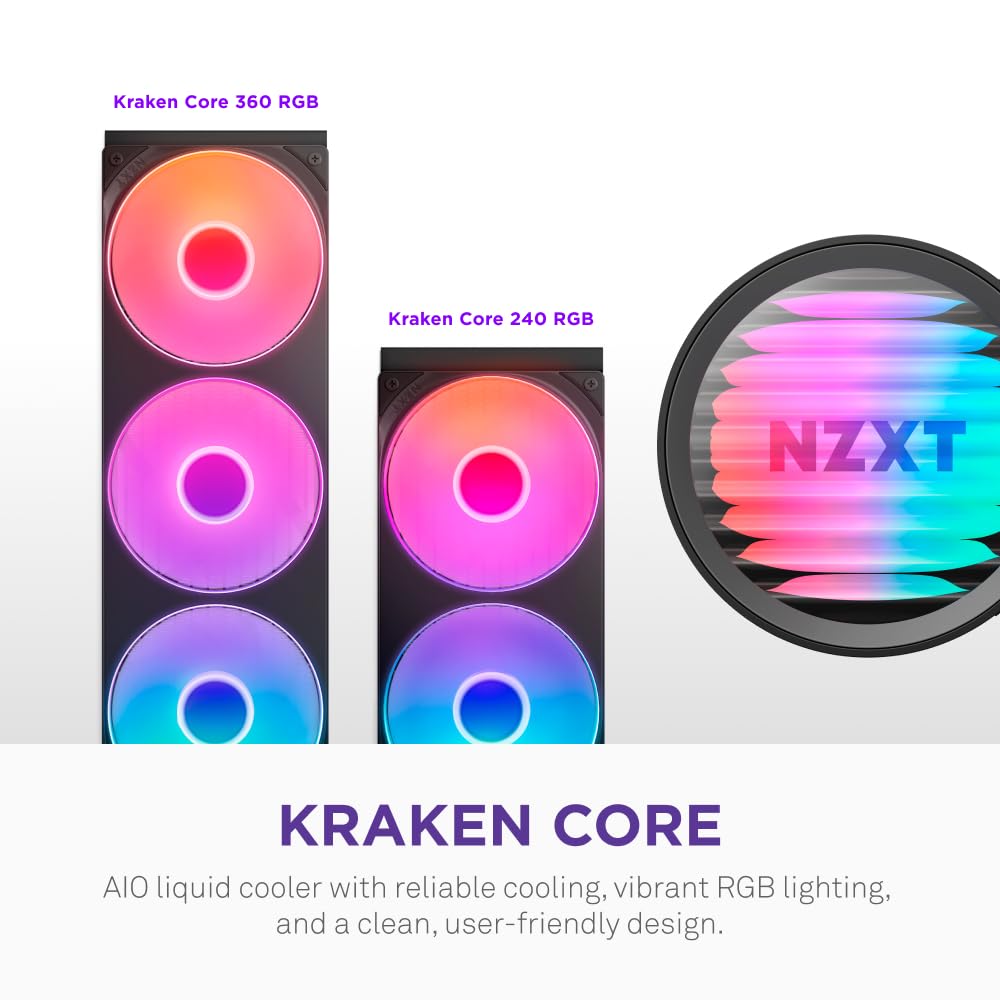
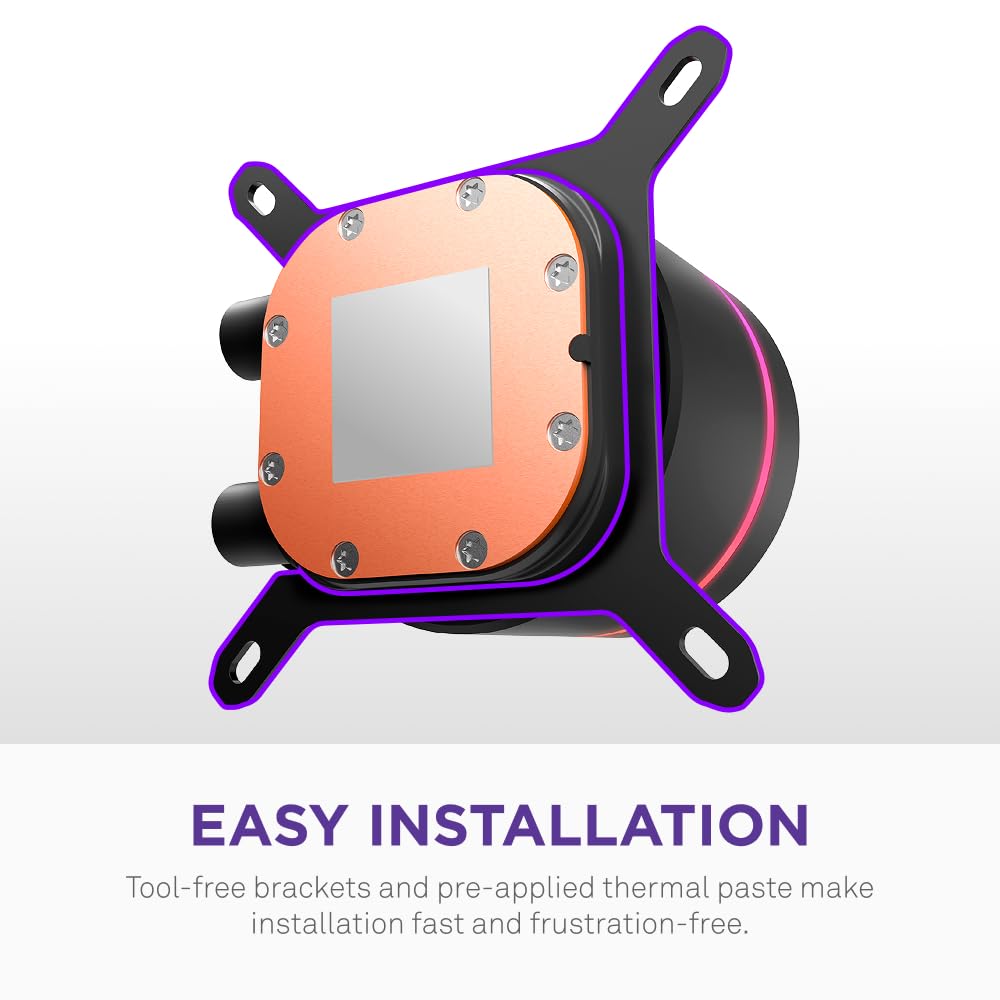
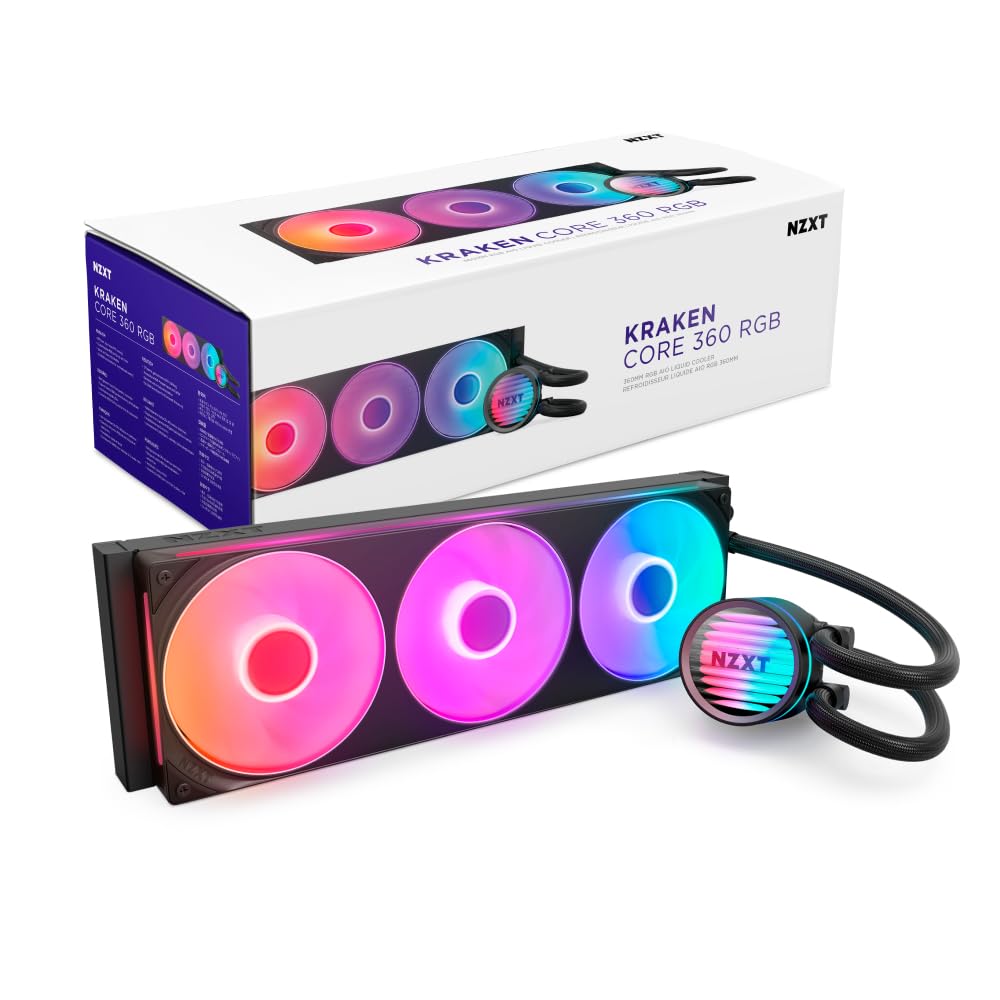
The Kraken Core is a black AIO CPU liquid cooler with RGB lighting and a 360 mm radiator. Its fans share one frame, which is intended to reduce the number of separate screws and cables during installation. The cooler connects directly to the motherboard, with no extra controller required according to the supplied details. That could make for a tidier build, though it’s still worth thinking about cable routing and access around your motherboard before starting the install.
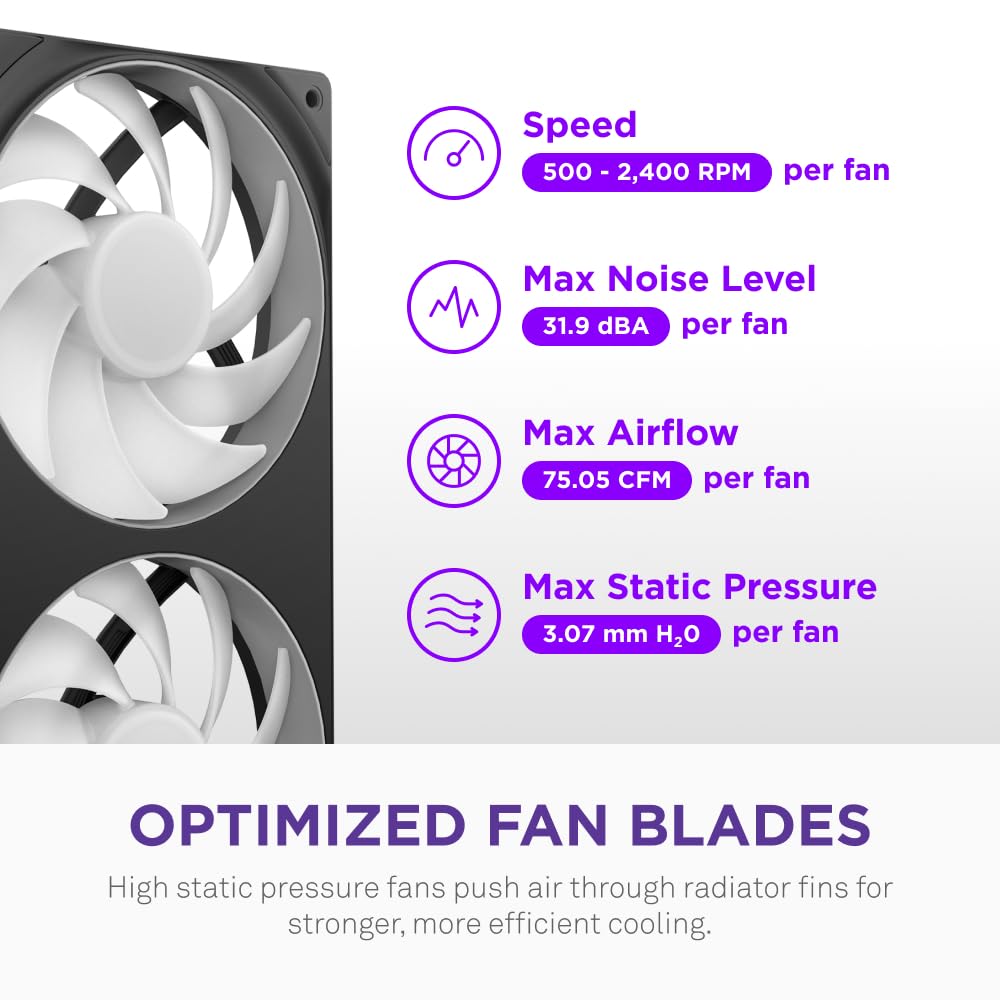
The fans use PWM control and blades designed to push air through the radiator fins. The listed compatible sockets are AMD AM5/AM4 and Intel LGA 1851/1700/1200/115X. There’s no stated noise level or detailed performance data here, so claims about quiet operation should be treated as a design aim rather than a measured guarantee. Given its design, the main buying check is whether your case and build suit a 360 mm radiator, rather than whether you need a smaller, simpler cooler.
Where it shines
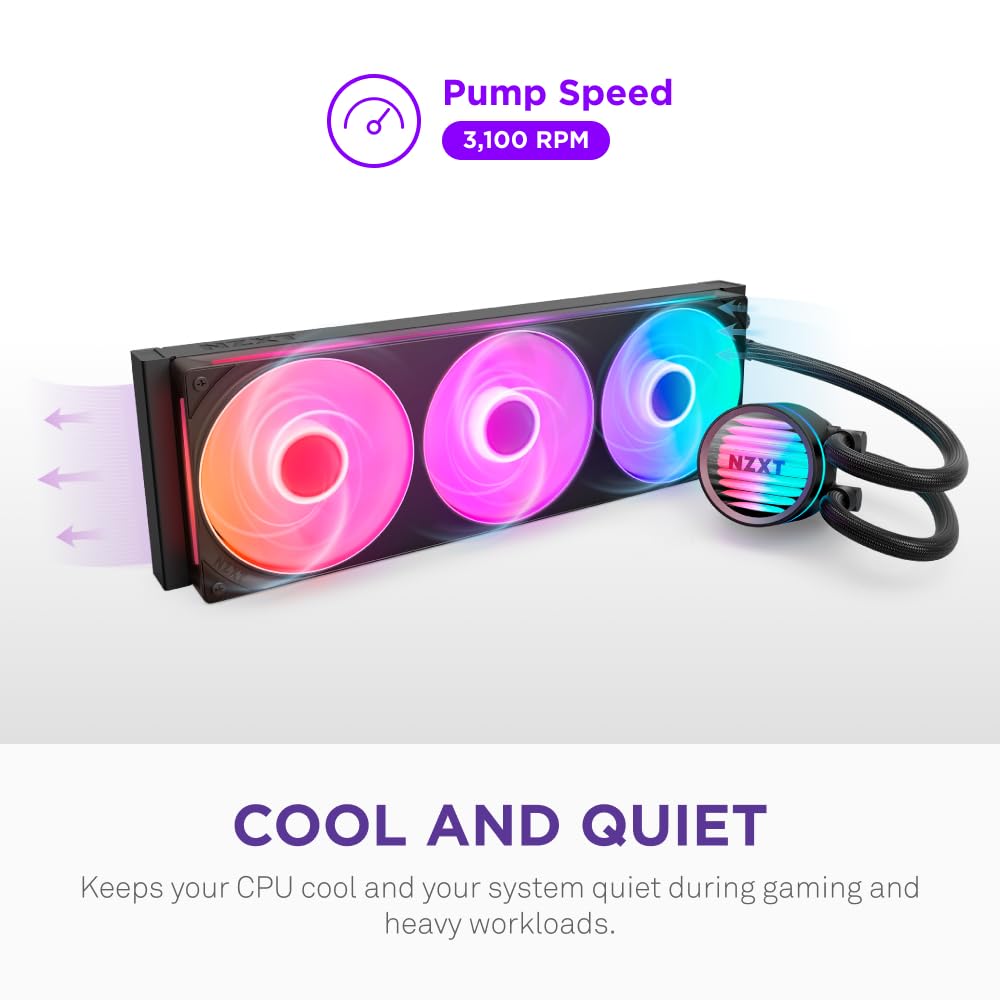

The unified fan frame is the most practical point of difference from a radiator setup with separate fans: fewer individual parts to fasten and potentially less cable clutter. For example, while assembling a gaming PC, you can handle the radiator fans as one frame instead of lining up and securing each fan separately. Direct motherboard connection also avoids adding a separate controller to the build. What matters more to you: a cleaner installation, or a smaller cooling setup that takes up less room?
PWM adjustment is useful if you want to tune fan behaviour rather than leave it fixed, while RGB gives the cooler a lighting feature for a visible build. The product description says the pump and fans are designed to cool under heavy gaming and multitasking while minimising noise, but it doesn’t provide temperatures or sound measurements. Treat those points as intended benefits, not a promise of a particular result in every system.
Decisión final
It suits you if your build supports a 360 mm radiator, you want RGB, and the single-frame fans and direct motherboard connection appeal to you. It isn’t for you if you’d rather avoid checking radiator fit, prefer a more basic air-cooling approach, or need published noise and temperature figures to compare performance. The socket list is useful, but compatibility with a listed CPU socket alone doesn’t confirm that the cooler will fit your particular case. Check the space available in your build before settling on this larger-format AIO.