

MSI motherboard B760M-A DDR4 II
Product description
For an Intel PC build where fast storage and straightforward access to the board’s M.2 slots matter, the MSI PRO B760M-A DDR4 II is a motherboard for 14th, 13th and 12th Gen Intel CPUs using the LGA1700 socket. Its B760 chipset and DDR4 format help define the platform, while two PCIe Gen4 x4 M.2 ports give you room for fast storage. The broad heatsink coverage, 2.5G LAN and front USB-C connection add practical details, but the product information leaves some key selection checks to you.
How to use it
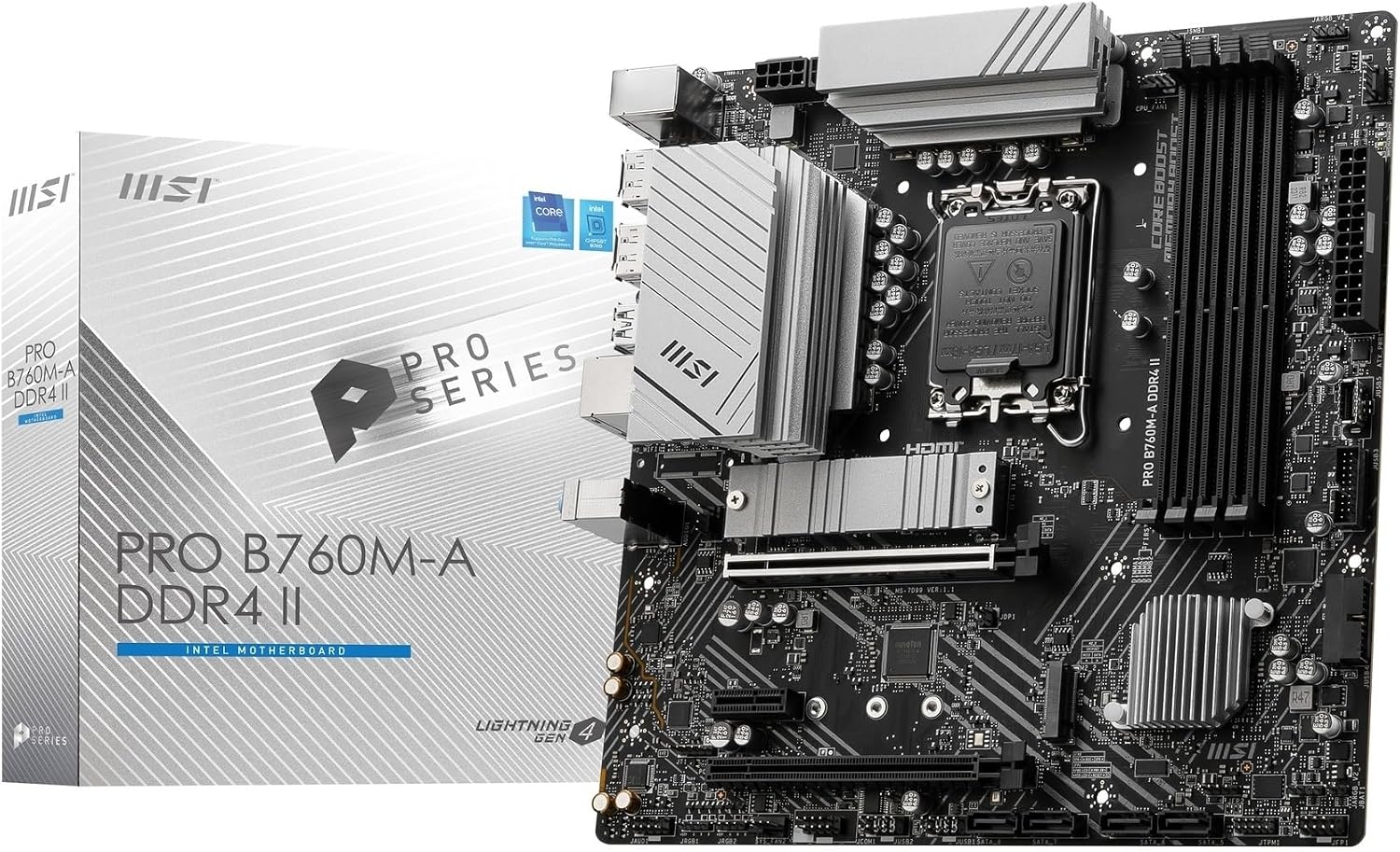
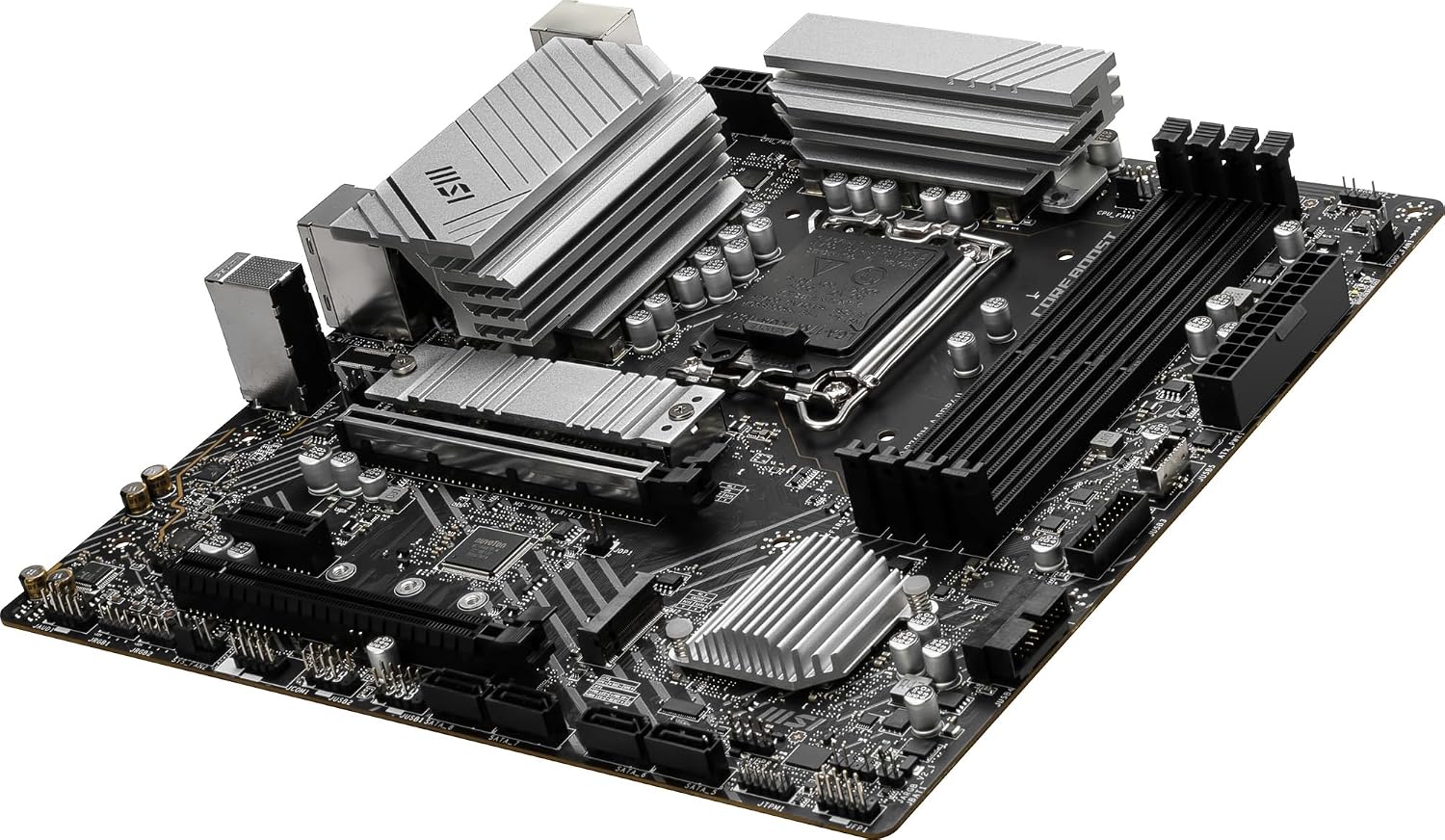
This board is a component for a desktop PC build, rather than a standalone upgrade: it needs a compatible LGA1700 processor and the rest of a system around it. The heatsinks cover areas around the power supply and chipset as well as the M.2 slots, which is a useful design detail if you expect sustained workloads or want the storage drives covered by the board’s cooling hardware. There’s also a dedicated water-pump header beside the CPU socket, rated to support 3A, for a build that uses a pump.
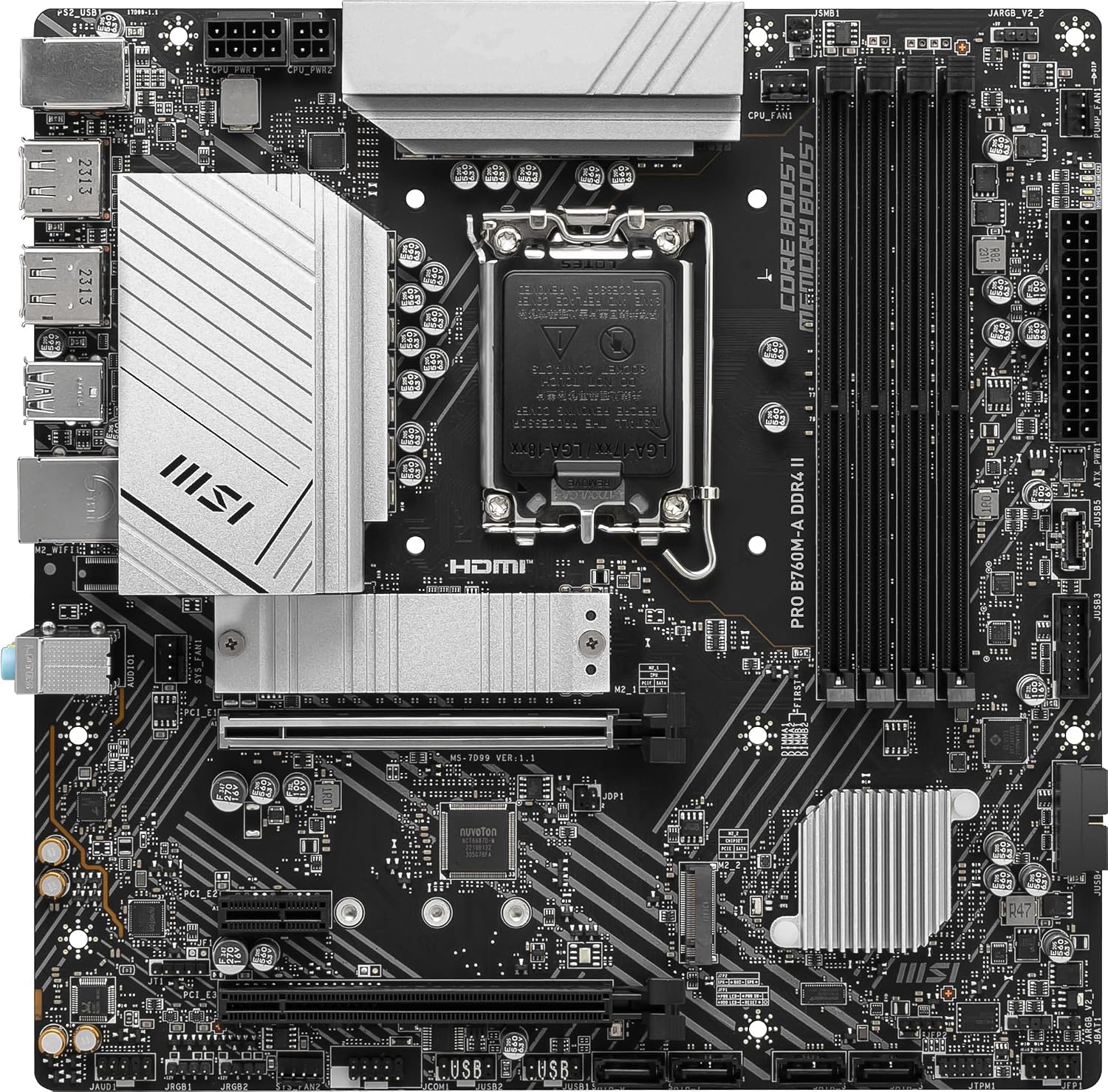
The two Gen4 x4 M.2 slots suit a build where quick storage access is a priority, and MSI’s EZ M.2 clip is intended to make fitting or removing a drive easier. Picture adding a second drive later: the clip should make that small job less fiddly than a tiny loose screw. What matters more to you here: another storage option, or a wider range of connections? This board offers both, though you’ll still need to check the exact layout against your parts.
Pros
- Supports 14th, 13th and 12th Gen Intel CPUs with an LGA1700 socket and uses DDR4.
- Two PCIe Gen4 x4 M.2 slots, with an EZ M.2 clip for drive installation.
- Broad heatsink coverage includes the chipset, M.2 area and power-supply area.
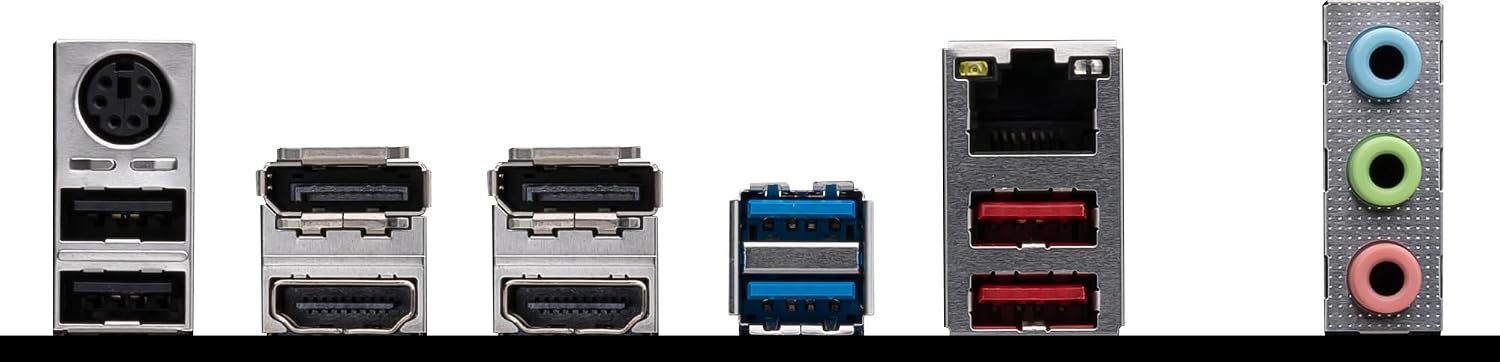
- Includes 2.5G LAN, two USB 3.2 Gen2 Type-A ports and a front USB 3.2 Gen1 Type-C connection.
- A dedicated water-pump header beside the CPU socket is rated for 3A.
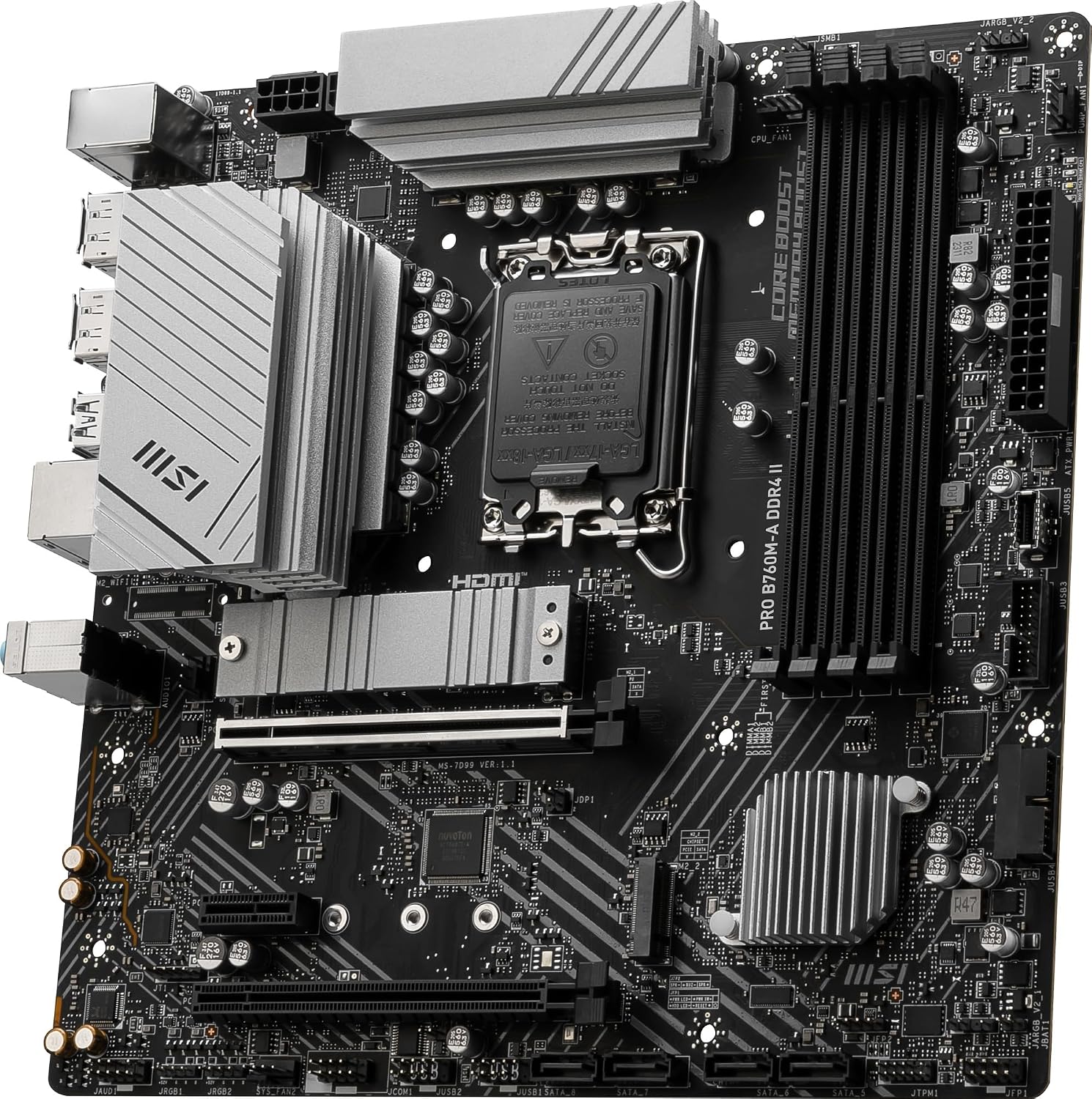
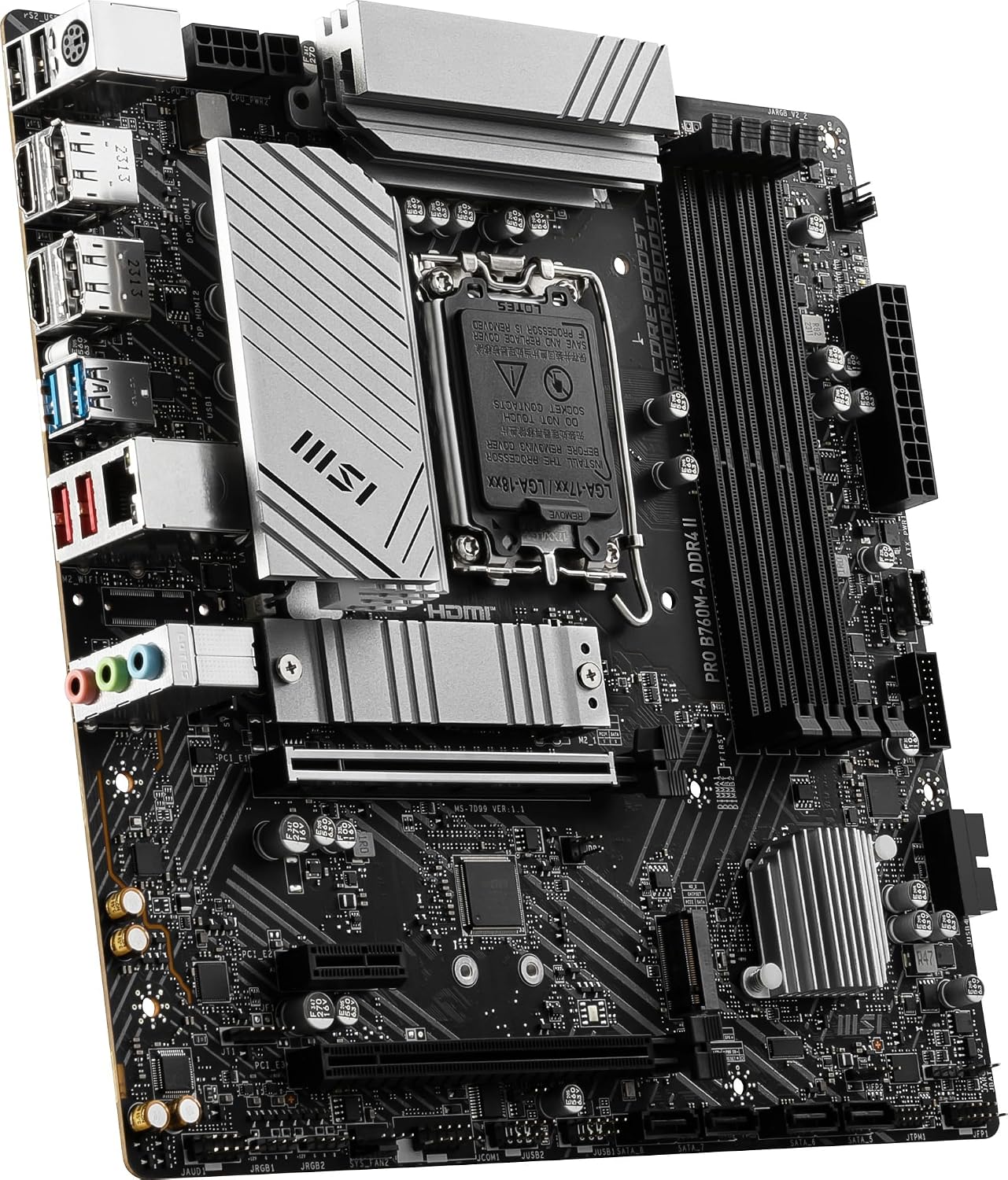
The trade-off is that the listing doesn’t spell out the memory capacity or speed supported, the full rear-port arrangement, or which connectors make up the four screen outputs. It also gives no board dimensions, so don’t assume it will suit your case just from the model name. It suits you if you’re planning a DDR4 Intel build and want two fast M.2 connections. It is not for you if your CPU platform, memory choice or display connections are already fixed and don’t match the board.
Spec sheet
- Name: MSI PRO B760M-A DDR4 II
- Type: Motherboard
- Processor: Intel 14th, 13th and 12th Gen, LGA1700 socket
- Chipset: Intel B760
- Memory: DDR4
- Storage: Two PCIe Gen4 x4 M.2 ports
- Networking: 2.5G LAN
- USB: Two USB 3.2 Gen2 Type-A ports, front USB 3.2 Gen1 Type-C connection
- Display: Four screen outputs stated in the product name, connector details not provided
- Water-pump header: 3A support
What I’d decide
Given its design, this MSI board is aimed at a build that values two fast M.2 drives, DDR4 memory and a mix of wired networking and USB connections, rather than a bare-minimum platform. The heatsink coverage and pump header are relevant extras if your build calls for them, but neither removes the need to match the CPU socket, memory and case to the rest of your parts. Before choosing it, check the exact display connectors against your monitors and confirm your intended memory and case requirements, those details aren’t specified here. If they line up, its combination of storage options and everyday connectivity is the strongest reason to consider it.