

UGREEN USB hub 0.6m cable
Product description
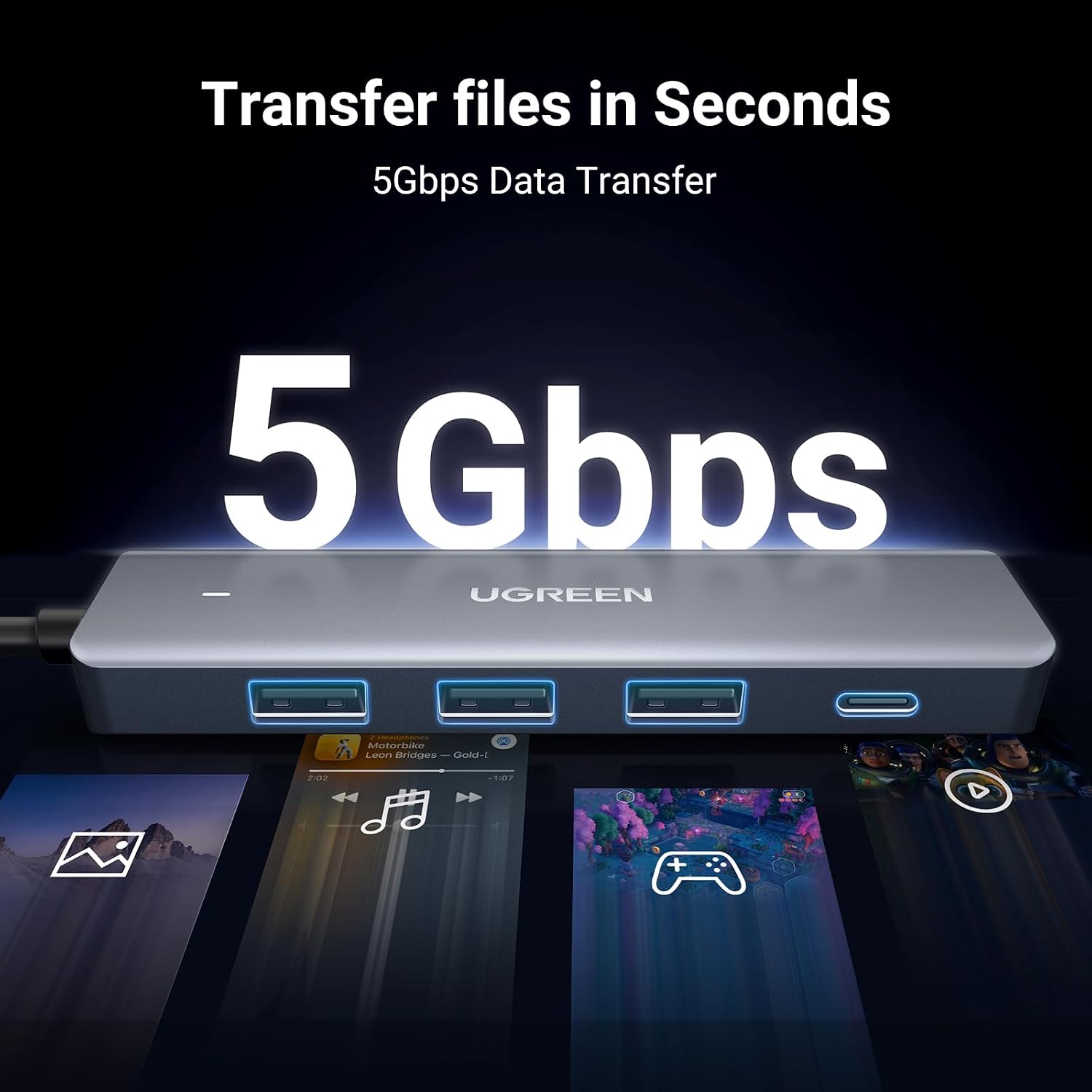
Its four USB 3.0 data ports give a laptop or desktop more room for everyday peripherals, with transfer speeds listed up to 5Gbps. The slim design and 0.6m cable make it easier to bring the hub back to your desk instead of leaving it tucked behind a computer.
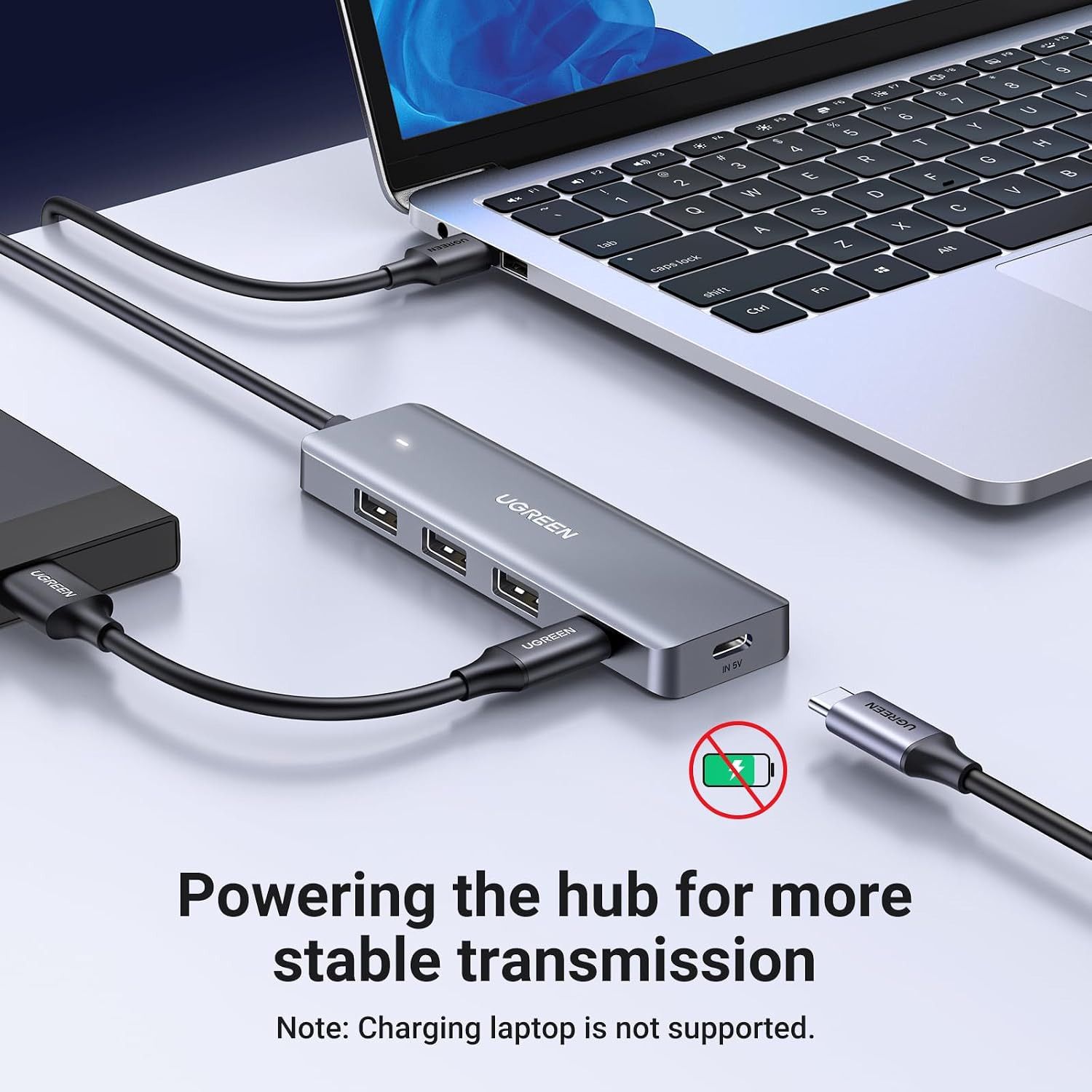
There are three USB-A ports and one USB-C data port. A separate USB-C port on the bottom is for power only, not data, video or charging a connected device.
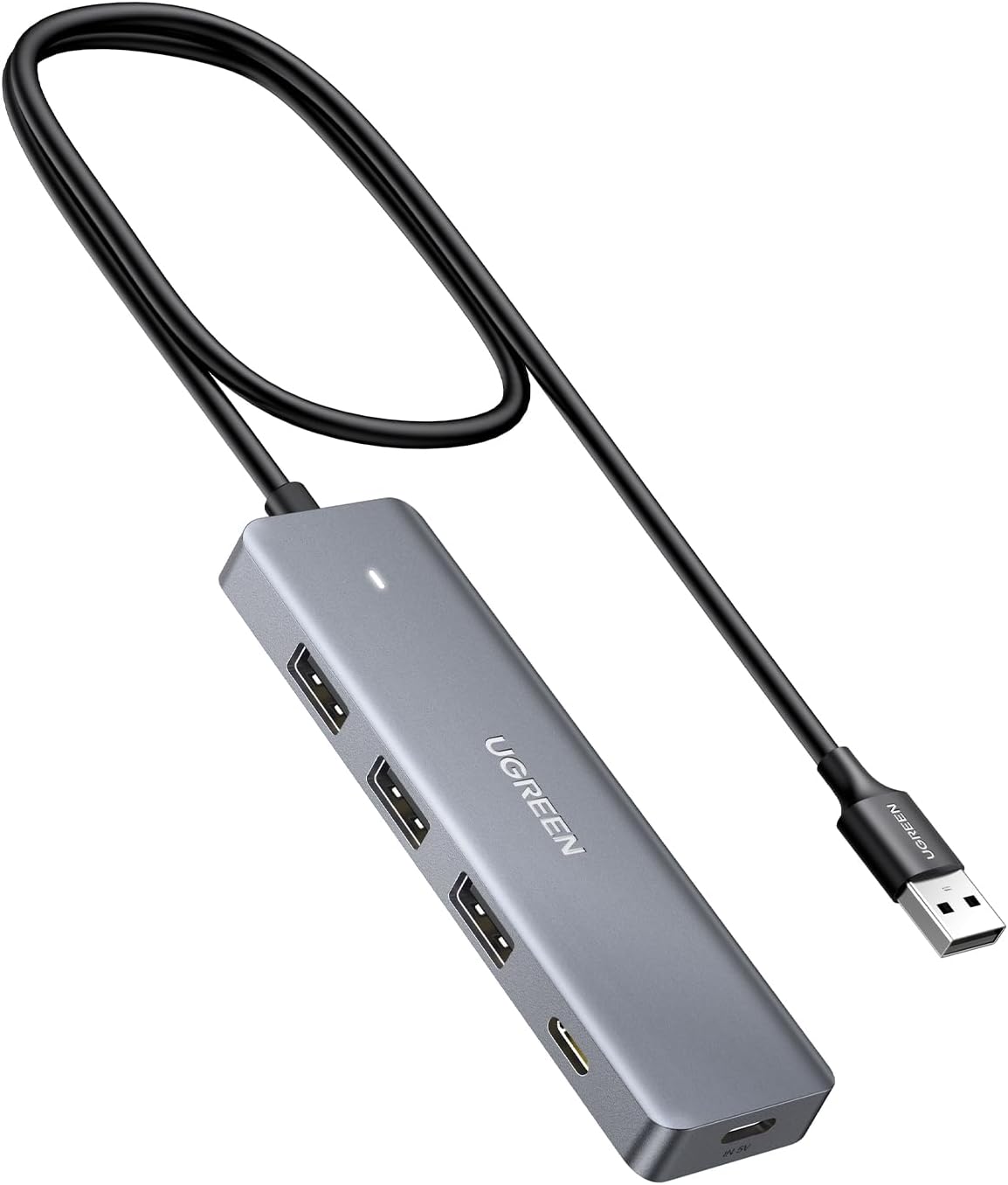
If you prioritise adding several peripherals to a USB-A computer, this layout is practical, if you need video output or a USB-C connection to the host, this is the wrong kind of hub.
Where it shines
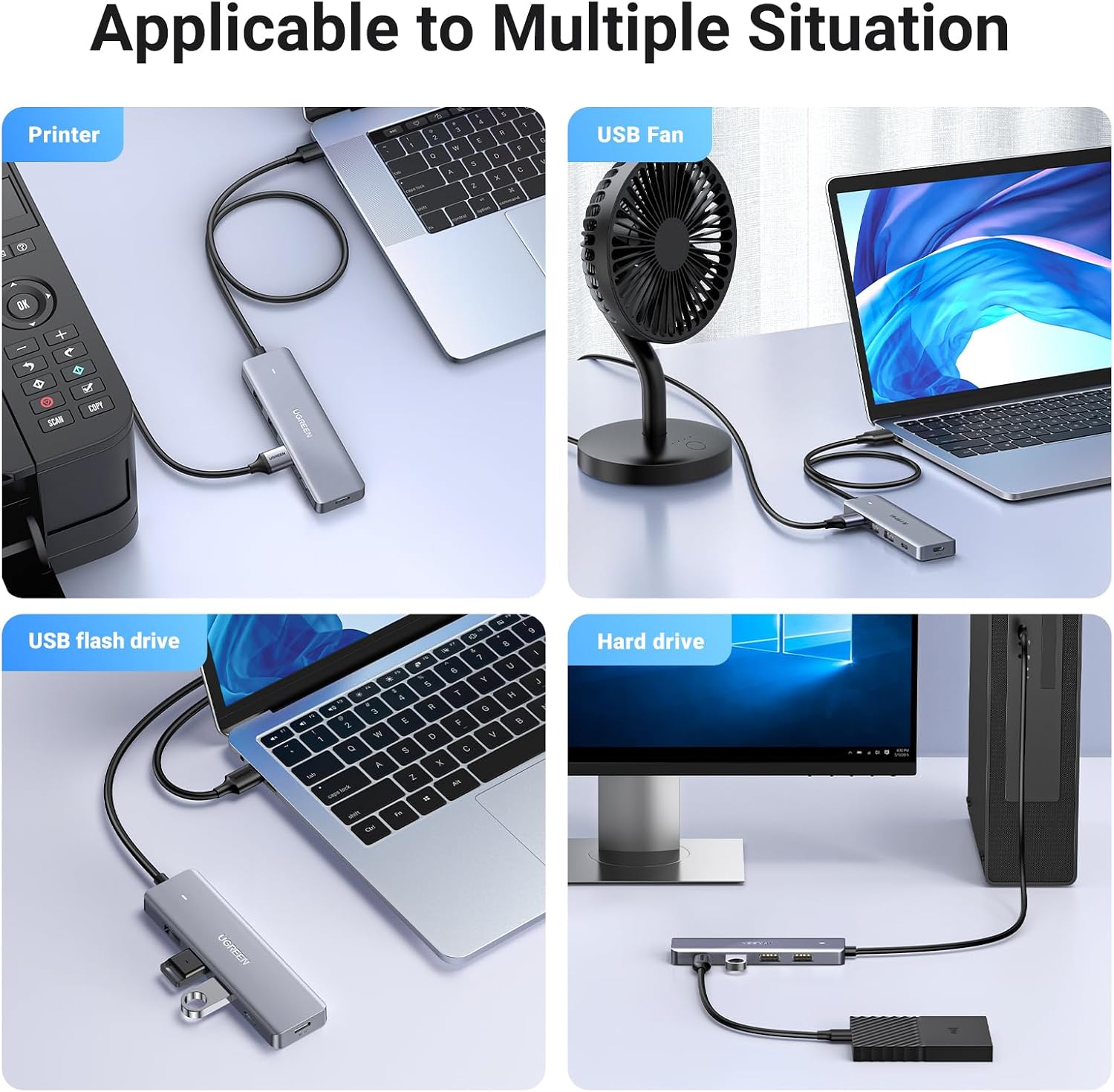
For a desk setup, you could connect a keyboard and mouse, then use the remaining ports for a flash drive or printer. It also gives an external hard drive a connection point, though the product details do not specify how much power individual devices receive. The indicator light shows the connection status, which is handy when the hub sits within reach rather than beside the computer.
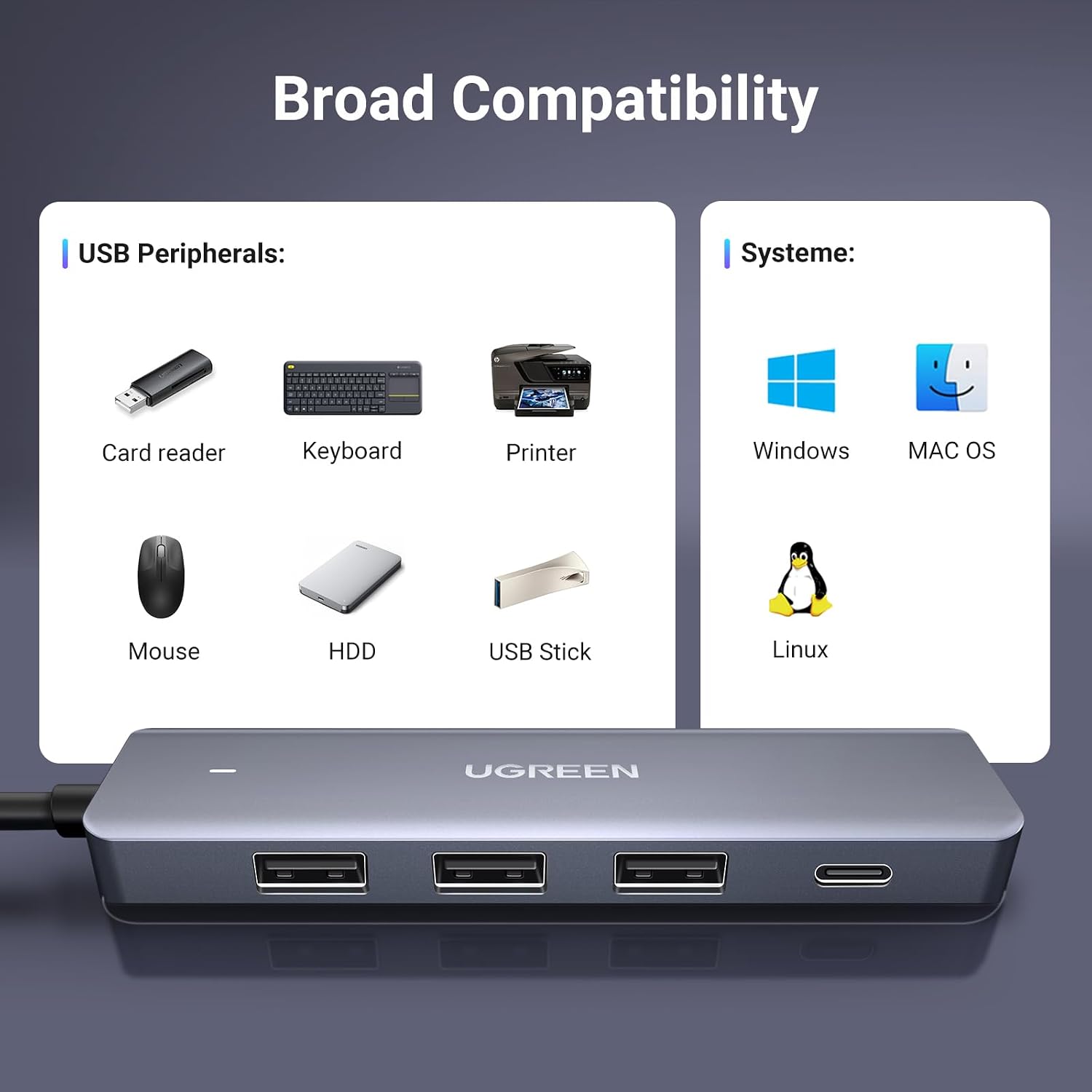
The stated transfer rate is up to 5Gbps, and the hub is backward compatible with USB 2.0 and USB 1.1 devices. That makes it useful for mixing newer accessories with older ones, but the top speed is a specification, not a promise that every device or file transfer will reach it. The listing names Windows, macOS and Linux, along with selected computers and Xbox consoles, the host device needs a USB-A port.
What matters most
The port distinction is the detail most likely to affect a purchase. The four data ports comprise one USB-C and three USB-A connections, the extra USB-C port on the underside is only for power. It cannot carry video or transfer files, and it does not power a connected device. So, if you are buying it to add a USB-C data connection, use the port count rather than the underside power socket as your guide.
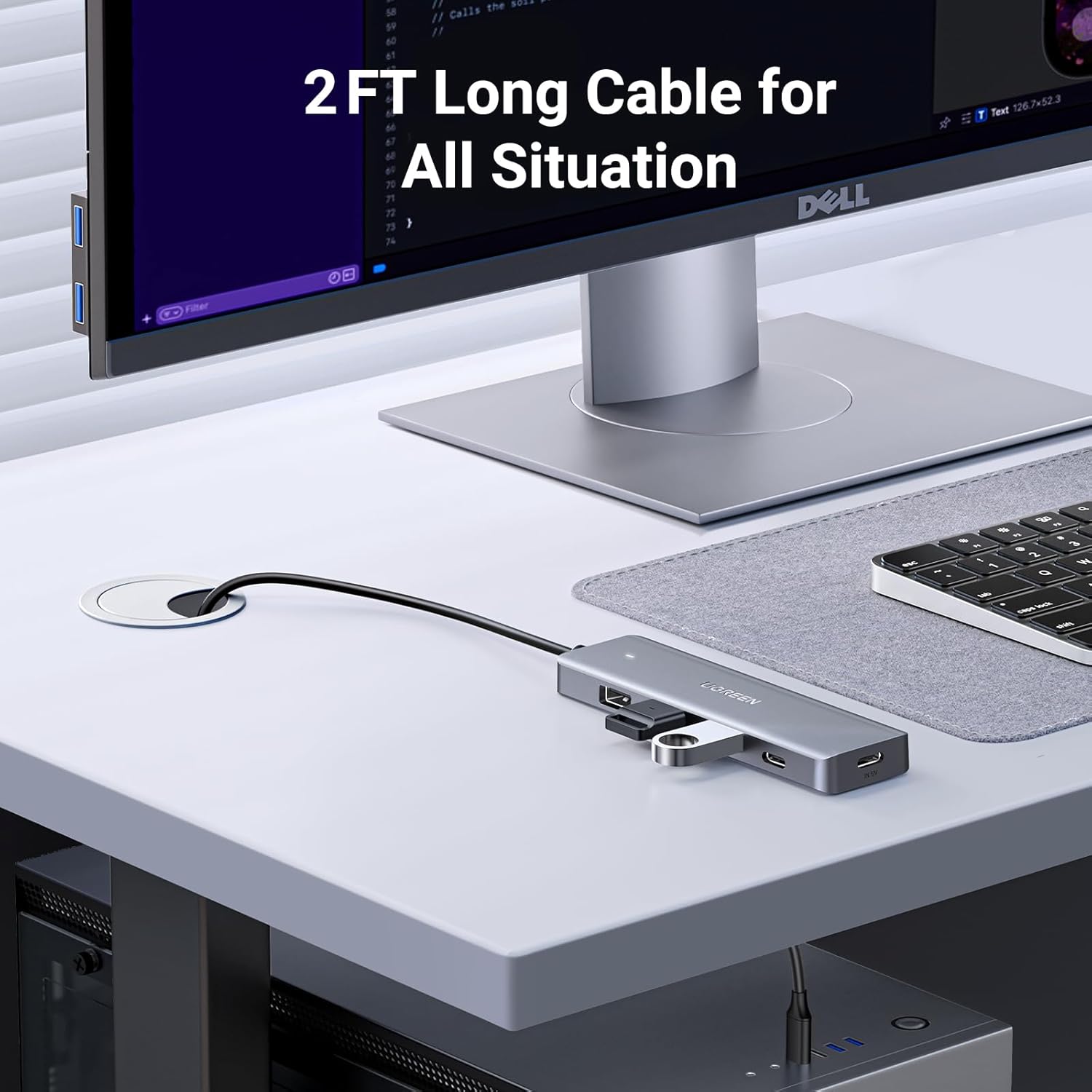
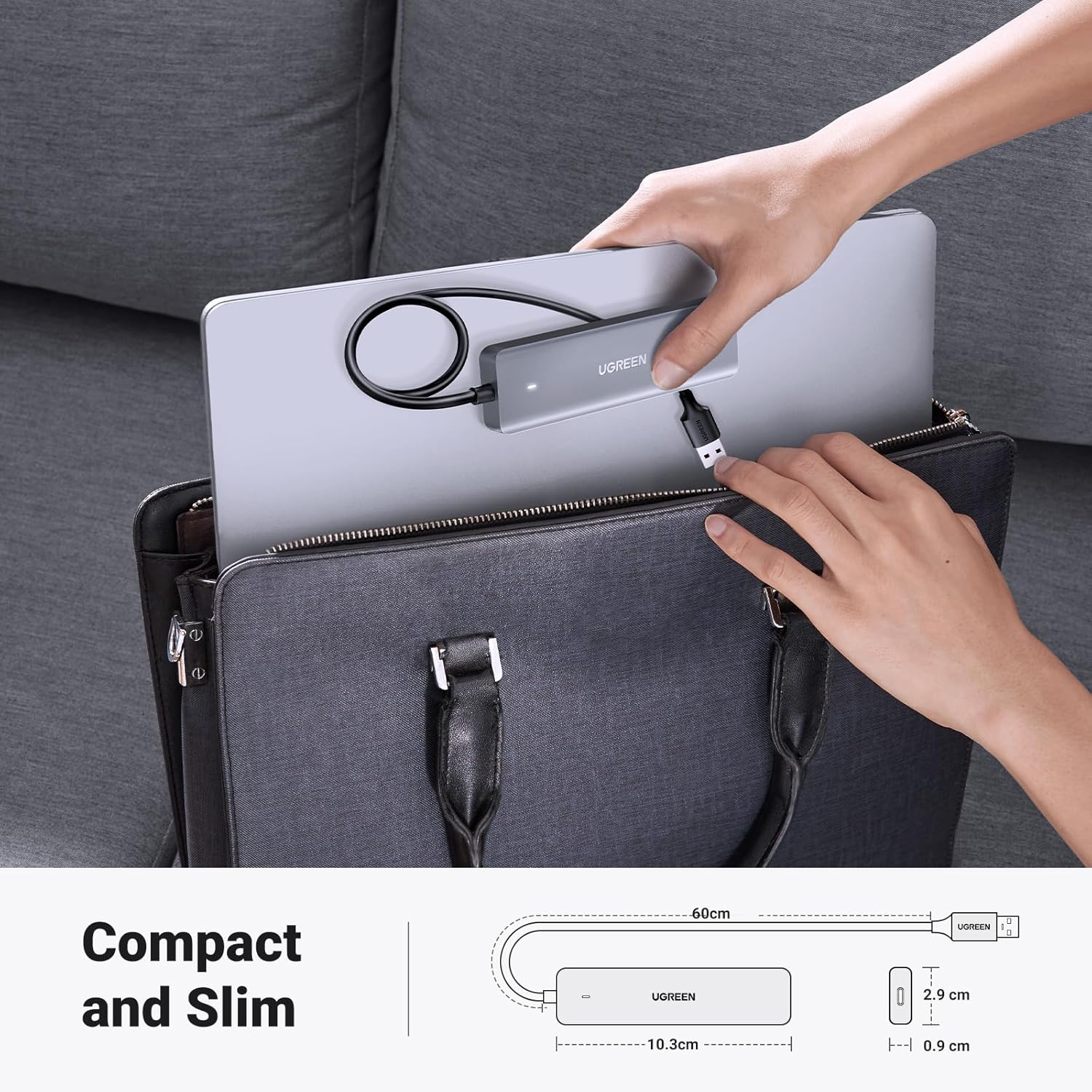
It is described as plug and play, with no driver required, and includes a 0.6m cable. That length can bring the hub forward onto a desk, although it may not suit a setup where the computer is further away. The listing also mentions protection against overheating, short circuits, over-voltage and over-current, but gives no further detail on how that protection behaves in use.
Best use cases
This suits a laptop or PC with USB-A when you want to leave a mouse and keyboard connected and still have ports available for removable storage or a printer. The slim, lightweight format is also intended for home, office or travel use. It is a more flexible approach than relying on a single free port and swapping accessories, but it is not a substitute for a dock when you need video connections or a different host connector.
It suits you if your main need is extra USB-A and USB-C peripheral ports on a compatible USB-A computer. Best avoided if you need the hub itself to provide video, charge connected devices through its power socket, or connect to a host without USB-A. The listing also excludes TV Stick 4K and Chromecast compatibility.
The bottom line
Choose this UGREEN hub for straightforward expansion of a USB-A laptop or PC, especially if a compact unit with a short cable fits your desk or travel setup. Before choosing, check that your host has USB-A and that the USB-C port you plan to use is one of the four data ports—not the separate power-only socket. If your setup depends on video output or host-side USB-C, look for a hub designed around those requirements instead.