

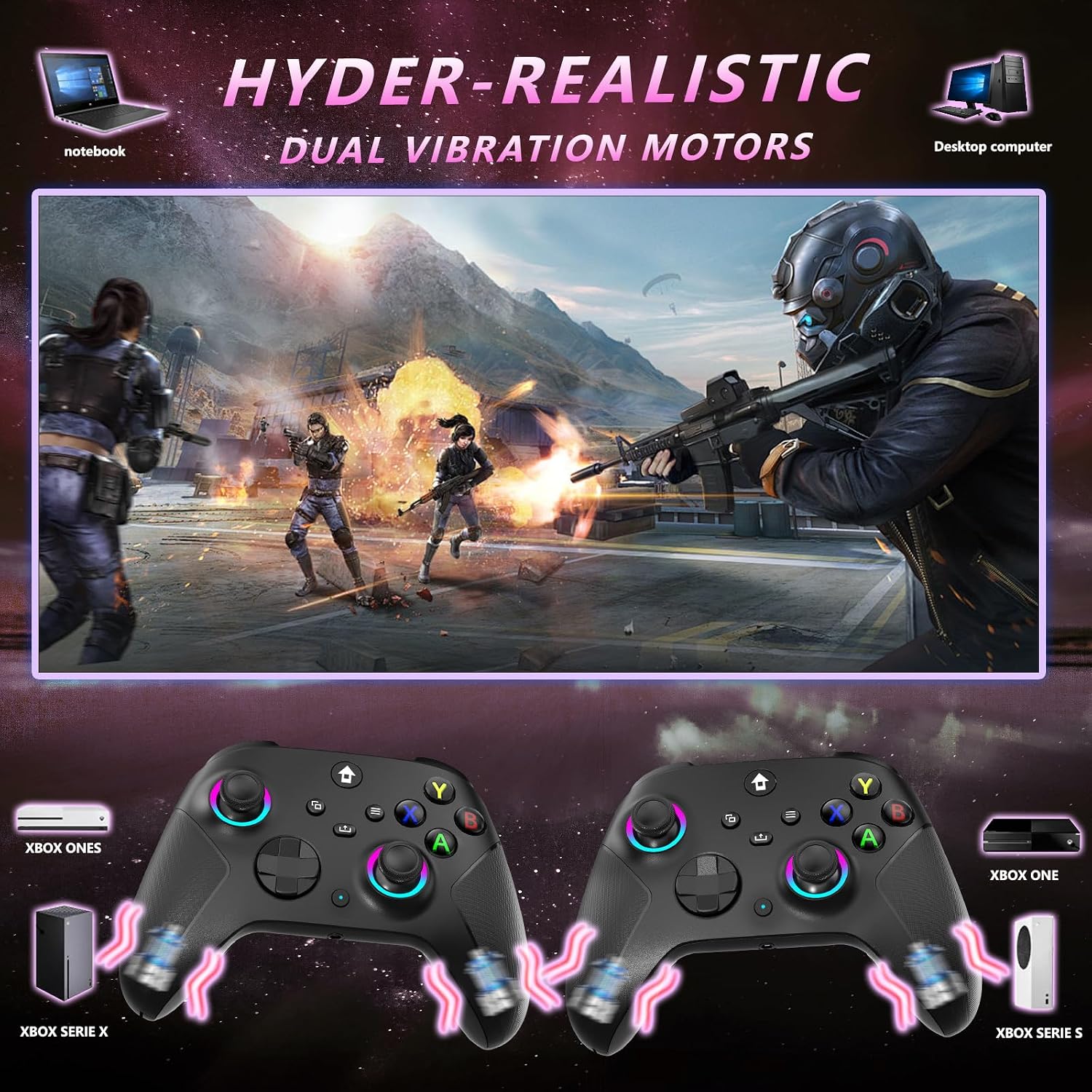
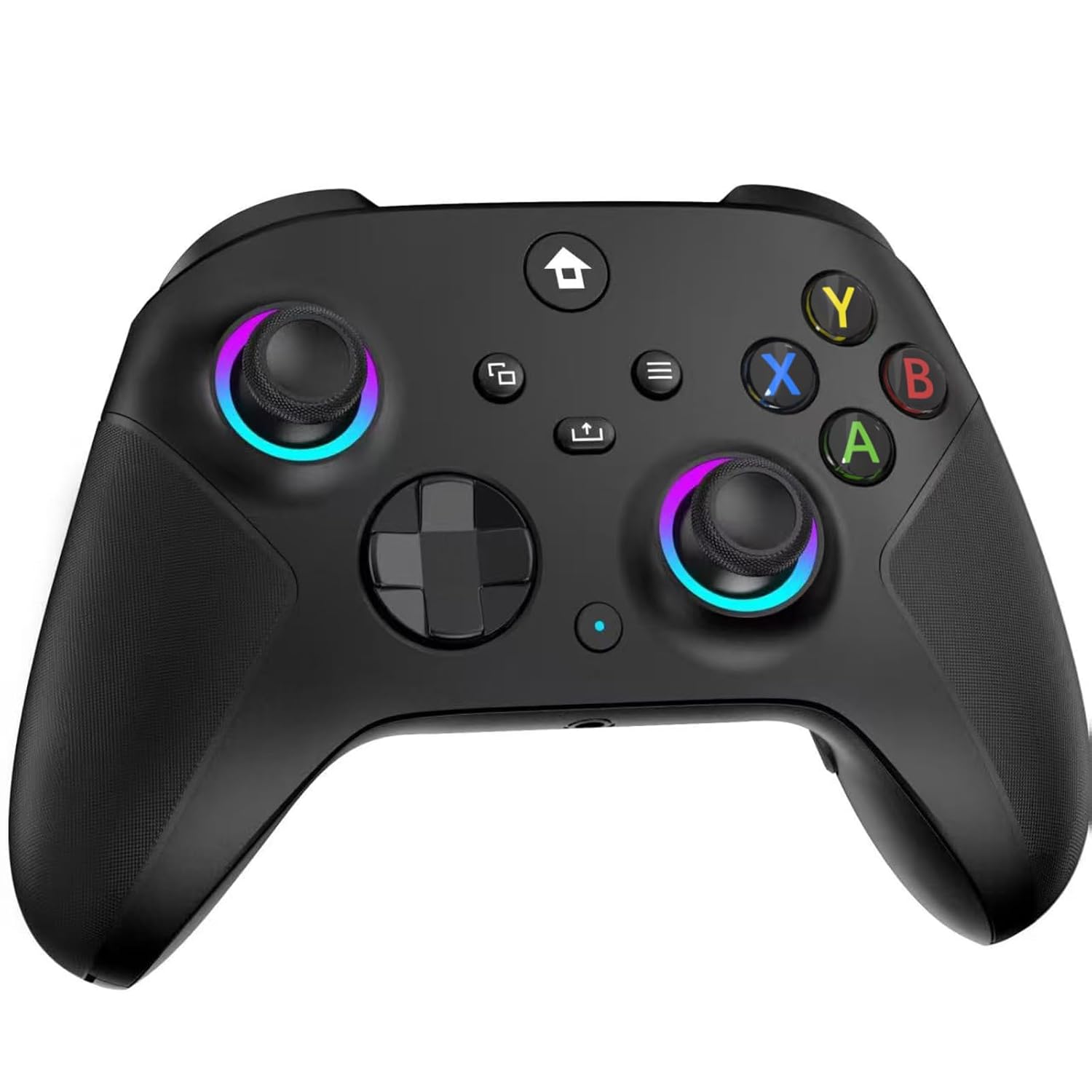
YUYIU 2.4GHz Wireless Controller for Xbox (7-Color RGB, Dual Vibration, 3.5mm Audio Jack, 1000mAh)
Reviews
Price
Product description
The essentials
If you want a wireless Xbox-style controller that focuses on responsiveness and customization, this YUYIU 2.4GHz model is built around one big idea: pairing to a 2.4G receiver for low-latency play. There’s also RGB lighting with multiple modes, dual vibration motors, programmable keys, and a 3.5mm audio jack for headsets.
That said, it’s not perfect for everyone. Over the page, the setup depends on a 2.4G receiver and the controller needs to be paired to connect—so if you’re expecting Bluetooth-style simplicity, you may get stuck. Also, the base info notes it’s not compatible with TV and phone use.
Key points on day-one experience
The controller is designed to feel “plug and play” on compatible hosts: it uses a 2.4GHz wireless adapter, and the manufacturer calls out support for Windows 10 and above (with preference noted for Windows 7+). For many people, that translates to a straightforward routine: pair it once with the 2.4G receiver, then use it wirelessly without driver installation.
In actual gameplay terms, dual vibration motors and a 360° joystick are the headline features. The description frames the vibration as precise feedback, aiming to make impacts and weapon-like moments feel more grounded.
And if you like to tweak the vibe: the RGB lighting comes with 7 colors and different lighting behaviors (including a constant mode and a “breathing/sequence” effect). It’s not essential, but it’s the kind of extra that can make long sessions feel less dull.
One practical example: imagine you’re jumping between games—your hands hit the A/B/X/Y cluster and triggers normally, but you can also use the programmable/back mapping described here to make certain functions easier to access without reaching across the layout.
What you’ll notice most
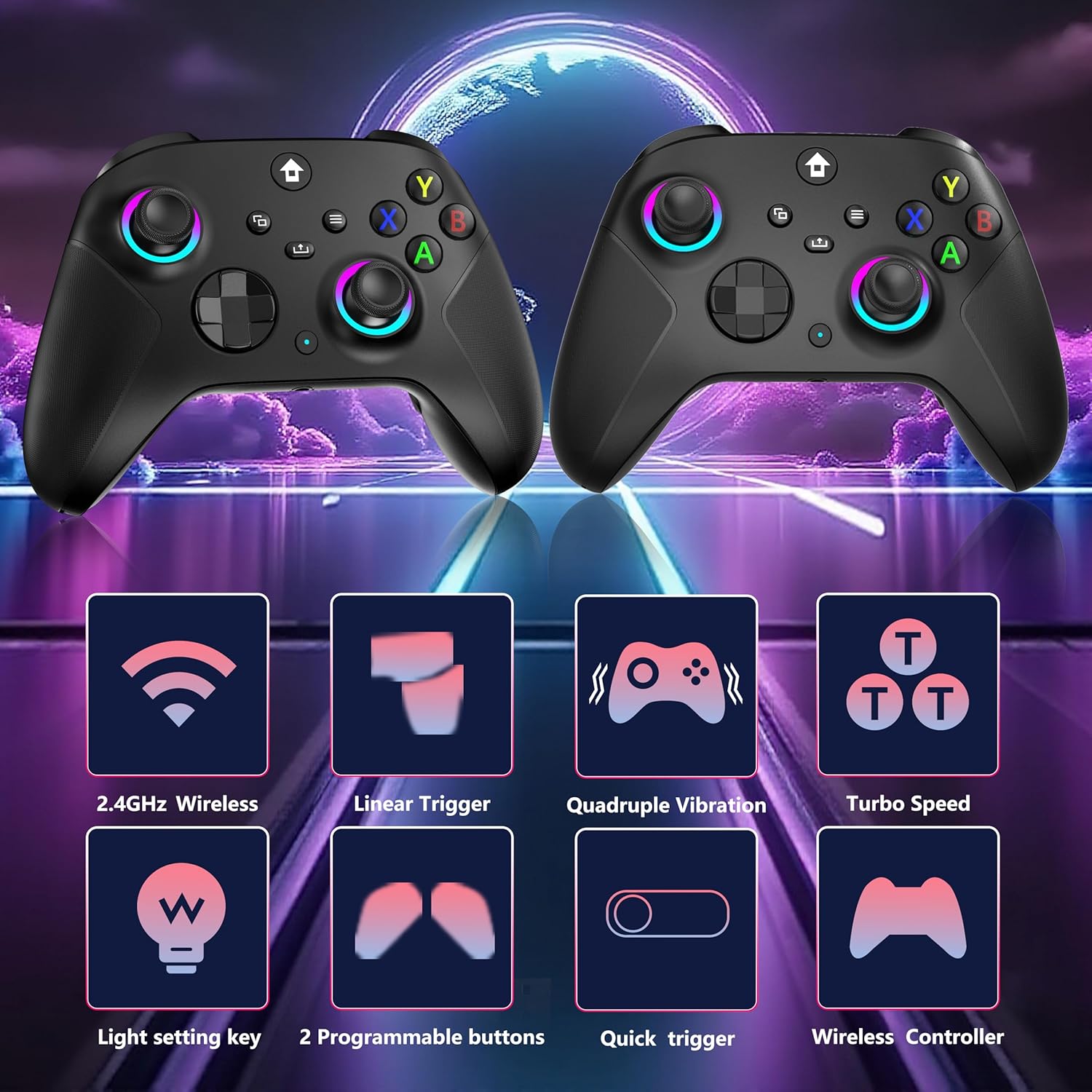
The standout features are the ones that affect how you play, not just how the controller looks.
- Wireless responsiveness through 2.4GHz: it’s positioned as “delay free” and supports a range of about 33 feet (as stated).
- Dual vibration + 360° joystick: meant to improve feedback and accuracy during movement and aiming.
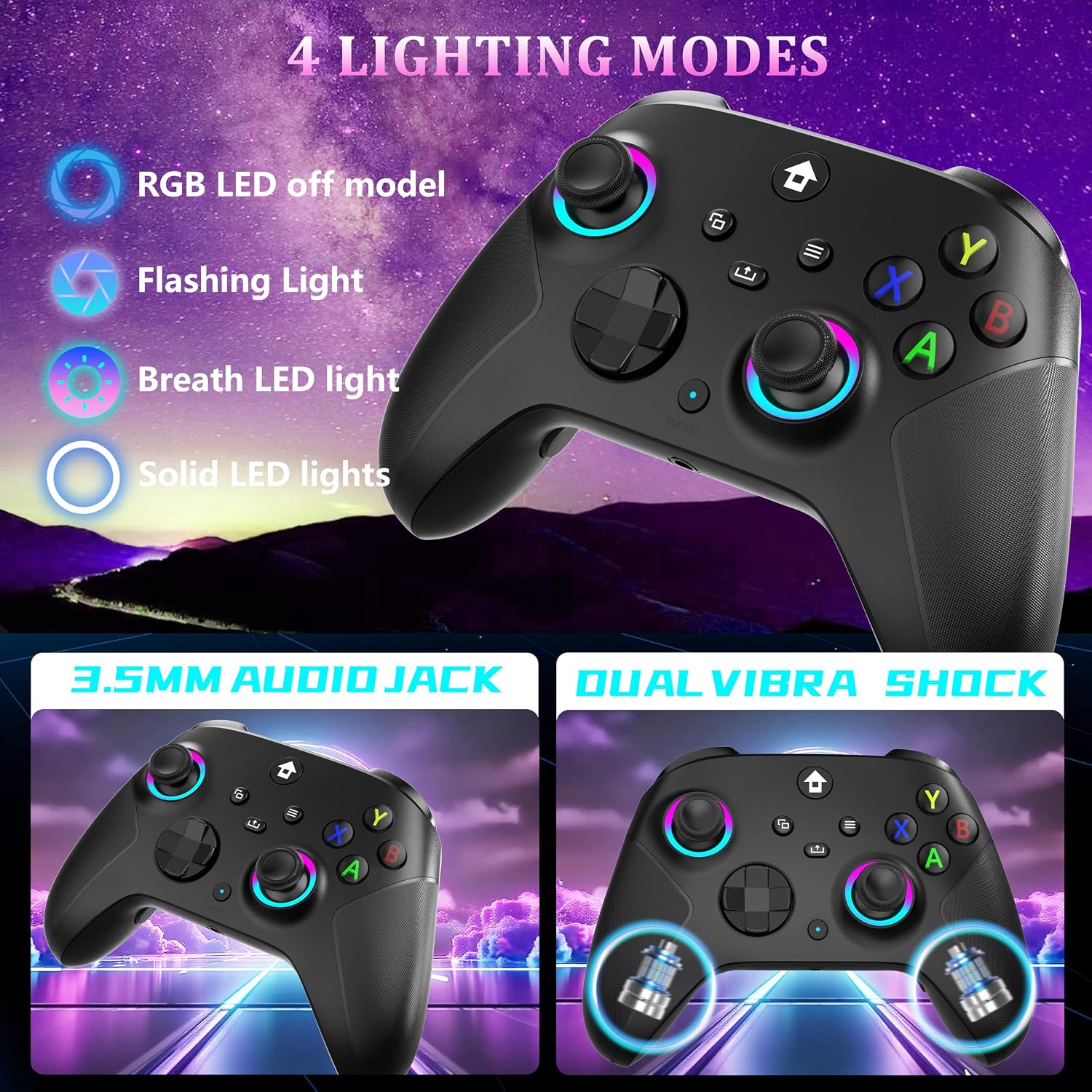
- RGB lighting modes: 4 lighting modes with 7 colors, with changes triggered using button combos.
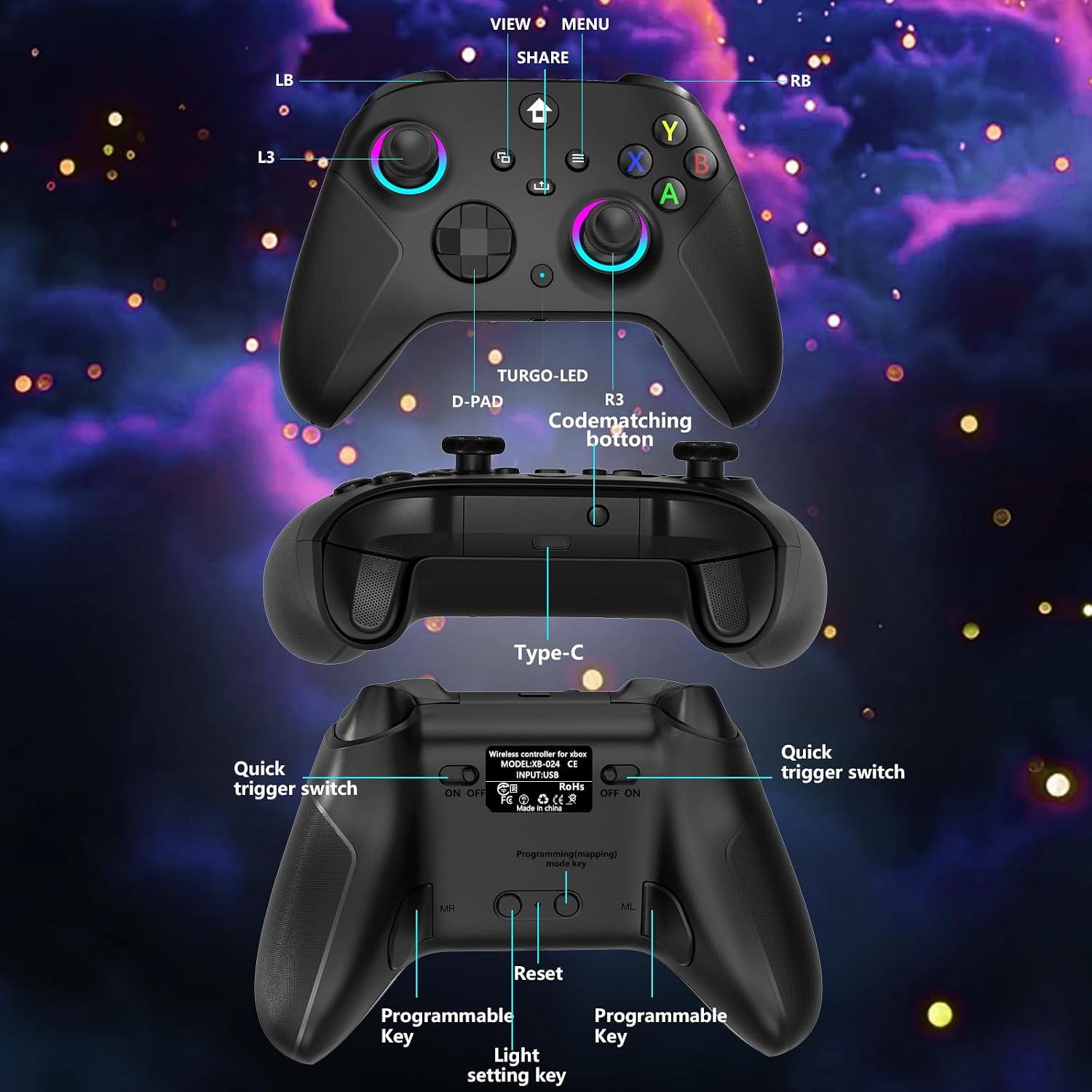
- Turbo and programmable keys: the description includes a way to set turbo (and switch it into an auto turbo state), plus mapping for additional buttons.
- 3.5mm audio jack: support for connecting headphones and microphones, which can matter if you’re trying to avoid extra dongles.
What matters less (or at least, isn’t fully clarified): the exact compatibility with every specific Xbox game or third-party PC setup. The base info is clear about platforms, but not about special edge cases.
Tech specs
- Type: 2.4GHz wireless controller (pairs with a 2.4G receiver, not Bluetooth)
- Compatibility noted: Xbox One / Xbox One S / Xbox One X / Xbox Series X / Xbox Series S consoles and Steam PC Windows (Windows 10 and above called out, Windows 7 or above preferred in the note)
- Wireless range: about 33 feet
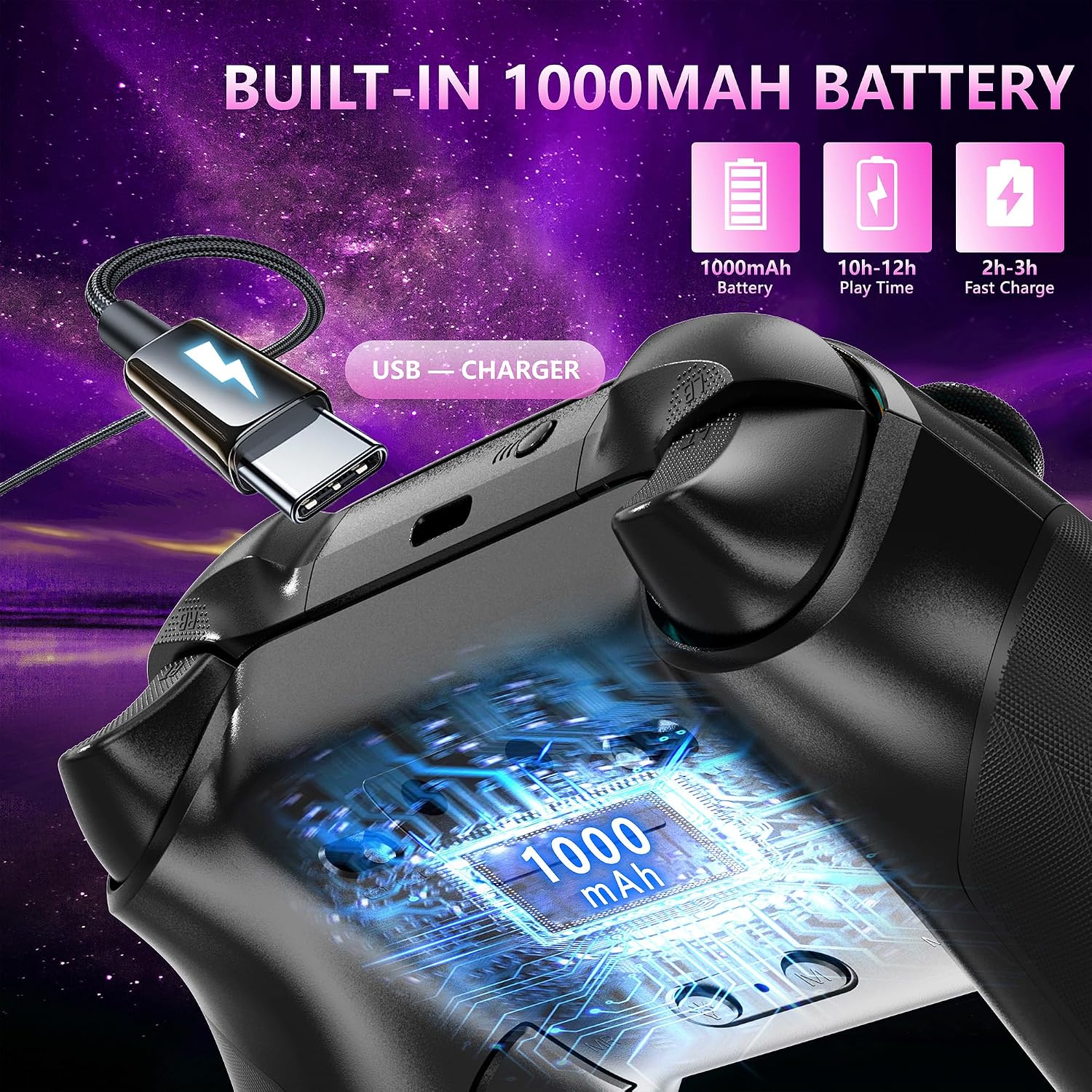
- Battery: built-in 1000mAh lithium battery
- Charging: Type-C charging, indicator behavior described (flashes slowly while charging, stays on when fully charged)
- Battery time (stated): about 10-14 hours after charging, charging time about 2-3 hours
- Vibration: dual vibration motor
- Joystick: 360° omnidirectional joystick
- Audio: 3.5mm stereo jack (headphones + microphone support described)
- Lighting: 7-color RGB with 4 lighting modes
- Turbo/programmable: turbo with auto turbo, plus mapping via back buttons (ML/MR) for combinations (stated as 1-16)
Who it’s for (and who should skip it)
It’s a solid pick if you want an Xbox-style wireless controller for console and compatible Windows gaming, and you care about real-world features like vibration, programmable inputs, and the 3.5mm audio jack. It also makes sense if you like customizing RGB lighting and don’t mind learning the button combos for lighting and turbo.
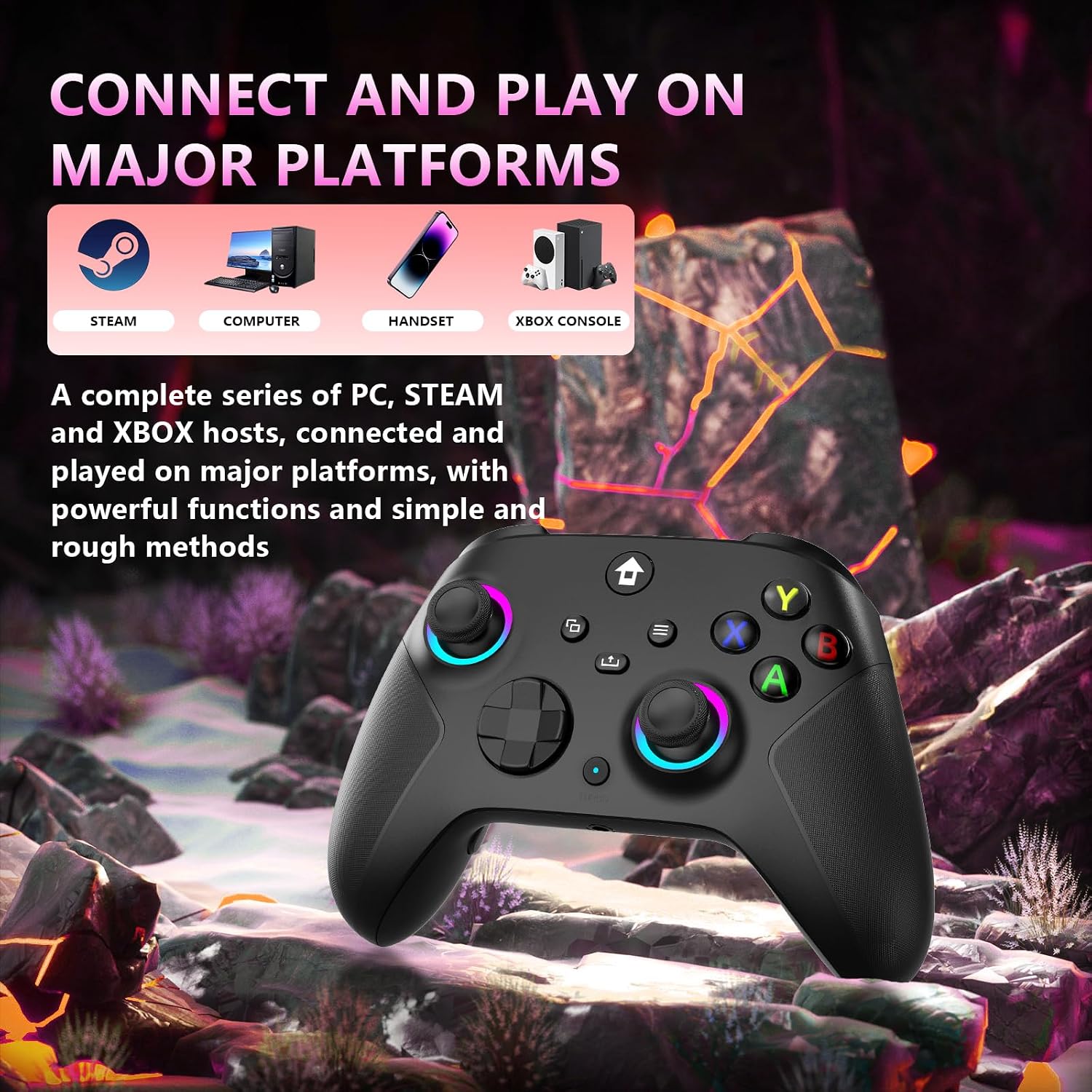
It may not suit you if you need Bluetooth connectivity. The note explicitly says the controller does not have Bluetooth and must be paired with a 2.4G receiver. It’s also not meant for TV and phone use, so if that’s your plan, you’ll want to look elsewhere.
Worth considering if you like tinkering: the programmable keys and back mapping can be helpful, but you may need a little time to set it up and remember the shortcuts.
Care, charging, and setup reality check
This controller relies on 2.4G pairing, so double-check you have what you need for that setup on your platform. The base note also warns about compatibility expectations—especially around TV/phone.
For day-to-day use, charging is straightforward on paper: Type-C cable charging with a charging indicator light that changes behavior when fully charged. The part that could trip people up is simply expecting the battery to run longer without charging—10-14 hours is what’s stated, so plan for recharging after extended sessions.
Mini FAQ
Does it connect via Bluetooth?
No. The controller needs to be paired with a 2.4G receiver for connection.
Is it compatible with Xbox consoles and Windows?
The description says it’s for Xbox One and Series consoles plus Steam PC Windows, calling out Windows 10 and above and preferring Windows 7 or above.
What about using it with a TV or a phone?
The base note states it is not compatible with TV and phone use.
Does it support charging and audio through ports?
Yes—Type-C charging is described, and there’s a 3.5mm stereo audio jack for headphones and microphones.
Can you customize turbo or map extra functions?
The description explains turbo (including auto turbo) and programmable/back button mapping (ML/MR) for combinations.
Final verdict
Buy the YUYIU 2.4GHz Wireless Controller if you want a wireless Xbox-style controller that pairs via a 2.4G receiver, includes dual vibration, supports turbo/programming, and gives you both RGB lighting and a 3.5mm audio jack for chat or mic use. It fits best for players who are okay with a one-time pairing step and who want responsive gameplay on Xbox consoles or compatible Windows setups.
Skip it if Bluetooth is a must, or if you’re trying to use it for TV/phone. Also, if you don’t want to learn button combos for lighting/turbo/programming, it may feel like more effort than you bargained for—because the value here is definitely in those extra controls.