

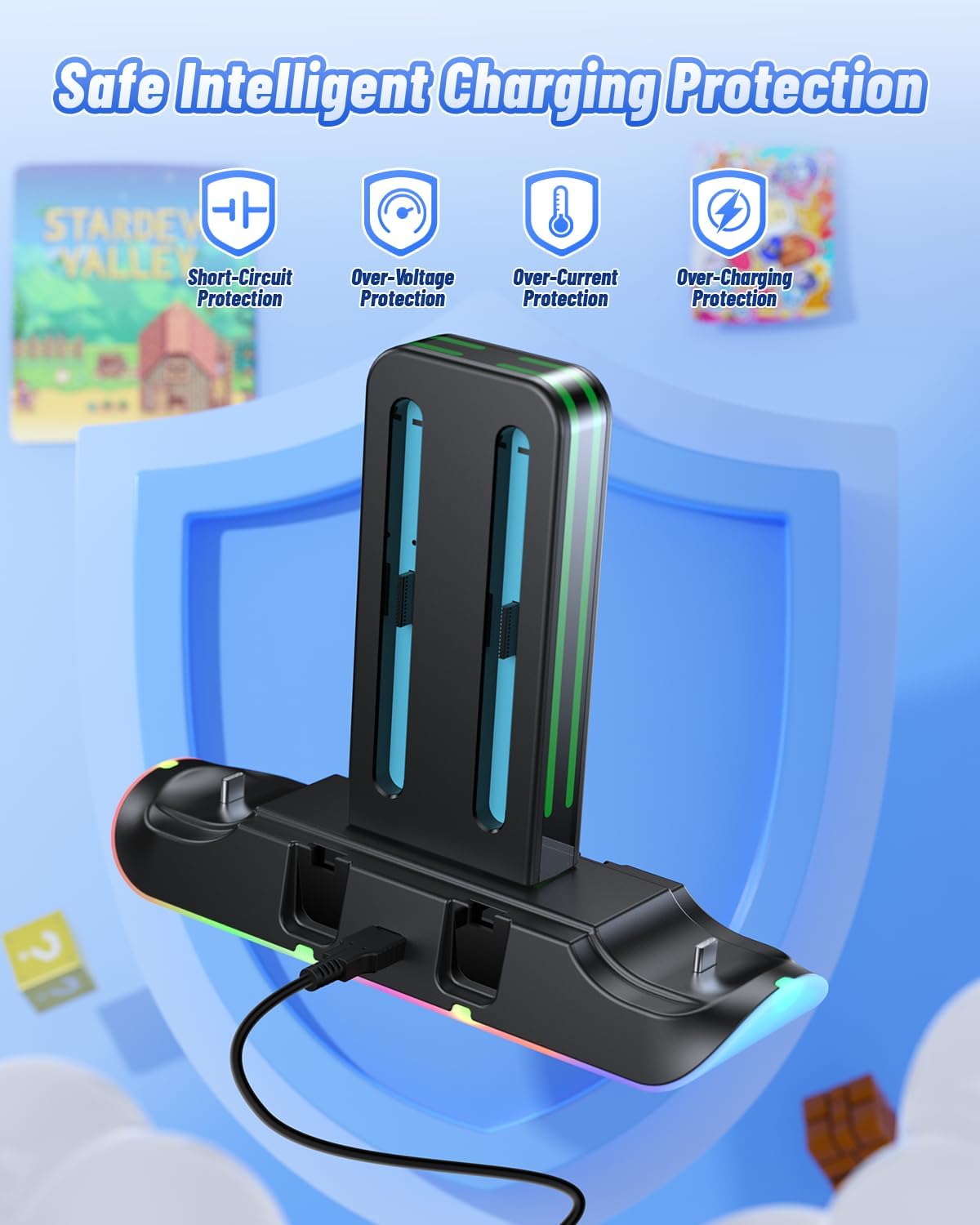
FASTSNAIL Charging Dock for Nintendo Switch 1/2 Controllers (9 RGB Lighting, Magnetic Storage)
Reviews
Price
Product description
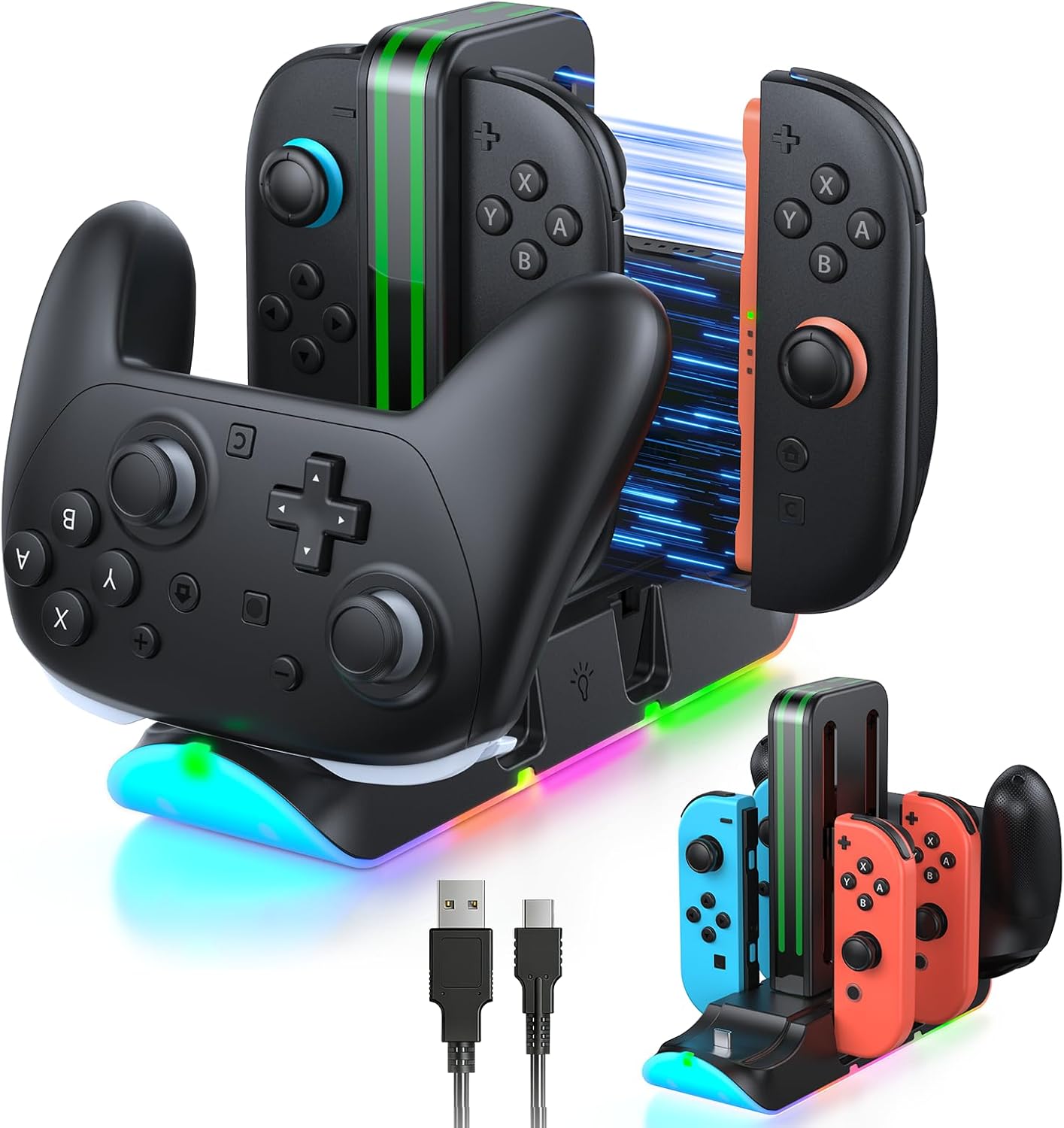
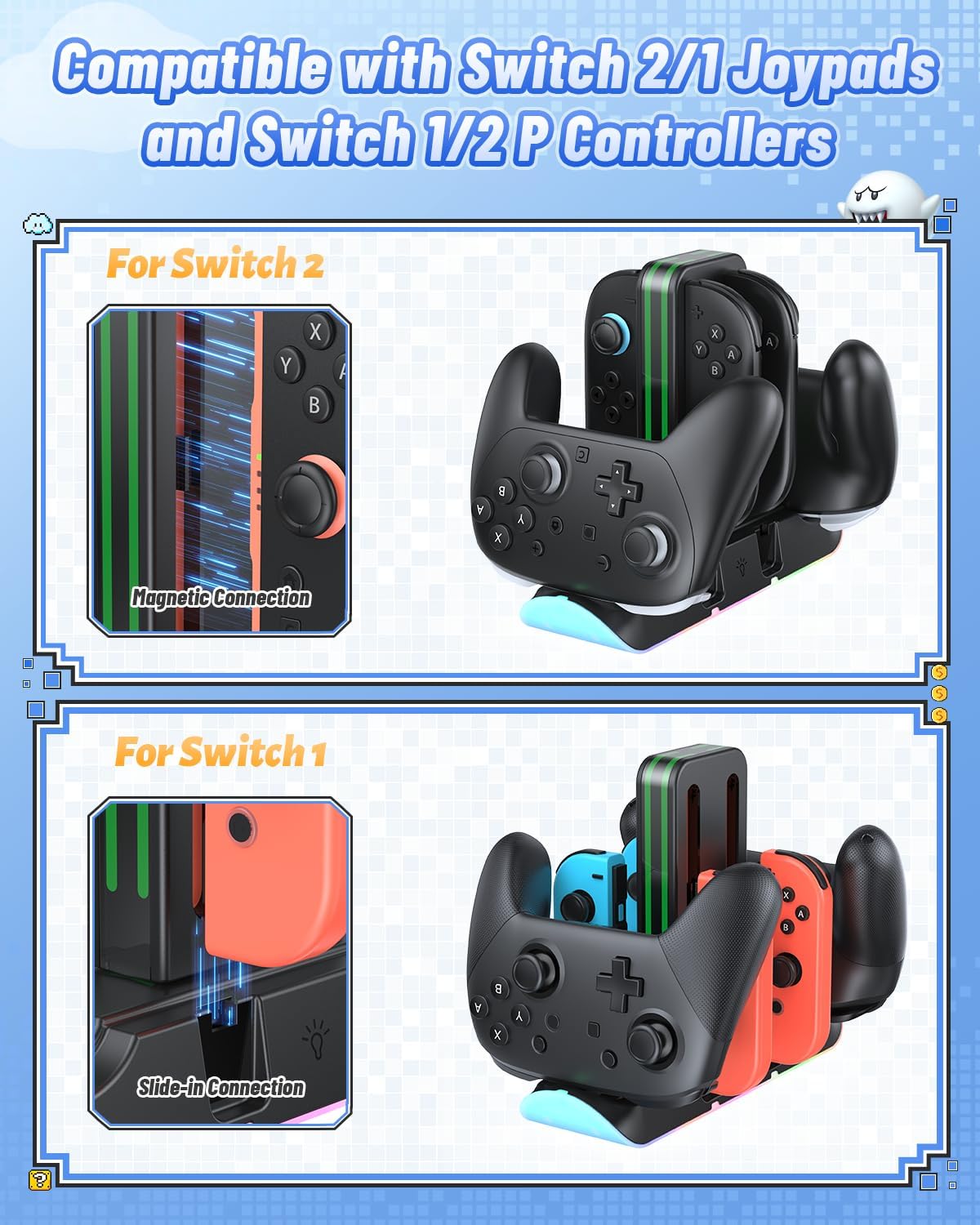
If you’re tired of hunting for a cable every time a Joy-Con battery dips, a charging dock like this FASTSNAIL station is built for fast, repeatable charging and tidy controller storage. It’s designed to hold your Switch controllers securely and line them up for charging using a magnetic/slide-in approach depending on the controller type.
That said, this dock is a little picky about what it will charge. The listing explicitly says it’s only for Nintendo Switch 1/2 controllers and not compatible with third-party controllers, so you’ll want to check your current controller brand before getting comfortable.
The essentials (what it is and why it helps)
This is a multi-controller charging stand for Switch 1/2 controllers, offering an integrated “charging + storage” setup. Instead of plugging in each controller on a desk, it uses a dock-style station to keep your controllers in place while charging. The benefit is mostly day-to-day: less wear from constant plug/unplug cycles and a cleaner workspace.
The dock also includes a clear charging indicator so you don’t have to guess. It’s meant to make it easier to swap controllers during longer sessions—especially if you rotate between players.
Key points you’ll actually care about
On paper, the big win here is the combination of secure alignment and quick use. The magnetic alignment technology and slide-in design are there so controllers seat properly without feeling like you’re “fighting” the connector.
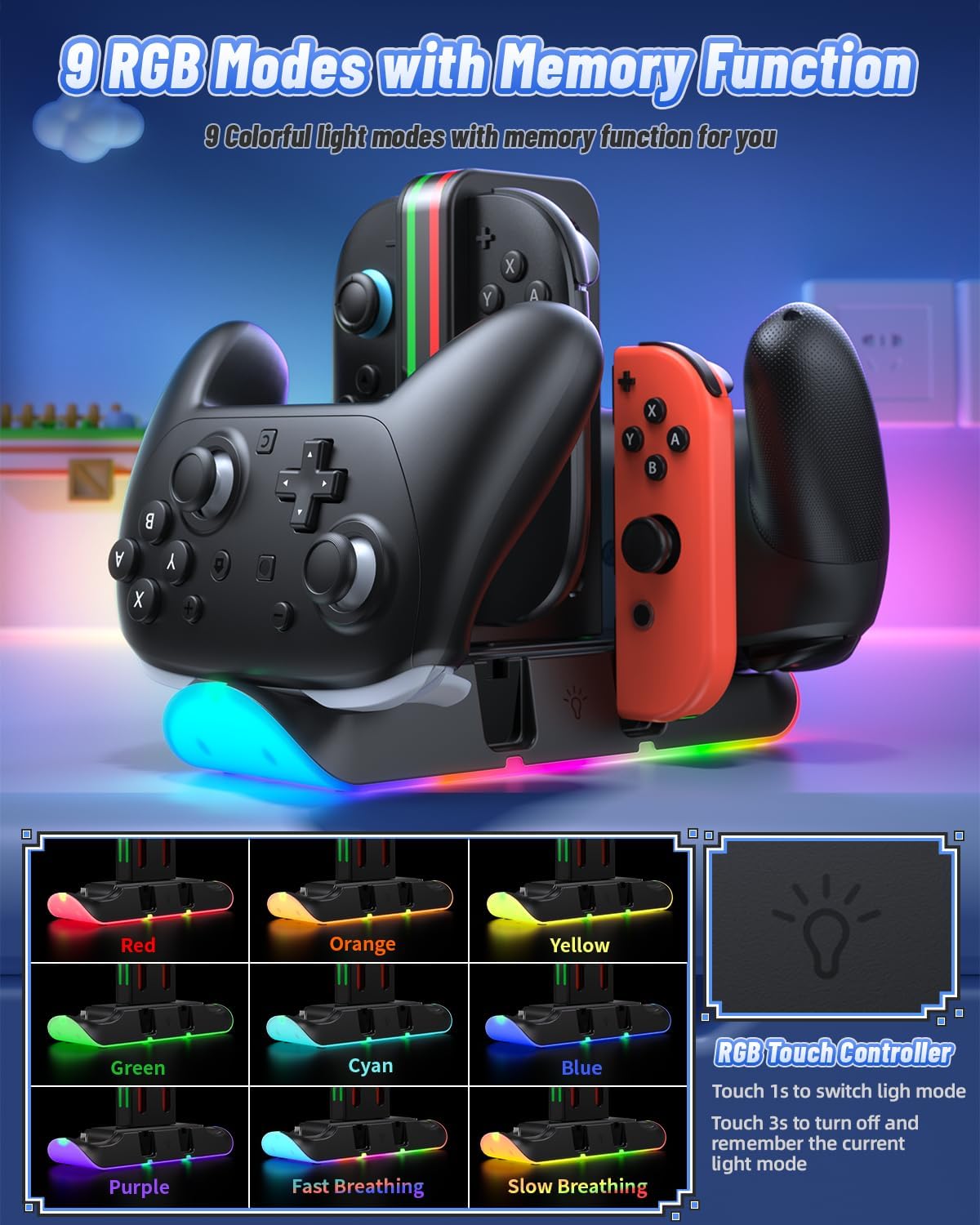
The other standout is the 9 RGB lighting modes with a memory function. You can switch modes with the light button, turn the lighting off with a longer press, and the dock remembers the current light mode after you power back on. It’s a small feature, but it’s the kind of detail that makes the dock feel less like a plain gadget and more like part of your setup.
Worth noting: the dock’s performance is tied to having compatible Switch controllers. If you rely on third-party replacements, you may run into compatibility friction.
Capacity and setup: how many controllers it’s meant to handle
If you often play with more than one controller on the same night, this is where the dock is designed to earn its keep. The listing says it can charge up to 4 Joy-Con controllers and 2 Pro controllers simultaneously.
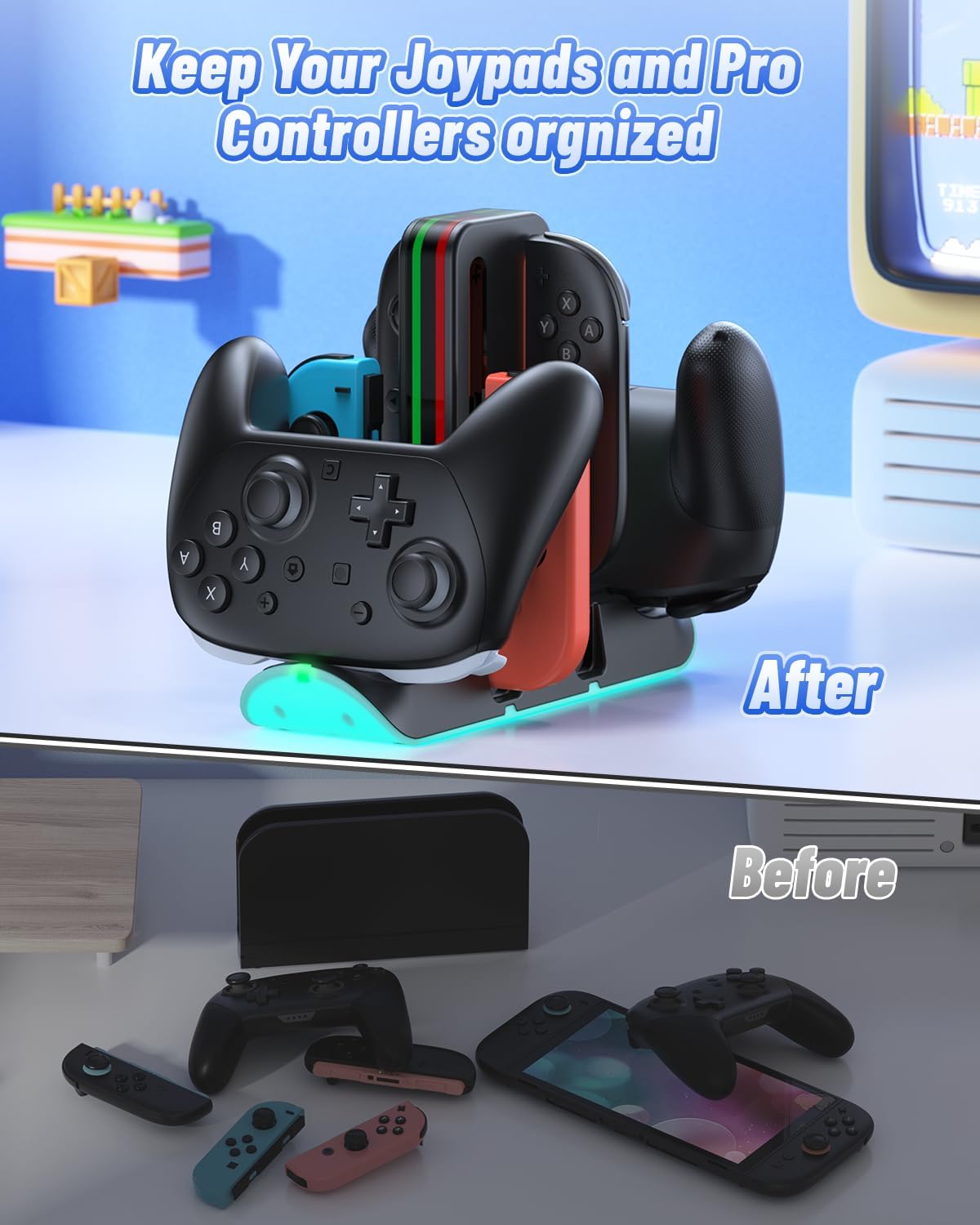
There’s also a storage function built in, so you can use it as a stand between sessions. That’s especially helpful if your desktop tends to look like a charging station chaos zone—this keeps controllers off the desk surface and gives them a home.
Charging indicators and power options (what you need to plan for)
The charging indicator is straightforward: green indicates fully charged or empty (as stated in the listing), while red indicates charging. It’s meant to help you quickly understand what’s going on without opening the console menus.
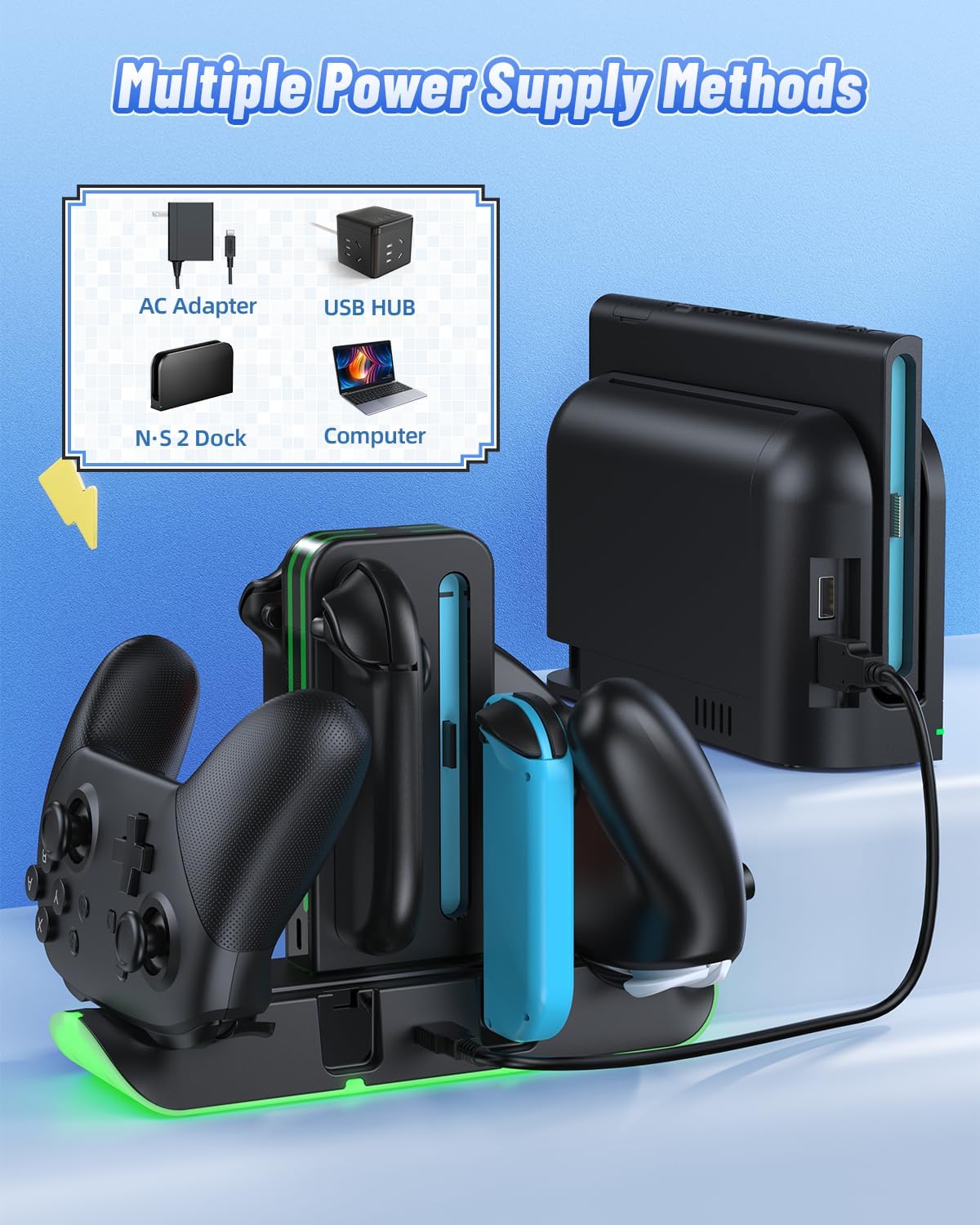
For power, the listing says you can use various sources such as AC adapters, a USB HUB, the official NS2 console dock, or a computer. That flexibility matters if you want the dock near your gaming area rather than being stuck next to one specific outlet.
One limit to keep in mind: the listing doesn’t mention compatibility with every type of USB power source in detail, so if your setup is unusual, it’s smart to double-check your charging source before committing.
What stands out in use (and where it may fall short)
In a typical scenario, you finish a session, pop controllers onto the dock, and let the station handle alignment and charging while you game or reset your setup. The slide-in and magnetic alignment is meant to reduce the “plug/unplug” routine that can wear things out over time.
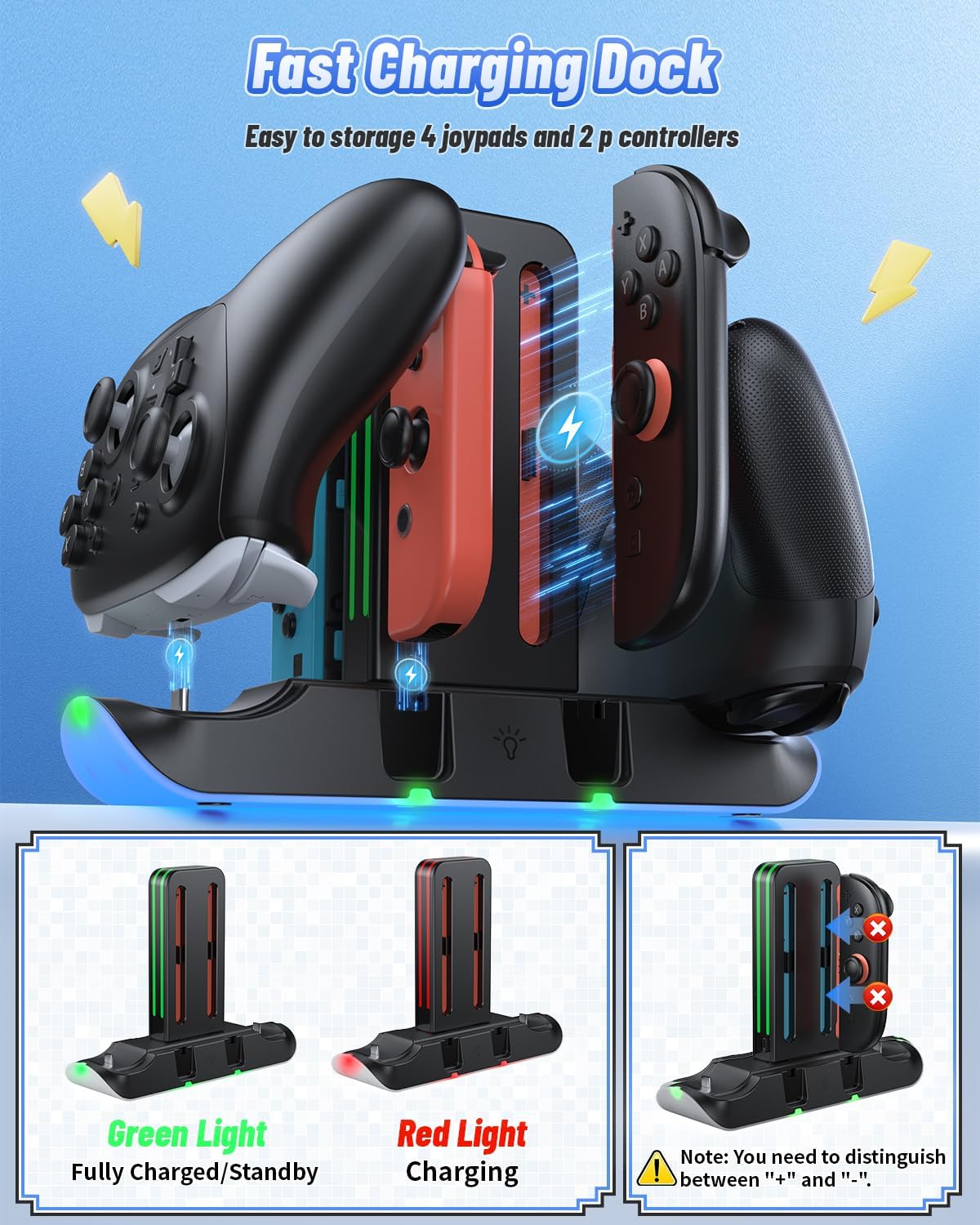
The RGB lighting can also be a real perk if you like your gear to match your mood—dynamic breathing, light flashing, and monochrome modes are included, with the ability to turn it off and remember your preference.
But it’s not a match for everyone. Because it’s explicitly “only for Nintendo Switch 1/2 controllers” and “not compatible with third-party controllers,” it may be a frustrating buy if you’ve mixed controller types. Also, since this is positioned as a controller charger/storage dock (not a controller upgrade), it won’t replace the need for compatible batteries and controllers that are already in good working condition.
Tech specs
- Type: Charging dock / charging stand
- Compatibility: Nintendo Switch 1/2 controllers (not compatible with third-party controllers, per listing)
- Lighting: 9 RGB lighting modes with memory function
- Charging indicators: LED status (green for fully charged or empty, red for charging, per listing)
- Included items: 1 charging dock, 1 user manual, 1 USB-C cable
Is it worth it?
Buy it if you want a desk-friendly way to keep Switch controllers charged and stored, especially if you switch players during multiplayer nights. The dock’s magnetic/slide-in alignment and the ability to charge multiple controllers at once (up to 4 Joy-Cons and 2 Pro controllers, per the listing) are the kind of practical features that make a difference.
Skip it if you use third-party controllers or if your current controllers aren’t covered by the listing’s “Nintendo Switch 1/2 controllers only” compatibility note. In that case, you could end up with a dock that’s more decorative than useful.
You should also double-check your power setup. Since the listing references several power sources (AC adapter, USB HUB, official NS2 dock, or computer), it’s helpful to make sure you can provide a suitable connection where you plan to place the station.
FAQ
Does this dock work with third-party Joy-Cons or controllers?
No. The listing notes it’s only for Nintendo Switch 1/2 controllers and not compatible with third-party controllers.
How many controllers can it charge at the same time?
The listing states it can charge up to 4 Joy-Con controllers and 2 Pro controllers simultaneously.
What do the LED colors mean?
According to the listing, red indicates charging. Green indicates fully charged or empty (as stated).
Can I turn off the RGB lighting?
Yes. You can long press for about 3 seconds to turn off the lighting, and the dock is described as remembering the current light mode for the next power-on.
What’s included in the box?
The listing includes 1 charging dock, 1 user manual, and 1 USB-C cable.