

Xilaghy 90 Degree Short USB Printer Cable 25cm (2-Pack) — Right-Angle USB 2.0 A Male to B Male for Printers, Scanners, and Peripherals
Product description
What it is and what it solves
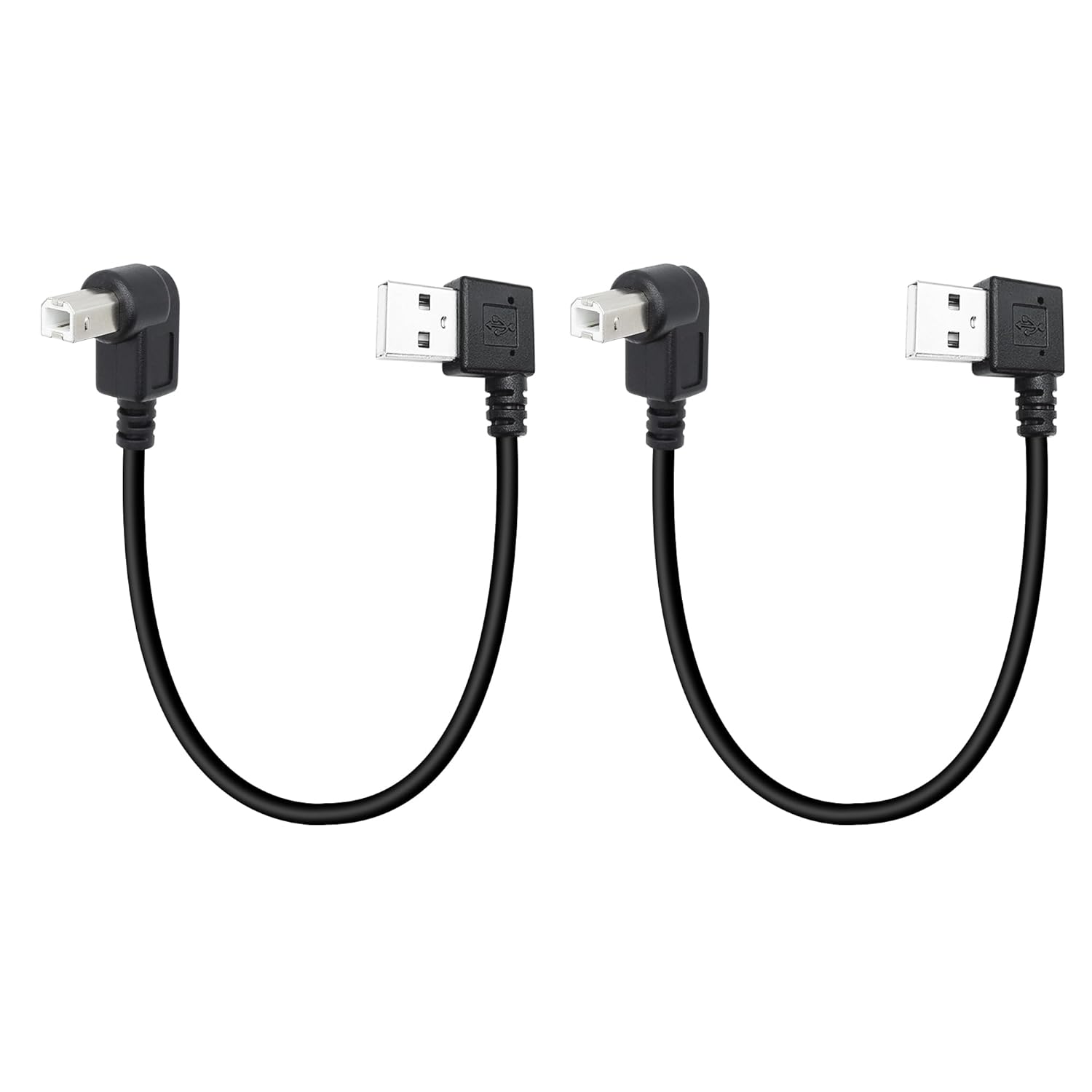
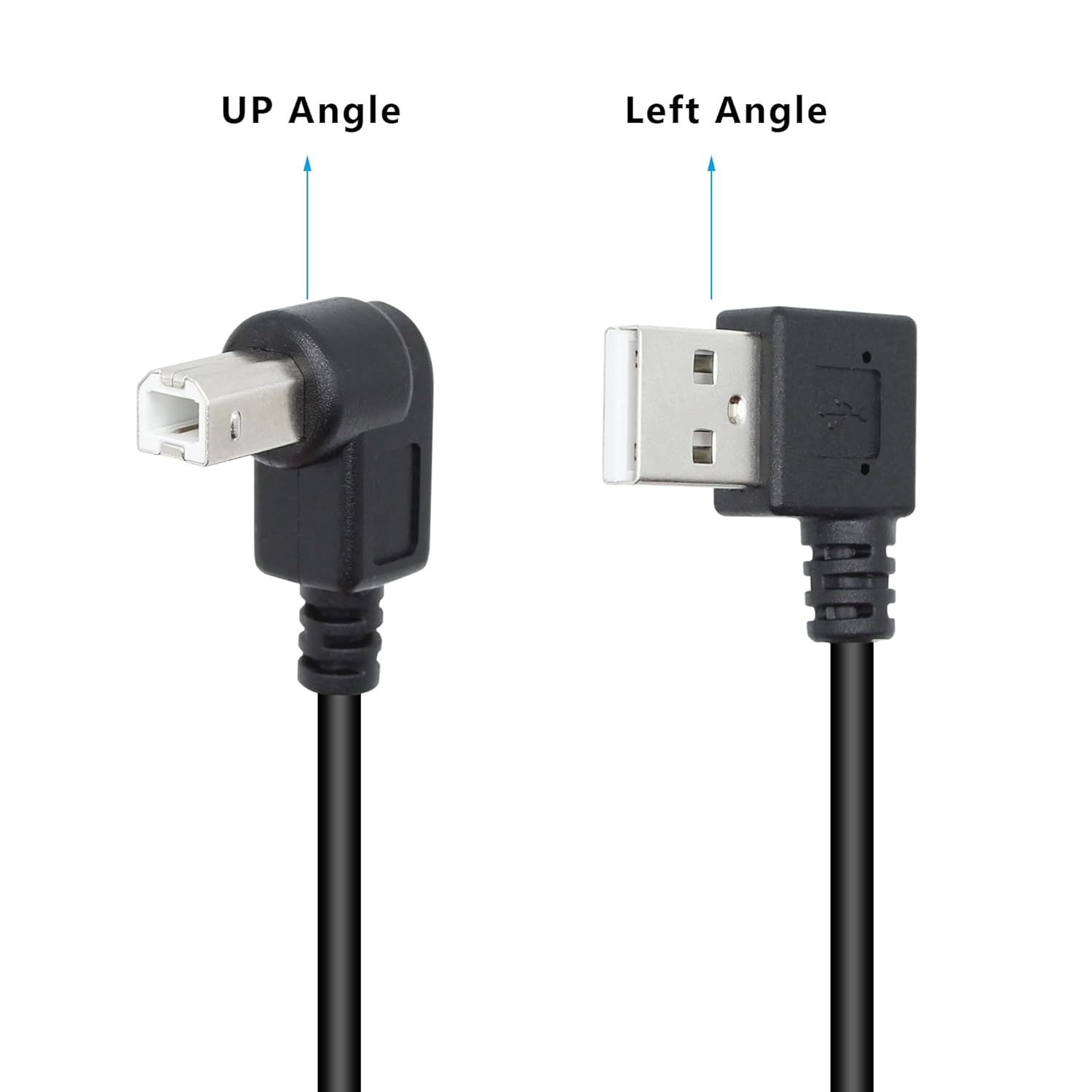
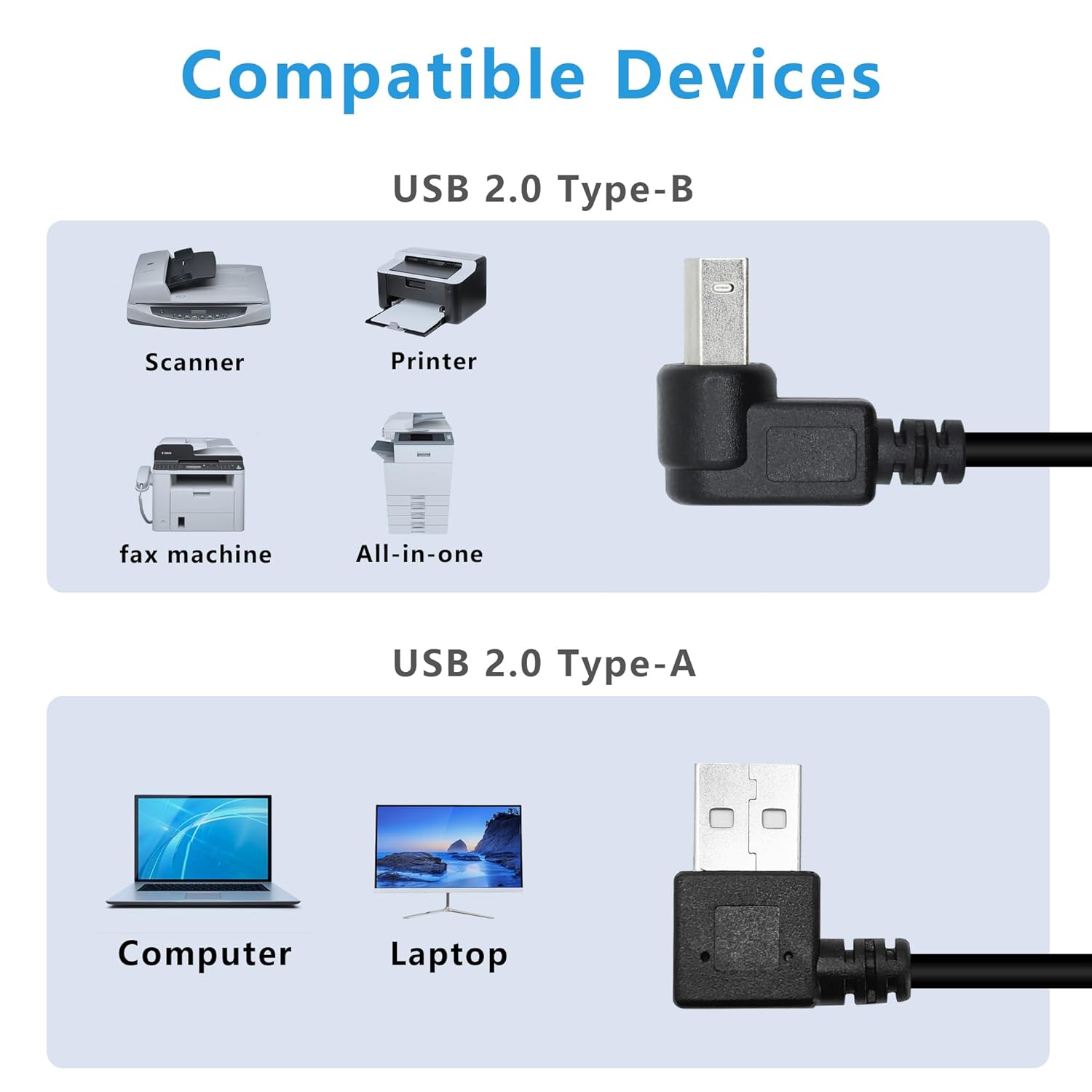
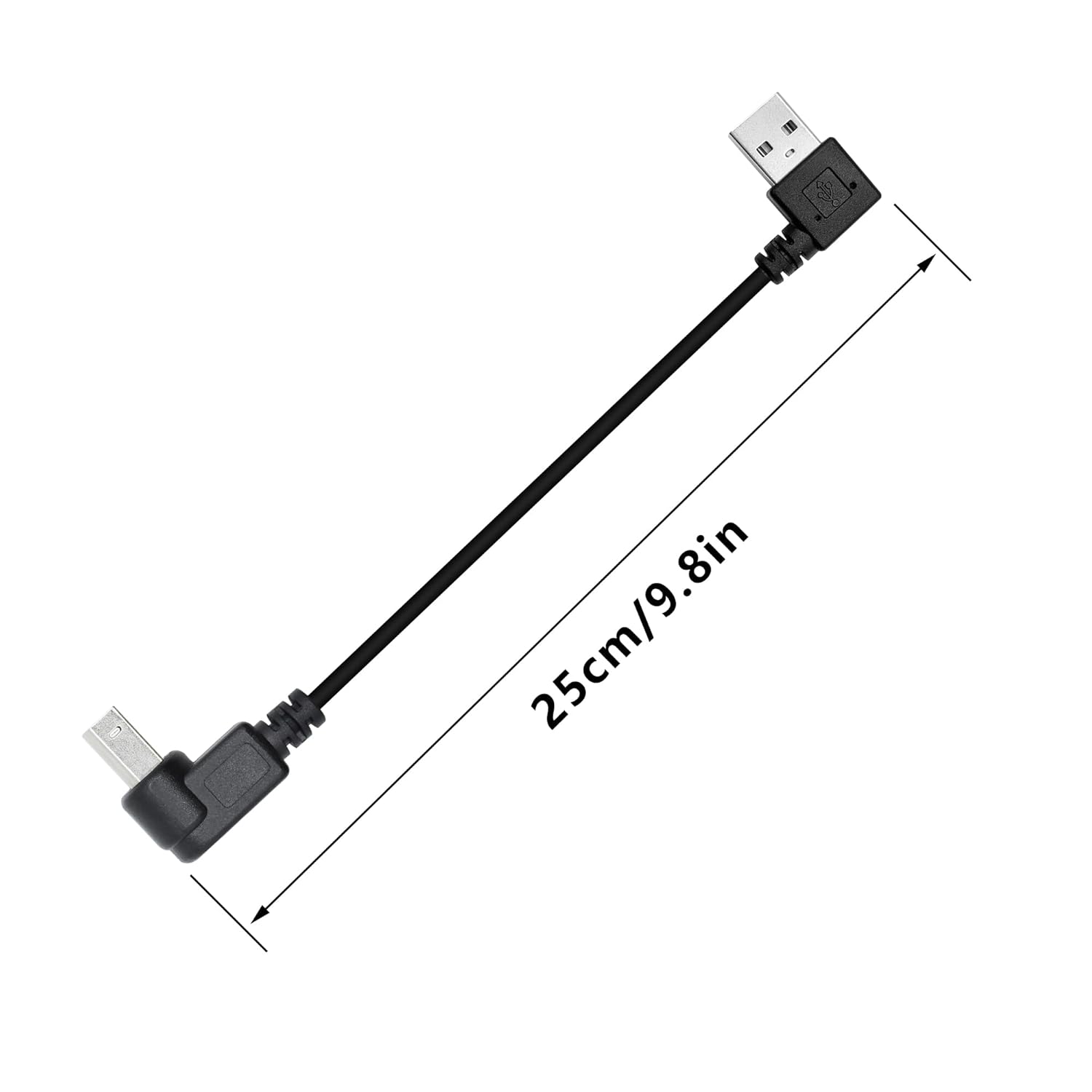
The Xilaghy 90 Degree Short USB Printer Cable is a two-pack set designed to connect USB A-enabled devices to USB B 2.0 peripherals like printers and scanners. With a compact 25 cm length and a right-angle (upward) B plug, it helps you clean up desk clutter and reduces strain on connectors in tight spaces. This isn’t a heavy-duty replacement for all USB tasks, but it’s a practical option when you need a tidy, near-field connection for nearby devices.
How the design matters in everyday use
The 90-degree orientation matters if you’re working in a cramped workspace or a printer cabinet where straight cables bend awkwardly. By leaning the connection upward, you can avoid stress on the plug and outlet, potentially extending cable life and keeping the USB port accessible for occasional re-seat or maintenance.
Speed and compatibility on paper
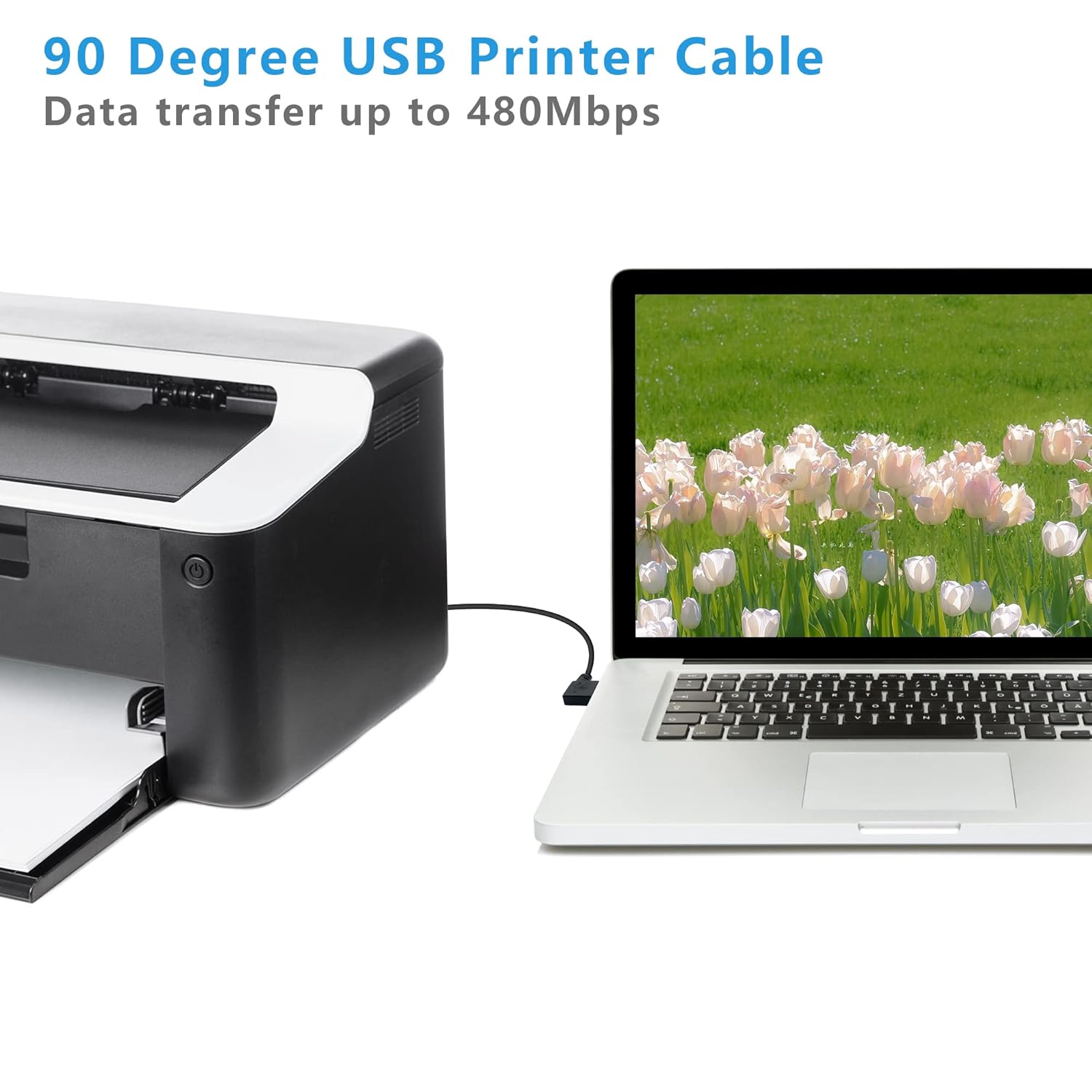
This is a USB 2.0 link, which delivers up to 480 Mbps in theory. It’s backward compatible with USB 1.1 and USB 1.0, so you won’t be blocked by older devices. In real-world office or home setups, you’ll likely notice more stable connections for nearby peripherals than relying on wireless options, especially when printing large documents or scanning in high resolution.
What’s especially convenient
Its short 9.8-inch length keeps your desk tidy and reduces cable clutter. The plug-and-play nature means you can connect printers or scanners without installing drivers, which is helpful if you’re setting up a compact workspace or quick redeployments.
Pros and cons to consider
- Pros: compact size, right-angle design reduces strain, easy setup, two-pack value for multi-device needs.
- Cons: USB 2.0 speeds may feel limited for high-bandwidth tasks, the short length isn’t suitable for distant devices, only USB 2.0 compatibility is stated, so extremely new USB-C or data-heavy kits may require adapters.
Who this is for
This cable is a good fit if you have a nearby USB B device (printer/scanner) and you want a clean, space-saving connection that minimizes cable protrusion. It’s especially handy for desks with limited room behind printers or when the outlet orientation makes a straight cable awkward.
Who should think twice
If your setup involves longer runs, USB-C, or high-speed, bandwidth-heavy tasks, this 25 cm USB 2.0 solution may feel limiting. If you require rugged, studio-grade cables or need to support USB 3.x speeds, look for products that advertise those capabilities.
When it makes sense to buy
Buy when you need a simple, near-field connection for a printer or scanner, you value desk cleanliness, and you want a no-fuss, plug-and-play option without drivers. The 2-pack gives you a spare for another device or replacement over time.
What to check before purchase
- Confirm the exact device ports: USB A on the host and USB B on the peripheral. The listed orientation is important for your setup.
- Consider the space behind your devices to confirm the 25 cm length will be sufficient without excess slack.
- Ensure your devices support USB 2.0 and that you don’t require USB-C or higher-speed cables for your tasks.
Practical usage example
Imagine you’re connecting a compact office printer to your laptop in a crowded cubicle. The right-angle plug keeps the cable tucked along the back edge of the desk, preventing the connector from sticking out and snagging on documents as you swap papers.
Final decision
Final verdict: This is a practical, space-saving option for nearby USB B devices where a tidy setup matters more than ultra-high data transfer speeds. It’s a solid pick if you prioritize minimal desk clutter and a straightforward plug-and-play experience for printers or scanners placed close to the computer. It may not be the best fit if you need longer runs or USB-C/3.0+ capabilities.
FAQ
- Is this cable suitable for printers and scanners? Yes, it’s designed for USB A to USB B 2.0 peripherals like printers and scanners.
- Does it come in a single cord or multiple cords? It’s sold as a two-pack, giving you a spare or support for another nearby device.
- Do I need drivers to use it? No, it’s described as plug-and-play with no driver required.