

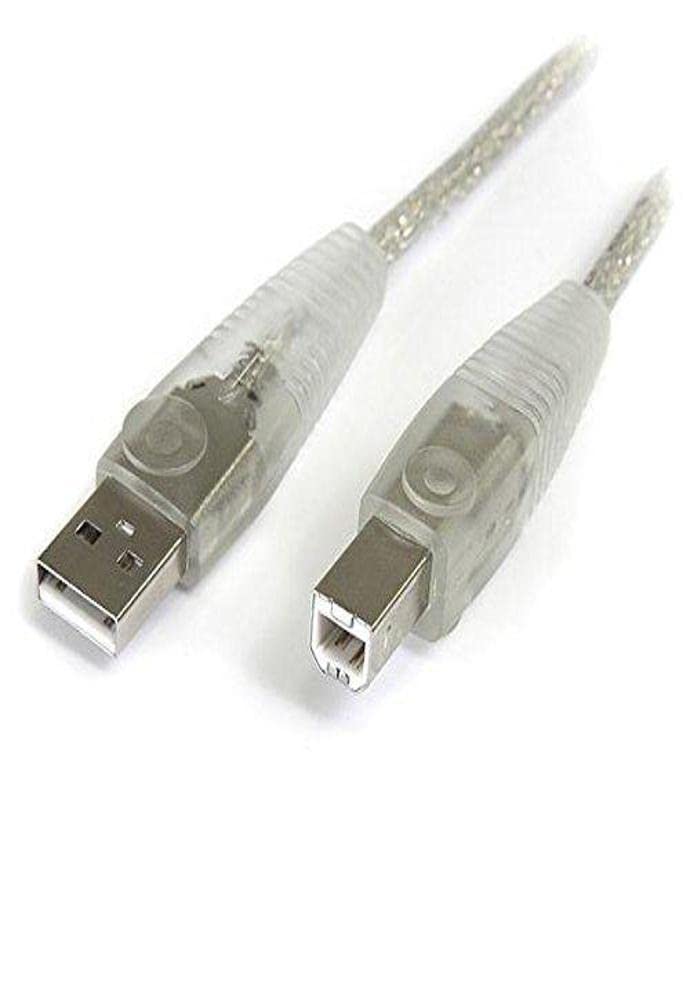
StarTech.com 6 ft USB 2.0 A to B Printer Cable (USB2HAB6) — Black
Product description
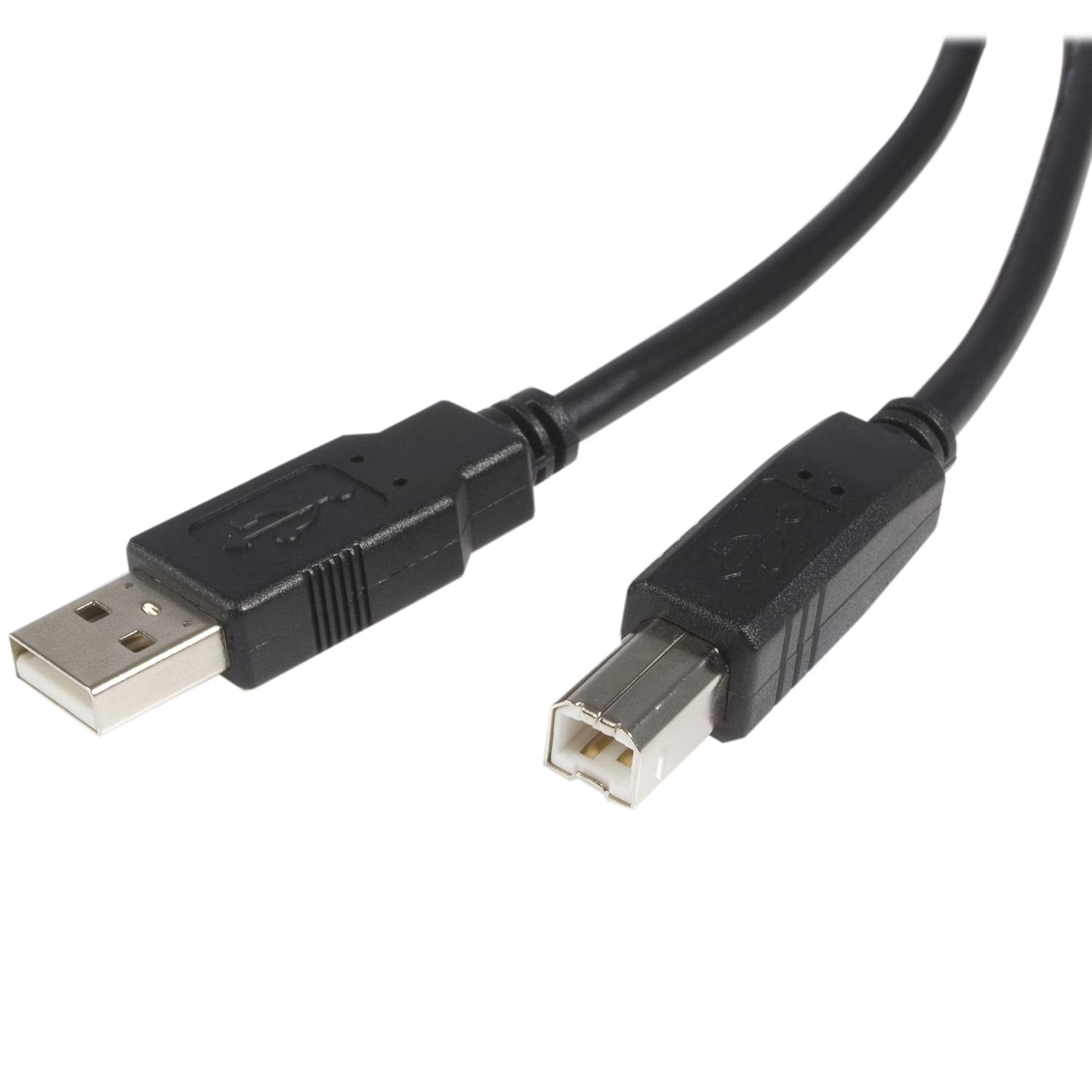
If you’re trying to get a USB printer or scanner back on track, cable issues are one of those annoyances that can feel bigger than they are. This StarTech.com 6 ft. USB 2.0 A to B printer cable (USB2HAB6) is built for that specific job: connecting USB 2.0 peripherals to your computer using the classic USB A-to-B printer connector.
It’s a simple product, but “simple” doesn’t mean “not important.” The right cable length and the right connector type are often what separate a smooth setup from a frustrating workaround that you’ll regret later.
At a glance
This 6 ft. (1.8 m) USB 2.0 A to B cable is designed for USB peripherals like USB printers, scanners, and even external USB hard drives. Over the years, USB A-to-B has become the standard wiring approach for many office printers and some compact scanners, so having a quality replacement cable on hand can save time when your original one is lost, worn out, or no longer fits your workspace.
What it’s for (and what it helps with)
On paper, the appeal is straightforward: a high-quality USB 2.0 connection for devices that expect a USB A-to-B printer cable. If your workflow depends on printing or scanning, a replacement cable can restore reliable connectivity—especially if your current cable shows signs of trouble (loose connection, intermittent detection, or obvious wear).
Here’s a practical way to think about it. Say your printer sits on a shelf and the old cable is barely long enough to reach the computer. Swapping to this 6 ft. USB A-to-B cable can give you enough slack to route it neatly, reduce strain on the connector, and keep things consistent every time you power up.
Where it shines
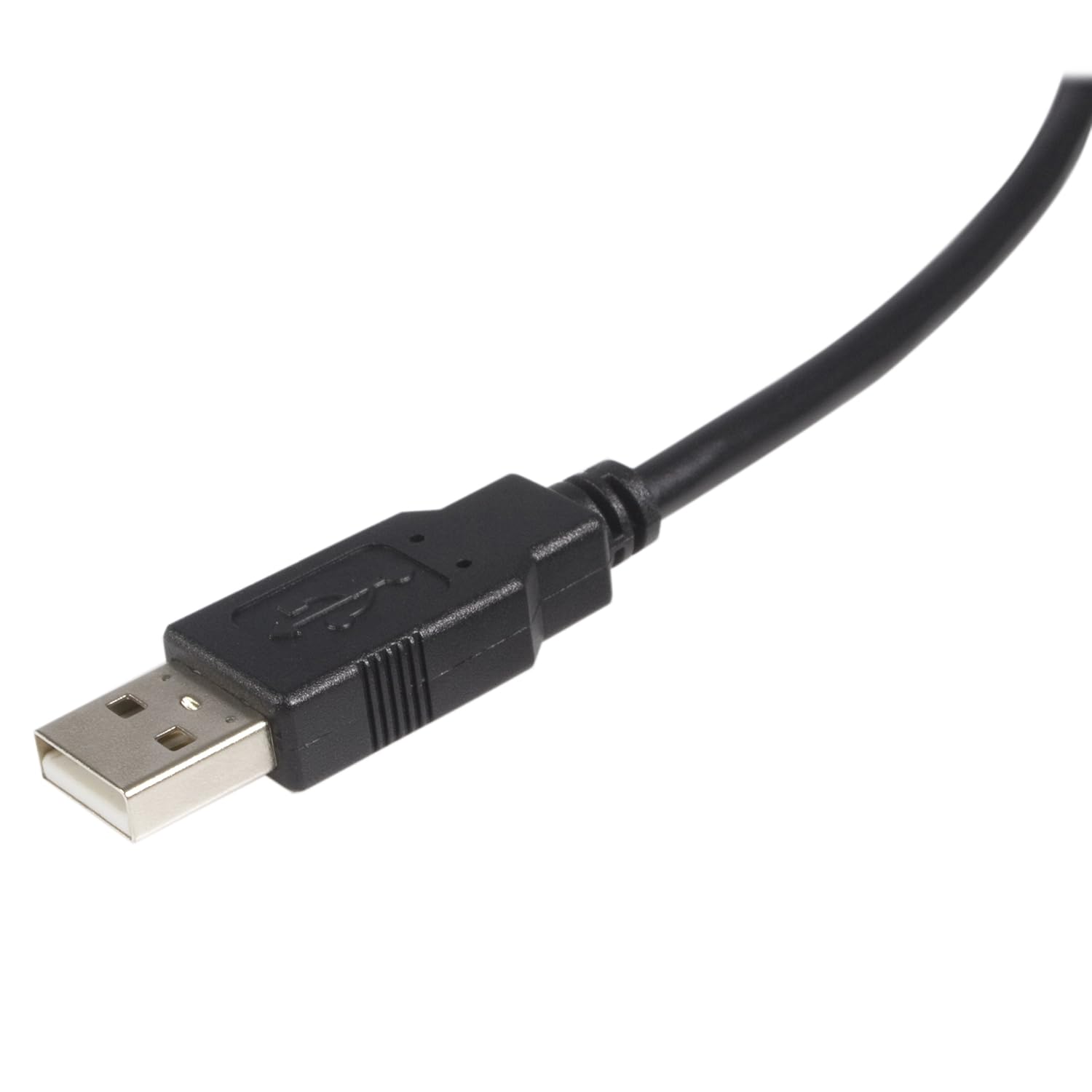
- Works for USB 2.0 peripherals such as USB printers and scanners, and is also described as compatible with external USB hard drives.
- Designed as a replacement cable for USB 2.0 A-to-B setups, which helps when you need the same connection type rather than experimenting with adapters.
- The 6 ft. length is a common “office sweet spot,” where the cable can reach without becoming a cable-management nightmare.
Depending on your setup, that can matter more than people expect. A cable that’s the wrong length can constantly put stress on ports, and ports are usually the last thing you want to stress.
What to watch out for before buying
This cable is explicitly a USB 2.0 A to B printer cable. That’s good if your device is meant to use that connection style, but it can be a letdown if you’re assuming it covers a different interface.
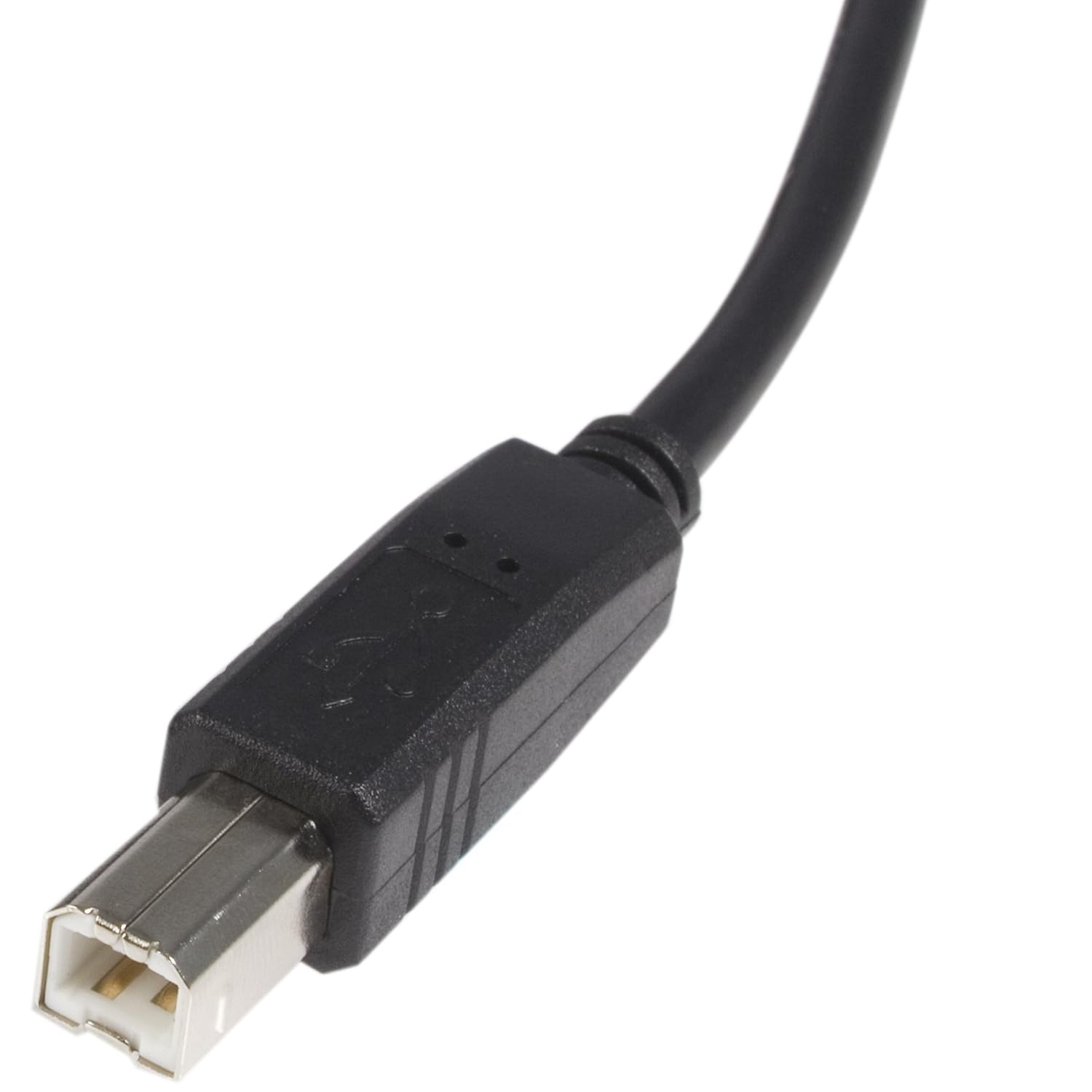
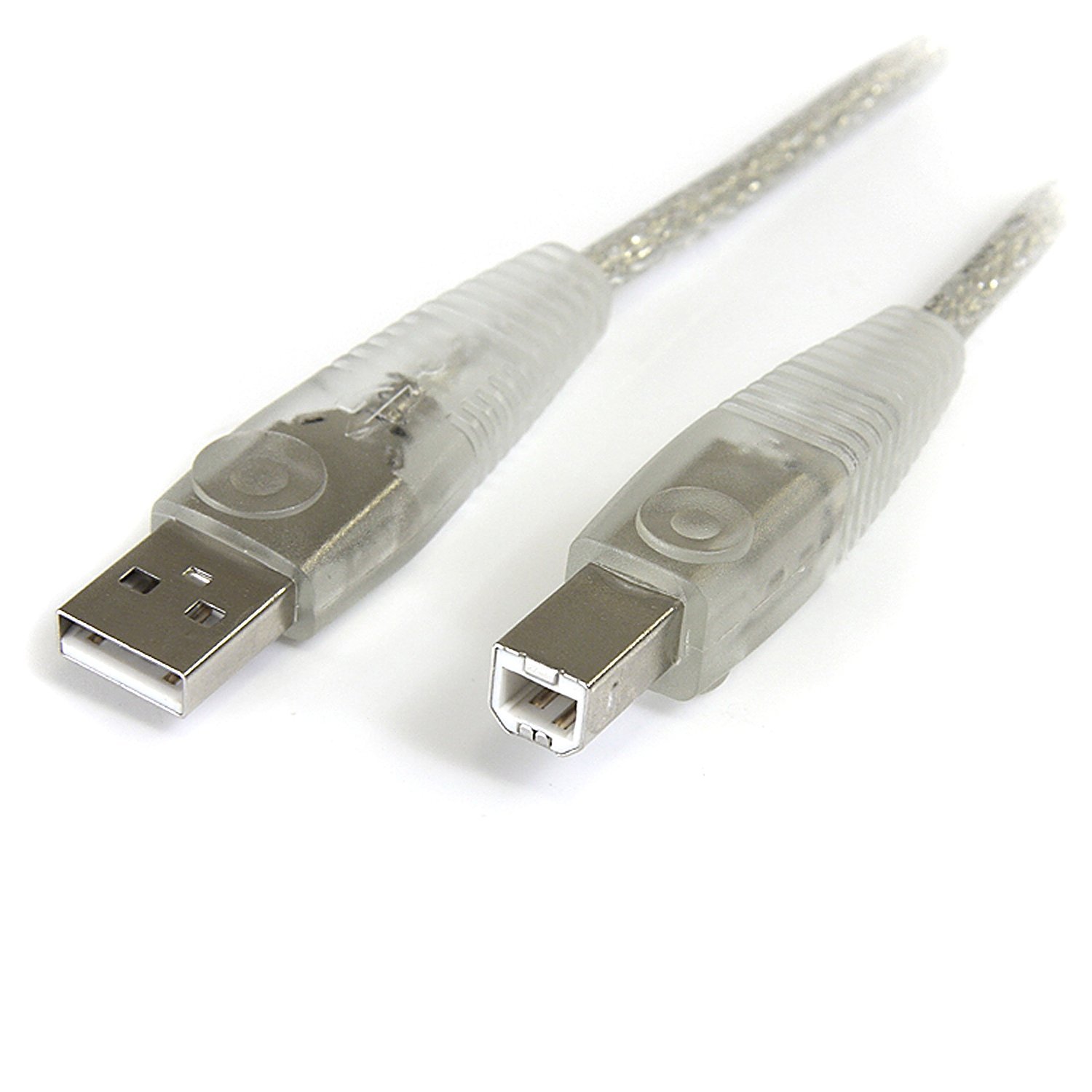
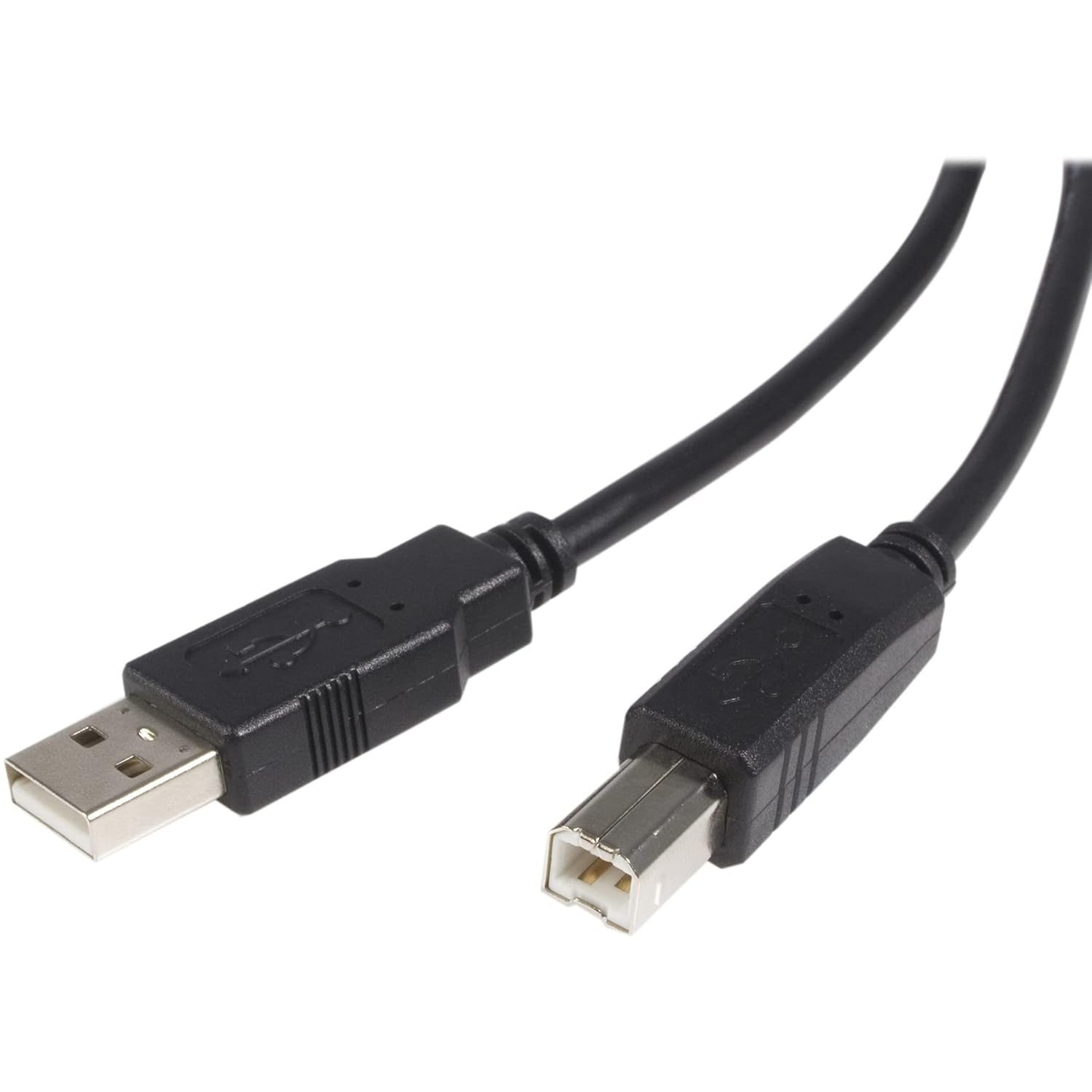
Also, don’t ignore the connector type. “Printer cable” can sound universal, but this one is specifically USB A-to-B (the boxy printer-side connector). If your device uses a different port type or cable standard, you may need another solution.
Key specifications
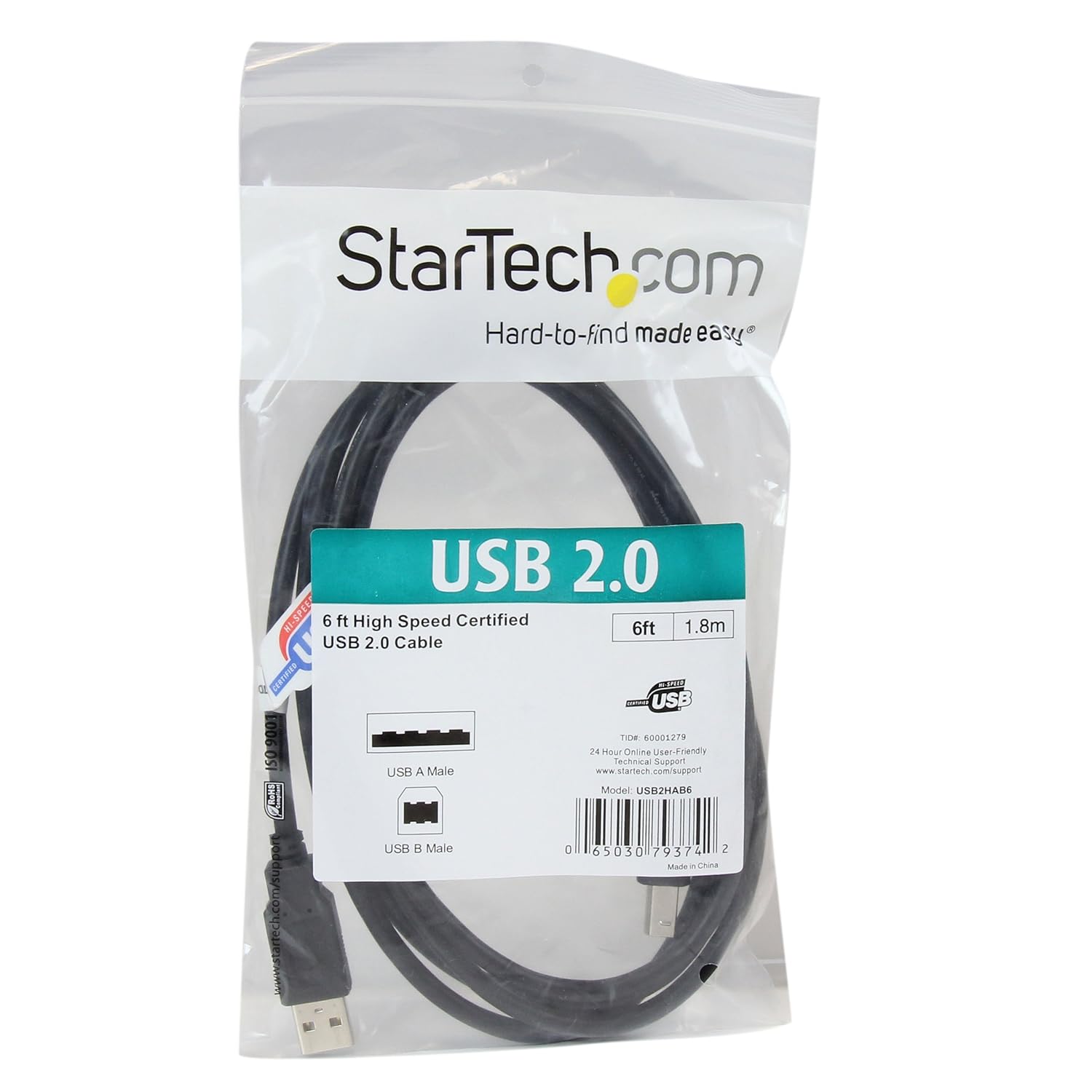
- Type: USB 2.0 printer cable (USB A to B)
- Length: 6 ft. (1.8 m)
- Color: Black
Is it worth it?
Buying verdict: This StarTech.com USB2HAB6 is worth considering if you need a straightforward replacement for a USB 2.0 printer/scanner setup that uses the USB A-to-B connection. It’s especially sensible when your existing cable is missing, damaged, or too short for your current desk layout.
You may want to skip it if you’re not sure your device uses USB A-to-B, or if you specifically need a different connector type or a different USB generation. It’s not the kind of accessory you want to buy “just in case”—getting the port format right matters.
Quick compatibility notes
The base description lists compatibility examples such as several Canon Pixma models, Epson XP-series models, Brother HL/MFC models, and an HP Envy model series. If your printer or scanner is in that general family, this cable is likely the right replacement approach, but it’s still smart to confirm your printer’s port type before ordering.
Mini FAQ
Will this work for USB printers and scanners?
Yes. The description is specifically about connecting USB 2.0 peripherals such as USB printers or scanners.
Is it only for printers?
Not necessarily. It’s also described as working with external USB hard drives, as long as your device uses a compatible USB A-to-B style connection.
Is 6 ft. enough for most office setups?
Often, yes. 6 ft. (1.8 m) is a practical length for typical desk-and-printer arrangements, but if your setup requires a longer run, you may feel constrained.
What should I double-check before purchasing?
Confirm that your device uses a USB 2.0 A-to-B printer cable connector. If it uses a different port type, this won’t be the right fix.
Why choose a replacement cable instead of a workaround?
With printer ports, small problems (like intermittent connection from a compromised cable) can be annoying and recurring. A matching replacement cable is usually the cleaner path than constantly re-routing or relying on adapters that don’t address the underlying connector setup.