

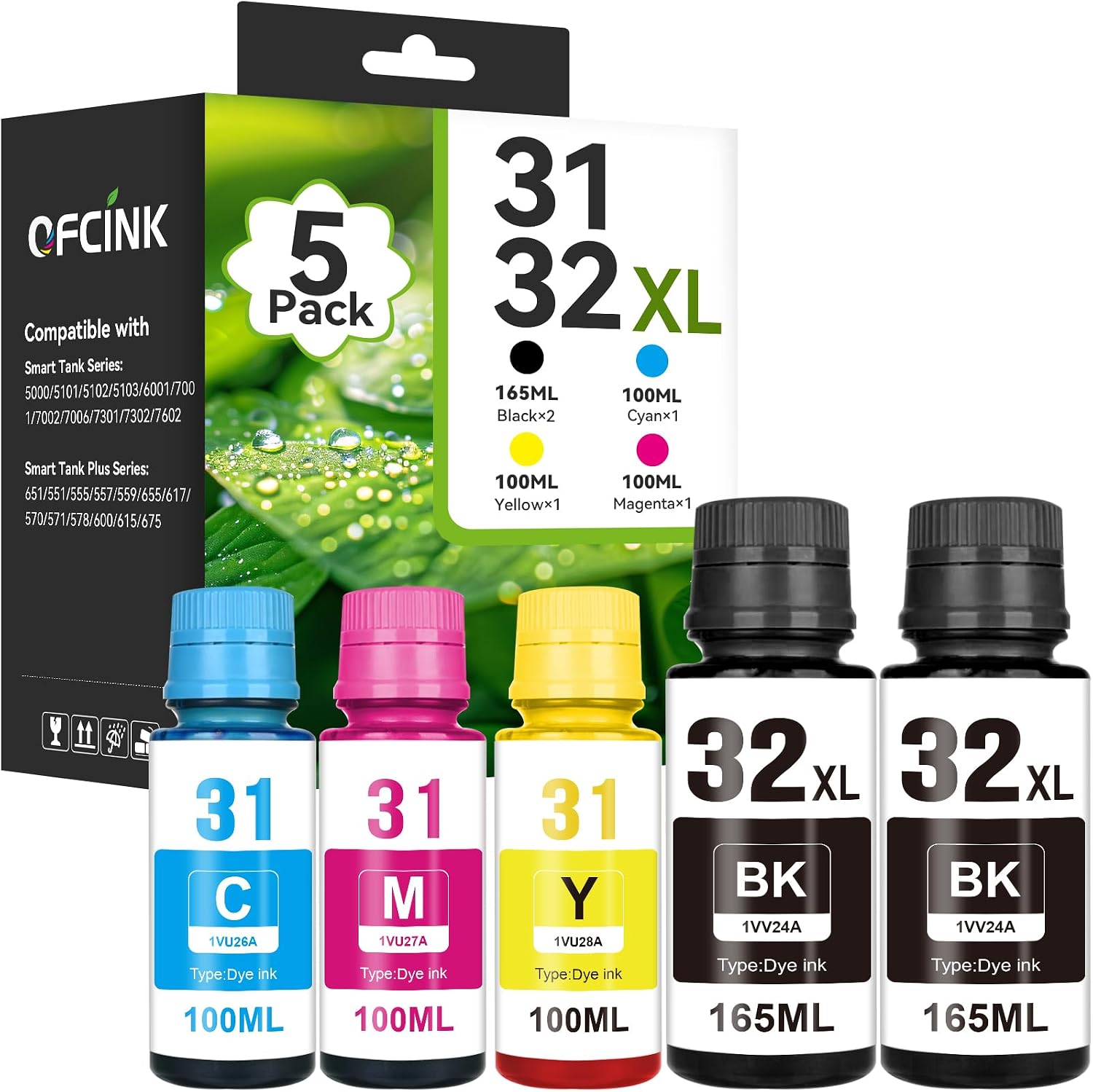
OFCINK 31 Ink and 32XL Black Ink Bottle Set for HP Smart Tank
Product description
Choosing refill ink often comes down to matching your printer and having the colors you need on hand. The OFCINK 31 Ink and 32XL Black set combines black, cyan, magenta, and yellow bottles for compatible HP tank printers. Need ink for both text and color printing? This set is designed for that mix, with bottles made for tank refilling.
What to know
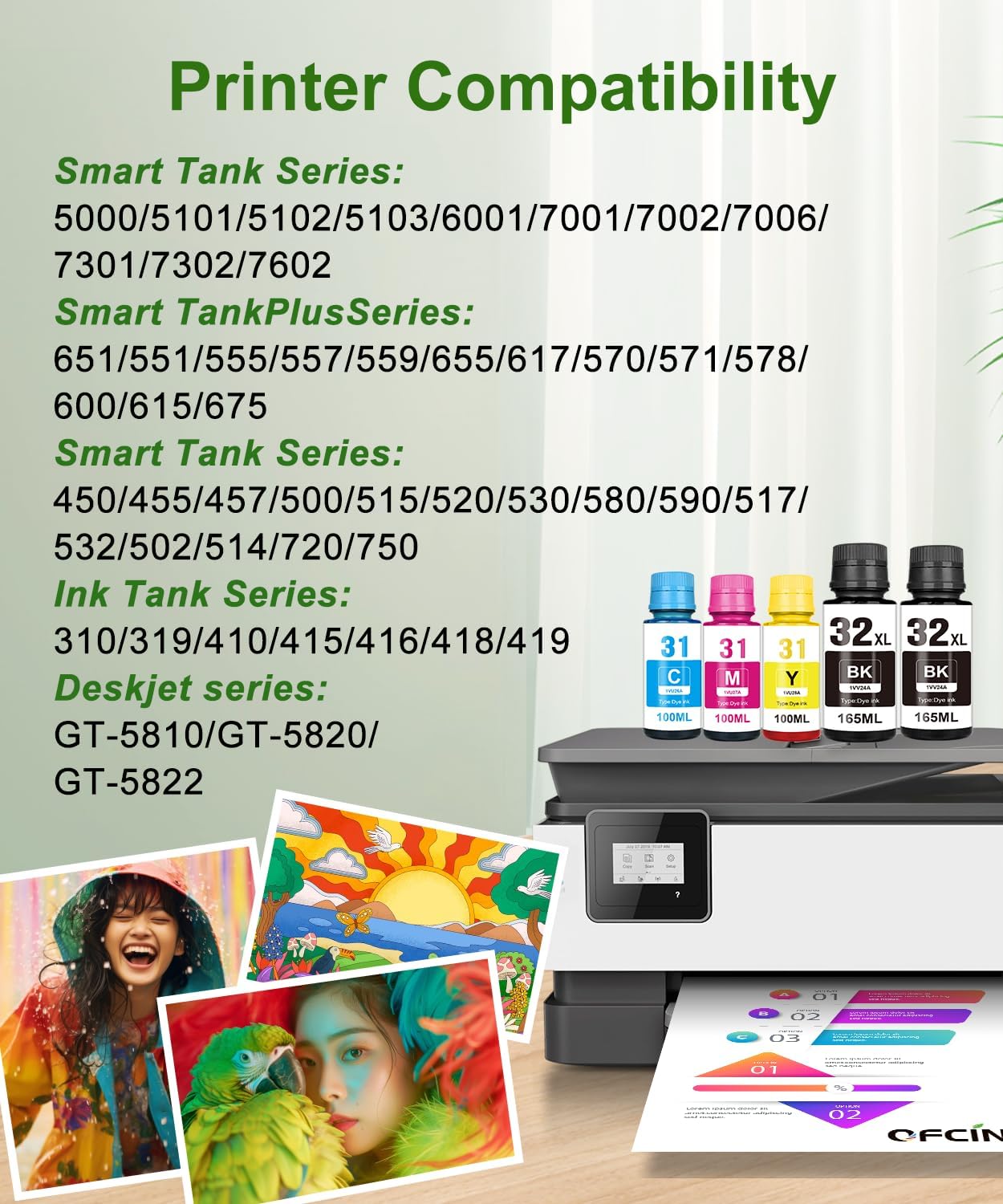
This five-bottle refill set is compatible with a range of HP Smart Tank, Smart Tank Plus, and Ink Tank printers. Listed models include the Smart Tank 5000, 5101, 5102, 5103, 6001, 7001, 7002, 7006, 7301, 7302, and 7602, as well as Smart Tank Plus 551, 570, 578, and 651. Compatibility also includes additional models in those printer families and selected HP Ink Tank models, so match your printer’s exact model or its 31/32XL ink designation before refilling.
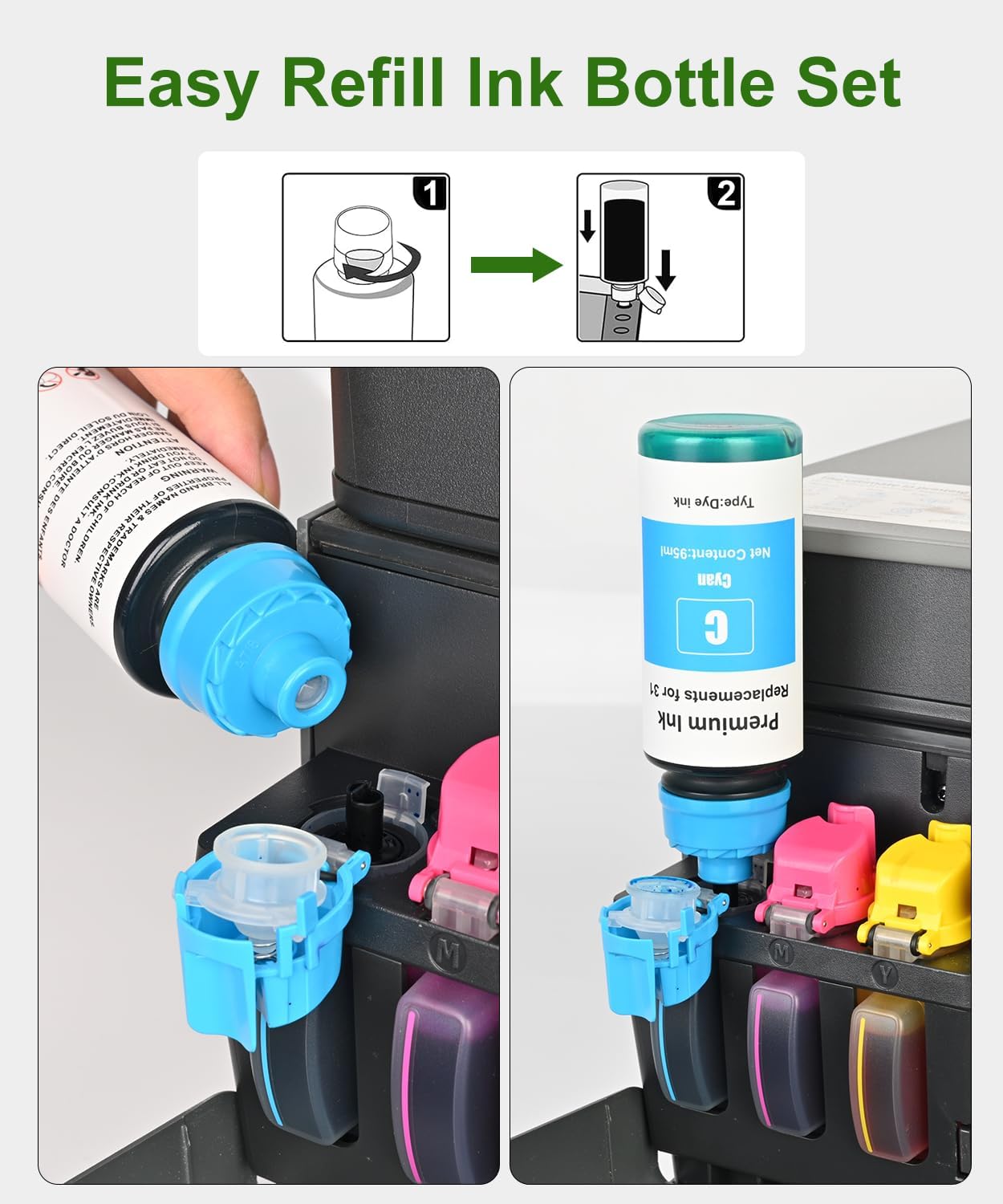
The set pairs 32XL black ink with 31 cyan, magenta, and yellow ink. Its bottle caps use a spiral design that punctures the seal during refilling, and the bottles are designed to drain into the tank without squeezing. That setup can make topping up more straightforward for regular home or office printing, whether you are replenishing black ink for documents or color for graphics and everyday prints.
Buyer feedback is positive about printer operation and perceived value, while reports on color accuracy and leak prevention are mixed. Some buyers also mention lighter-than-expected black or smudging. These are reported experiences rather than guaranteed outcomes, using the correct ink for the printer and following the refill steps helps keep the process aligned with the product’s intended use.
Best use cases
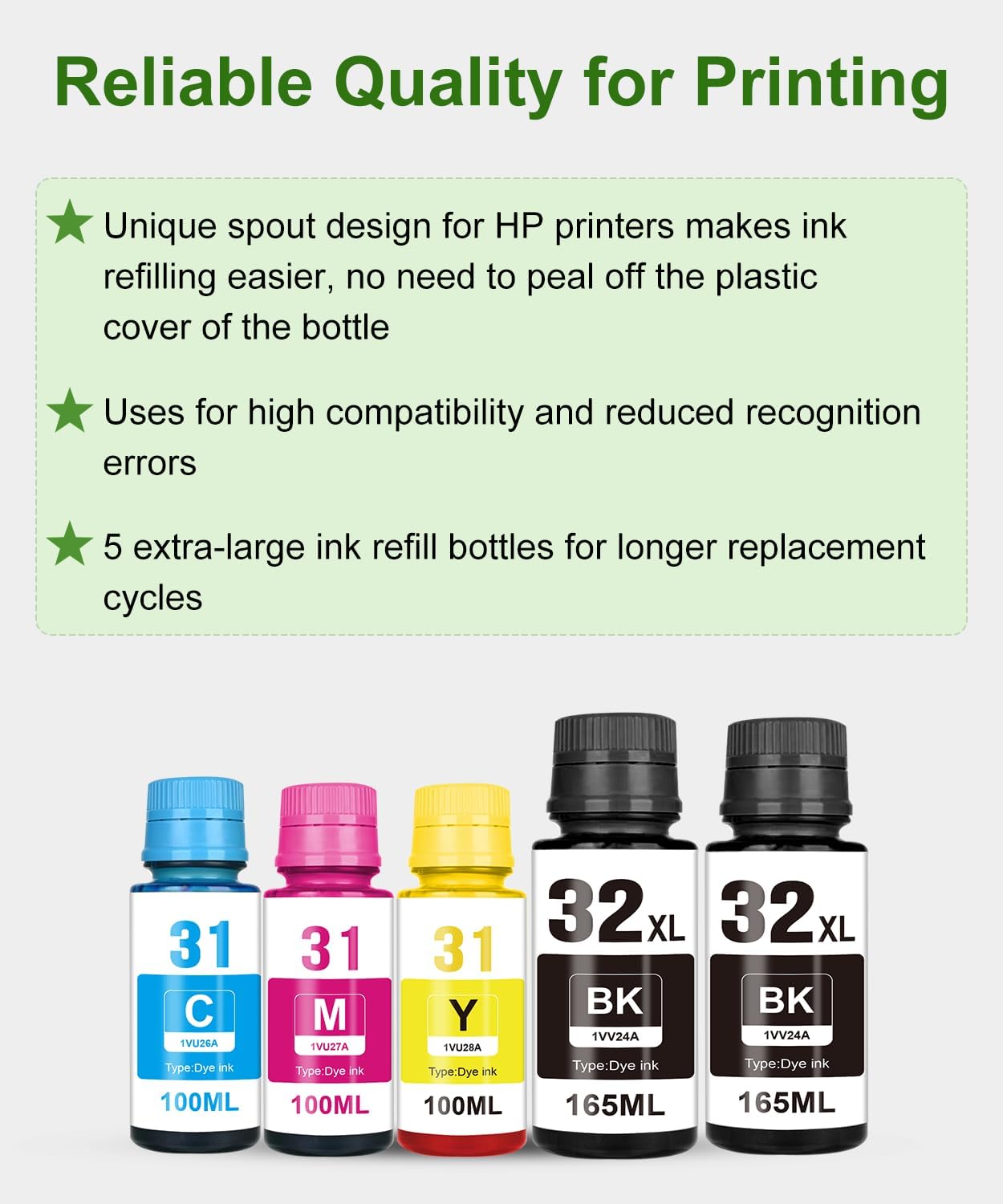
This set suits households and small workspaces that print a combination of text and color and use a compatible refillable HP tank printer. Keeping black and the three listed color inks together is practical when a printer handles forms, schoolwork, labels, charts, or color documents rather than only monochrome pages. Compared with restocking one color at a time, a multi-color refill set brings the listed ink colors into one purchase for ongoing mixed printing.
It is especially relevant when replacing ink identified as HP 31 or 32XL in one of the compatible Smart Tank or Ink Tank models. The product details list black, cyan, magenta, and yellow, so it covers the standard color combination for these everyday print tasks.
Usage tips
Before opening the bottles, confirm that your printer model is in the compatible range and that the ink designation matches the ink you are replacing. The manufacturer recommends running a printhead cleaning cycle before refilling, particularly when switching ink types. Do not mix this water-based dye ink with original pigment black ink, the product guidance warns that mixing them can lead to clogs or inconsistent color.
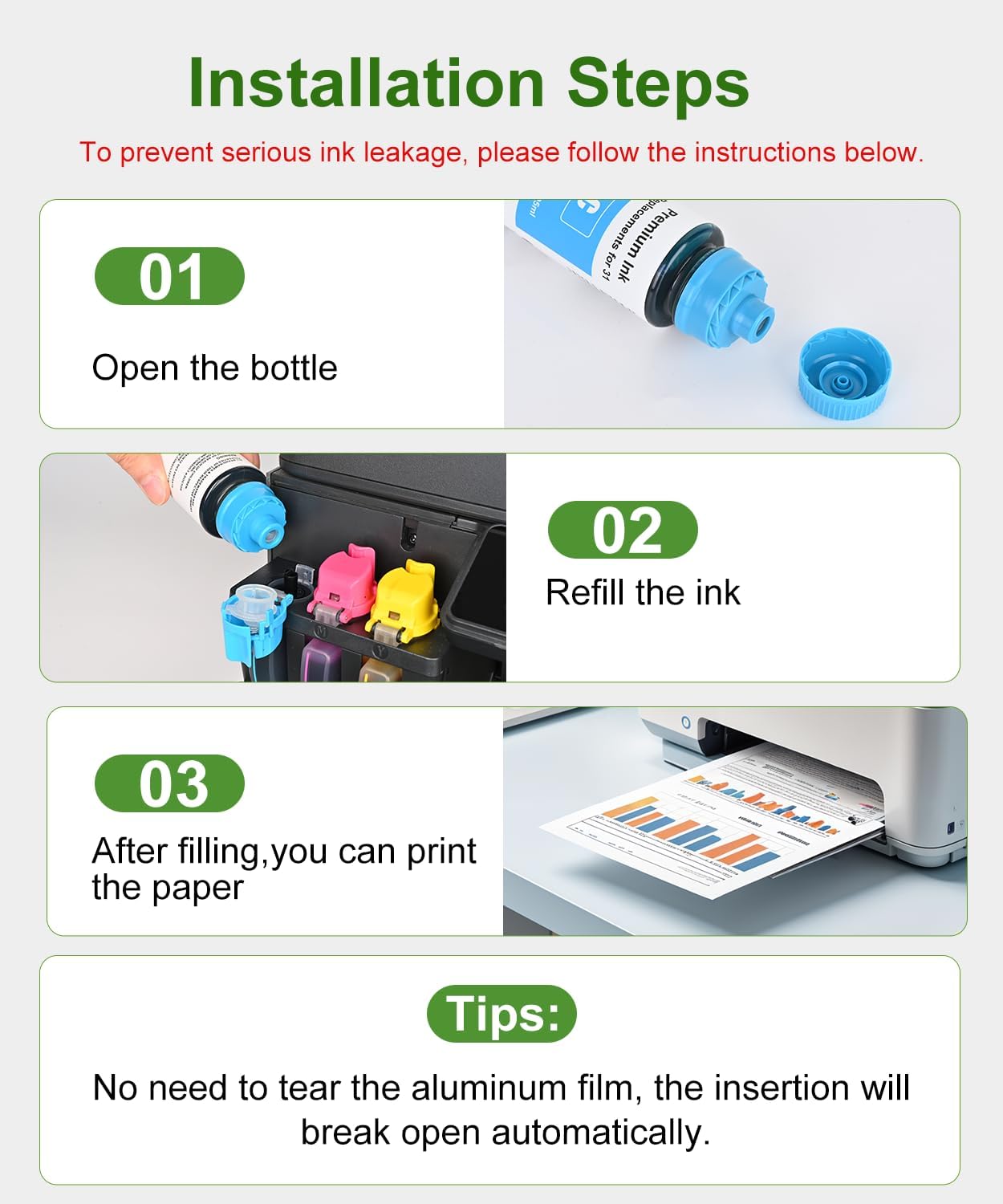
For the refill, align the bottle with the printer’s ink tank and let the ink drain rather than squeezing the bottle. Follow the printer’s own maintenance instructions for any cleaning or ink-level steps. This approach keeps the refill process focused on the tank system the bottles are designed to serve.
What to clarify
Which printers can use this set? It is listed for selected HP Smart Tank, Smart Tank Plus, and Ink Tank printers, including Smart Tank 5000, 5101, 6001, 7001, 7301, and 7602, plus Smart Tank Plus 570 and 651. Check your exact printer model or its 31/32XL ink designation against the compatibility list before refilling.
How is the ink refilled? The bottle cap is designed to pierce its seal when connected for refilling. Insert the bottle at the tank opening and allow it to drain without squeezing.
Should the printer be cleaned before use? The manufacturer recommends running a cleaning cycle from the printer’s maintenance menu before refilling, especially when changing ink types. It also advises against mixing this ink with original pigment black ink.
Final verdict
For owners of a compatible HP tank printer who need black alongside cyan, magenta, and yellow, this OFCINK set brings the listed refill colors together in a bottle format designed for direct tank use. Its broad listed compatibility and no-squeeze refill design make it a practical fit for routine home or office printing when the printer and ink designation match.