

VssoPlor Type C Wireless Mouse Dual-Mode 2.4G
Reviews
Price
Product description
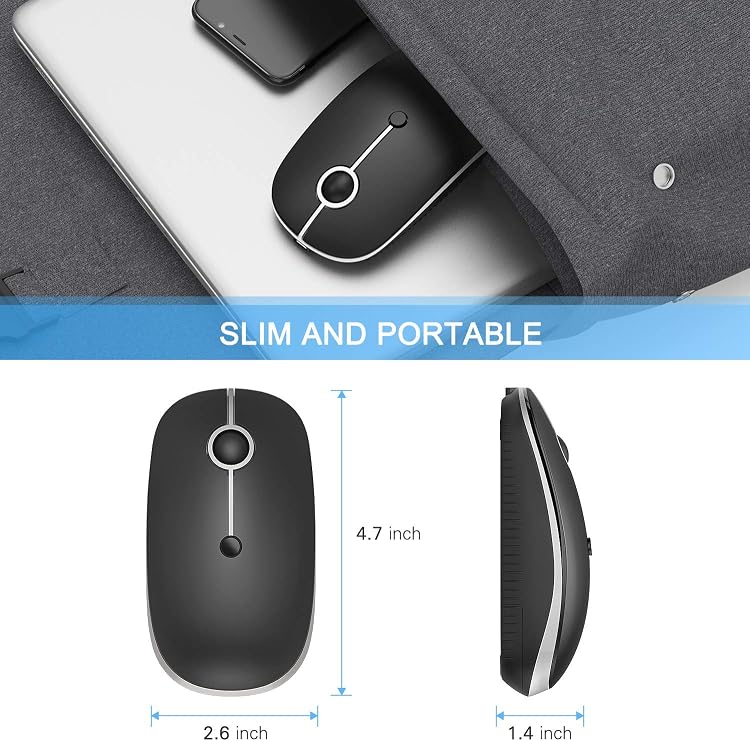
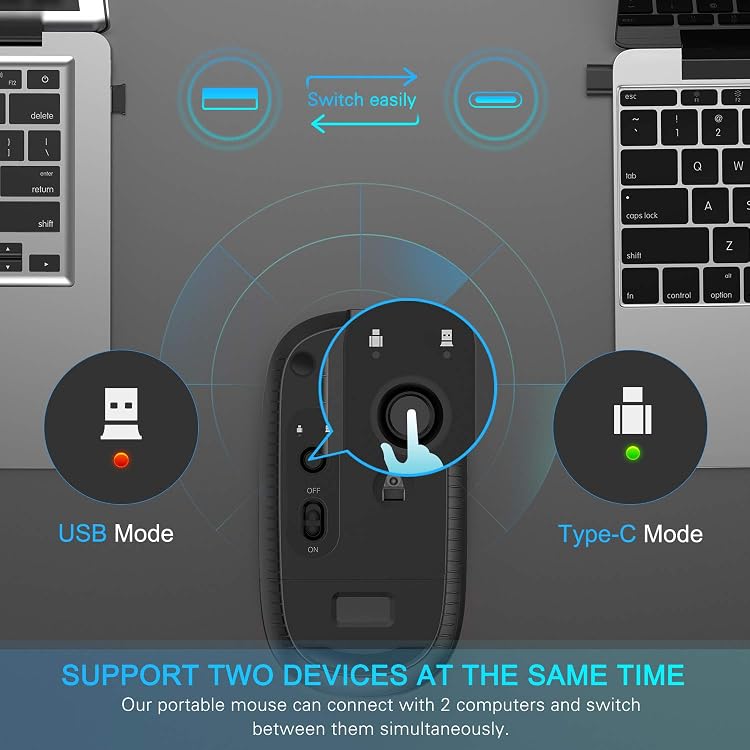
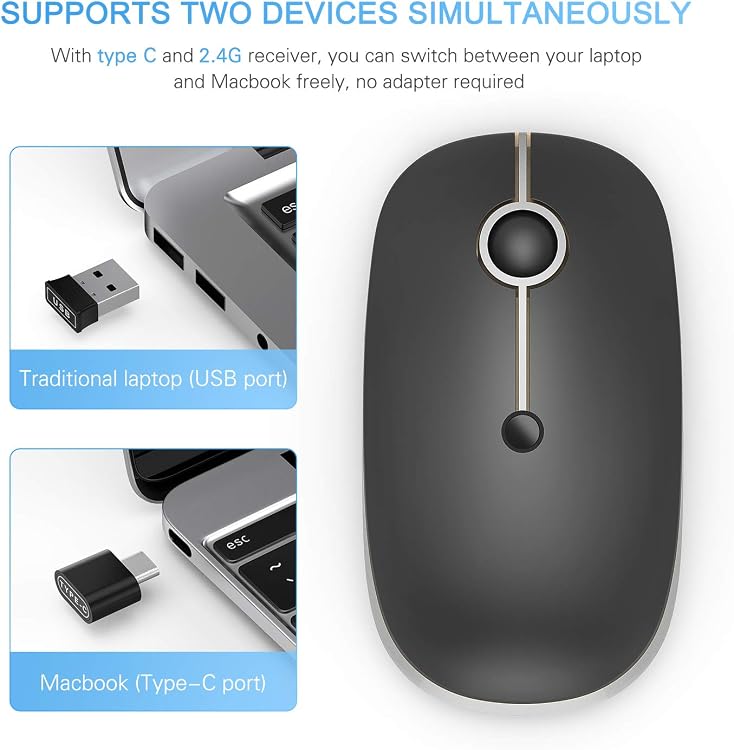
This compact wireless mouse from Vssoplor blends USB-C convenience and dual-mode connectivity for everyday laptop and desktop use. It connects via a USB-A receiver or a Type-C nano receiver so you can switch between a MacBook, Chromebook, PC or Type-C tablet with a single button, while adjustable DPI and a contoured shape help keep cursor control comfortable during long sessions.
Key Points
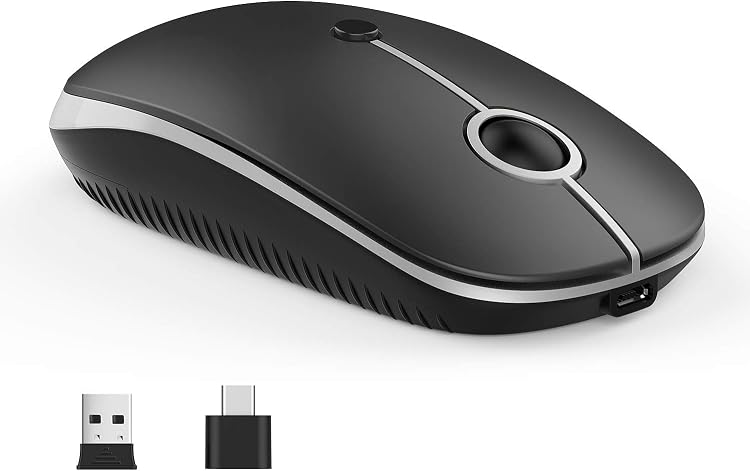
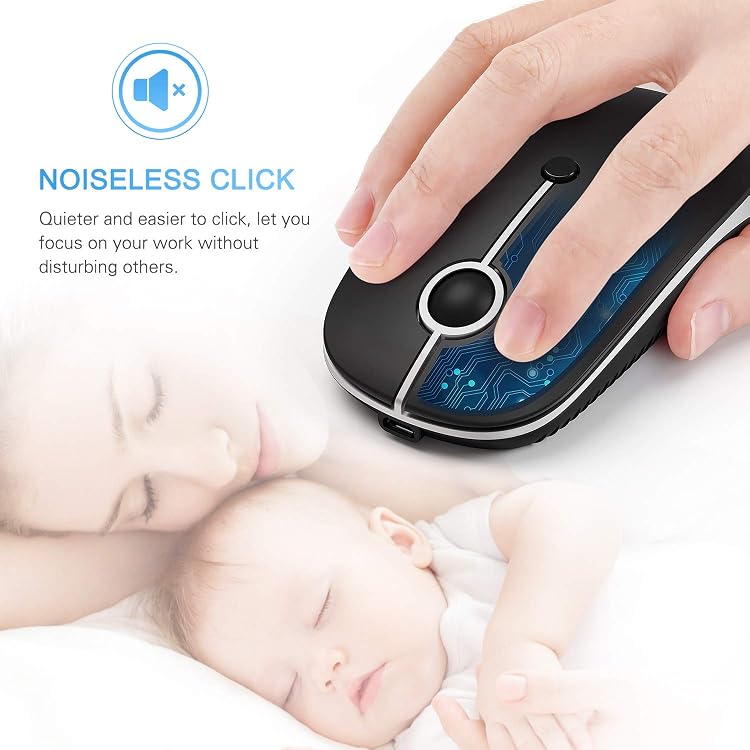
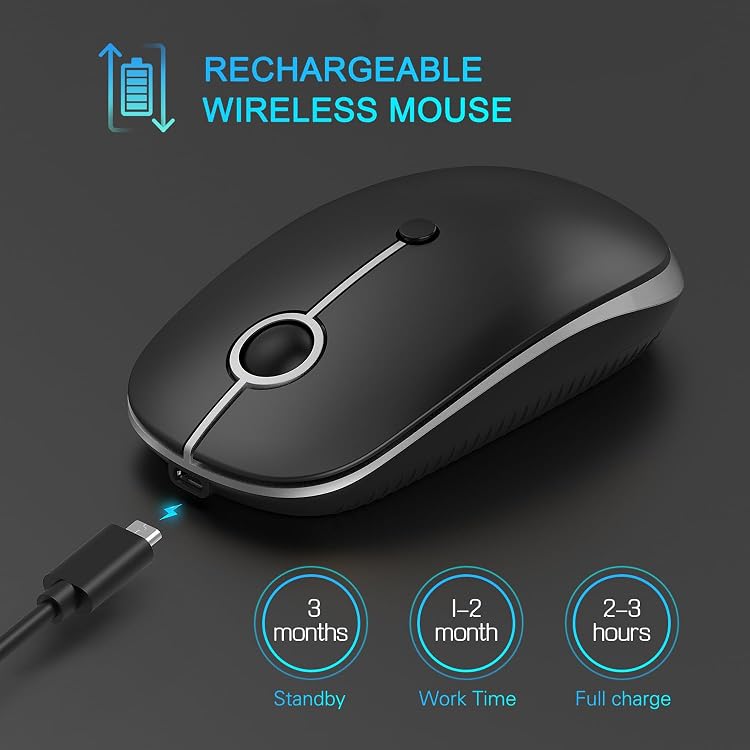
The mouse includes a built-in 300 mAh rechargeable lithium battery and charges via the supplied Micro USB cable, reducing the need for disposable batteries. According to the manufacturer, the silent-click buttons and a smooth matte surface help minimize noise and improve focus in shared environments. It supports three DPI levels, allowing quick sensitivity changes for general browsing or more precise tasks. The dual nano receivers store inside the battery compartment for convenient portability and safe transport.
Technical Specifications
- Name: Vssoplor Type C Wireless Mouse
- Battery capacity: - 300 mAh rechargeable lithium battery
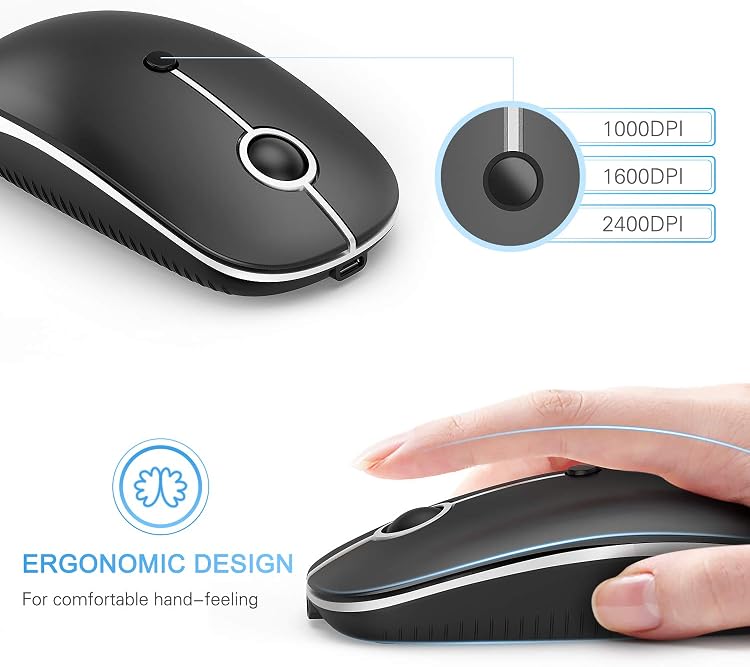
- DPI levels: - 1000 / 1600 / 2400 DPI
- Connectivity: - USB-A receiver and Type-C receiver (nano)
- Compatibility: - Windows 7/8/10/XP/Vista, Mac OS X 10.10 or later, type-C devices, Chromebooks
Advantages
Ergonomic shaping follows a contoured outline that aims to reduce hand fatigue during extended use. The adjustable sensitivity settings make the mouse versatile for switching between document work and light image editing. Because it is rechargeable, the mouse lowers long-term running costs compared to models that use AA or AAA batteries. The plug-and-play design means there is no driver installation required, which can be handy when moving between multiple machines.
🙂 The matte finish resists fingerprints and gives a subdued look that fits most workspaces. The silent click mechanism is useful in quiet offices, libraries or late-night work sessions, where audible clicks can be distracting to others.
Usage Recommendations
For quick setup, remove the nano receiver from the battery compartment and insert it into the device’s USB or Type-C port. Use the mode button to switch between receivers and then press the DPI button to cycle through the three sensitivity settings based on the task. Charge the mouse with the included Micro USB cable when the cursor starts to stutter or response slows, and store the unused receiver inside the compartment to avoid losing it while traveling. Consider that if your computer has only one Type-C port and it is in frequent use for charging or docking, you may prefer using the USB-A receiver with an adapter or hub.