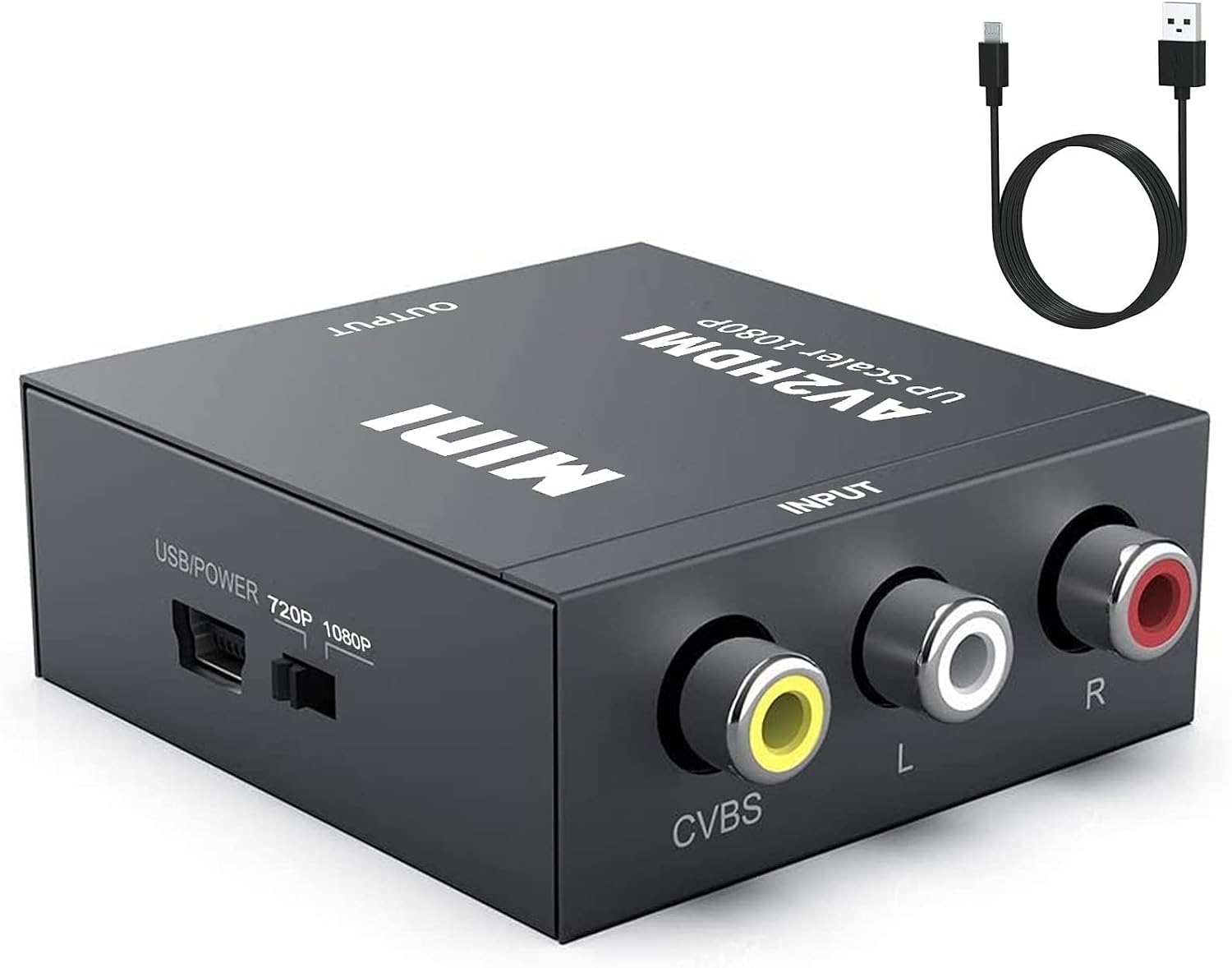
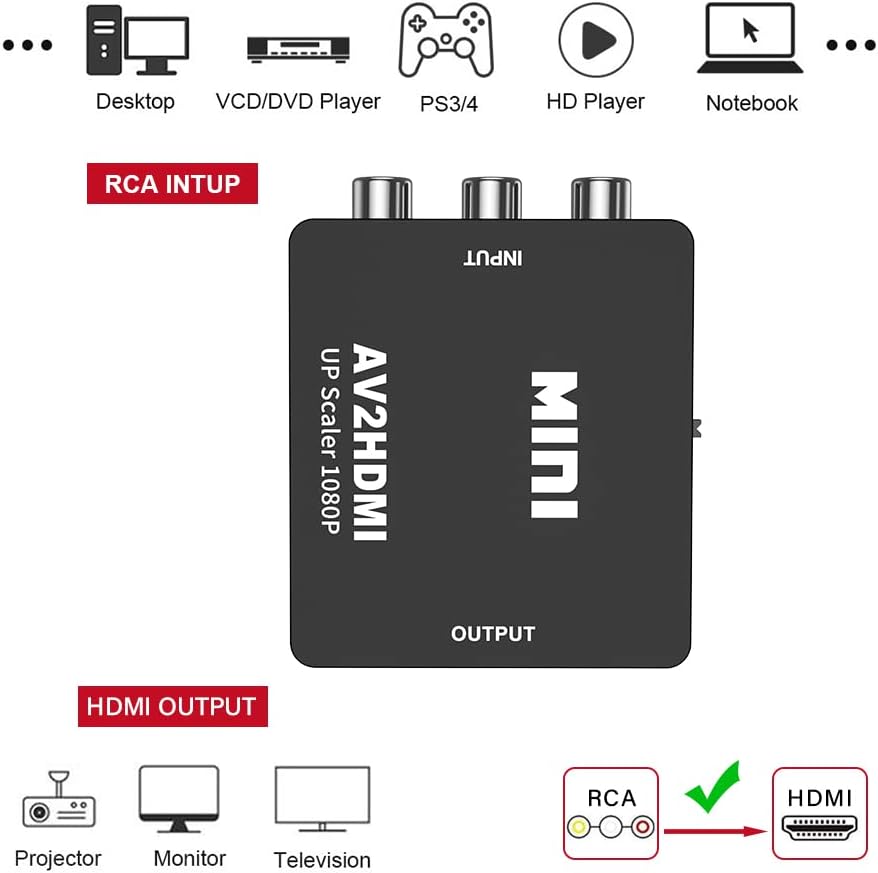
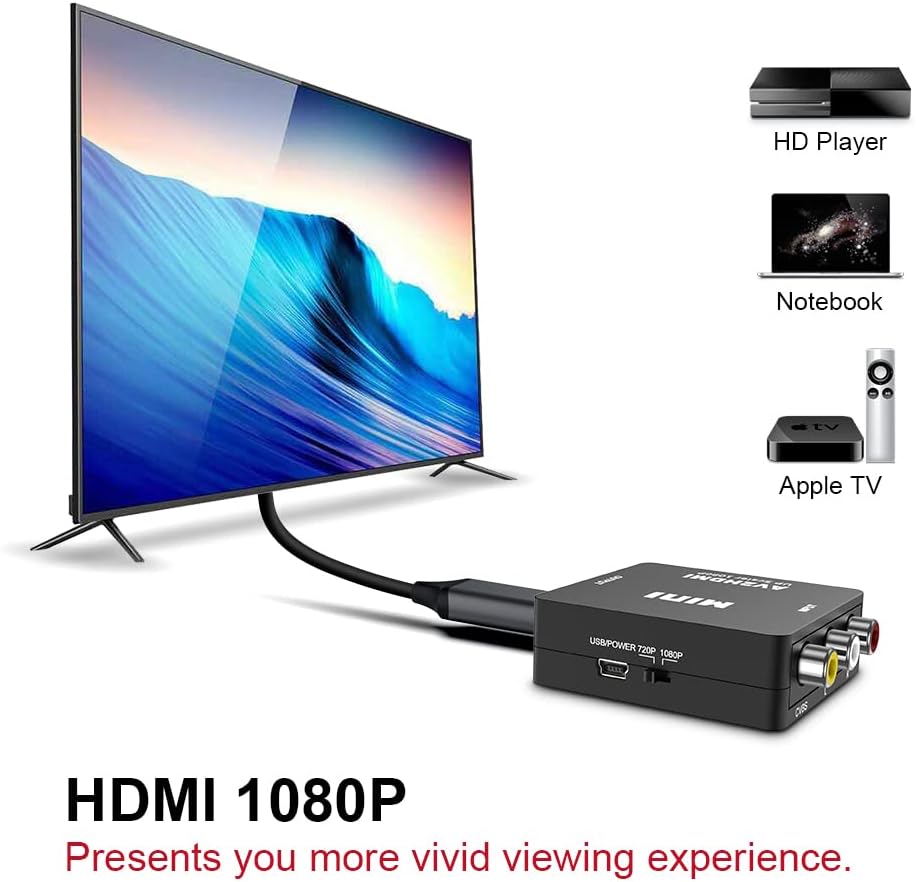
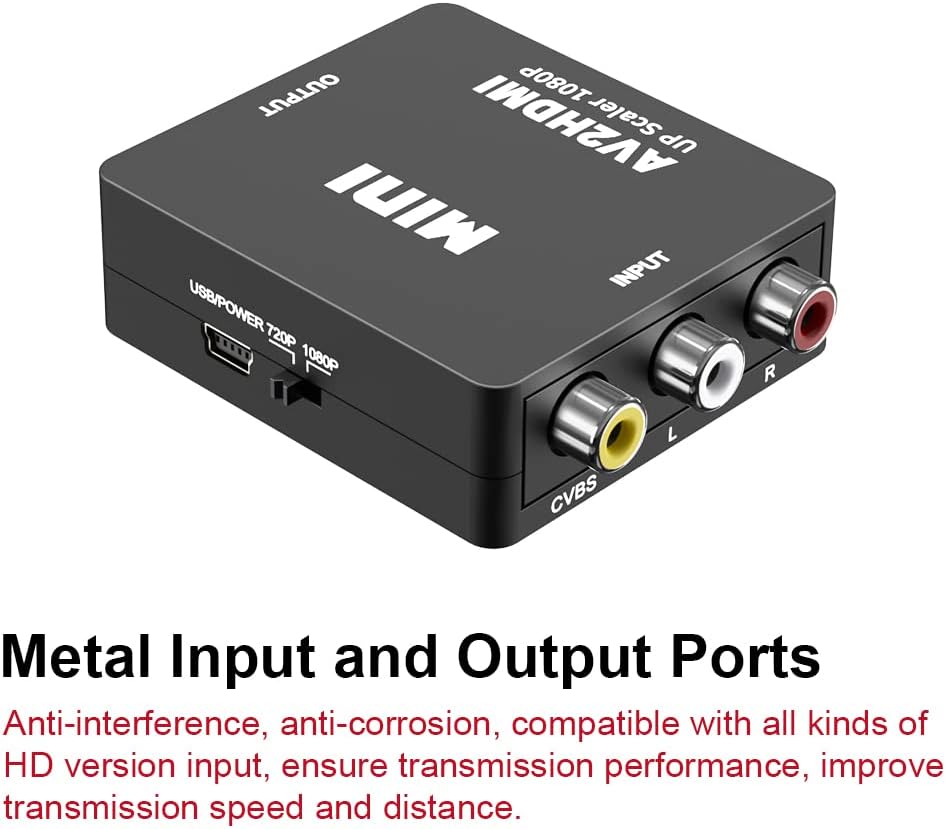
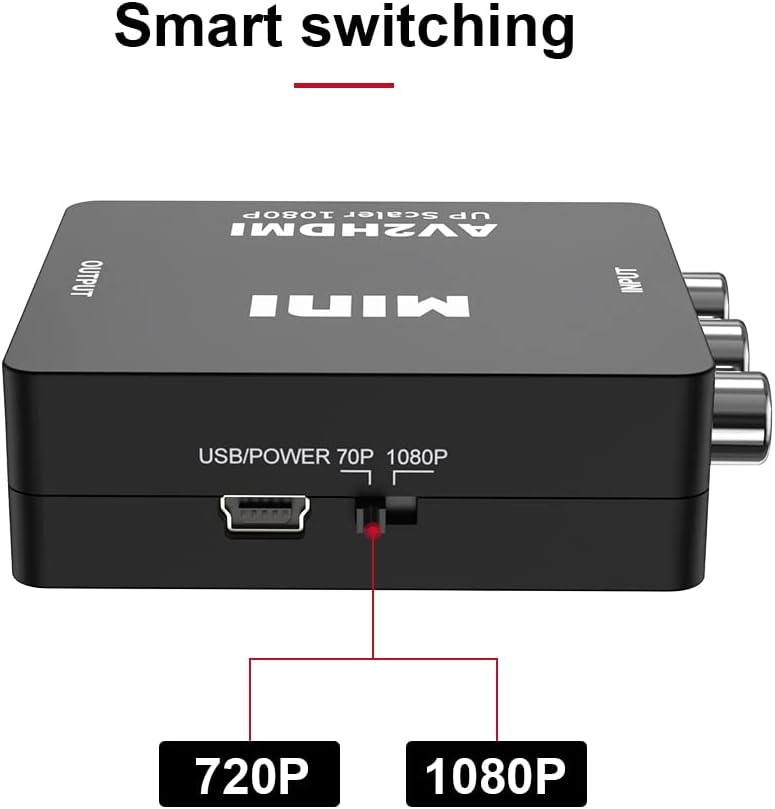
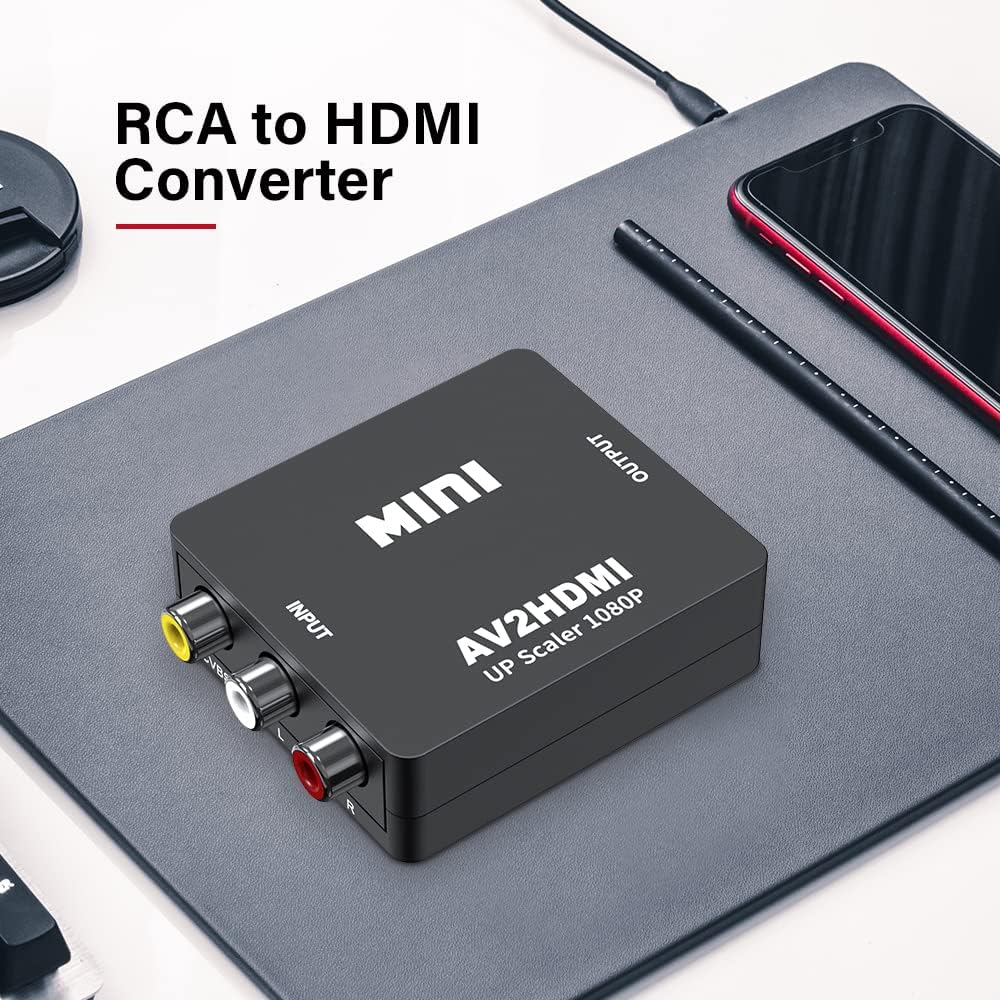
What it is and what it solves\nThe UPGROW RCA to HDMI Converter is a compact adapter designed to convert analog RCA composite input into a 1080p HDMI output. It targets users who want to revive older devices like VHS/VCRs, camcorders, DVD players, or classic game consoles by delivering a modern HDMI signal without upgrading all components. On paper, the process is straightforward: plug in the RCA source, power the unit, and obtain an HDMI feed that your TV or monitor can display in 1080p.\n\n## Practical use and everyday gains\nIf you prioritize simplicity, this is a “plug & play” option with no driver installation required. It’s useful for turning nostalgic content into viewable HD on a contemporary display. However, it’s important to note that RCA inputs are for HDMI output only, so you’ll want a source that matches RCA composite signals. The device explicitly requires external power, so plan for a power source near your setup.\n\n## Pros and what stands out\n- Easy to use with minimal setup and no drivers.\n- Wide compatibility with classic video formats (PAL, NTSC variations, SECAM, and standard definitions) provided by the source.\n- Converts analog to digital to deliver a 1080p (60Hz) HDMI signal for most modern displays.\n\n## What might give you pause\n- It’s an affordable, entry-level converter, so you may not get advanced upscaling or frame-for-frame quality improvements. The reliance on analog sources means results can vary based on the original signal.\n- External power is required, which adds one more connection to manage.\n- If you need 4K or advanced HDR features, this device won’t deliver those benefits. It sits more in the mid-range for convenience rather than high-end video processing.\n\n## Who it’s for\nThis converter is a sensible pick for someone who wants to reuse older media players or legacy devices with a modern HDMI display without investing in a more expensive scaler. It’s a good fit for hobbyists, retro gamers, or households looking to pull old content into today’s screens with a simple, no-fuss setup.\n\n## Who should think twice\nIf you expect pristine upscaling, zero signal loss, or 4K output, you’ll likely be disappointed. Also, if your source isn’t providing a clean composite signal, you may see typical analog artifacts. In those cases, consider alternative options that offer better scaling or direct digital outputs.\n\n## What to check before buying\n- Confirm you have access to external power near the setup.\n- Ensure your source device outputs a stable composite signal compatible with the converter.\n- Decide whether 1080p at 60Hz suits your display and content needs.\n\n## Practical usage example\nA classic VHS tape playing through a VCR can be routed into the RCA inputs, and you’ll see the output on a modern TV through HDMI. The result is a straightforward way to enjoy family videos without a dedicated old TV.\n\n## Quick comparison in context\nIf you’re choosing between this and a more feature-rich scaler, this model trades features for simplicity and affordability. It makes sense if you want a basic conversion path and don’t need extensive processing, while a higher-end option might be preferable for critical viewing or high-detail content.\n\n## Is it worth it?\nFinal verdict depends on your setup and expectations. If you’re after a simple, no-frills bridge from analog to HDMI for casual viewing, this converter is worth considering. If you crave maximum clarity from every frame or plan to work with 4K sources, you may want to explore more capable solutions.\n\n## FAQ (quick answers)\n- Does it require drivers? No, plug & play without driver installation.\n- Do I need external power? Yes, external power is required.\n- Will it output 1080p at 60Hz? Yes, reported as 1080p (60Hz) HDMI output from the analog source.\n