

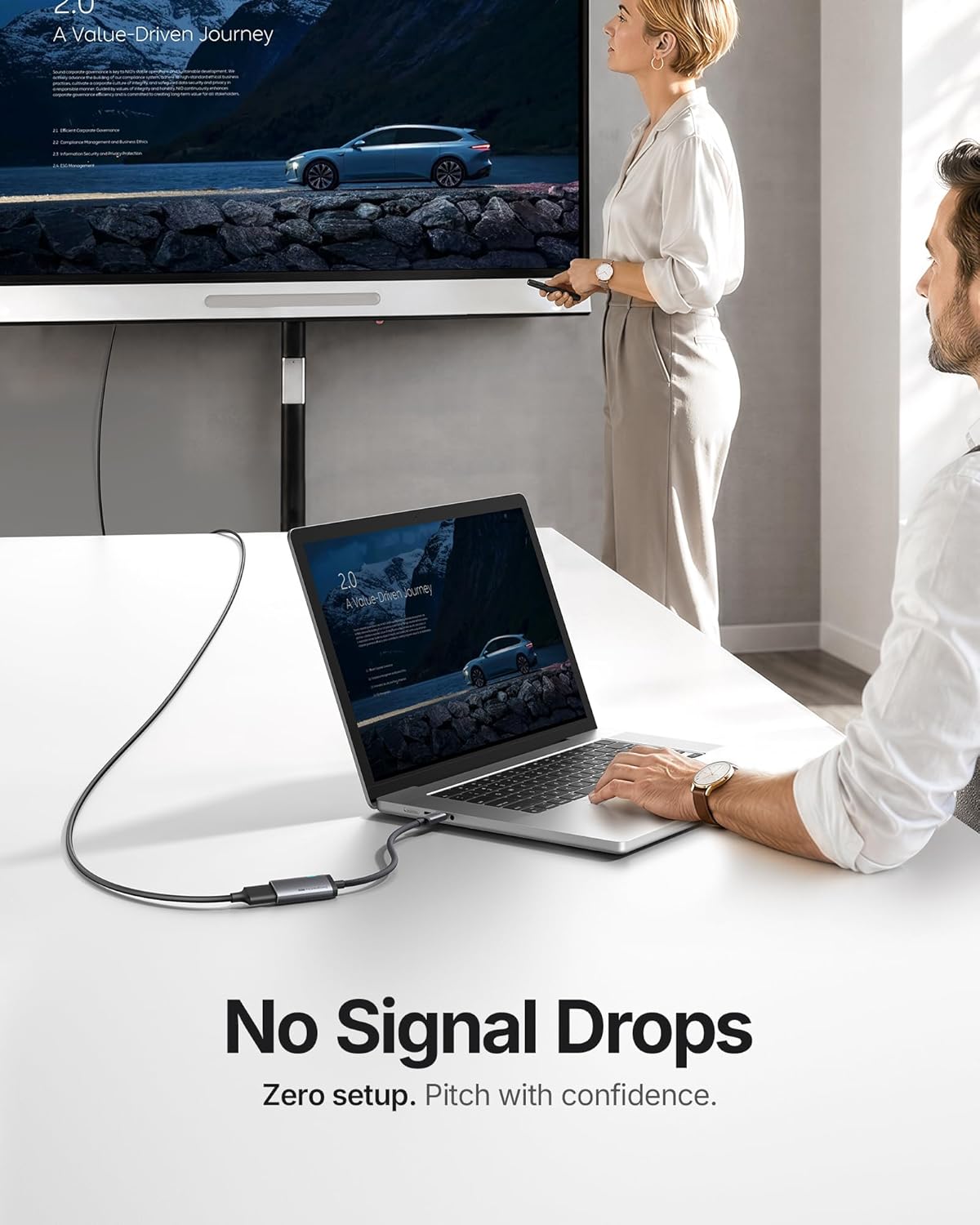
INIU USB-C to HDMI Adapter with Smart Diagnostic LED — 4K@60Hz, HDMI Certified
Product description
What this is
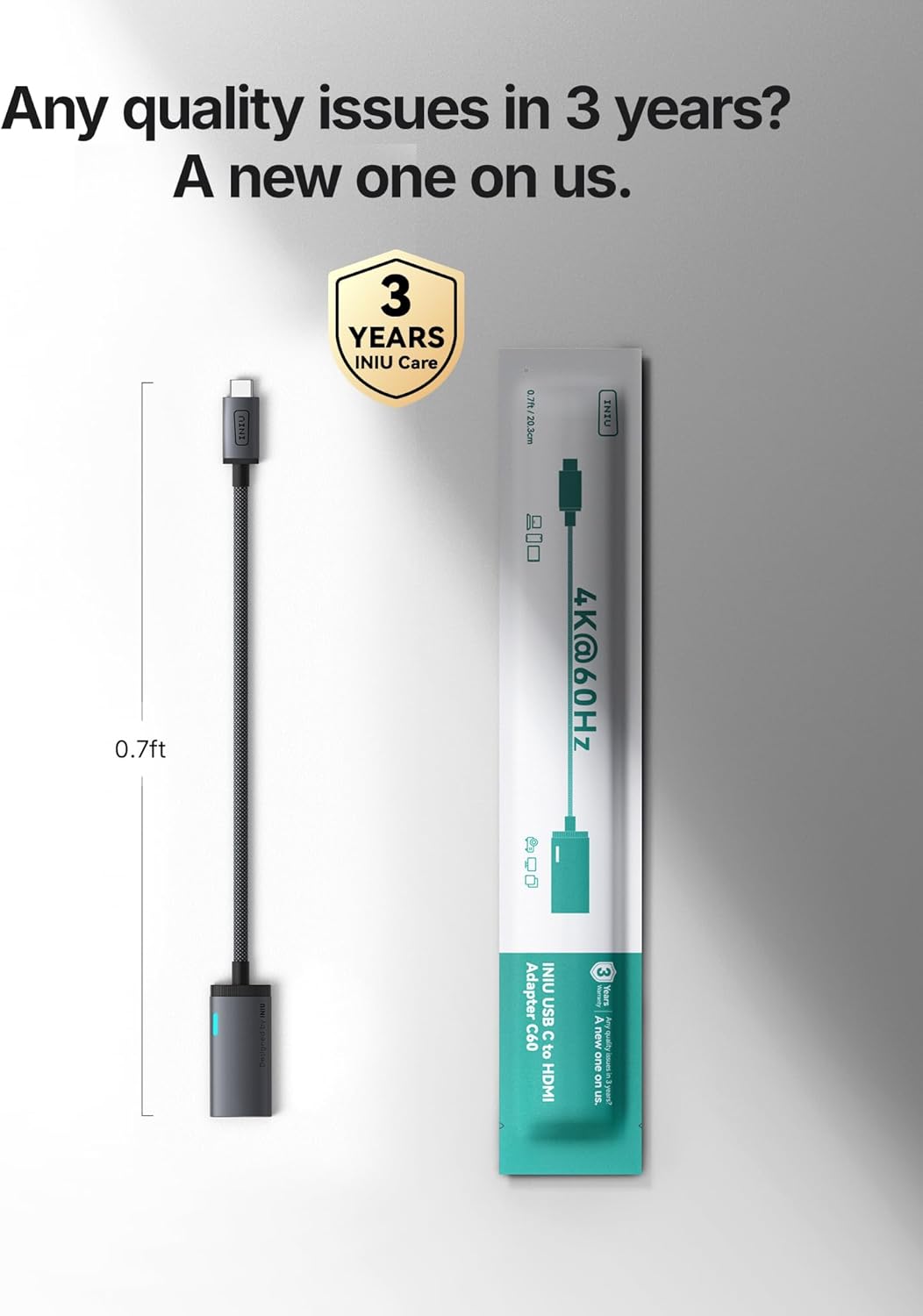
The INIU USB-C to HDMI Adapter is a compact, USB-C output dongle designed to mirror a laptop, tablet, or phone screen onto an external HDMI display. It’s officially HDMI certified and aims to deliver a steady 4K at 60Hz signal when conditions (and device capabilities) allow. On paper, it’s built to plug in and work (Plug & Play) with compatible devices and screens without the need for drivers.
How it’s designed to perform
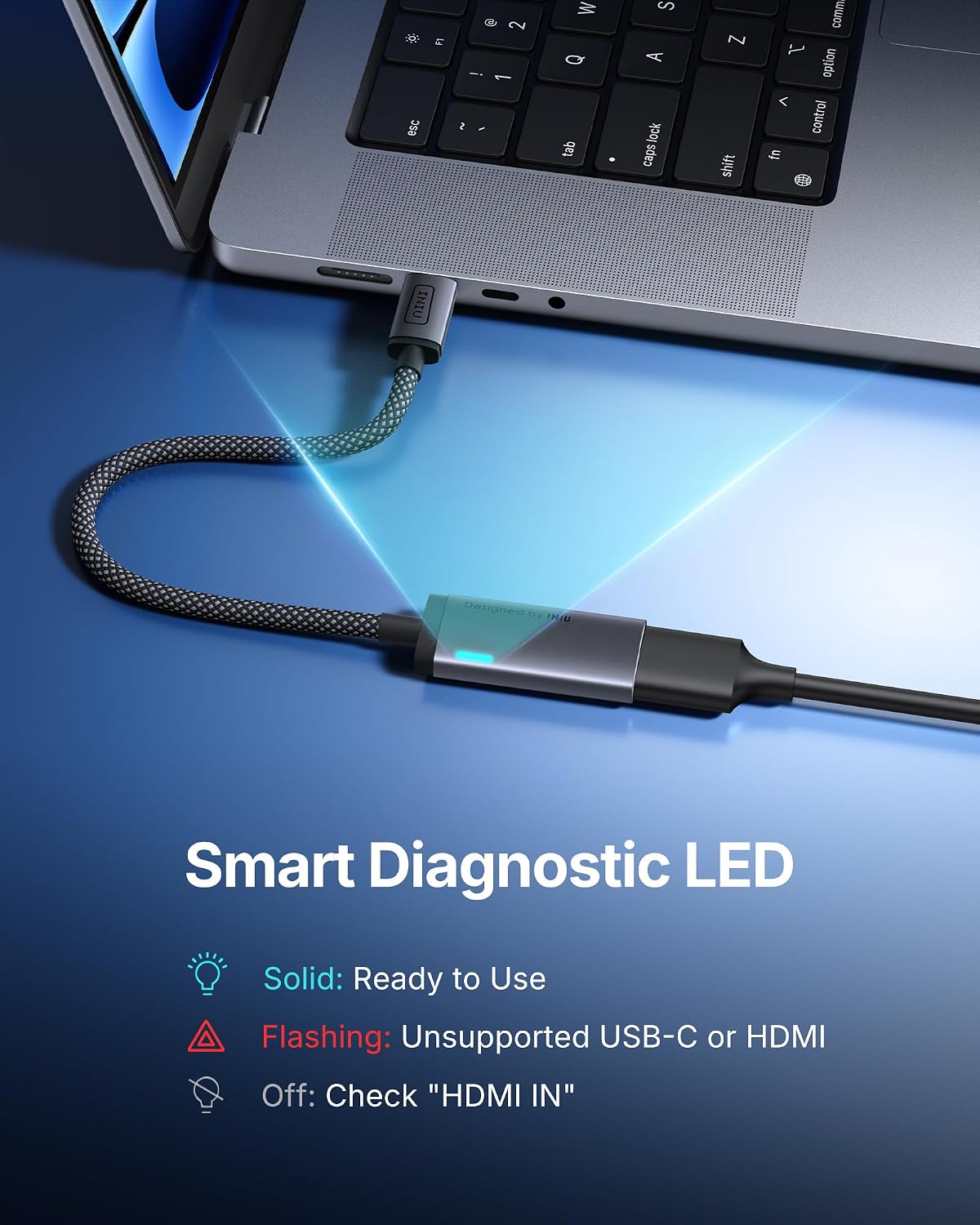
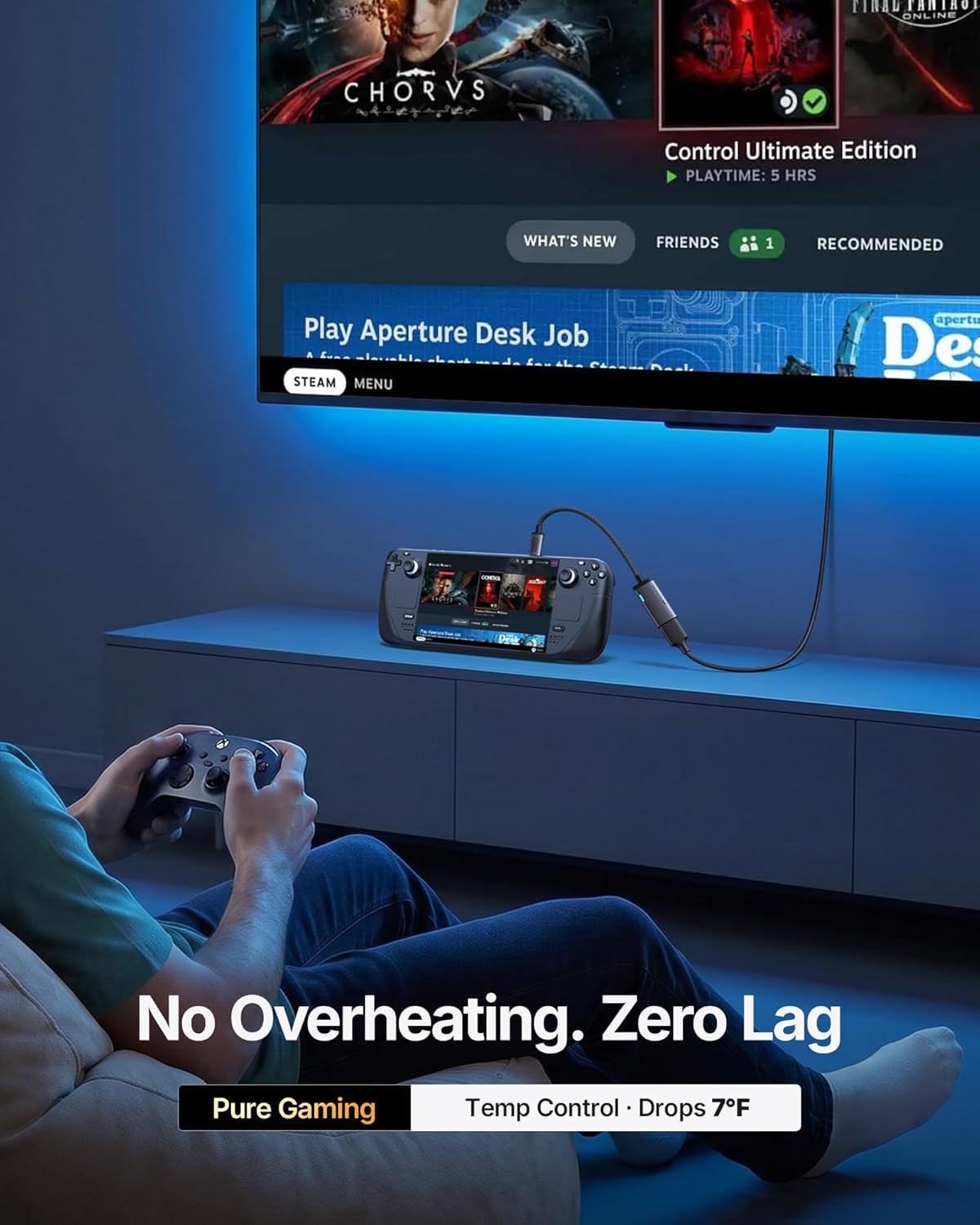
This adapter emphasizes stability and thermal performance. It uses a 7nm thermal chip and an aerospace-grade aluminum shell, which the maker claims keeps temperatures lower and helps sustain longer gaming or presentation sessions. The visual cue is a smart diagnostic LED that indicates connection status, potentially saving time troubleshooting during setups. In practice, you’ll know at a glance whether the link is solid, needs a port change, or if HDMI input is misselected.
What stands out in everyday use
If you frequently switch between devices or display setups, the plug-and-play nature is convenient. The aluminum housing and braided cable are meant to withstand travel and repeated bending. It also supports HDCP 2.2 for viewing protected content on various displays. The “no drops, no flickers” claim targets reliability during meetings or presentations, where screen stability matters.
Limitations and things to consider
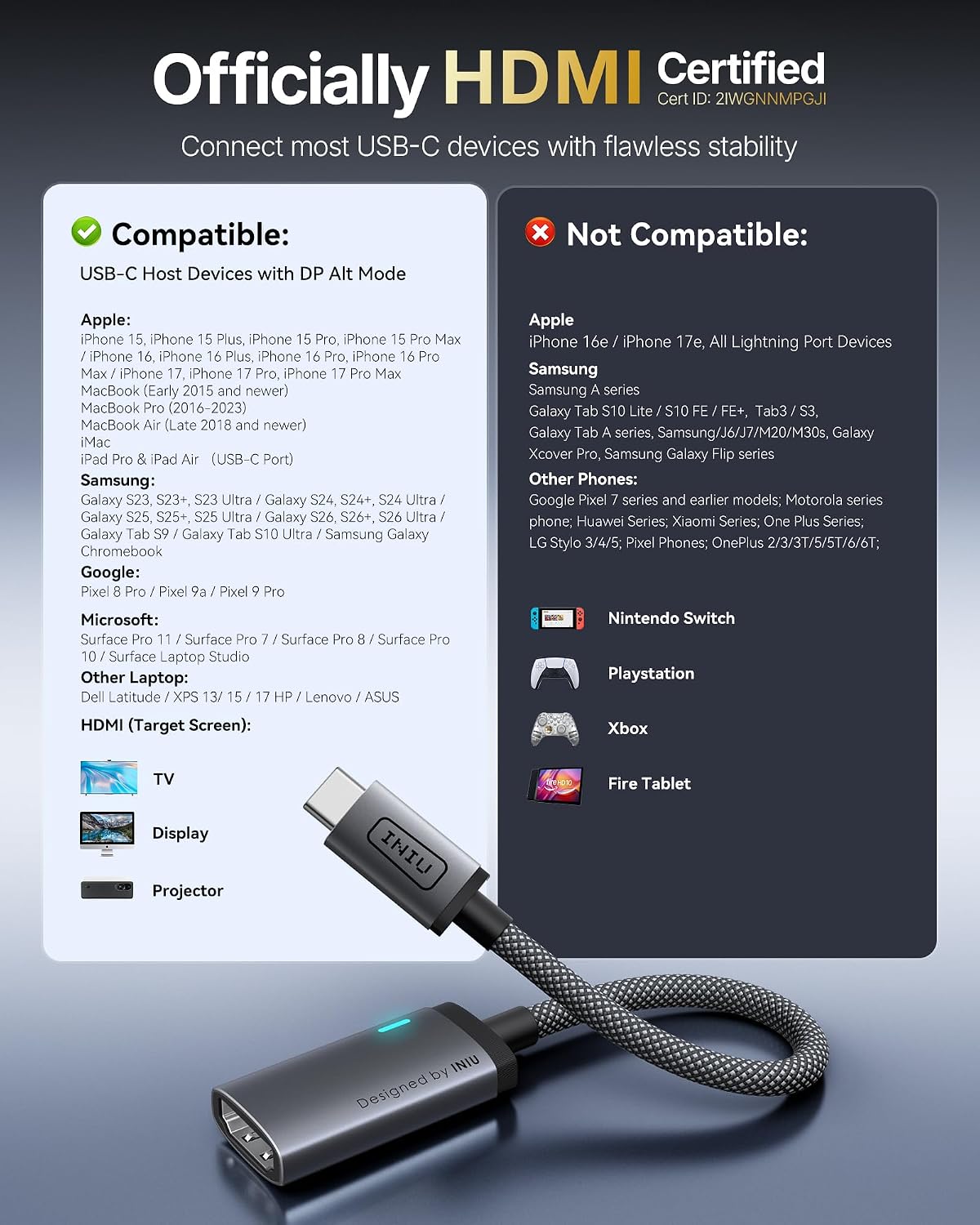
It's a unidirectional USB-C to HDMI adapter and relies on the host device providing DP Alt Mode to output video through USB-C. That means compatibility is not universal and depends on port capabilities. If you try a port that doesn’t support DP Alt Mode, the LED will indicate it’s unsupported. Also, while 4K@60Hz is the target spec, real-world performance depends on the host device, cable length, and HDMI source. If you’re using very demanding apps or power-intensive tasks, thermal behavior and sustained frame rates can vary.
Who this fits best
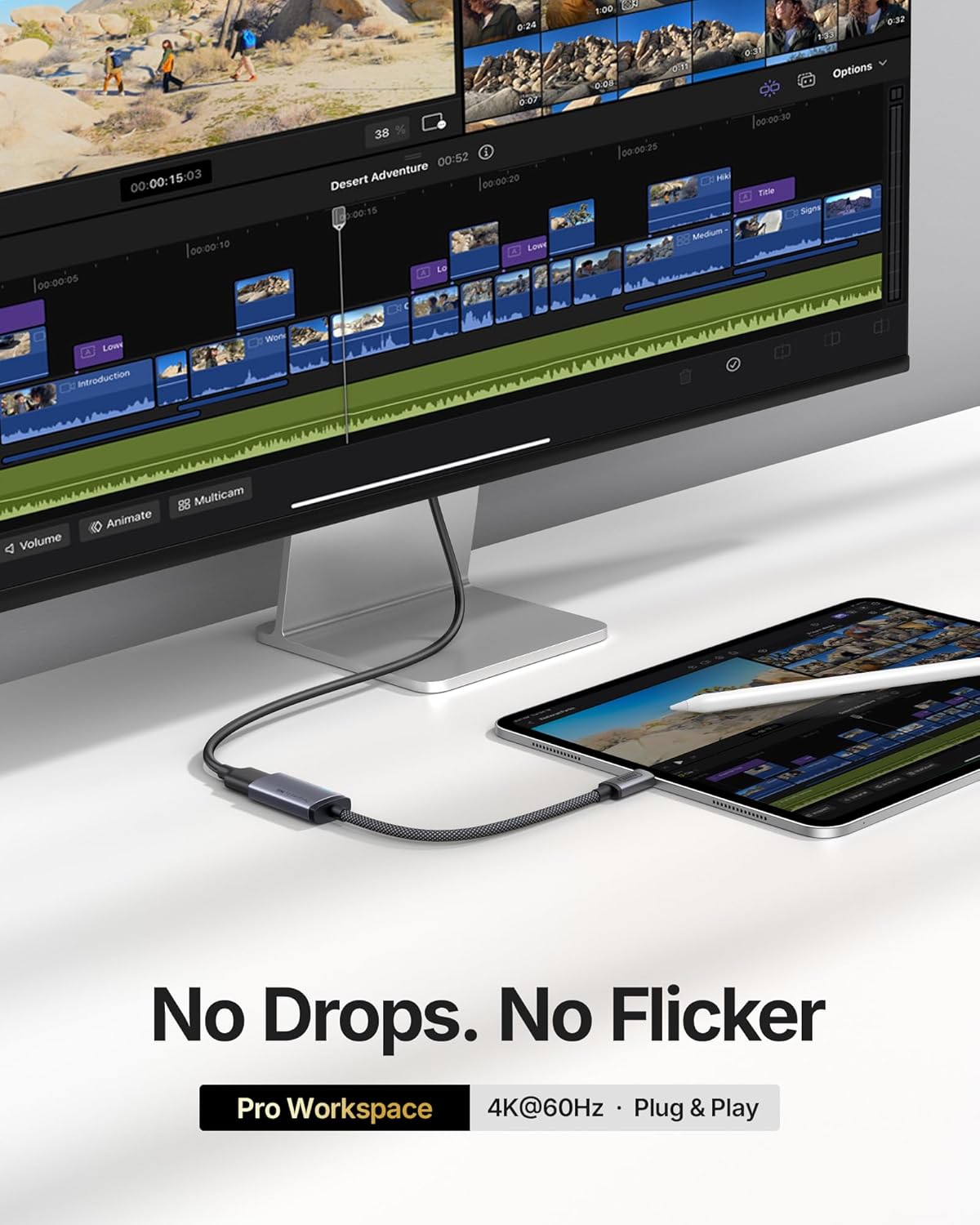
This adapter appears well-suited for users who want a simple way to mirror or extend a display from a USB-C device (laptops, tablets, phones) to a larger screen, monitor, or TV, especially when 4K@60Hz output is desirable and a diagnostic LED is helpful. It may appeal to professionals who value a solid build and a straightforward setup, as well as gamers who want a stable 4K link for casual play on external screens.
Who it may not be ideal for
If your device struggles with DP Alt Mode or you need bidirectional display signaling (HDMI to USB-C, for example), this adapter might not satisfy those use cases. It’s not a universal dongle for every USB-C port, and some users could see limited performance if the host or display doesn’t support the required standards or resolutions.
What to check before buying
- Confirm your USB-C port supports DP Alt Mode for video output.
- Verify your display supports 4K at 60Hz from HDMI input and HDCP 2.2 if you plan to stream protected content.
- Consider length and routing: a braided cable with an aluminum shell should withstand travel, but longer runs can affect stability.
Practical usage example
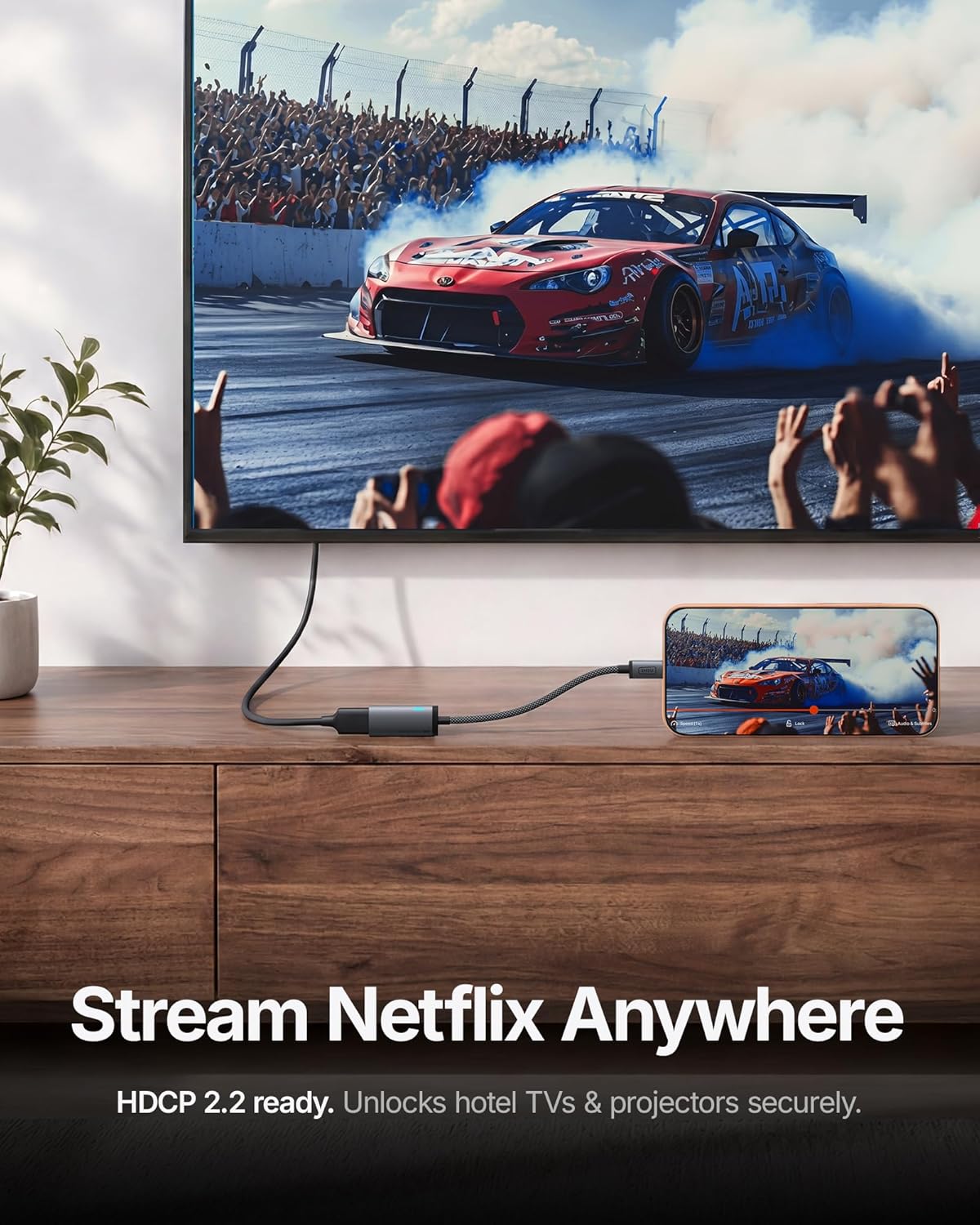
Imagine connecting your MacBook Pro to a hotel TV for a professional presentation. You plug in the adapter, the LED shows a solid status, and the screen mirrors at crisp 4K60 (assuming the hotel TV supports it). No fiddling with drivers or complex setup—just a clean, reliable signal that keeps your slides in sync with your notes.
Final thoughts
Overall, the INIU USB-C to HDMI Adapter presents itself as a credible option for those who want a dedicated, HDMI-certified bridge from USB-C to HDMI with a handy diagnostic indicator and a focus on thermal stability. It isn’t perfect for every setup—especially if your device lacks DP Alt Mode or you require bidirectional signaling—but for many laptop, tablet, and phone users who need a straightforward 4K@60Hz HDMI connection, it’s worth considering.
Is it worth it?
It makes sense if you prioritize a straightforward, certified USB-C to HDMI solution with reliable heat management and a visual status cue. If your setup relies on non-Alt-Mode USB-C outputs or you need more flexible signaling, you may want to explore alternatives.
FAQ
- Does this work with Thunderbolt 3/4 ports? Yes, as long as the port supports DP Alt Mode for video output.
- Can I get 4K@60Hz every time? It depends on device capabilities and HDMI source, 4K60 is the target spec when conditions allow.
- What happens if the LED flashes or stays off? A flashing LED indicates an unsupported USB-C port, turn to a different port or recheck DP Alt Mode support.