

DigitConvert AV to HDMI Converter 1080p
Product description
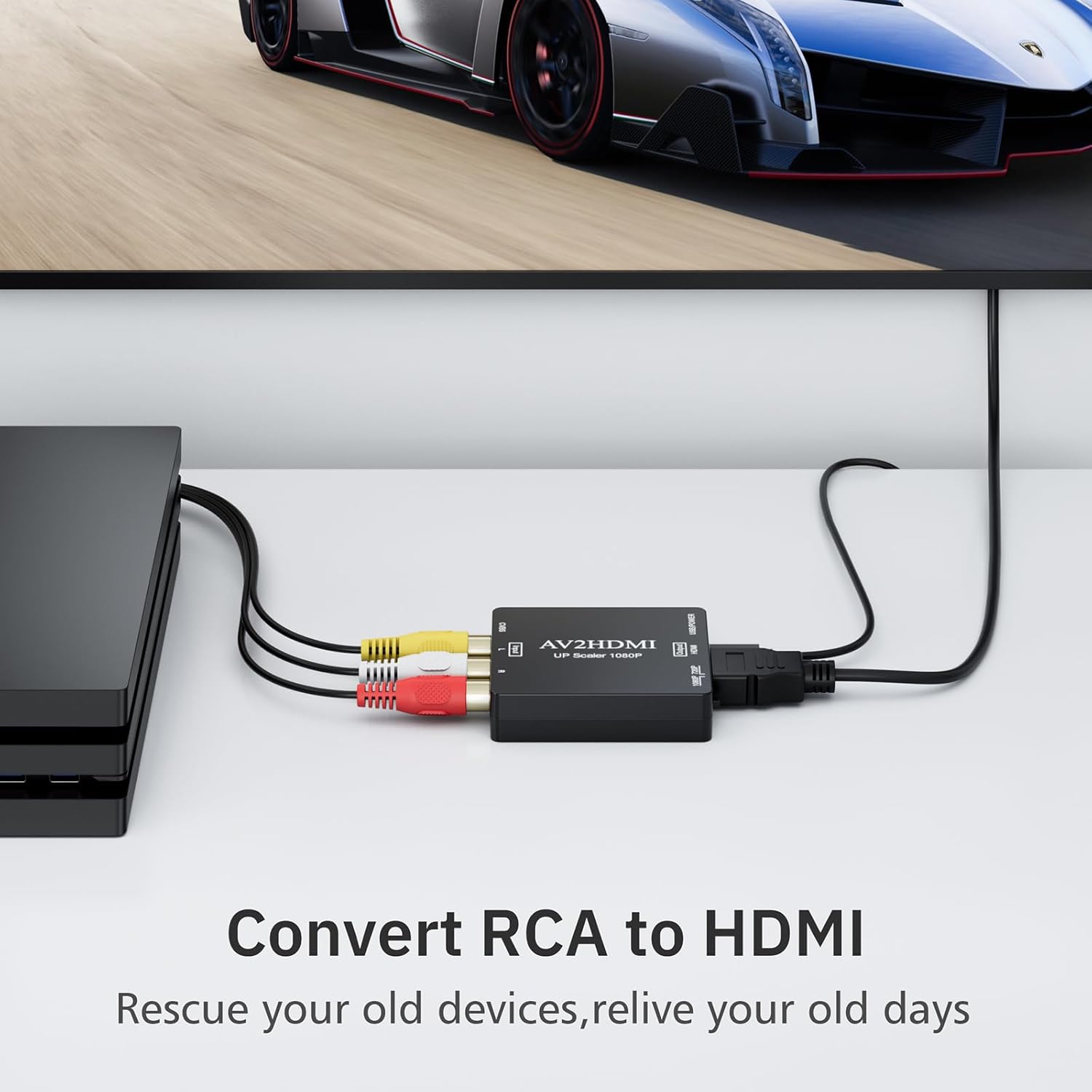
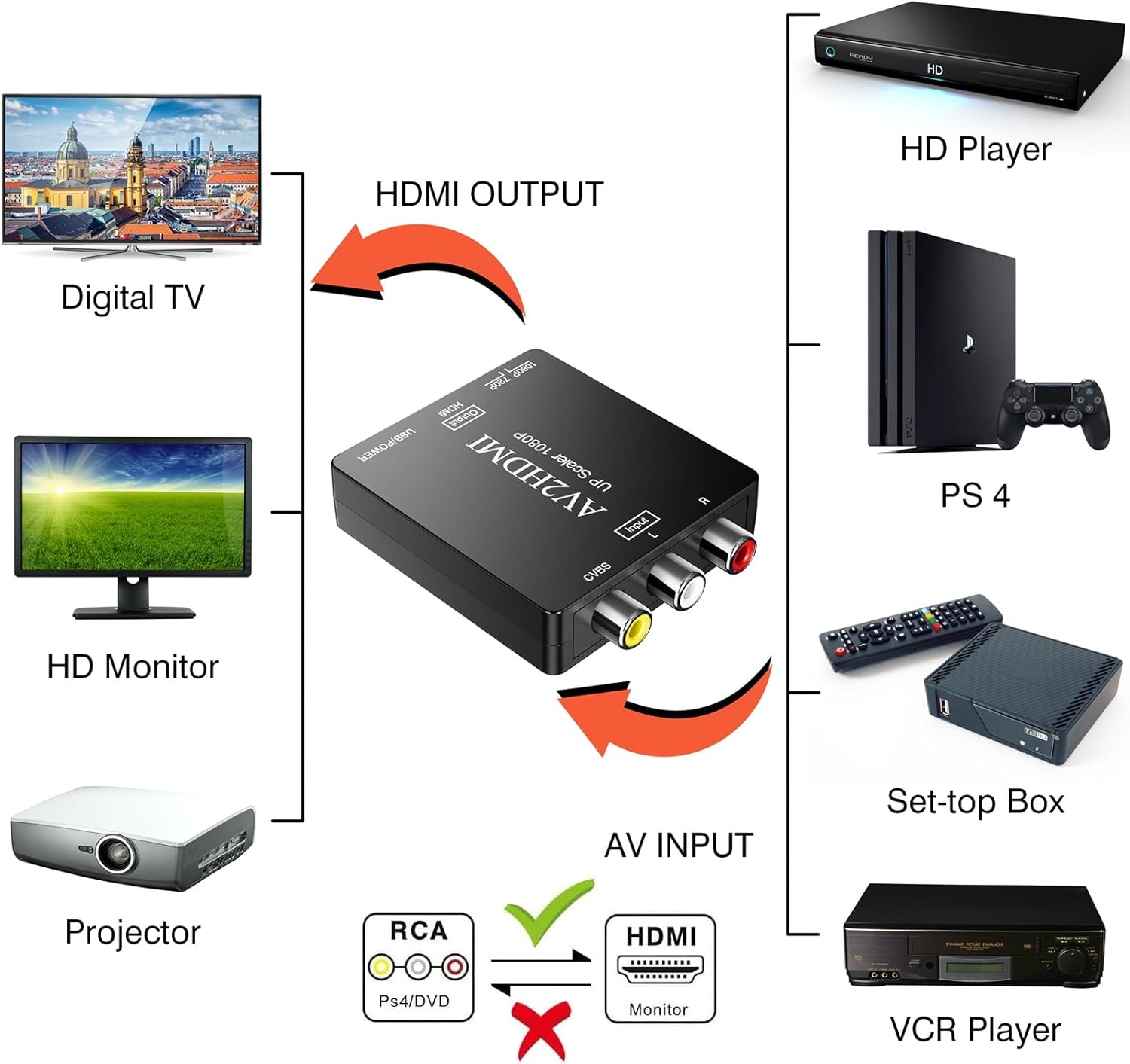
This compact AV-to-HDMI device converts legacy composite RCA signals into 720P or 1080P HDMI output, making it simple to view older consoles and VHS players on modern TVs and monitors. If you need an RCA to HDMI converter to connect a PS2, VCR, or DVD player to an HDTV, this adapter offers plug-and-play operation and USB-powered convenience, according to the manufacturer.
Key Points
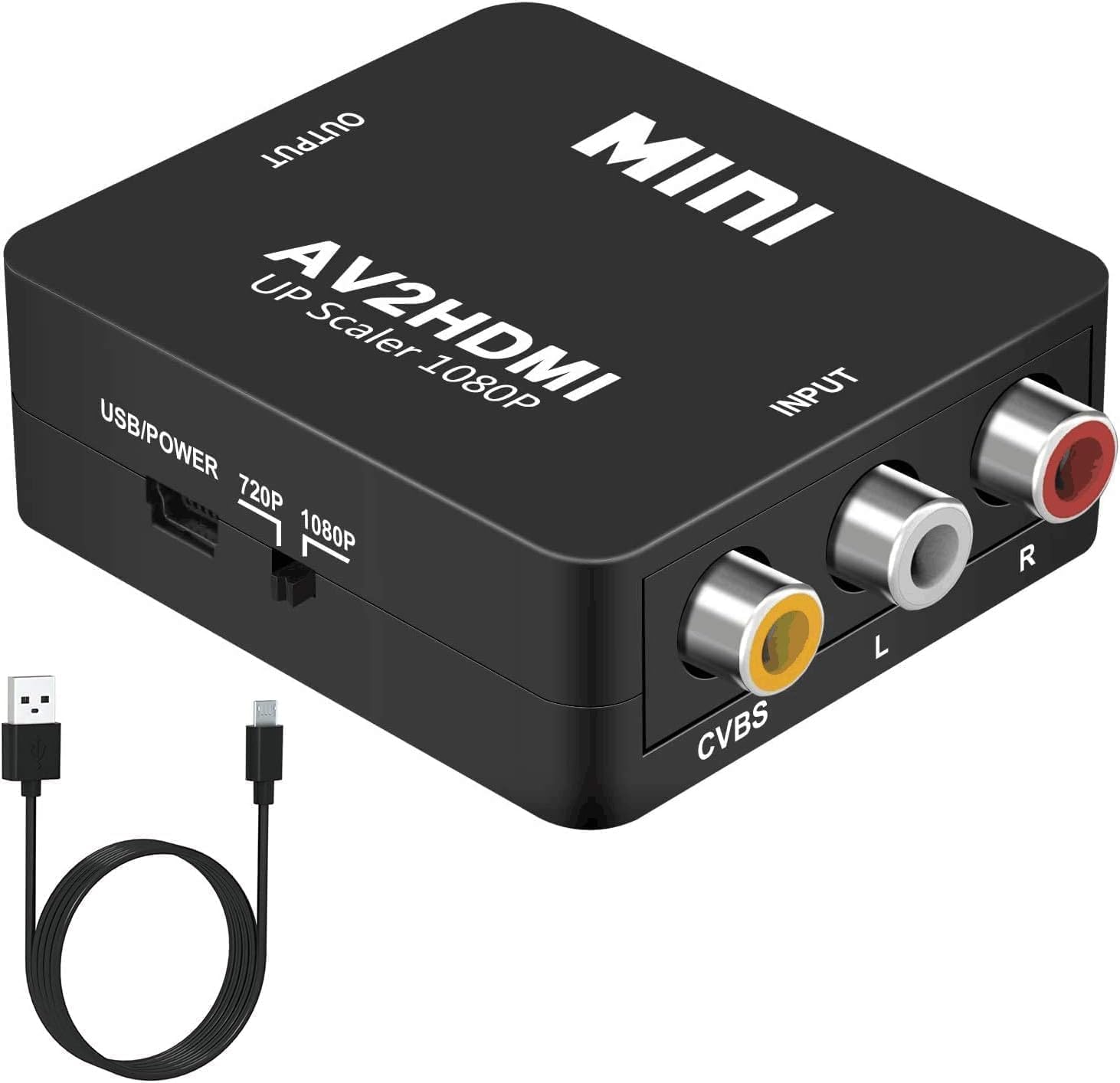
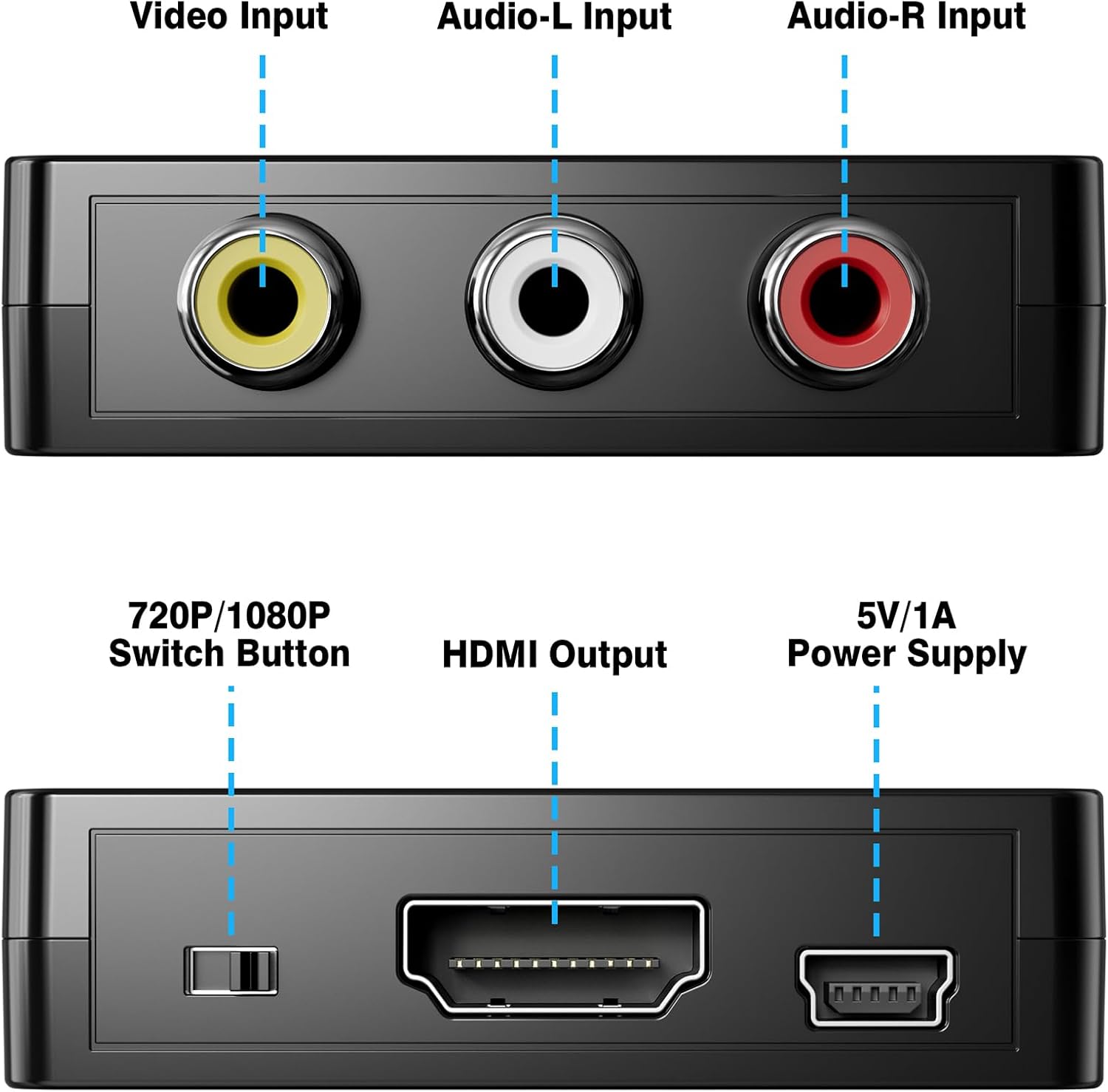
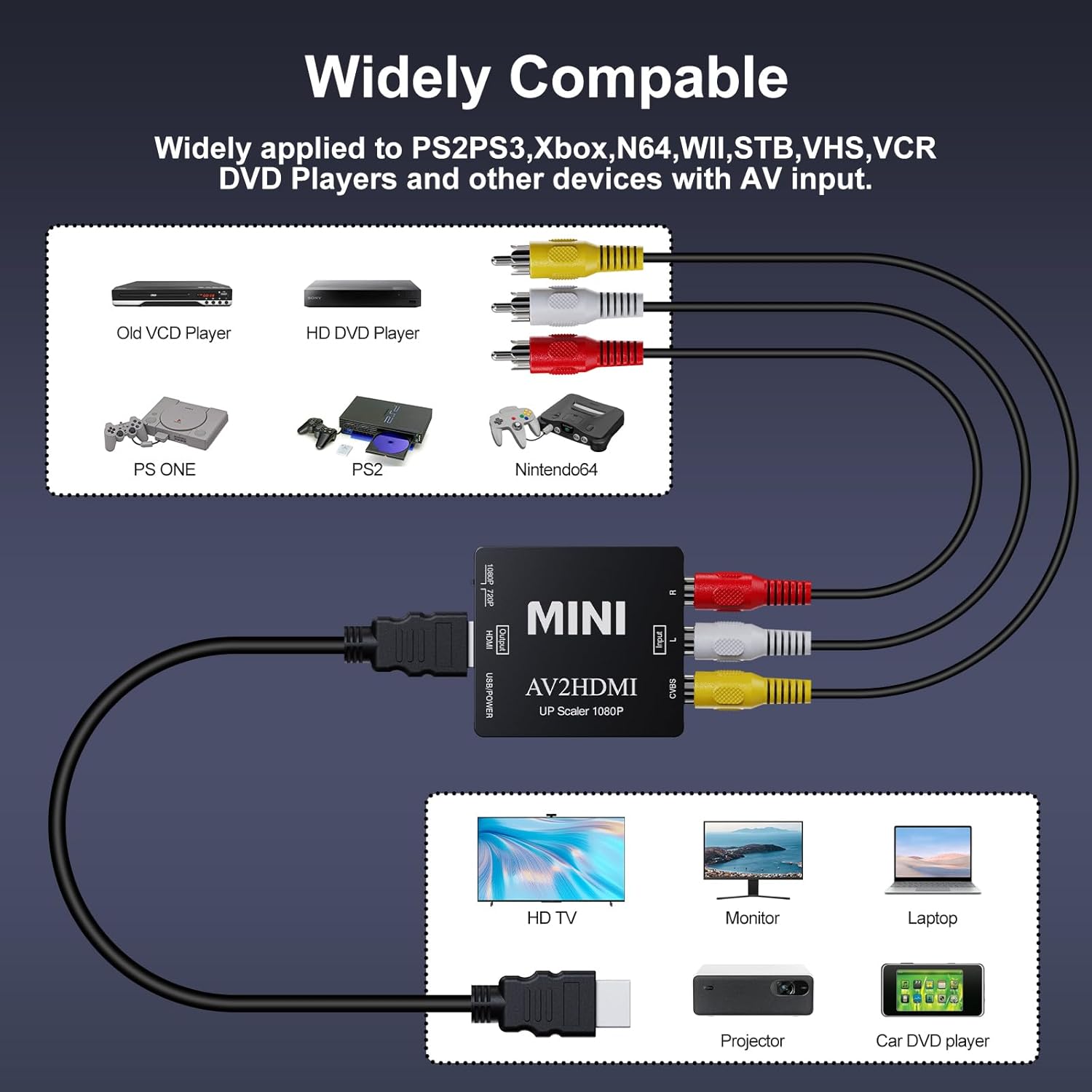
The converter accepts standard composite inputs (yellow video, white and red audio) and outputs an HDMI signal that modern displays can recognize. It supports multiple analog TV formats including PAL, NTSC3.58, NTSC4.43, SECAM, PAL/M, and PAL/N, which helps when working with devices from different regions. Setup is straightforward, with a micro USB cable included for 5V power and no drivers required, making connection quick for use with game consoles, set top boxes, and media players. 🎮📼
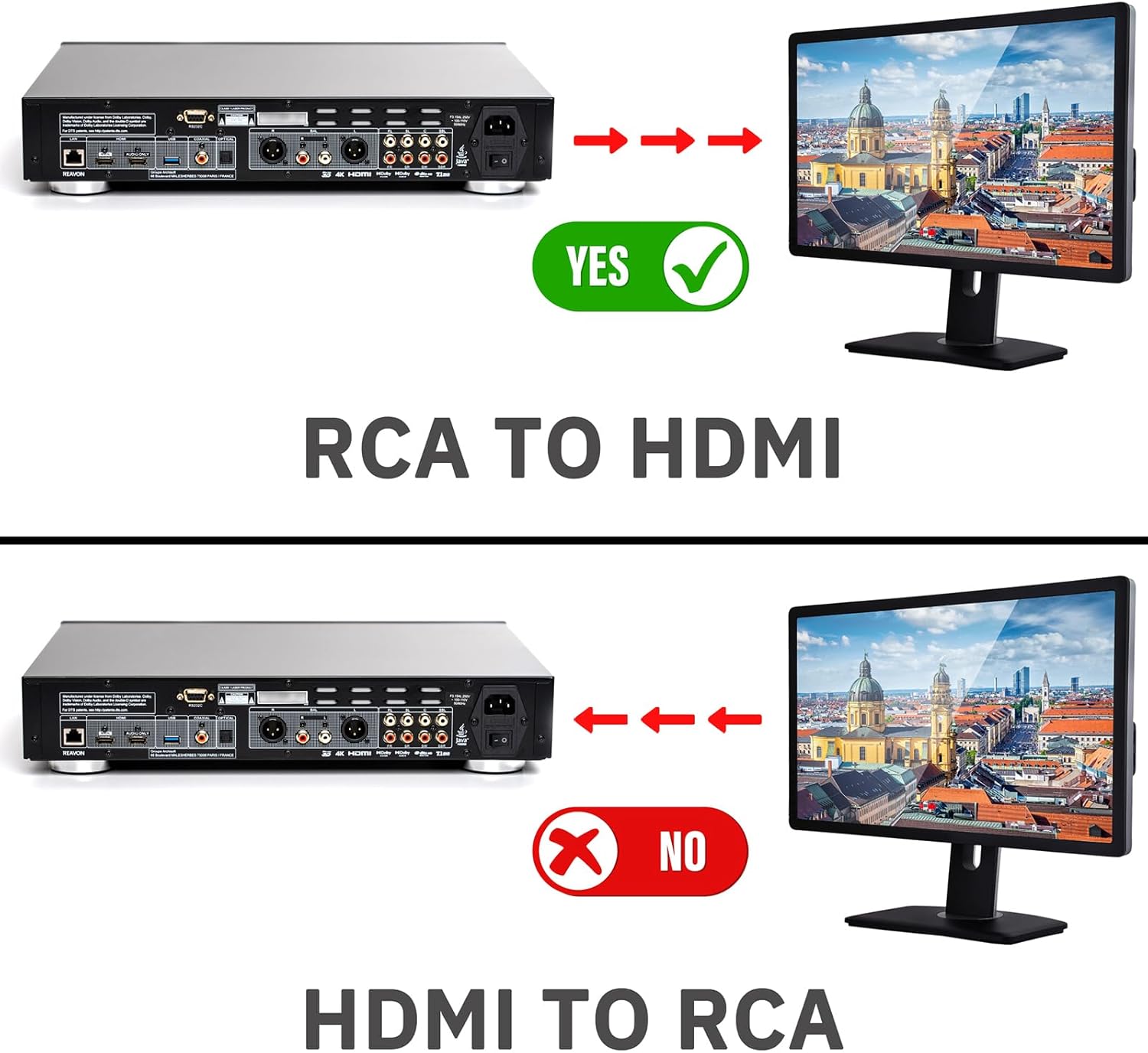
Compatibility is broad. Besides classic gaming systems like PS2 and Xbox, the unit works with DVD players, VCRs, and other composite-output devices. Note that it only converts RCA to HDMI and does not support HDMI to RCA conversion, so it will not connect newer HDMI sources to older composite displays. Also consider that the converter relies on external USB power to function, so a suitable 5V adapter or USB port is needed for reliable operation.
Technical Specifications
- Name: DigitConvert AV to HDMI Converter
- Input: Composite RCA (Yellow, White, Red)
- Output Resolution: 720P / 1080P
- Supported Formats: PAL, NTSC3.58, NTSC4.43, SECAM, PAL/M, PAL/N
- Power: 5V via Micro USB (cable included)
Usage Recommendations
For best results, connect the composite cables firmly to the matching color ports and attach the micro USB power cable to a reliable 5V source before switching on the display. If the output does not appear immediately, try changing the HDMI resolution on the display to 720P or 1080P. When using older tapes or analog sources, cleaning heads and ensuring good cable condition can reduce visual noise and improve the converted image. 🔌
If you plan to capture gameplay or archive VHS footage on a PC, pair this converter with capture software and a capture card or USB capture device that accepts HDMI input. Because the device performs real-time analog-to-digital signal processing, some very old or damaged sources may still show artifacts after conversion, according to the manufacturer.