

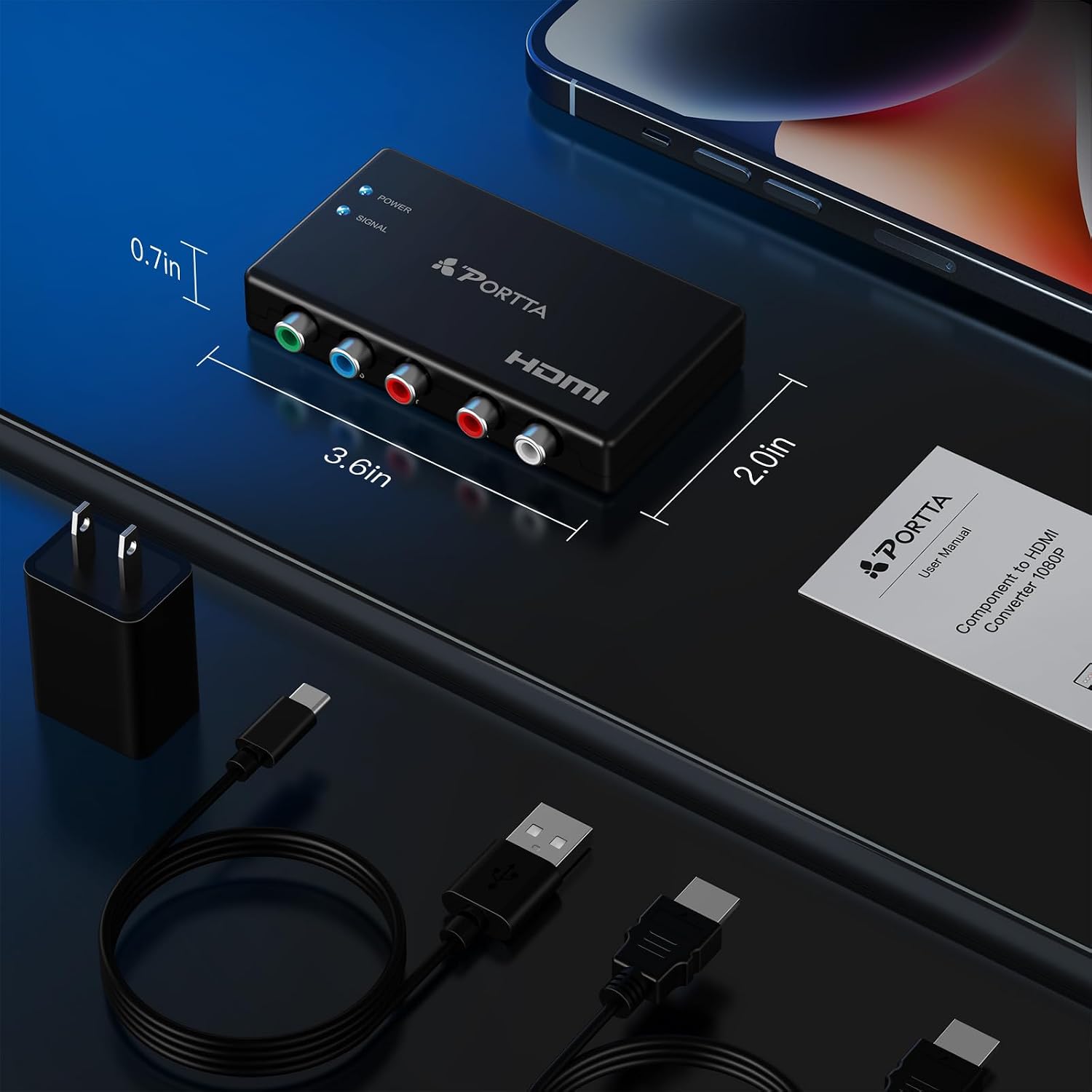
Portta Component to HDMI Converter with HDMI Cable (YPbPr to HDMI) for PS2/PS3/Xbox 360
Product description
What it is and what it does
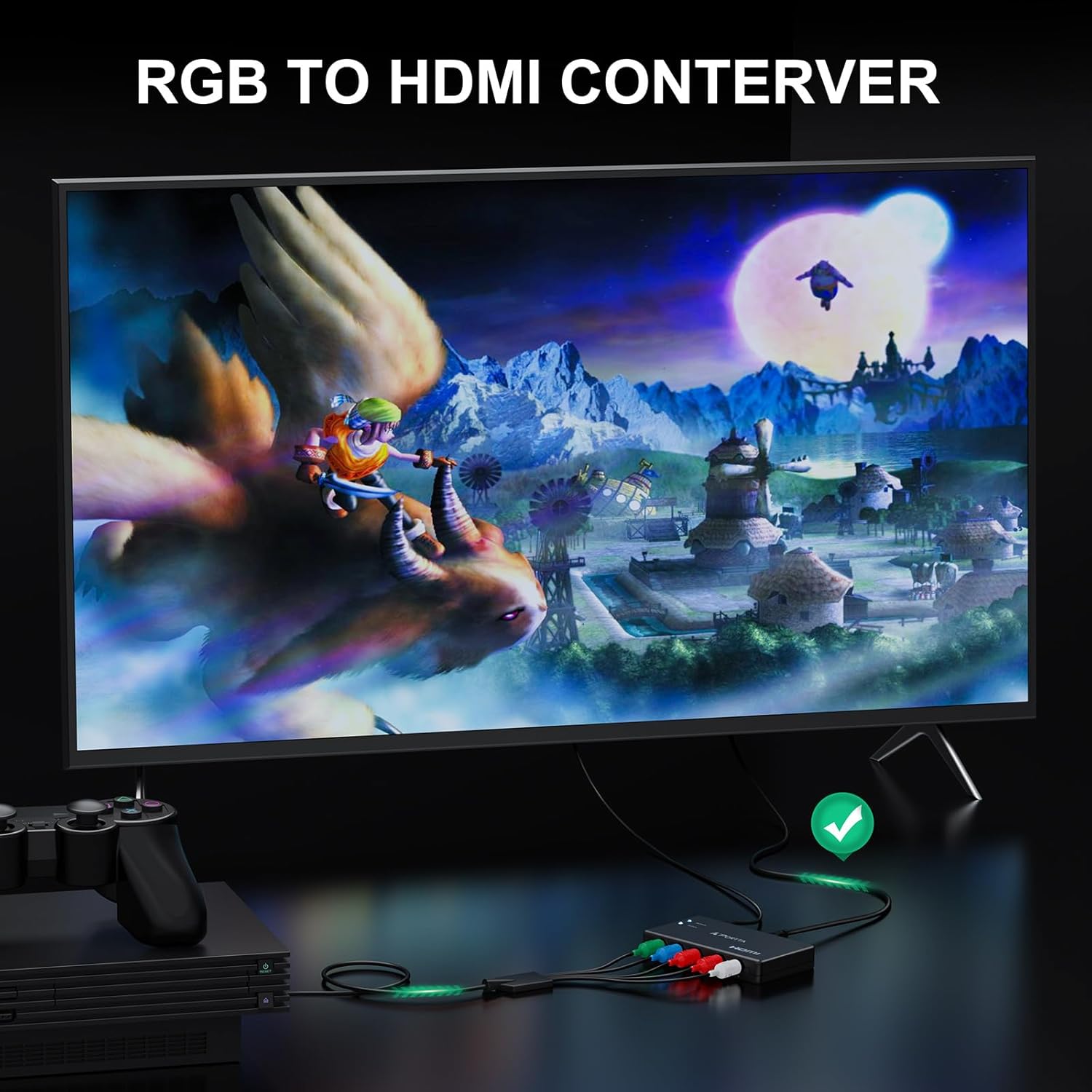
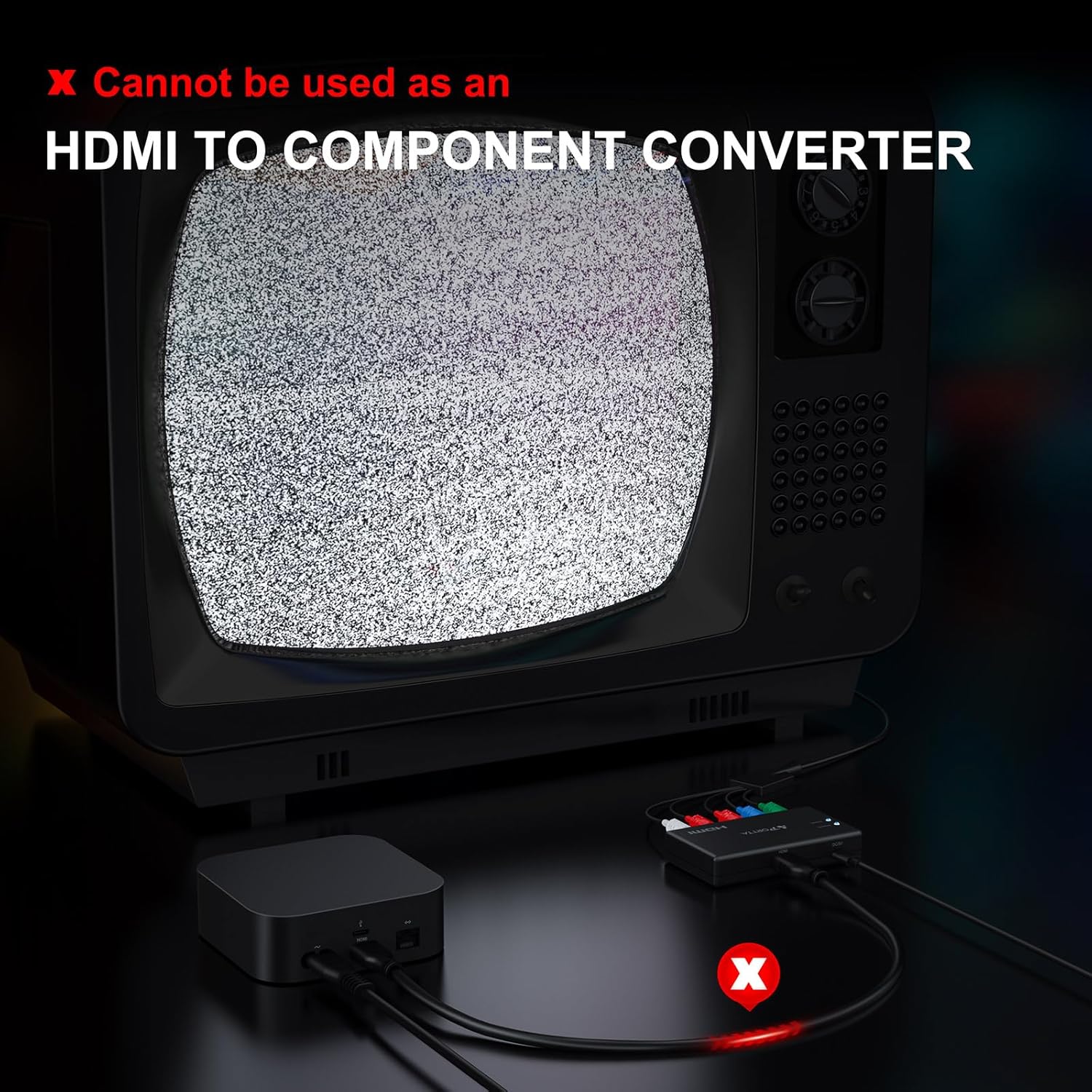
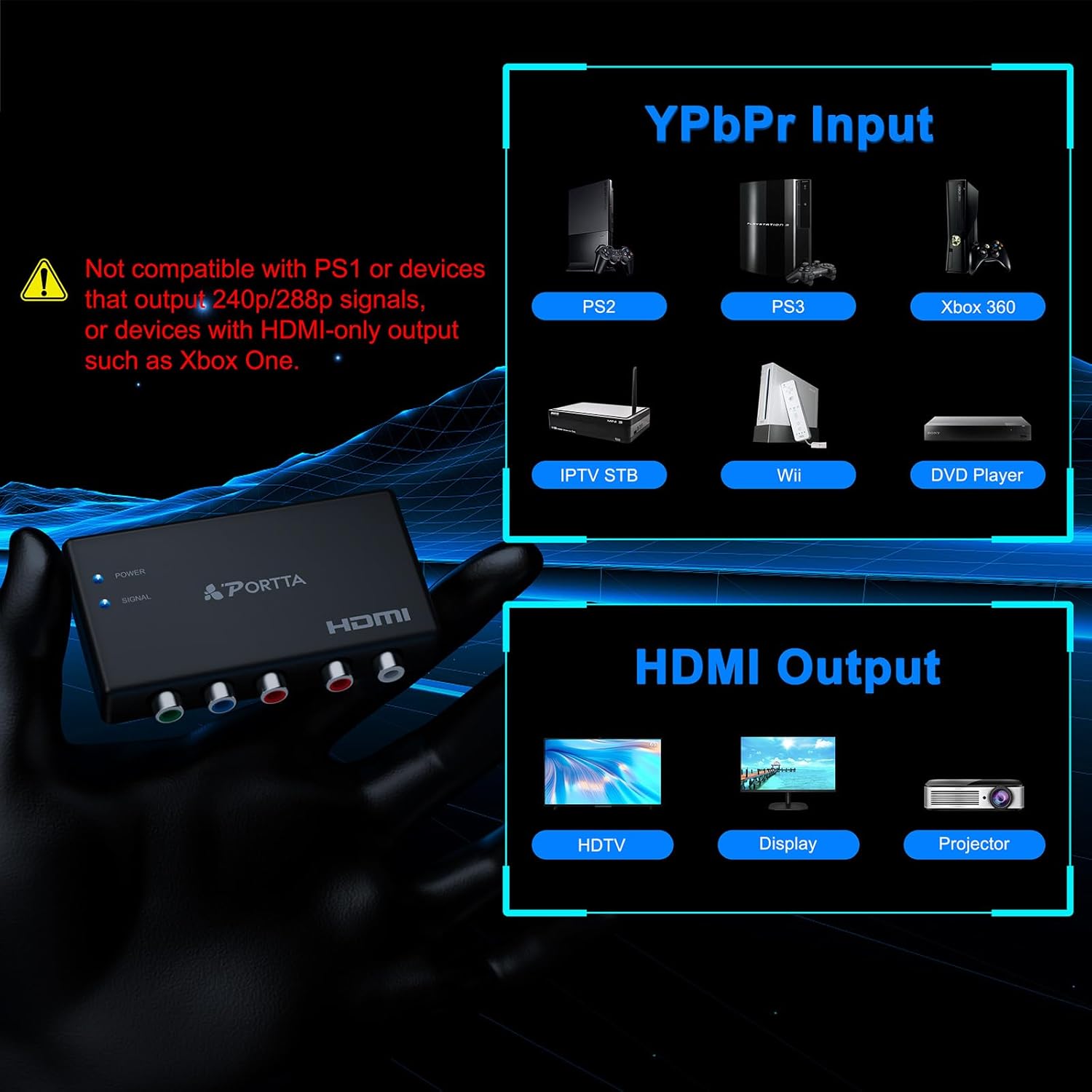
The Portta Component to HDMI Converter is designed to take analog YPbPr video and L/R audio signals from legacy devices and output a clean HDMI signal. It’s specifically useful if you’re plugging older game consoles or DVD players into modern displays that lack component inputs. Note that it cannot be used in reverse to convert HDMI back to component.
Core capabilities and limits
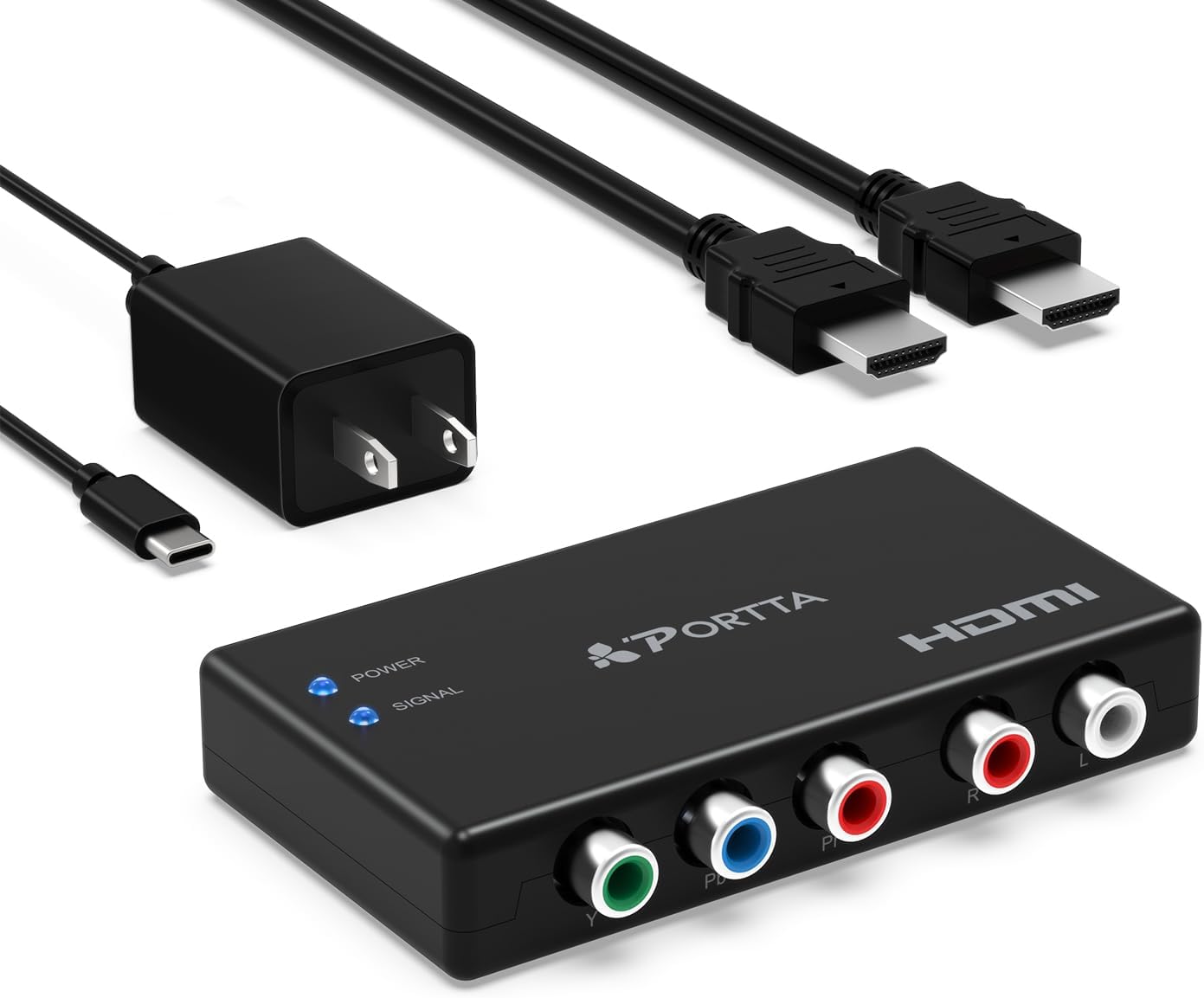
This adapter supports up to 1080p at 60Hz and works with a range of resolutions common to both Component and HDMI devices, including 480i, 480p, 576i, 576p, 720p, 1080i, and 1080p. There is no built-in scaling, so the output resolution is tied to what your source can send. It supports 24/30/36-bit color depths and uncompressed LPCM stereo audio, with a bandwidth of 165MHz per channel, aiming for minimal signal distortion and no added delay.
Who it’s for
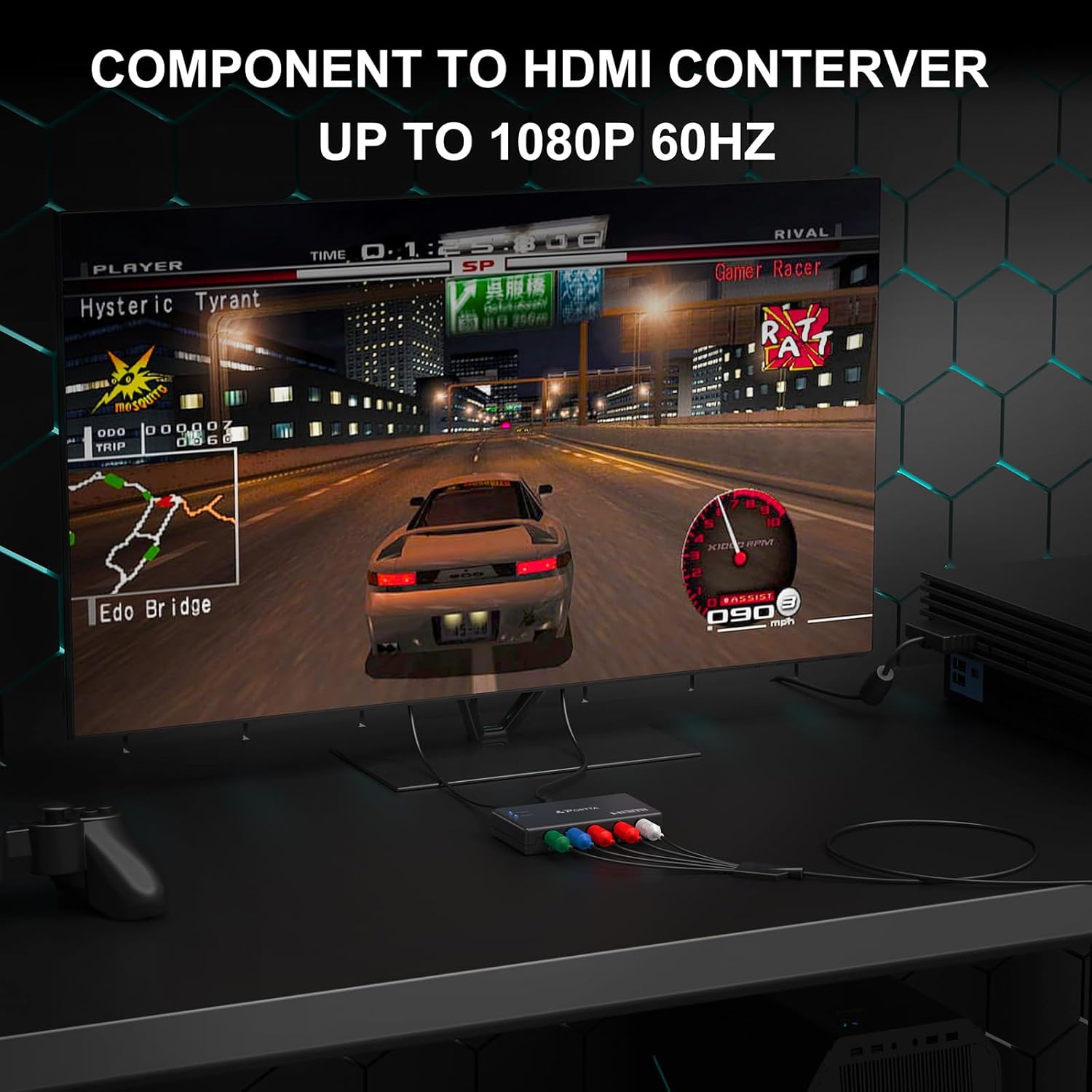
If you’re reconnecting classic systems like PS2, PS3, Xbox 360, PSP, or a DVD player to a modern HDTV, projector, or monitor that only accepts HDMI, this device offers a simple bridge. It’s especially appealing when you want a single HDMI path without dealing with adapters that carry extra boxes or complicated setup.
What stands out versus trade-offs
On the plus side, you get a straightforward component-to-HDMI conversion with a bundled HDMI cable, a broad compatibility range, and a warranty. On the downside, there’s no upscaling or signal enhancement, and the unit won’t perform reverse conversions. If you expect perfect color restoration or automatic scaling to 4K, this isn’t the right tool.
Real-world use case
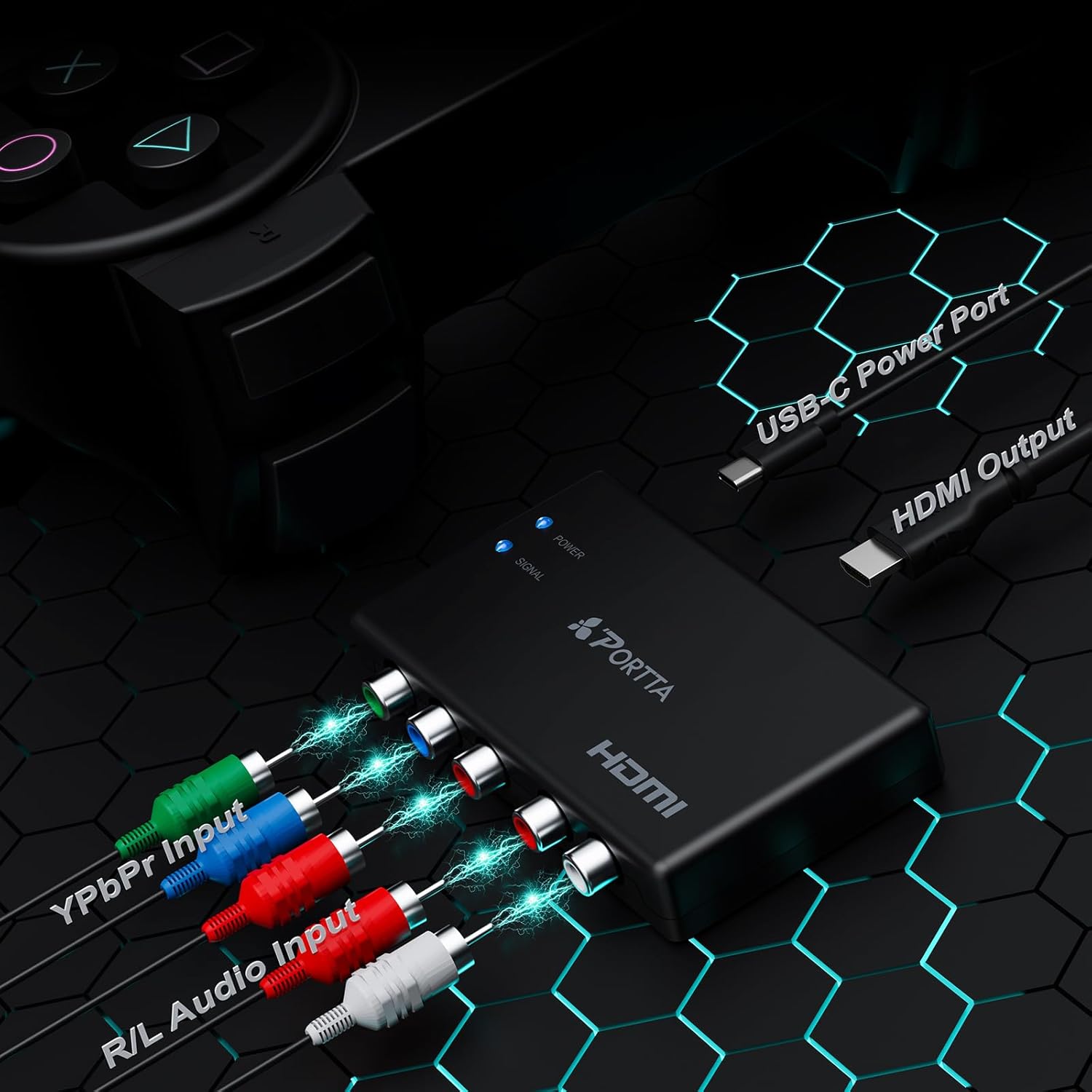
Imagine connecting a PS2 to a modern living room TV that only has HDMI. You run the component outputs from the PS2 into the converter, then the HDMI into the TV. The result is a single HDMI feed that preserves the original video format as closely as possible given the source, with audio preserved via L/R channels.
When it makes sense to choose this over other options
If your priority is a simple, low-friction bridge from older hardware to an HDMI display, this Portta model is a practical choice. It’s not the best option if you need upscaling, frame-rate boosting, or reverse HDMI-to-component conversion. For users who value a straightforward setup with a reputable warranty, it can be a sensible middle-ground solution.
What to check before you buy
- Ensure your source device outputs one of the supported component resolutions.
- Confirm your display accepts HDMI input at 1080p60 or compatible HDMI signals.
- Be aware there is no scale function, plan for the native resolution of your source.
Practical comparison approach
If you’re weighing this against more feature-rich adapters, expect similar ease of use here, but without scaling or reversible conversion. For setups that require only video from older consoles to HDMI, this approach balances simplicity and compatibility over extra features.
Final decision
Is it worth it?
It’s worth considering if you want a simple, reliable bridge from legacy component sources to HDMI displays, with a straightforward setup and a solid warranty. It may not be the best fit if you need scaling, 4K output, or reverse conversion.
FAQ
- Does it work with all HDMI displays? It should, as long as the display accepts 1080p60 HDMI input.
- Can I use it to convert HDMI back to component? No, reverse use is not supported.
- Is there any lag or audio issues? The design aims for no delay and uncompressed audio, but real-world results depend on source hardware and cables.