

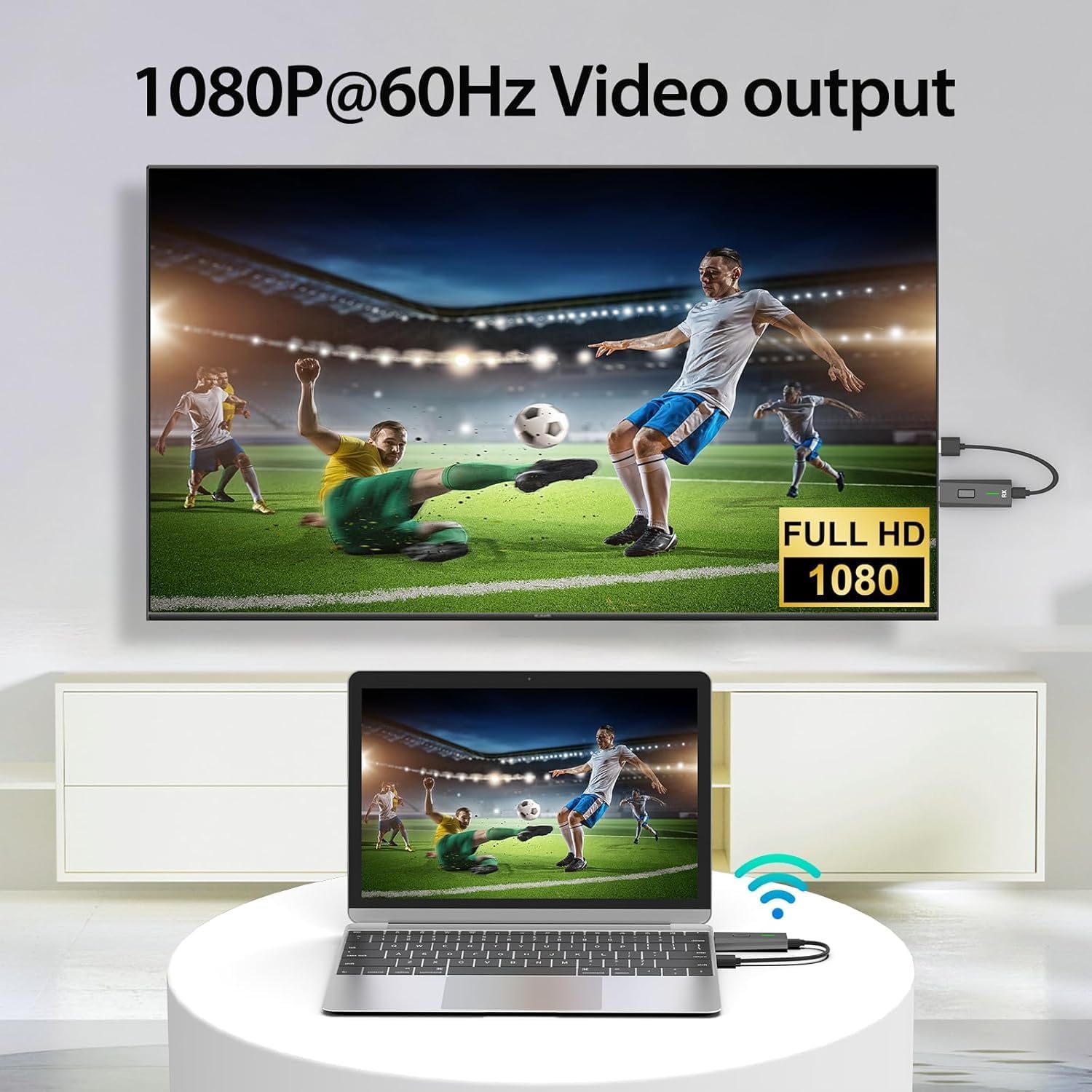
Upgraded Wireless HDMI Transmitter & Receiver (328ft/100m) – 4K Decode, 1080P Output, Plug-and-Play
Product description
What it is
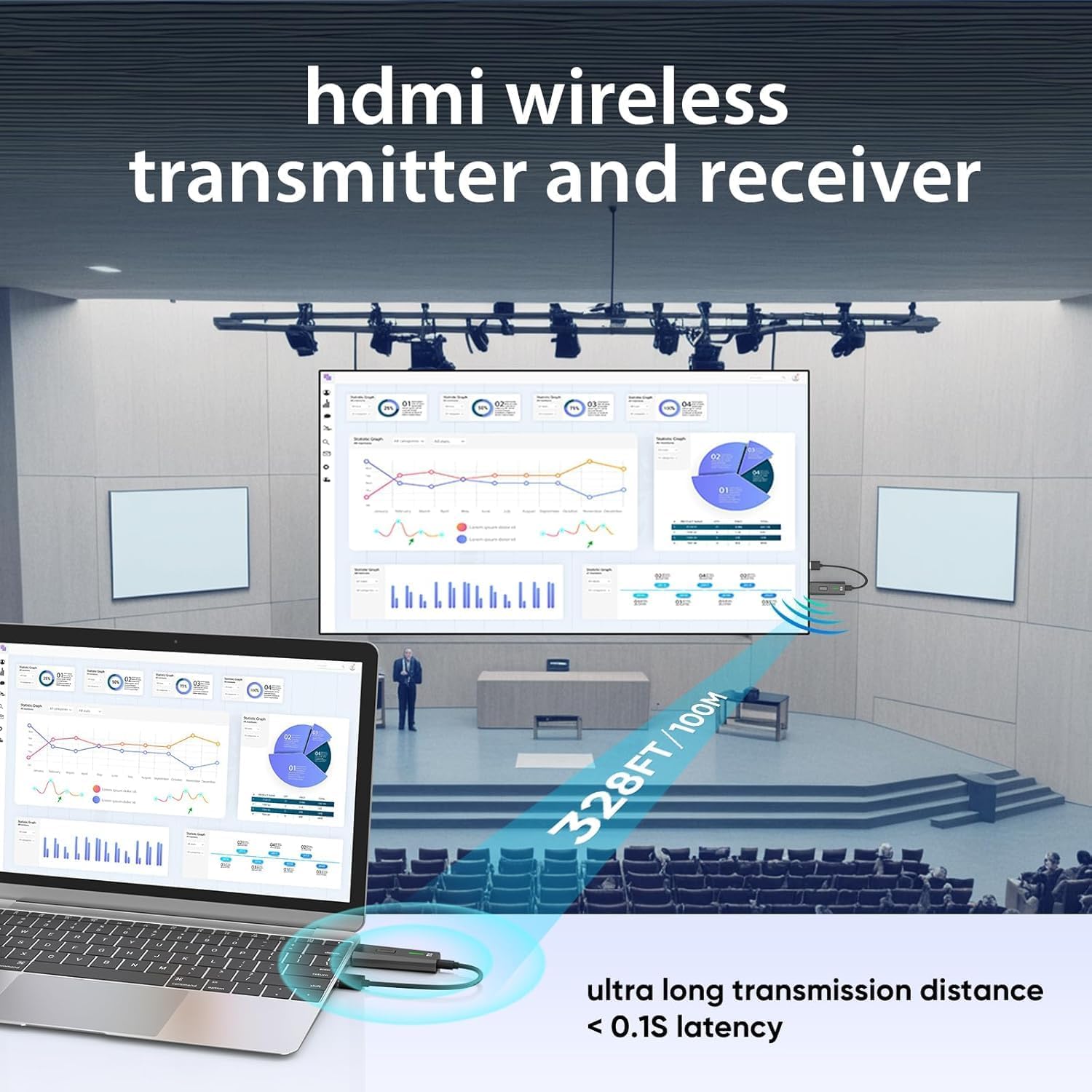
This is a wireless HDMI transmission kit designed to mirror or extend video and audio from a laptop, PC, camera, TV box, or other HDMI source to a larger display like a monitor, projector, or TV. It emphasizes a cordless setup with a claimed range of up to 328 feet (100 meters) using dual-frequency 2.4G/5G connections and an HDMI 1.3-compatible protocol. On paper, it aims to simplify presentations, media viewing, and classroom or home entertainment by removing HDMI cable clutter.
What you can expect on paper
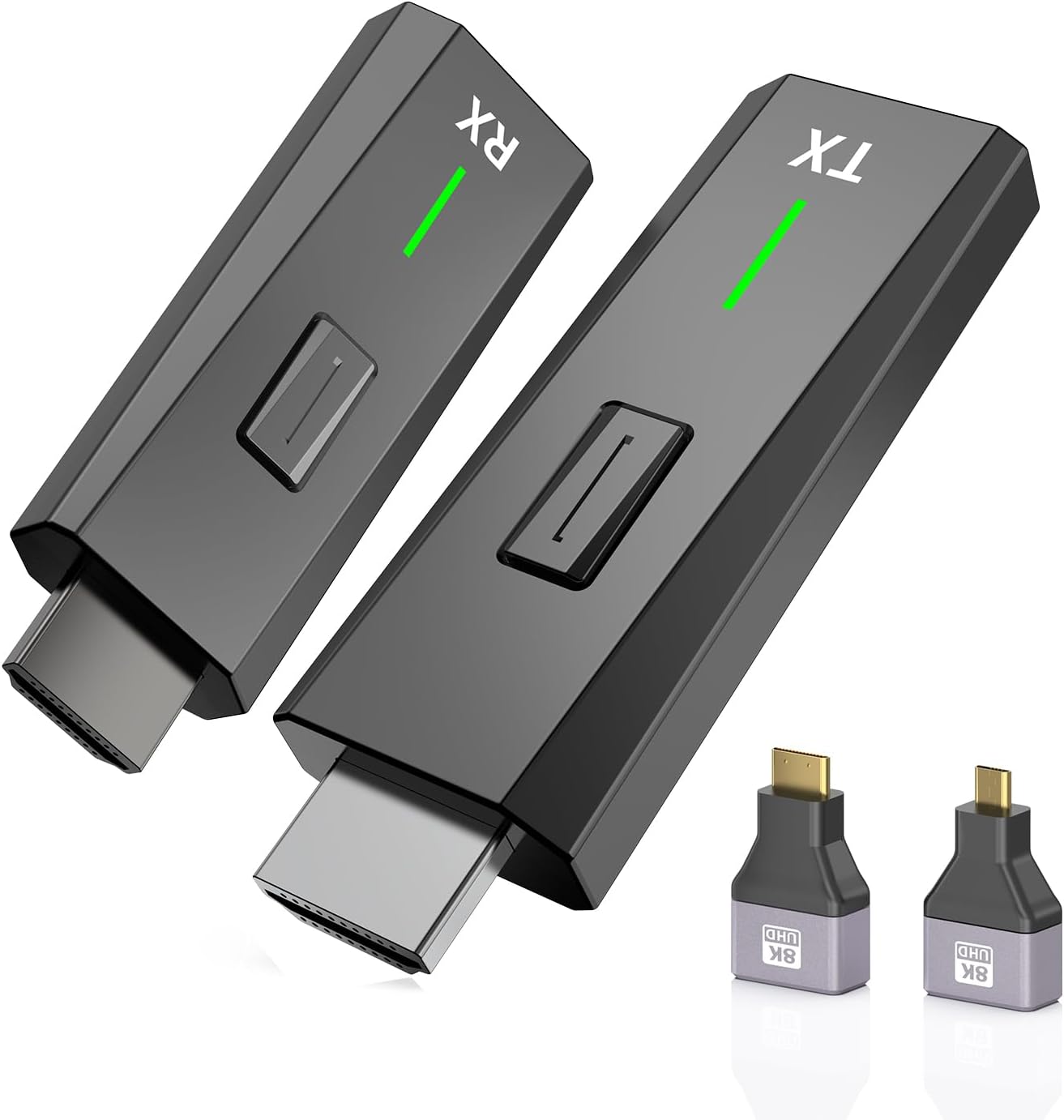
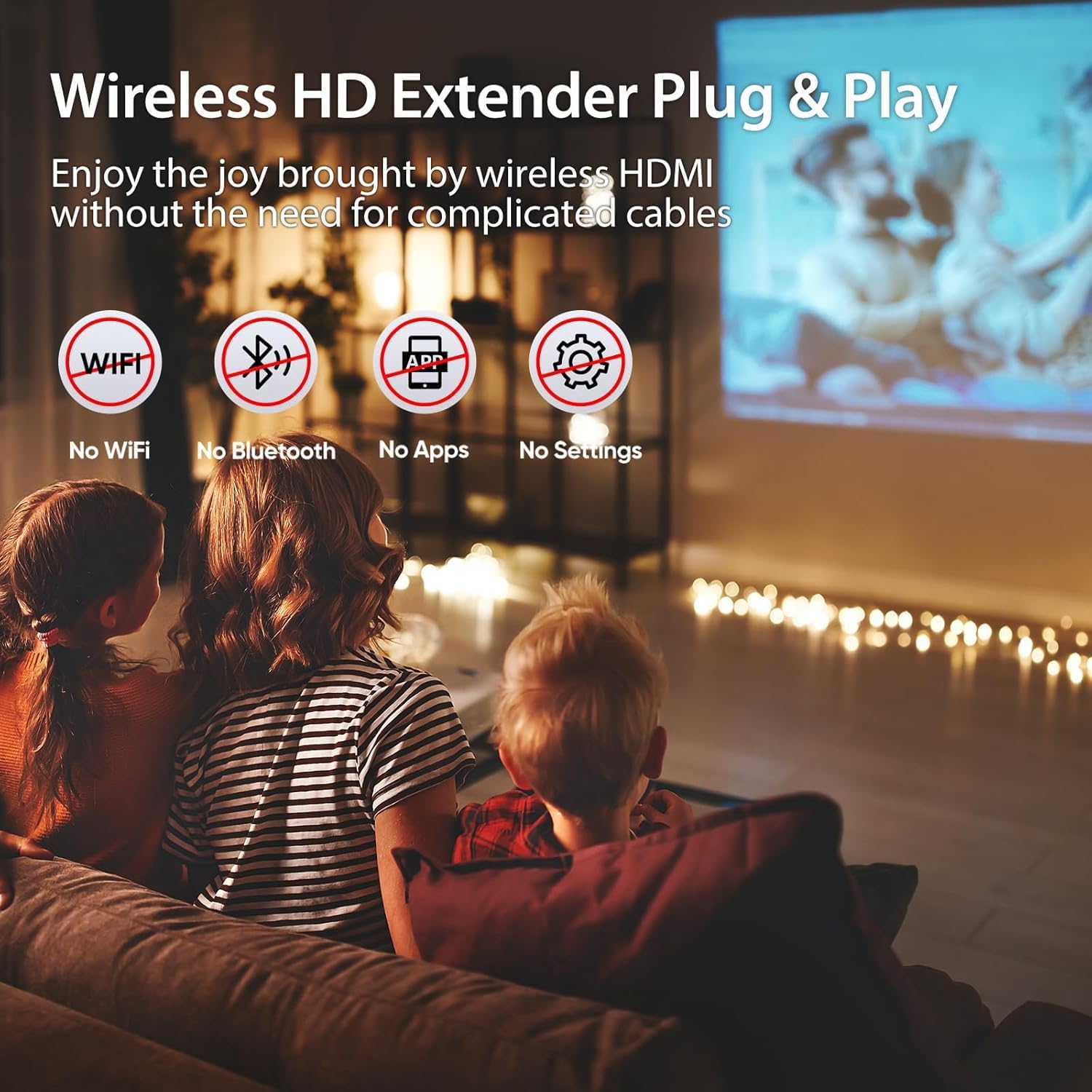
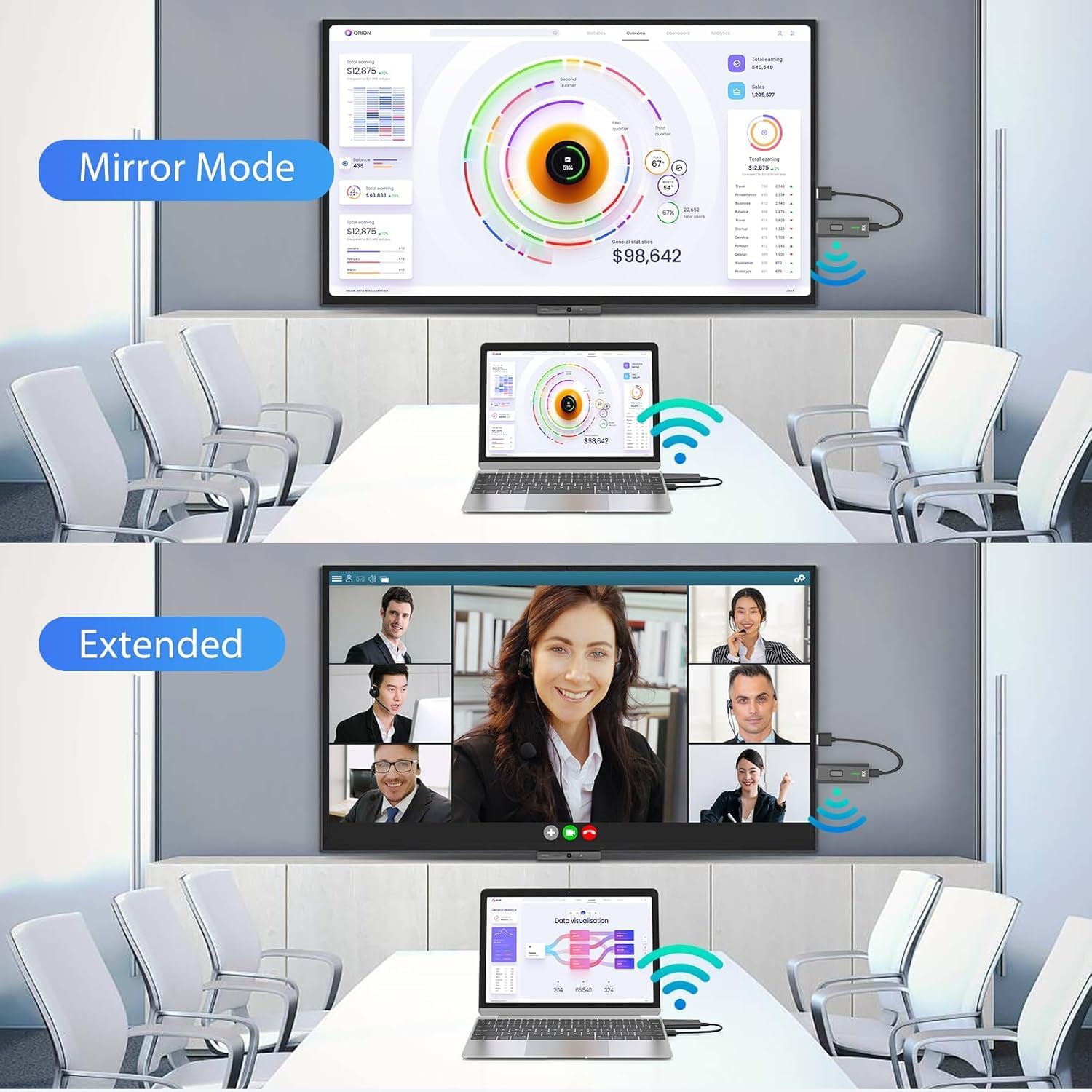
If you prioritize a cable-free workflow, this system touts easy, plug-and-play pairing with no reliance on Wi‑Fi, apps, or Bluetooth. The kit includes two accessories described as Micro HDMI 8K and Mini HDMI 8K adapters, which expands compatibility to different source ports and devices. It supports screen mirroring and extension, letting content from laptops, cameras, or set-top boxes be shown on a projector or HDTV. The device is advertised as capable of 4K decoding and 1080P at 60 Hz output with audio, yielding a crisp display and synchronized sound for meetings, lessons, or family viewing.
Strengths you’ll notice in use
- Simple setup: plug in, pair, and start casting within seconds, avoiding cables and clutter.
- Flexible placement: the stated 328 ft/100 m range could enable wireless display across rooms or a light office setup, assuming there are few walls or obstacles.
- Audio-Video sync: designed to deliver synchronized audio with video, which helps when presenting slides, demos, or streaming media.
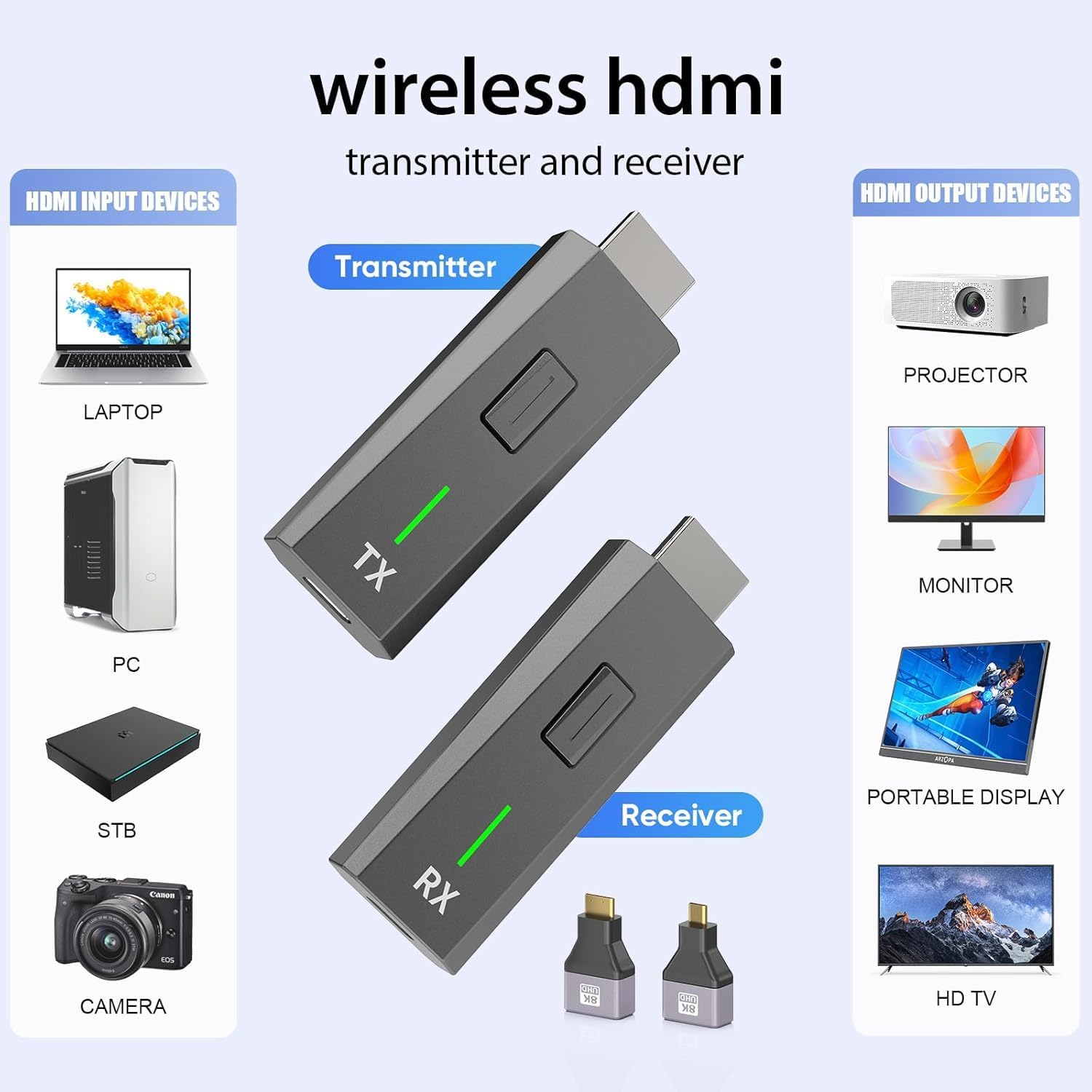
- Broad device compatibility (within HDMI output capability): works with PCs, laptops, cameras, DV devices, TV boxes, and certain smartphones for display to a larger screen, which is convenient for mixed-device environments.
- Optional adapters: the included HDMI adapters add versatility for devices with different mini/micro connectors.
- Customer support and warranty: a 12-month quality replacement guarantee with a dedicated support channel.
Limitations and cautions
- Range is not guaranteed in all environments: walls, furniture, and interference can reduce distance and speed. In real-world scenarios, you may experience shorter ranges, especially through multiple obstacles.
- Compatibility caveats: certain devices or ports must support HDMI output for wireless mirroring to function, tablets/phones may require confirmation of HDMI output capability before relying on the kit.
- Resolution and latency caveats: while advertised as 4K decode and 1080P 60 Hz output, actual performance may vary with source content, bandwidth, and interference. If you’re expecting perfect 4K streaming with zero latency for gaming, this setup might not meet that high bar.
- Not a universal universal: some devices or operating systems may require extra steps or adapters, and the claimed “plug and play” experience could vary by source port and device compatibility.
Who it’s for

- Remote workers or students who want to project slides, videos, or demos without HDMI cables.
- Small meeting rooms or classrooms where wiring is impractical but a shared display is needed.
- Home entertainment setups where you want to stream from a laptop or media device to a TV or projector without dragging cables.
- Users who value a clean, tidy space and are comfortable with potential setup nuances and environmental factors affecting wireless range.
Who it’s not ideal for
- Gamers or professionals who require ultra-low latency and rock-solid 4K performance for fast-paced gaming or real-time collaboration.
- Rooms with many obstructions or thick walls where wireless range could degrade significantly.
- Anyone who needs guaranteed 4K output with zero compromise on delay, you may prefer a wired HDMI setup or a higher-end wireless solution with documented low-latency specs.
When it makes sense to buy
- You want a quick, cable-free way to project from a laptop or source device to a larger display for presentations, streaming media, or casual viewing.
- You’re setting up a flexible space where devices change and you need a plug-and-play experience without networking or app dependencies.
- You value included adapters and a year-long support warranty as part of the purchase decision.
What to check before buying
- Confirm your source device has HDMI output and that its port supports the kind of signal you plan to transmit.
- Consider the room layout and potential obstacles that could impact wireless range. If the display needs to be far from the source or across multiple rooms, test range expectations.
- Check whether you primarily need 1080P or 4K content, ensure your source and display both support the desired resolution and bandwidth.
- Review the port variety on your devices. The extra adapters can help, but verify compatibility with your specific models.
Quick comparison mindset
Compared to a wired HDMI setup, this kit trades a potential edge in stability for freedom from cables and cleaner spaces. If you’re in a semi-permanent display scenario, a wired connection can feel more reliable. If you value portability, ease of use, and the ability to switch between laptops or media boxes, this wireless approach can be compelling, provided you’re mindful of distance and obstacles.
Practical usage example
Imagine giving a small team presentation in a room where outlets are sparse. You connect your laptop to the transmitter, place the receiver near the projector, and in seconds you’re sharing slides and video without running cables across the floor. During the meeting, you can move around with your laptop and still maintain the screen display on the big screen, which makes the session more dynamic and less tethered.
FAQ (illustrative, non-inventive)
- Q: Do I need WiFi or an app to use this? A: No, it’s designed as plug-and-play without requiring WiFi or apps.
- Q: Can I use this with a smartphone? A: It supports certain smartphones for display to a projector/monitor, but ensure the device port supports HDMI output.
- Q: Will the 4K decode work with all content? A: It’s designed for 4K decoding, but actual output can depend on source content, transmission conditions, and device capabilities.
Is it worth it?
The upgrade leans toward users who want a tidy, flexible wireless display solution for occasional to moderate use in spaces with a clear line of sight. If you prioritize a simple, cable-free setup and can tolerate possible range limitations, this kit offers practical value and a reasonable warranty. It may not be the best fit if you require guaranteed 4K performance with ultra-low latency for fast-action use or if your space includes several thick obstacles.