

Wireless HDMI Transmitter and Receiver with 4K Decoding
Product description
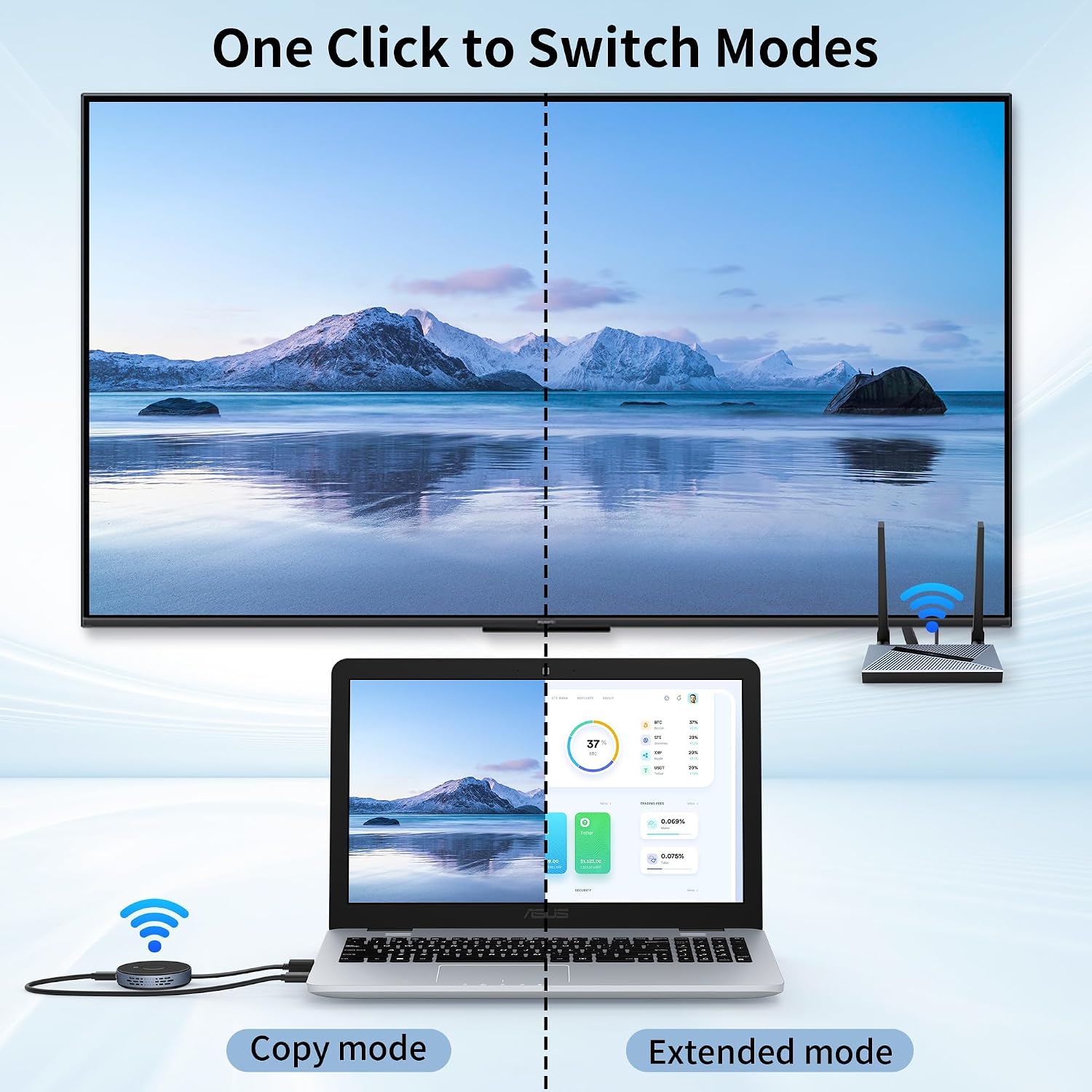
Move a laptop presentation to a TV or projector without running an HDMI cable across the room. This wireless HDMI transmitter and receiver pair sends audio and video between HDMI devices.
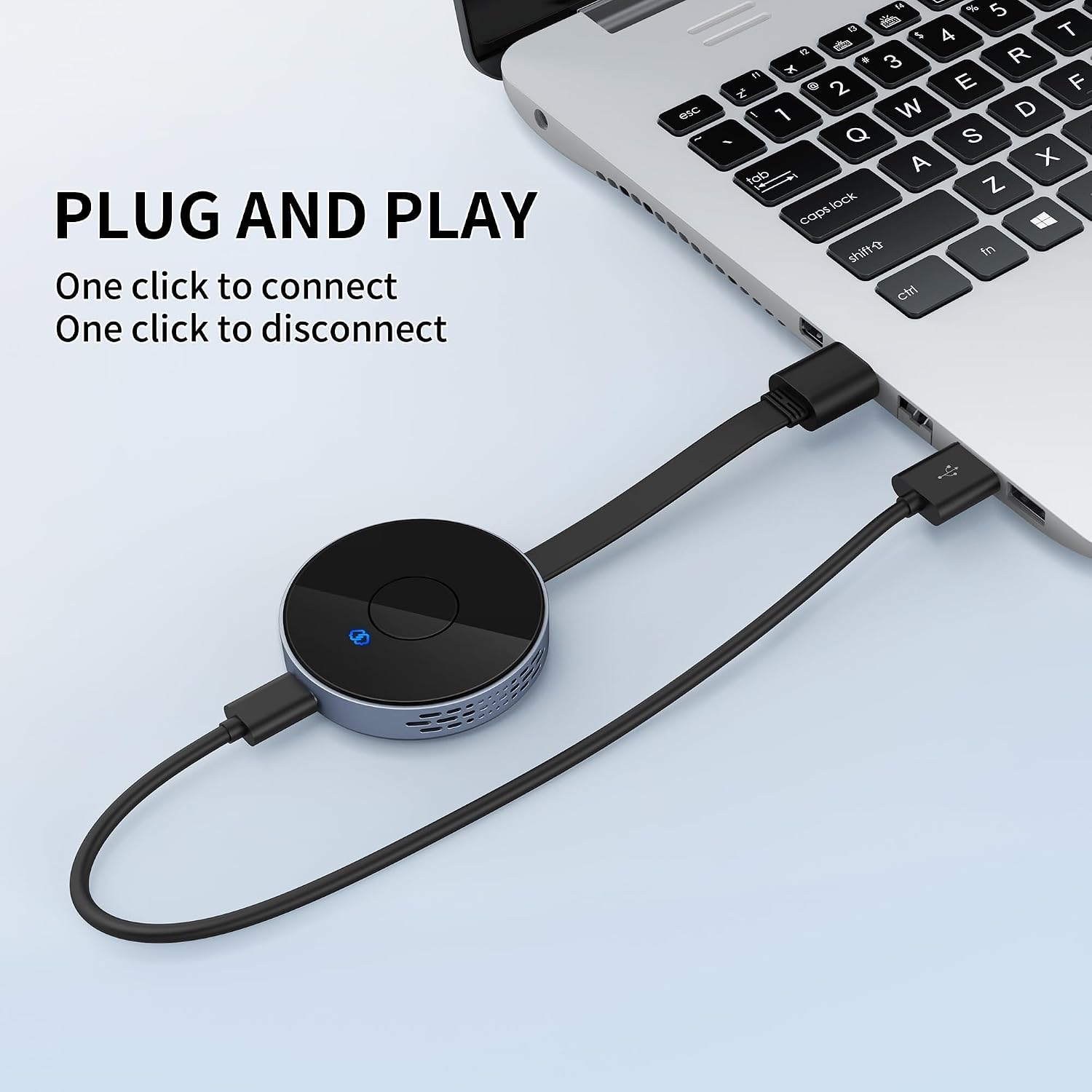
The setup is described as plug and play, with no app or driver installation needed. That keeps the connection straightforward when you want to share a screen quickly.
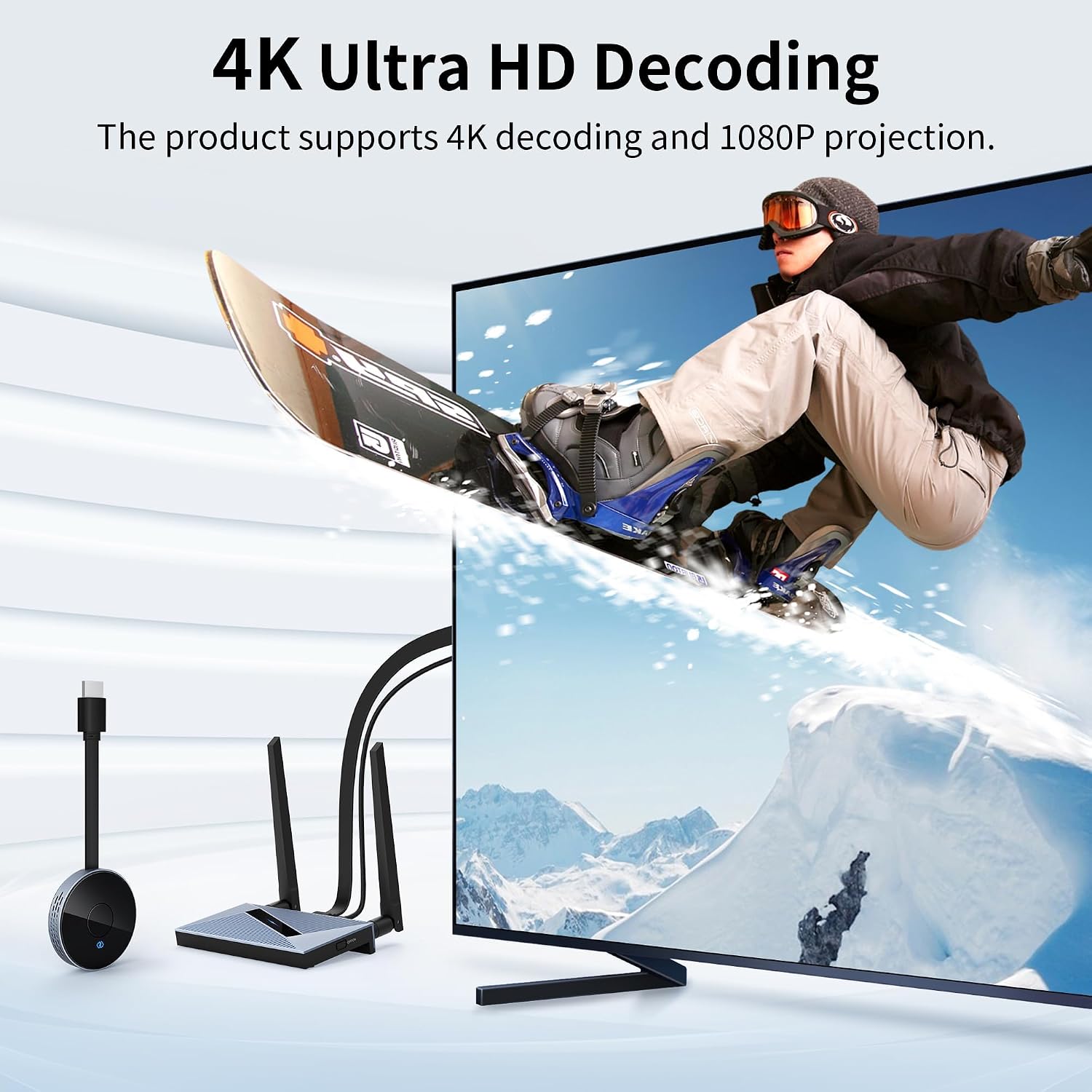
One detail matters for video quality: it decodes up to 4K but lists 1080p output. Those figures describe different parts of the signal path, so don’t assume the display receives a 4K image.
Key specifications
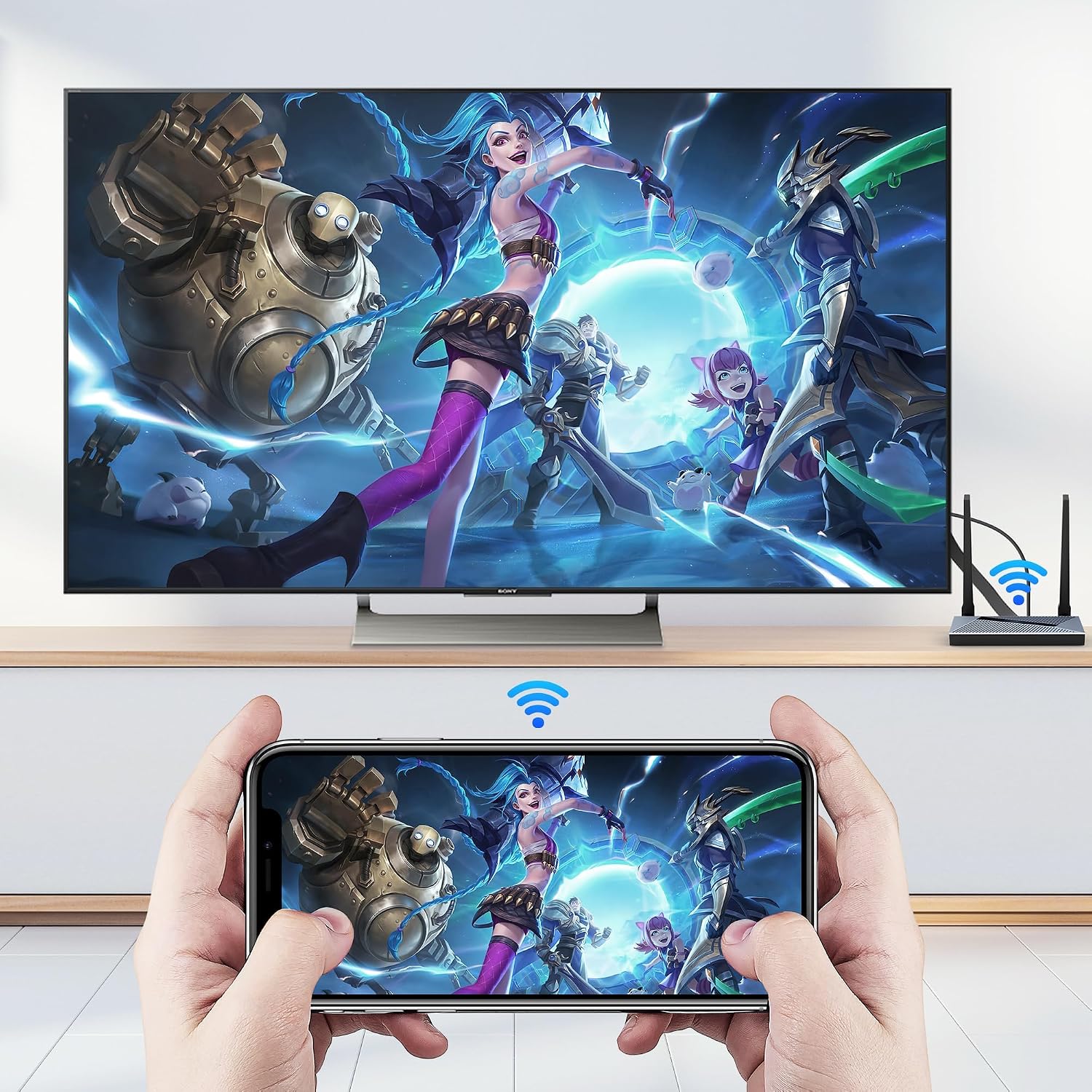
The system uses dual-band 2.4GHz and 5GHz wireless transmission and is rated for a range of up to 150 feet/50 meters. The listing notes that obstacles can affect signal transmission, so the stated distance is not a guarantee for every room. Walls, furniture, and the layout between the transmitter and receiver may influence whether the signal reaches reliably.
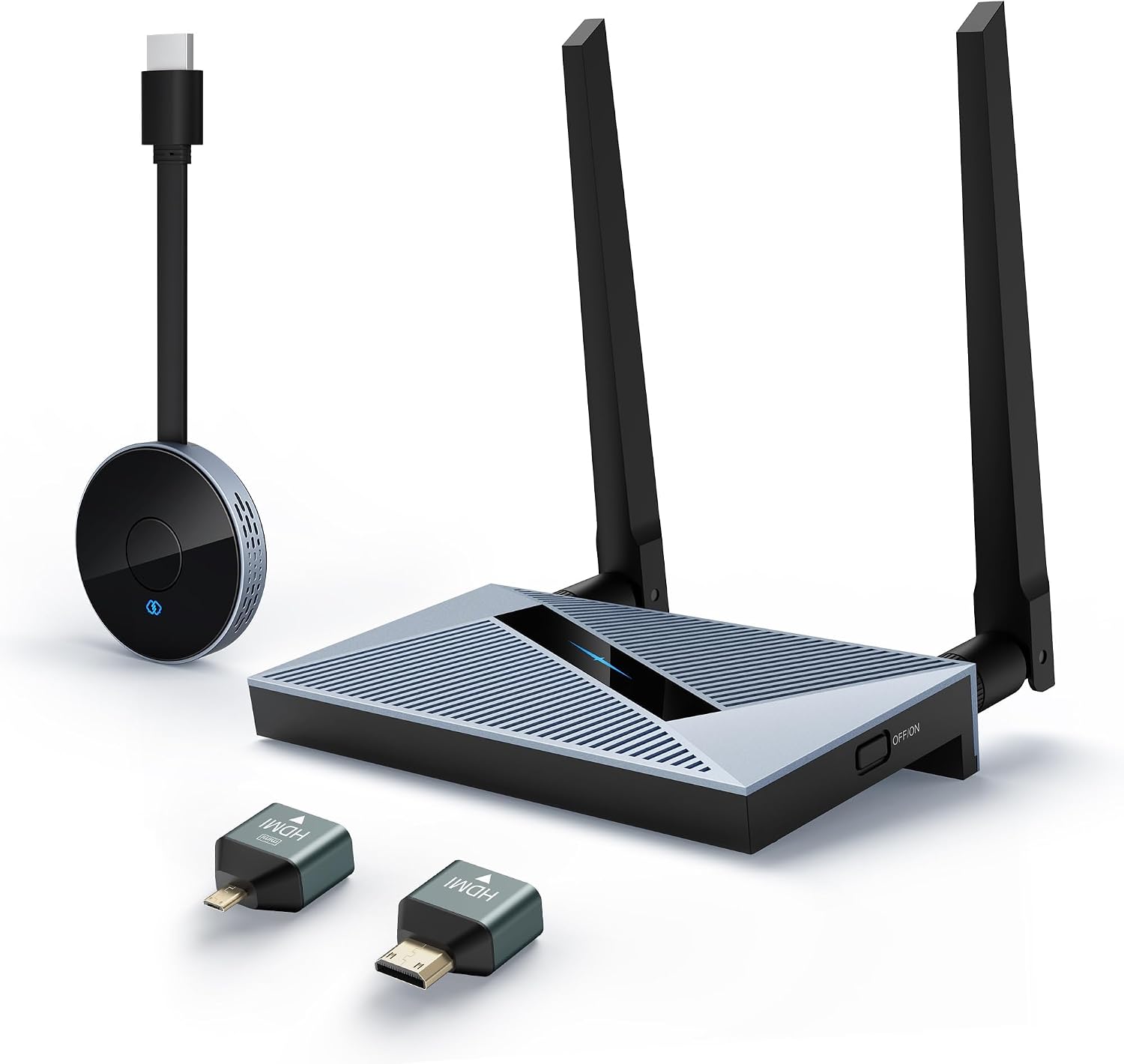
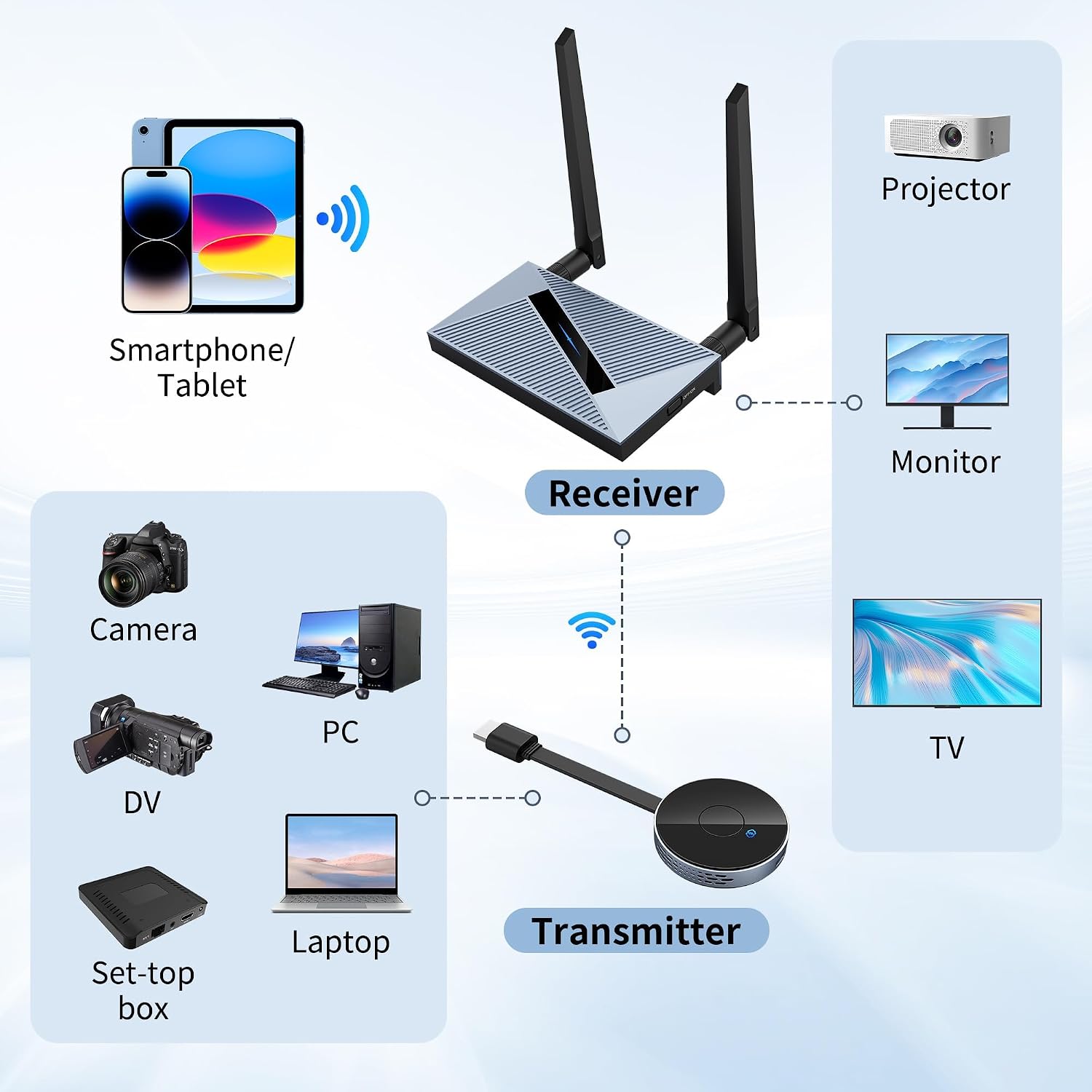
For setup, connect the transmitter (TX) to an HDMI output on a laptop or another source, then connect the receiver (RX) to an HDMI input on a TV, monitor, or projector. The product description says it supports up to 4K decoding and 1080p output. If native 4K output is essential, that output limit is the key detail to weigh before choosing it.
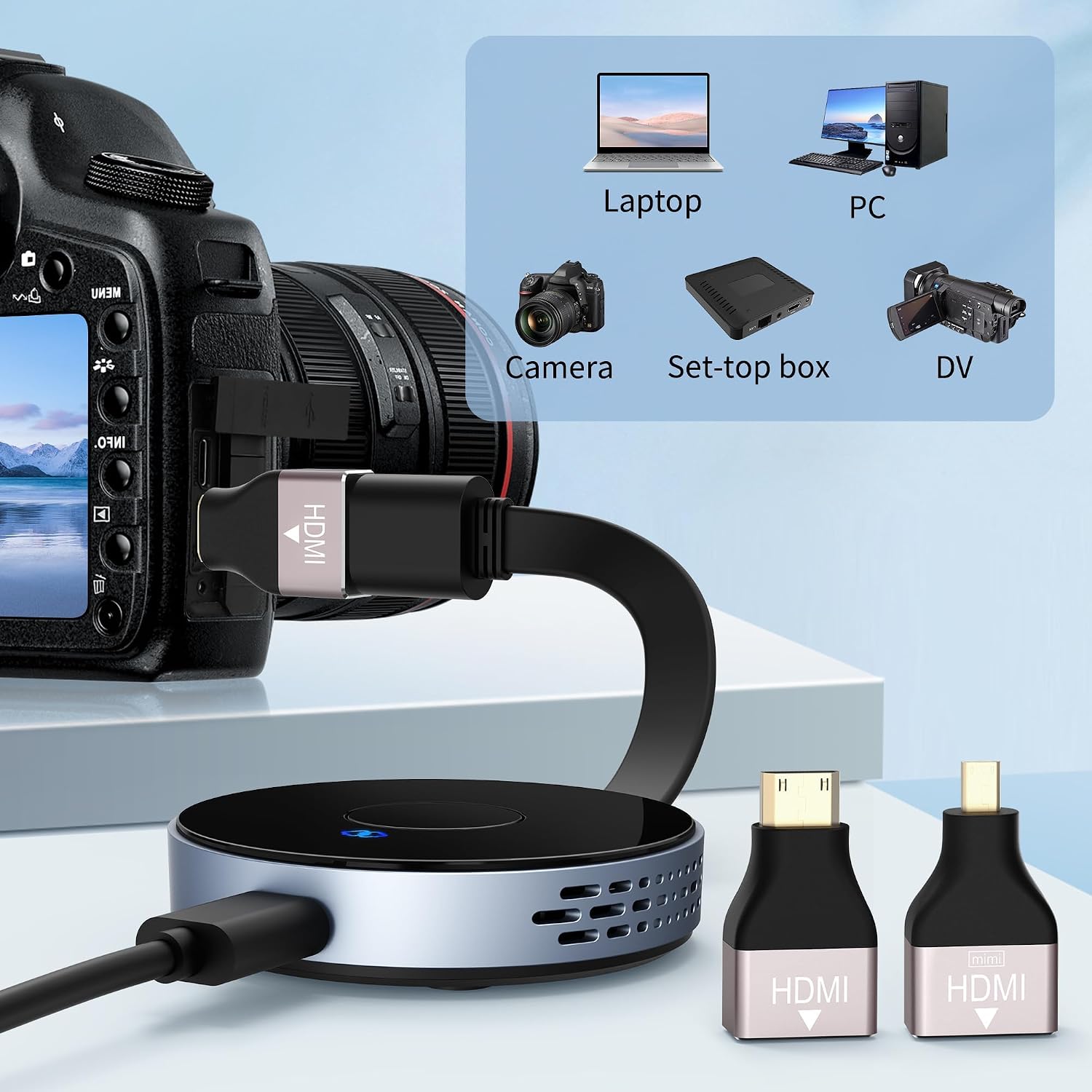
Compatibility is listed for Windows, macOS, iOS, and Android screen sharing, as well as HDMI sources such as PCs, Blu-ray players, cameras, DVD players, and set-top boxes. The description also says the transmitter can work independently as a display dongle with a smartphone or tablet. It does not spell out device-specific setup requirements, so check that your source can share its screen in the way you intend.
Who it’s for
This is aimed at someone who wants to show a laptop screen on a larger display without stretching a long cable through a meeting space or living room. For example, connect a laptop at one end of a conference table and a projector at the other, then mirror slides without routing an HDMI cable across the floor. It may also suit movie or sports viewing when the source and screen are apart but still within a workable wireless path.
It suits you if you value a cable-free HDMI connection and your display’s 1080p output is enough. It might not be a great match if your setup depends on 4K output or needs to work through several obstacles, the stated range alone cannot confirm performance in that layout without that measurement.
What you get
The described setup consists of a transmitter and a receiver: one connects to the source’s HDMI port, the other to the display’s HDMI port. The listing emphasizes pairing and plug-and-play use, with no app required. It does not provide details about included power accessories, cables, or other box contents, so don’t assume those are part of the package.
Compared with a basic HDMI cable, this approach avoids a physical run between source and screen, but adds a wireless link that can be affected by obstacles. A cable remains the simpler choice when the devices sit close together or uninterrupted signal matters more than reducing cable clutter.
Questions before you buy
Does it output 4K? The description specifies up to 4K decoding and 1080p output, so it does not establish 4K output to the display.
Does it need an app? The product is described as plug and play with no app or driver installation required.
Can it connect a phone or tablet? The listing says the transmitter can be used independently as a display dongle with a smartphone or tablet, and lists iOS and Android screen sharing. It does not provide a device-by-device compatibility list.
Buying verdict
Choose this if removing the HDMI cable between a source and display is the main goal, and 1080p output fits your setup. It offers a more flexible placement approach than a direct cable, with a stated wireless range for rooms where the devices are separated. Skip it if you specifically need confirmed 4K output, or if your planned route has obstacles that make a wireless connection uncertain. For a nearby screen, a standard HDMI cable avoids that added signal dependency.