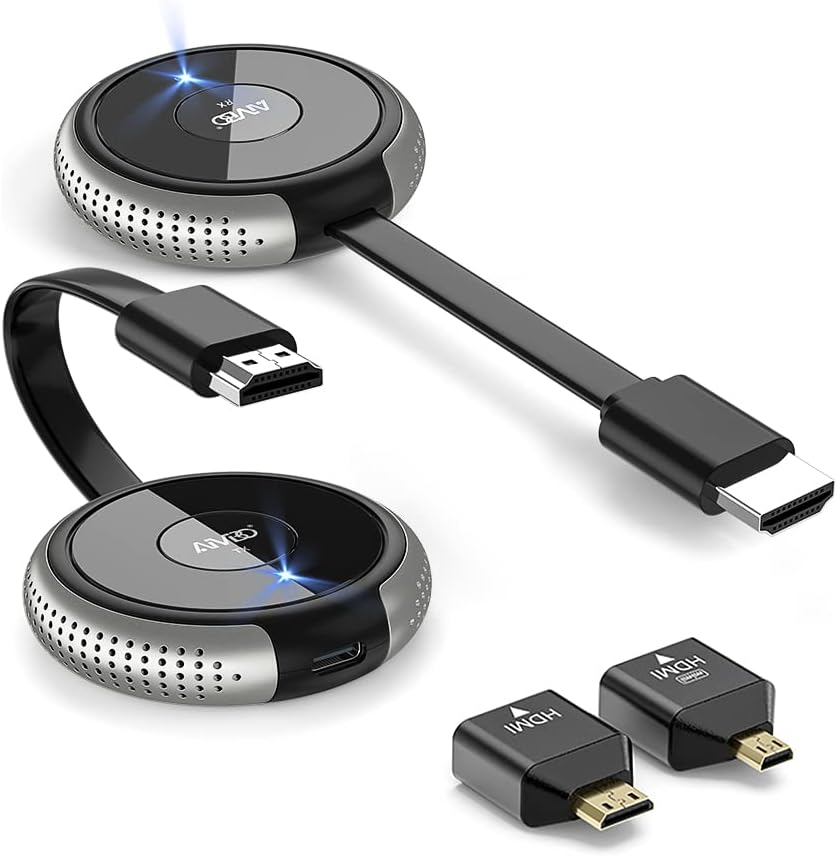
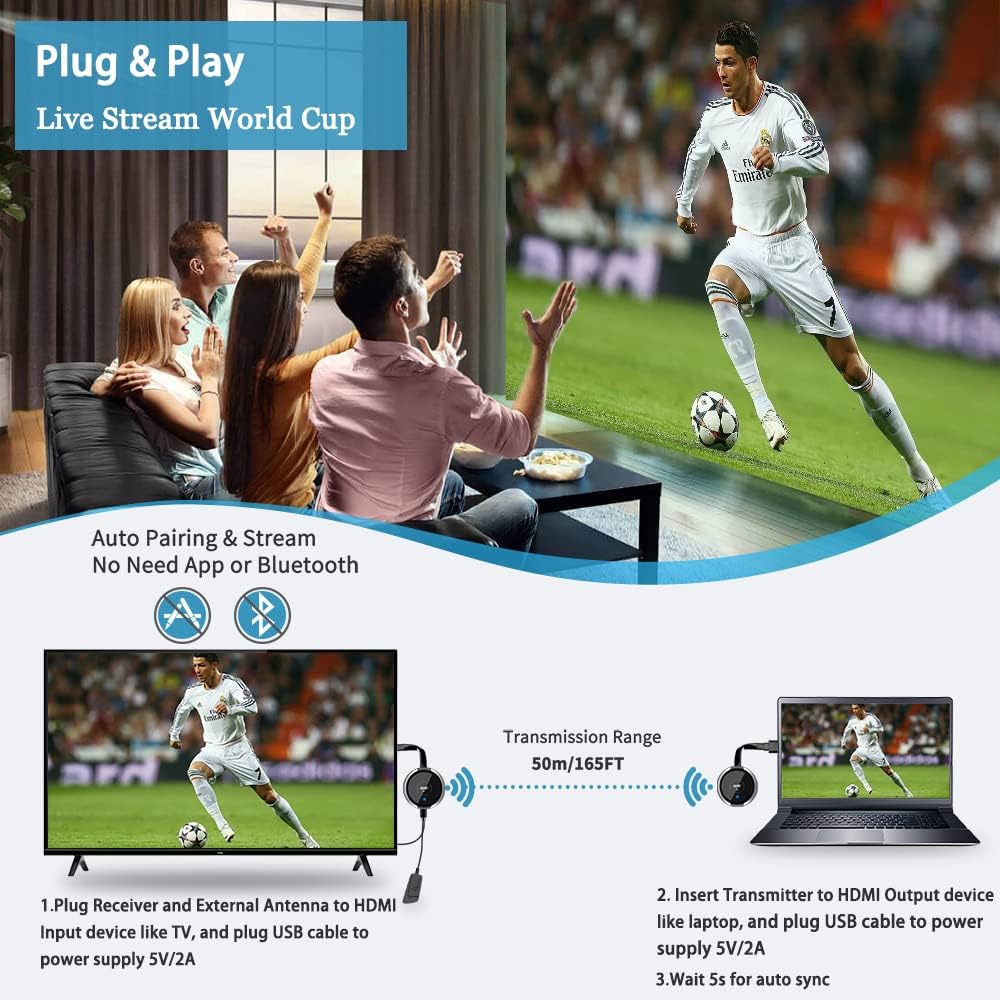
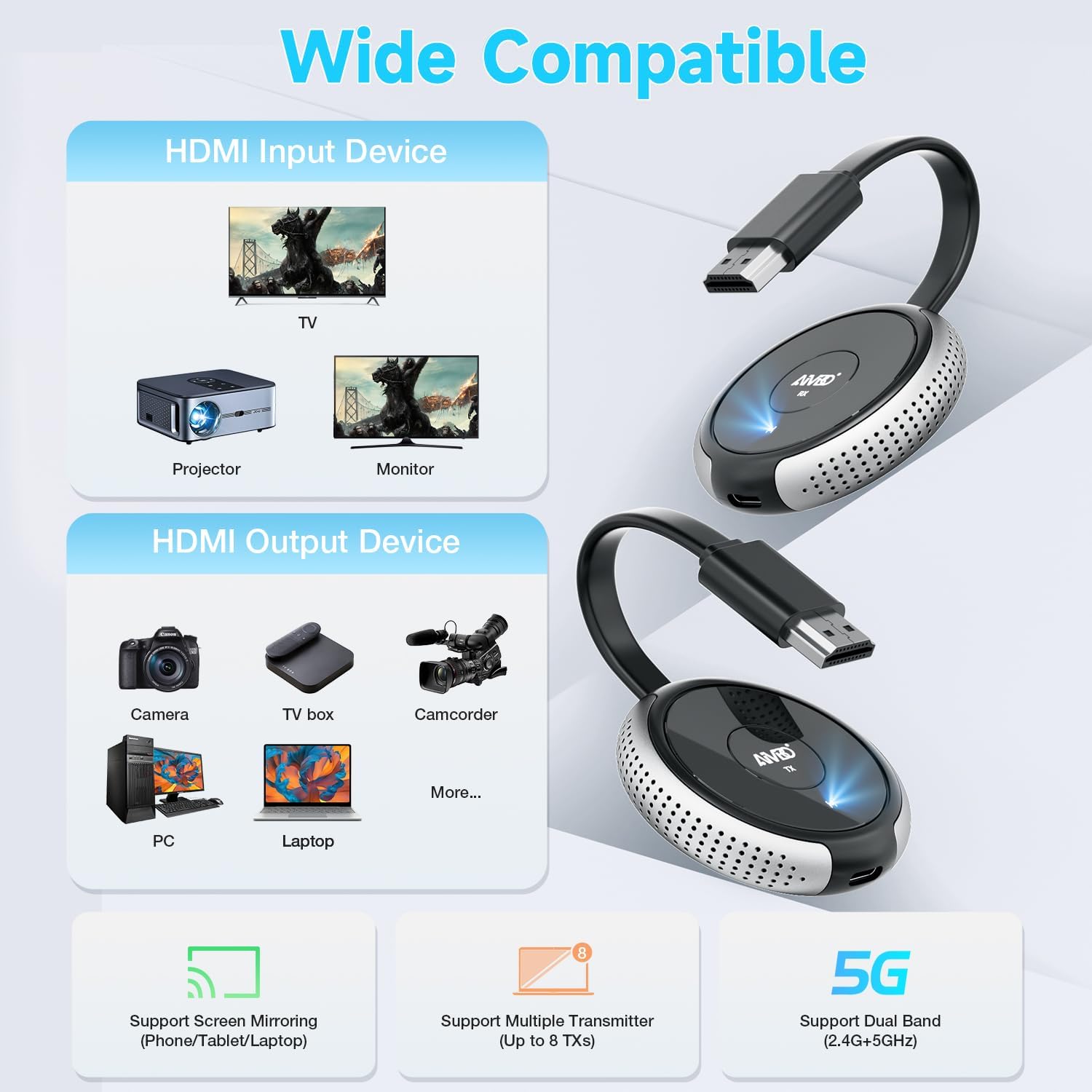
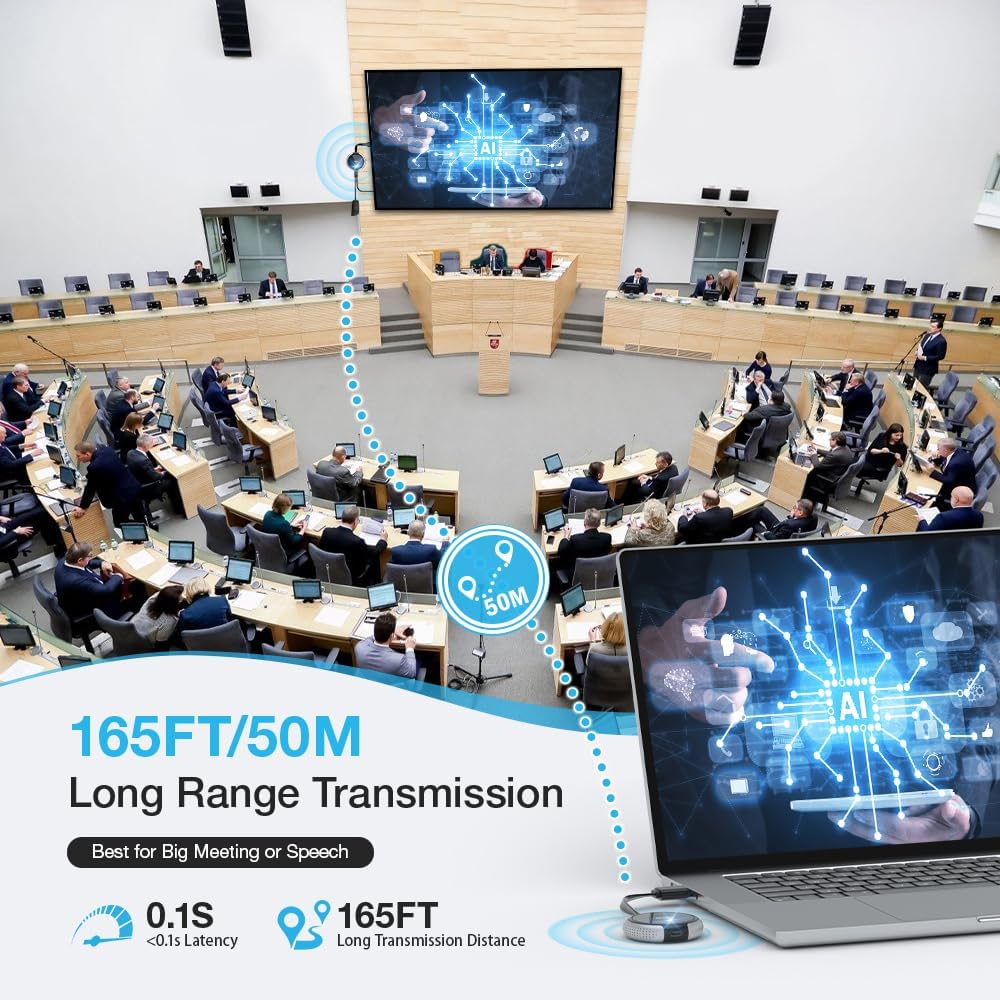
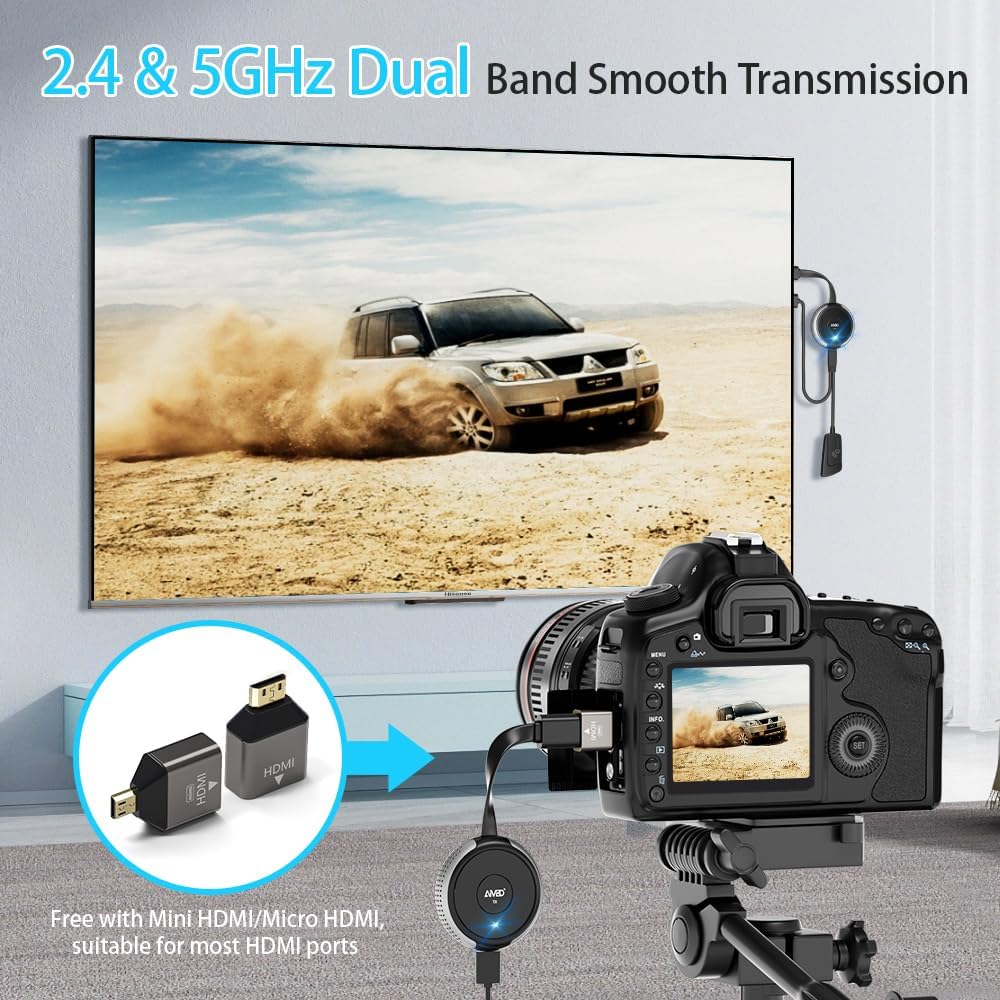
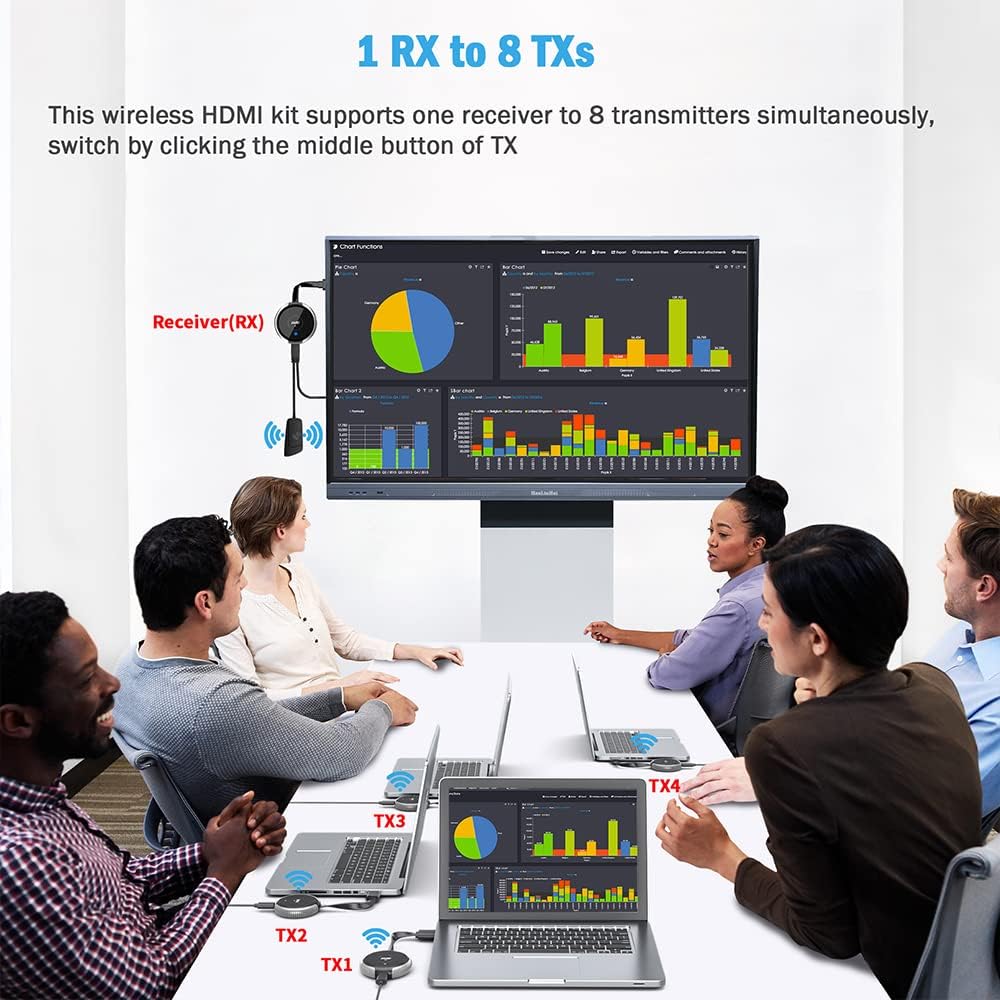
What it is and the need it meets\nTIMBOOTECH’s Wireless HDMI Transmitter and Receiver is a plug-and-play wireless HDMI extension kit designed to mirror or extend a laptop, camera, Blu-ray, or set-top box signal to a larger screen without running cables. If you’ve ever wrestled with long HDMI cords, multiple devices, or limited mounting options, this kit promises a cleaner setup with 4K/30Hz support for home theater, classrooms, and meeting spaces. On paper, it aims to deliver simple pairing, a stable connection up to 165FT in line of sight, and the flexibility to mirror or extend a computer screen to a TV, monitor, or projector.\n\n## How it works and what to expect\nThe package includes a transmitter (TX) and a receiver (RX) plus cables and manuals. The device is described as plug-and-play with auto-pairing out of the box, requiring no apps, Bluetooth, or Wi‑Fi. In practice, that can translate to faster setup—especially in quick-change environments like conference rooms or classrooms. A key capability is the option to mirror a device’s screen or extend it, so you can show different content on a big screen, which can be useful for lectures or multi-spot demonstrations.\n\n## Video and audio quality for daily use\nSupport is listed up to 4K@30Hz, with 1080p and 720p as other options. For many living rooms and offices, 4K at 30 frames per second is sufficient for streaming tutorials, slides, and casual media playback. Do keep in mind that actual performance may vary with walls, interference, or device compatibility. The 2.4G/5G transmission approach aims at stronger signals and better range, but transmission distance and reliability can be affected by obstacles.\n\n## Where it shines\n- Large rooms and outdoor setups: the stated 165FT line-of-sight range is appealing for classrooms, lecture halls, or backyard movie nights.\n- Quick meetings and live demos: the ability to pair one RX with up to 8 TXs can simplify multi-speaker presentations or rotating demo stations.\n- Flexibility on devices: compatible with laptops, cameras, DVD players, Blu-ray players, set-top boxes, game consoles, phones, and tablets that output HDMI.\n\n## Where it might fall short\nThe official note mentions that the distance and speed can degrade when signals cross solid walls. It’s not necessarily a guaranteed single-scenario solution for every home theater setup, especially if you’re trying to push 4K at higher frame rates through dense barriers. Also, while the plug-and-play promise is compelling, some users may still encounter initial pairing quirks or HDMI handshake considerations with certain devices.\n\n## Who it’s for\n- Home theater lovers who want to minimize cable clutter without sacrificing 4K-capable output.\n- Business users needing wireless screen sharing for presentations or conferences.\n- Educators or event hosts who want a portable, scalable mirror/extend solution for multiple rooms.\n\n## Who it isn’t ideal for\n- If you require true high-refresh-rate 4K gaming or 4K@60Hz performance, this kit may not meet those expectations based on the listed specs.\n- Environments with heavy wireless interference or multiple dense walls might reduce range and reliability.\n\n## What to review before buying\n- Confirm your source device’s HDMI output and the screen you intend to drive.\n- Consider the room layout: line-of-sight can matter for the claimed 165FT range.\n- Decide whether you need mirroring or extension and ensure the RX can display from the intended source.\n- Check compatibility with your primary display (HDMI input, EDID behavior, and any HDCP considerations) to avoid handshake issues.\n\n## Practical usage example\nImagine giving a lecture in a classroom where a single laptop feeds both a projector and a wall-mounted monitor. You can mirror your laptop to both displays or extend to a secondary screen while you run a different slide deck on the main projector—without swapping cables or repositioning gear. In a living room, you could stream media from a laptop to a ceiling-mounted projector for a movie night, with the option to extend a presentation to a secondary TV for guests.\n\n## Quick comparison in context\nIf you’re choosing between wired HDMI and wireless, the TIMBOOTECH kit trades some potential latency and color/bit-depth nuance for the convenience of placement and reduced cabling. It can be appealing when you value clean setups and easy transport over guaranteed high-frame-rate gaming or ultra-precise HDR workflows. In environments where you can’t run cables, or where room redesigns happen frequently, wireless extension often makes more sense.\n\n## Buying verdict\nIs it worth it? It depends on your needs for ease of setup and room versatility. If you prioritize minimal wiring, simple pairing, and flexible display arrangements for occasional 4K video, this TIMBOOTECH kit offers a practical solution. If you demand the highest possible 4K60 or a rock-solid low-latency gaming experience, you may want to look at alternatives that target higher bandwidth or separate wireless standards.\n\n## FAQ (quick answers)\n- Does it require an app or Wi‑Fi to work? No, it is described as plug-and-play with no apps or Wi‑Fi required.\n- What resolutions are supported? 4K@30Hz, 1080p, and 720p.\n- How many sources can one receiver handle? One RX can pair with up to 8 TXs.\n- Can it pass through walls or obstacles? The range can be affected by walls, line-of-sight improves reliability.\n- What’s included in the box? Transmitter, receiver, micro-HDMI cable, mini-HDMI cable, antenna cable, USB-C cable, and user manual.