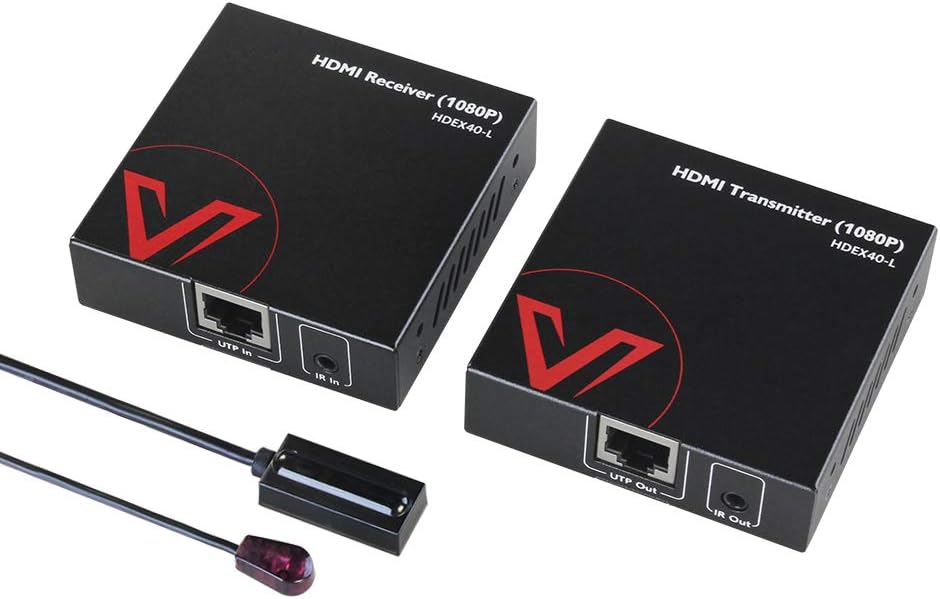
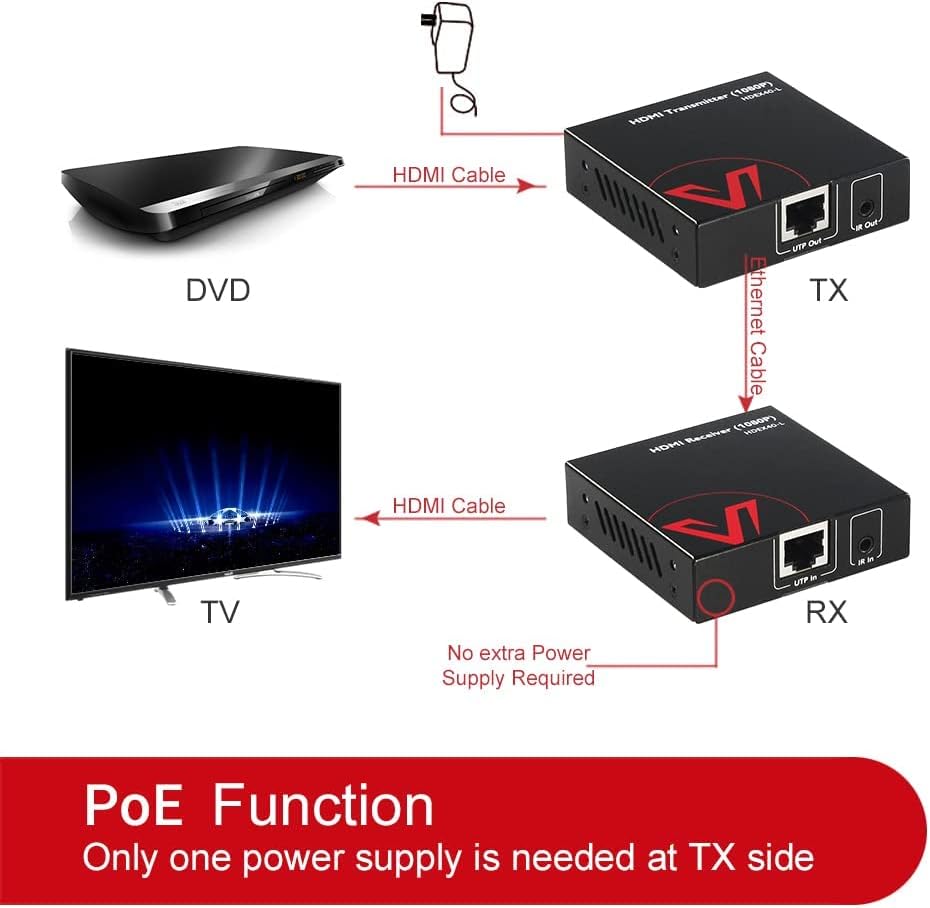
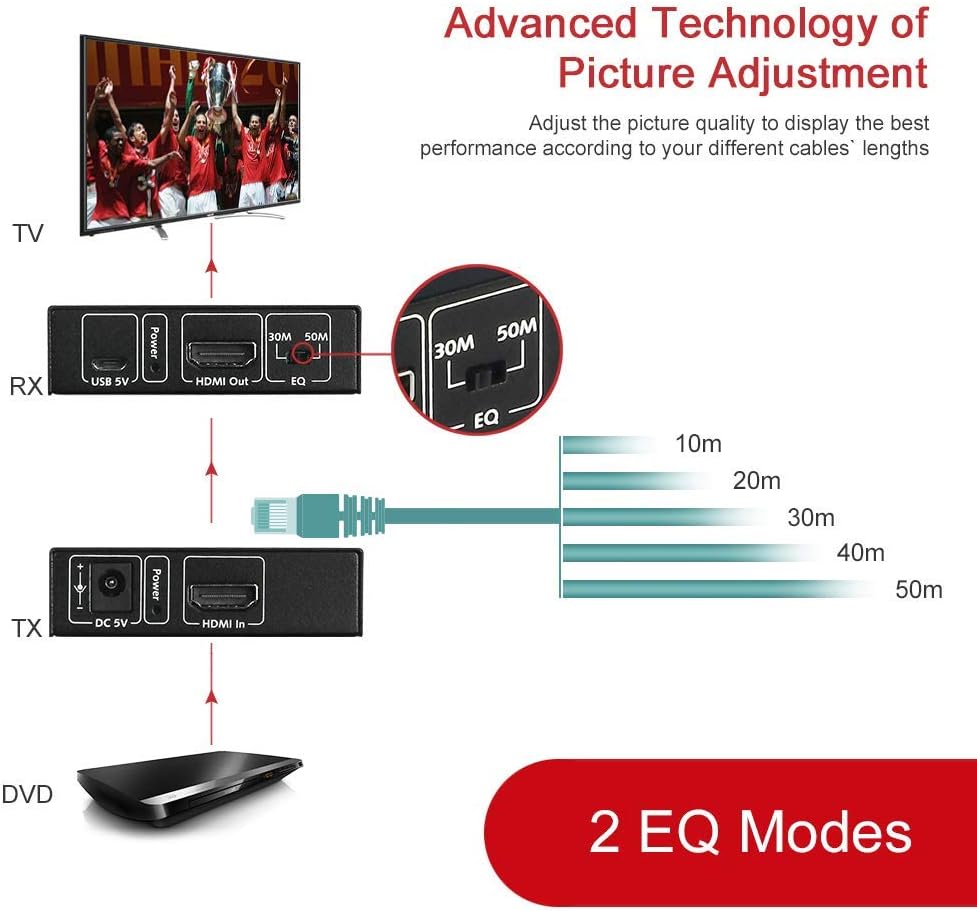
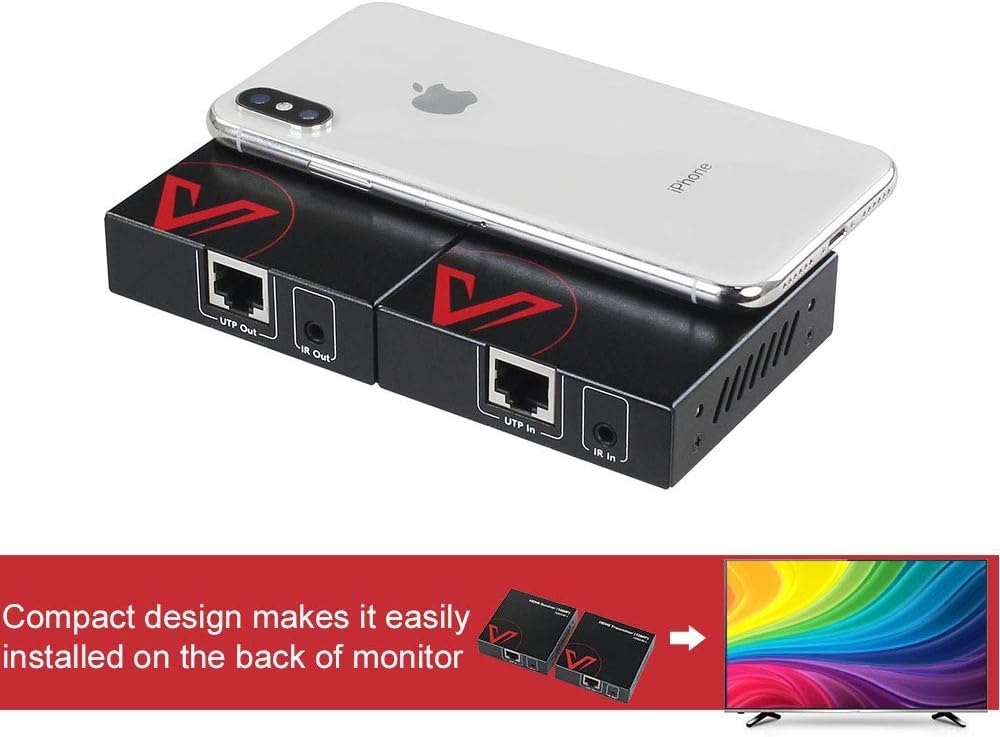
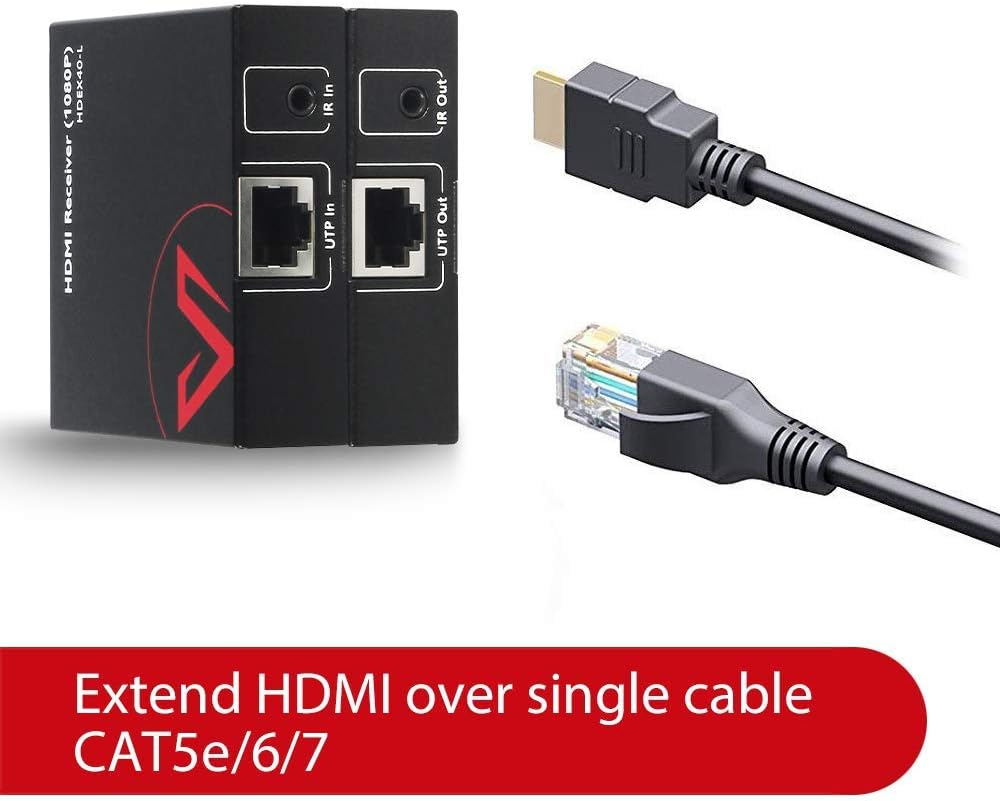
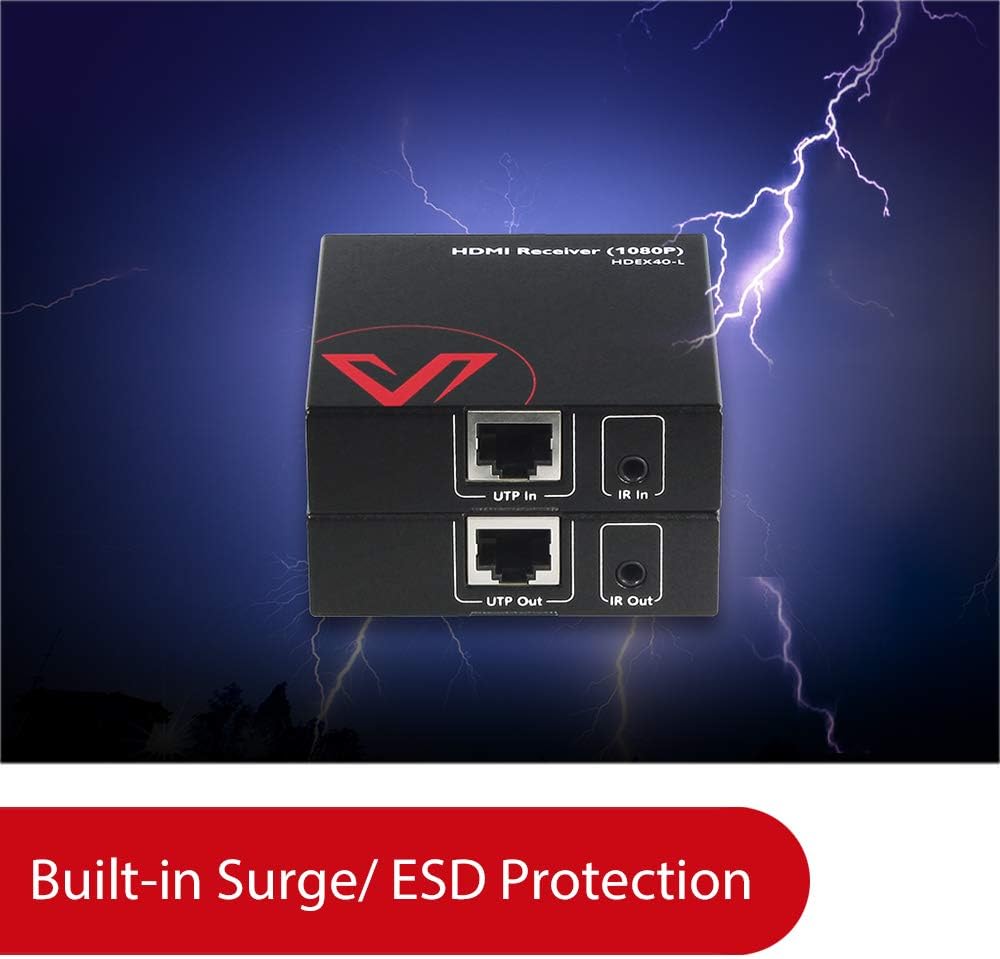
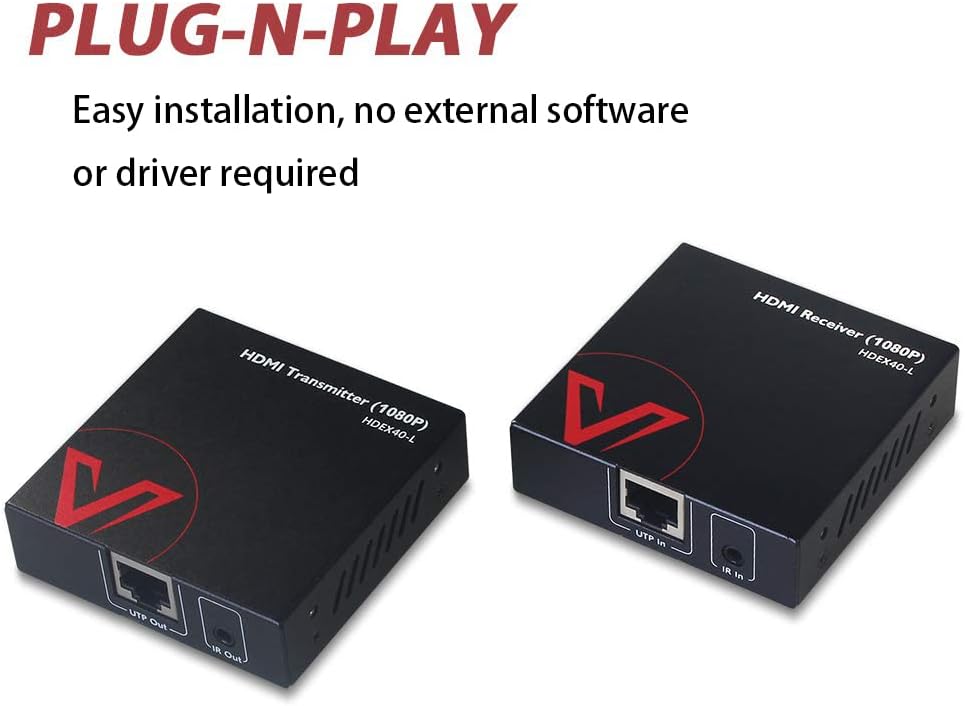
What it is and what problem it solves\nIf you’re looking to send a 1080P signal from a TV box, PC, or media player to a display in another room, the AV Access HDEX40-L offers an affordable, plug-and-play solution. It uses a single Cat6 cable to carry uncompressed 1080P@60Hz video, reducing clutter and avoiding the hassle of long HDMI runs. This is a practical option for homes, small offices, or classrooms where the main goal is clean setup and reliable transmission without breaking the bank.\n\n## Core advantages at a glance\nOn paper, the setup is straightforward: transmitter and receiver pair, power adapters, and IR accessories—everything you need included in the box. The system supports up to 164ft (50m) over Cat6, which covers most living rooms, home theaters, and small meeting spaces. The signal stays uncompressed for crisp, fluid video playback, ideal for movies, presentations, or daily use. A key convenience is the IR pass-through, letting you control the source from the display location—handy when the box sits in a cabinet or another room.\n\n## What stands out in daily use\nThe receiver offers a manual EQ adjustment, letting you fine-tune the signal based on cable length and installation environment. This can help if you notice slight picture degradation due to longer runs or interference. The design is compact and unobtrusive, so it can tuck behind a TV, inside a cabinet, or in tight spaces without drawing attention.\n\n## Pros and potential trade-offs\nPros: uncompressed 1080P video, extended reach over Cat6, simple setup, IR control from the display location, and included mounting accessories. The package includes transmitter, receiver, power adapters, IR kit, and mounting hardware, so you’re not hunting for extra pieces.\nCons/Limitations: it’s a 1080P solution, not 4K, so if you’re aiming for higher resolutions in the future this won’t scale. The effectiveness of the long-run performance depends on the quality of the network cable and the environment. It also relies on line-of-sight practicality for the IR pass-through in some room layouts.\n\n## Who it’s for\nThis extender suits households with a single room separation, small offices, or conference spaces where you want a clean setup and budget-conscious HDMI extension. If you value a compact footprint and straightforward installation over ultrahigh resolution, this model aligns well.\n\n## Who should think twice\nIf you need 4K or HDR, this 1080P-focused kit won’t meet those needs. For users anticipating future upgrades, consider whether you’ll want to branch into higher-bandwidth extenders down the line. Also, environments with significant EMI or very long intermediate cable runs may benefit from testing before committing to a full setup.\n\n## What to check before buying\nConfirm the display and source will consistently handle 1080P at 60Hz. Verify the Cat6 cable length in your space and plan for the EQ adjustment on the receiver to optimize picture quality. Check that the IR kit gets to the control location and that the power adapters have compatible outlets.\n\n## How it compares to the broader approach\nCompared to running a long HDMI cable through walls or ceilings, this solution trades raw bandwidth for ease of installation and cleaner routing. If your priority is minimal wiring and a quick setup with reliable 1080P playback, it’s a reasonable alternative. If you expect higher resolutions or more dynamic content, you’ll likely want to explore options that support 4K or HDR.\n\n## Final decision: when it makes sense\nIs it worth it? Yes, if you want a budget-friendly extender for 1080P video across a room or two, with convenient IR control and a compact footprint. It’s less ideal if you require 4K, HDR, or future-proofing for higher-bandwidth content.\n\n## Frequently asked questions\n- Can I use any Cat6 cable? Yes, a standard Cat6 cable is sufficient, but shielding and quality can affect distance performance.\n- Does it support 24/7 use in an office? It’s designed for regular use in home and small office setups, heavy, continuous operation may require monitoring of heat and power needs.\n- What if the signal drops? Ensure the EQ is tuned on the receiver and verify cable length doesn’t exceed recommended limits for 1080P 60Hz.\n