

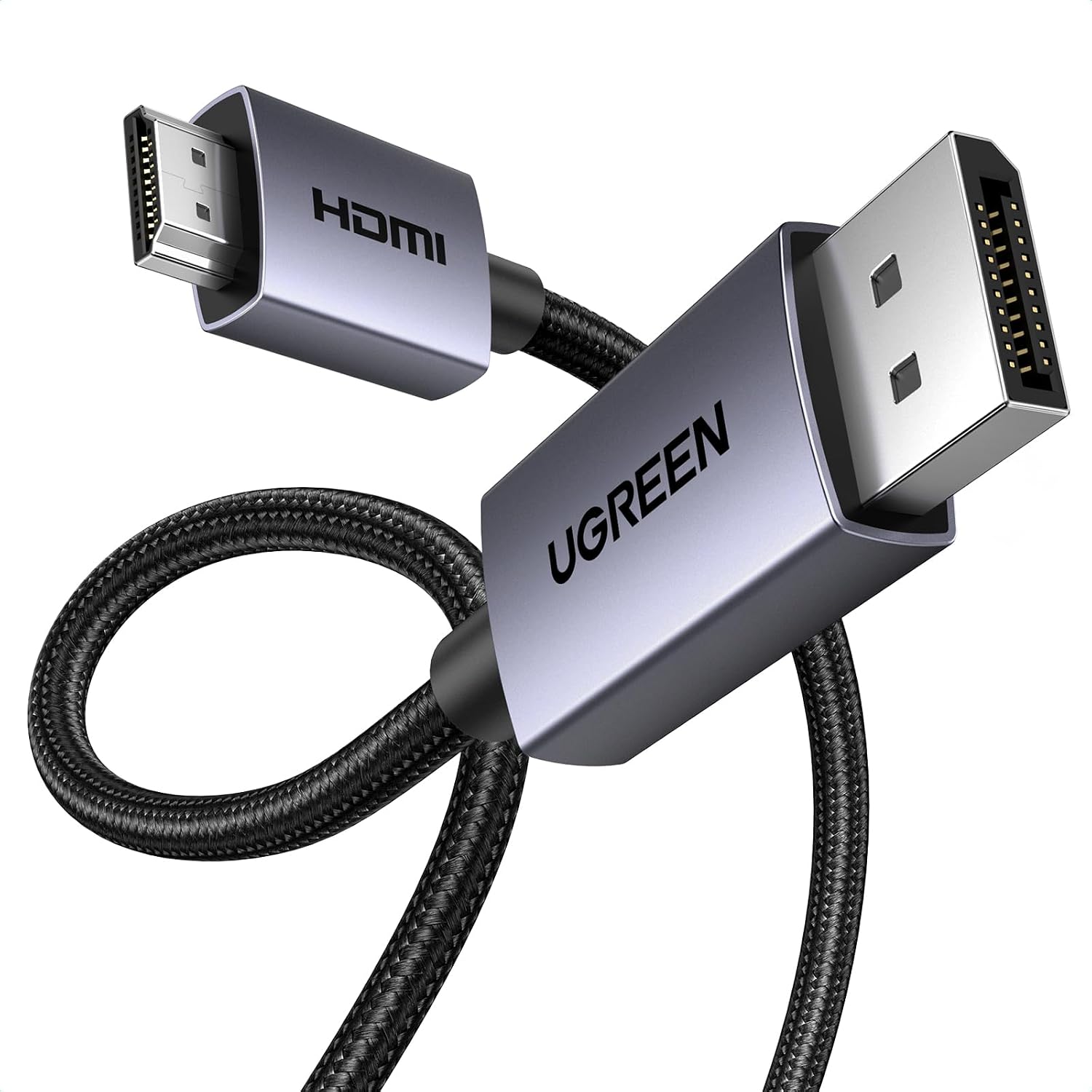
UGREEN DisplayPort to HDMI Cable, 6.6 ft
Product description
The one-way DisplayPort-to-HDMI design makes this UGREEN cable useful for sending a computer’s picture and sound to a larger screen without adding software or a separate adapter. It supports up to 4K at 30Hz, with 2K at 60Hz and 1080p at 120Hz also listed, so you can choose a mode that fits your display and the kind of work or viewing you do.
Plug it into a DisplayPort source and an HDMI display, then choose mirroring for a presentation or an extended desktop for extra workspace. The cable is 6.6 feet long.
Getting the most from it
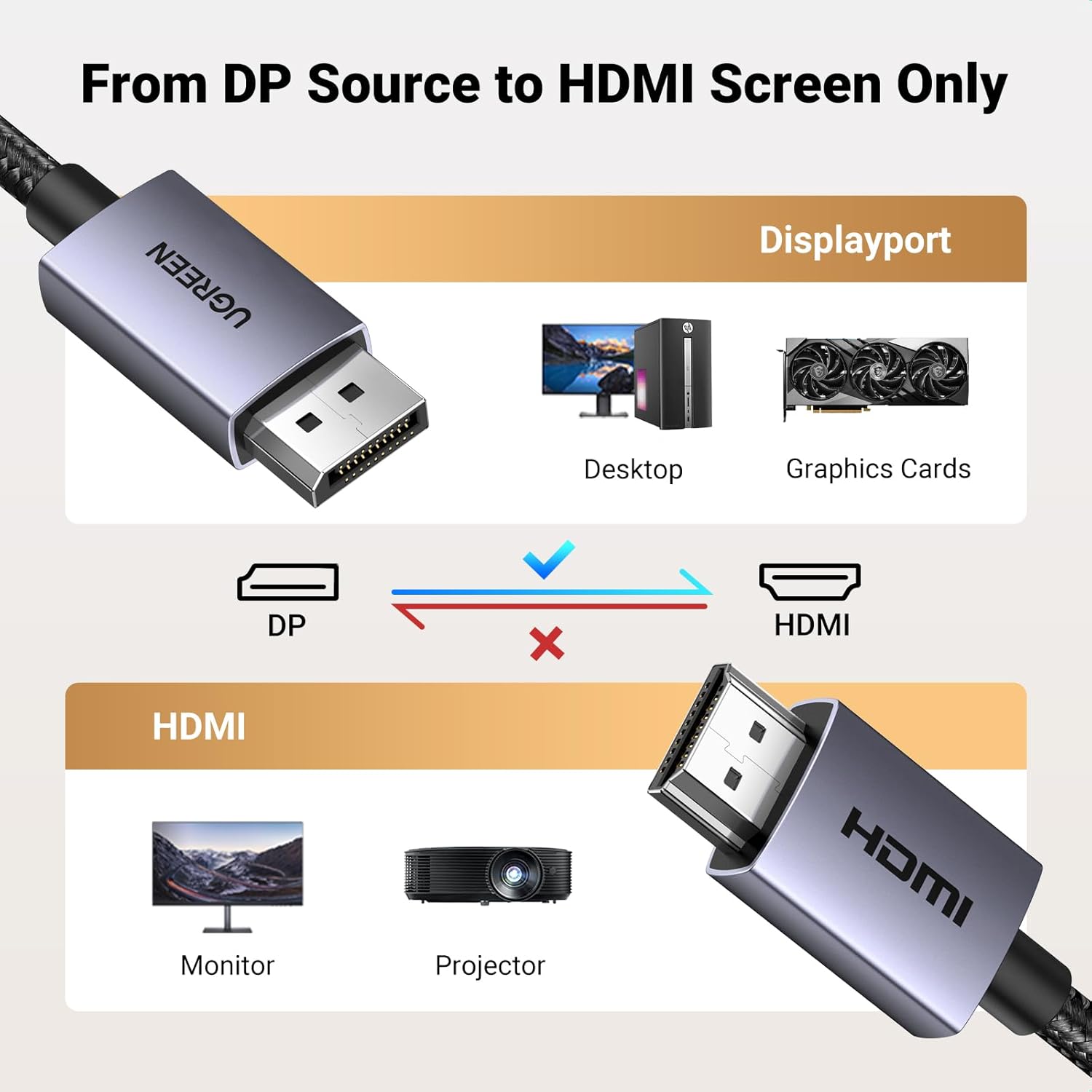
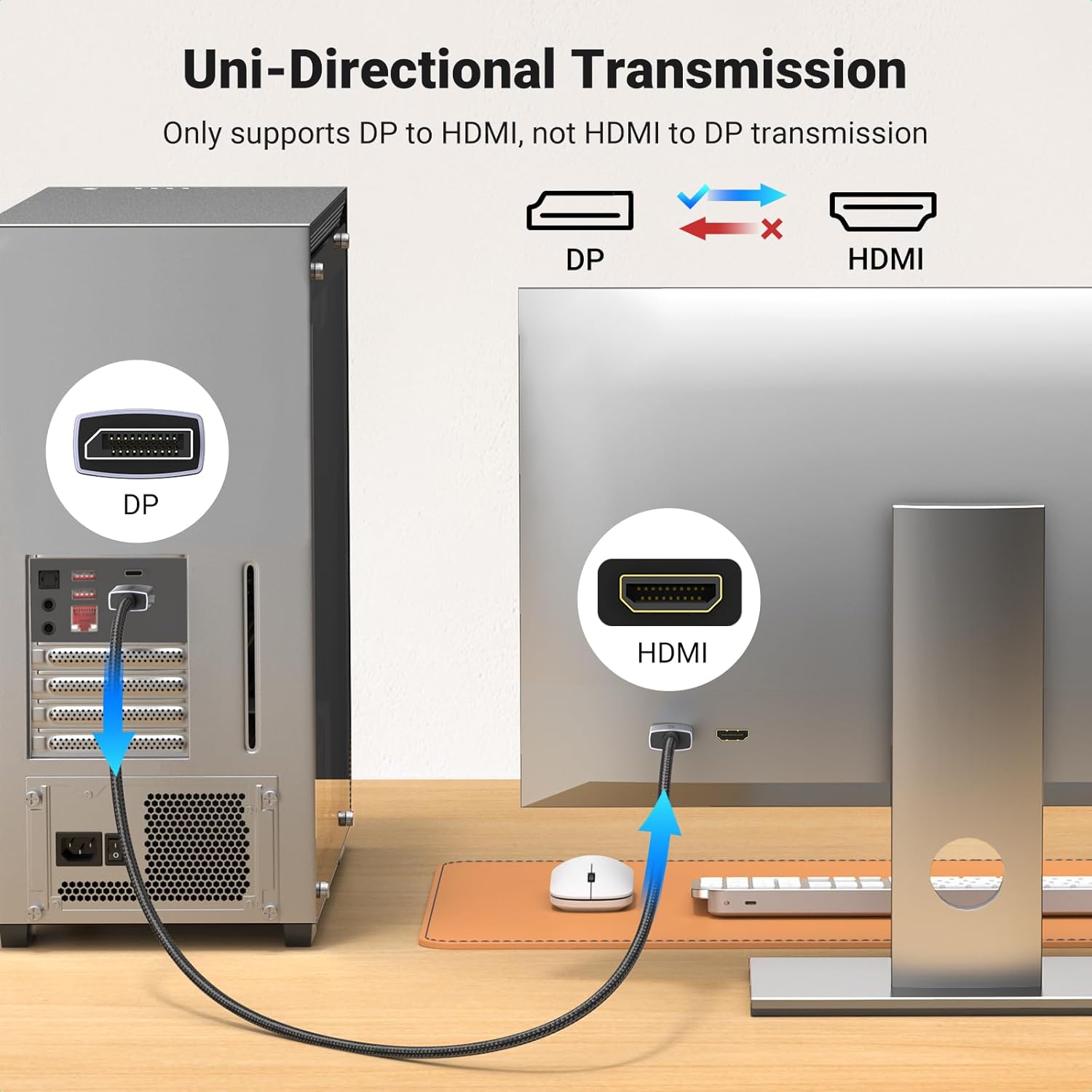
This cable is for a specific connection direction: DisplayPort output from a desktop, laptop, or graphics card to an HDMI input on a monitor, TV, or projector. For example, connect a desktop PC’s DisplayPort output to an HDMI monitor when you want a larger workspace, or send a laptop’s display to a TV for viewing. The source device needs DisplayPort, and the screen needs HDMI, the cable won’t reverse that connection.
If you prioritize a straightforward way to connect a PC to an existing HDMI screen, this fits that setup. If you prefer a cable for connecting an HDMI source to a DisplayPort monitor, this is the wrong direction. It supports mirror and extend modes, but the computer and display still need to support the mode and resolution you want. There’s no driver or software installation listed.
Why it’s worth it
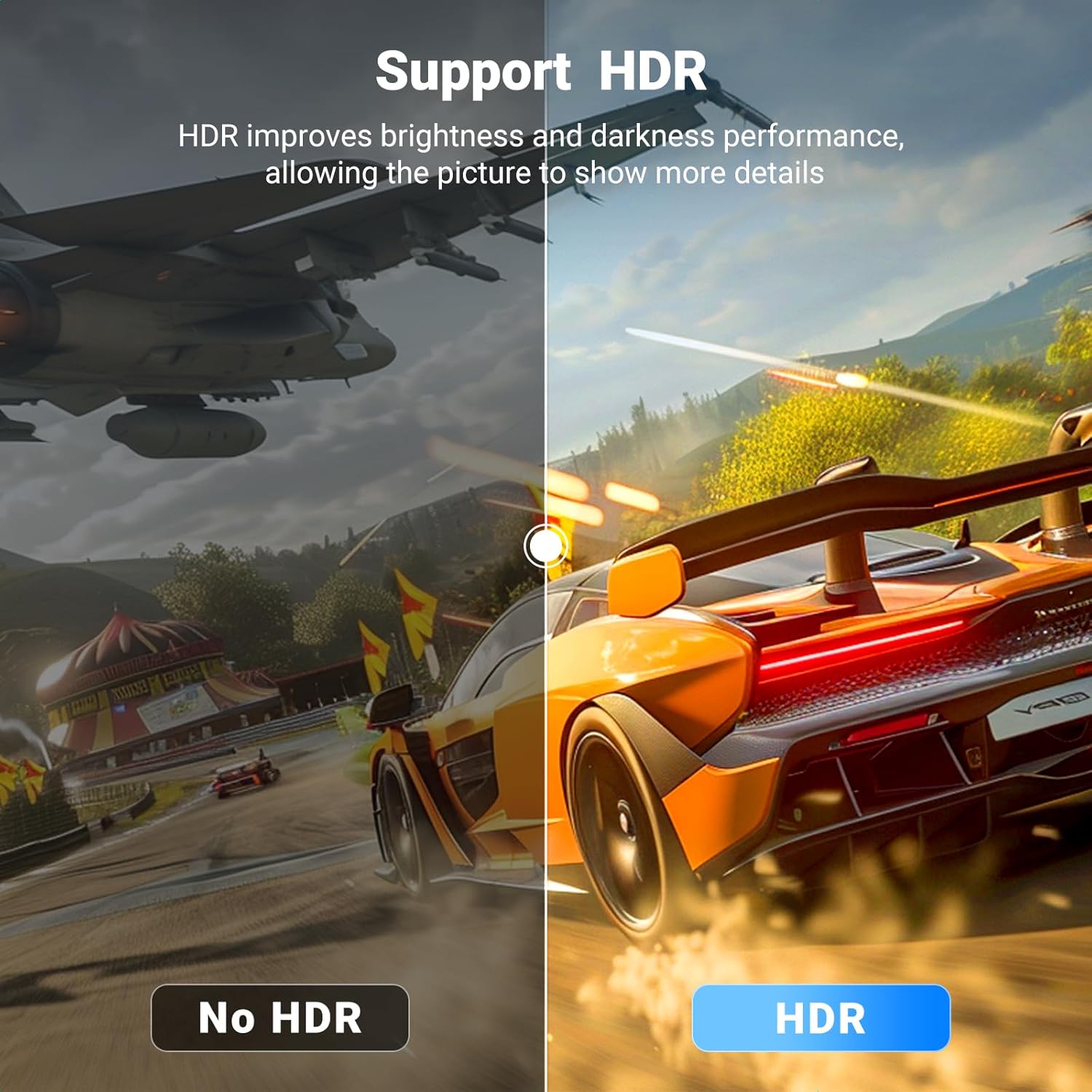
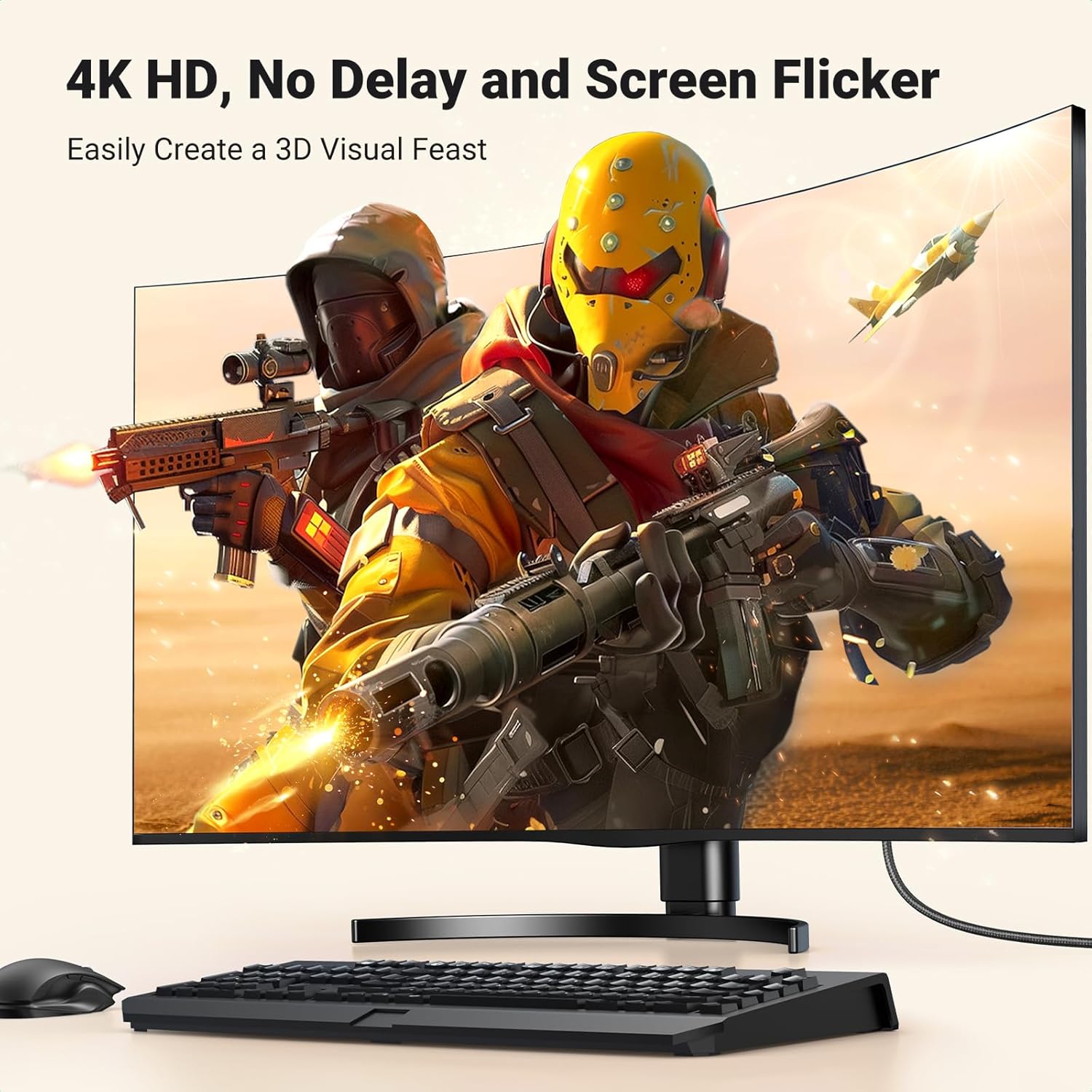
The supported resolutions give you options for different setups: 4K at 30Hz for a compatible display, 2K at 60Hz, or 1080p at 120Hz. Those figures are useful when matching the cable to a monitor’s capabilities, but they don’t mean every source and screen will deliver every mode. The connection is specified as DisplayPort 1.2 to HDMI 1.4, and the cable also supports 3D, HDR, and uncompressed 7.1-, 5.1-, or 2-channel audio.
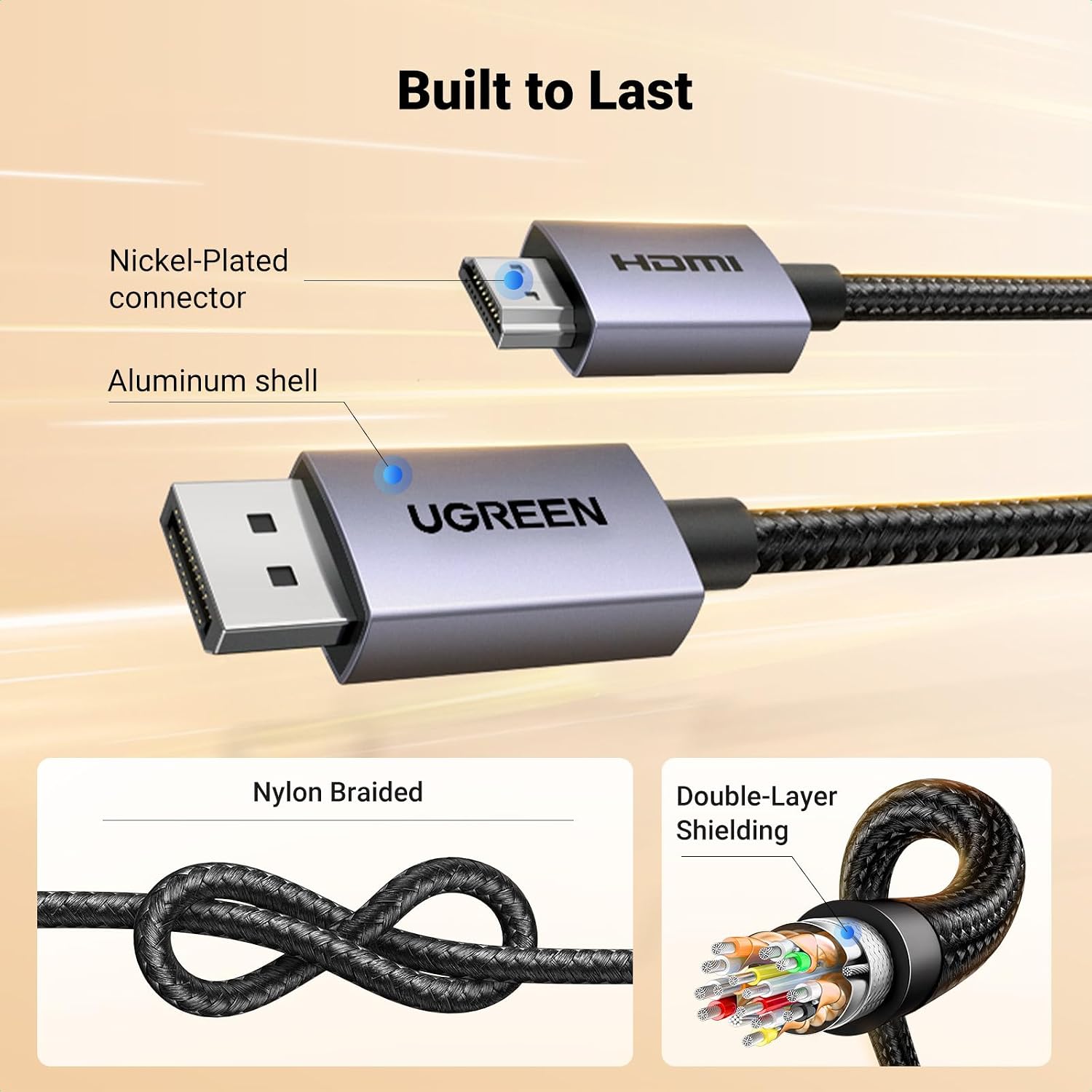
Its braided nylon jacket, aluminum housing, double shielding, and tinned-copper conductors are intended to make the cable more robust than a basic PVC-covered lead. The no-buckle design avoids a locking clip at the DisplayPort connector. On the spec sheet, that’s a practical durability-focused build, though there’s no stated length beyond 6.6 feet for setups that need more reach.
The essentials
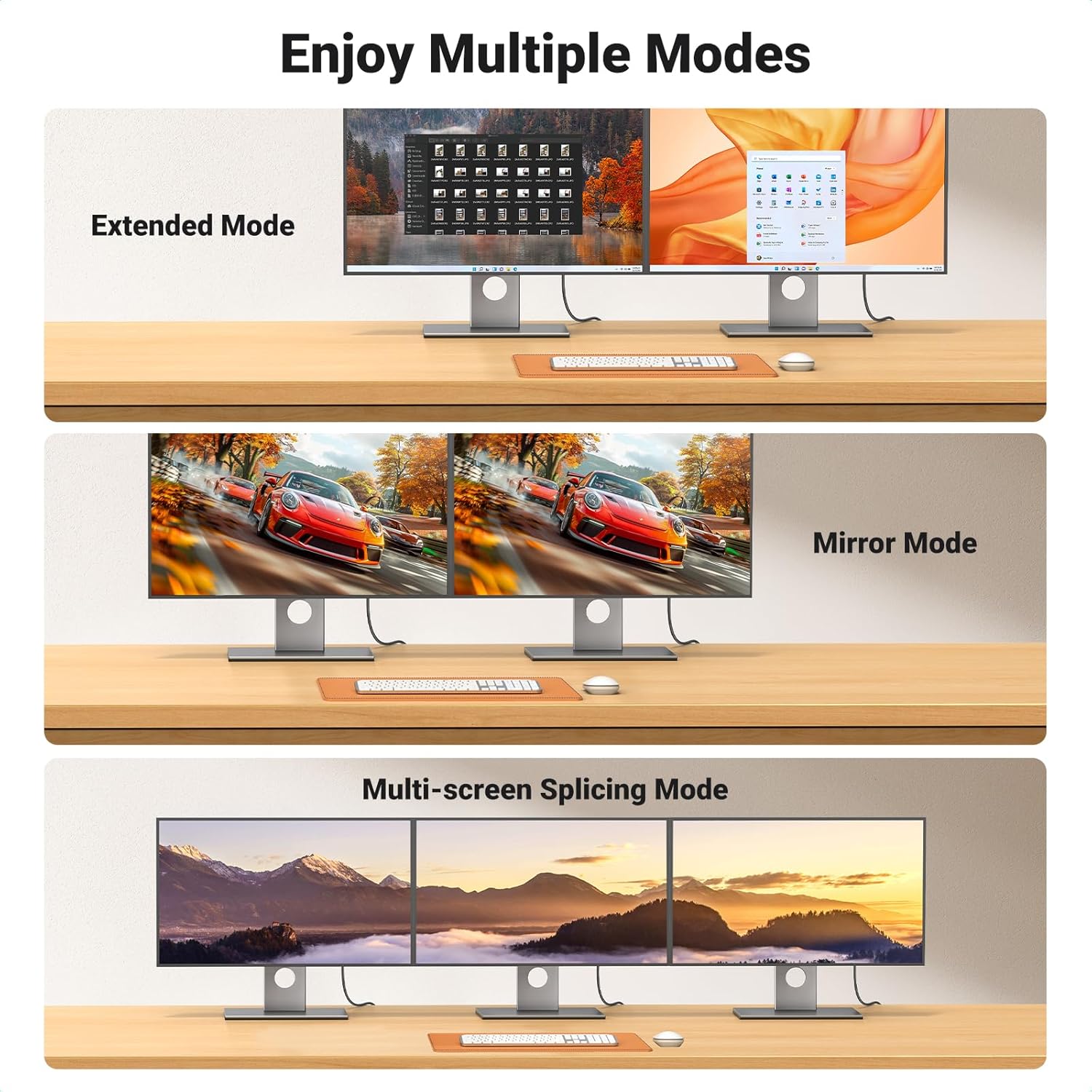
You’ll appreciate it if you need to connect a DisplayPort-equipped PC, laptop, or AMD or NVIDIA graphics card to an HDMI monitor, HDTV, projector, or compatible VR headset. It’s a plug-and-play style cable, and the ability to mirror or extend the display supports common home and desk setups.
It may not suit you if your source only has HDMI. The listing specifically excludes HDMI-source devices such as MacBook, PlayStation, Nintendo Switch, and Xbox. Check the ports on both ends of your setup before choosing it, a cable with the opposite signal direction is needed for HDMI output to a DisplayPort screen. Also, the listed refresh rates and resolutions are supported modes, not a guarantee that every combination of devices will run at the highest one.
Should you buy it?
Choose this cable when your source has a DisplayPort output and you want to feed an HDMI display, especially if you want one lead for video and audio and value the braided construction. It makes more sense than seeking a general-purpose HDMI cable when the PC-to-screen direction is exactly what you need. Skip it for HDMI-only sources or reverse-direction connections, and don’t choose it on the assumption that it will provide 4K at a higher refresh rate than the listed 30Hz. Matching the ports and display mode to your equipment is what makes this cable a sensible fit.