

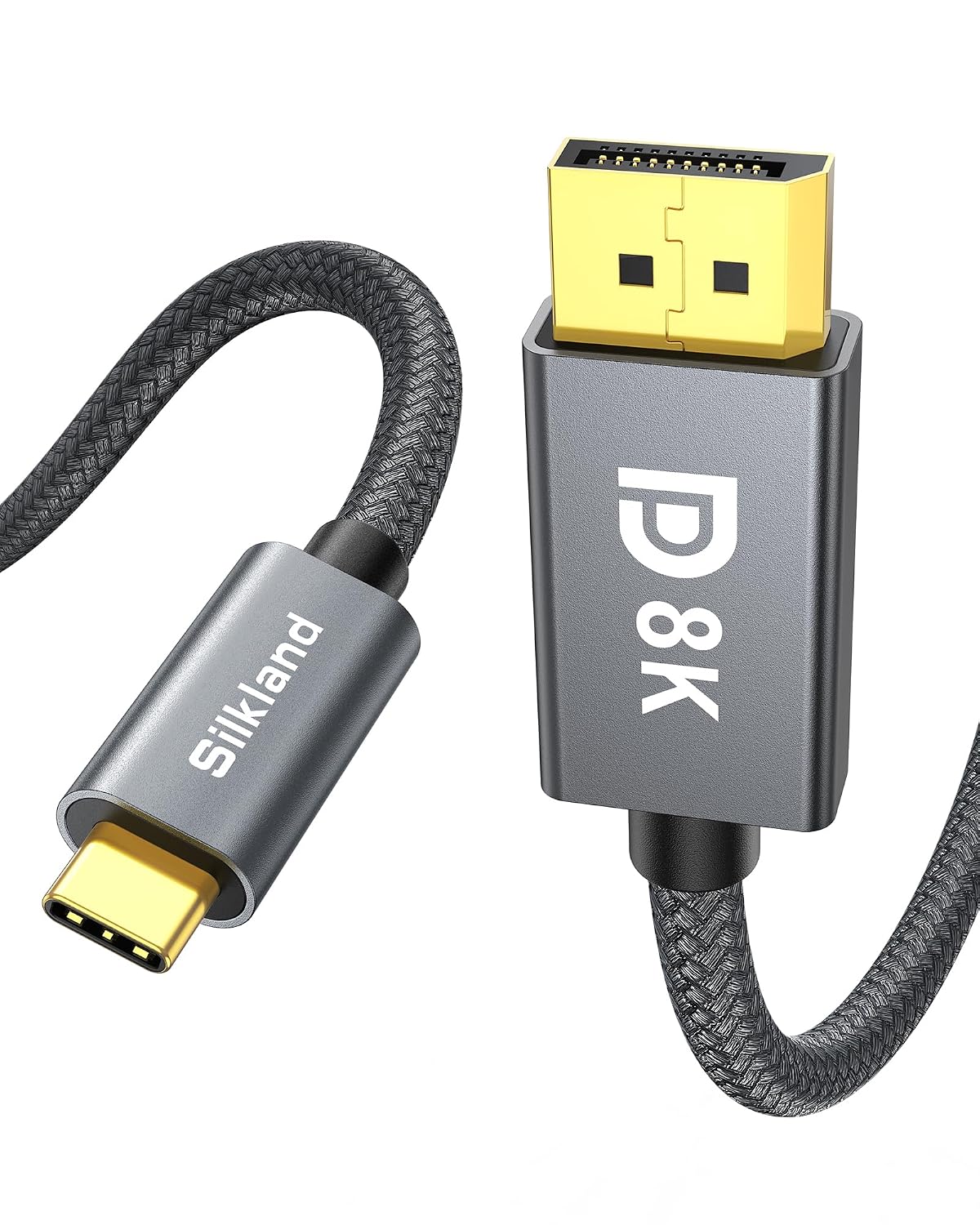
Silkland USB-C to DisplayPort 1.4 Cable (8K 60Hz, 4K/2K up to 240Hz) Thunderbolt 4/3 to DP
Reviews
Price
Product description
If you want your USB-C laptop to drive a DisplayPort monitor without fiddling with adapters, this Silkland USB-C to DisplayPort 1.4 cable is built for that job. On paper, it targets smooth high-refresh gaming and crisp video playback, with support for up to 8K at 60Hz and specific high refresh modes for 4K/2K.
That said, it’s not magic for every device setup. USB-C to DisplayPort depends on your source actually supporting video output over the USB-C port (and some features like MST can be device-dependent). So the cable can be a great “plug and play” bridge, but you’ll still want to confirm your laptop’s port supports the right output mode.
Key takeaways (at a glance)
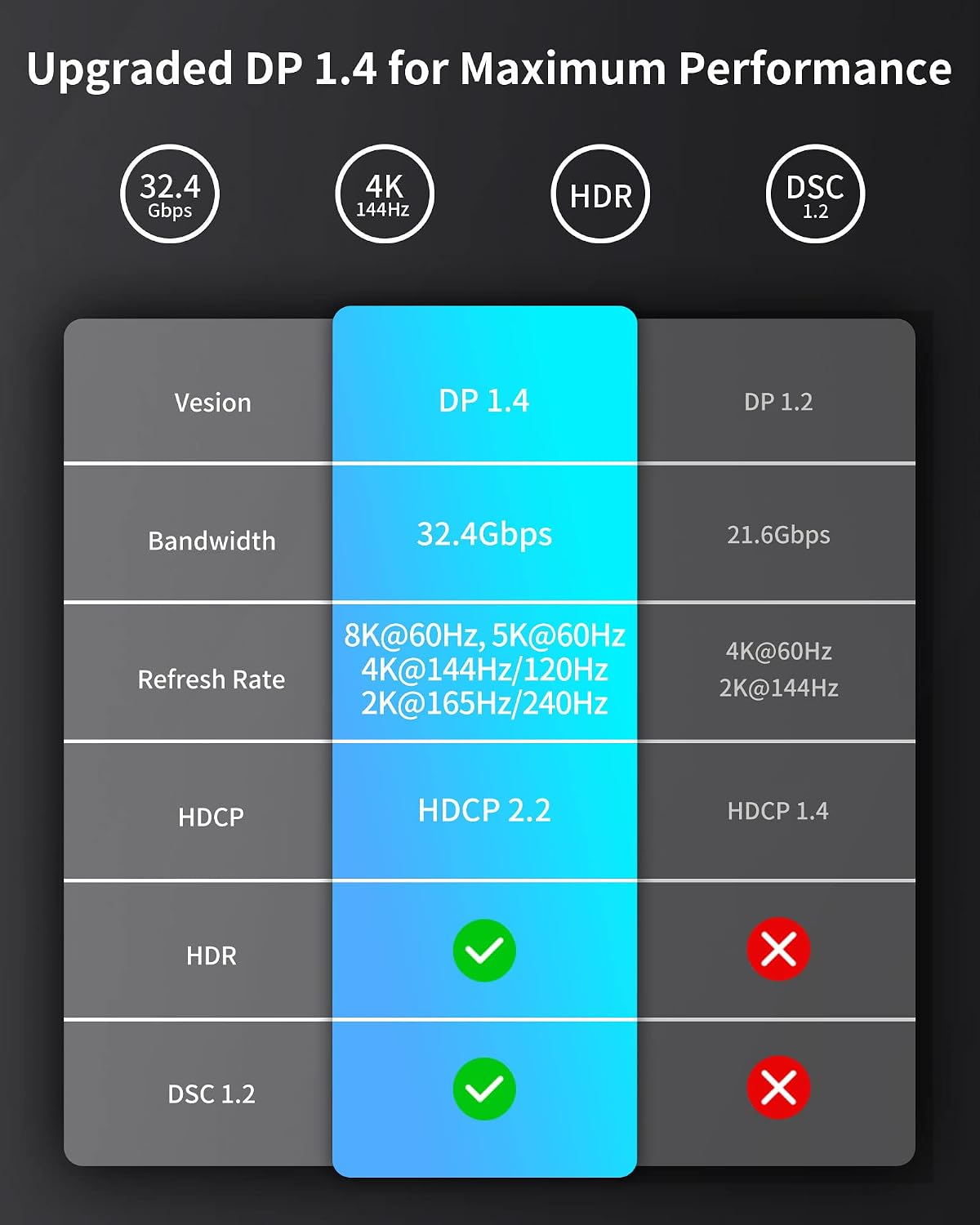
This cable is designed to connect a Thunderbolt 4/3 (USB-C) computer to a DisplayPort display. It supports DisplayPort 1.4 bandwidth up to 32.4 Gbps as stated, aims to reduce screen flicker and audio cutout issues, and includes features the gaming crowd will recognize—like HDCP and G-Sync support—along with MST (Multi-stream Transport) support for certain Windows PC setups.
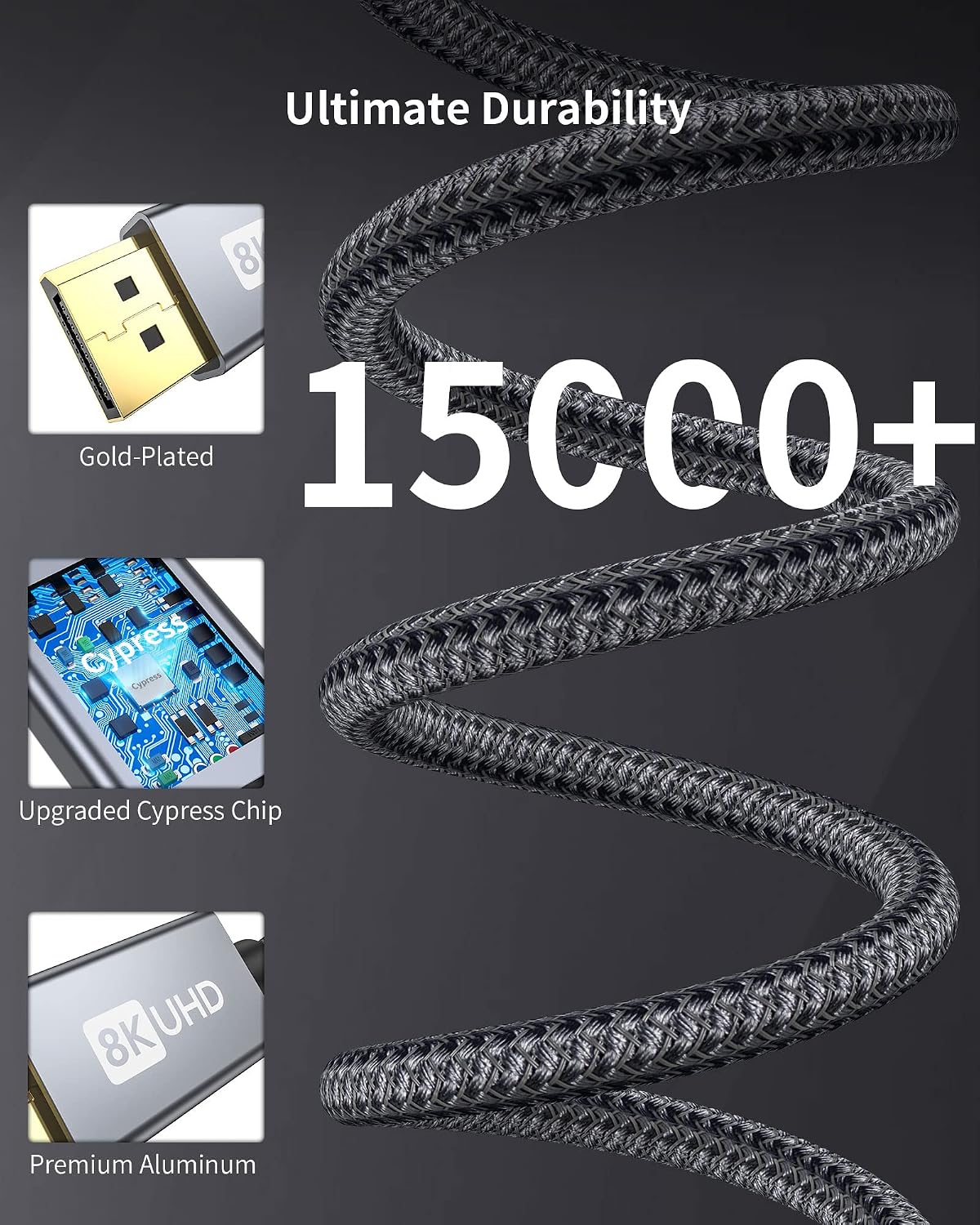
The braided nylon look and aluminum housing give it a more “premium” feel than generic cables, and the claim of durability after 15,000+ bend tests is a nice reassurance if you expect daily plugging/unplugging or tight desk routing.
What’s really useful about this cable
The main benefit here is straightforward: turning a USB-C video-capable port into a DisplayPort connection using a single cable. That matters because it keeps your setup cleaner and usually avoids the extra friction of separate adapters.
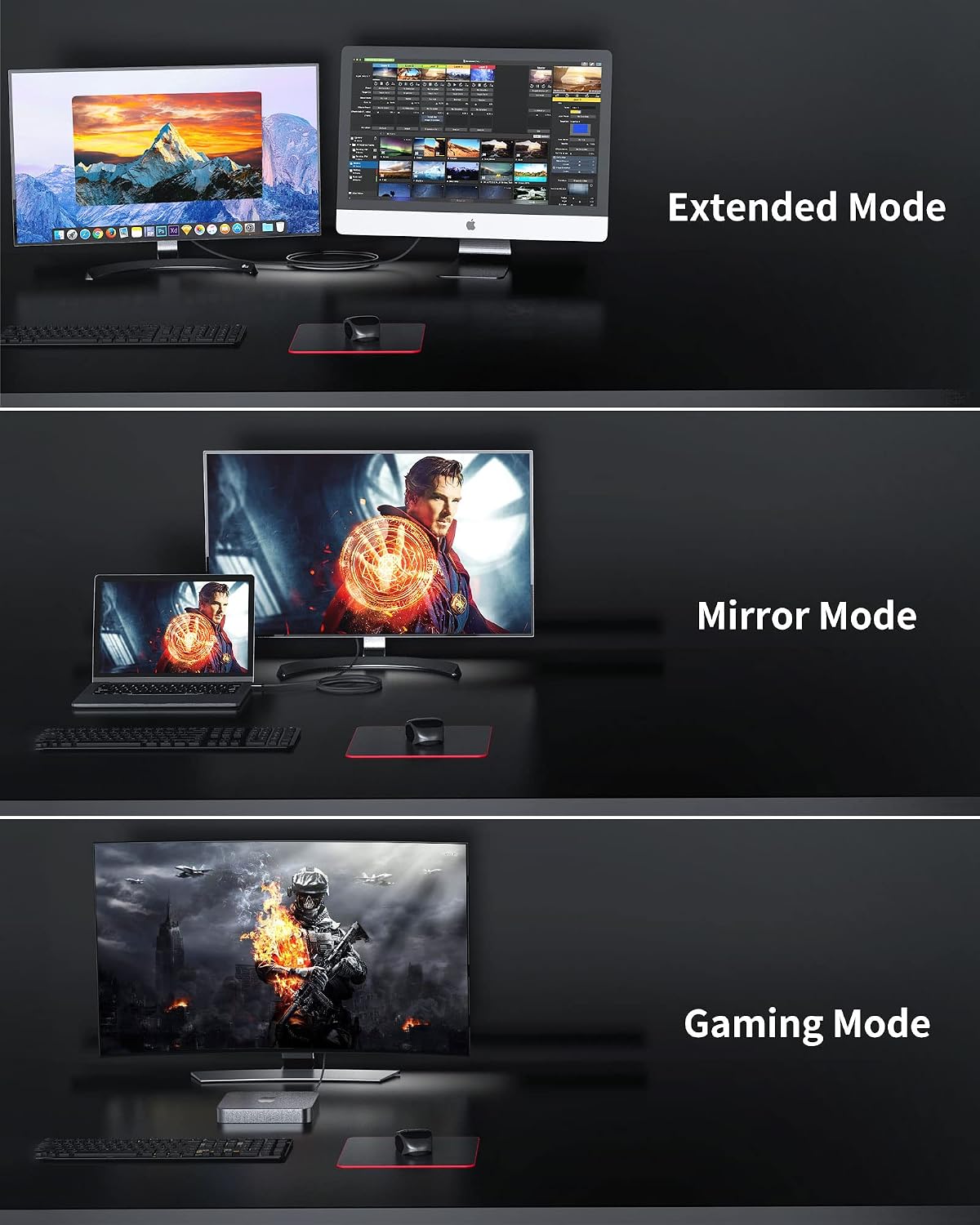
In everyday use, you can think of it like this: you dock your MacBook Pro/Air or a compatible Windows laptop on your desk, plug the USB-C end into the laptop, and the DisplayPort end into your monitor. From there you’re aiming for stable image output—less chance of flicker, and fewer headaches like audio dropping out during media playback.
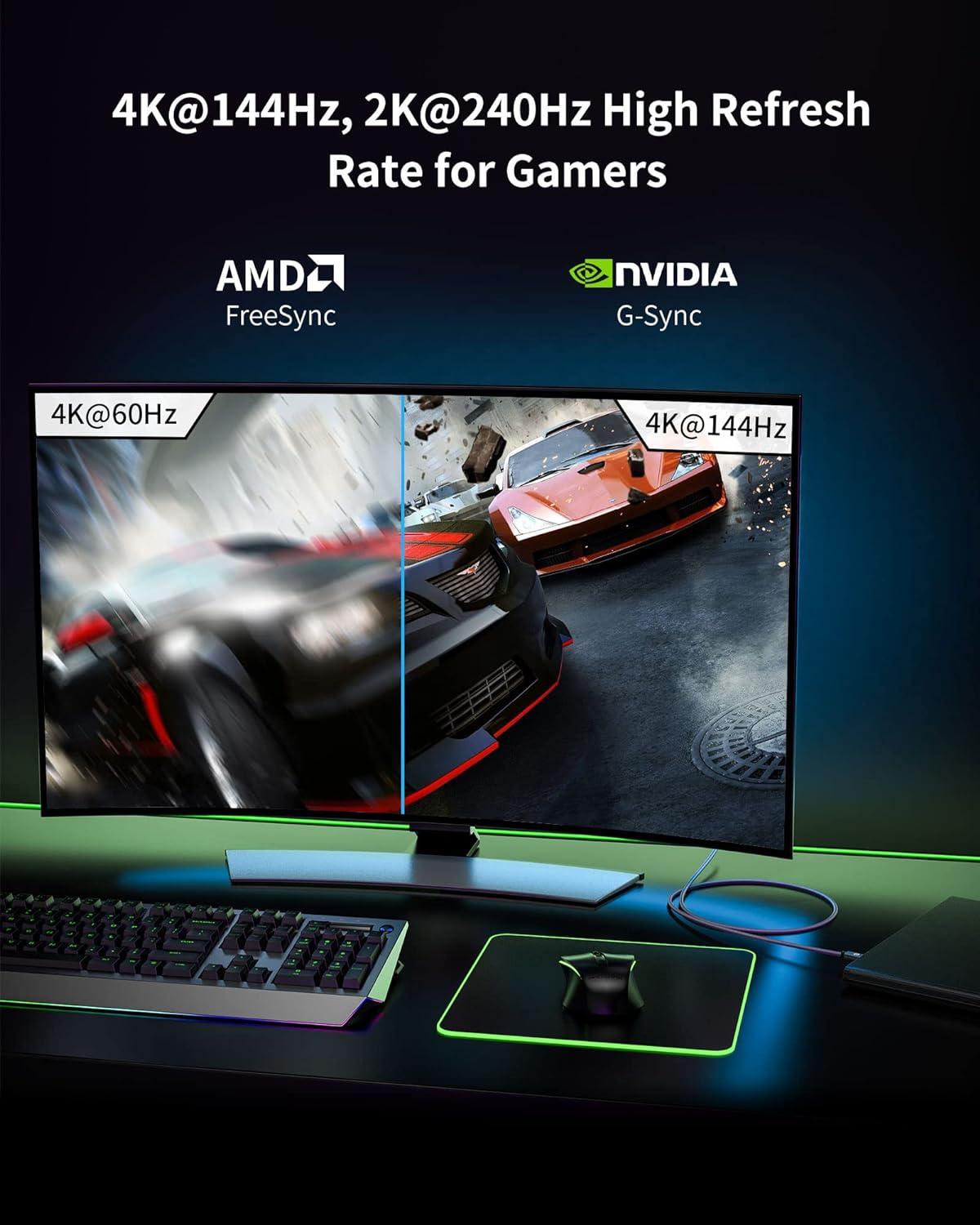
For gaming or fast motion content, the headline refresh modes (including 2K up to 240Hz and 4K up to 120Hz/144Hz depending on the mode listed) are the kind of specs you buy for if you care about responsiveness. If your monitor supports those modes and your computer can output them through USB-C/Thunderbolt, this cable is positioned to help you reach them.
Tech specs that matter for buying
Here are the technical details Silkland highlights, focusing on the ones that actually influence what you can expect on a screen:
- 8K (7680x4320) @60Hz support as listed
- 5K (5120x2880) @60Hz support as listed
- 5120x1440 @120Hz support as listed
- 4K @144Hz/120Hz support as listed
- 2K @240Hz/165Hz/144Hz/120Hz support as listed
- Maximum DisplayPort bandwidth stated: 32.4 Gbps (DP 1.4)
- HDCP support (as listed)
- G-Sync support (as listed)
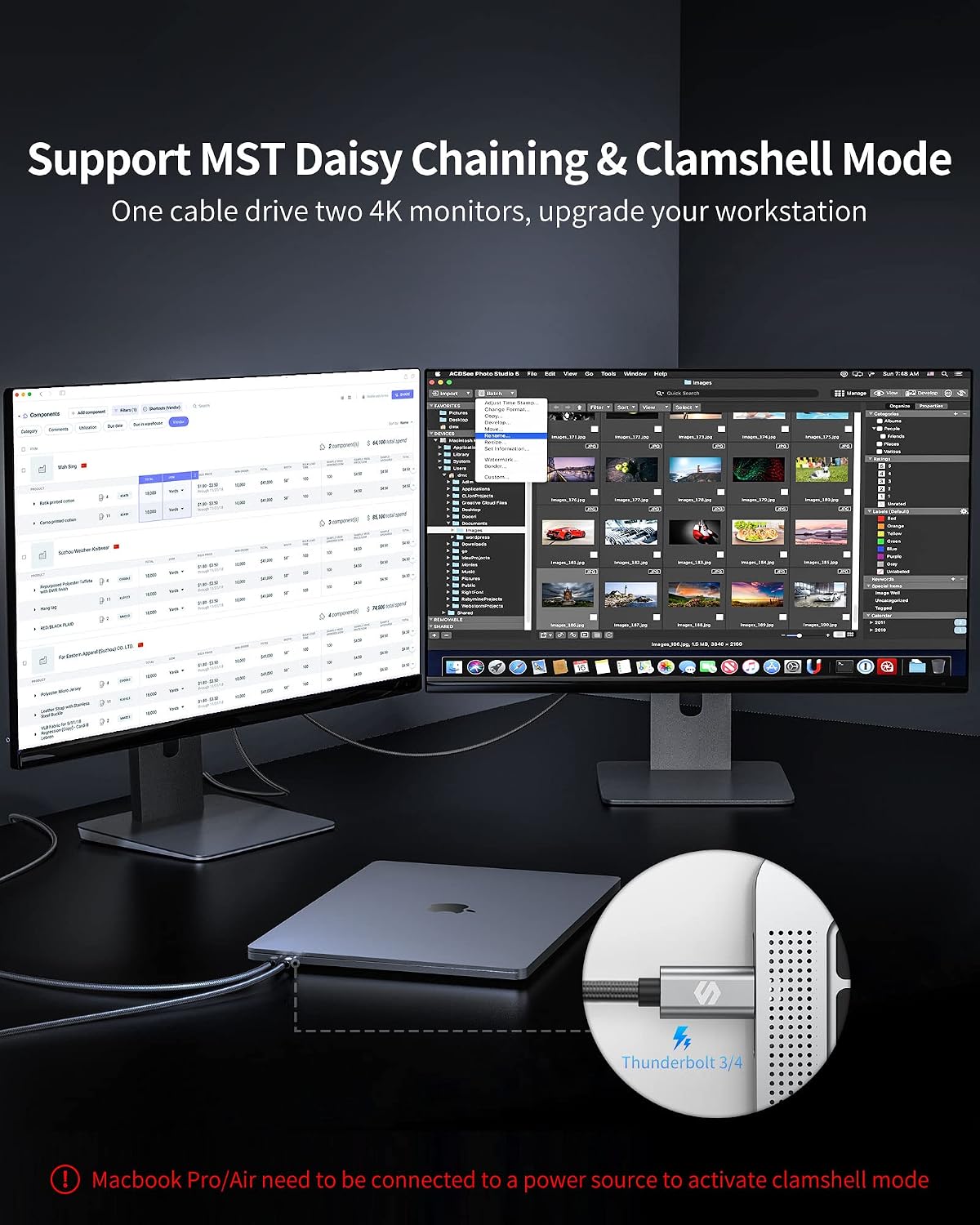
- MST (Multi-stream Transport) support for Windows PC clamshell-style setups mentioned for compatible systems (as listed)
- Cable length stated: 6.6 ft (braided Type C to DP)
Compatibility and “worth noting” limits
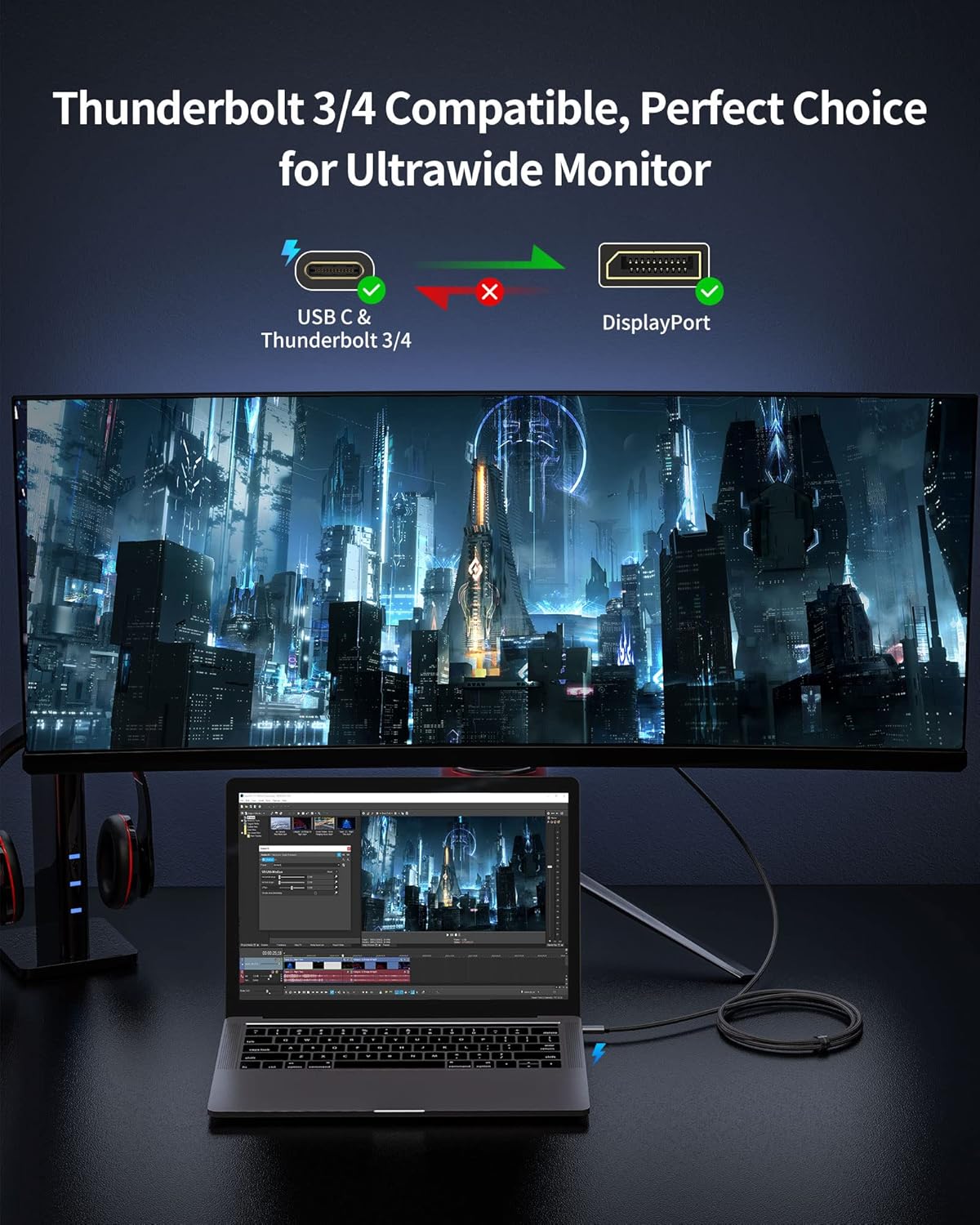
Silkland’s compatibility claim is broad: it says the cable works with USB-C devices that support DisplayPort output via Alternate Mode, including many MacBook models (Pro/Air and Mac mini), and a list of other USB-C laptops/tablets/phones.
But here’s the practical catch: many people assume “USB-C” automatically means “video output.” It doesn’t. So you should treat this cable as a match for devices whose USB-C port supports DP Alt Mode (and in Thunderbolt cases, Thunderbolt 4/3 compatibility is specifically called out).
Also keep in mind that high-end multi-monitor behavior (MST “multistream transport” is mentioned for Windows PC) can be limited by the source device and OS graphics pipeline. It may work exactly as you expect in the right setup, but if you’re relying on complex monitor chains, you’ll want to double-check your laptop’s capabilities first.
Durability and day-to-day build
The cable’s design is meant to survive desk life. The aluminum alloy housing plus braided nylon cover is described as durable, and the 15,000+ bend test claim is the kind of detail you look for if you’ve had cheaper cables fail where they flex near the connector.
It’s not the same thing as “you’ll never get damage,” of course—cables still hate being yanked or constantly kinked—but it’s fair to say this one is oriented toward everyday durability rather than being a one-time throw-in-your-bag lead.
Pros and what may disappoint
What stands out: - High refresh/reso modes are explicitly listed for 8K, 4K, and 2K targets. - DisplayPort 1.4 bandwidth claim (32.4 Gbps) gives it a serious foundation “on paper.” - G-Sync and HDCP are included in the feature list. - Braided nylon + aluminum housing feels more robust than basic cables. - Includes support messaging about quick issue resolution (2-year support is stated).
Where you might need to manage expectations: - If your USB-C port doesn’t support DisplayPort video output (DP Alt Mode / Thunderbolt support), you won’t get the intended result. - Multi-monitor expectations (like MST) can be device-dependent, some setups may not replicate the broadest claims. - The cable can only perform as well as the source device and your monitor’s supported modes.
Is it worth it?
This Silkland USB-C to DisplayPort 1.4 cable is a solid buy if you have a Thunderbolt 4/3 or USB-C port that truly supports video output, and you want a clean single-cable connection to a DisplayPort monitor—especially if you care about higher refresh performance for 4K/2K.
It’s not the best match if your laptop/tablet’s USB-C port doesn’t support DP Alt Mode (or if you’re unsure and can’t verify). It may also be less satisfying if you’re trying to force very specific multi-monitor MST behavior without confirming your device supports it.
Mini FAQ
Will this work with a MacBook Pro or MacBook Air?
Silkland lists MacBook Pro/Air and Mac mini as compatible. The key is that your specific USB-C/Thunderbolt port supports the required video output.
Does it support high refresh rates for gaming?
The description lists refresh support up to 2K at 240Hz and 4K at up to 144Hz/120Hz (mode-dependent). Whether you see those exact results depends on your monitor and your source device output.
Is HDCP support included?
Yes, HDCP support is stated in the product details.
Does it support G-Sync?
G-Sync support is listed as a feature, assuming the rest of your display and device pipeline supports it.
How long is the cable?
The length is listed as 6.6 ft.