

TP-Link travel router BE3600
Product description
What to know
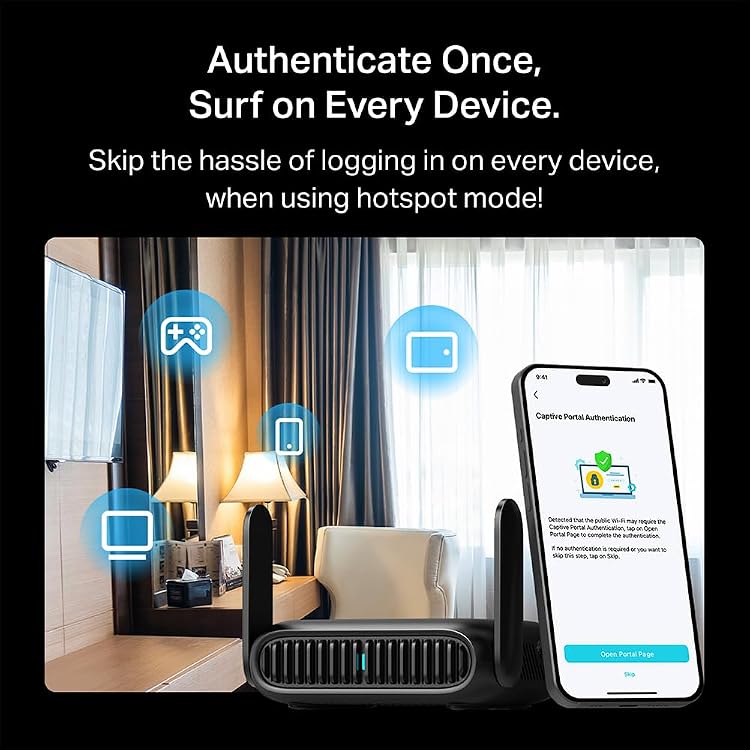
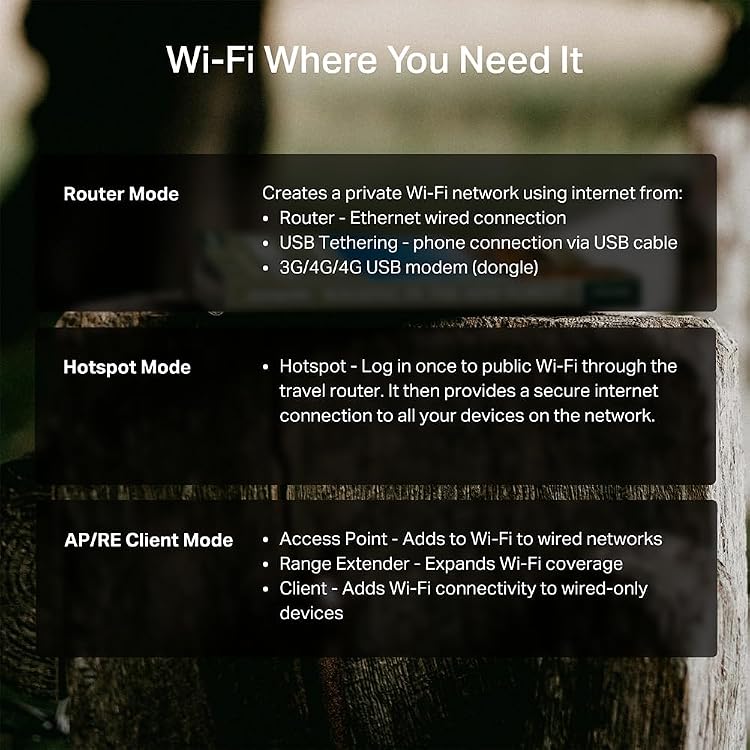
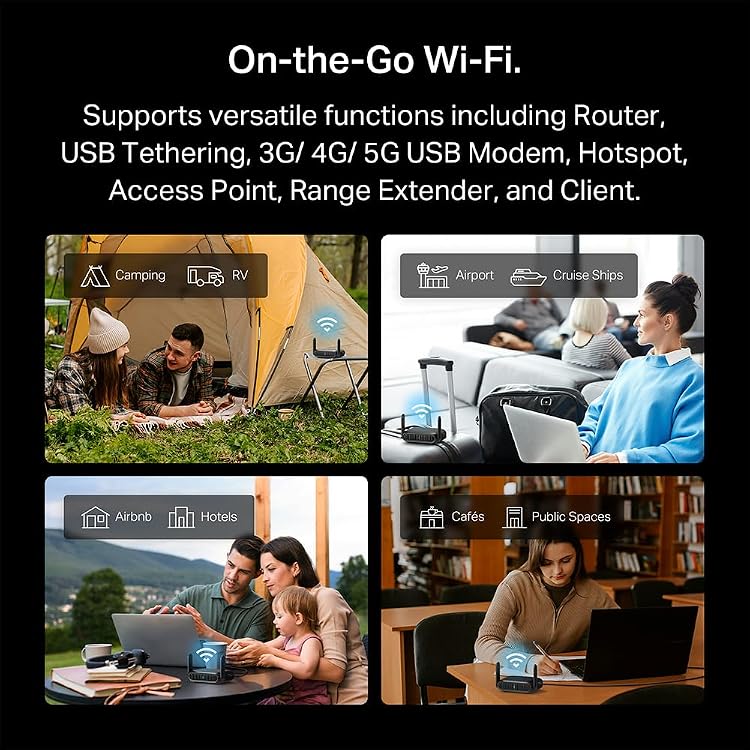
Hotel Wi-Fi can mean connecting every device separately, then repeating the login when you switch rooms or networks. The TP-Link Roam 7 BE3600 travel router is designed to turn a public Wi-Fi connection into a private network you can use across your devices, with a Tether app login for supported captive portals. It also offers router, hotspot, access point, repeater, and client modes, so it can fit more than one travel setup. Keep in mind that this is a dual-band model: it does not support 6 GHz, and the listed Wi-Fi speeds are maximums, not a guarantee of the connection you will get in a hotel or other public space.
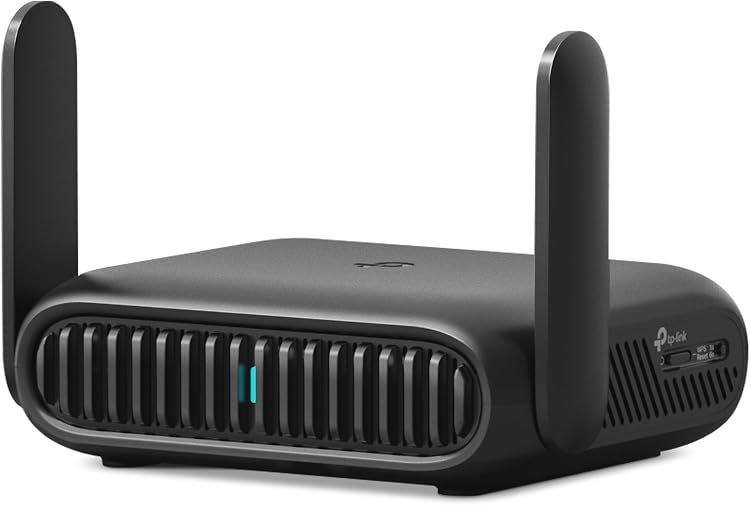
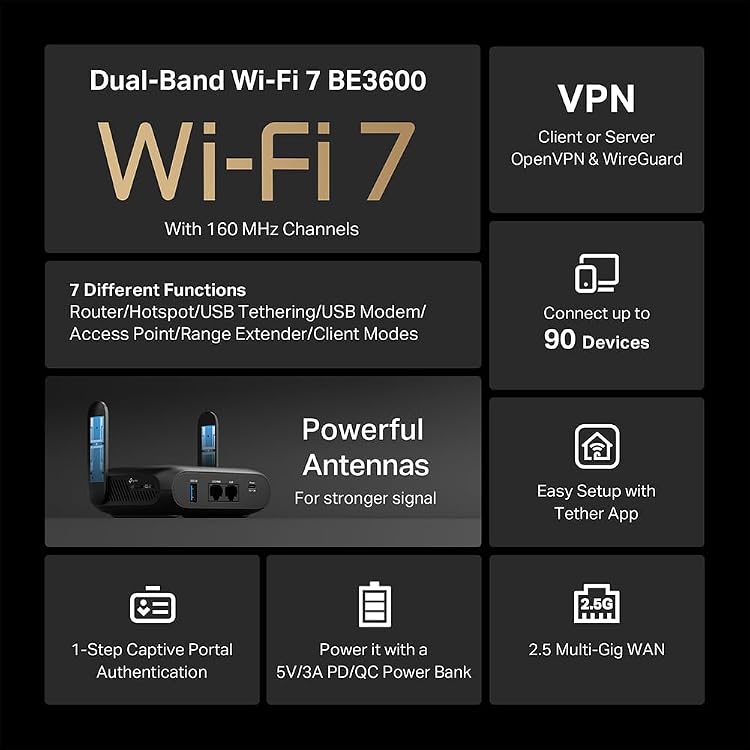
On the 5 GHz band, the stated speed is up to 2882 Mbps, on 2.4 GHz, it is up to 688 Mbps. It supports up to 90 devices, though that capacity does not make a crowded public network faster. For wired connections, there is a 2.5 Gbps WAN port and a 1 Gbps LAN port. The router can also use Ethernet or USB phone tethering in Router Mode, while Hotspot Mode shares public Wi-Fi through a private network. OpenVPN and WireGuard are supported as VPN client and server options, alongside PPTP and L2TP. OpenWrt is not supported.
How to use it
A practical hotel setup could look like this: connect the router to the hotel’s public Wi-Fi, complete the captive portal login in the Tether app, then connect your phone, laptop, and other devices to the private network it creates. That can save you from logging in separately on each device. For a wired connection, Router Mode can use Ethernet, USB tethering from a phone is another listed option. At home or in a temporary workspace, AP/RE/Client modes provide other ways to add Wi-Fi, extend an existing network, or connect a wired device wirelessly.
The VPN support is useful if you already use a compatible VPN service or want to configure a VPN server, but the router itself does not establish that you have a VPN subscription. It makes sense if you want one travel router to handle public Wi-Fi sharing, wired connections, and several network modes. It might not be a great match if 6 GHz support or OpenWrt is a requirement.
Practical tips
Think about the connection you are most likely to have before choosing a travel router. If your hotel provides Ethernet, the 2.5 Gbps WAN port gives you a wired way to bring that connection into your setup. If you expect to rely on public Wi-Fi, Hotspot Mode and the app-based captive portal login are more relevant. For a phone-based connection, the product description lists USB tethering, it does not specify which phones or cables are compatible, so don’t assume every combination will work.
Compared with using a phone hotspot alone, the Roam 7 is aimed at sharing a public or wired connection across multiple devices and offering additional network modes. A simpler travel setup may be enough if you only need to connect one device. For a more demanding wireless setup, the lack of 6 GHz is a real distinction to weigh, even though the product is labeled Wi-Fi 7.
Before you decide
Can it share hotel Wi-Fi with multiple devices? Yes. Hotspot Mode is intended to create a private network from public Wi-Fi, and the stated maximum is up to 90 connected devices. Actual performance still depends on the source connection and conditions.
Does it support VPNs? It lists OpenVPN and WireGuard for both client and server use, plus PPTP and L2TP. The details of any VPN service or configuration are separate from the router.
Can it connect to a 6 GHz network? No. The product description explicitly says this model does not support the 6 GHz band.
Buying verdict
Choose the Roam 7 BE3600 if you want to make hotel or other public Wi-Fi easier to share, or need a travel router with Ethernet, USB phone tethering, and several operating modes. Its VPN support and captive portal flow address practical travel hassles rather than just headline speed. Skip it if your setup depends on 6 GHz or OpenWrt, or if a basic phone hotspot already covers your needs.