

UBeesize Starlink Mount, Standard Router 3 Wall Mount with Cable Caddy
Product description
What it is
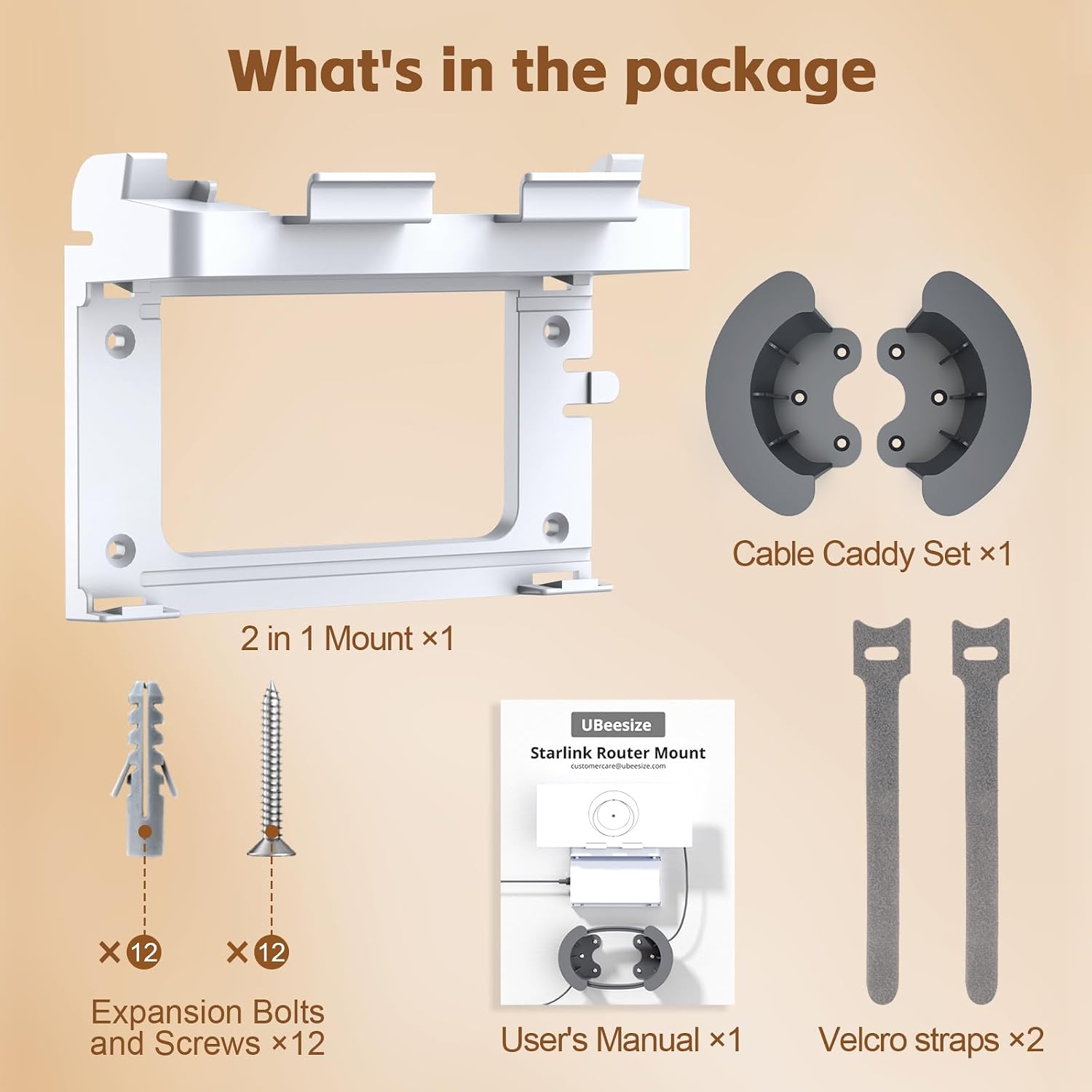
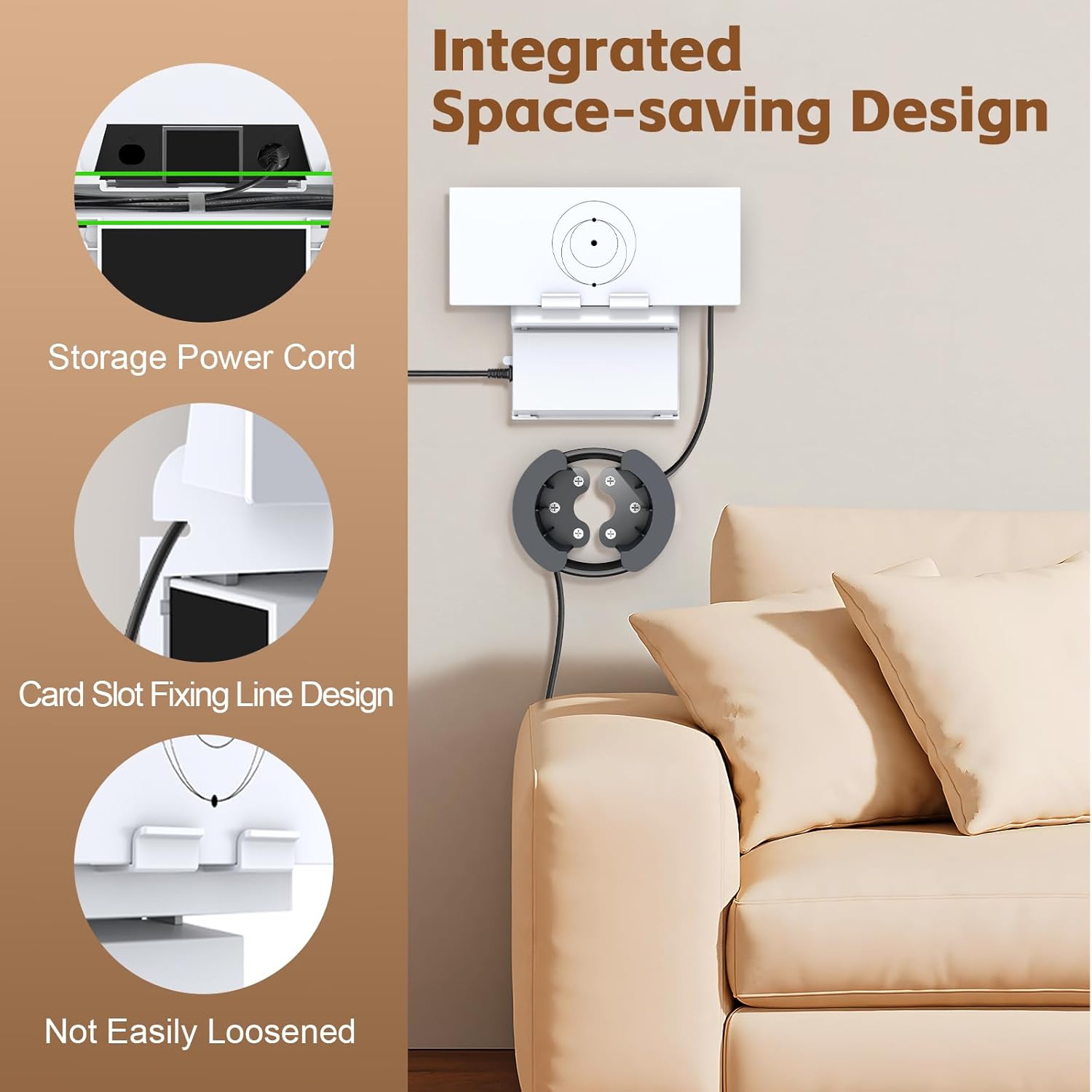
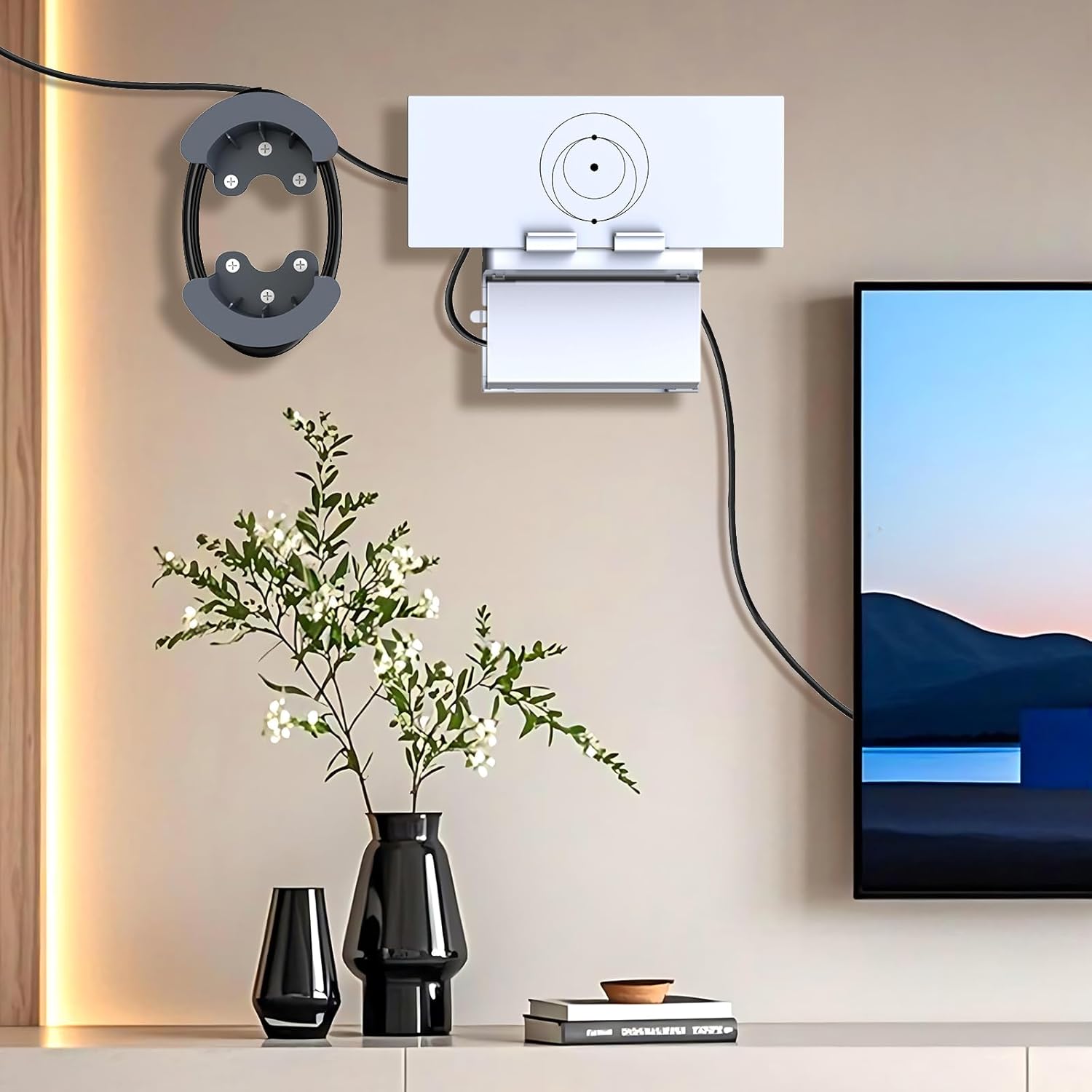
The UBeesize Starlink Mount is a wall-mounted solution designed for the Starlink Gen 3 Mesh Router (UTR-32) and its power supply. It combines a two-in-one design: a sturdy wall holder plus a cable caddy to manage power and network cords, helping keep your setup tidy and accessible.
Why it matters
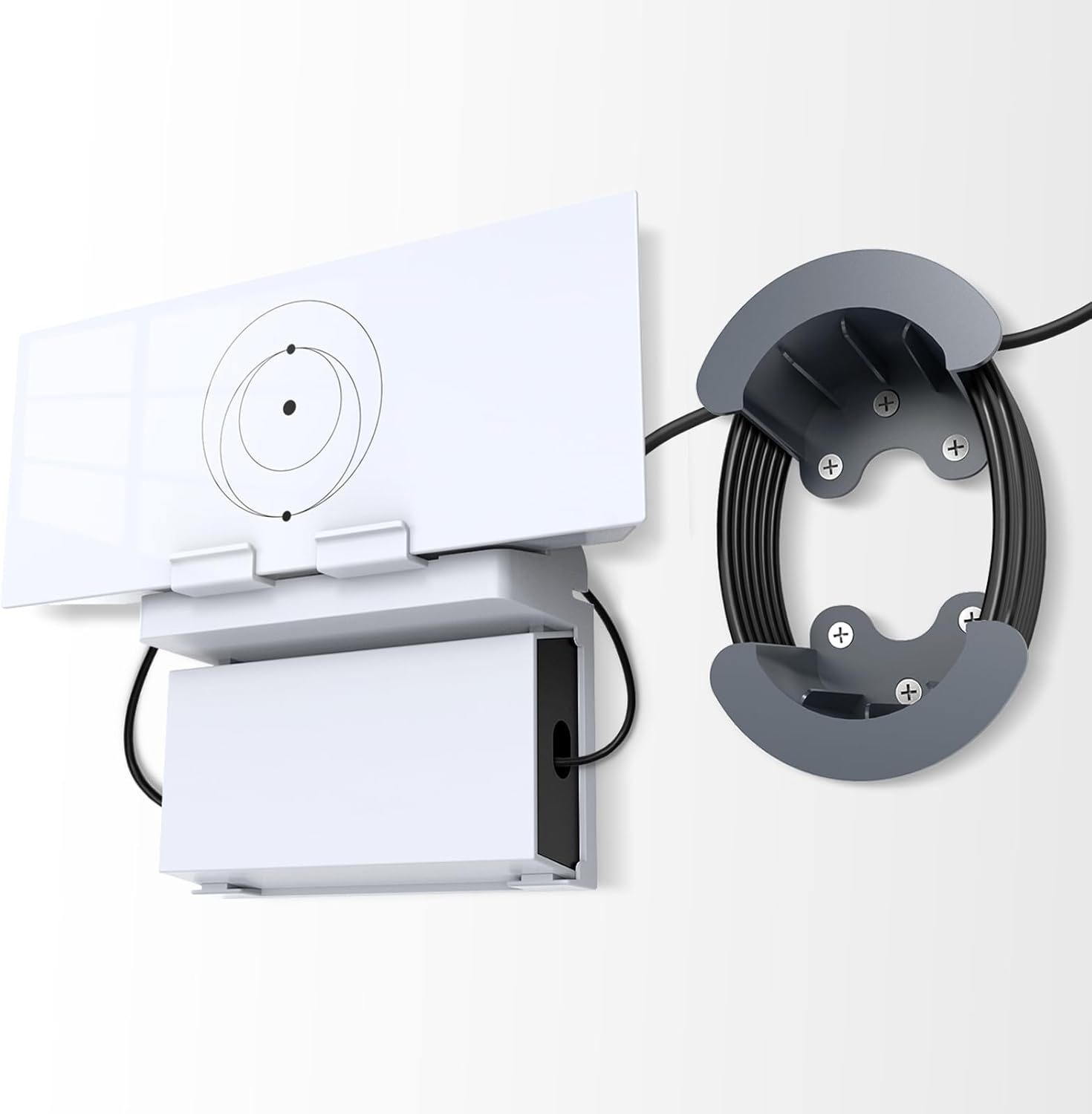
On paper, this mount aims to maximize stability and protect against accidental damage by positioning the router securely in a fixed spot. For homes, RVs, boats, or offices where desk space is limited, wall mounting can free up surfaces and reduce clutter while preserving signal reach.
What stands out in use
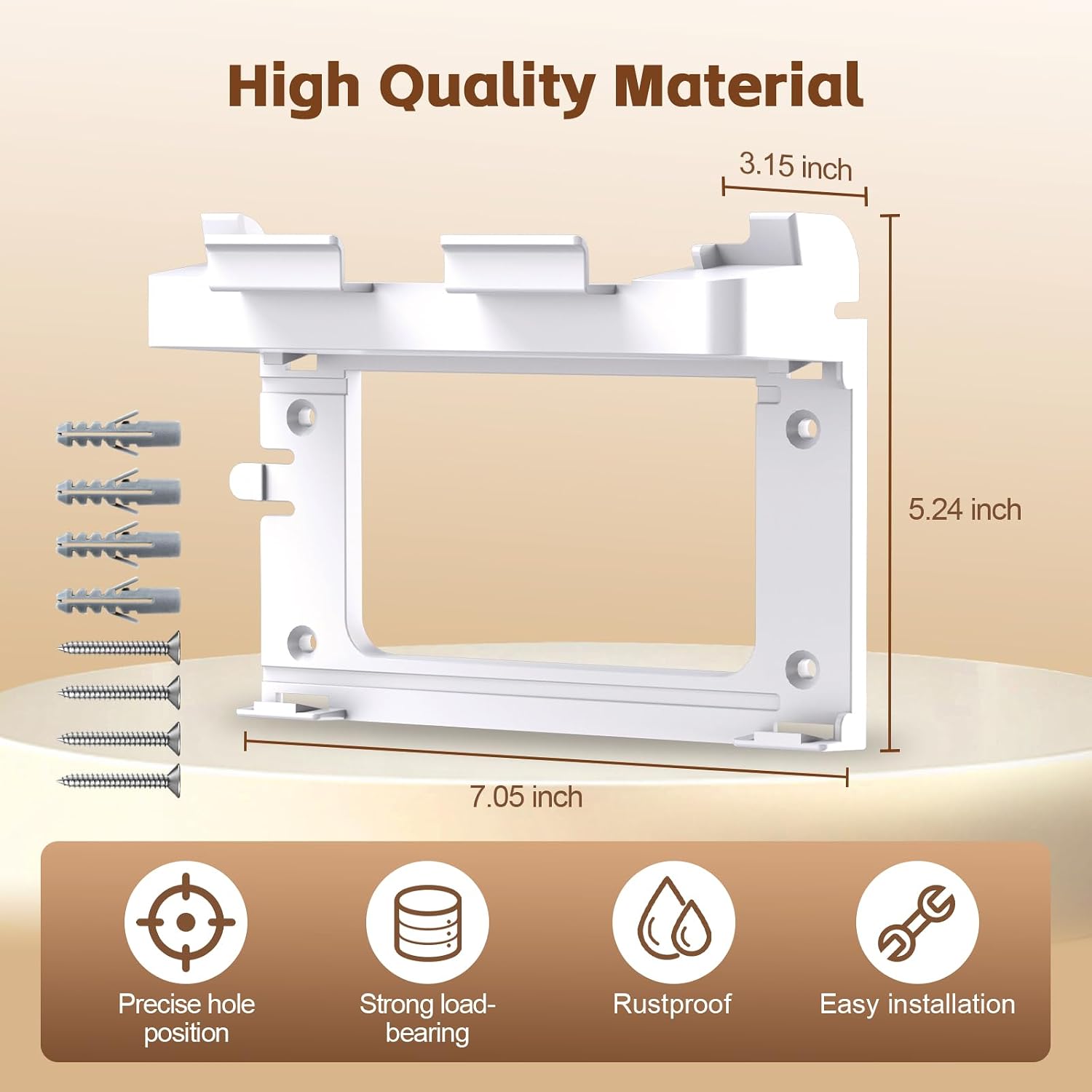
The build uses ABS plastic, described as durable, impact-resistant, and scratch-proof. It includes all necessary screws for quick, tool-free installation—often in three simple steps: locate the wall, align, and fix. The integrated cable caddy is a practical touch for tucking away cords, which helps minimize tripping hazards and visual clutter.
Potential limitations
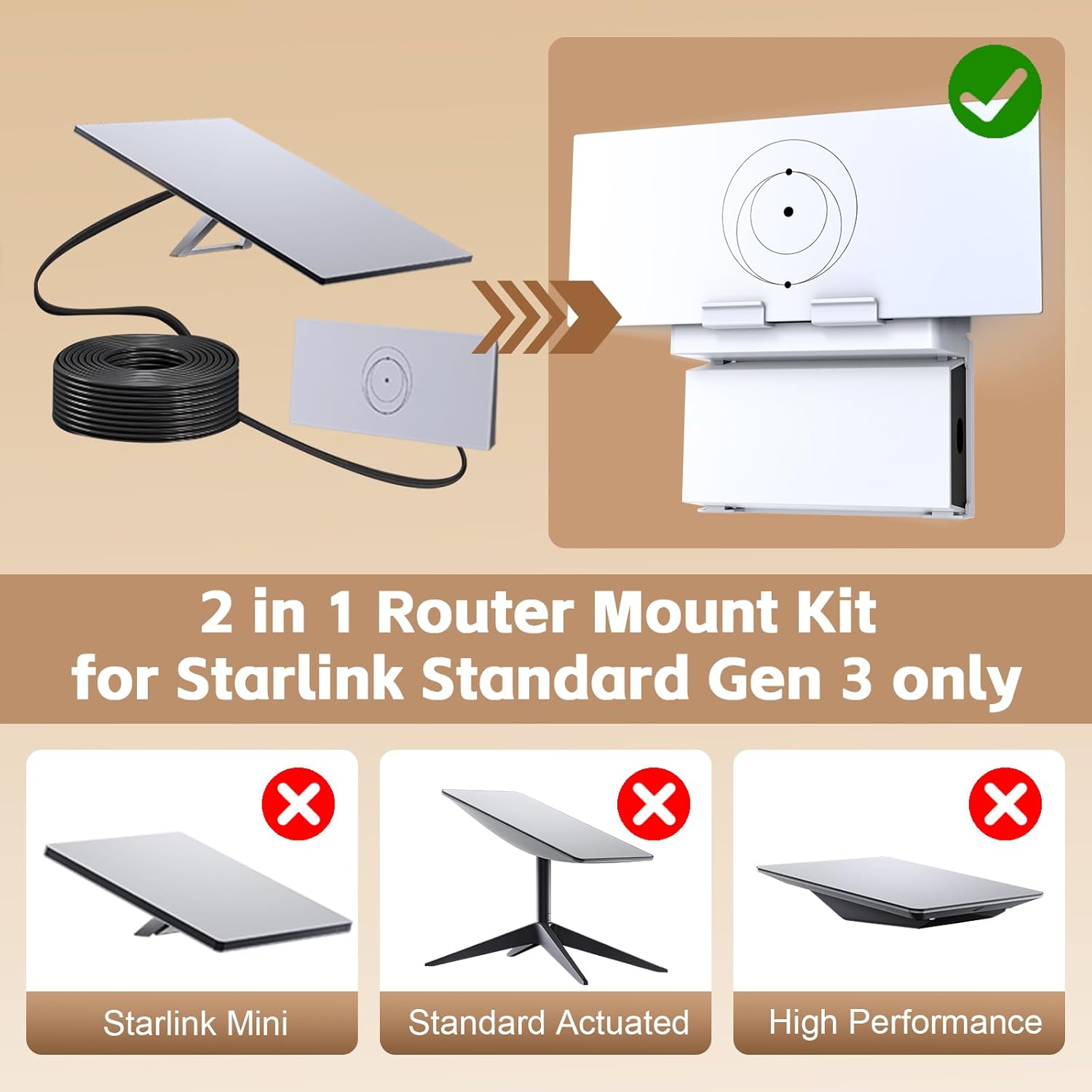
While the description emphasizes a snug fit for the Gen 3 router and power supply, there’s no mention of compatibility with other Starlink configurations or third-party adapters. If you’re using a non-standard package or future Starlink revisions, confirm fit before purchase. Also, the material is plastic, while sturdy, it may not offer the same long-term rigidity as metal mounts in high-vibration environments (think mobile vehicles over rough roads).
Who it’s for
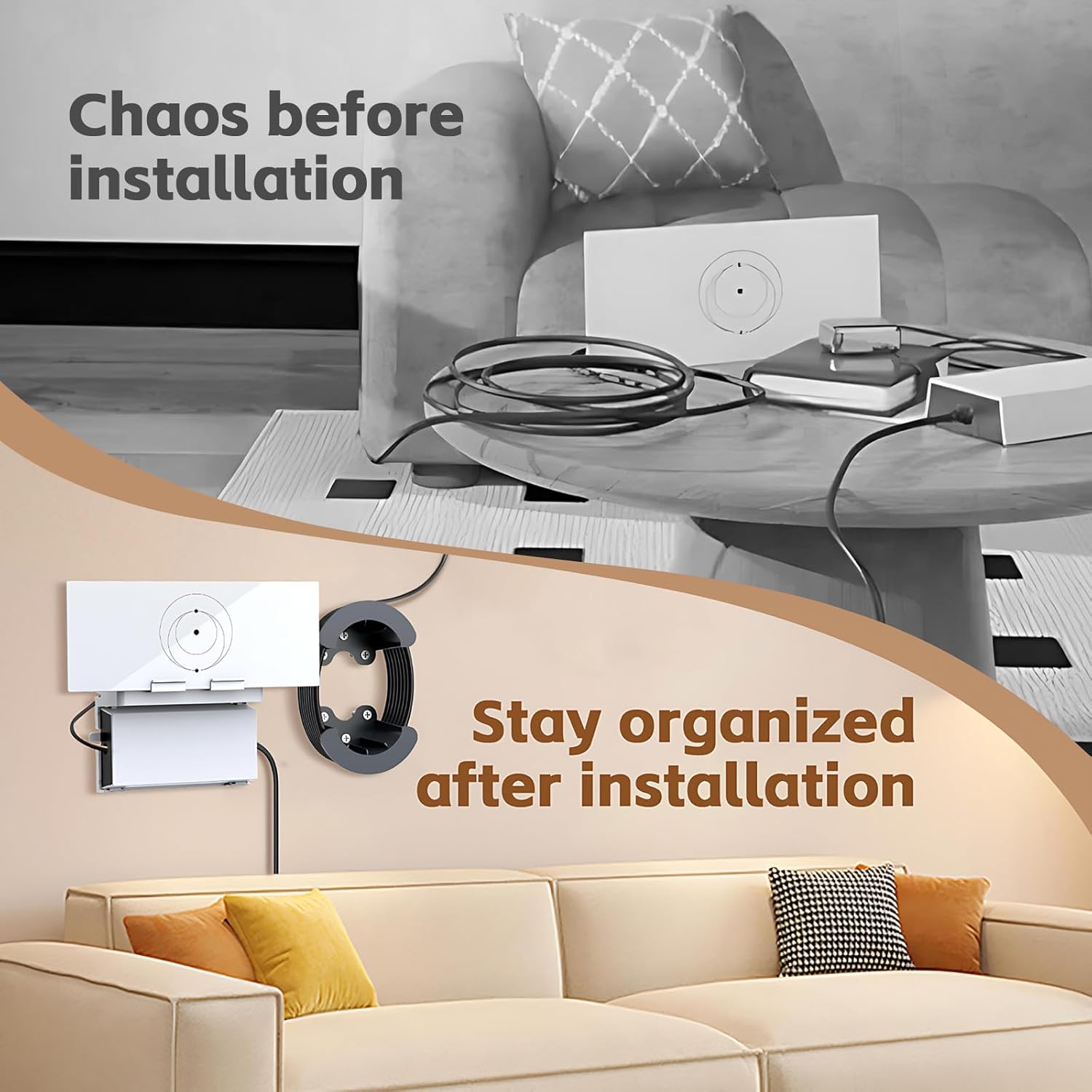
This mount suits users who want a clean, wall-mounted Starlink setup and value cable management—especially in small living or travel spaces like apartments, RVs, boats, or compact offices. It’s likely appealing to those who prioritize a fixed antenna position to optimize signal distribution in a room or cabin.
Who it isn’t ideal for
If you require a highly adjustable mount, or if your Starlink Gen 3 kit includes different mounting needs beyond a standard router and power supply, this solution might feel limited. It may not be the best option for environments where wall mounting is not feasible or where frequent reconfiguration is needed.
When it makes sense to buy
Consider this mount if you currently stack devices on desks or counters and want to reclaim space, or if you want an organized, low-profile installation with cable concealment. It’s a reasonable choice when you value a straightforward, quick setup and a stable, dedicated home for your Starlink gear.
What to check before buying
- Confirm your Starlink Gen 3 router model exactly matches the Gen 3 router and power supply described.
- Inspect the wall surface for mounting strength and ensure you have a suitable wall material for anchor screws.
- Consider the location’s exposure to moisture, heat, or vibration, while durable, the ABS plastic is best in moderate conditions.
Practical usage notes
If you’re setting this up in an RV or boat, place the mount where cords can bend naturally without crowding, and ensure the cable caddy can accommodate the power supply length you use. The goal is to keep the router oriented for optimal signal while maintaining a tidy footprint.
What to compare against (implicitly)
This solution sits between a basic desk setup and a more involved mounting system. If you’re debating between wall mounting and desk placement, think about long-term space savings, cable management, and the potential need to move the router for maintenance or reconfiguration.
Final decision
Is it worth it? It makes sense if you want a dedicated, space-saving wall install with built-in cable management for your Starlink Gen 3 kit and you value a quick, tool-free setup.
Quick FAQ
- Do I need tools for setup? No, the product includes screws for tool-free installation.
- Will it fit other Starlink models? The design targets the Gen 3 router and power supply, compatibility with other configurations isn’t specified.
- Is cable management part of the mounting? Yes, the included cable caddy helps organize and conceal cords.
- Can it improve signal? The mount positions the router to optimize signal flow in typical home or vehicle environments, but exact gains depend on your space and placement.