

Samsung Galaxy S26 Ultra (Unlocked) Android Smartphone, 512GB — Privacy Display, Galaxy AI, Nightography, Fast 3.0 Charging
Product description
What this phone is for
The Samsung Galaxy S26 Ultra is positioned as a top-shelf Android flagship, and the pitch is pretty clear: it leans hard into “AI on-device” features while also protecting your day-to-day privacy. On paper, you’re getting a roomy 512GB storage option, an unlocked setup, and a feature set built around faster capturing, smarter editing, and quicker responses—without having to jump into separate apps just to do the basics.
That’s the good news. The only real catch is that many of the standout features you’ll care about are tied to the phone’s AI tools and software behaviors. If you mostly use your phone for simple calling, basic messaging, and occasional photos, you might not feel the value as strongly as someone who shoots a lot of content or lives inside notifications.
Key features that affect real use
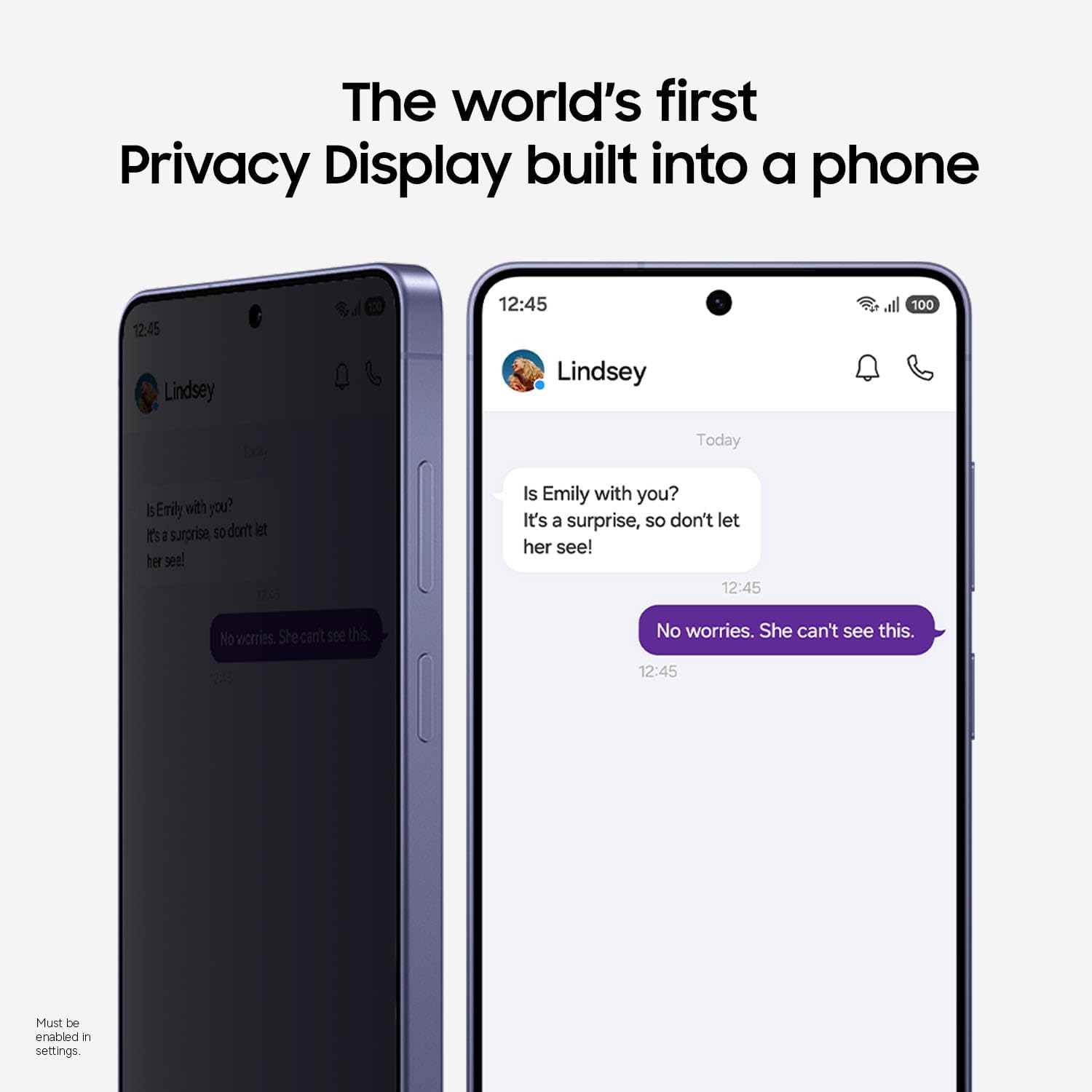
Privacy Display is the headline for people who hate when their screen is visible from the side. The idea is straightforward: it can automatically hide what’s on your screen from people beside you. It can be preset to turn on when you’re receiving notifications, typing passwords, or using specific apps—so you don’t have to remember to manually enable it every time.
In everyday terms, this is the kind of feature that makes train rides, shared offices, or crowded cafés feel less awkward. You can still use your phone normally, but it’s designed to reduce the “someone’s reading my screen” moment.
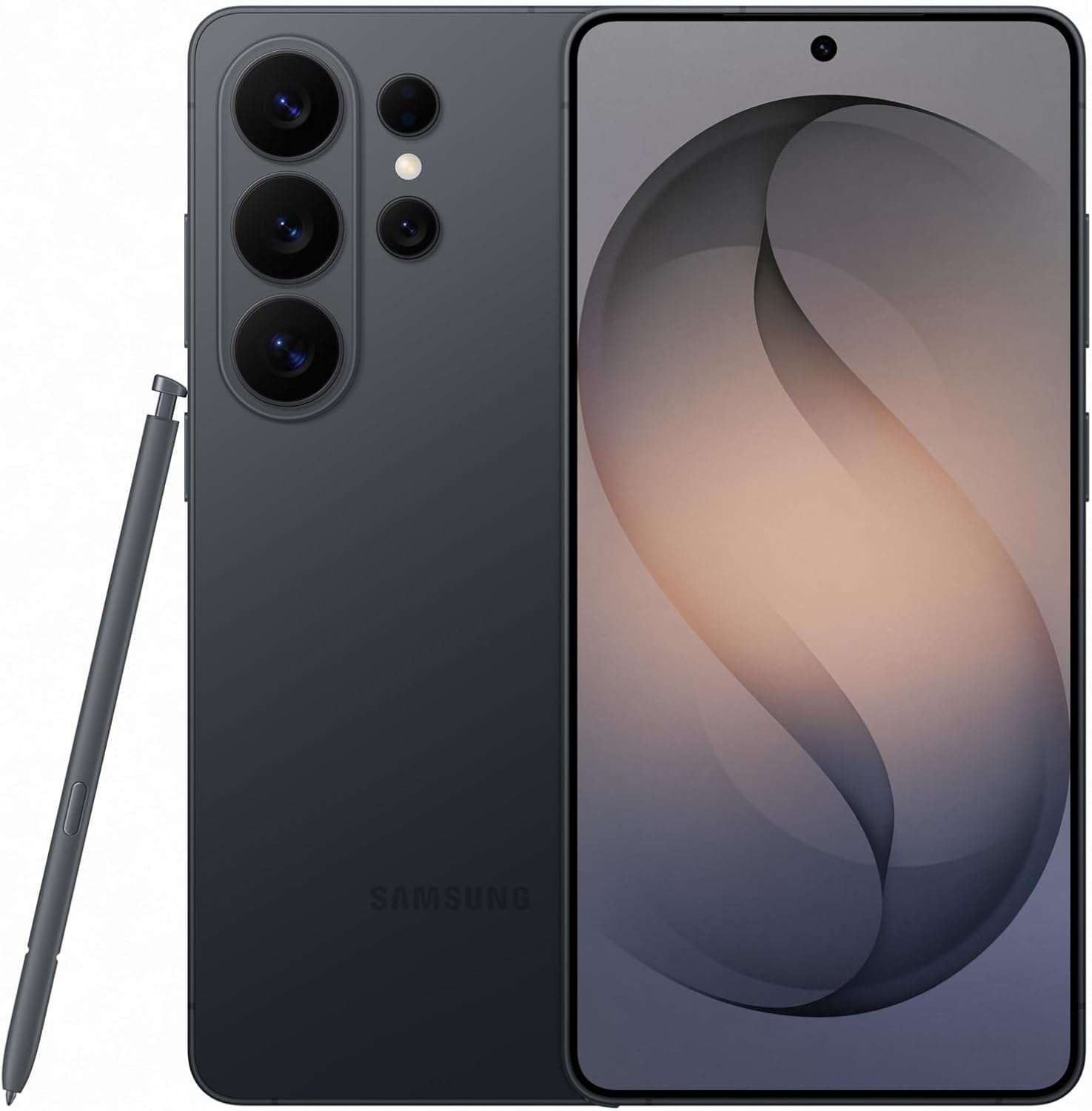
Photo Assist, Nightography, and AI editing
If you care about getting better-looking photos with less effort, the Galaxy AI story here is mostly about editing and capture.
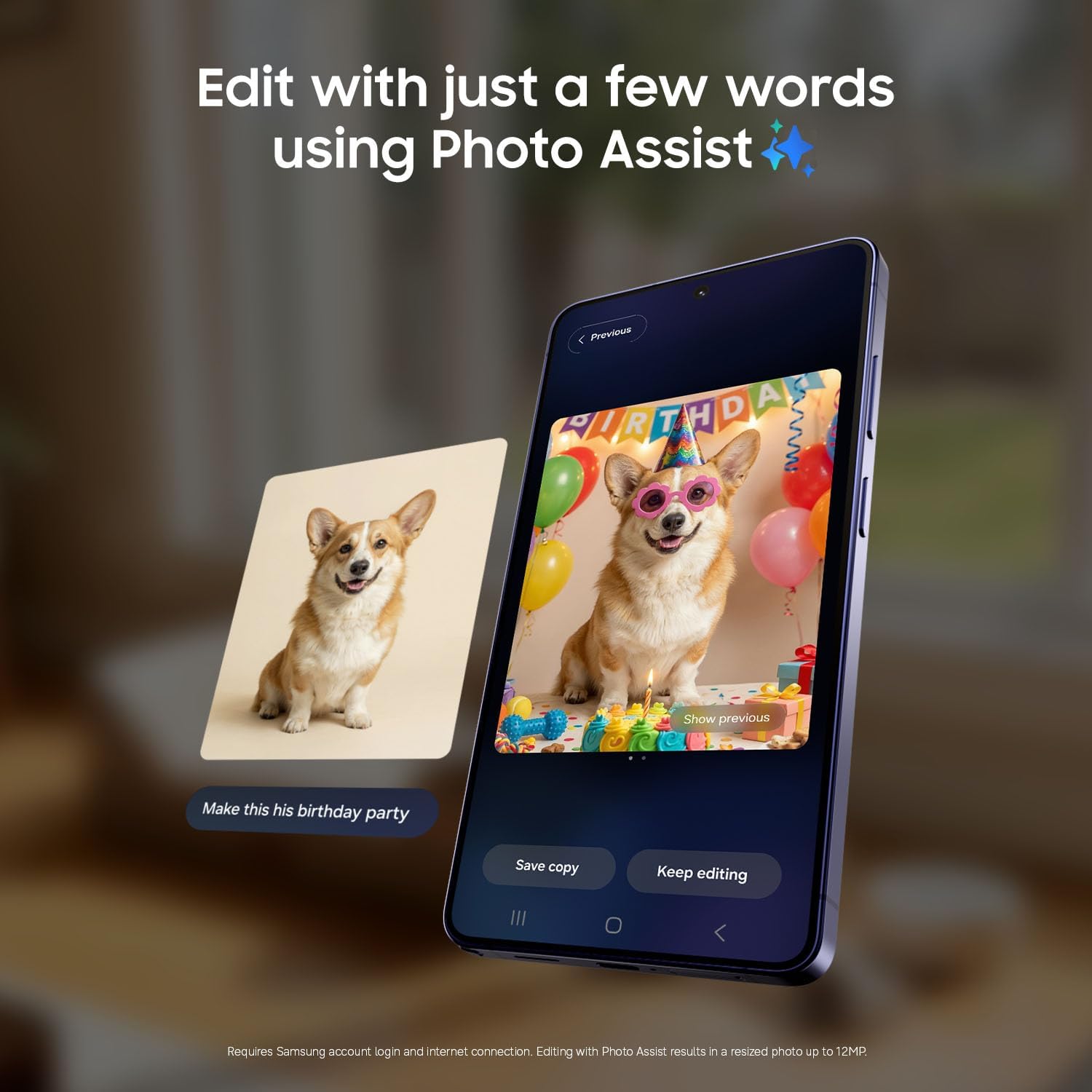
- Photo Assist: Enhance shots in seconds using Galaxy AI—add objects, restore details, or apply new styles by typing or tapping.
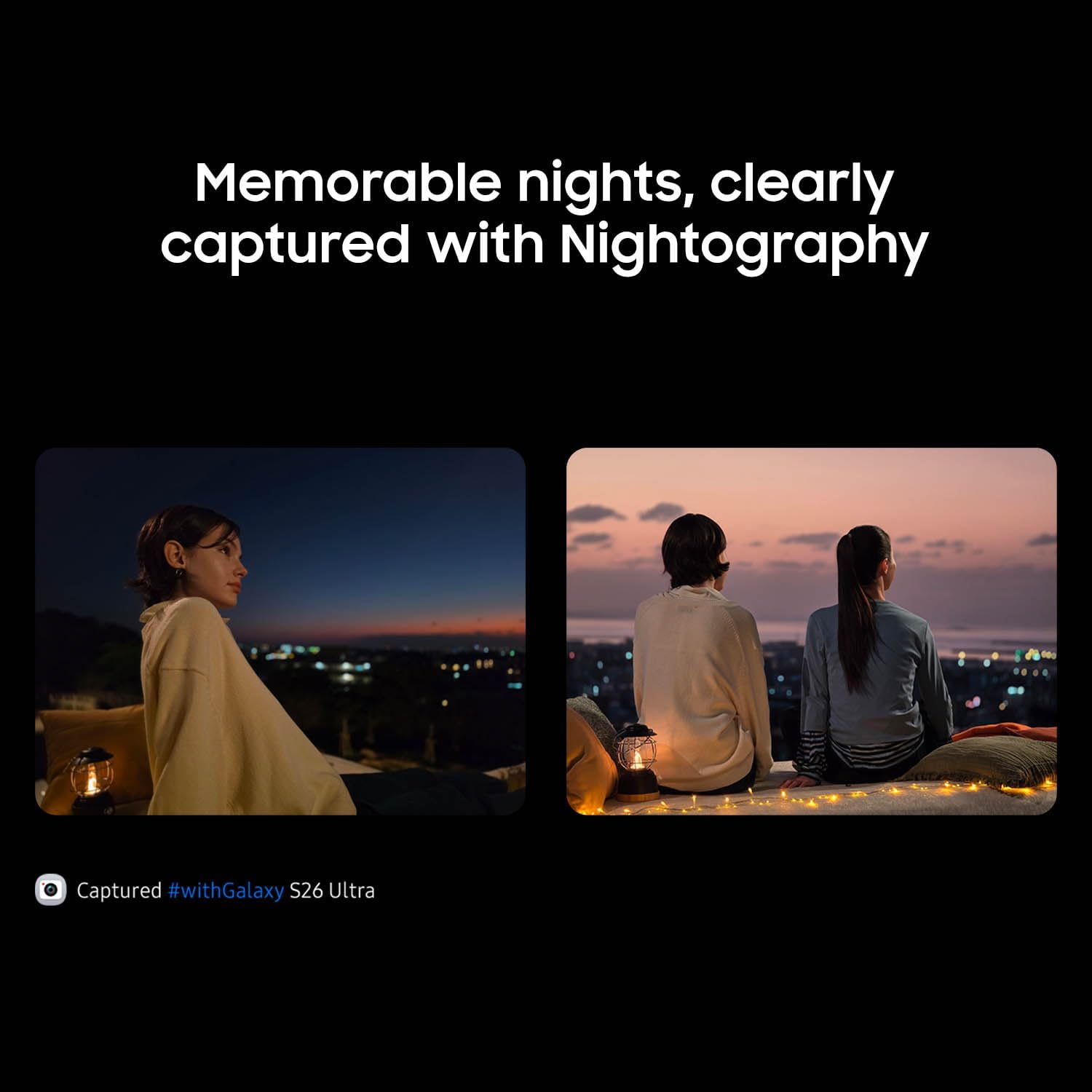
- Nightography: Designed for clearer photos and videos after dark, so moments like city lights or nighttime events don’t turn into blurry messes.
A practical example: imagine you’re at a night event and one of your shots looks a bit soft on details. Instead of starting from scratch, you can use the AI tools to restore or refine parts of the image quickly before sharing.
It’s not going to magically fix every impossible lighting scenario, though. If your original photo is extremely blurry from motion, AI can help, but it won’t replace careful shooting.
Creative tools: personalize fast, not “later”
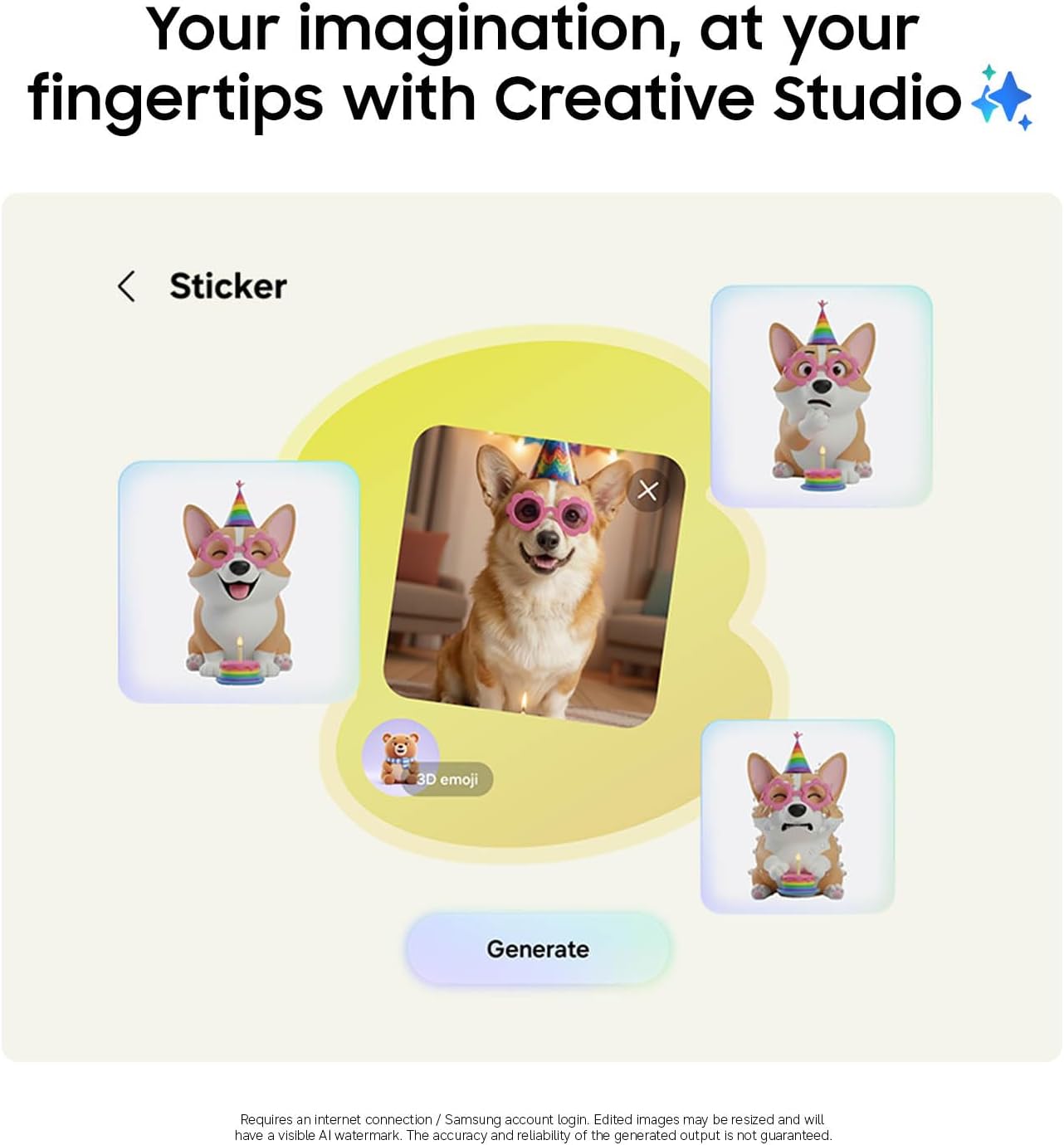
Samsung also bundles creative touches directly into the phone workflow. The description points to tools for making everyday moments feel more personal—things like custom wallpaper, contact photos, and invitation-style edits.
This matters if you’re the type who actually uses their phone to produce small “ready to share” things. If you’re more of a “I’ll edit on my computer later” person, those extras may feel like background noise rather than a must-have.
Responsiveness and organization with Now Nudge
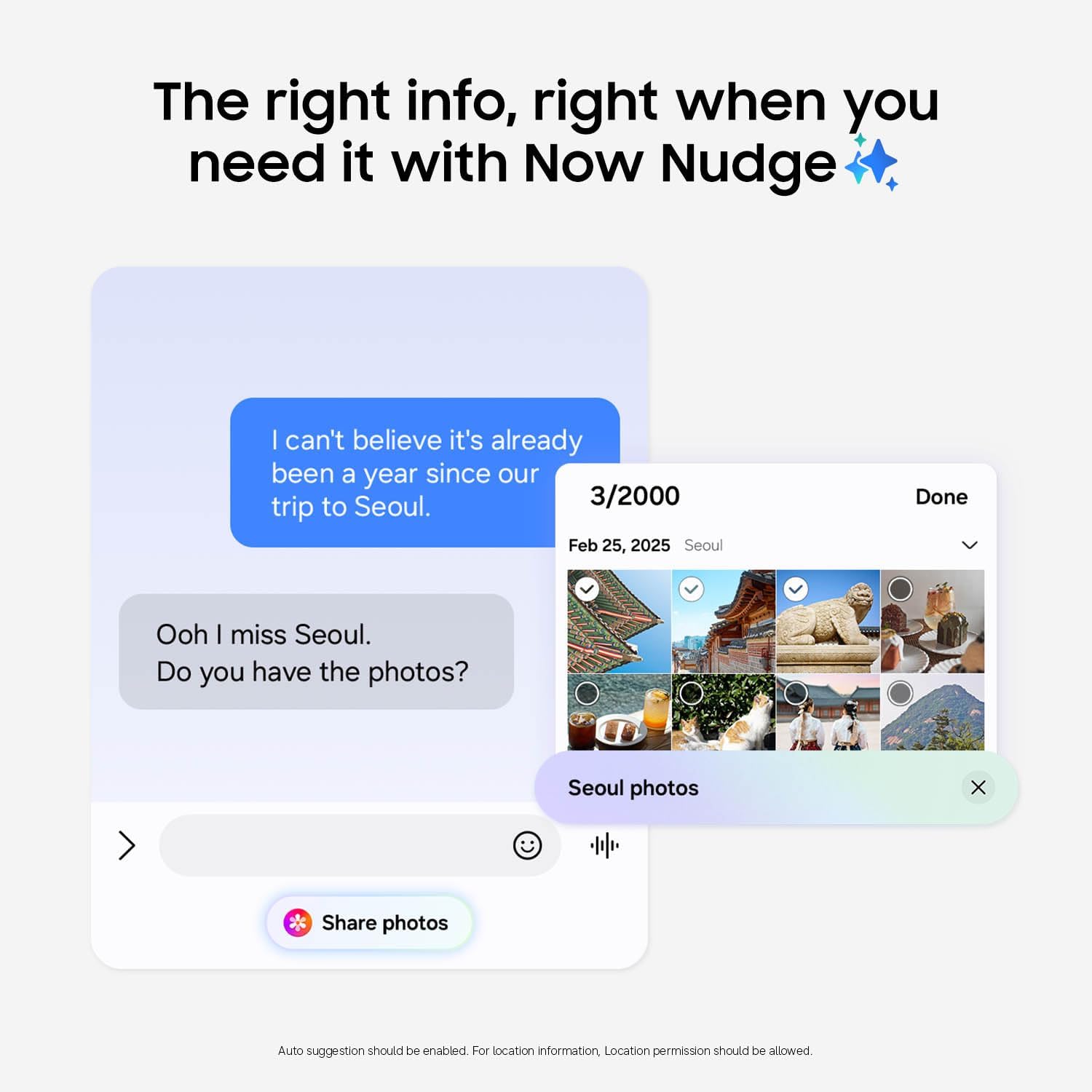
Now Nudge uses Galaxy AI to help you respond faster and stay organized with smart suggestions that appear when you need them. It’s designed to keep you in the flow, rather than making you stop and hunt for what to do next.
Again, it’s hard to know how much you’ll personally benefit until you see how the prompts fit your habits. Some people love suggestion-driven workflows, others find them distracting if they’re very strict about notifications.
Performance and charging you can feel
The phone is described as having AI-accelerated performance from Samsung’s fastest, smoothest, and most powerful Galaxy processor yet. The point isn’t technical bragging—it’s “power through your day” while handling what you do.
It also includes Super Fast Charging 3.0 and a durable battery (as stated). If your current phone struggles with day-long use or you’re always hunting for a charger, fast charging is often one of those features you start appreciating quickly.
Tech specs snapshot (only what’s provided)
Tech specs
- Type: Android smartphone (unlocked)
- Storage: 512GB
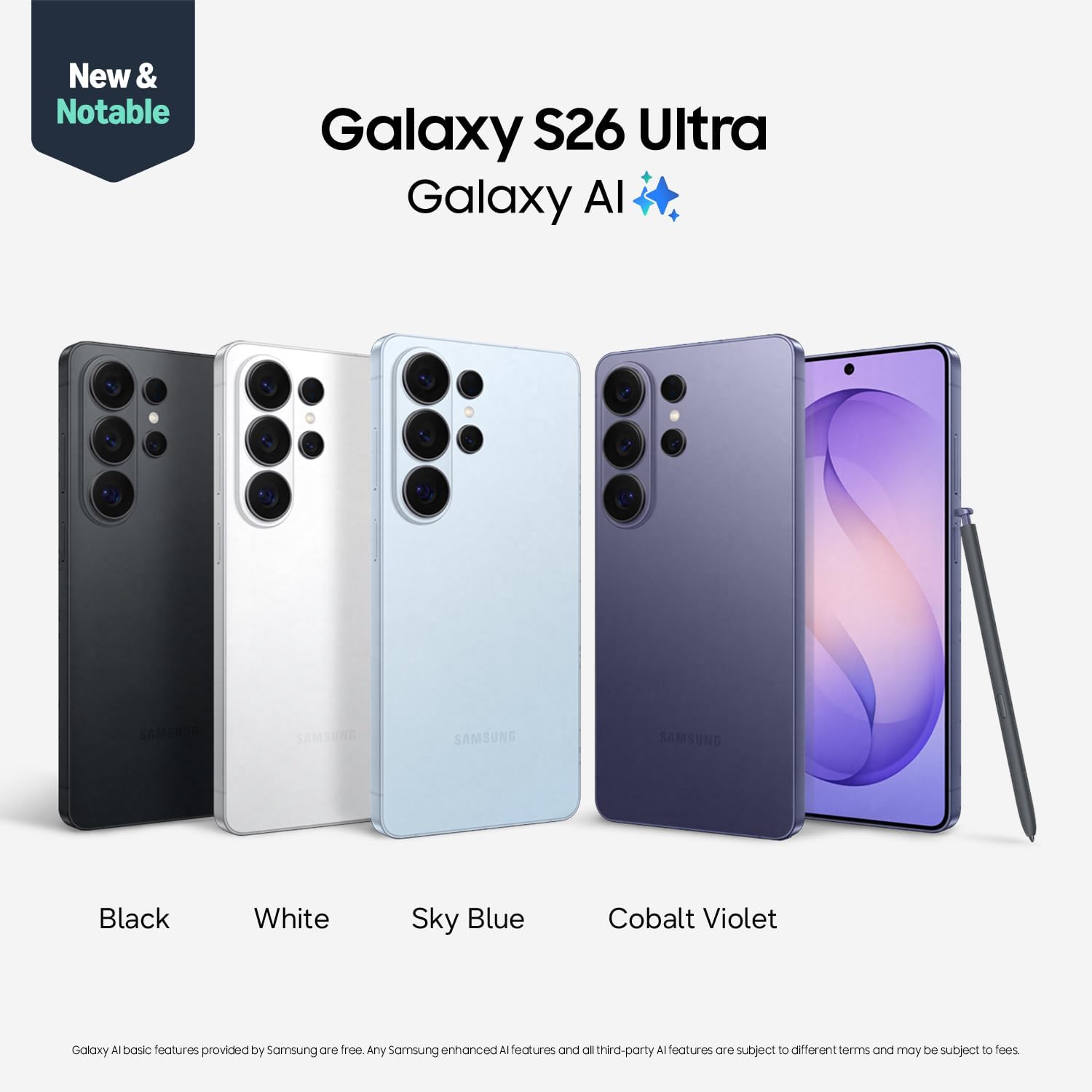
- Color: Black
- Charging: Super Fast Charging 3.0
- Privacy feature: Built-in Privacy Display that can auto-hide screen from others beside you
- AI features mentioned: Galaxy AI, Photo Assist, Nightography, Now Nudge
- Warranty: 1-year warranty in the U.S. (per listing info)
- Year: 2026 model
Who should buy it (and who should skip)
It’s a solid buy if you want an Android flagship that focuses on privacy, better night capture, faster photo improvement, and AI-driven help inside your day-to-day routine. You’ll likely get the most value if you:
- take photos/videos often, especially in low light
- care about privacy in crowded settings
- want editing tools that don’t require separate workflows
- prefer suggestions and quicker responses rather than constant manual organizing
It may not be the best match if you’re the type who rarely uses advanced photo editing, turns off most notifications, or just wants a basic smartphone experience. In that case, the Ultra positioning and AI-heavy approach can feel like paying for features you won’t actively use.
Final verdict
Is it worth it?
The Samsung Galaxy S26 Ultra makes sense if you’ll actually use its AI features for privacy-aware screen viewing, night photography, and quick in-phone enhancements. The “Privacy Display” and “Nightography” angles are especially compelling for people who spend time around others or shoot after dark.
On the flip side, if your usage is light and you don’t lean into AI photo tools or smart suggestions, it can feel more like a premium bundle than a practical upgrade.
Before you buy, double-check whether the AI behaviors (like Privacy Display presets and Now Nudge suggestions) align with your preferences—because that’s where the experience can swing from “wow, convenient” to “not my thing.”
Mini FAQ
How does the Privacy Display work?
It’s designed to automatically hide your screen from people beside you, with presets for moments like receiving notifications, typing passwords, or using specific apps.
What is Photo Assist used for?
Photo Assist uses Galaxy AI to enhance photos quickly—supporting actions like adding objects, restoring details, or applying styles via typing or tapping.
Is Nightography meant for low-light photos?
Yes. It’s described as helping capture moments after dark with clarity so photos and videos stay crisp.
Does this phone include fast charging?
The listing states it supports Super Fast Charging 3.0, plus it’s described as having a durable battery.
Does it come unlocked?
Yes, it’s listed as an unlocked Android smartphone.