


Razer Joro Portable Wireless Gaming Keyboard Bluetooth
Reviews
Price
Product description
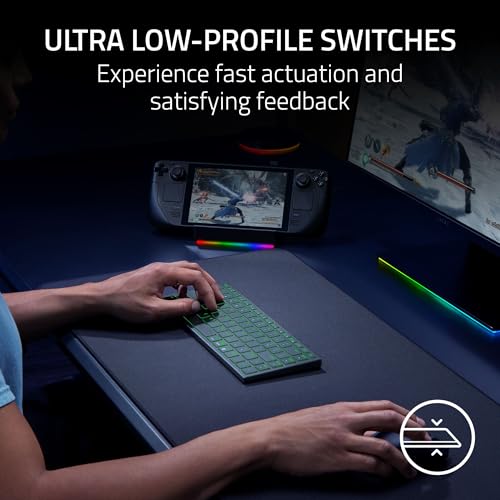
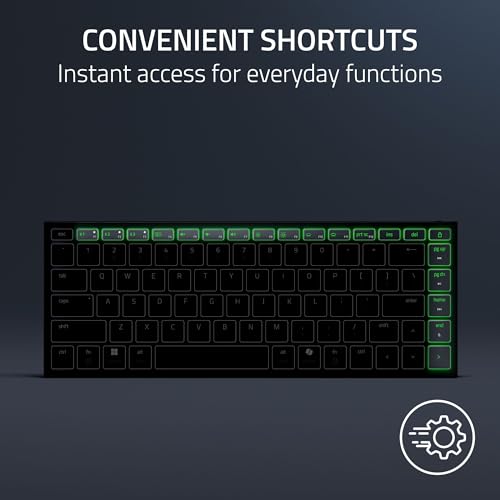
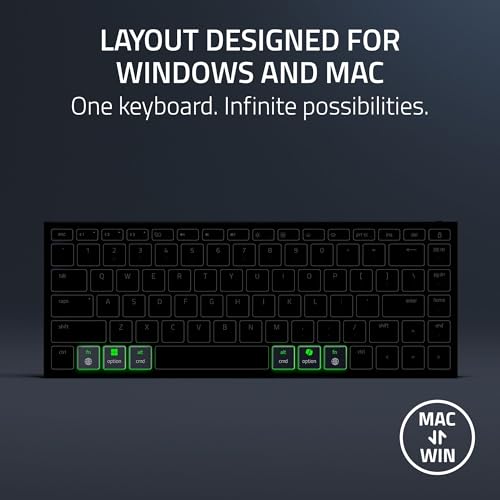
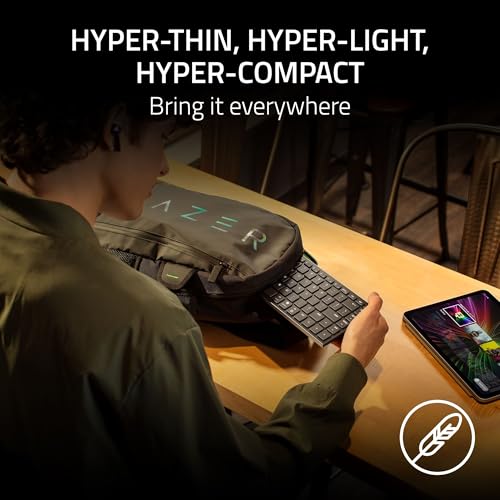
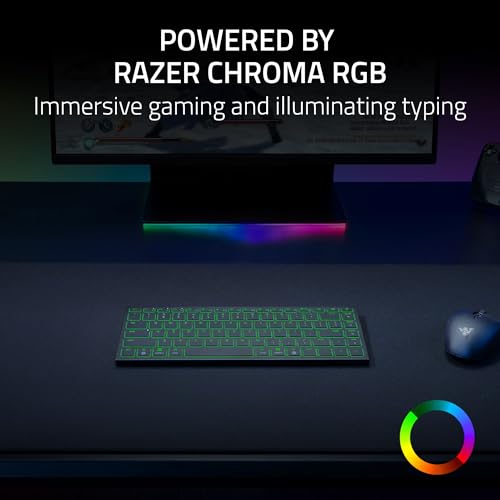
This thin, light portable wireless gaming keyboard from Razer combines low-profile switches and Chroma RGB lighting to bring a compact, travel-ready layout to PC, Mac, Steam Deck, smartphone and tablet setups. Its slim profile and full-size function row make it easy to carry while keeping essential keys and a tactile feel for gaming and daily typing.
Key Points
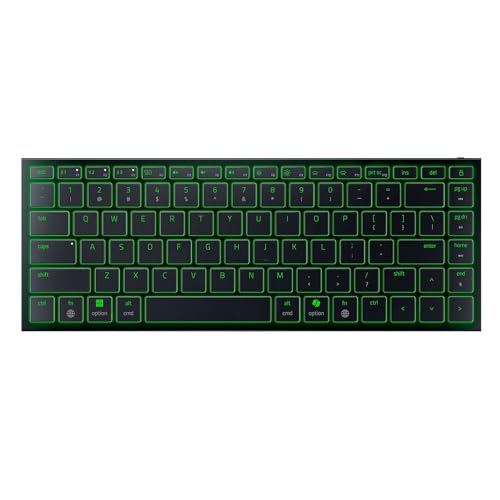
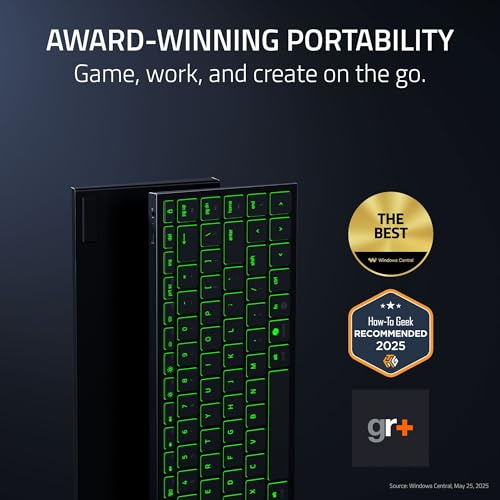
Razer Joro Portable Wireless Gaming Keyboard is designed to be ultraportable, weighing just 374 g and measuring 16.5 mm thick, so it fits into backpacks and briefcases with minimal bulk. It includes a full-size function row and arrow keys in a narrow footprint, making it practical for both gaming sessions and on-the-go productivity. The keyboard supports Razer Chroma RGB with up to 16.8 million colors for per-key lighting effects and game-integrated animations, which adds visual feedback and personalization to your setup 🎮.
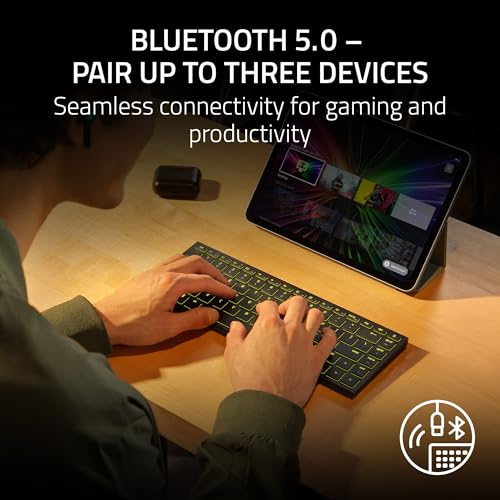
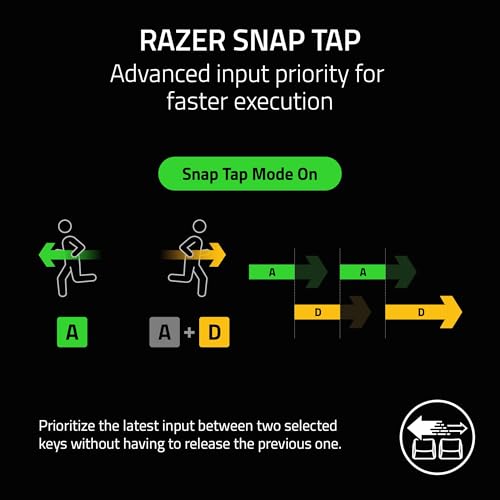
Connectivity is flexible thanks to Bluetooth 5.0 and multi-device pairing. You can pair up to three devices and switch between them quickly using shortcuts, which is useful when moving between a laptop, handheld, and phone. Razer’s Snap Tap feature is available through Razer Synapse 4 to prioritize inputs between keys for faster directional changes in games, though it requires the software to unlock that functionality.
Technical Specifications
- Name: Razer Joro Portable Wireless Gaming Keyboard
- Weight: 374 g
- Thickness: 16.5 mm
- Connectivity: Bluetooth 5.0, multi-device pairing (up to 3)
- Lighting: Razer Chroma RGB, up to 16.8 million colors
- Switches: ultra-low profile gaming switches for quick actuation
Usage Recommendations
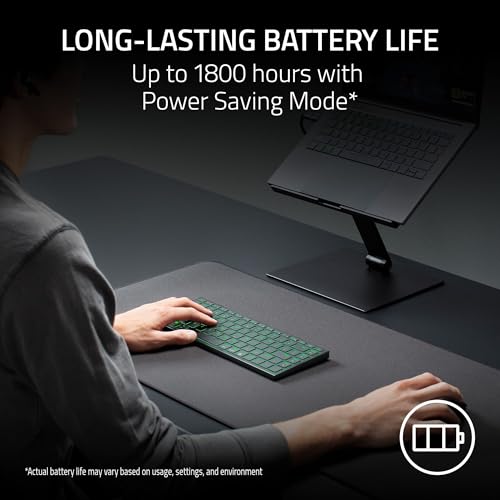
For travel and hybrid setups, the keyboard performs well when paired with compact laptops and handheld consoles. Its low profile reduces finger travel and can help maintain speed during long gaming runs or fast typing bursts. Use the Chroma effects to map important keys or highlight macros for clarity during sessions. If you plan extended gaming without a wired connection, enable the power-saving mode to extend battery life and plug in the included USB cable to continue using the keyboard while charging when needed ⚡.
Consider that Razer Synapse 4 must be installed to access advanced features like Snap Tap and some lighting presets. Battery life is described as long by the manufacturer but will vary depending on brightness settings, Bluetooth usage and the enabled effects. Also note that low-profile switches feel different from traditional mechanical keys, so a short adjustment period may be needed for users coming from taller keycaps.