

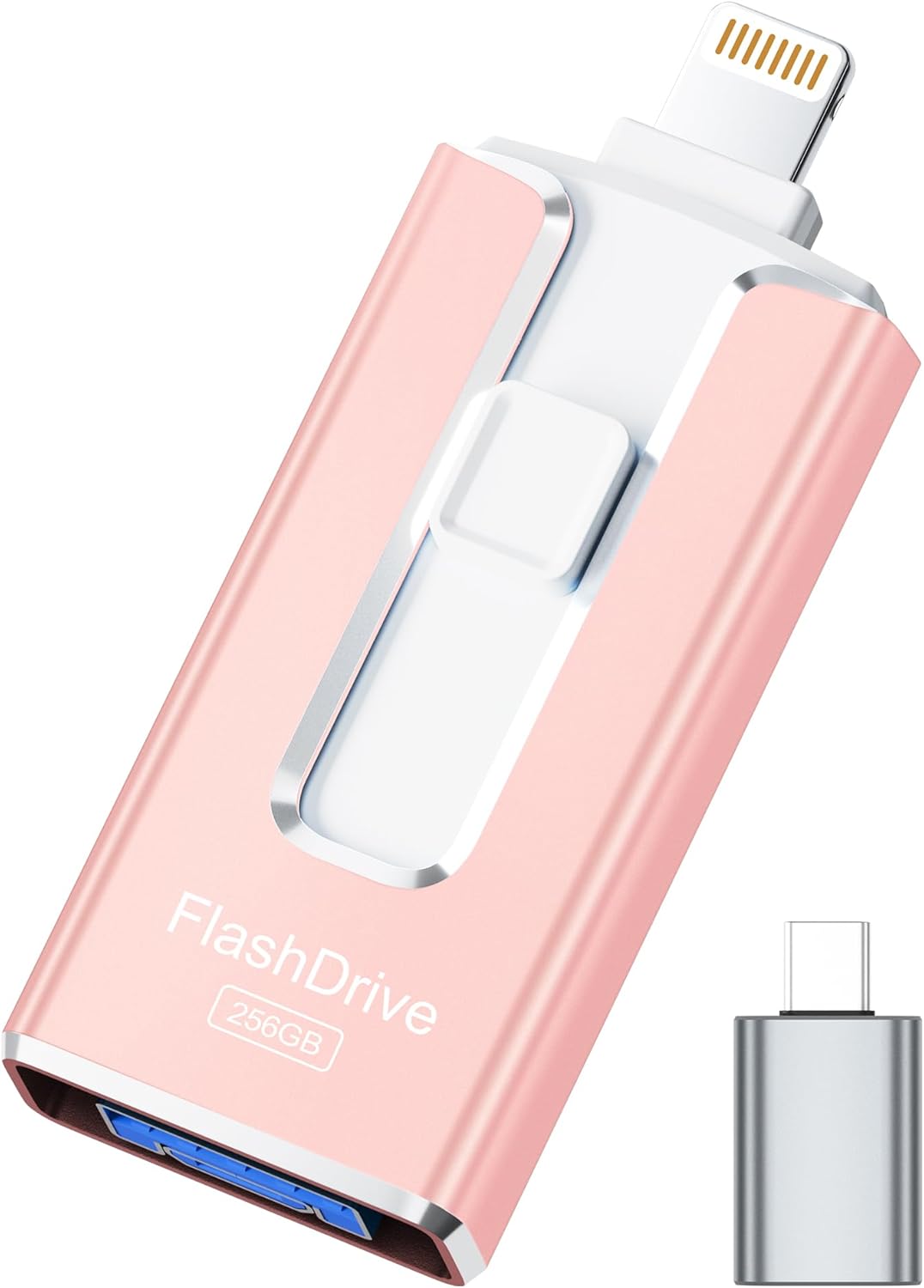
256GB Flash Drive
Product description
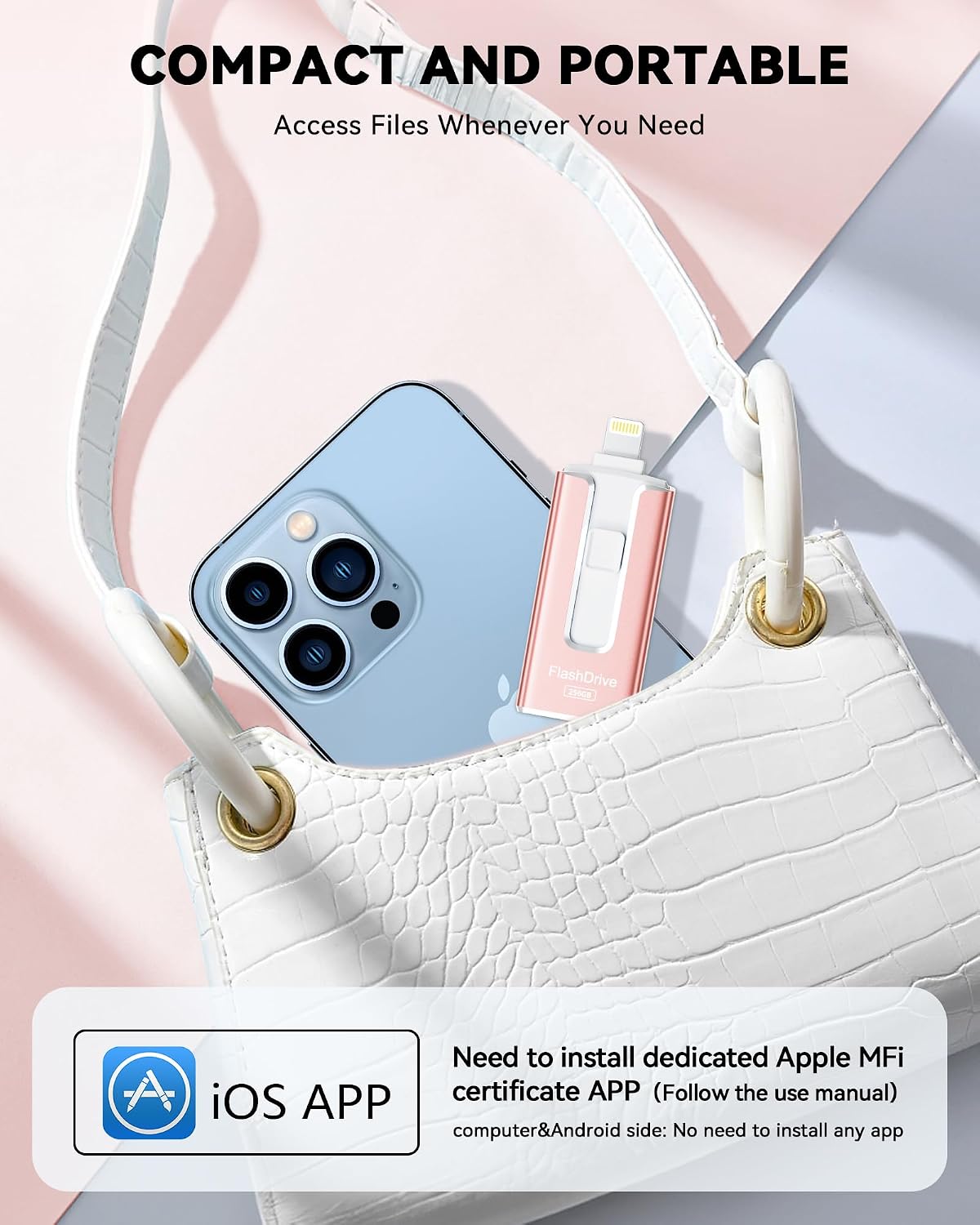
When your phone is running short on room, moving photos and videos to a separate drive can make it easier to keep them without relying on a cloud upload. This 256GB flash drive is designed to connect with iPhone, iPad, Android devices, and computers through its different connectors.
For iPhone use, you’ll need to install the required app before transferring files. On Android, OTG must be enabled.
Its appeal is practical: keep a copy of a camera roll handy, then move files to a computer when you want to sort or store them elsewhere.
Technical details
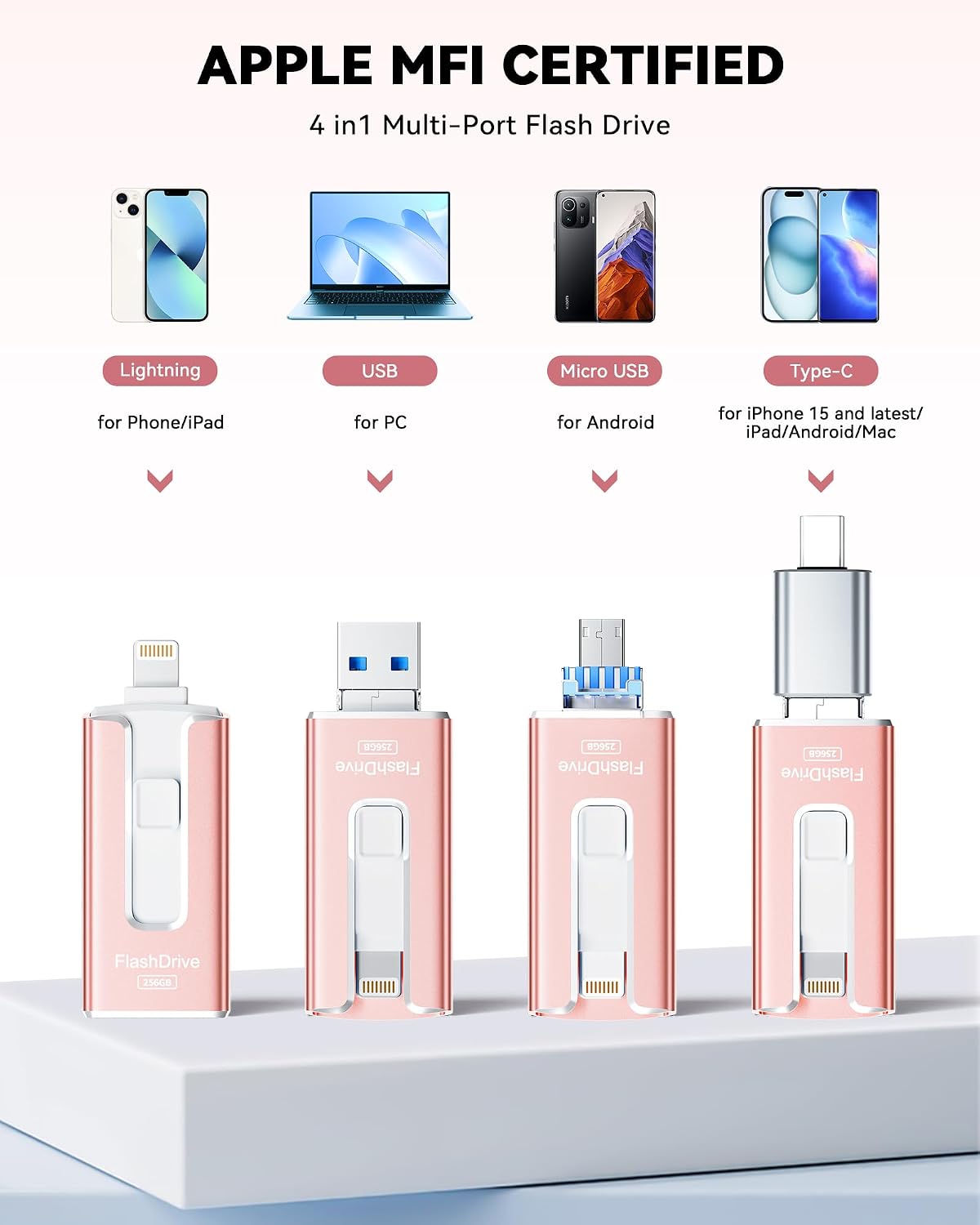
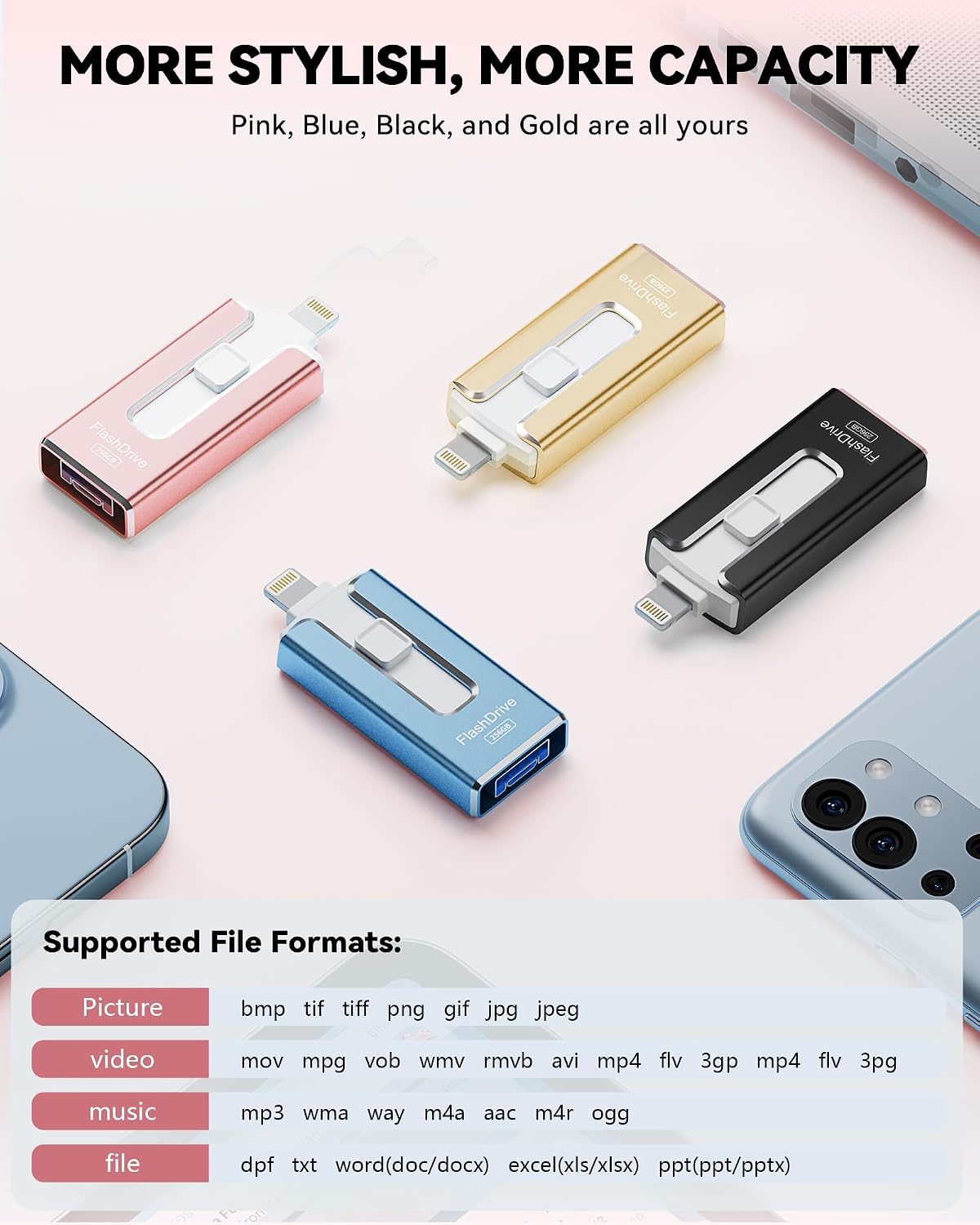
The listed capacity is 256GB. The drive has USB, Lightning, and Micro USB connectors, plus an independent Type-C adapter. The adapter is shipped in black or silver at random, so its color isn’t something you can select. Available drive colors are blue, pink, black, and gold.
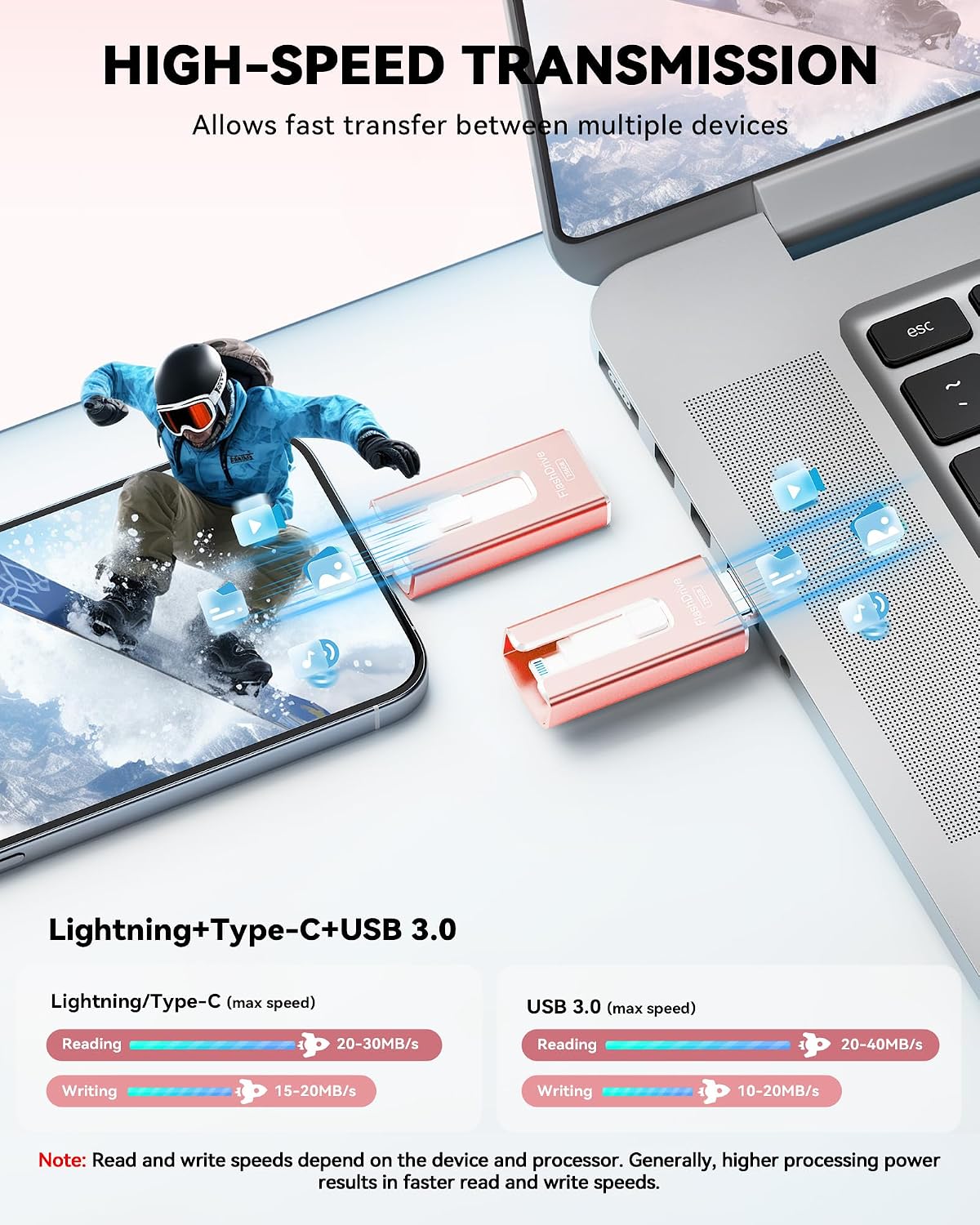
The listing specifies read speeds up to 40MB/s and write speeds up to 25MB/s. Those are maximum listed figures, not guaranteed transfer rates, actual performance may vary with the connected device and its processor. The displayed capacity may also differ from 256GB because storage makers and computers calculate gigabytes differently.
An app-based encryption option lets you set a password for personal files, photos, and videos. MFi certification is listed for iOS devices running iOS 12.1 and above, and the maker says an app download is required for iPhone use.
Compatibility & requirements
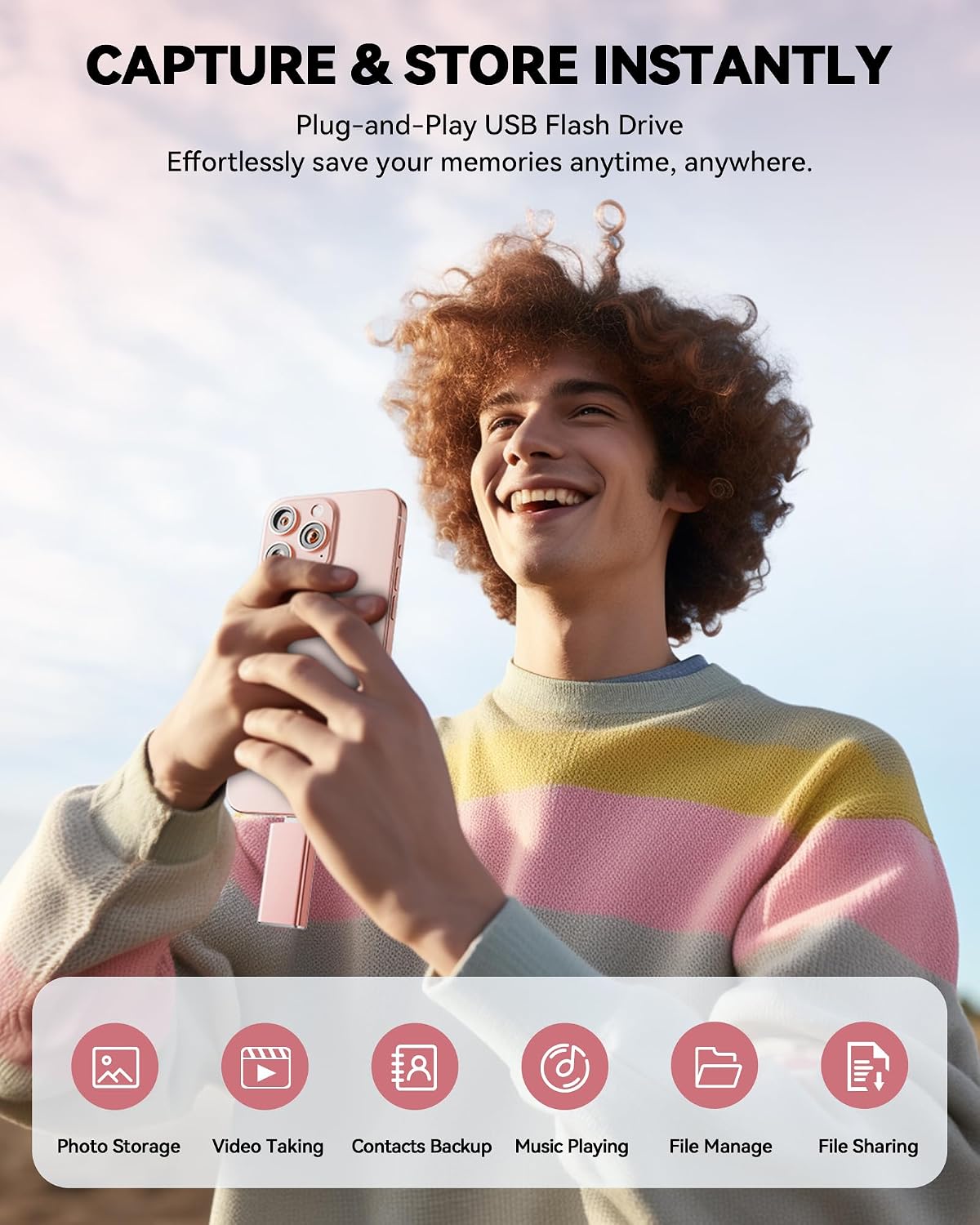
The mix of connectors is useful if you move files between devices that don’t share the same port. For example, you could back up photos from an iPhone, then connect the drive to a computer to organize them. That flexibility is more convenient than choosing a drive with just one connector, but it still depends on having the right port and completing the setup for your device.
For Android, the listing says to open the device’s OTG function. For iPhone, install the required app from the App Store before use. The product description names iPhone, iPad, Android, and PC, but doesn’t specify computer operating systems or provide a detailed device-by-device compatibility list, so those details aren’t established here.
Usage tips
Before a transfer, make sure the iPhone app is installed or Android OTG is on, as applicable. A useful routine is to copy a batch of photos after a trip, check that the files are accessible from the destination device, and then decide whether to remove anything from your phone. That gives you a second step before treating the drive as your only copy.
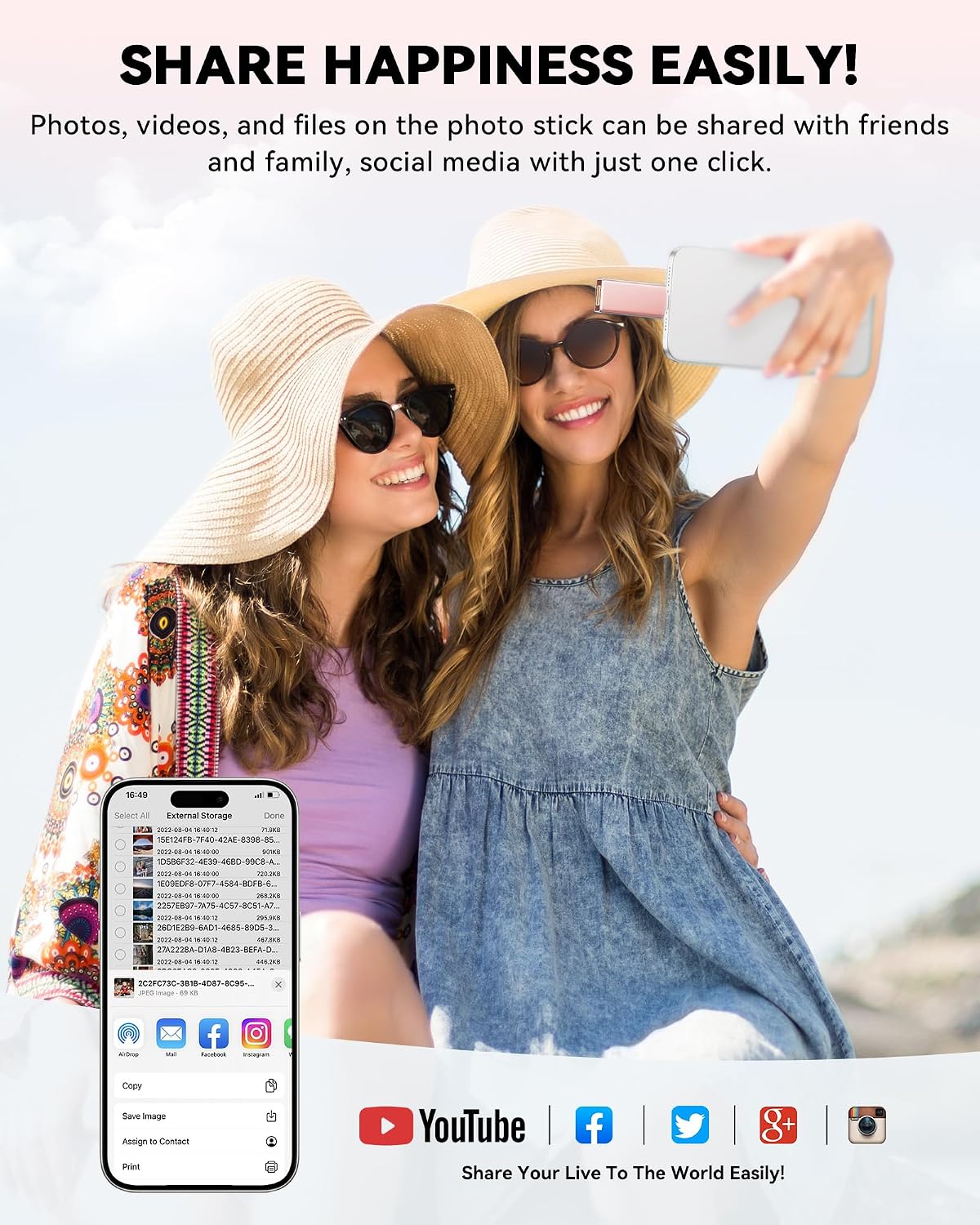
The password option may suit files you’d rather not leave openly accessible, though it relies on the companion app. It makes sense if you want portable storage for photos and videos across several kinds of devices. It might not be a great match if you need a published speed guarantee or want to use an iPhone drive without installing an app. According to the maker, transfer speeds can vary with device performance.
Before you decide
Does it work with an iPhone? The listing says it supports iOS 12.1 and above and requires an app from the App Store.
What setup does Android require? OTG needs to be enabled on the Android device.
Can it protect personal files? The app includes an option to set a password for files, photos, and videos, the description doesn’t detail the encryption method.
Buying verdict
Choose this drive if the multi-connector design fits the devices you actually use and you’re comfortable handling transfers through the required app or OTG setting. It offers a straightforward alternative to uploading files or using a single-port drive, especially when you want to carry photos between a phone and computer. Skip it if you need confirmed compatibility details for a specific device or a guaranteed transfer rate, neither is provided in the listing.