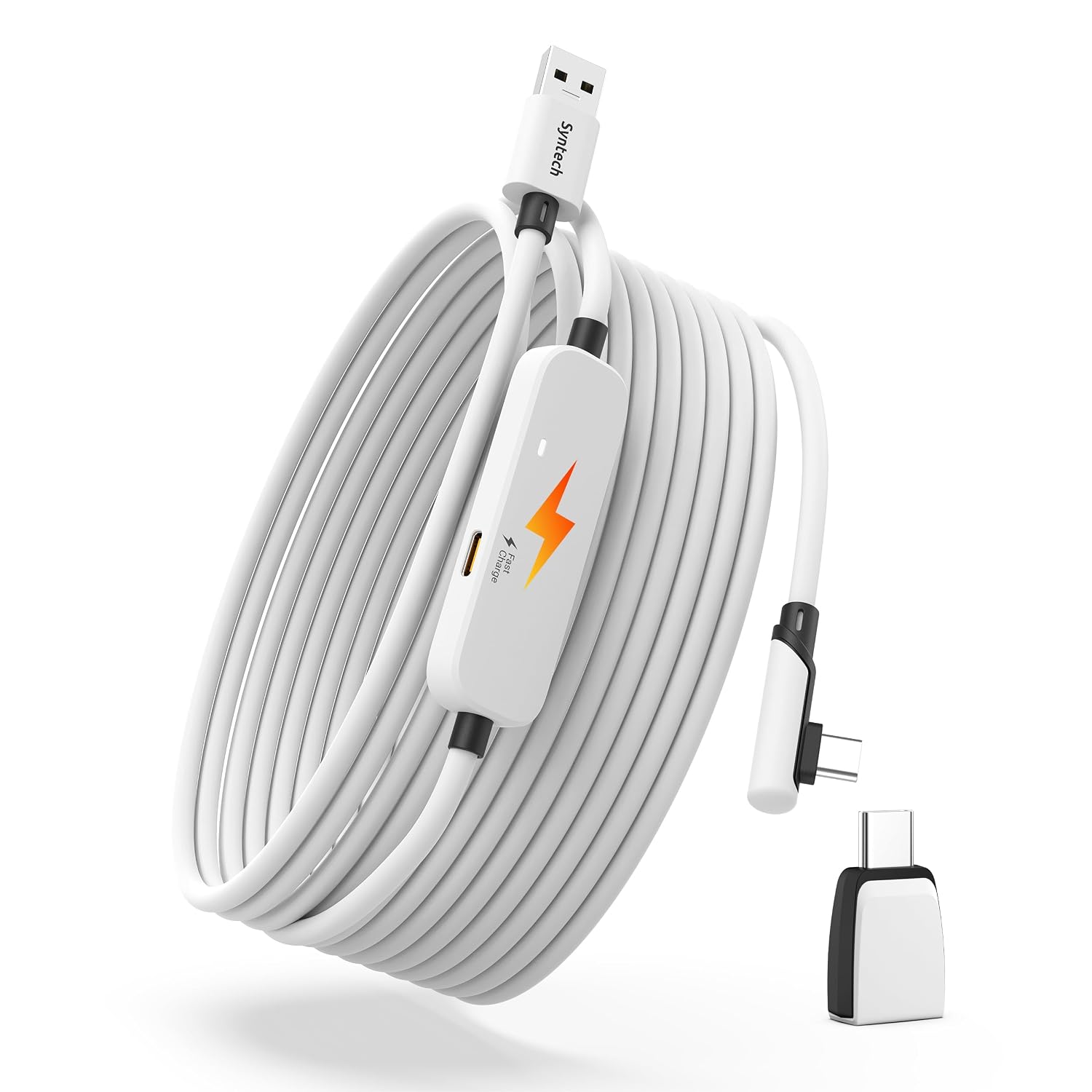
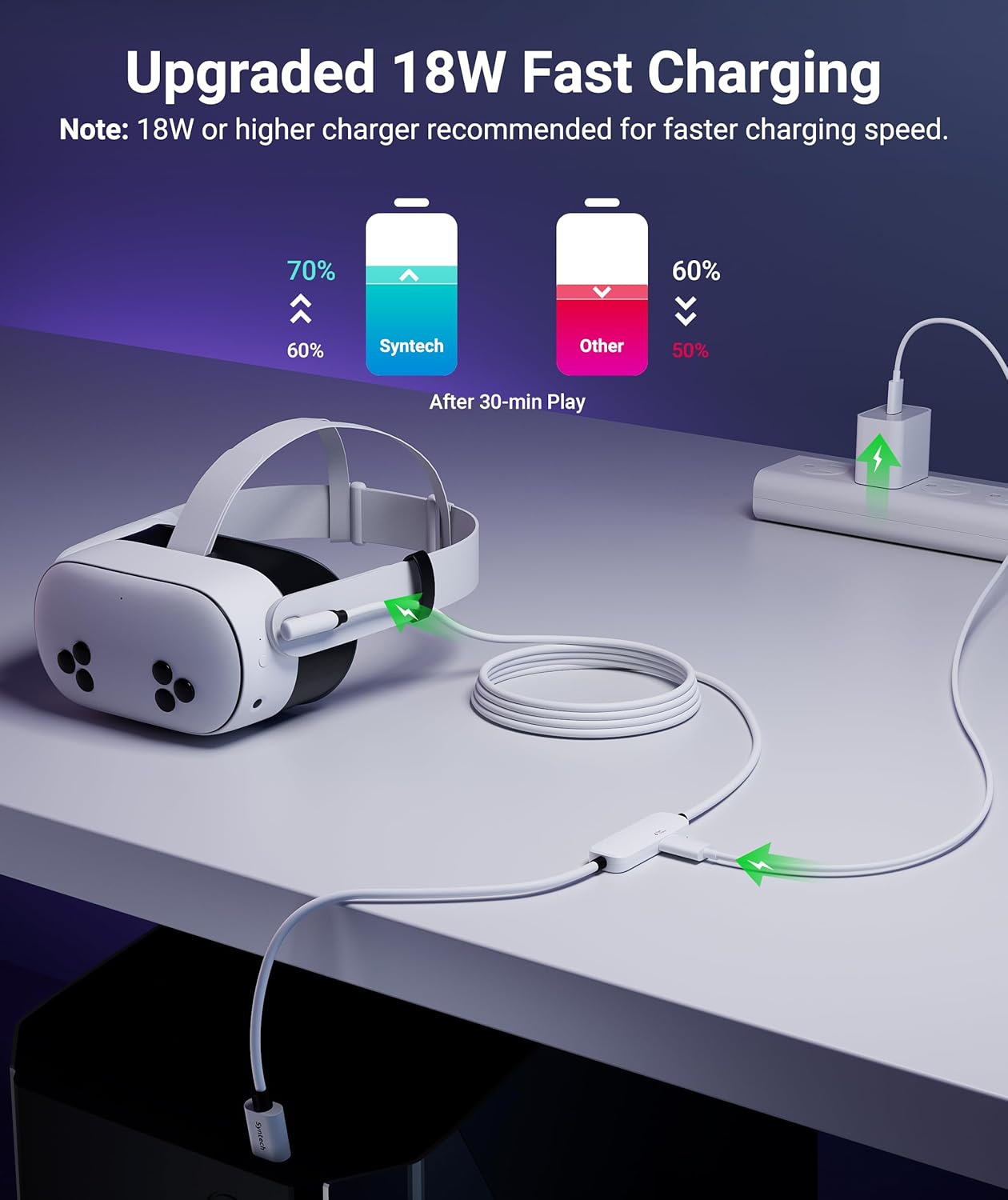
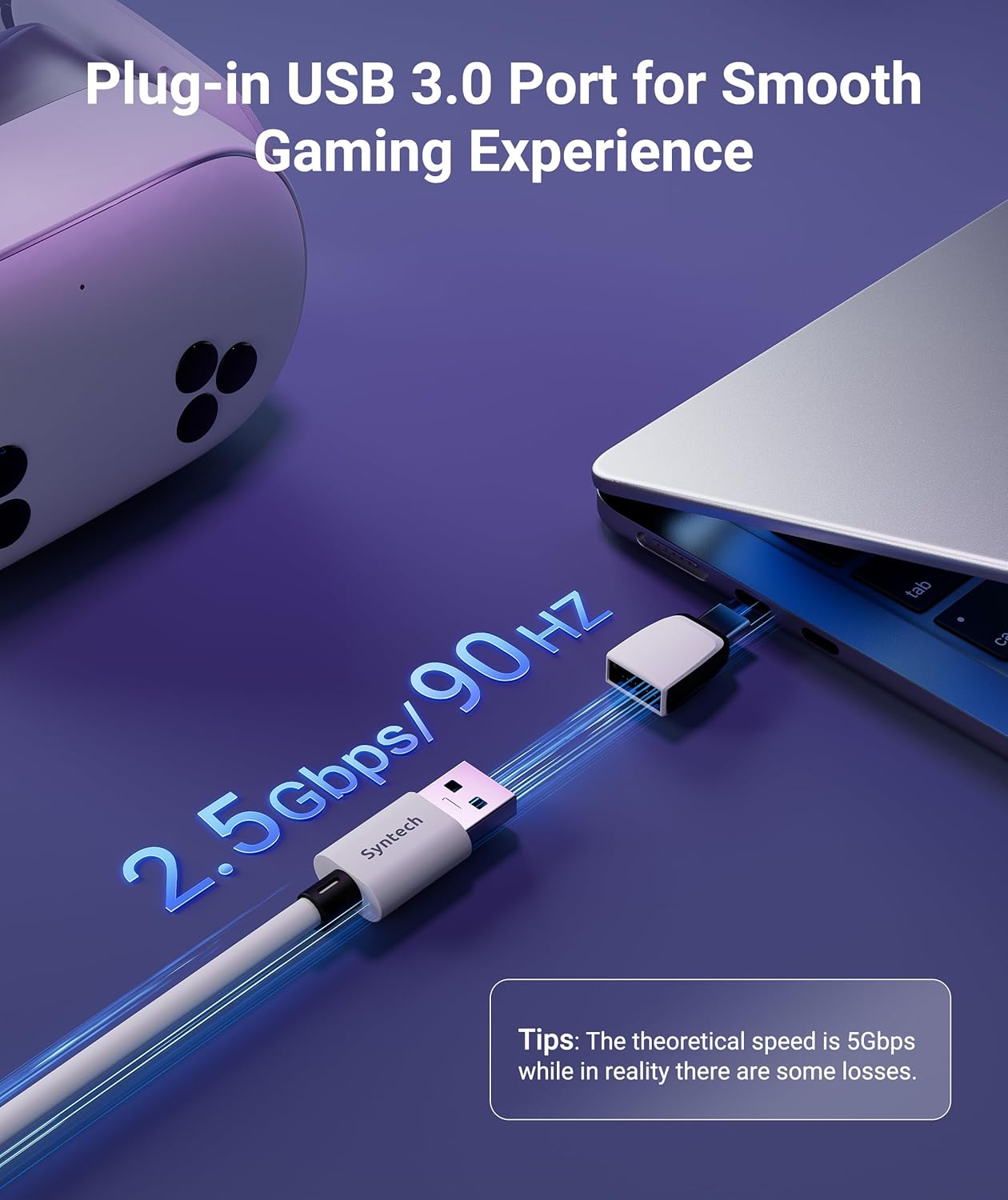
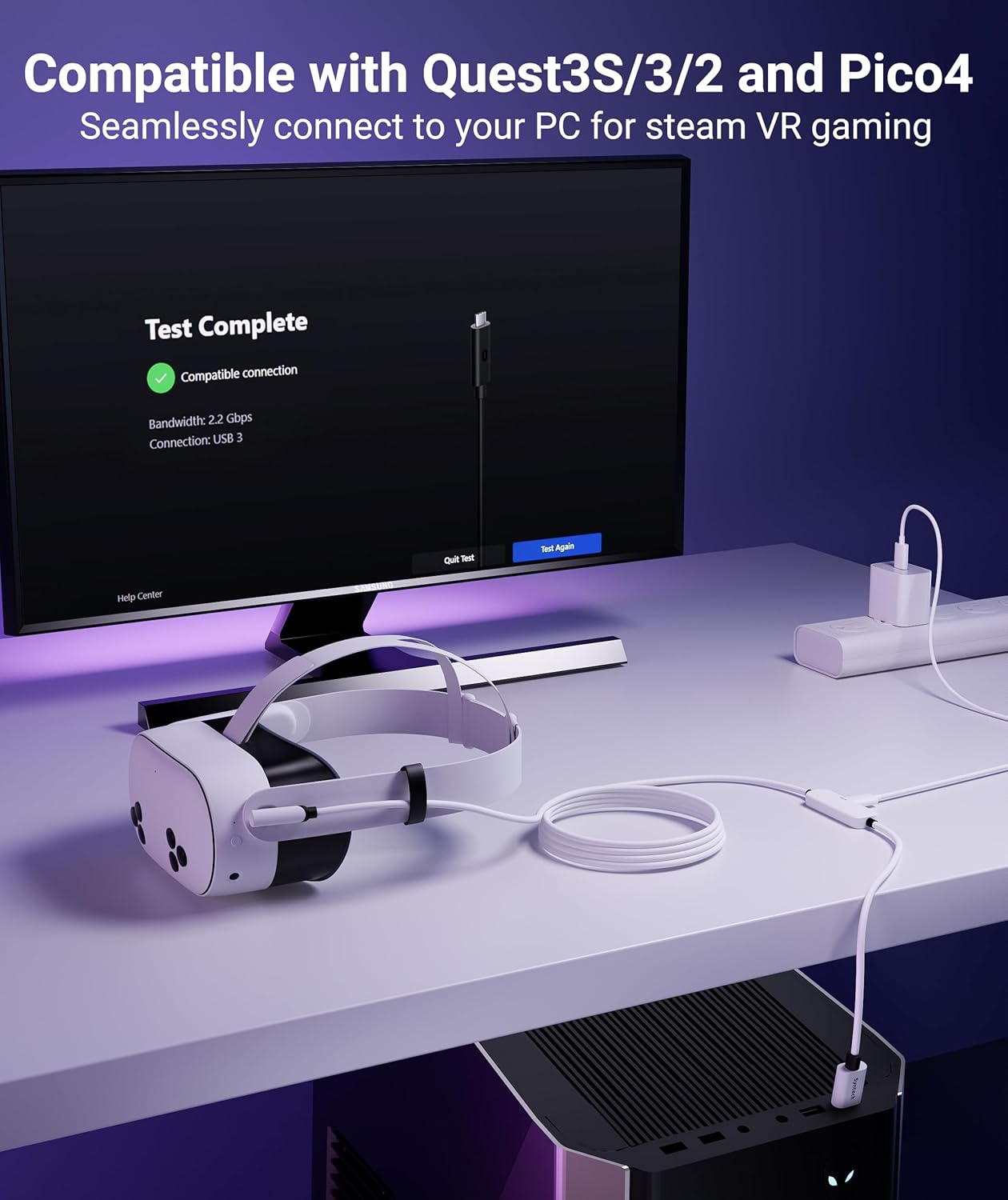
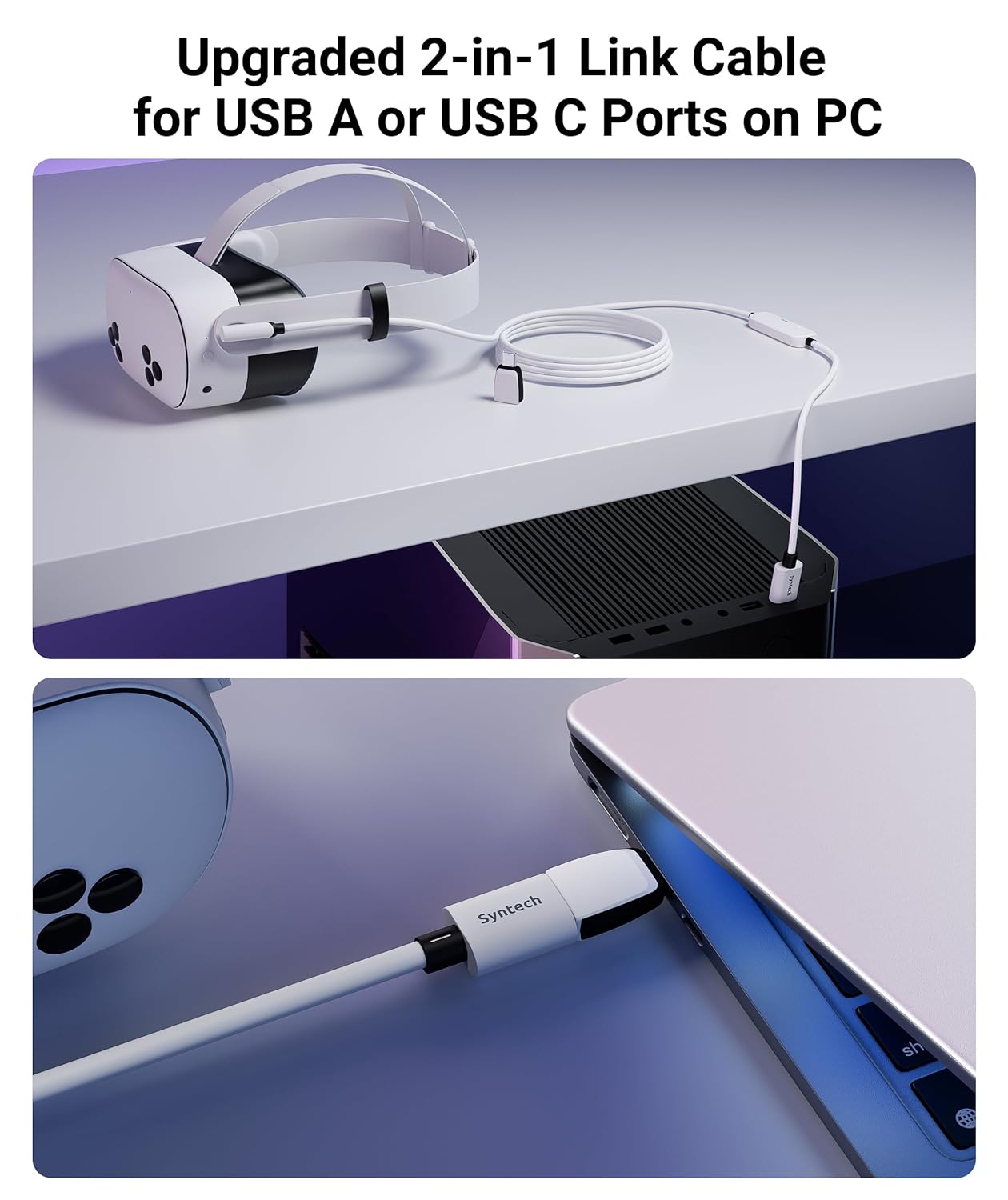
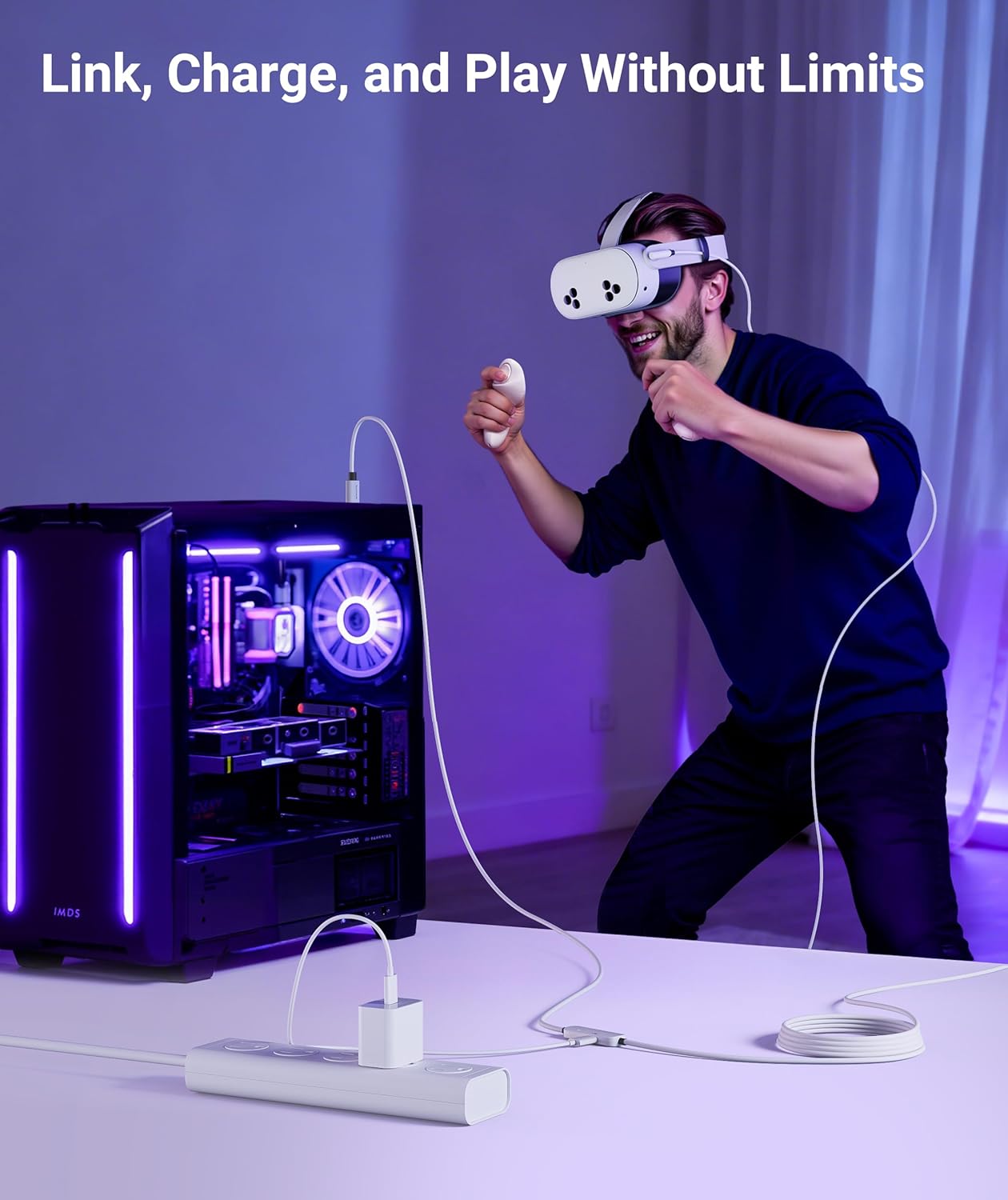
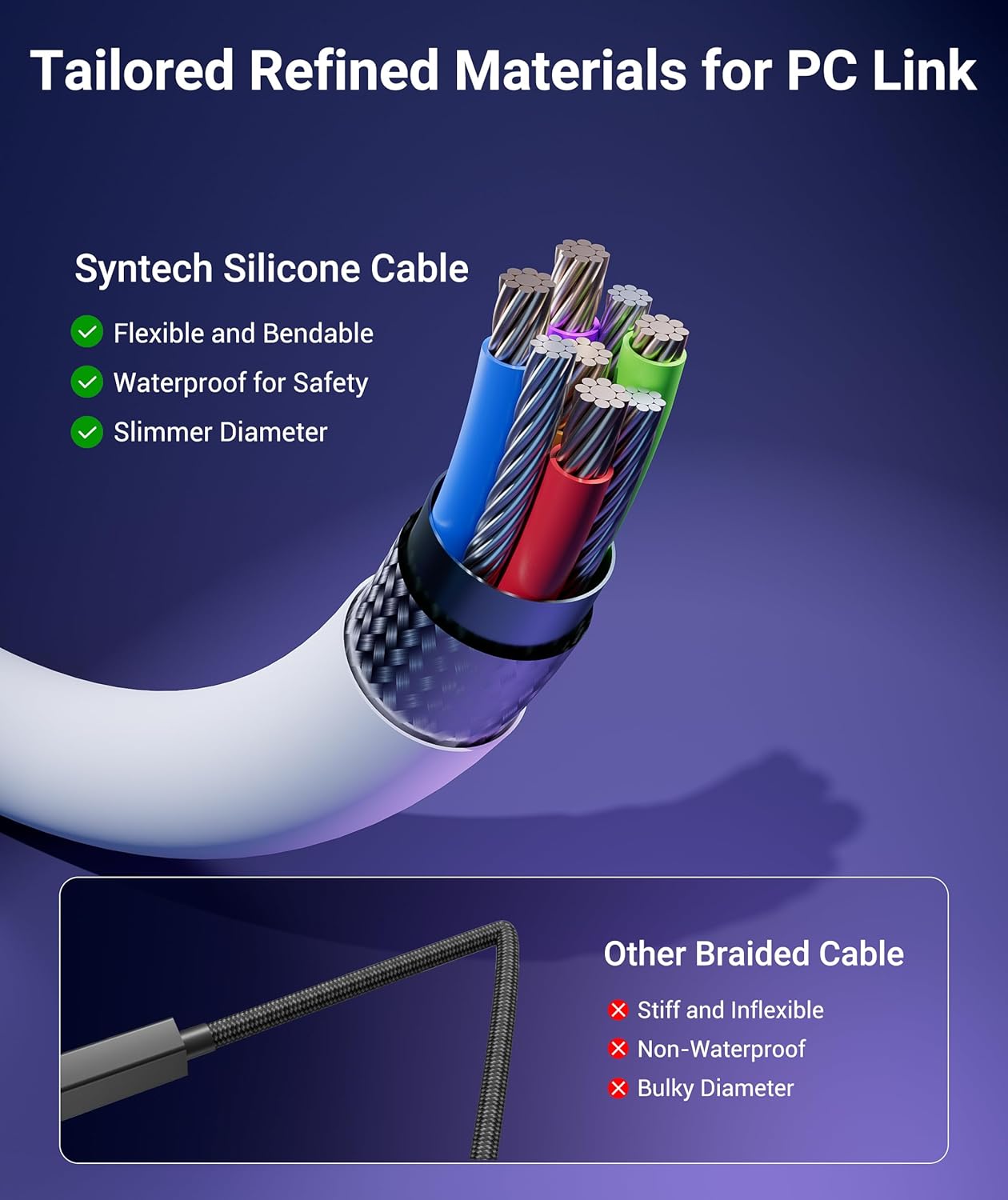
What this is and what it’s for\nThe Syntech VR Link Cable is a 6-meter (20 ft) wired USB 3.0 link designed to connect PC-based VR headsets to a computer for stable data transfer and fast charging. It includes a USB 3.0 A to C adapter to offer flexible connection options, letting you plug into USB-A on the PC or use USB-C ports when available. The goal is to deliver low-latency streaming and reliable power so you can game without the usual wireless dropouts or battery concerns. On paper, the cable supports data transfer in the 1.9–3.2 Gbps range across its full length and uses a charging chip intended to optimize charging while you play.\n\n## What stands out in usage\nIf you prioritize a wired PCVR experience, this cable aims to minimize latency while keeping the headset charged. The 6-meter reach helps with room-scale setups or seated experiences where you don’t want to stay tied to the computer. The triple-layer protection—against water, corrosion and electrical leakage—adds peace of mind for long sessions. A Velcro strap is included to help guard against accidental disconnections by keeping the cable routed along the headset.\n\n## What could be improved or to watch for\nAs described, the cable is not designed for charging phones or other devices, so it’s very VR-specific. The charging behavior is tied to a 2026 charging chip and PD/QC fast charging adapters, if your setup differs (older PC firmware, non-fast-charge adapters, or non-PD/QC ports), you may not see the full claimed performance. Also, while the USB-A to USB-C adapter broadens compatibility, performance will still hinge on using a USB 3.0 port on the PC and a compatible headset protocol. If your headset firmware or PC Link software isn’t fully up to date, you might experience minor hiccups after updates.\n\n## Realistic use cases and who it’s for\nThis is best for PC VR users who want a fixed, low-latency wired connection for room-scale tracking or seated experiences with longer cable reach. It can be a solid fit for Meta Quest 3S/3/2 users playing PCVR titles or similar headsets that rely on a wired link for stability. It’s less compelling if you primarily game in wireless mode or if your PC USB ports don’t support USB 3.0 speeds. If you frequently move around a tight space or don’t need more than 6 ft of cable, a shorter option could feel more convenient.\n\n## How it compares to other approaches\nCompared to wireless streaming, a wired connection typically provides steadier data transfer and more reliable charging during intense sessions. Within wired options, this 6M/20FT model offers extra length for larger play areas but remains managed by a single cable rather than a modular setup. If you’re trying to minimize cables, a shorter cable or a wireless adapter might be worth considering. If you need the flexibility of USB-C-only systems, the included adapter helps, but you’ll still want to confirm your PC ports support the USB 3.0 standard for best results.\n\n## What to review before buying\n- Ensure your VR headset firmware and PC Link software are up to date for best compatibility.\n- Confirm you have a USB 3.0 port on the PC for optimal speed and charging.\n- Check that your charging adapter supports PD or QC fast charging to leverage the 18W charging claim.\n- Expect the 6-meter cable to be long enough for your room setup, but be mindful of potential management needs to avoid tripping or tugging.\n\n## Practical usage example\nImagine setting up a room-scale play area: you route the 6M cable along a desk edge to reach your PC, connect the USB-A end to the PC and the USB-C end to the adapter, then clip the Velcro strap to keep the cable snug against the headset. As you launch a fast-paced title, the data stream stays steady and the charging chip keeps the headset battery topped up without overheating. This can translate into longer sessions without wrestling with intermittent wireless drops.\n\n## FAQ (based on available information)\n- Is the cable compatible with Quest 3S/3/2 and Pico 4? Yes, it’s described as compatible with the latest headsets, including Meta Quest models and similar PCVR setups.\n- Do I need to use PD/QC fast charging adapters? The product notes recommend PD/QC fast charging for optimal performance.\n- Will it work if I plug into USB-C only ports? The included USB 3.0 A to C adapter enables connections to USB-C ports, but performance is best when connected to USB 3.0 ports on the PC.\n\n## Decision and final thoughts\nIs it worth it? If you want a long, reliable wired link with capable charging for PCVR and you have a USB 3.0 port, this Syntech option offers a well-rounded package with added durability features. It may not be perfect for every setup—particularly if you don’t need 6 meters or if your PC environment doesn’t support USB 3.0 speeds—but for many room-scale or seated PCVR configurations, it’s a credible contender. If your priority is maximum portability or a shorter cable, you might prefer other options.