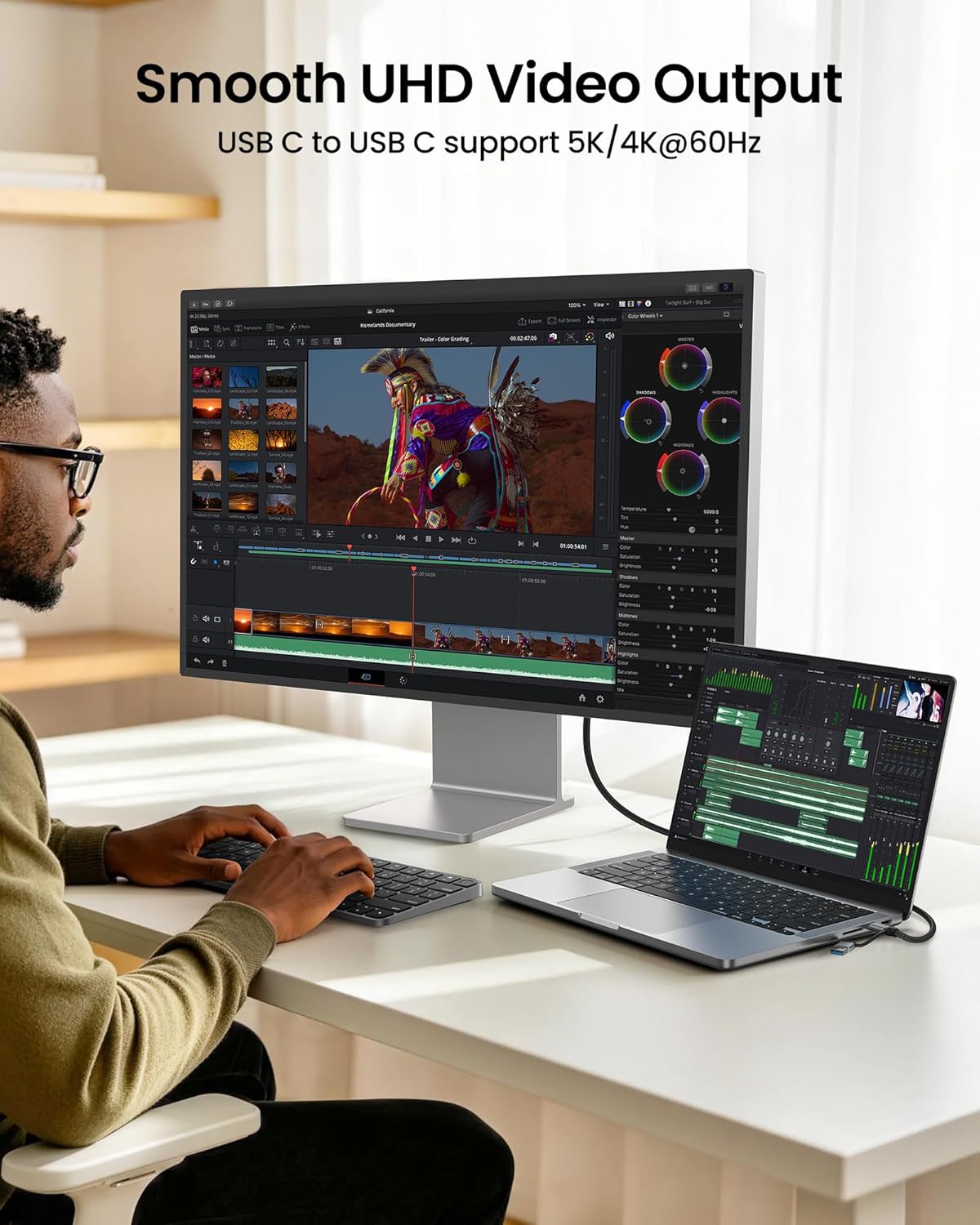
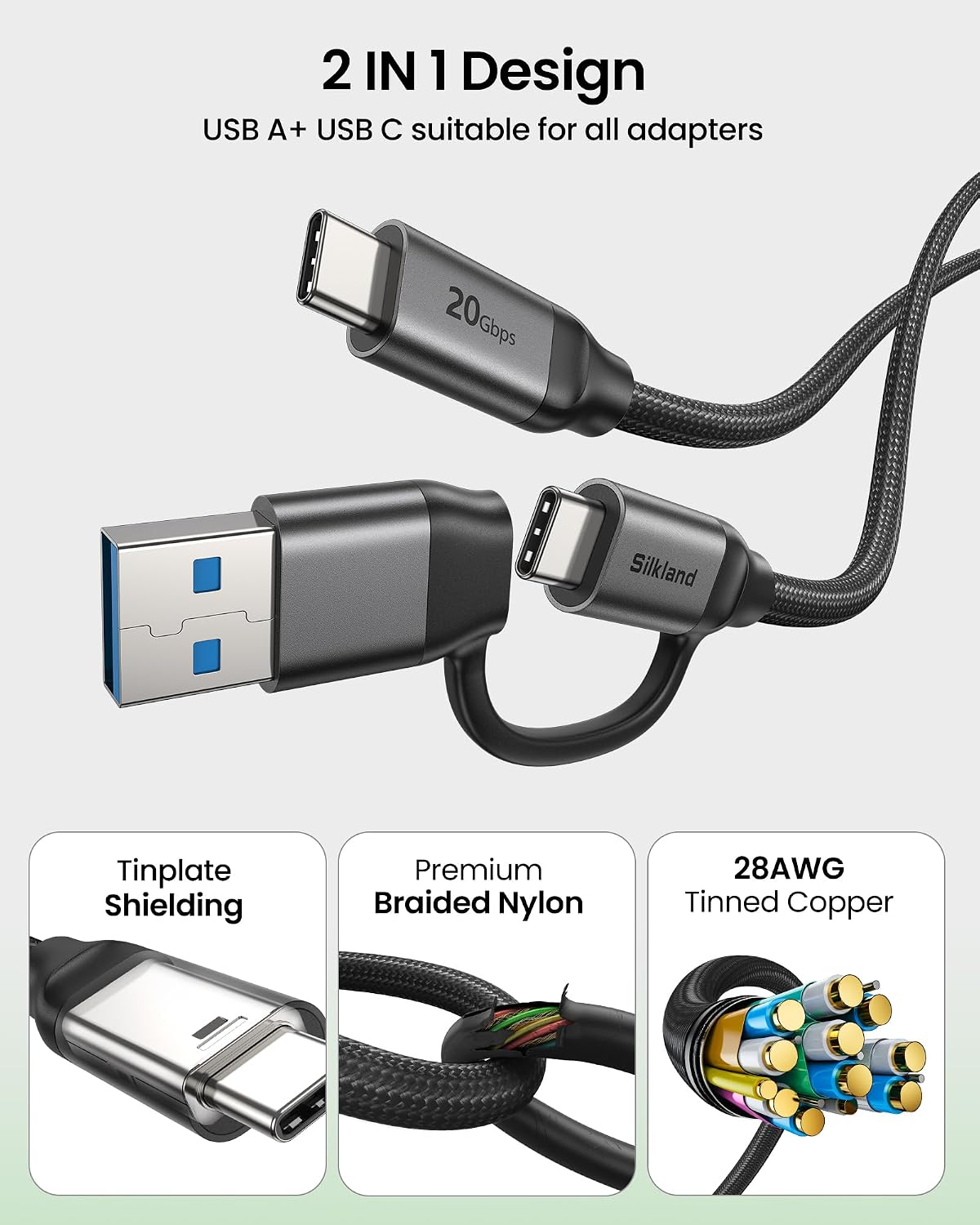
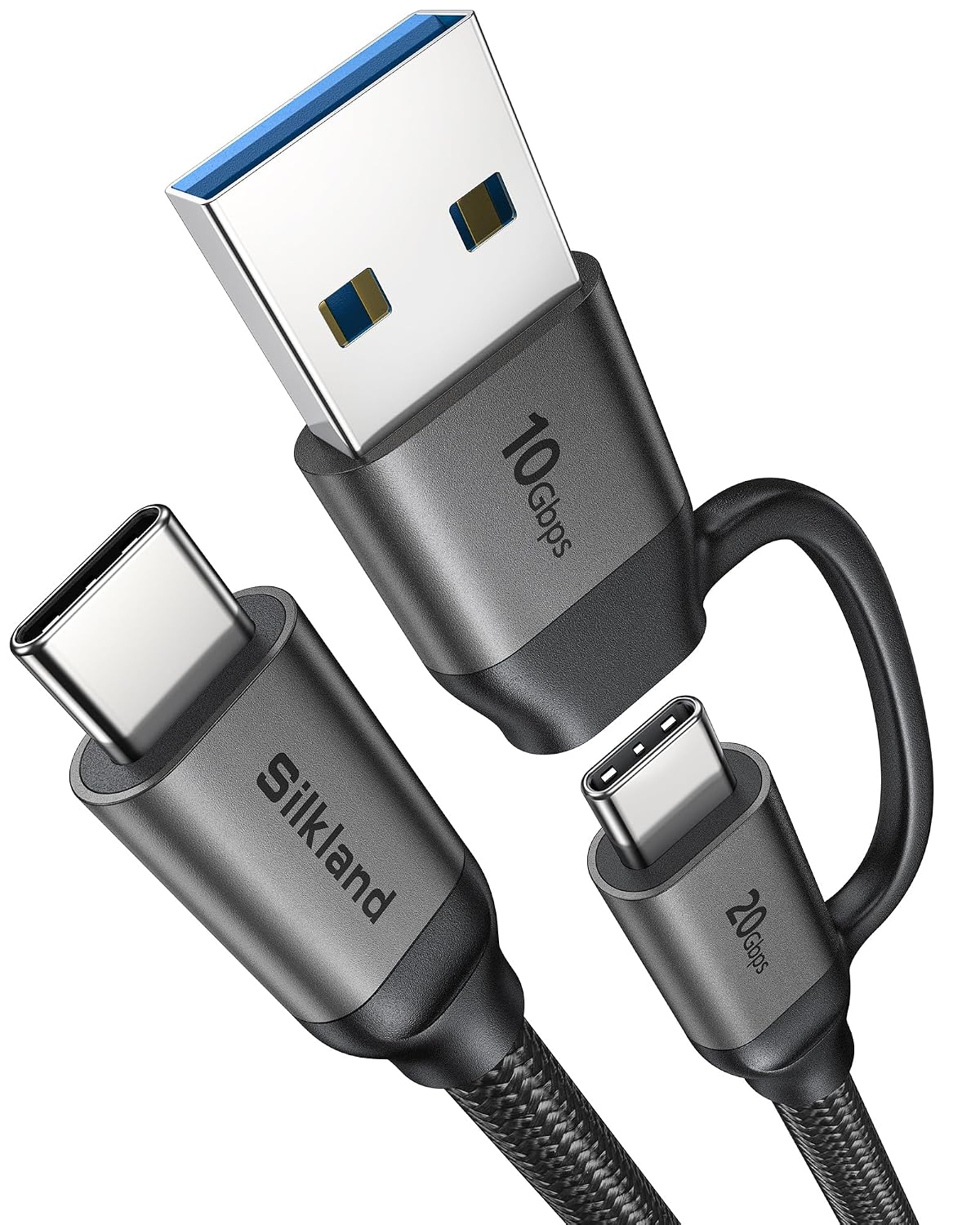
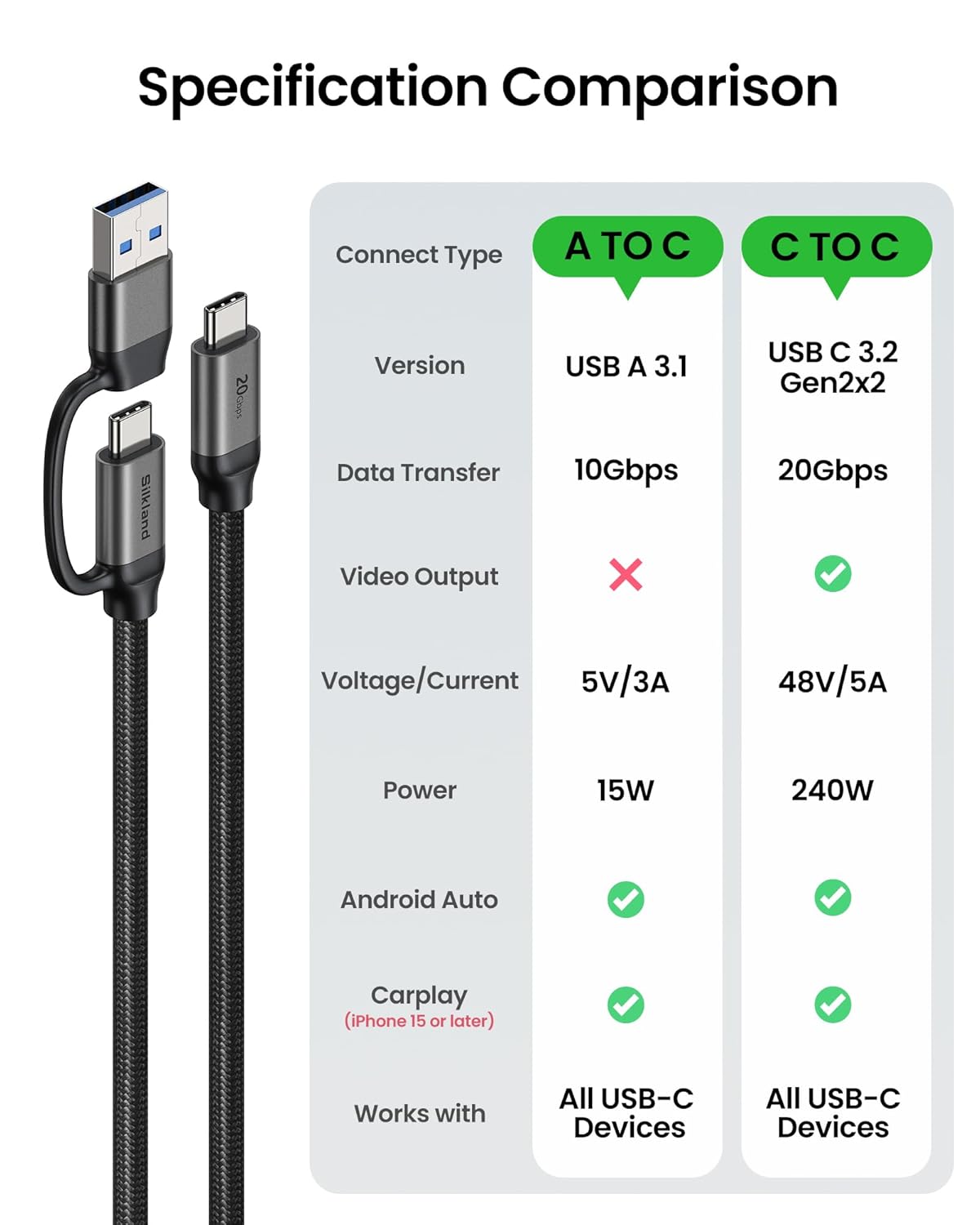
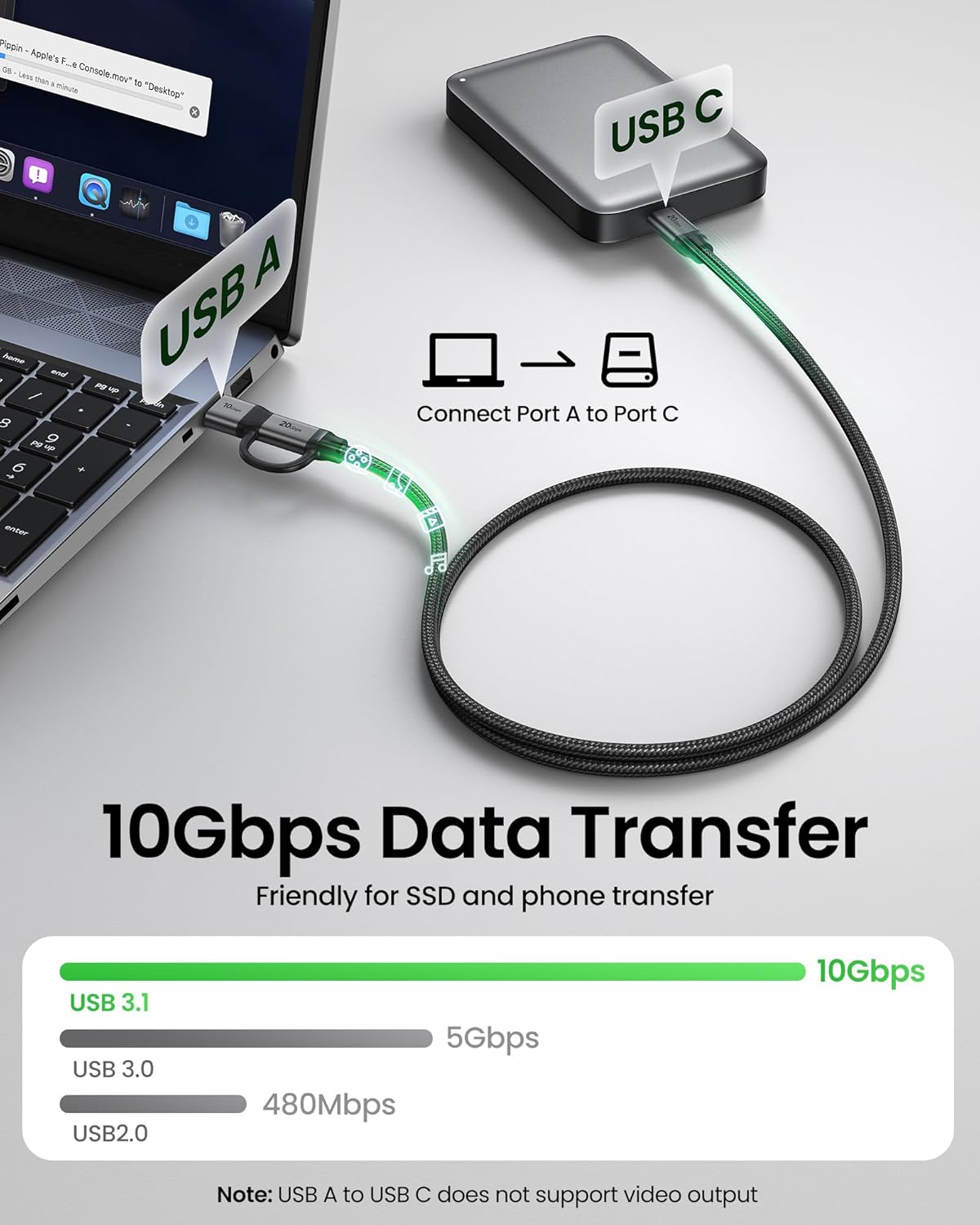
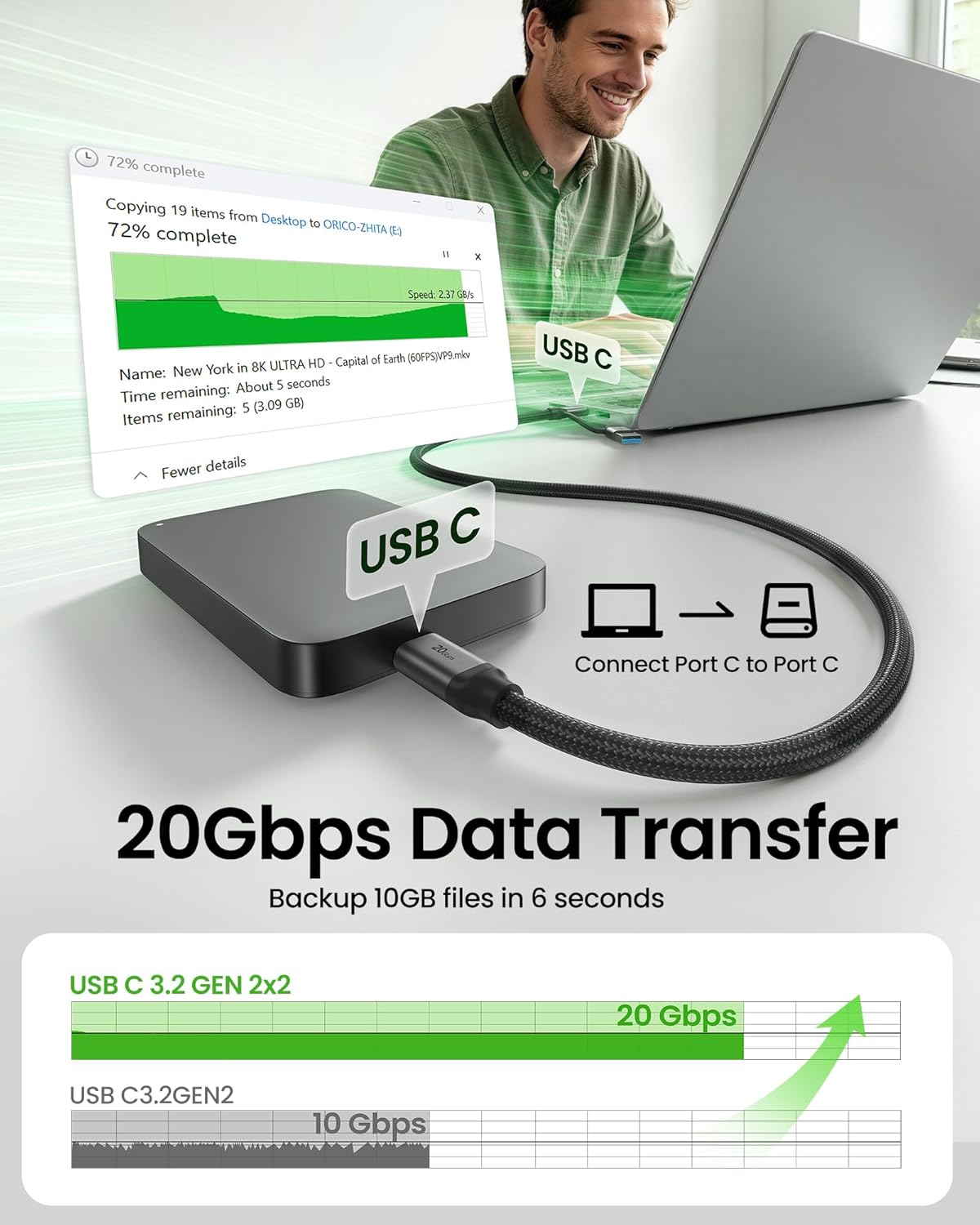
What this is and what it solves\nSilkland’s 2-in-1 cable is designed to simplify your setup by merging USB-A to USB-C and USB-C to USB-C into one durable cord. It targets users who juggle devices across, say, phones, laptops, monitors, SSDs, and docking stations, and want one cable that handles charging, data transfer, and video output. On the USB-A side, it supports up to 10Gbps data transfer and fast charging via PD at up to 15W, with the USB-C to USB-C side delivering up to 20Gbps data transfer and PD fast charging up to 240W with an e-Marker chip. If you’re tired of cables cluttering desks or on the go, this 6.6 ft length gives flexibility for a wide range of setups.
How it works and what’s included\nThe cable uses a 28AWG tinned copper core to reduce resistance and signal loss, plus tinplate shielding to minimize interference. It’s built to endure daily use, with a high-strength nylon braid and an aluminum alloy shell, and the design emphasizes compatibility—it’s advertised to work with a broad set of USB-C devices, including newer iPhones, Samsung flagships, tablets, laptops, and docks. Note that the USB-A to USB-C portion does not support video output, only the USB-C to USB-C path supports video or monitor connections.
The best-case scenarios\nIf your workflow involves moving large files quickly between a USB-C device and an external drive, or you’re trying to connect a USB-C monitor to a laptop, this cable offers a single solution for both data and video where appropriate. For creators and power users who frequently swap devices and docks, the 2-in-1 design helps reduce cable clutter without losing performance on either leg.
What stands out and what could be better\nOn the positive side, you get impressive theoretical bandwidth on both ends: 10Gbps for USB-A to USB-C and 20Gbps for USB-C to USB-C, plus significant PD charging capability up to 240W. The build quality is notable for its durability claims—thousands of bends tested—and the internal copper core and shielding are aligned with lower resistance and stable transmission. A potential caveat is that you’ll want to verify your setup uses the USB-C to USB-C path for video, the USB-A to USB-C path won’t output video, which might limit certain multi-device arrangements if you expect it to handle everything from a single cable.
Who it’s for\nThis cable makes sense for power users who have both USB-A and USB-C devices, plus devices that support 5K/4K video output over USB-C. It’s a reasonable fit for people looking to simplify a travel kit or a desk setup where one cable can cover charging, data transfer, and, when needed, monitor connections from a USB-C device.
When it may not be the best choice\nIf your primary need is pure USB-C video output and you don’t require USB-A compatibility, or you rarely need ultra-high charging power, you might find other options that are more specialized for your exact use case. Also, if your monitor or hub relies on a stricter USB-C bandwidth profile, confirm your devices align with the 20Gbps pathway to ensure you’re not bottlenecked by back-end expectations.
What to check before buying\nConfirm your devices can take full advantage of the USB-C to USB-C 20Gbps path and 240W PD, and ensure that any critical devices you plan to charge or display support those profiles. Since video output is limited to the USB-C path, plan your setup accordingly. Also, verify your charger and cable pairing to achieve the highest PD support you expect from 240W capable configurations.
Practical usage example\nImagine you’re syncing a large 4K video project from a laptop to an external SSD via USB-C, while using a USB-C monitor connected to the same laptop. The 20Gbps path helps move files quickly, while the video path streams to the monitor. When you need “just charge” on the go, you can unplug and still rely on USB-A to USB-C for compatible devices, keeping one cable in your bag rather than two or three.
FAQ (practical answers)\n- Does the USB-A to USB-C side support video output? No, only the USB-C to USB-C path supports video output.\n- What charging power does it support? The USB-A to USB-C supports up to 15W (5V/3A), and the USB-C to USB-C supports PD up to 240W with an e-Marker.\n- Is this cable compatible with a wide range of devices? Yes, it’s designed to work with most USB-C devices, including phones, laptops, and docks, though real-world performance depends on each device’s port and charger support.\n- How long is the cable? 6.6 feet, which covers most desk-to-hub distances and some couch-to-TV setups.
Is it worth it? \nA solid pick if you value a single cable that reduces clutter and covers data transfer, charging, and occasional video output via USB-C. It makes sense for mixed-device users who frequently switch among a phone, laptop, monitor, and external drive. You may want to skip it if your needs are strictly USB-C video or if you only use USB-A devices and don’t require 20Gbps data on USB-C.