

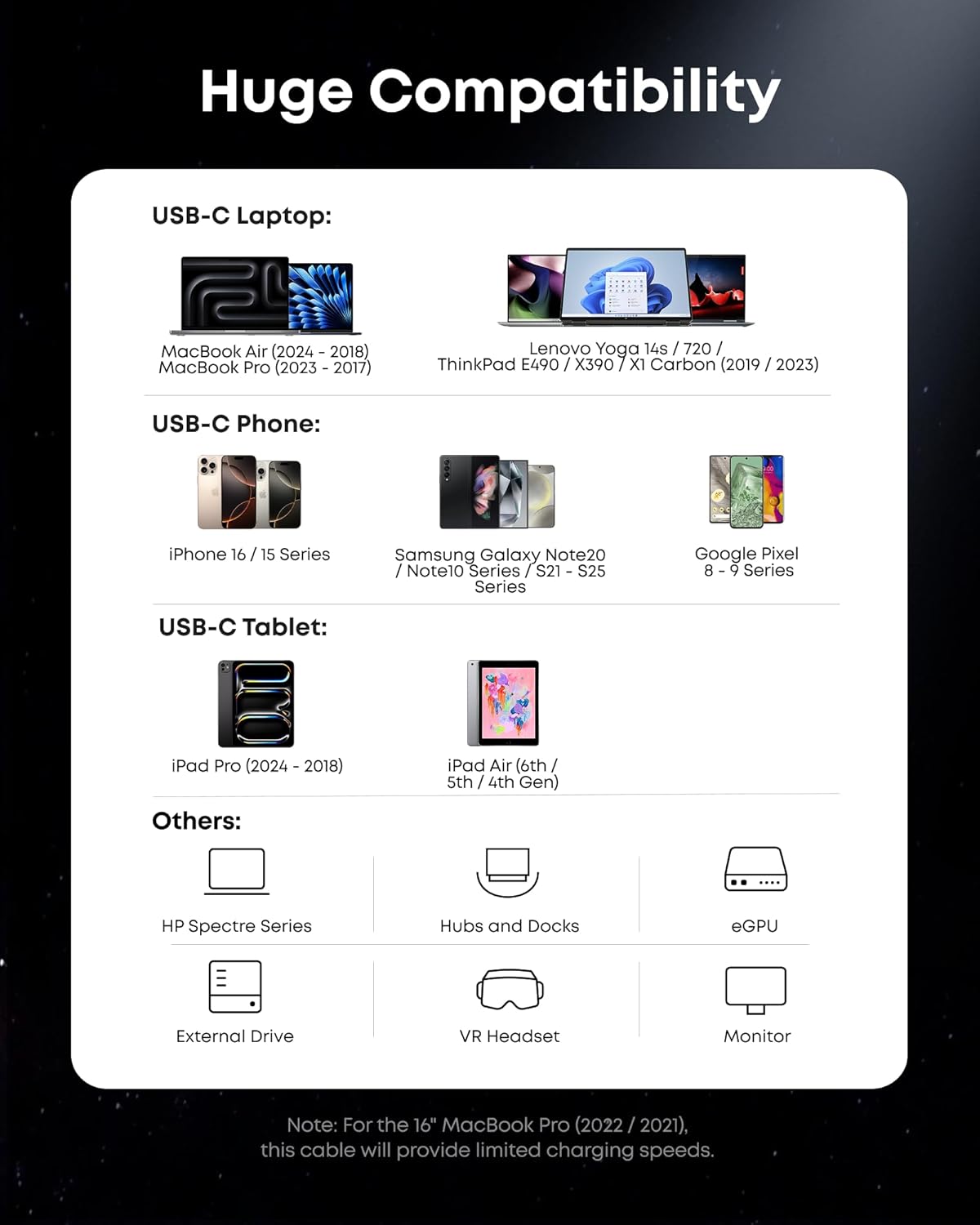
Anker Prime Thunderbolt 5 Cable (3.3 ft) — USB-C to USB-C, up to 240W charging
Product description
The essentials
If you’re shopping for a Thunderbolt 5 cable, you’re usually trying to avoid the annoying middle ground: cables that work, but don’t quite deliver the speeds, display performance, or charging headroom you expect. The Anker Prime Thunderbolt 5 Cable is built around that “do it properly” idea—USB-C to USB-C, Thunderbolt 5-certified, and designed to support high-power charging and fast data transfer.
On paper, it’s the kind of cable you pick when your setup is already capable (or you want it to be). It’s not aimed at casual charging-only buyers, it’s more for people who connect devices frequently and care about the whole chain: power, data, and external displays.
One small limitation to keep in mind: the cable’s real-world value depends on what your devices and ports can actually do. A Thunderbolt 5-certified cable helps, but it can’t magically unlock features your hardware doesn’t support.
Key features that matter in daily use
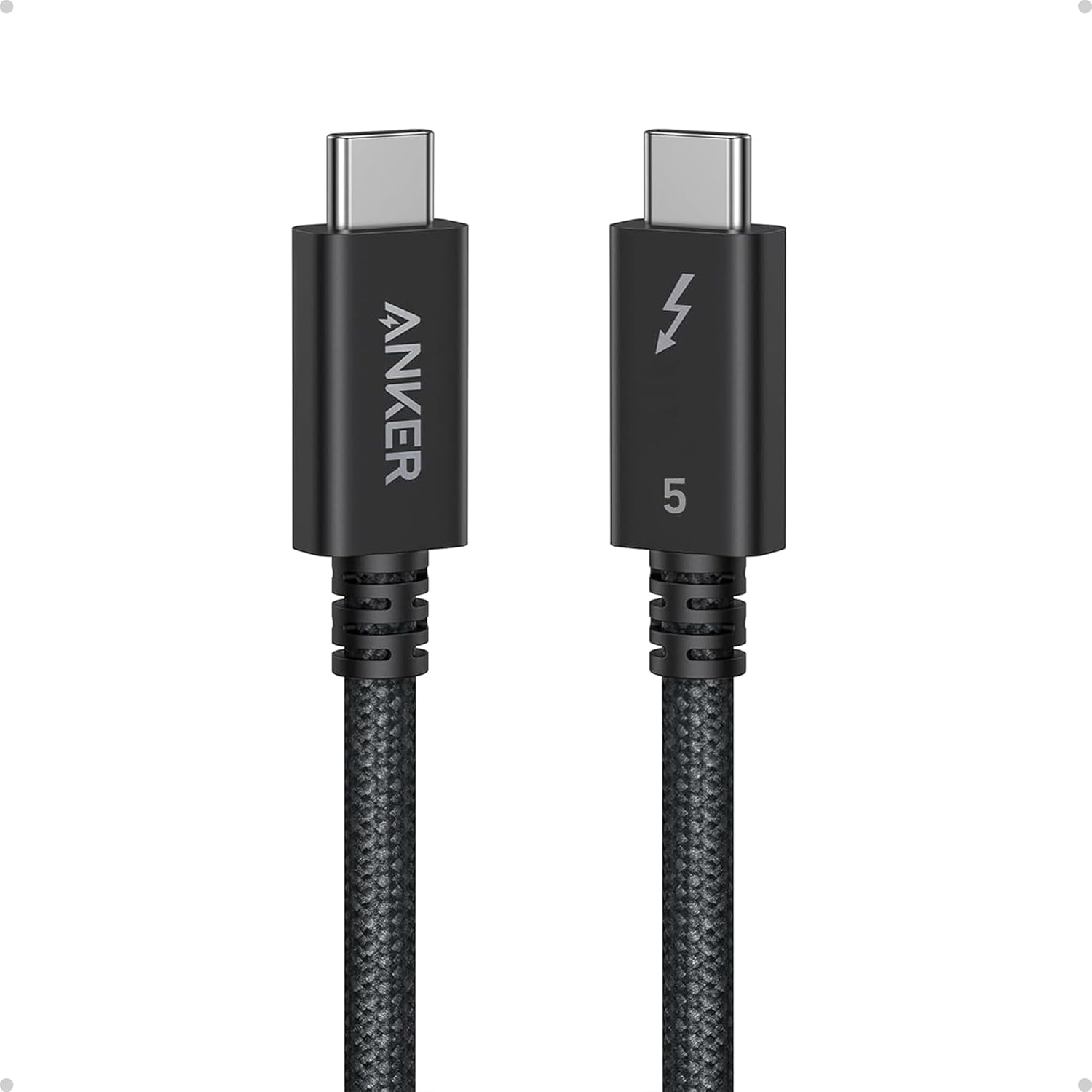
The headline specs here are straightforward: 240W charging, 80Gbps data transfer, and up to 120Gbps bandwidth, with support for 8K/4K displays. That’s a lot of capability for a 3.3 ft cable—short enough for a tidy desk setup, but long enough to reach between devices without feeling like you’re installing a cable for every move.
What you’ll notice day to day is less about “spec sheet flex” and more about fewer compromises. When you’re docking a laptop, connecting a fast external drive, or running a high-resolution display, a capable Thunderbolt-class cable helps you stay within the performance your gear is ready for.
And yes, the practical question is simple: does this cable fit your layout? If your desk is tight or your devices are close, 3.3 ft can feel just right. If you’re reaching across a room or need slack for repositioning, you may want a longer option instead of making the cable do extra work.
Who it suits (and who should think twice)
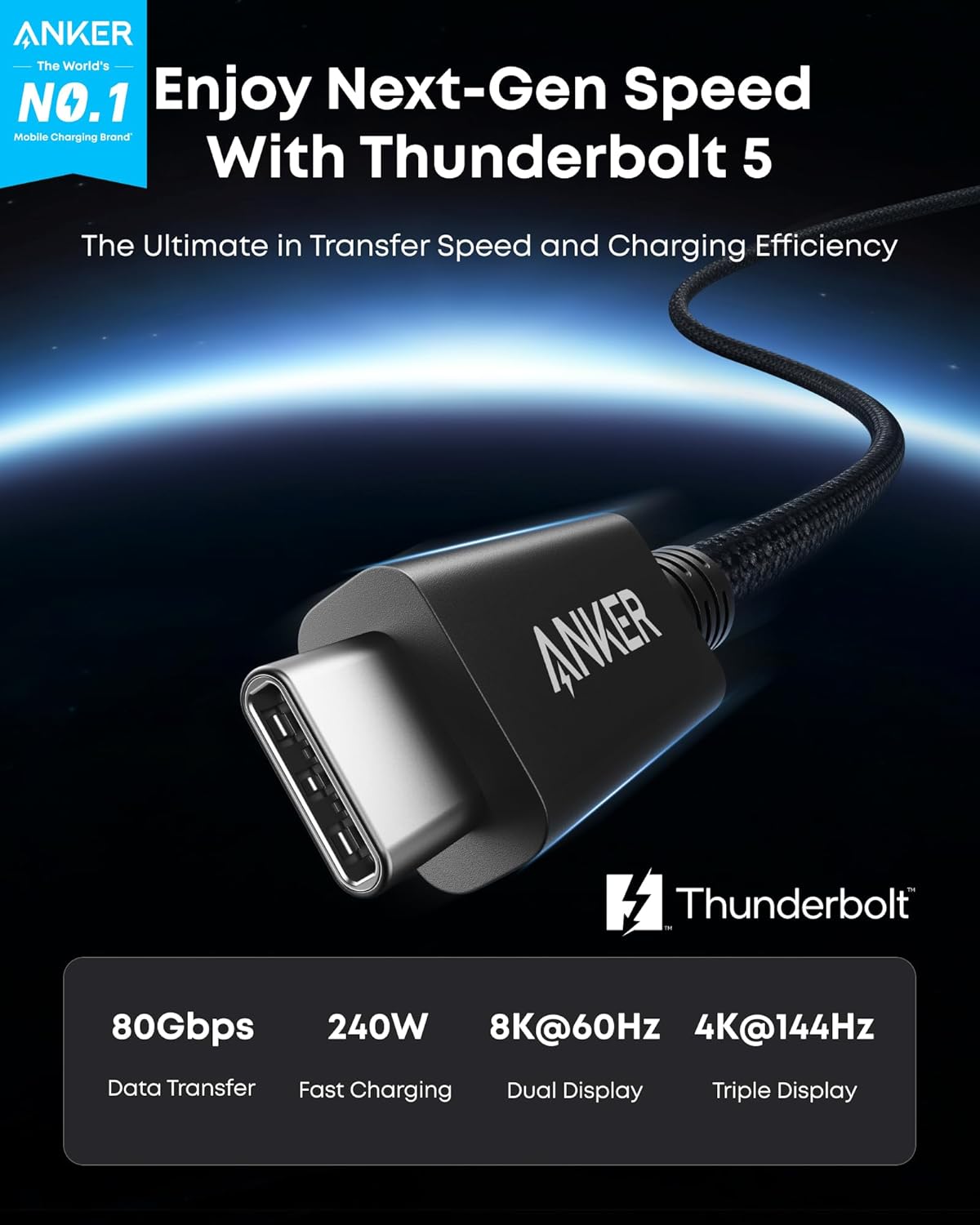
This cable makes sense if you’re using modern Apple devices and other USB-C/Thunderbolt-compatible gear and you want one cable to handle multiple jobs: charging, fast file transfer, and external displays.
It’s especially relevant when you’re tired of swapping cables or dealing with unpredictable performance across different tasks. A Thunderbolt 5-certified cable is a “single-cable” mindset product: fewer accessories to manage, less guessing.
It might not suit you if you only need basic USB-C charging at modest speeds or you don’t care about display/data performance. In that case, buying a high-end Thunderbolt 5 cable can feel like paying for headroom you won’t use. Also, if your setup requires more reach than 3.3 ft comfortably allows, you’ll be adjusting position more than you’d like.
Tech specs (quick overview)
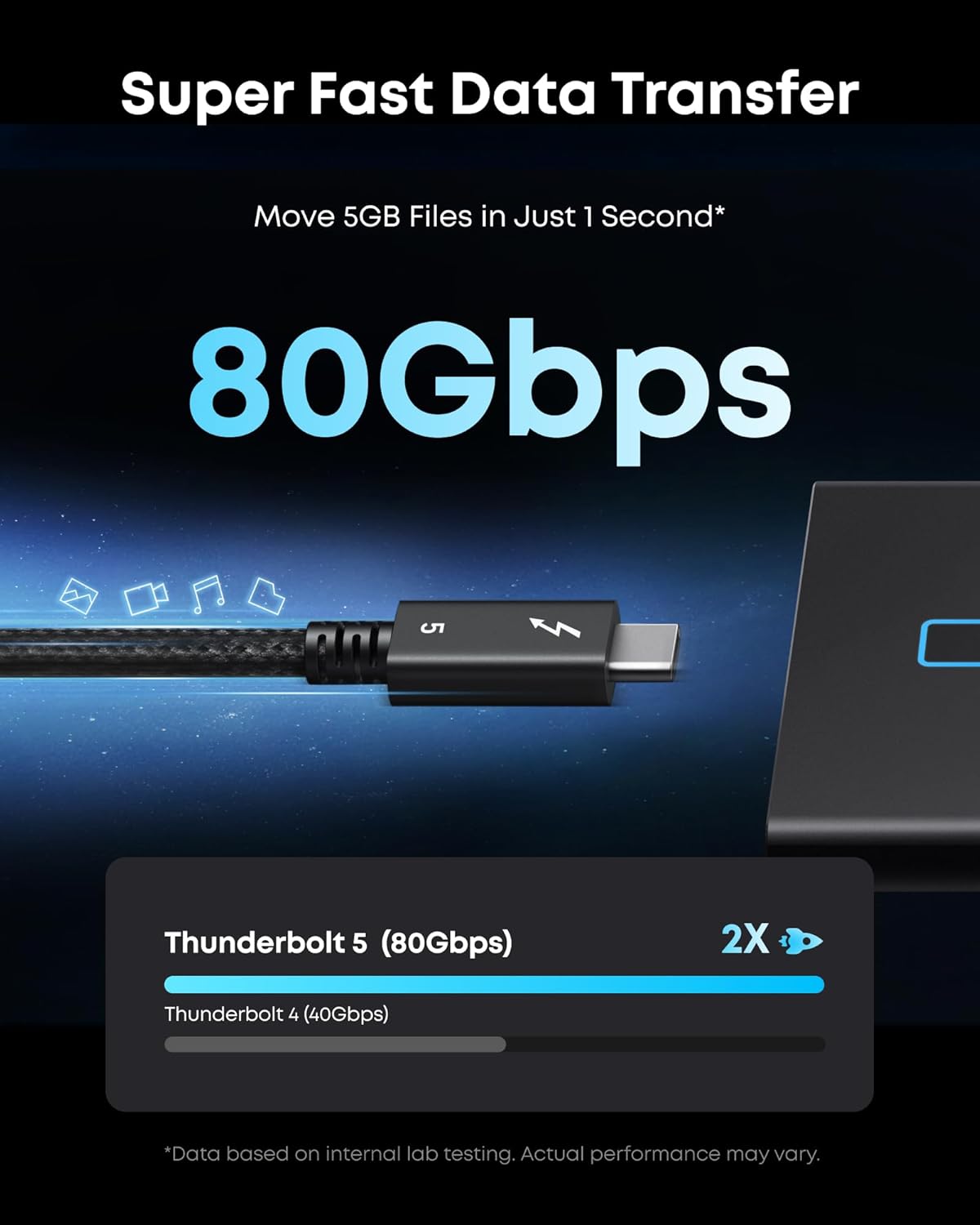
- Name: Anker Prime Thunderbolt 5 Cable
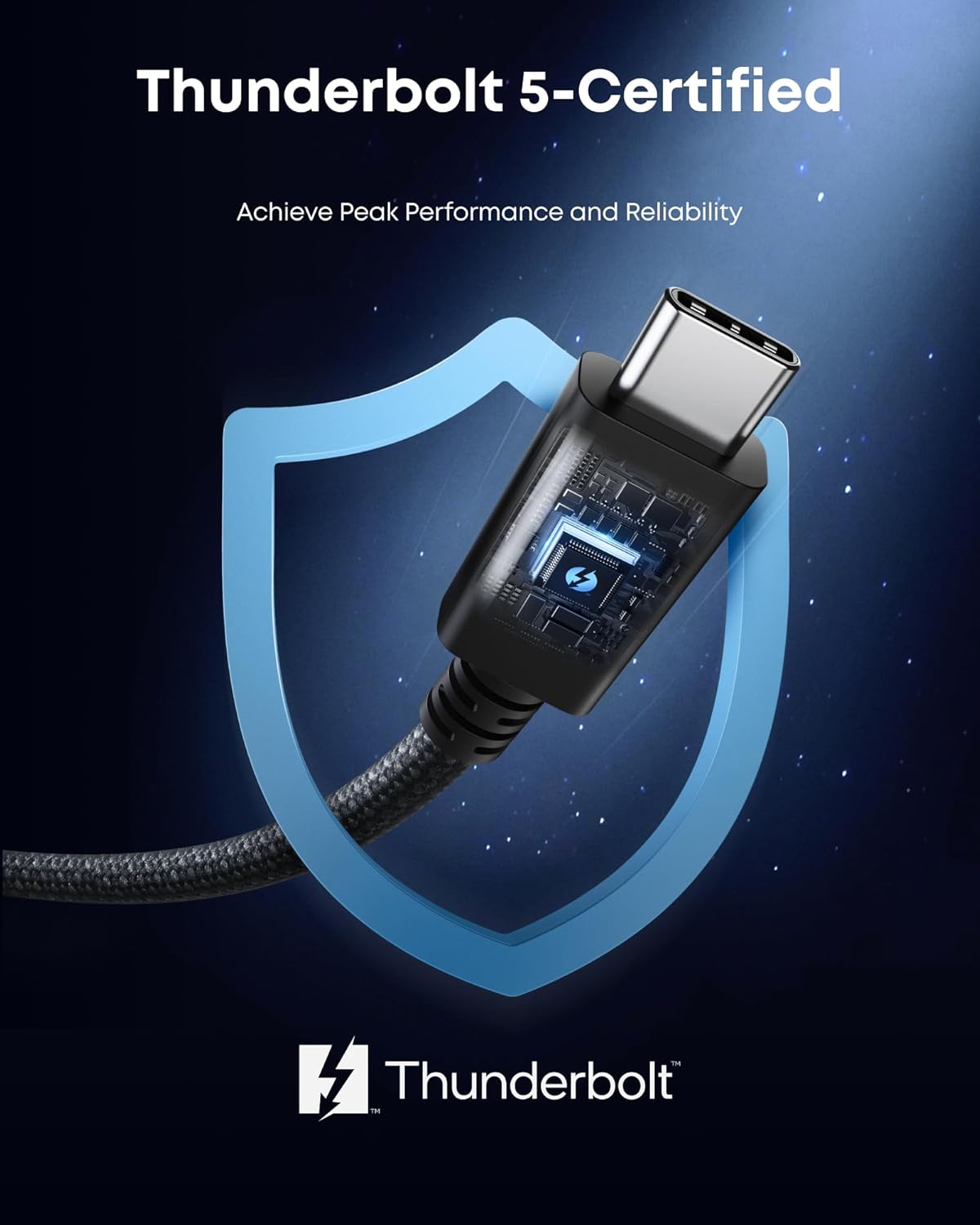
- Type: Thunderbolt 5-certified USB-C to USB-C cable
- Size: 3.3 ft
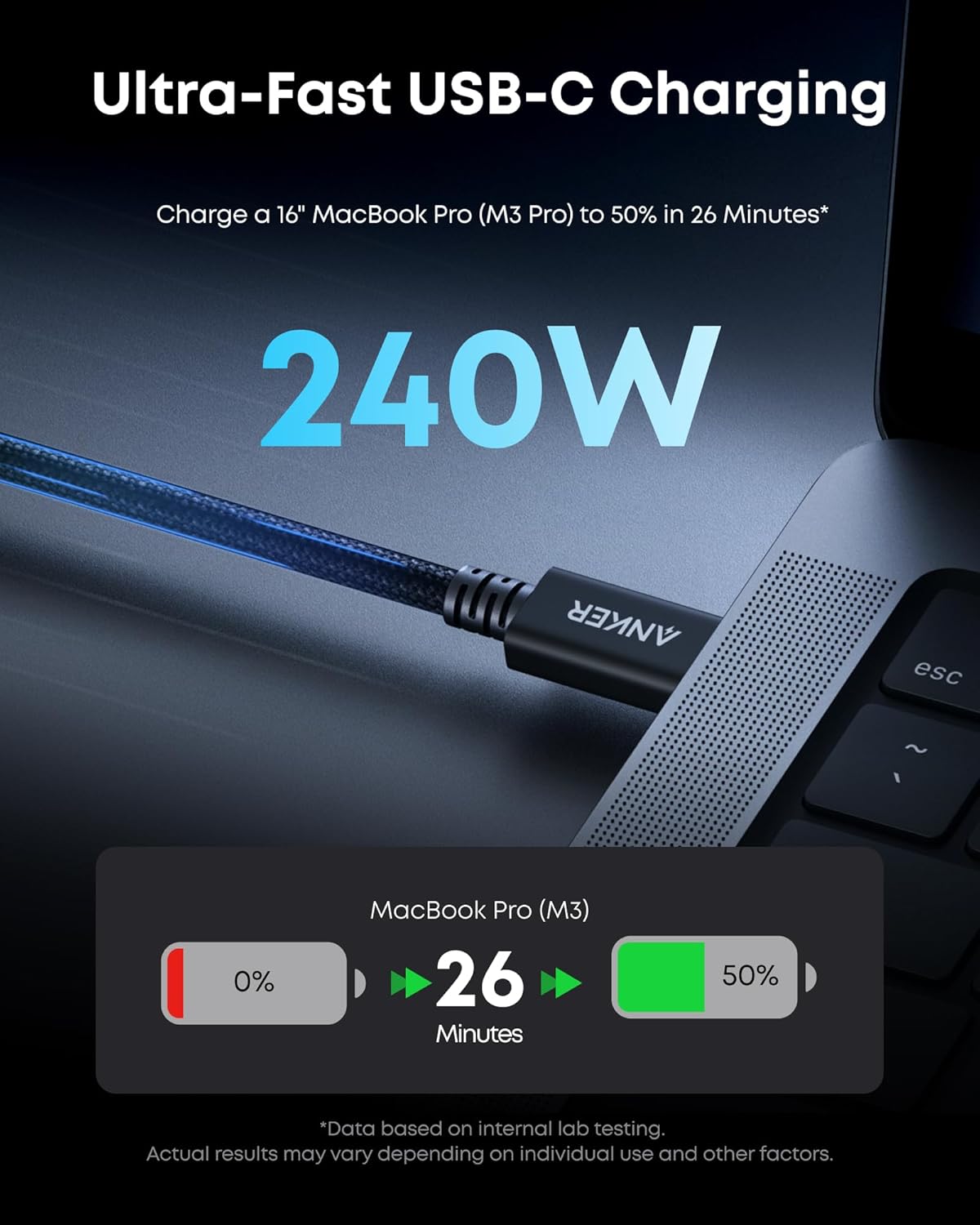
- Charging capacity: 240W
- Data transfer: 80Gbps
- Bandwidth: up to 120Gbps
- Display support: up to 8K/4K displays
Getting the most from it
The biggest “depends” here is compatibility on the device side. To get the charging and performance described, you’ll want to confirm your laptop/phone model and the port you’re using actually support Thunderbolt 5 and the relevant power/display capabilities.
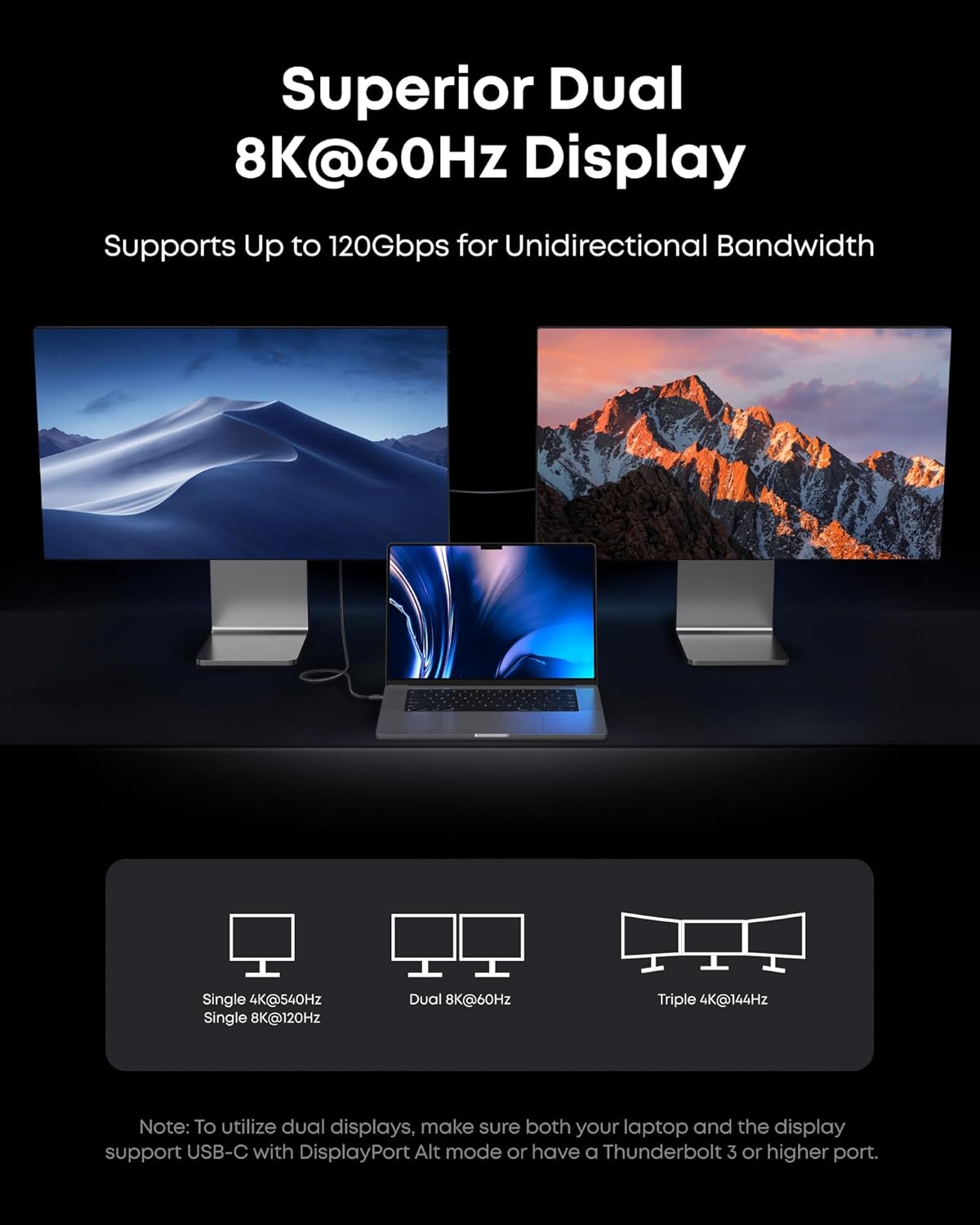
Practical scenario: imagine your MacBook (or other listed devices) sits on a desk dock. You want to charge it while also keeping a high-speed external connection active and running a display. With a capable Thunderbolt 5 cable like this, you’re set up to use the same connection for multiple needs—no juggling, and less risk of bottlenecks.
Also, if you’re routing cables around a standing desk or behind your monitor, the 3.3 ft length is a real factor. Plan for your cable path, not just the distance between the devices.
Final verdict
This Anker Prime Thunderbolt 5 Cable is worth considering if you need one USB-C to USB-C cable for high-power charging (240W) plus fast data transfer (80Gbps) and advanced display support (up to 8K/4K) and you have compatible devices to match. It’s a solid “right tool for the job” purchase for desk setups where performance and cleanliness both matter.
Skip it if your use case is mostly basic charging or you don’t connect displays/data at high speeds—then the Thunderbolt 5-class specs may be more than you’ll take advantage of. And don’t ignore the length: 3.3 ft is convenient for close setups, but it may feel tight for larger spaces.
Mini FAQ
Is this cable only for Apple devices?
The description calls out iPhone 16, MacBook, and more, which suggests it’s meant for a broader set of USB-C/Thunderbolt-compatible devices—not only Apple. Still, you should verify your device/port supports Thunderbolt 5 and the relevant charging/display capabilities.
Does 240W charging mean my device will always charge at that rate?
240W is the cable’s stated charging capacity. Actual charging speed depends on what your device and charger setup can negotiate through the port.
Can it support 8K and 4K displays?
Yes—its stated display support includes up to 8K/4K displays. As always, the display resolution you get depends on the connected hardware.
What’s the main drawback of buying a Thunderbolt 5 cable?
The common limitation is unused headroom. If your devices or cables in the chain don’t support Thunderbolt 5-level performance, you won’t see the full benefit—even if the cable is capable.
Is the 3.3 ft length enough for a typical desk?
For many desk setups where devices are close together, 3.3 ft is a practical length. If you need reach across a larger workspace or want lots of slack for movement, you may want a longer cable instead.