

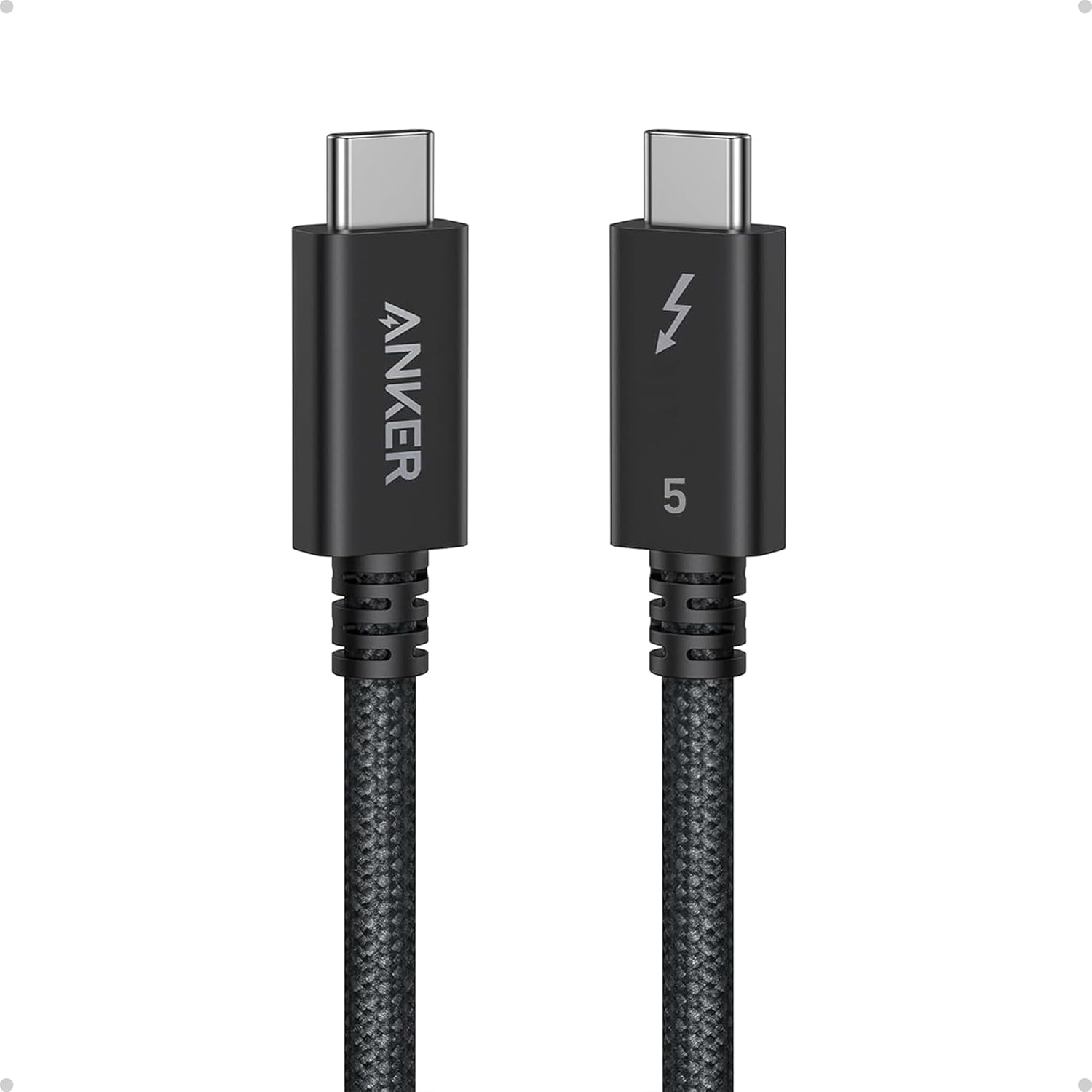
Anker Prime Thunderbolt 5 Cable (0.52 m / 3.3 ft) — USB-C to USB-C, 240W charging & up to 80Gbps data
Product description
The essentials (and where it fits)
If you’re building a multi-display setup or you just want fewer compromises between charging and high-speed data, the Anker Prime Thunderbolt 5 Cable is built for that job. On paper, it targets serious bandwidth needs: up to 80Gbps data transfer, plus the ability to push display signals up to dual 8K/4K modes, while also supporting up to 240W USB-C charging.
It’s a short 0.52 m (3.3 ft) USB-C to USB-C cable, so it’s best thought of as a “near-the-workstation” cable. If your gear is spread out, the length can become the limiting factor. Also, some of the real-world experience depends on what your laptop, docks, and monitors can actually handle—Thunderbolt 5 support isn’t universal.
Key features that matter in daily use
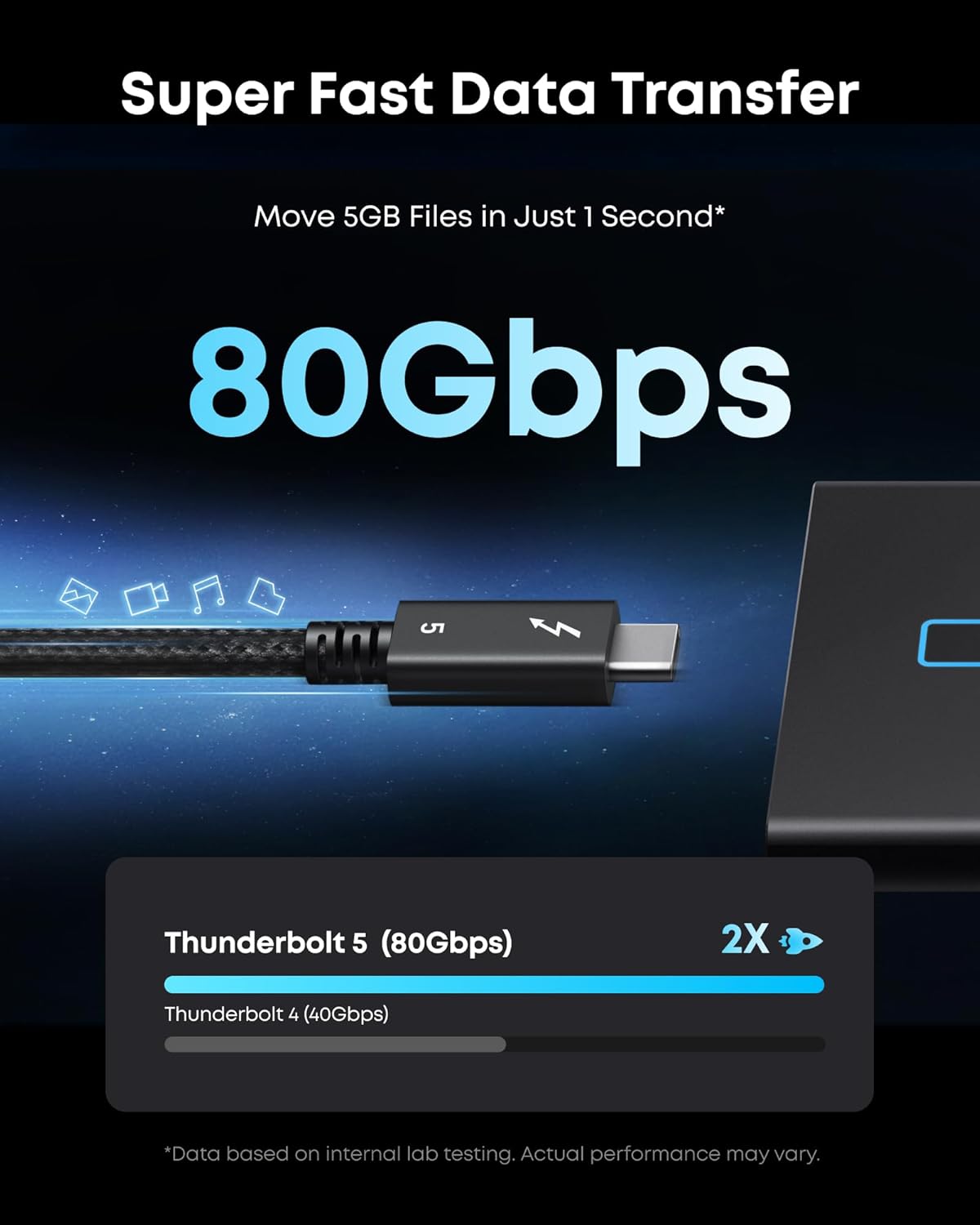
The headline numbers are hard to ignore. You’re looking at 80Gbps data transfer speeds (with an additional stated bandwidth capability up to 120Gbps), and the cable is positioned for fast file movement and multi-display performance. The listing even frames a concrete outcome: moving a 5GB file in about 1 second on the 80Gbps spec.
Where this becomes more than just a spec sheet is in setups where you want one cable to do multiple jobs: charge a capable USB-C laptop and also handle high-bandwidth display + data at the same time. For office desks, creator workstations, or anyone tethering a laptop to a dock/monitor chain, that “fewer cables” feeling is real.
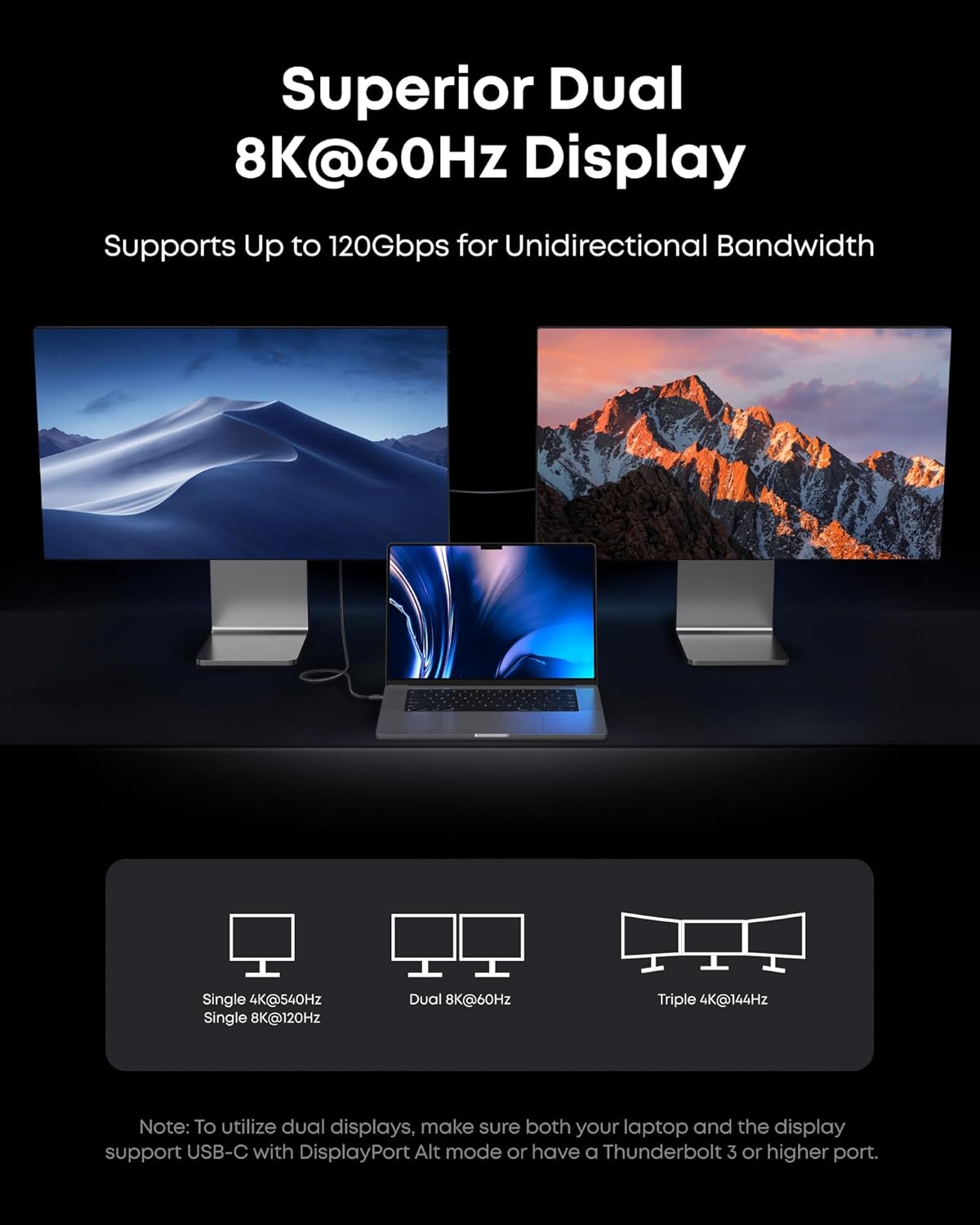
For displays, the cable is described as supporting up to dual 8K displays at 60Hz, with up to 120Gbps bandwidth for those display scenarios. If you’re shopping for a Thunderbolt-class cable specifically to avoid display bottlenecks, this is the angle it’s designed around.
Charging: fast power, but match your device
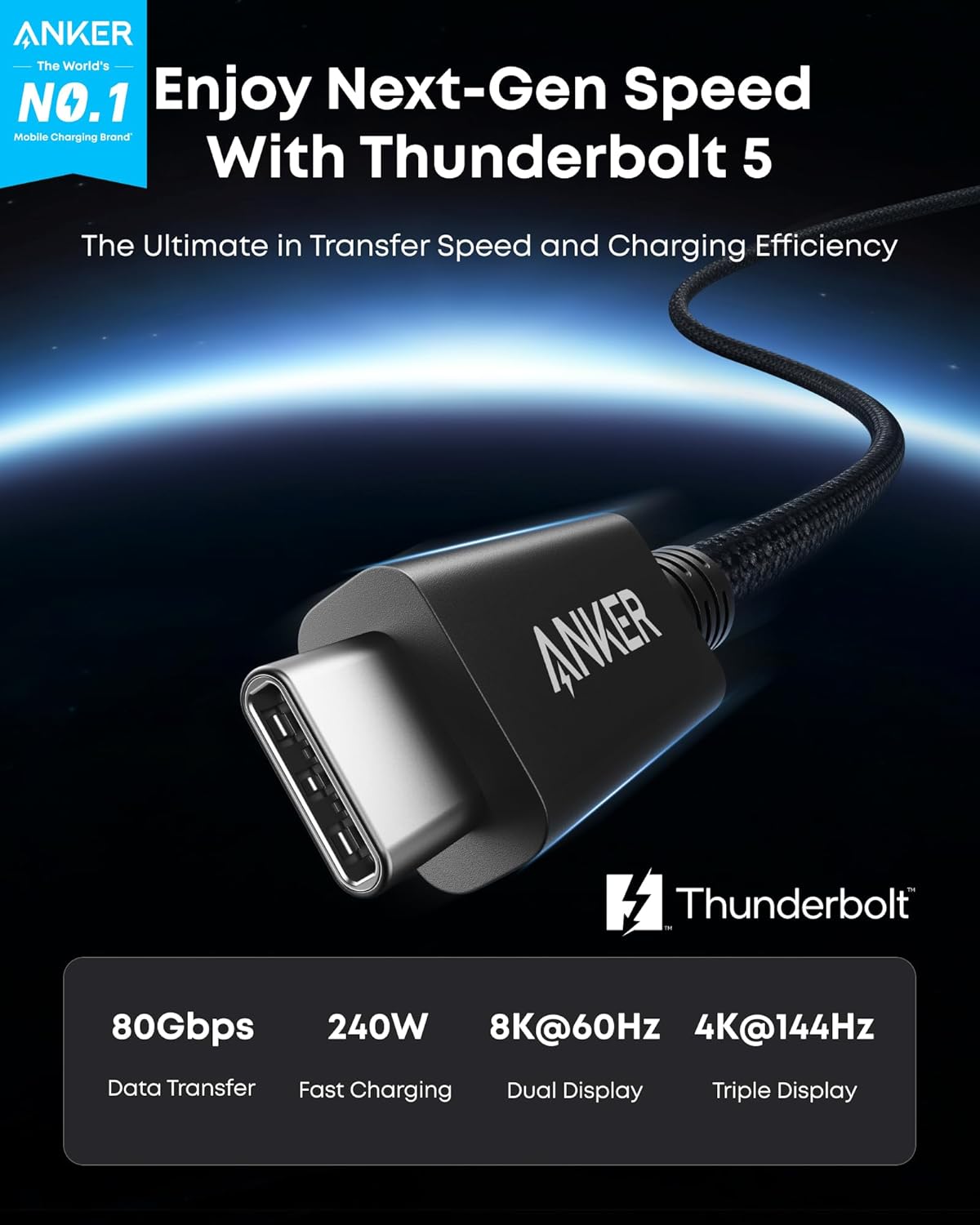
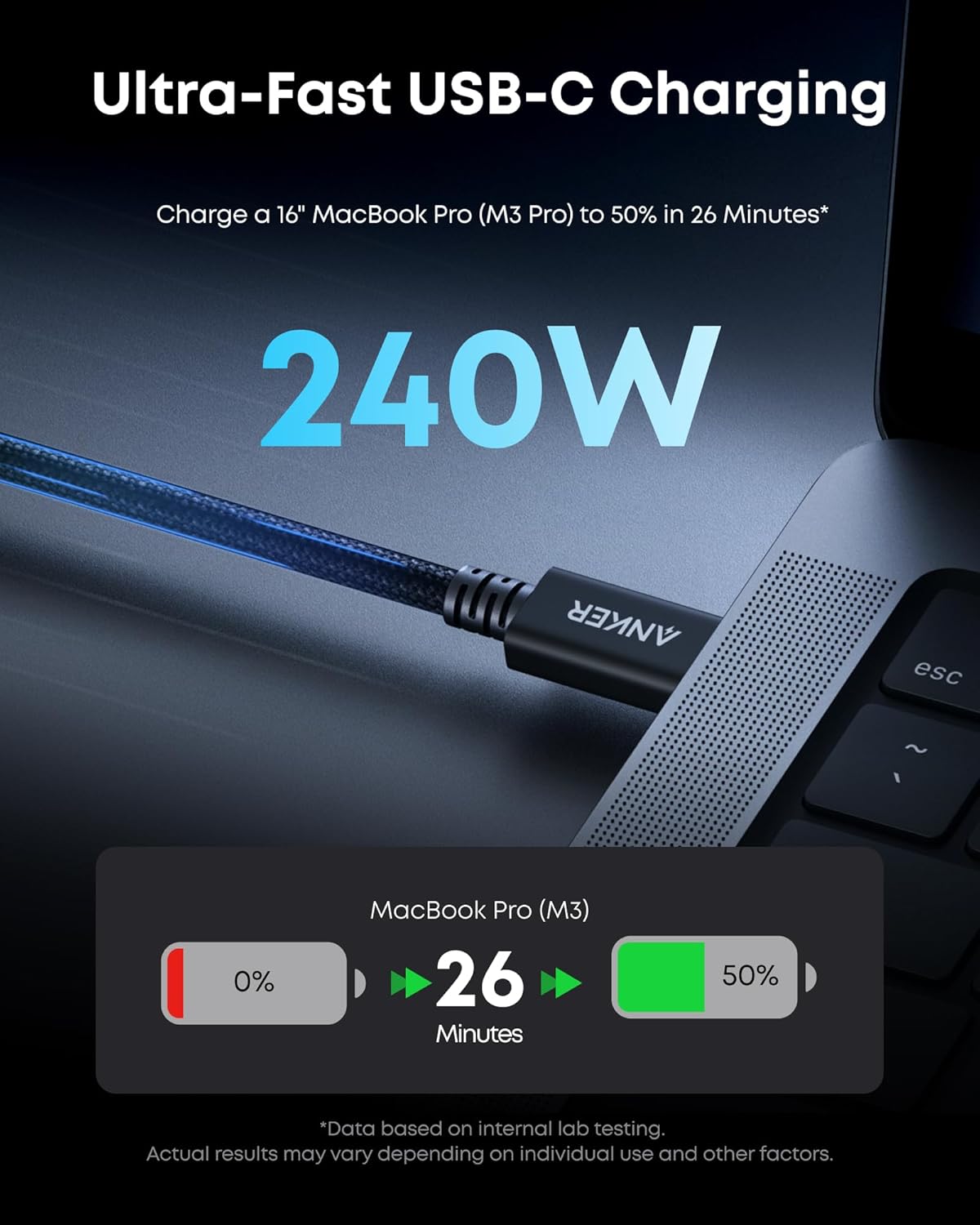
The cable supports up to 240W USB-C charging, and the provided reference point is charging a 16-inch MacBook Pro (M3 Pro) to 50% in 26 minutes. That’s a useful benchmark for how the cable is intended to be used: high-wattage, fast-charge workflows rather than basic charging.
Still, keep expectations grounded. Your actual charge speed depends on your laptop and charging setup—having a 240W-capable cable doesn’t automatically mean every device will pull maximum power. If you’re only charging smaller devices or accessories, you may not get much incremental benefit over a standard high-quality USB-C cable.
Specs you should pay attention to
Tech specs
- Type: Thunderbolt 5 cable, USB-C to USB-C
- Length: 0.52 m (3.3 ft)
- Charging: up to 240W USB-C
- Data transfer: 80Gbps
- Bandwidth: up to 120Gbps (for high-bandwidth display scenarios)
- Display support: up to dual 8K/4K, up to dual 8K at 60Hz (as stated)
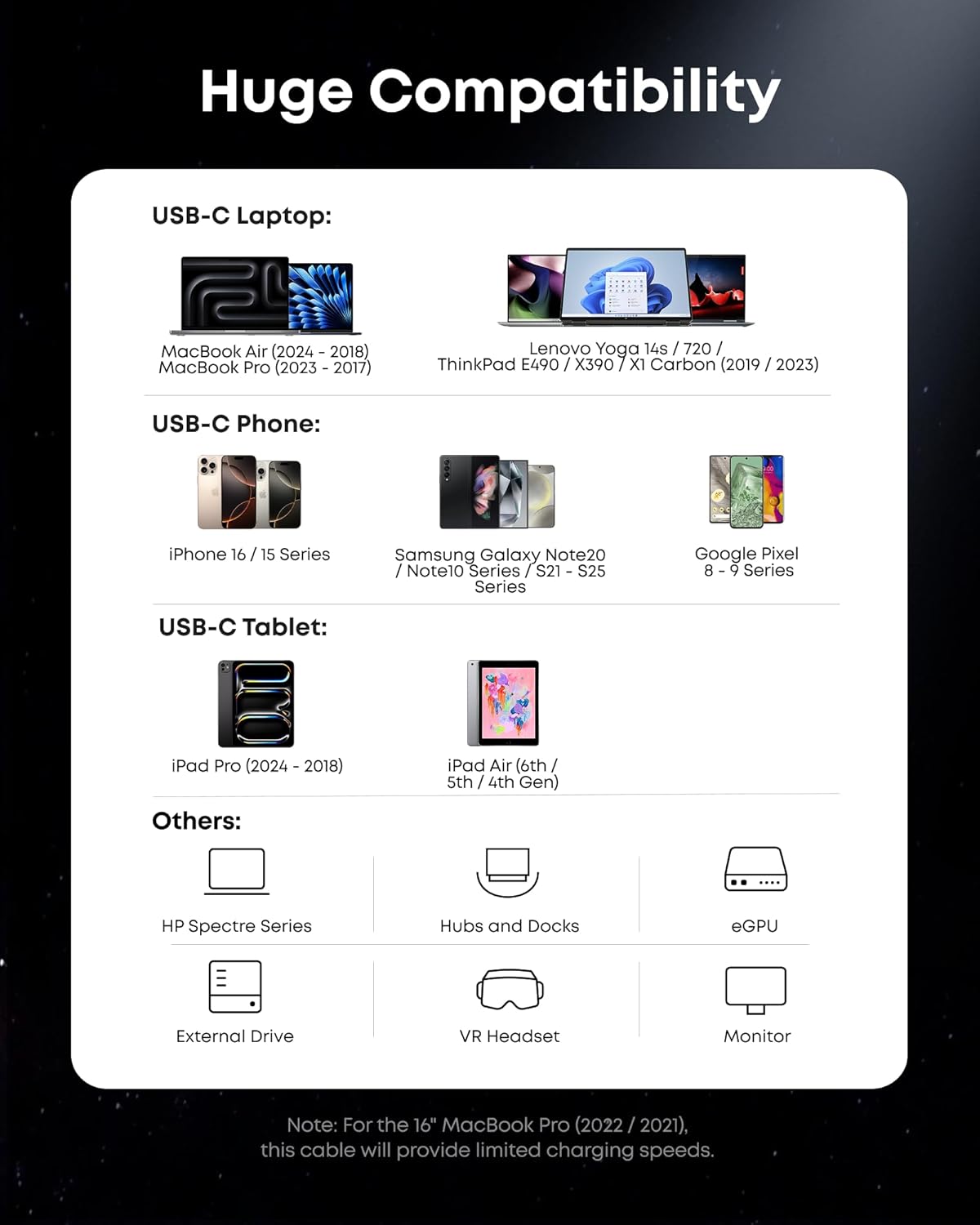
- Compatibility notes from listing: for iPhone 16, MacBook, and more (exact requirements not detailed)
What’s in the box (and warranty coverage)
The listing says you’ll get the Anker Prime Thunderbolt 5 Cable (3.3 ft / 80Gbps / 240W), a welcome guide, and an 18-month warranty, plus customer service. The warranty detail matters if you’re paying for a cable that’s meant to support high-performance use—not just a basic backup lead.
As always, with cables at this performance level, it’s smart to verify your intended setup supports Thunderbolt 5 and the display/charging modes you expect. If your monitor chain or dock can’t pass those capabilities, the cable can only do what the rest of the system allows.
Who it’s for (and who should skip it)
It makes the most sense if you: - need a Thunderbolt 5-class USB-C cable for fast data transfer and multi-display setups - want one cable approach for charging plus high-bandwidth performance - have a compatible laptop/monitor/dock environment where the headline numbers are achievable
It may not be the best match if you: - need a longer cable run than 0.52 m (3.3 ft) - mostly charge low-power devices and don’t care about high-speed data or display bandwidth - aren’t sure your devices support Thunderbolt 5 (you could end up paying for features you can’t fully use)
One practical way to picture it: plug your laptop into a Thunderbolt-capable dock/monitor chain, then use this cable to both keep power stable and push crisp dual high-resolution displays—ideal for workdays where you’re moving files and switching between screens constantly.
Is it worth it?
Buying verdict: it’s worth considering if you’re specifically shopping for a Thunderbolt 5 cable that can handle both 240W charging and very high data/display bandwidth. The provided use-case numbers (80Gbps transfer framing and the 240W charging benchmark) point to a performance-first purchase, not a “good enough” accessory.
You may want to skip it if your setup doesn’t support Thunderbolt 5 capabilities or if you need more cable length than 3.3 ft. In that case, a simpler USB-C cable approach could save you money without changing your day-to-day outcome.
Quick FAQ
Will this cable replace all my USB-C chargers and cables?
It’s designed to support high-wattage charging and Thunderbolt-class data/display performance, but whether it replaces everything depends on your devices’ charging limits, and whether you need that high bandwidth.
Does the 80Gbps speed apply to any laptop?
The listing highlights 80Gbps as the cable’s data transfer capability. Actual speeds depend on compatibility across your laptop, dock, and workflow.
Is 3.3 ft long enough for most desks?
For tight desk layouts and laptop-near-dock setups, it can work well. If your monitor/dock is further away, you may feel constrained.
What display setups does it support?
The listing states support for up to dual 8K displays at 60Hz, with high-bandwidth capability for display scenarios. Your monitors and connection chain still need to align.
What protection do I get if something goes wrong?
The cable comes with an 18-month warranty per the listing.