

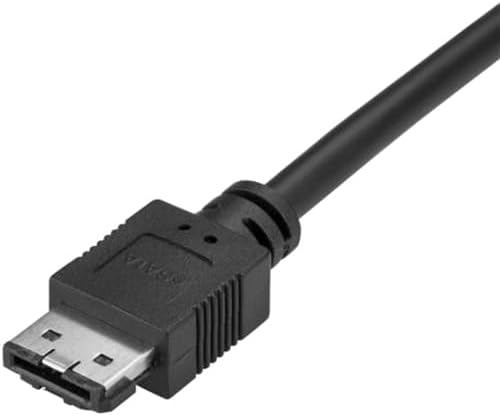
StarTech.com USB-C to eSATA Cable (USB 3.0 to eSATA Converter) for HDD/SSD/ODD, 3 ft/1m, 5 Gbps – USB3C2ESAT3
Product description
The essentials
If you need a straightforward way to connect an eSATA drive to a USB-C laptop, StarTech.com’s USB-C to eSATA cable adapter is built for that exact kind of work. On paper, it’s aimed at data migration, drive cloning, and backup/recovery workflows—basically, situations where you want the drive available quickly and you don’t want to rely on a more complex setup.
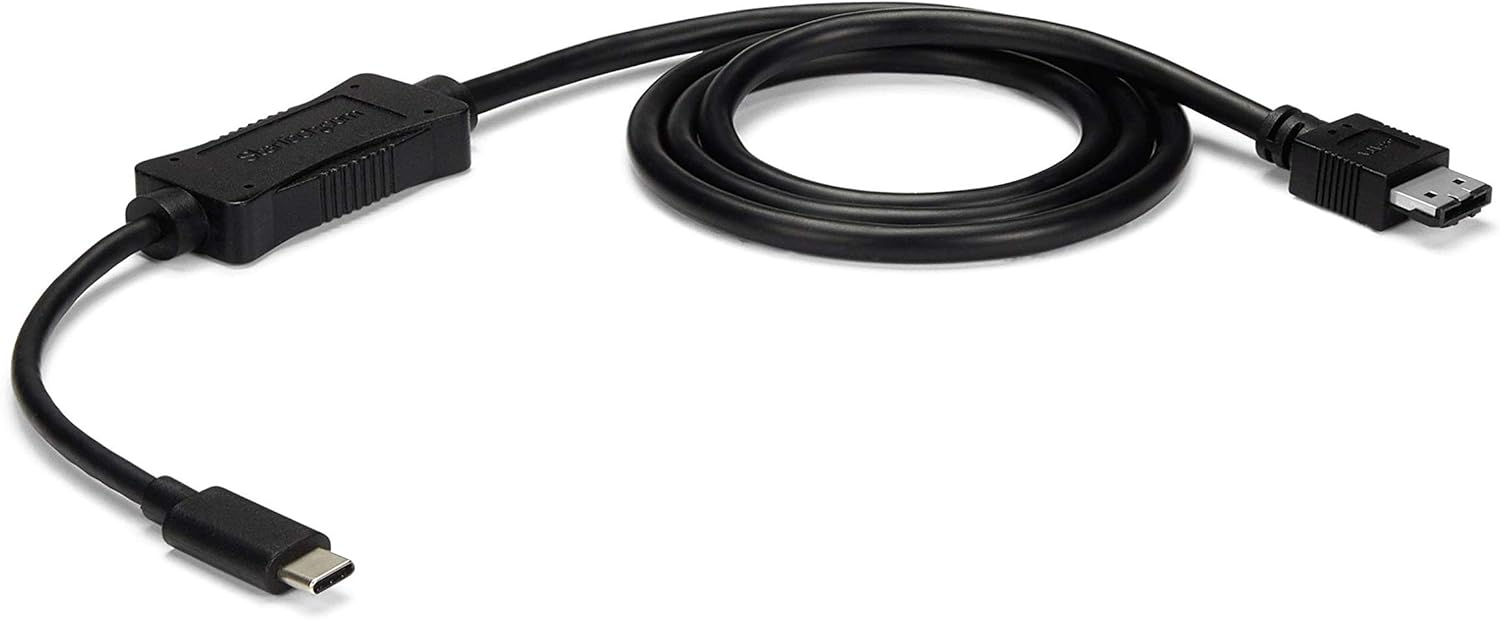
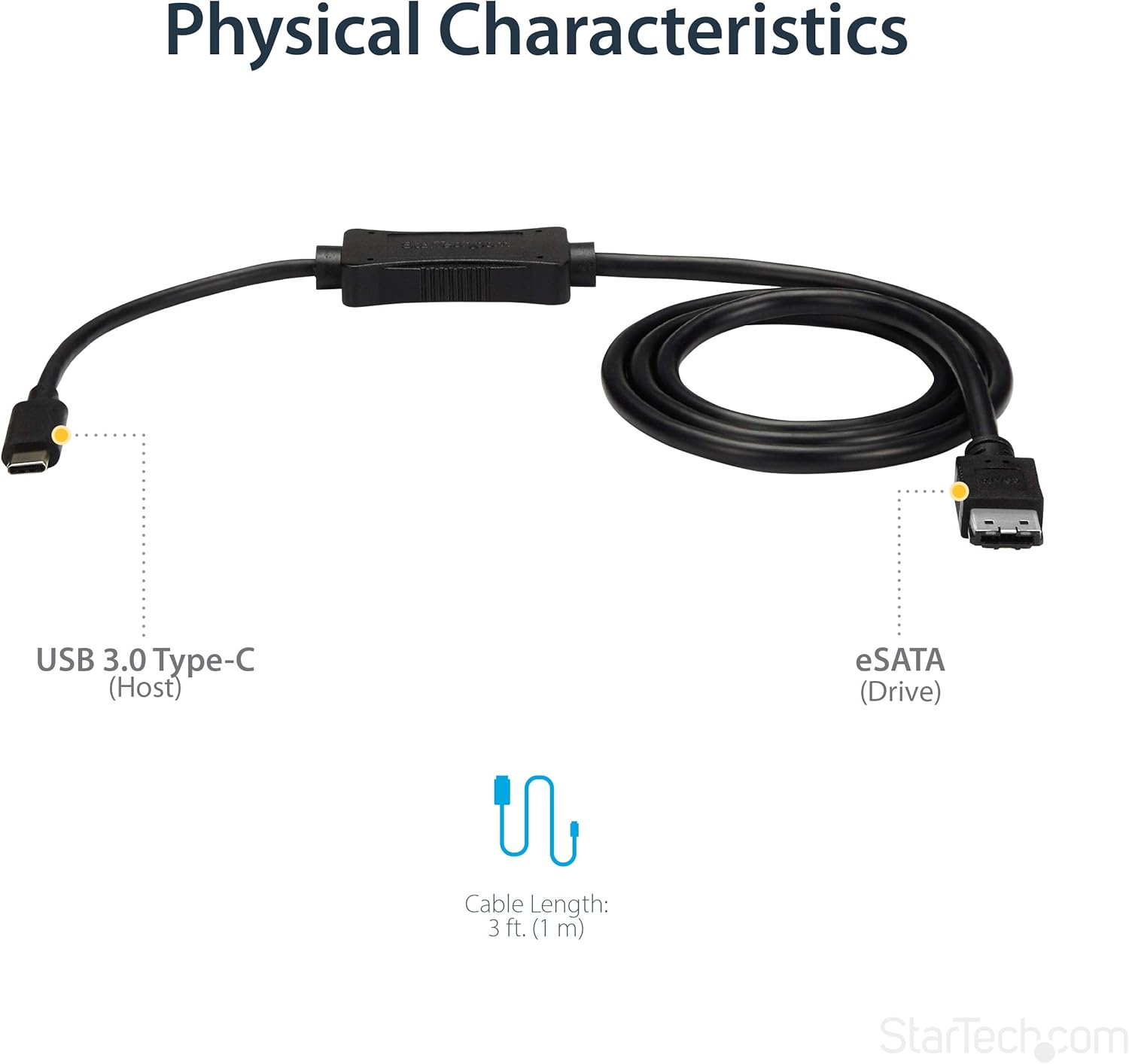
It also positions itself as a “portable adapter” since the cable is compact and lightweight, with an integrated 3 ft (1m) cable length. Depending on your desk setup, that can be a practical middle ground: long enough to reach without feeling bulky, short enough to throw in a bag.
One more detail that matters for day-to-day use: it’s bus powered. That means you can connect the eSATA drive/storage device using USB power, which helps keep things simple when you’re moving between machines.
What to know before buying
This is a USB-C to eSATA cable adapter—so it’s not meant to replace the drive itself. It’s meant to bridge the connection between your USB-C computer and an eSATA HDD/SSD/ODD, using eSATA as the drive side and USB-C as the computer side.
It’s also worth noting the speed claim: USB 3.2 Gen 1 supports up to 5 Gbps. That’s a useful ceiling for transfer-heavy tasks, but whether you actually see “near-peak” speeds depends on your specific drive and workflow. For cloning and migration, it can still be a big time-saver, but performance will be limited by what the drive can do.
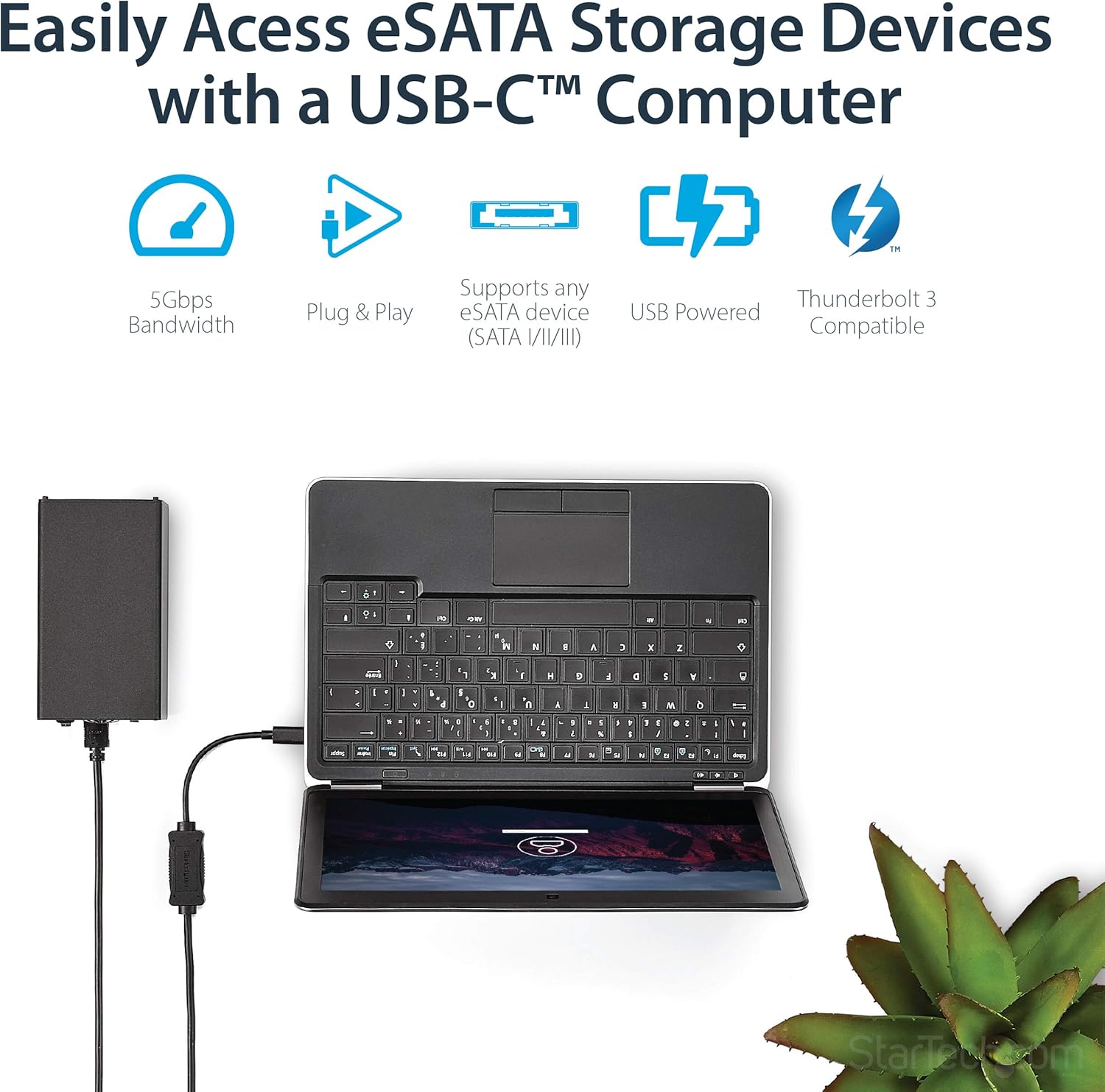
Also, the listing calls out compatibility with Thunderbolt 3 ports. If your goal is to plug into a Thunderbolt 3 laptop, that’s a comforting checkbox—but if you’re unsure what port type you have, double-check before ordering.
Key takeaways (features that affect results)
The point of this adapter is to let you leverage the performance you expect from modern eSATA solid-state drives and traditional HDDs, without changing your storage setup. Over USB-C, it’s presented as a way to “increase productivity,” especially when your work depends on recurring migration, cloning, or backup/recovery jobs.
Where it shines (and where it may fall short)
This adapter tends to make the most sense if you’re the kind of user who frequently needs to move data between a working computer and an external eSATA drive enclosure—or if you’re doing planned cloning/migration sessions.
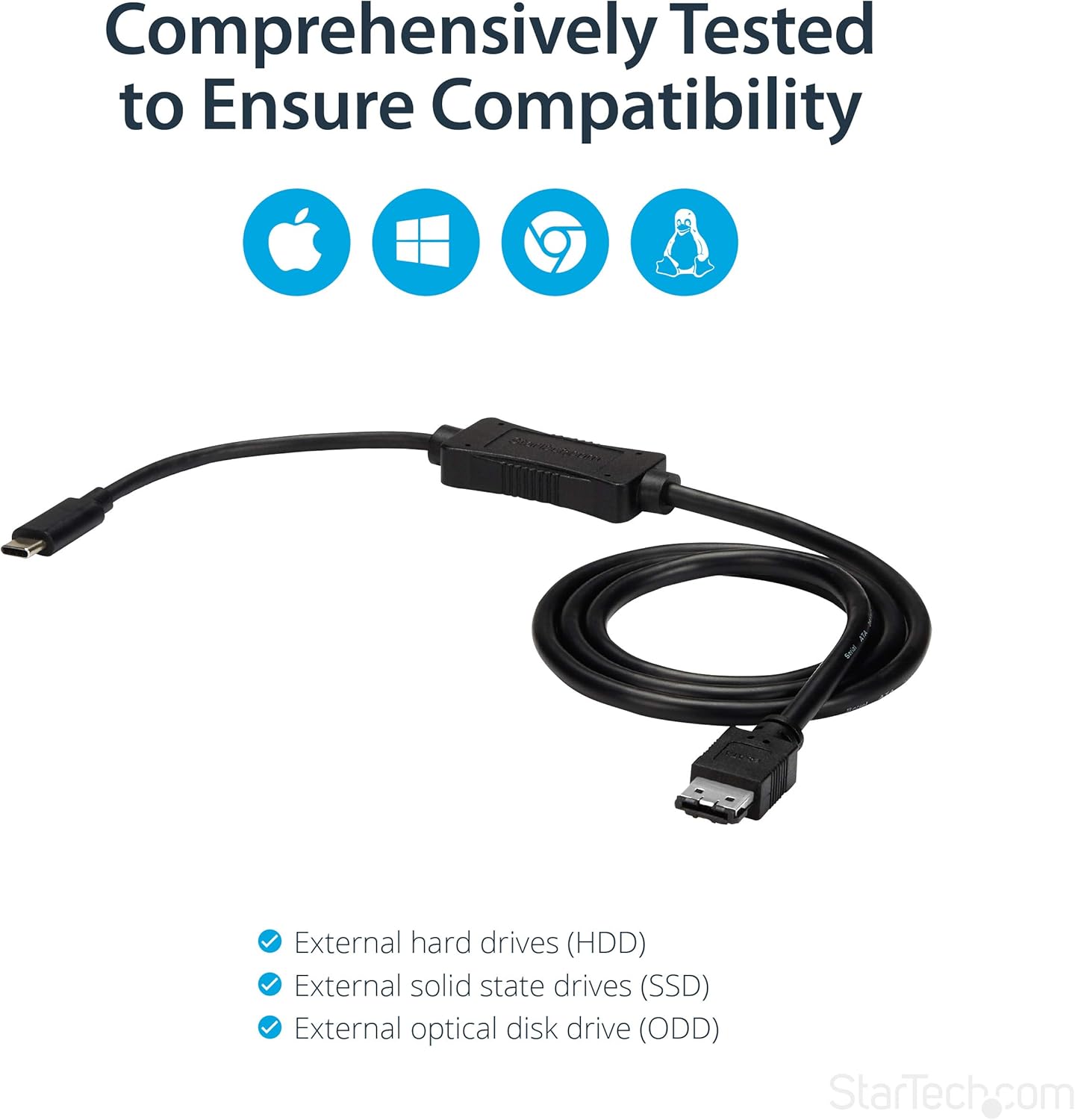
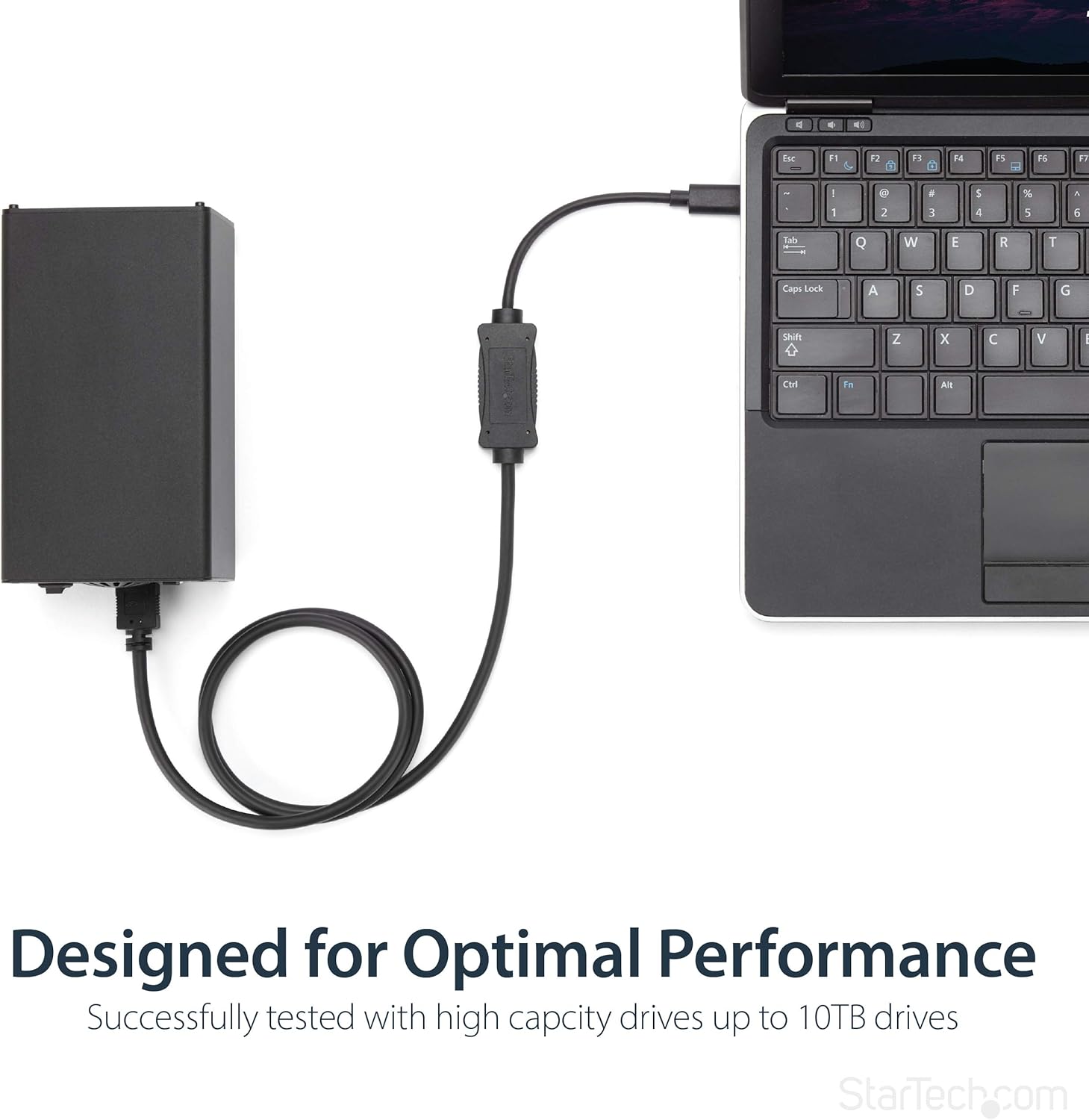
A concrete example: imagine you have an eSATA SSD in an external enclosure and you’re updating a workstation. Instead of juggling docking stations or complicated cabling, you plug the adapter into your USB-C/Thunderbolt 3 laptop, connect the eSATA drive, and run your migration software. The bus-powered approach can reduce friction because you’re not trying to coordinate an extra power brick just to make the drive appear.
Where it may not be the best fit: if your target device isn’t truly eSATA on the storage side, or if you’re expecting broad compatibility without checking port types. And if your primary goal is simply “connect any external drive,” you might find a more universal approach fits better—this one is intentionally specific to eSATA drives.
Tech specs
- Name: StarTech.com USB C to eSATA Cable Adapter (USB3C2ESAT3)
- Type: USB-C to eSATA cable adapter / converter
- Capacity: Supports up to 5 Gbps speed (USB 3.2 Gen 1)
- Dimensions: 3 ft / 1m cable length
- Material: Not specified in the provided details
- Color: Not specified in the provided details
Final verdict
Buy it if you have eSATA HDD/SSD/ODD storage that you need to connect to a USB-C (or Thunderbolt 3) computer for cloning, migration, or backup/recovery work, and you want an adapter that’s bus powered for simpler portability.
Skip it if you don’t actually have an eSATA drive/enclosure to connect, or if you’re looking for a one-adapter-fits-everything solution—this is purpose-built for the USB-C ↔ eSATA bridge, not for broad drive types.
If you’re doing this kind of work occasionally for files, or more regularly for IT-style migrations, it’s the kind of tool that can earn its keep fast.
Quick FAQ
Quick FAQ
Quick FAQ
Quick FAQ
What is this adapter used for? It’s designed to connect eSATA drives (HDD/SSD/ODD) to a USB-C computer for data migration, drive cloning, and backup/recovery applications.
Does it need an external power supply? The adapter is listed as bus powered, so it can connect using USB power.
How fast is it? The listing states USB 3.2 Gen 1 supports up to 5 Gbps.
Does it work with Thunderbolt 3? The details say it’s compatible with Thunderbolt 3 ports.
How long is the cable? It includes an integrated 3 ft (1m) cable length.